Challenge 6 : Concept Modeling of Side Fender
1. title :- design and planne of 3d model of fender of GMC SIERRA truck with using of alias software
2. objective
1. to ready 3d-model of fender with using of GMC sierra truck blueprint
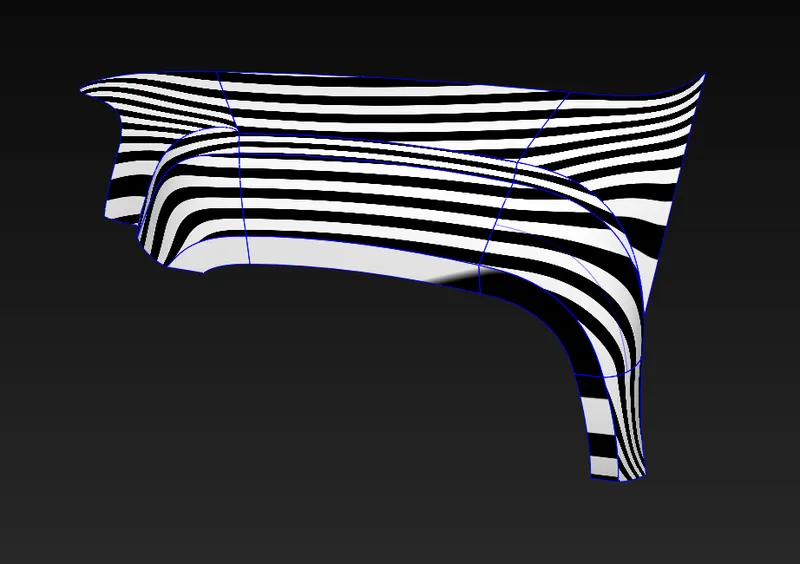
2. to evaluate surface and check the surface quality of the model
3. to write a planning of draw model and tools information
3. introduction
fender is use in the automobile, it is prevent mud, rocks, sand and other road spray from being thrown into the air by the rotating tire.
in this project, we are generate model of fender and we are trying to match it with gmc Sierra truck blue print. model have tried good quality of surface. further, we have writed in detail of model planning and tools information.
4. Design methodology
preparation plan of car fender for generating model
1. find out a same pattern on the blue print ( there is not same pattern in the fender image )
2. divide different surfaces, which individual surface has different shape.
3. model is starting to draw from the outer to inner side and bottom to top side
4. using curve tools and surface tools for making surface.
step for generate model
1. set a image on the software.
2. divide a blue print as per same pattern (there is not need )
3. starte making from the bottom side to top side of fender with the help of curve tools.
4. generate surface on the curve network
5. check surface quality
5. Description
- Input image
File – import – canvas image – open browser and select photo
Another way is you can select image and hold right mouse button and move in the software screen (automatic image input in your need side).
- Curve tools
Window – palette – curves tool – (line, blend, curve and many tools are their)
This tools use for network generation.
- Surface tools
Window – palette – surface tool- (sphere, planar, skin, rail, square, multiple curve ).
Above tools are use for surface generation. Skin tools is create two side surface. Rail tools is crate two, three and four side surface. Square tools use for four side surface. And multiple curve tool use for more then 4 side surface.
- joining of two curve
pick the curve - move – press ctrl + right button mouse or ctrl + alt + mouse middle button
- Short key for pick, move, scale
Shift + ctrl + right button mouse
Shift + ctrl + middle button mouse
Shift + ctrl + left button mouse
- Zoom in and zoom out
Shift + alt + mouse right button
Middle button move round
- Project, trim tool
In the Palette - surface edit - project (any curve project on the surface)
In the Palette - surface edit – trim tools ( any portion cut by this tool)
- Check surface quality
For quality of surface, Skin control bar, rail control bar and square control bar open and find check surface quality and also G0, G1, G2, G3 option through change quality of surface. Crvcvtr tool use for curve smoothness.
9.mirror and dublicet
edit - dublicate- select (mirror or object )
mirror is use for the copy of pattern and paste on the other side.
object use for mode is copy and rotation paste.
10. surface filet
this tool is making round and champer edge of the surface
palette - surface - filet
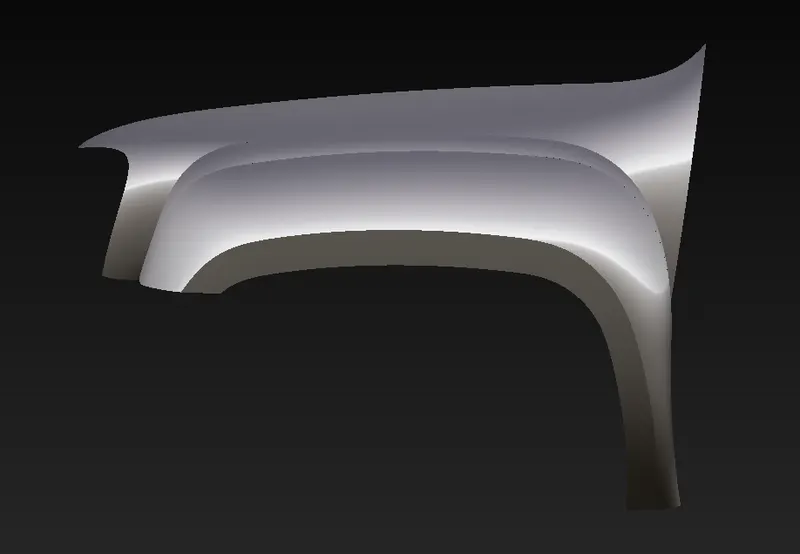
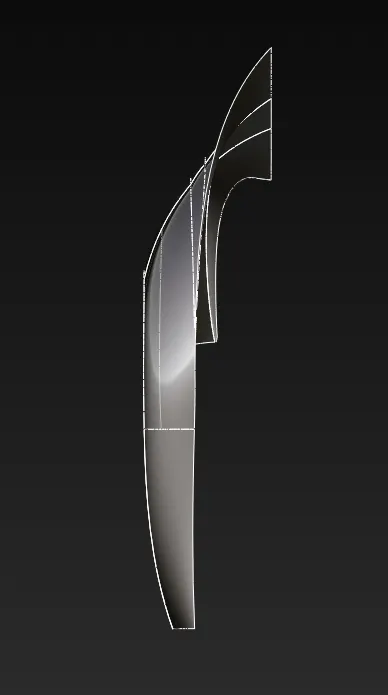
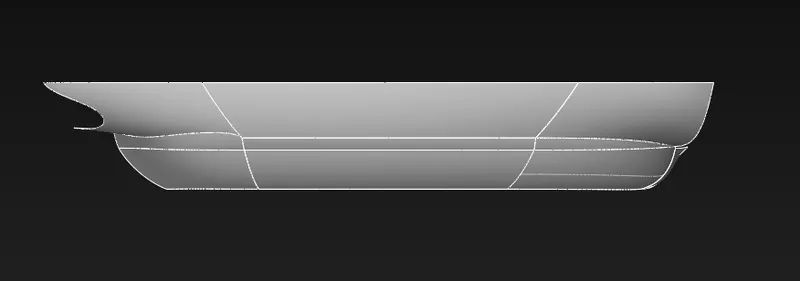
6. Model image
isometric view
front view
side view
top view
7. Conclusion
to conclude that the model create in the alias software and GMC SIERRA truck use for the generate a model of fender. model has a good quality of surface as well as we write a making point, panning and tools information.