Challenge 4 : Concept Modelling of Alloy Wheel
1. Title :- To create 3D-model of alloy wheel with using alias software
2. Objective:-
3. Introduction
in the automotive company, alloys wheels are use outer side of the wheels. it has been using many years for a strength, heat transfer and other purposes. alluminium, steel and other metal mixture use for the making alloy wheels. nowadays,most of people are use for a good look of a car, for this reason, every year designer has created new design of allow wheel.
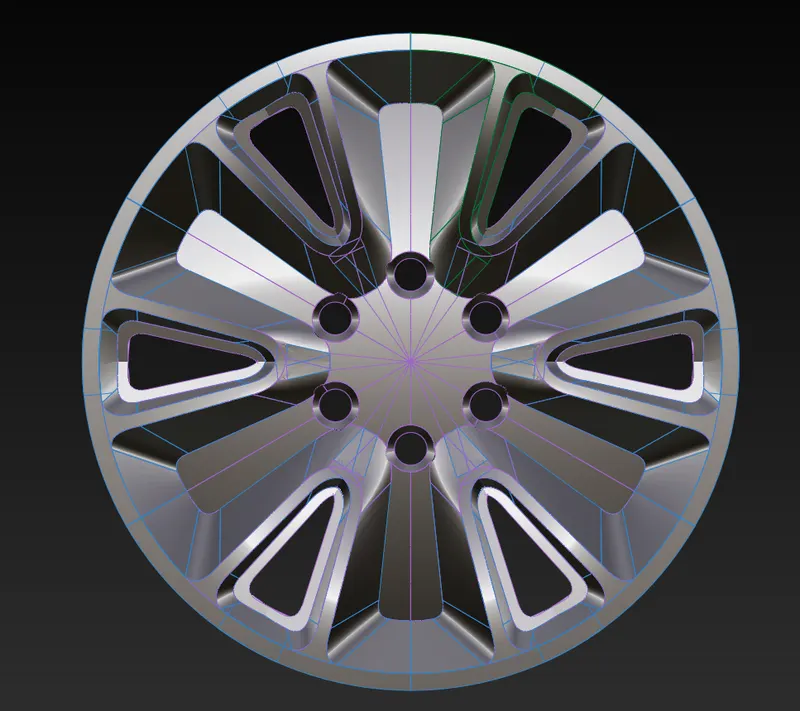
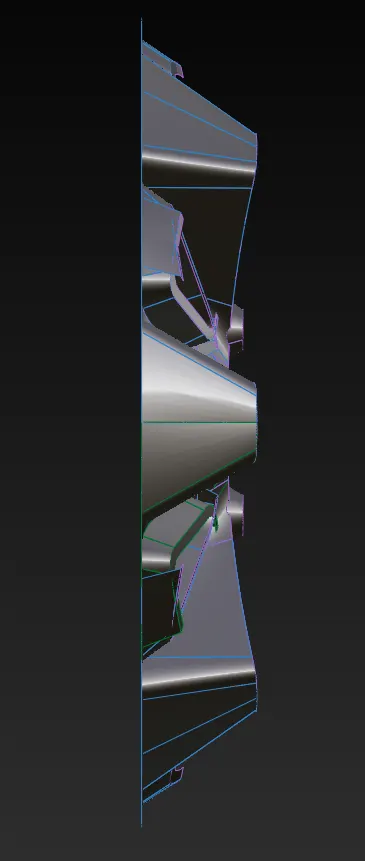
in this project, we are generate model of alloy wheel and we are trying to match it with blue print. model have good quality of surface. further, we have writed in detail of model planning and tools information.
4. Design methodology
5. Description
In this software many tools are provided but I will writed only useful tool. Tools name and their uses are write below.
- Input image
File – import – canvas image – open browser and select photo
Another way is you can select image and hold right mouse button and move in the software screen (automatic image input in your need side).
- Curve tools
Window – palette – curves tool – (line, blend, curve and many tools are their)
This tools use for network generation.
- Surface tools
Window – palette – surface tool- (sphere, planar, skin, rail, square, multiple curve ).
Above tools are use for surface generation. Skin tools is create two side surface. Rail tools is crate two, three and four side surface. Square tools use for four side surface. And multiple curve tool use for more then 4 side surface.
- joining of two curve
pick the curve - move – press ctrl + right button mouse or ctrl + alt + mouse middle button
- Short key for pick, move, scale
Shift + ctrl + right button mouse
Shift + ctrl + middle button mouse
Shift + ctrl + left button mouse
- Zoom in and zoom out
Shift + alt + mouse right button
Middle button move round
- Project, trim tool
In the Palette - surface edit - project (any curve project on the surface)
In the Palette - surface edit – trim tools ( any portion cut by this tool)
- Check surface quality
For quality of surface, Skin control bar, rail control bar and square control bar open and find check surface quality and also G0, G1, G2, G3 option through change quality of surface. Crvcvtr tool use for curve smoothness.
9. insert model
one model is insert in the other model by use iset tool.
10. mirror and dublicet
edit - dublicate- select (mirror or object )
mirror is use for the copy of pattern and paste on the other side.
object use for mode is copy and rotation paste.
6. Model images
isometric view
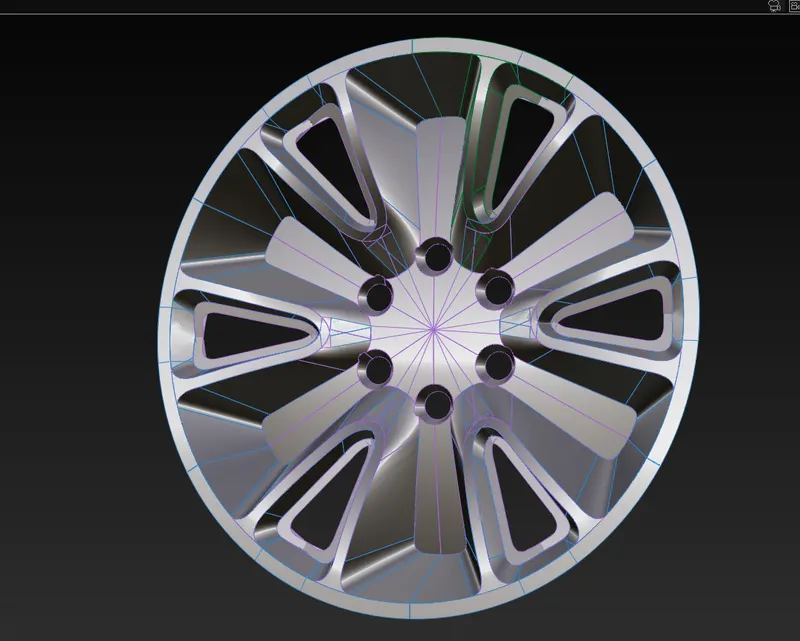
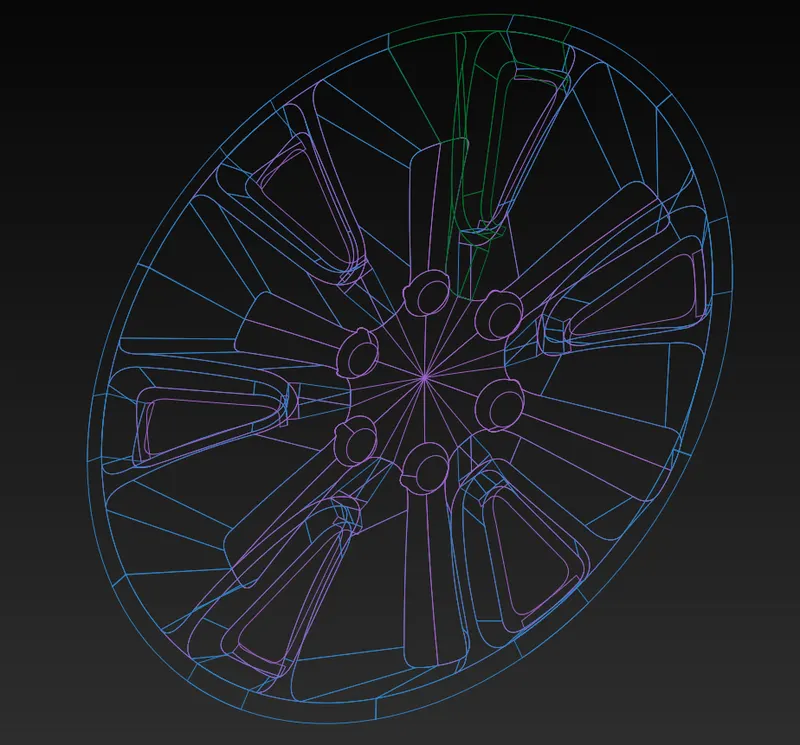
front view
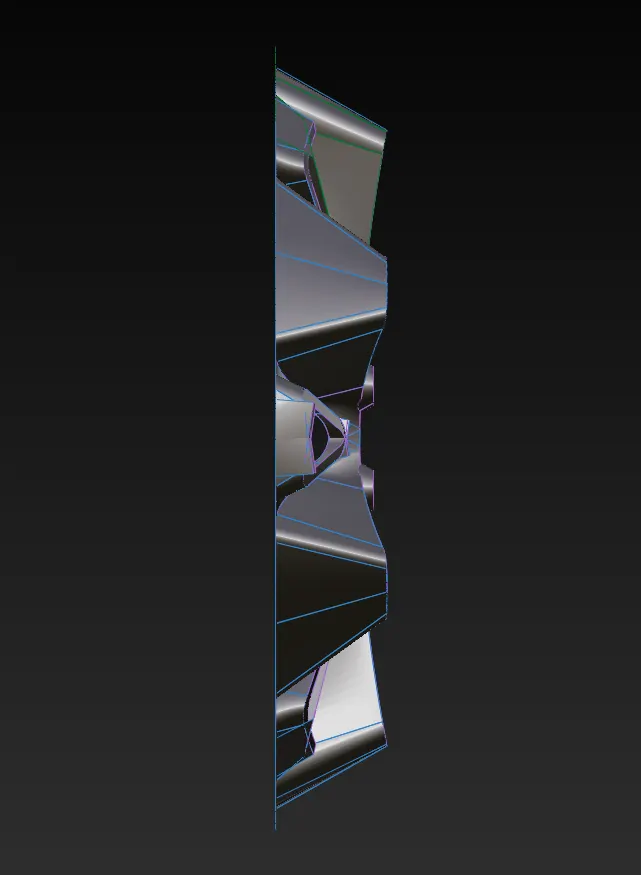
side view
top view
7. Conclusion
To conclude this, alloy wheel model have created with using of alias software. this model have a good quality of surface. additionally, we can writed planning of making model and tools informations that helping to the make a model to easy way.