Challenge 4 Creating Bends Using Different Features in NX-CAD
Creating Bends Using Different Features in NX-CAD
Objective
The Objective of this project is to form the bends on the boss base using the three differing kinds of commands
- Flange This command adds a flat flange at angle to a planar surface and adds bend between the 2 sides
- Menu -> Insert -> Bend -> Flange
- Jog This command Modifies the model by lifting material on one side of sketch line, adding a flange between the 2 sides
- Menu -> Insert -> Jog . Contour Flange This command creates a base feature by extruding a sketch along the vector, or adds material by sweeping a sketch along a position or chain of edges.
- Menu -> Insert -> contour Flange
INTRODUCTION
The Bends is created by alternative ways which will be vicwed by three other ways to form the bend.
PROCEDURE
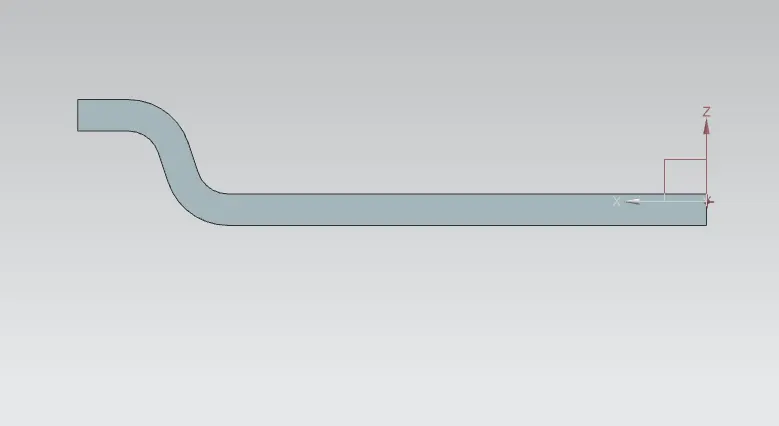
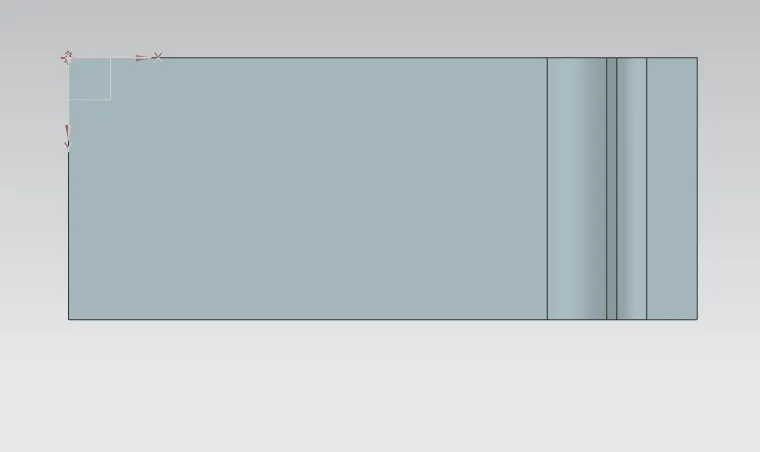
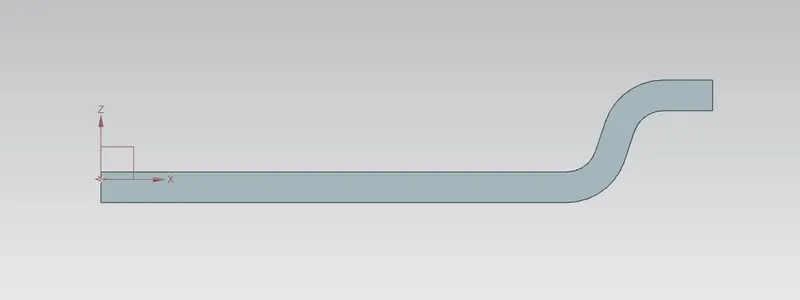
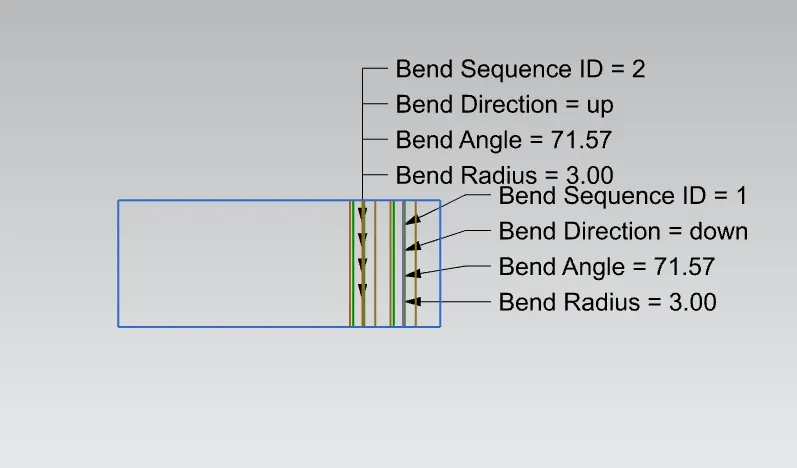
The Model are started by creating a sketch and complete PRN shape and used contour flange feature to create the part bend as first, then draw a sketch and tab it for thickness 3mm, select the sketch drawn on the tab for jog flange to form the bend on the part. The third way is to form a sketch and choose one in all the perimeters and choose flange to make the bend.