Challenge 12 : Rendering Project
TITLE: RENDERING PROJECT
OBJECTIVE: To Render All The Projects Done Previously .
TOOLS USED :Hardware Shaders.
PROCEDURE:
1.Open Autodesk Alias.
2.Apply Visualisation To The Model.
3.From Control Panel Change The Setting From Modelling To Visualize.
4.There Will Be A Set Of Shaders.
5.There Are Shades Named Lambert Which Is Used For Matt Material
Blinn Is A Versatile Shades Like Brass And Aluminium.
Phong Which Is Used For Glass And Shiny Materials.
Lightsource Which Is Used For Incadiscent, Headlights ,Light Bulbs Etc.
6.From The Shades Apply Shade Of Your Choice To Your Model And Adjust The Setting As Per Your Preferences.
7.To Asign A Shade To The Model Select The Surfaces And Add The Shade To Resident Shaders And Click Assign.
- To Convert Your Render Into A Image Go To File >Export>Current Window And Give A Location To Save The File.
-

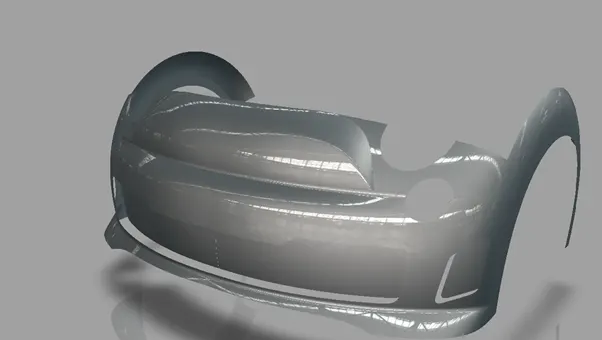
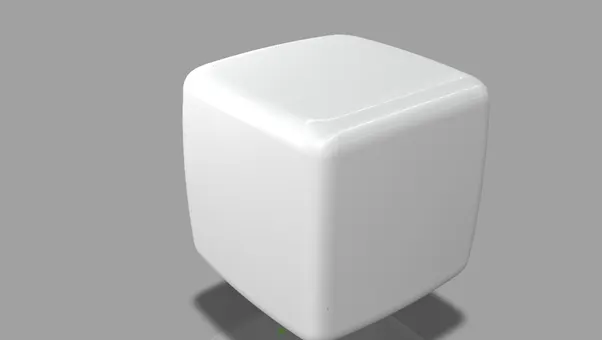
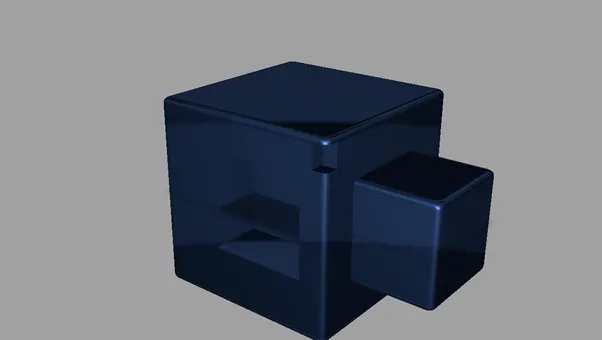
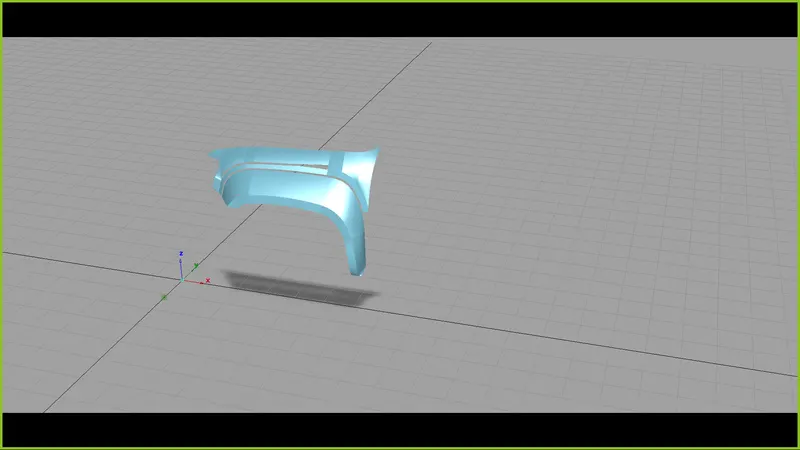
- CONCLUSION:
Learnt How To Use Shaders And Present Your Model.
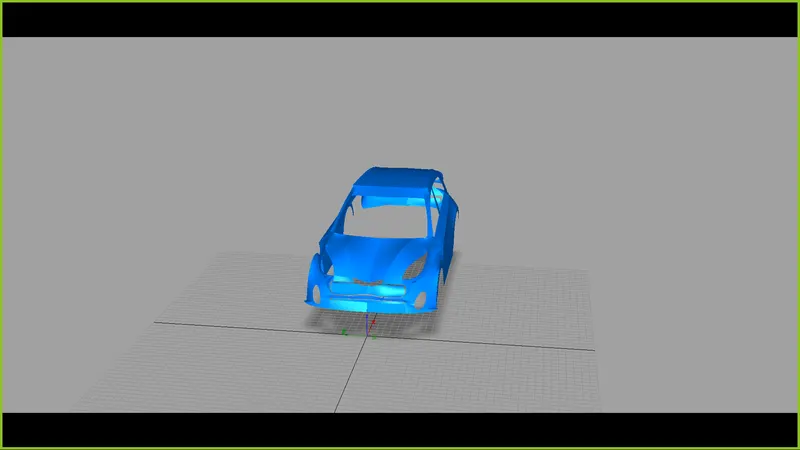
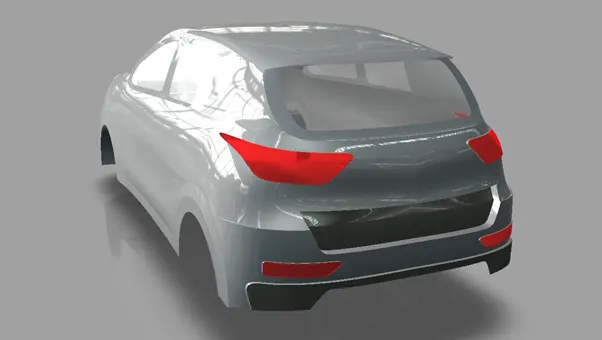
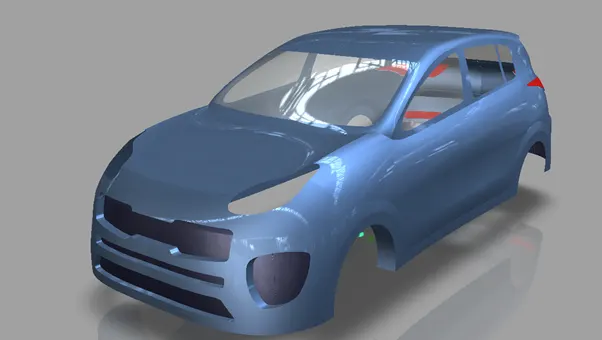
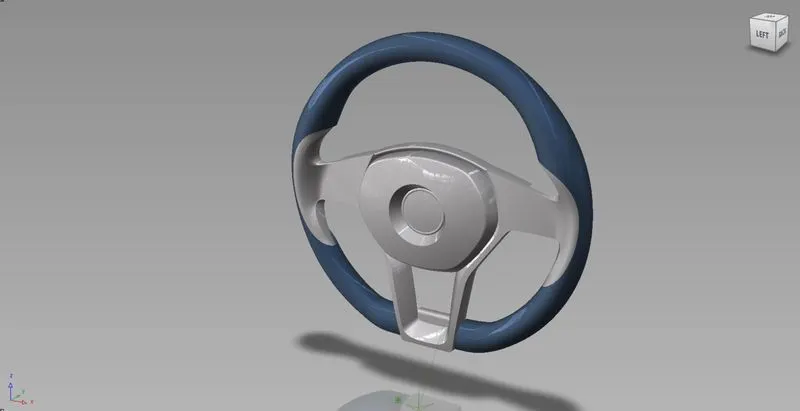
These Are The Presentation Of The Rendered Image Of The Assignments Vie Done During My Course Work.