Boeing-747 _ Final_Project
DESIGN OF BOEING 747 -8
- Objective
In this we learn how to design and model a Boeing 747 with the given instruction.
A Boeing 747 is a passenger aeroplane which has 366 passenger seats.
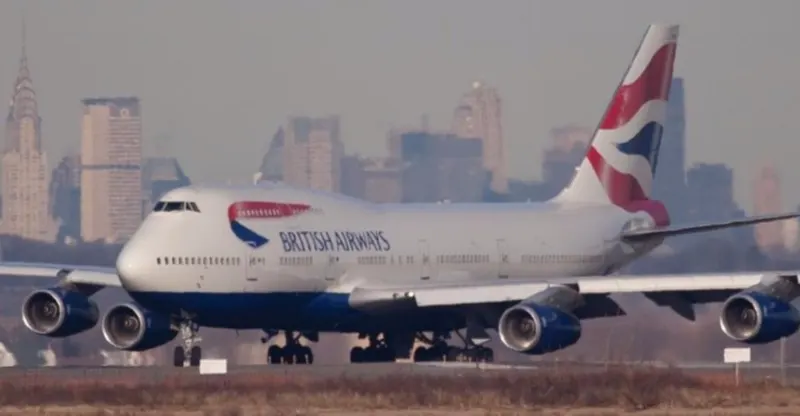
In the design of Boeing 747 we have use the software called solid works to design and assemble the parts.
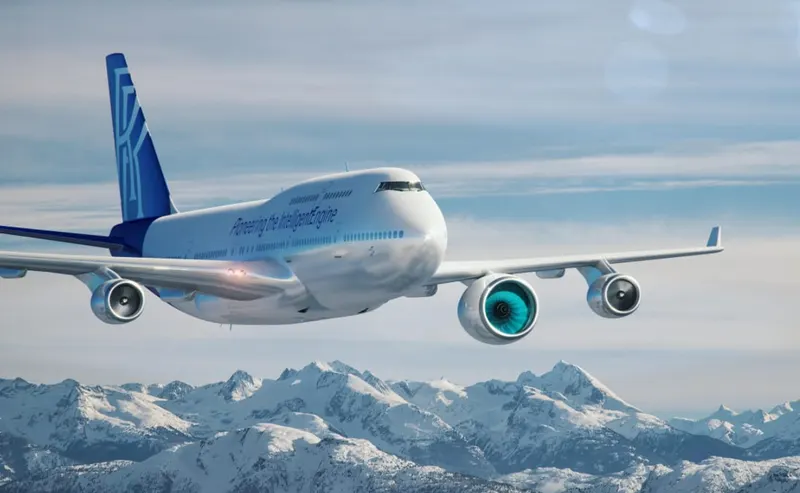
The Boeing 747-8 is a wide-body airliner developed by Boeing Commercial Airplanes, the largest variant of the 747. After introducing the 747-400, Boeing considered larger 747 versions as alternatives to Airbus's proposed Airbus A3XX. The stretched 747 Advanced was launched as the 747-8 on November 14, 2005, for a market forecast of 300 aircraft. The first 747-8F Freighter performed its maiden flight on February 8, 2010, and the passenger 747-8I Intercontinental followed suit on March 20, 2011. The cargo version was first delivered in October 2011 and the airliner began commercial service in June 2012.
=============
2.Introduction
In the design of the Boeing 747.
We mainly come across 3 work bench.
1. surface modelling
2. Solid modelling
3. Assembly
surface modelling
Surface modeling gives you the ability to build out a visual representation of an object’s exterior and its contours. In other words, it’s a surface.
These objects can be mechanical components like an engine - or complex organic shapes like animals.
No matter what you’re designing, surface modeling requires you to define the exterior curves and shapes of your objects.
Unlike solid modeling, your object can be geometrically and physically incorrect - with no properties of mass defined and no thickness. This gives the designer the unique ability to modify the model in ways that solid models are incapable.
This also means, however, that surface models cannot be sliced open like their solid counterparts, because the object is essentially hollow.
Also, note that these surfaces can be represented using NURBS or polygons, depending on the application. Solidworks typically uses NURBS in its surface modeling operators.
solid modelling
Surface modeling gives you the ability to build out a visual representation of an object’s exterior and its contours. In other words, it’s a surface.
These objects can be mechanical components like an engine - or complex organic shapes like animals.
No matter what you’re designing, surface modeling requires you to define the exterior curves and shapes of your objects.
Unlike solid modeling, your object can be geometrically and physically incorrect - with no properties of mass defined and no thickness. This gives the designer the unique ability to modify the model in ways that solid models are incapable.
This also means, however, that surface models cannot be sliced open like their solid counterparts, because the object is essentially hollow.
Also, note that these surfaces can be represented using NURBS or polygons, depending on the application. Solidworks typically uses NURBS in its surface modeling operators.
Assembly
You can build complex assemblies consisting of many components, which can be parts or other assemblies, called subassemblies. For most operations, the behavior of components is the same for both types. Adding a component to an assembly creates a link between the assembly and the component. When SOLIDWORKS opens the assembly, it finds the component file to show it in the assembly. Changes in the component are automatically reflected in the assembly.
The document name extension for assemblies
The Boeing 747-8 is a wide-body airliner developed by Boeing Commercial Airplanes, the largest variant of the 747. After introducing the 747-400, Boeing considered larger 747 versions as alternatives to Airbus's proposed Airbus A3XX. The stretched 747 Advanced was launched as the 747-8 on November 14, 2005, for a market forecast of 300 aircraft. The first 747-8F Freighter performed its maiden flight on February 8, 2010, and the passenger 747-8I Intercontinental followed suit on March 20, 2011. The cargo version was first delivered in October 2011 and the airliner began commercial service in June 2012.
Design methodology
All the parts which are used to design Boeing 747 – 8
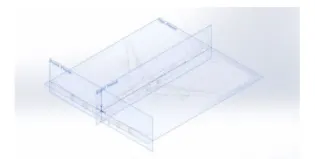
.Blueprint
 .Fuselage
.Belly fearing
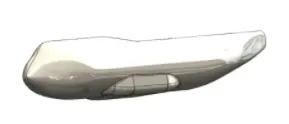
.Nose cone
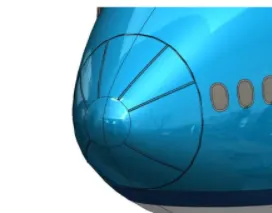
.Pitot tubes
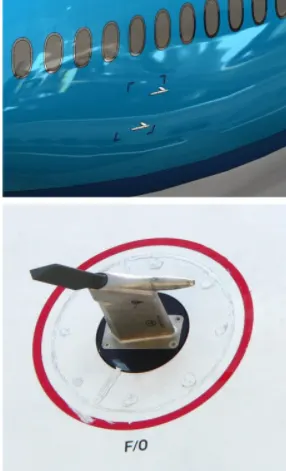
.Cockpit windows
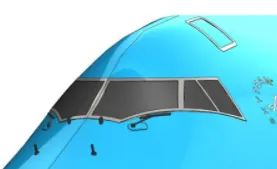
.Windshield wipers
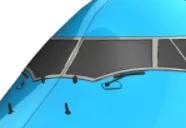
.Passenger windows
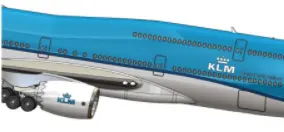
. Door and hatches
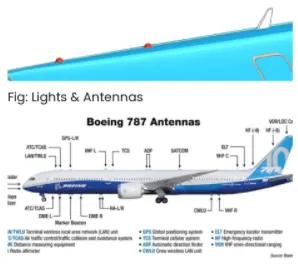
.Lights and antenna
.Axillary power unit
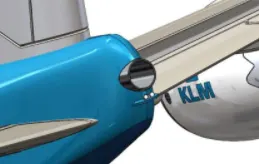
.Vertical stabilizer
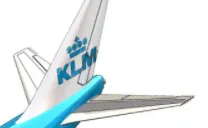
.Horizontal stabilizer
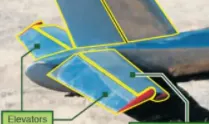
.Wings
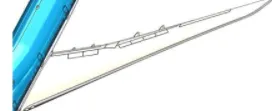
.Flaps and ailerons
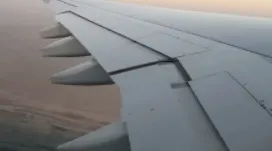
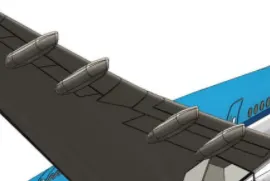
.Flap track fairings
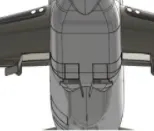
.Landing gear hatches open closed
.Engine
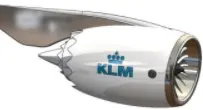
.Livery
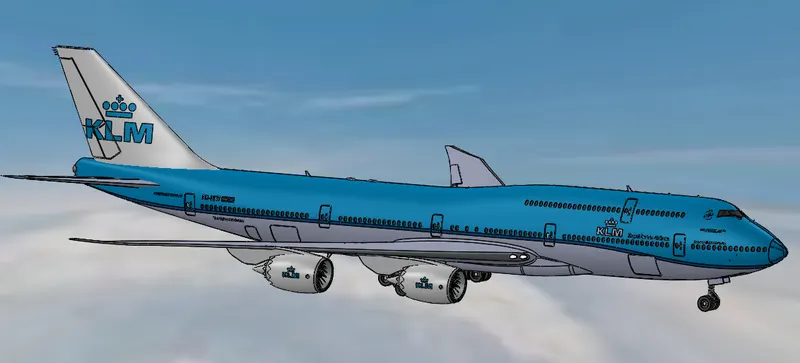
.Nose gear
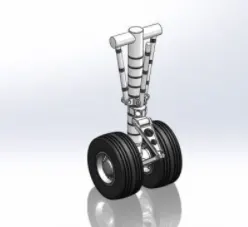
.Nose Gear assembly
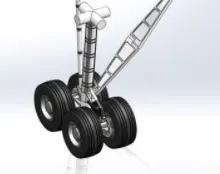
.Main gear assembly
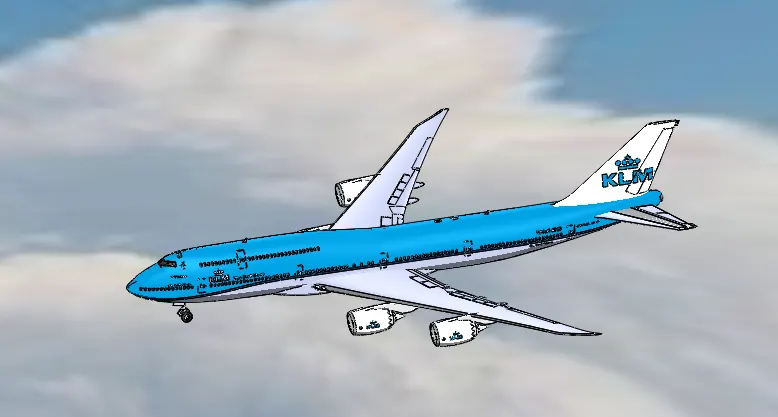
.Boeing 747 – 8 assembly
=================
Description
.Right,top and front plane.
.Line
.Spline
.Rectangle
.Circle
.Point
.Offset
.Smart dimensions
.Convert entities
.Split line
.Project curve
.Planes
.Axis
Features
.Extrude Boss base
.Revolved Boss base
.Lofted boss
.Extruded cut
.Shell,Mirror
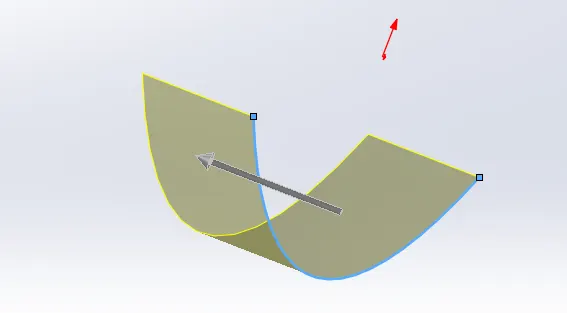
=surface extrude.
Surface extrude and Boss base extrude Are different features but does the the same principle. When we need to to extrude the sketch to form of 3D surface . But in surface extrude we dont need closed sketch.
=Fillate,Chamfer.
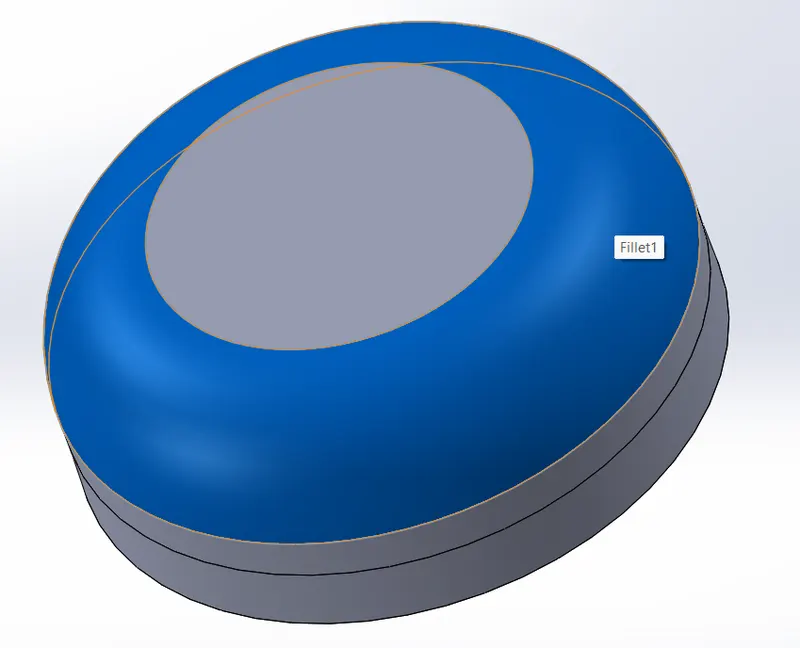
Fillet are most commonly used feature it is used to create a smooth surface in the edges of the solid body . To get a circular finish.
=Shell
Shell is a handy tool. Which is used to create a hollow solid body. In this we can give the the outer thickness of the solid body. Which only keeps the the thickness of the the exterior of the body and makes the the body hollow by inside. Which are mainly used to create tank etc.
=SWEPT SURFACSE
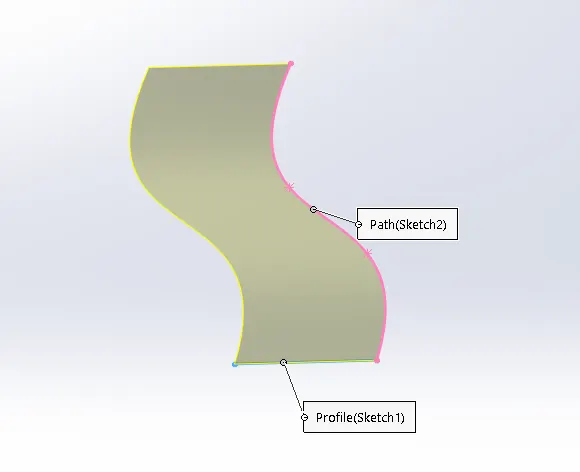
Swept surface and swept Boss base are the different features which follows the same principle. In swept surface we can select the sketch and the guided curve .so that surface will be formed as per the curve . Swept Boss base we should have a closed sketch in order to to do a a swept Boss base.
=EXTRUDE CUT
Extrude cut is a feature which is used in a solid body . To to remove unwanted part. As per the required design.
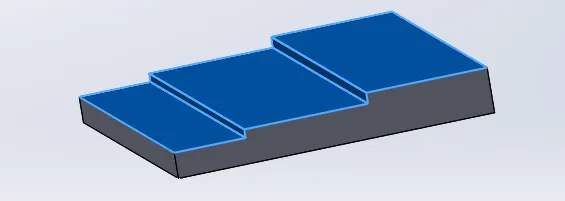
=Mirror
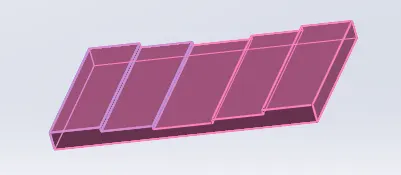
Mirror is a feature which saves time . When we have to design a part which is symmetrical. We can only do the half of the part and mirror the remaining half so that it saves time . We can select the plane to mirror for face to measure. And select the bodies to mirror option. And we can get a full completed designed body.
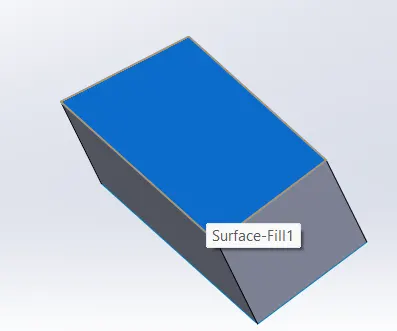
=filled surface.
This is a feature which is used to to close a open surface . We can select the edges of the open surface in a order . We will get a a filled surface.
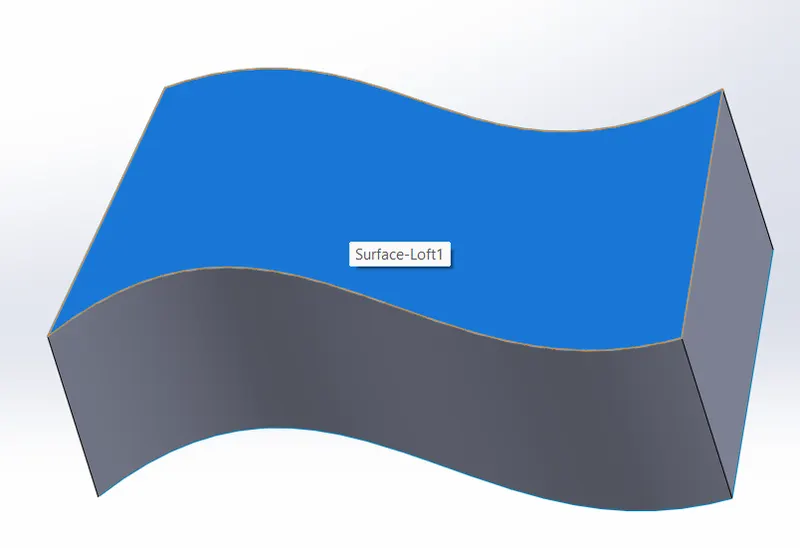
= lofted surface.
Lofted surface is a feature which is same as filled surface. In filled surface we can't get a precised surface . So in lofted surface by using guiding curves we can get a well finished surface.
=Delete face
This is the feature used to delete unwanted face or surface. In this we have different options we can even delete the face and feel the surface .
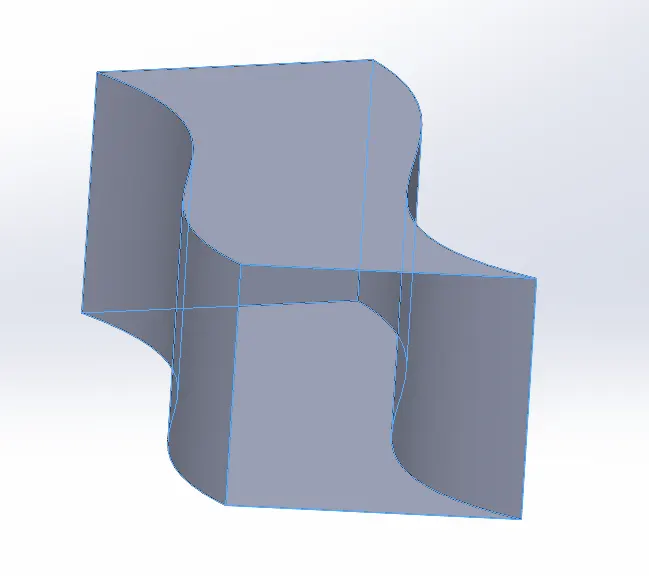
=ruled surface.
Ruled surface helps to create a extrude of surface . From its previous shape with given angle and length.
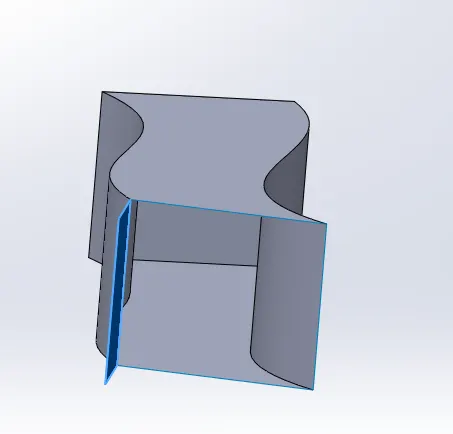
=offset surface.
It is used to create a offset [replica of surface] above or below the surface which is selected . With the given dimension gap .
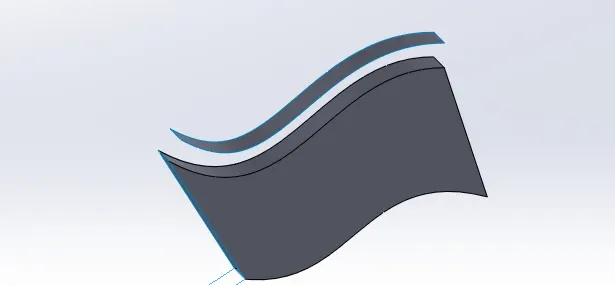
= Knit.
It is mainly used to to combine different parts or surfaces which are created to form a one single body. Its most commonly used in the final stage of the the modelling to form a solid body or a combined body.
===================
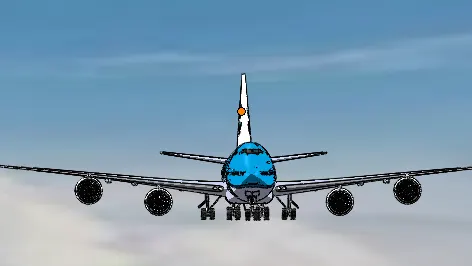
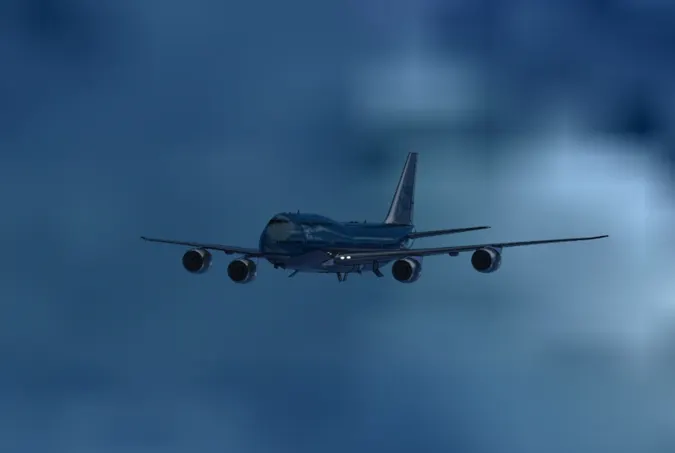
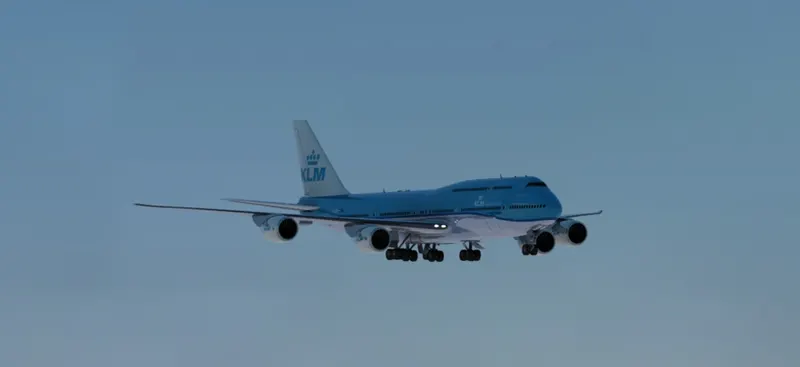
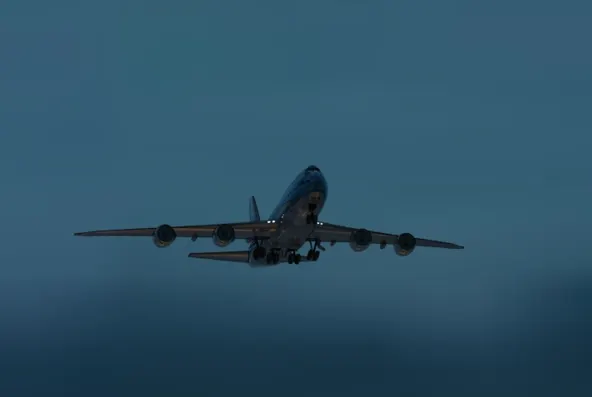
Rendering of boeing 747-8
===========================================================

======================================================================

==========================================================
 ====================================================
===========================================================
Conclusion
In this we learn how to design and model a Boeing 747 with the given instruction.
and Rendering of boeing 747-8