Bird Strike - Project - 2
Report Project 2 Bird Strike
Aim: use the given keyword file to simulate bird strike. Notice the requirment in the assignment instruction.
Procedure:
1. Open the given Bird_Strike.k file, use delete method to create 4 separate files: bird.k,blade.k, hub.k and casing.k.

Bird.k:
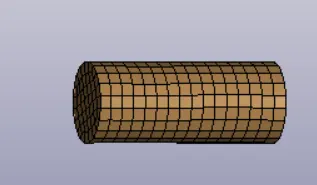
create part keyword and section keyword

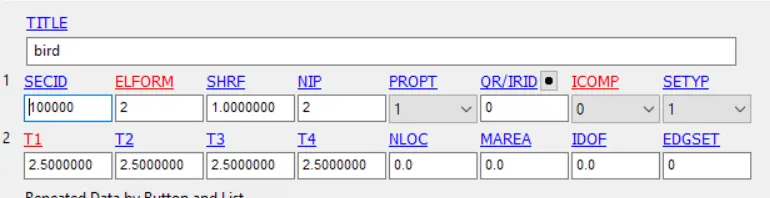
Blade.k:
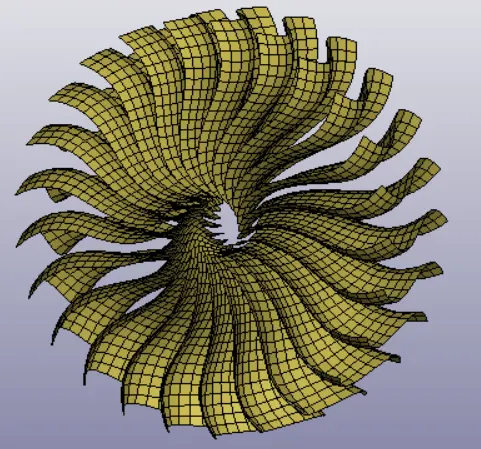
create part keyword and section keyword

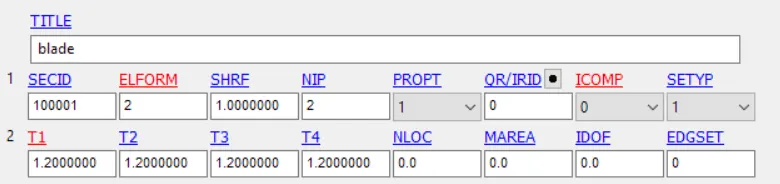
Hub.k:
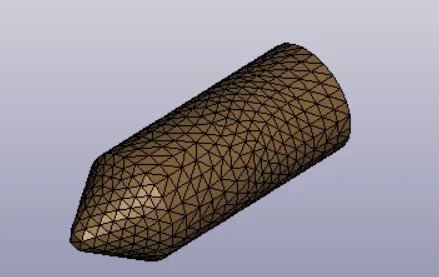
create part keyword and section keyword
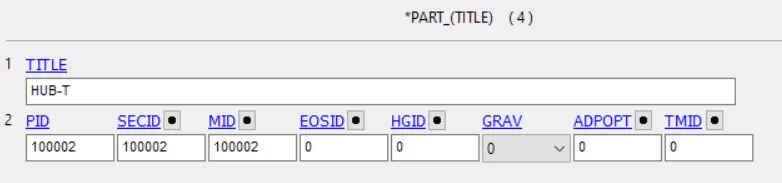

Casing.k:
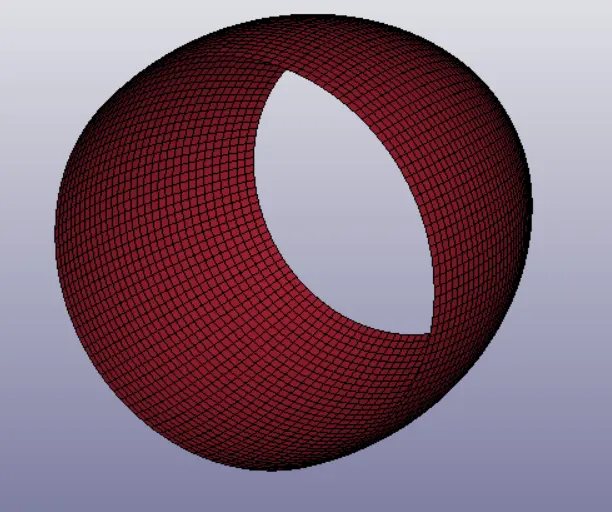
create part keyword and section keyword

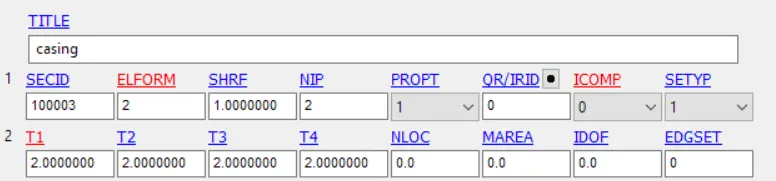
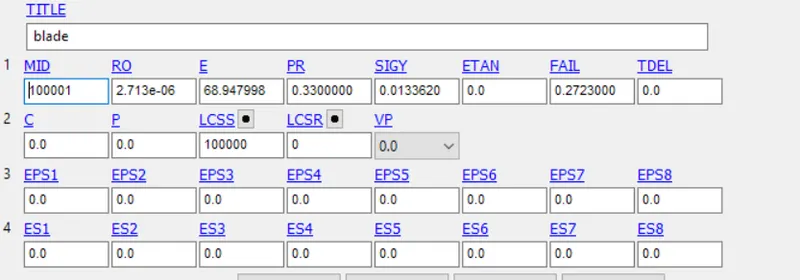
Material.k:
Open the give AL-4495-MaterialModel.k file. Change the name to material.k and add two more material.
Material Elastic for bird:

Material Elastic for hub and casing:

Given material for blade:
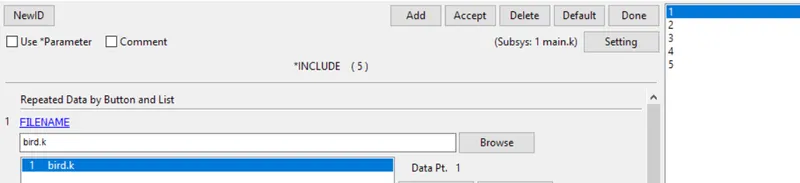
2. Create a blank keyword file, named main.k, use include keyword to include bird.k, blade.k, hub.k, casing.k and material.k.
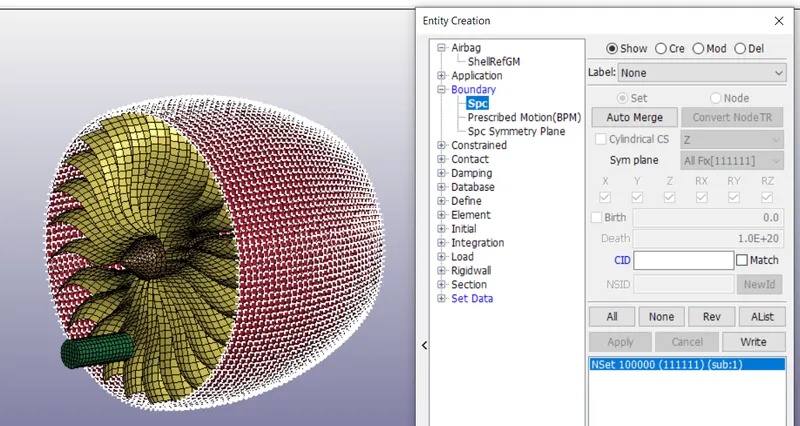
3. Create boundary condition
The casing is fixed in all dimensions
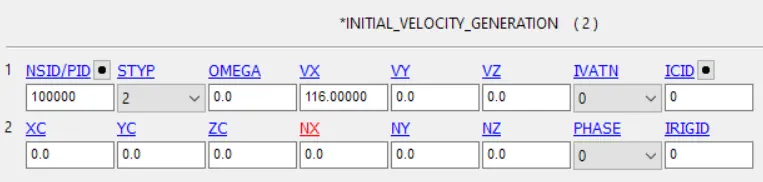
Initial velocity of bird
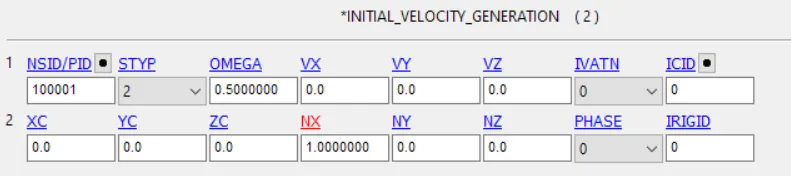
Initial velocity of blade
4. Create contact:
between blade and hub
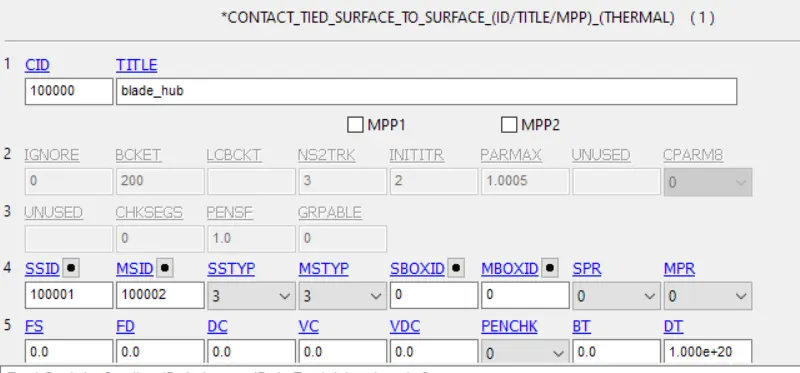
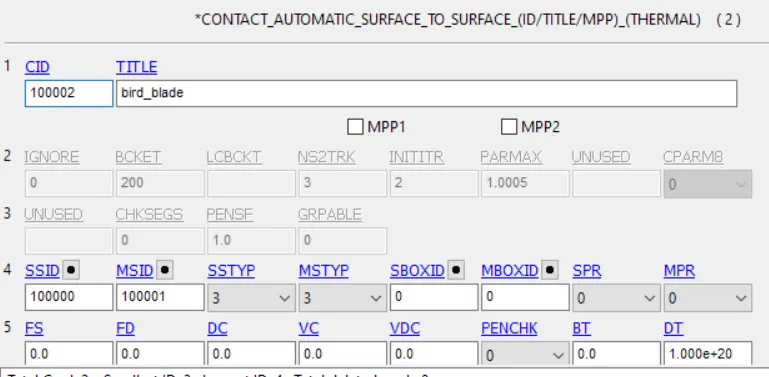
between bird and blade
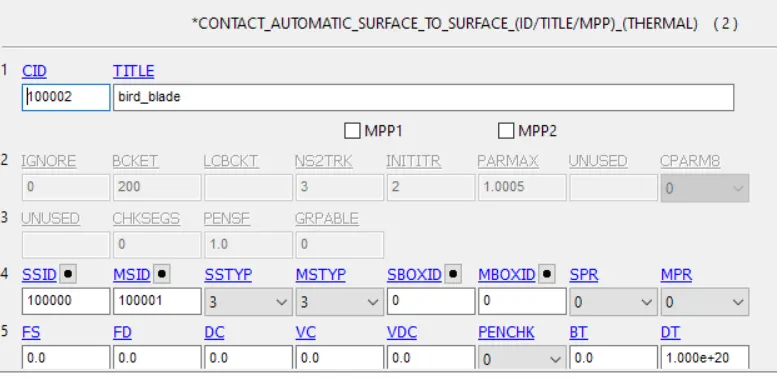
between casing and blade
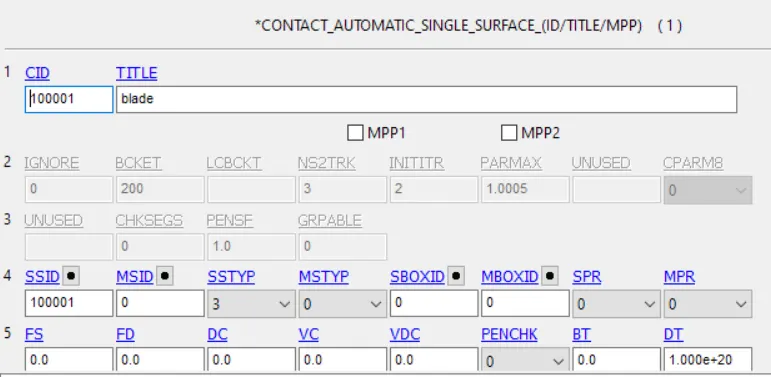
blade self contact
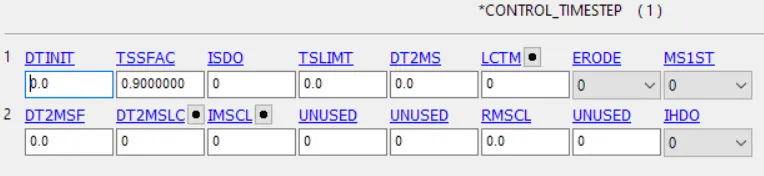
5. Control Setting

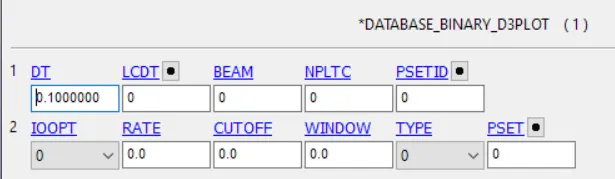
6. Database Setting
ASCII option choose GLSTAT,MATSUM,RCFORC,SLEOUT
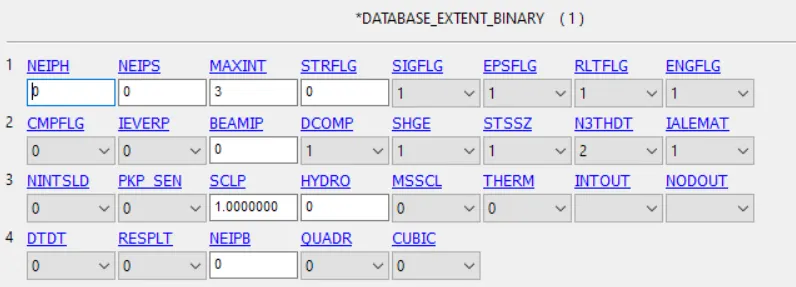
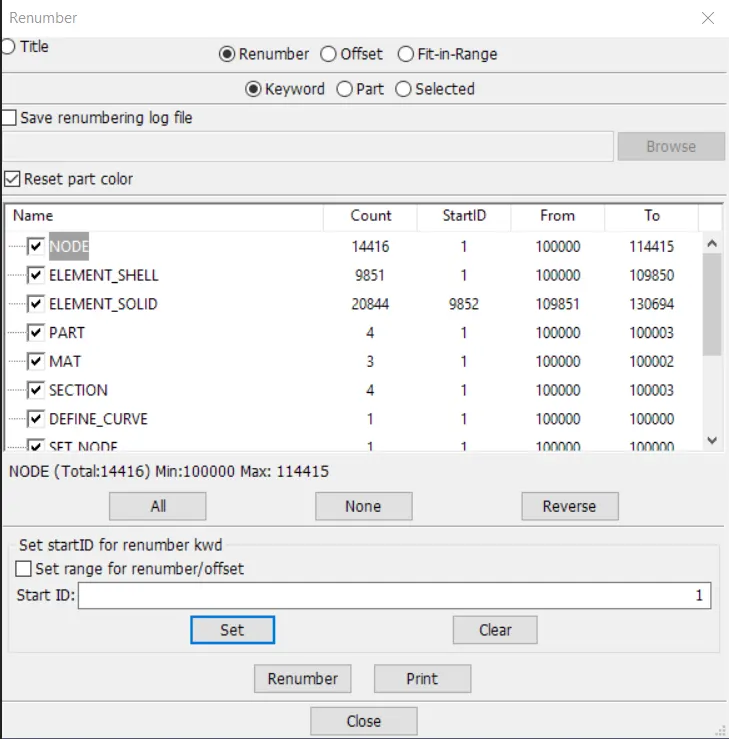
7. Renumbering
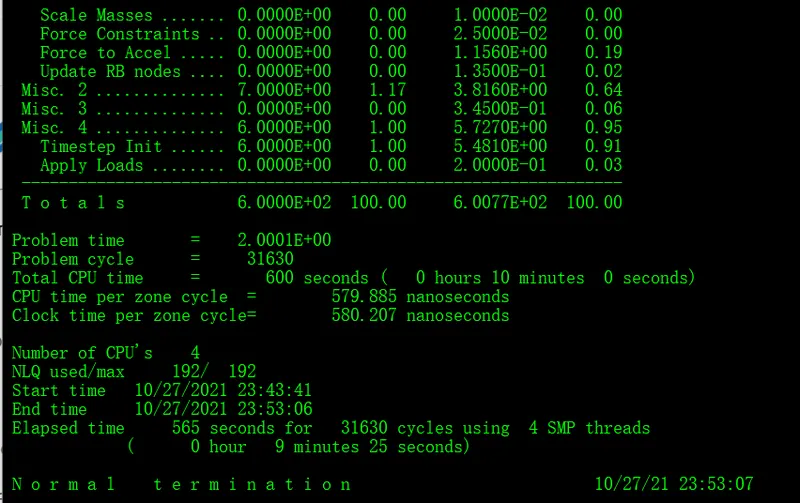
8. Result
Effective Stress
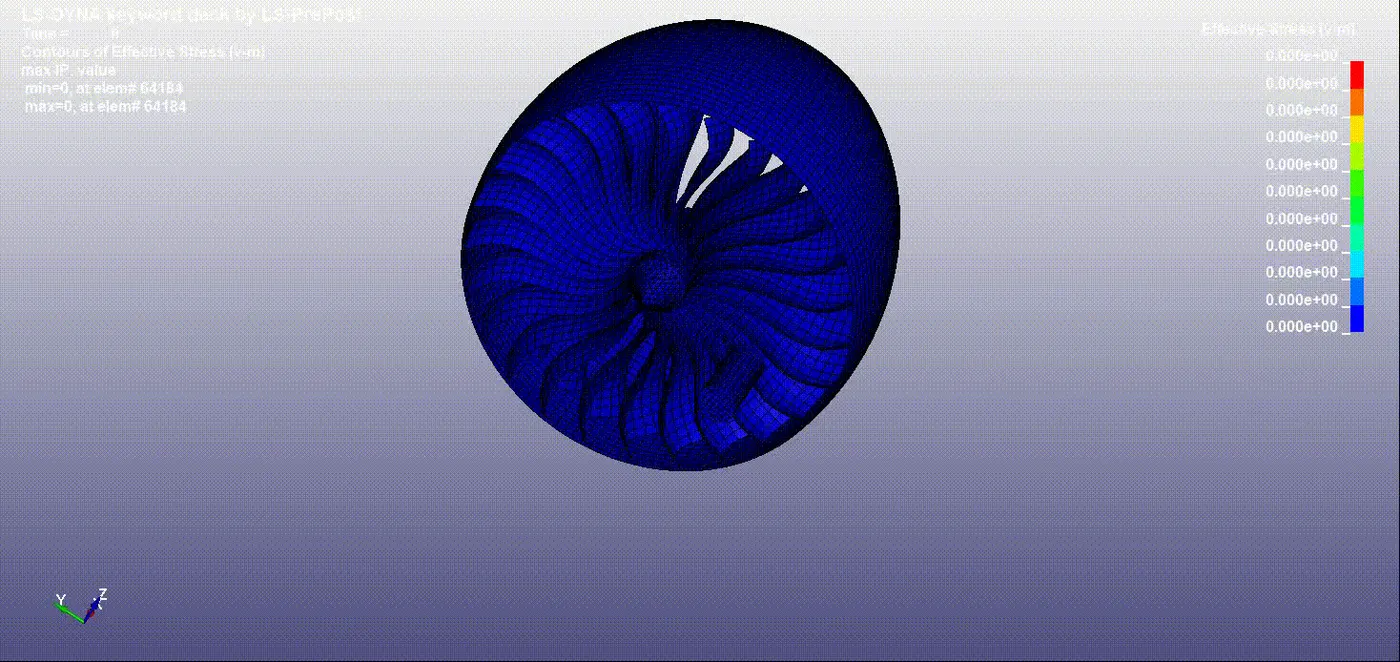
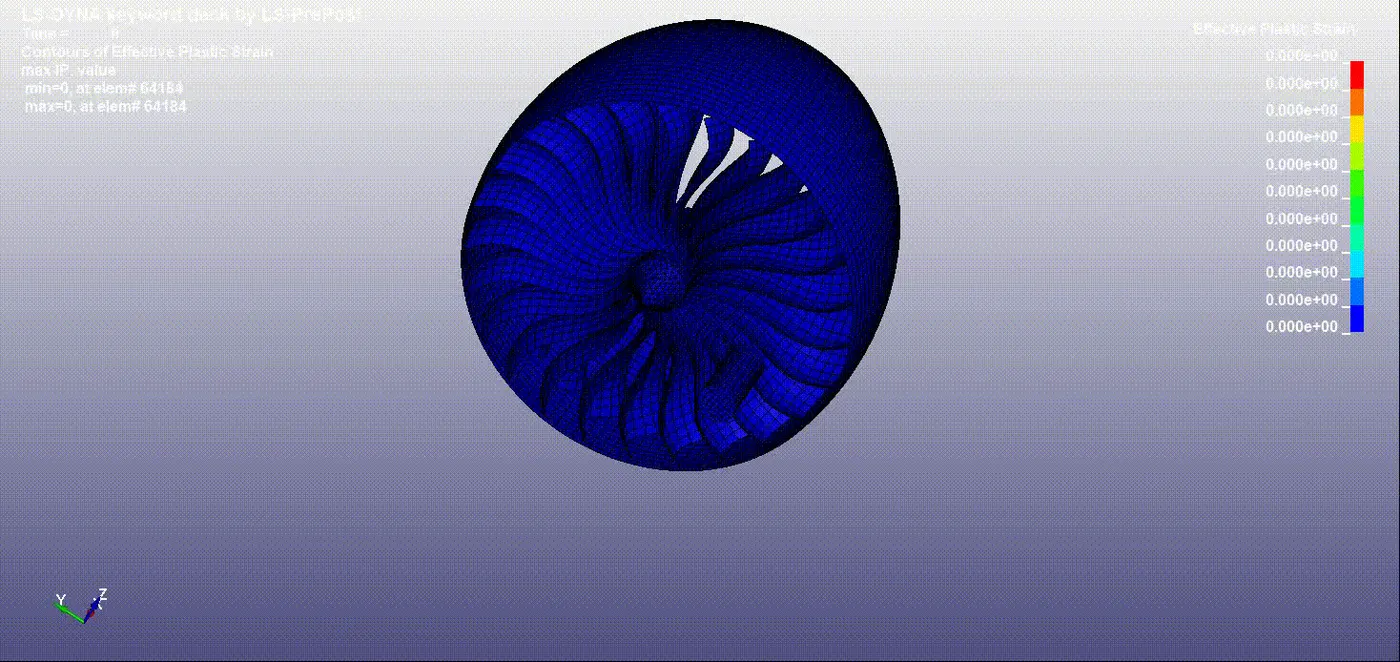
Effective Plastic Strain
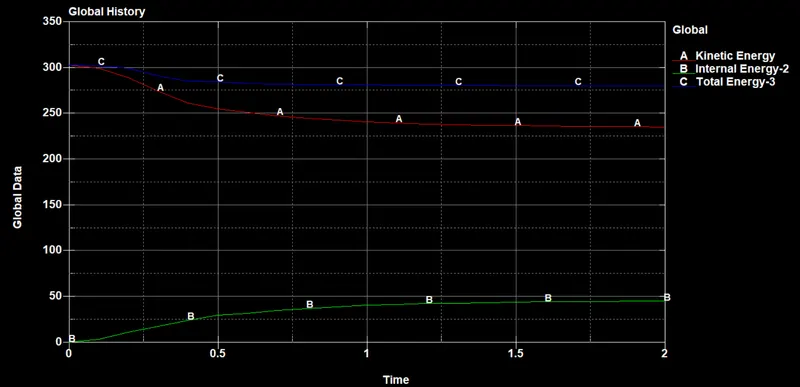
Energy plot:
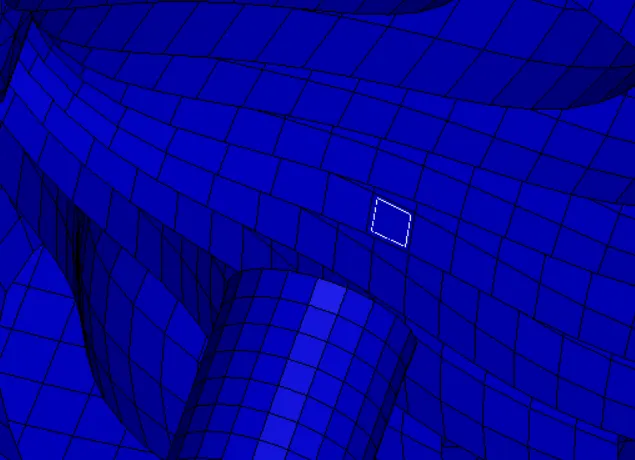
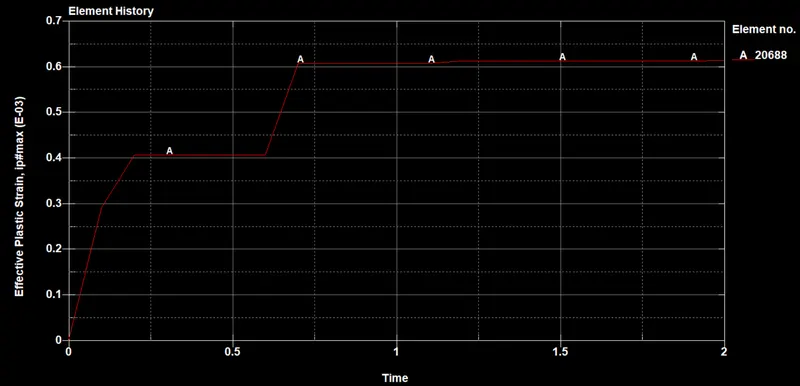
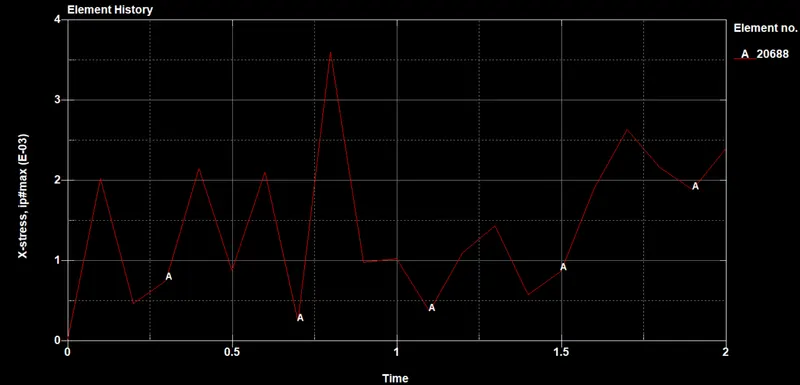
Elment 20688:
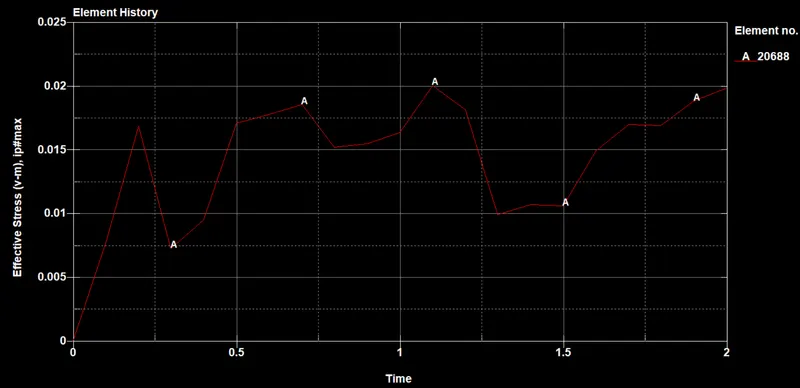
Effective Stress on element 20688:
Effective Plastic Strain on element 20688:
X- Stress on element 20688:
9. Conclusion
All the subsystems were created and included with Main.k file. Transient-non linear bird strike understands and done using Ls- Dyna. The contour plots and global results are sketched.