Aston Martin ONE-77 Challenge-11 (Project)
Designing of Aston Martin ONE-77 using Solidworks
1. Objective:-
- The main objective is to create a model of Aston Martin Martin ONE-77 using a different module like Sketch, Feature, Surface, Evaluate, etc.
- How to assemble different parts with the help of mates.
- Know about the use of Lights, Cameras, etc.
- How to crate render of a real model using Photo 360 and Solidworks Visualize.
2. Introduction:-
Solidworks is one of the modeling software. This software is used to design 3-D models, 2-D drawings, Assembly, Renders, etc. In this project, we learned about many commands while designing Aston Martin Martin ONE-77. Aston Martin Martin ONE-77 is a two-seater with two doors by Aston Martin.
3. Design Methodology/Approach:-
4. Description:-
4.1 To Create Different Components of Aston Martin ONE-77
In this module, we designed different components of Aston Martin ONE-77 as per the given dimensions then saved the (.prt) file.
Sketch:- Sketch is a 2-D view of a component. The sketch is drawn with the help of entities like line, circle, square, rectangle, arc, etc.
Offset:- This is used to draw a similar image with a fixed distance either inside or outside of the shape.
Extrude Boss:- Extrude feature is used to create a 3-D model from a 2-D sketch.
Fillet:- Fillet is used to convert sharp edges to round.
Loft:- Loft feature is used to complex 3-D models between non-similar cross-section shapes.
Dome:- Dome feature is used to create a solid while pulling the centroid outward from the solid. In Dome, feature centroid comes outward while edges remain stick on that edge.
Extrude Cut:- This is used to remove material from the solid with help of a sketch.
Split:- This is used to divide into planar or curved surfaces.
Trim Entities:- This is used to remove the extended line or curve at the intersection point.
Revolve:- This is used to create the circular 3-D components.
Dynamic Mirror:- It is used to mirror the pre-sketched entities.
Blocks:- Block is used to save the repetitive element.
Patterns:- Pattern is used to create a similar object or feature in a different direction or in the desired direction.
Combine:- This feature is used to manually combine two bodies like add, subtract, etc.
Shell:- This feature is used to making any component hollow. We can remove any face if needed.
Linear Pattern:- It is used to create the same feature in the direction of a line.
Chamfer:- Chamfer is used to remove the sharp edge or corner. It converts a sharp edge or corner into a tapered edge.
Revolve Cut:- Revolve cut is used to remove the material in a circular way.
Planes:- Planes are used at different positions to create any features.
Move / Copy Bodies:- It is used to move any component or create a copy of any component.
Projected Curve:- It is used to create a 3-D curve from two 2-D curves or lines.
Sweep:- It is used to create a 3-D profile or same cross-section along with any 2-D sketch.
Convert Entities:- It is used to copy a sketch from any 3-D shape or sketch.
Composite Curve:- It is used to create a 3-D curve from a 3-D curve or a line.
Sweep Surface:- It is used to generate a surface along any path of the same cross-section.
Loft Surface:- It is generated with the help of a 3-D curve or edge between two same or different cross-sections.
Fill Surface:- It is used to fill any surface with curves or lines at different positions.
Surface Trim:- It is used to remove any extended surface with reference to any plane or surface.
Surface Knit:- It is used to knit the surface and remove the gap between them.
Sweep Cut:- It is used to remove the same cross-sectional according to the path.
5. Assembly of Aston Martin ONE-77
- Create a new assembly file.
- Insert all parts in an assembly.
- Fix the frame.
- Assemble all components using mates at the desired location.
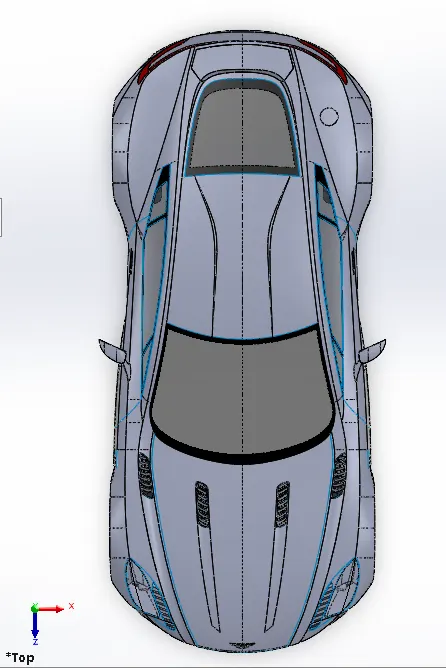
Top view of Aston Martin ONE-77
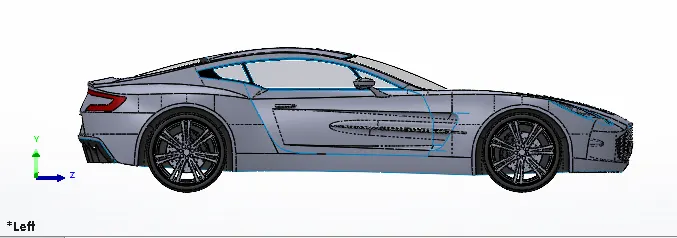
Left Side view of Assembly
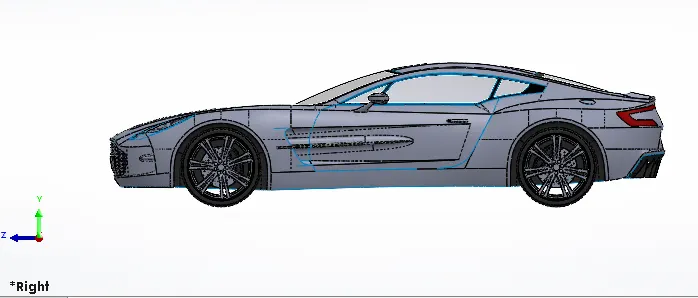
Right Side view of Assembly
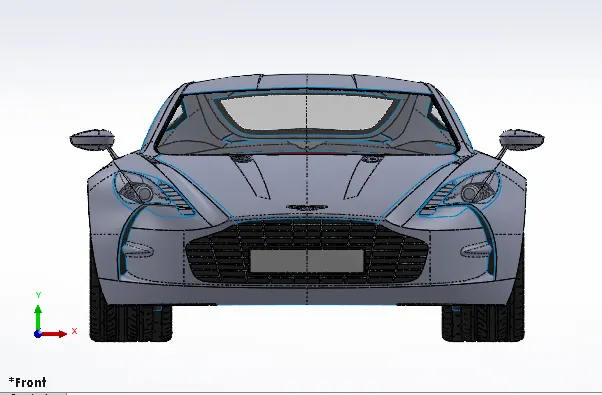
Front view of Aston Martin ONE-77
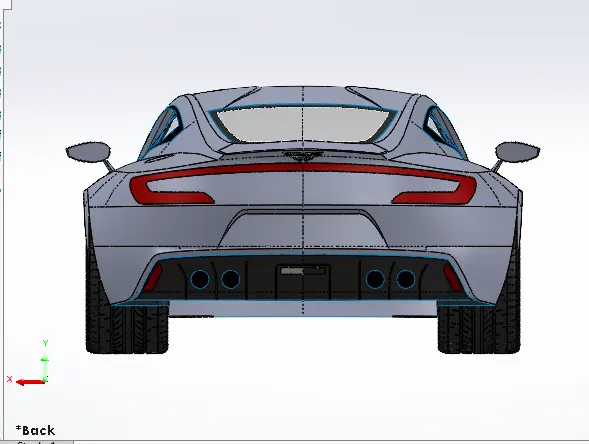
Back view of Aston Martin ONE-77
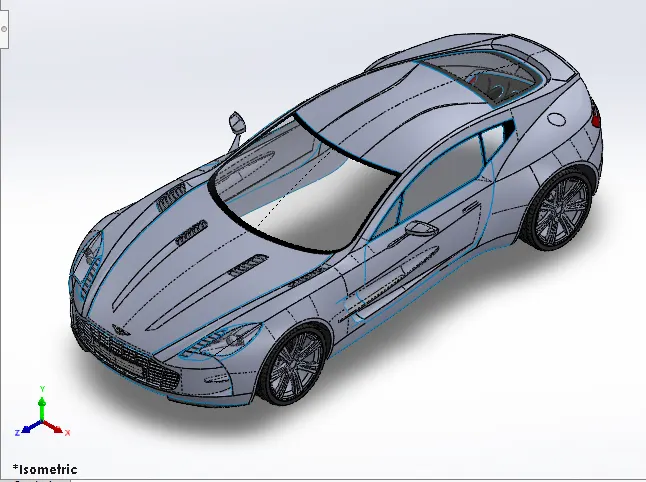
Isometric view of Assembly
Mates:- It is used for the joining method between two components. Mates are used to decreasing the degree of freedom of any component. Different types of mates used in the assembly are coincident, distance, concentric, limit angle, width, parallel, tangent, etc.
6. Render Images
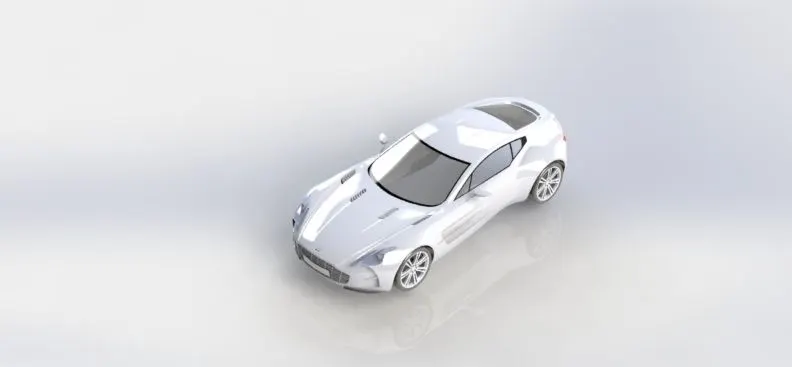
Render 1
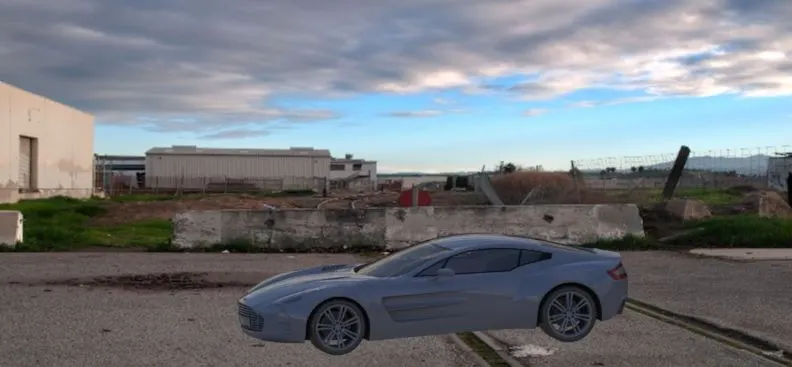
Render 2
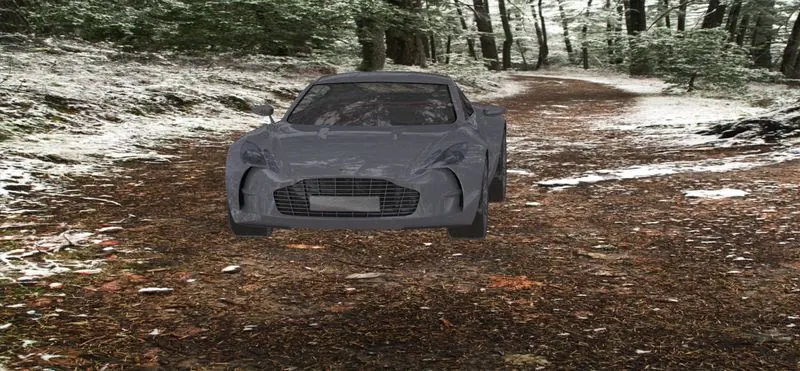
Render 3
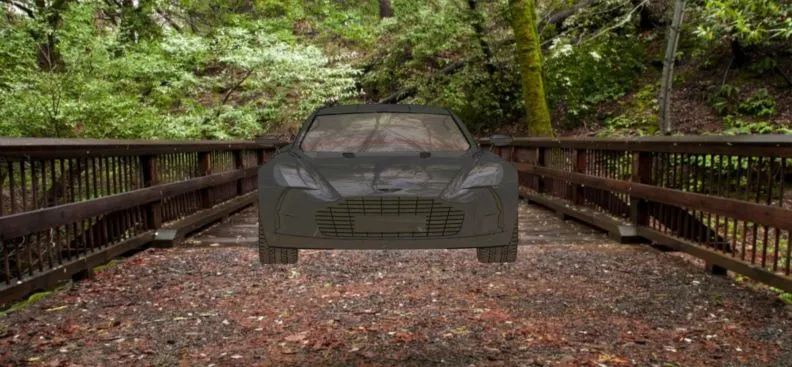
Render 4
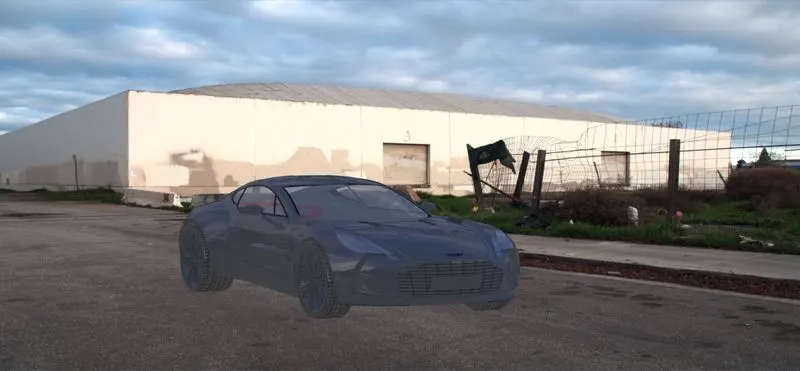
Render 5
7. Conclusion:
- Knowledge of creating a 3-D model from blueprint.
- Knowledge of different modules like Sketch, Features, Surface, Evaluate, photo 360, Solidworks Visualize, etc. can be obtained while creating a 3-D model.
- knowledge of Render tools, Camera setup, appearances, etc. can be obtained.