SURFACE MODELLING OF ASTON MARTIN ONE-77 USING SOLIDWORKS
SURFACE MODELLING OF ASTON MARTIN ONE 77 USING SOLIDWORKS
OBJECTIVE :-
To design ASTON MARTIN ONE 77 using the given blueprint inputs with surface and solid modelling techniques.
INTRODUCTION :-
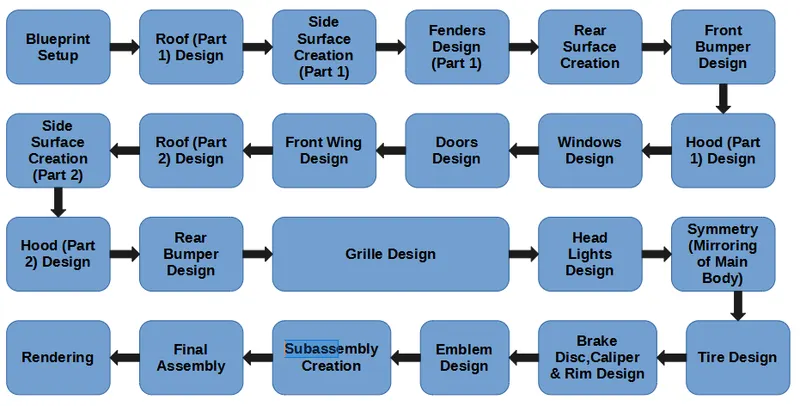
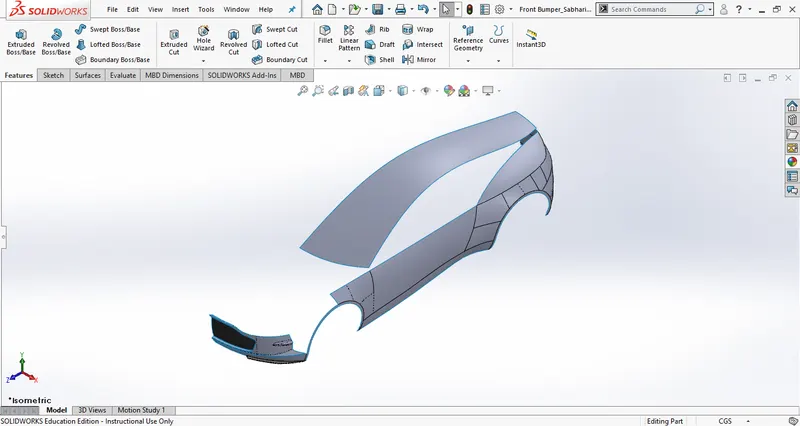
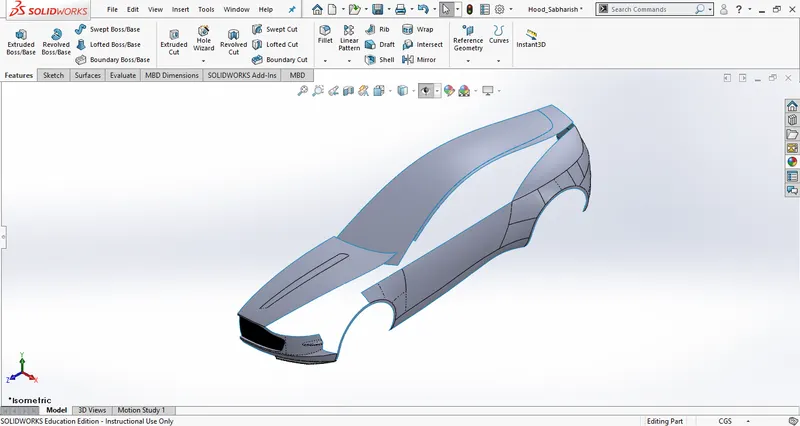
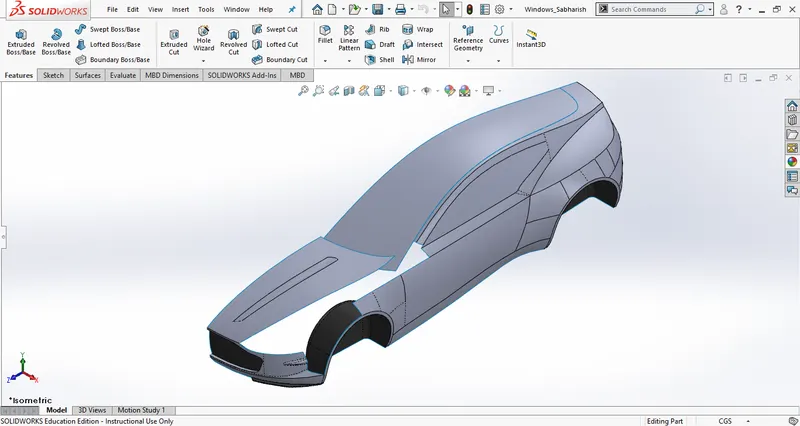
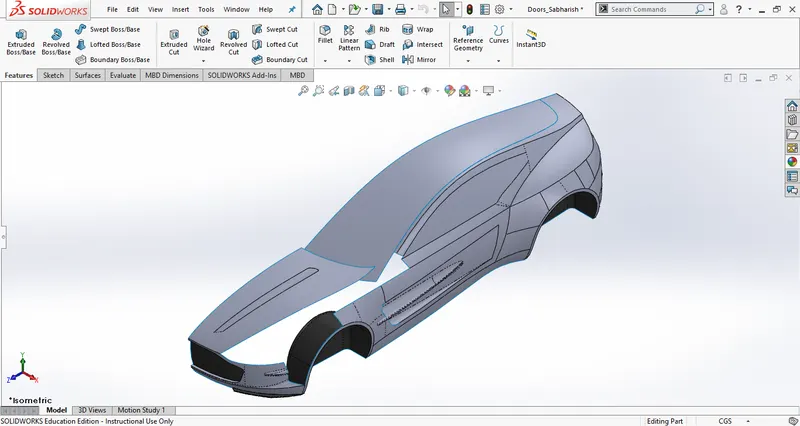
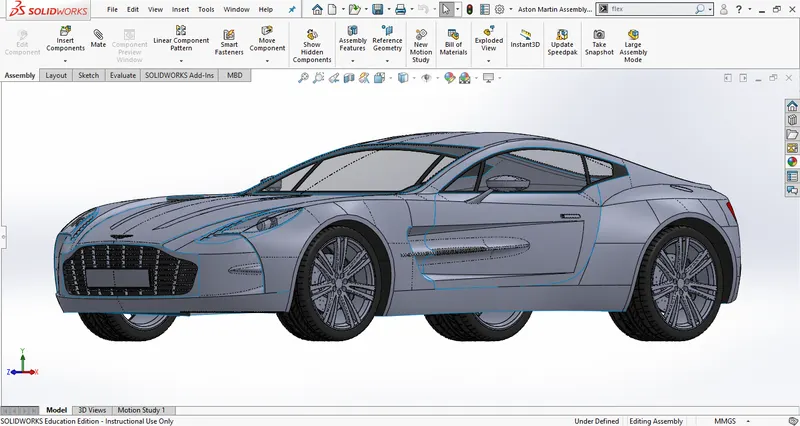
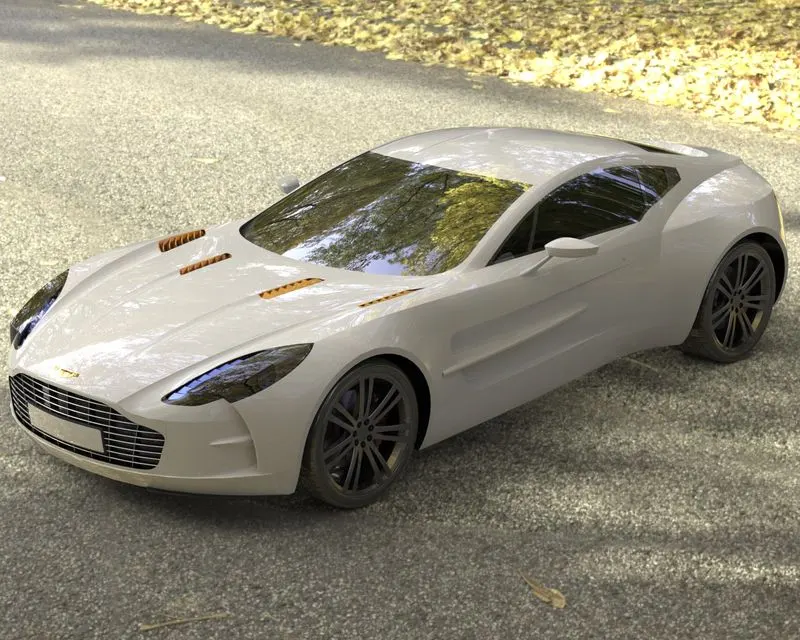
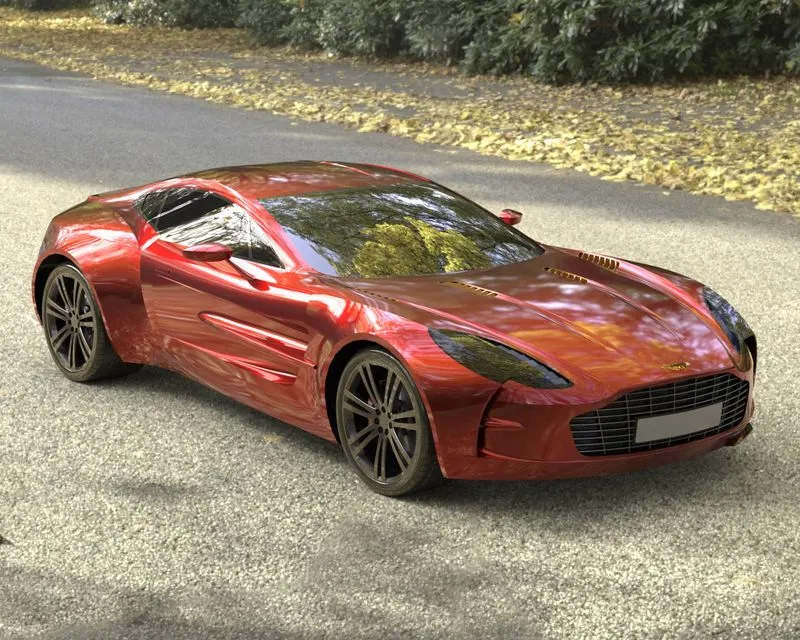
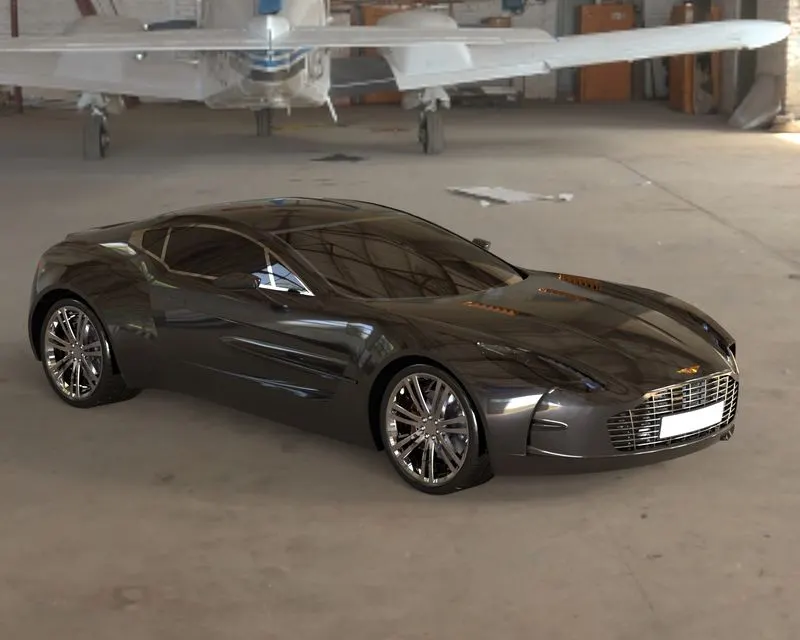
In this project, we learn to design ASTON MARTIN ONE 77 using advanced surface modelling techniques in SOLIDWORKS. We will use the blueprints to create the skeleton of the car and then use various modelling techniques to design the outer surface body and solid bodies. Then the parts will be assembled in an assembly workbench and rendered as the final output.
DESIGN APPROACH METHODOLOGY :-
DESCRIPTION OF FEATURES USED :-
SOLID FEATURES :-
EXTRUDE :-
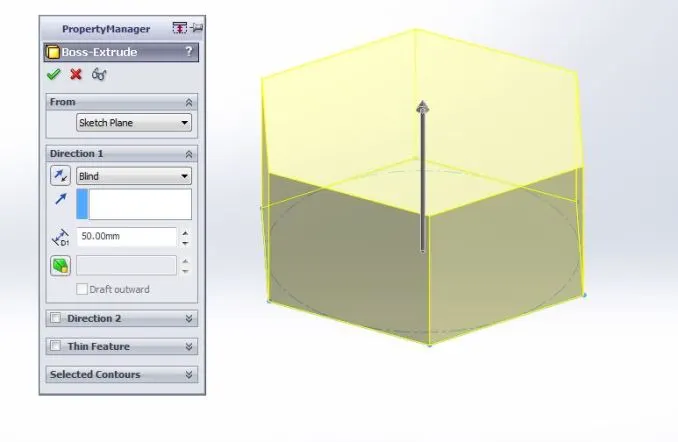
Extrude is used to create a solid body out of closed and open contour sketches in a specified direction.
CUT EXTRUDE :-
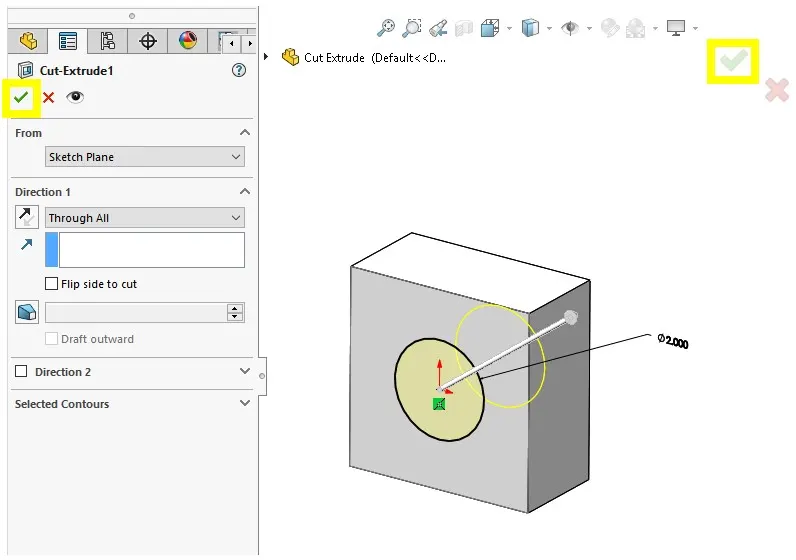
Cut extrude is used to cut a body with closed and open contour sketches in a specified direction.
REVOLVE BOSS BASE :-
It's used to create a solid body that revolves (rotate around the axis or reference line length) around an axis of 360 degrees or lesser than that. Here both closed and open profiles can be used to create a revolved profile.
FILLET :-
It's used to create a round profile of the sharp edges by applying a radius value.
CHAMFER :-
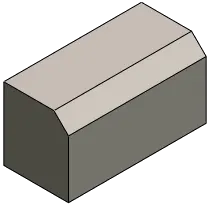
It's used to remove material of sharp corners and produce flat edges.
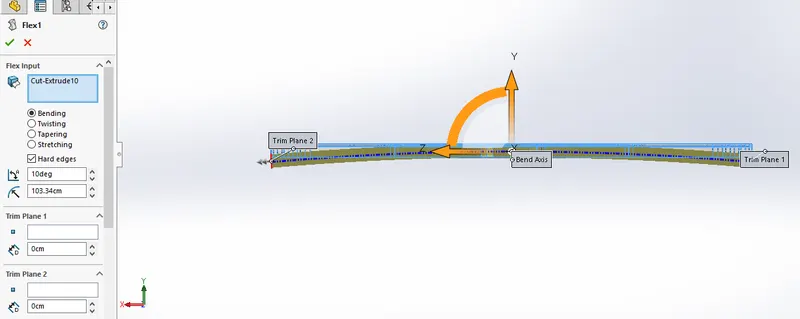
FLEX :-
It's used to bend, twist, taper and stretch a solid body for a required angle through the axis system.
LINEAR PATTERN :-
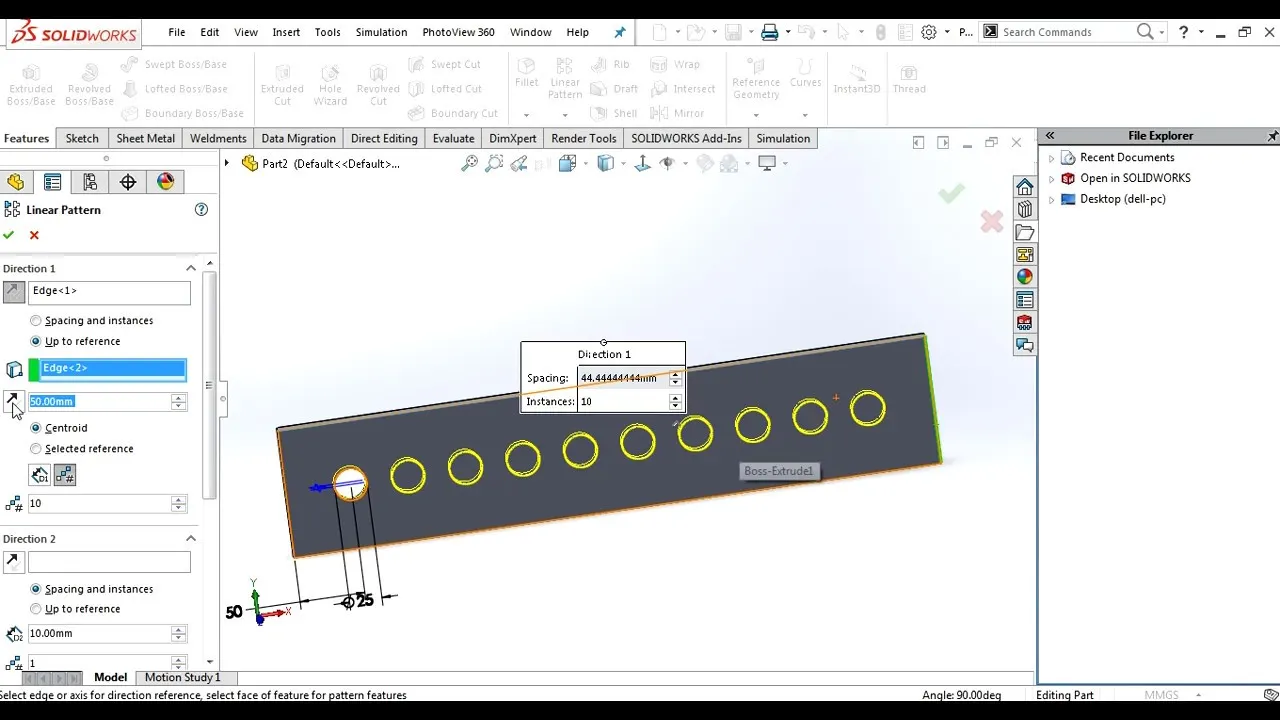
It's used to create a series or parallel of the same features from a base one.
CIRCULAR PATTERN :-
It's used to create a circular pattern of the same features by selecting a circular edge for reference.
MOVE/COPY SOLID BODIES :-
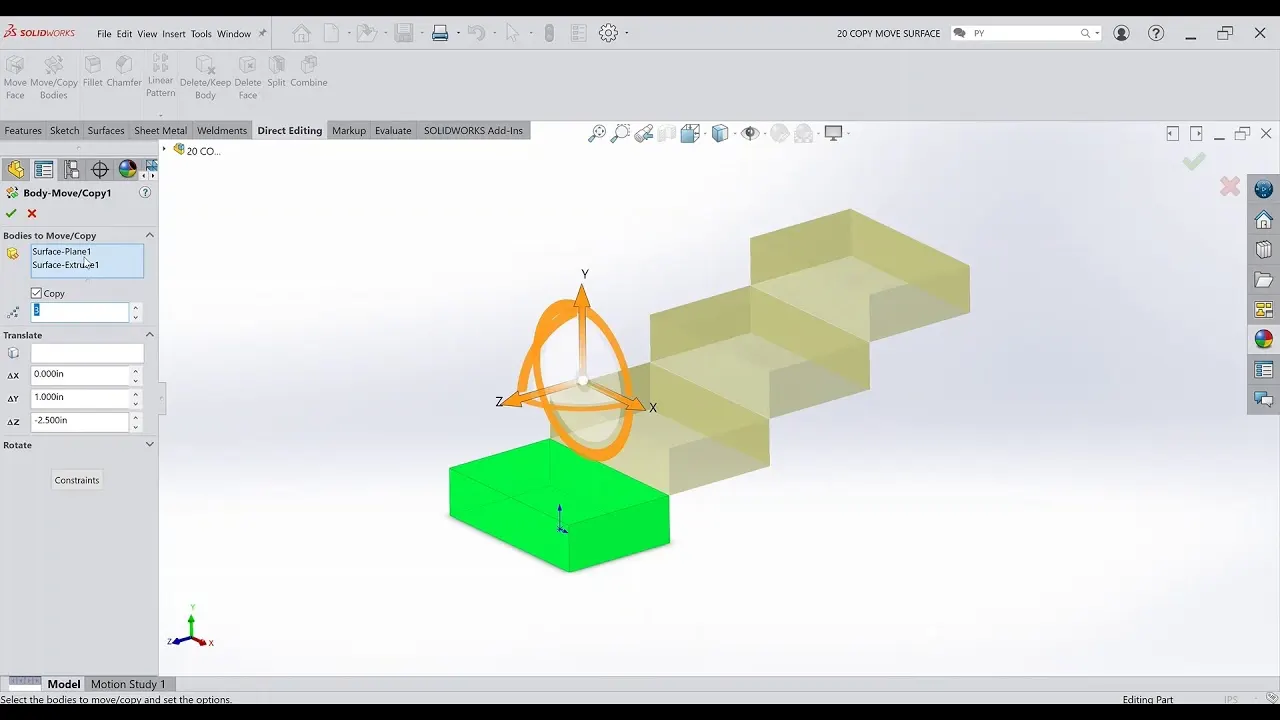
It's used to translate, rotate and copy a solid or surface feature in a specified value along with the axis system.
SURFACE FEATURES :-
SURFACE EXTRUDE :-
It's used to create a surface out of closed and open contour sketches along with the sketch thickness in a specified direction.
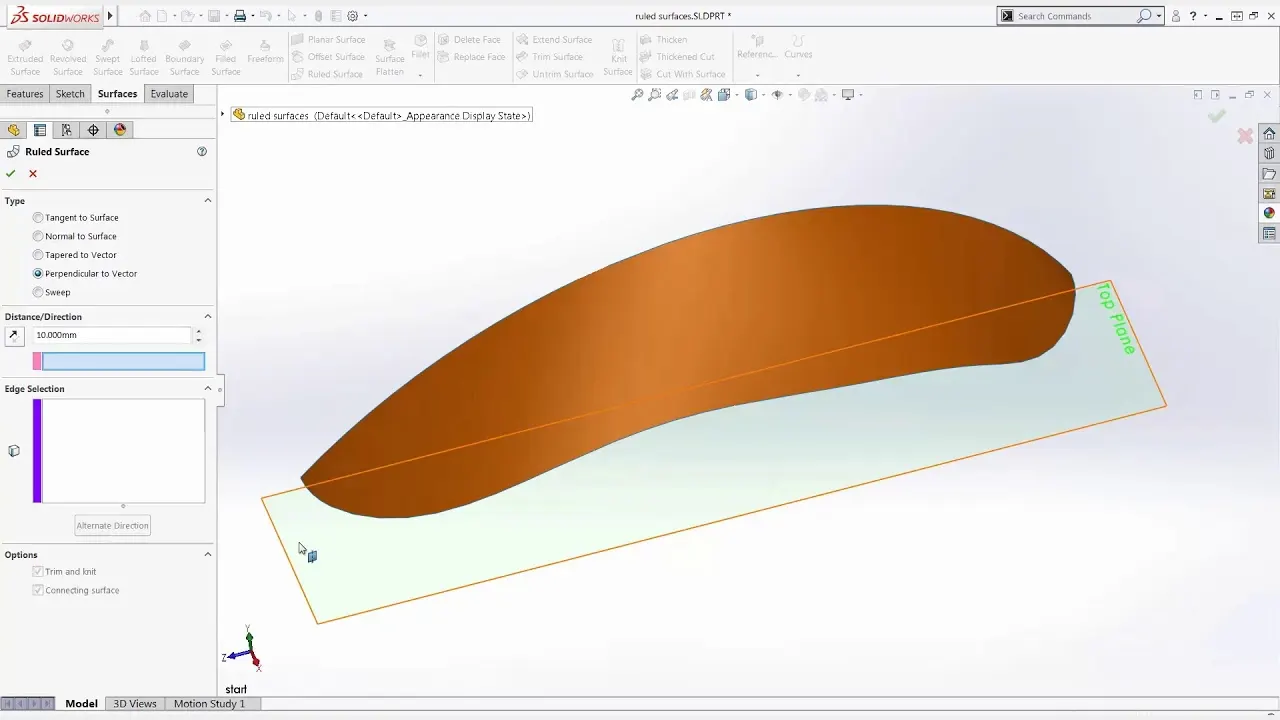
RULED SURFACE :-
Ruled surface is used to create a surface by various options like perpendicular, normal, sweep etc to the base selection.
SURFACE EXTEND :-
It's used to increase the length of the existing surface along the surface direction.
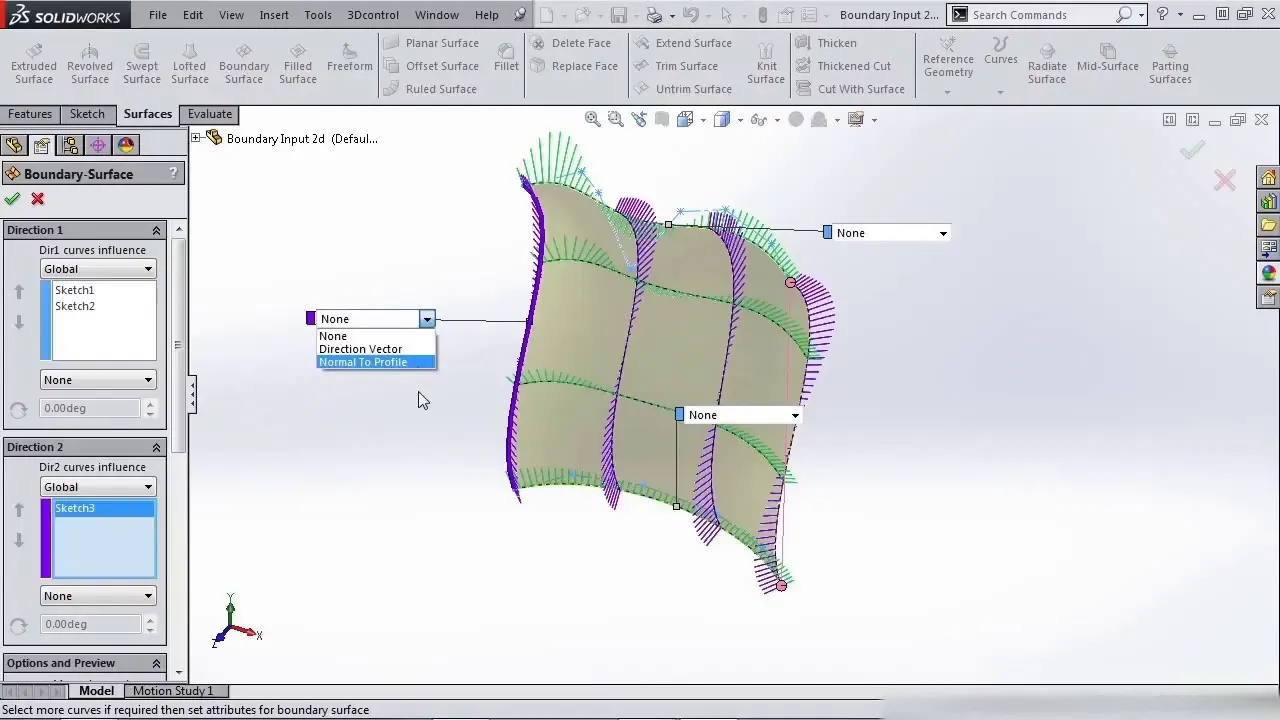
BOUNDARY SURFACE :-
It's used to create a surface by selecting direction 1 (shape) and direction 2 (guide) or vice versa. And in this, we are having an option of trimming along both the directions based on the edges or sketches that are selected to get the required output.
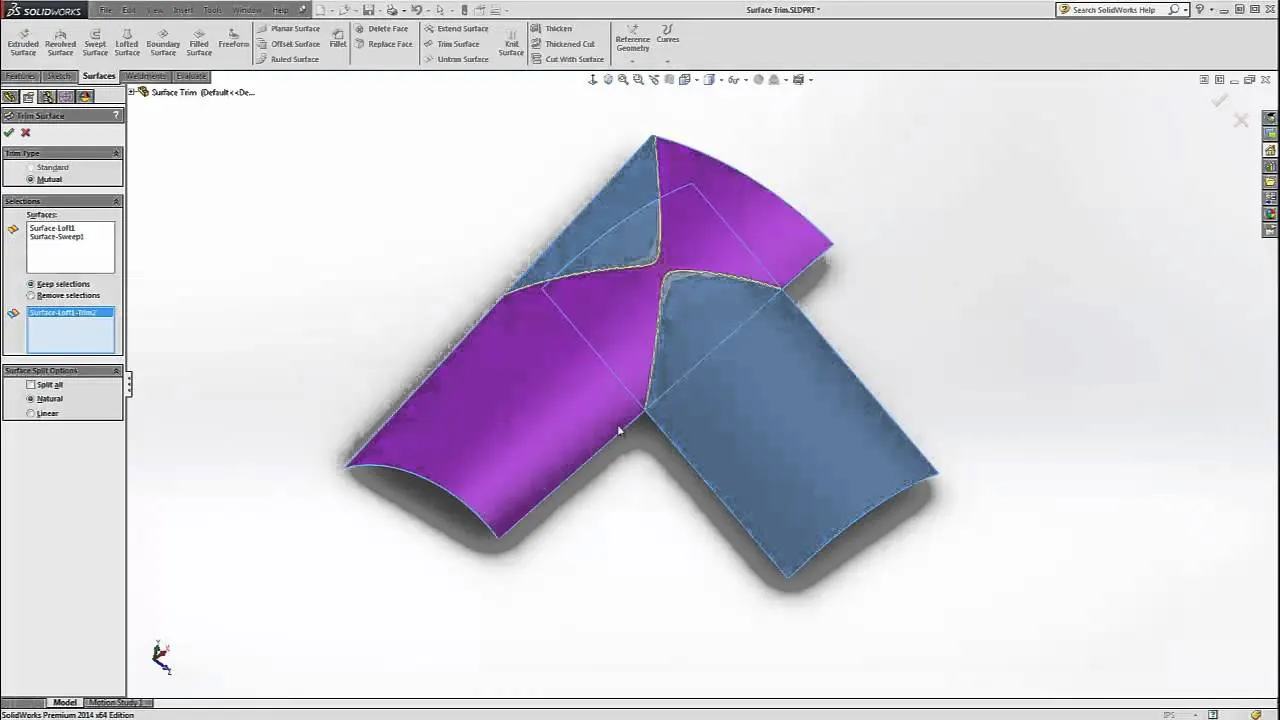
SURFACE TRIM :-
It's used to trim unwanted surfaces using a closed or open profile and adjacent surfaces. We are having two different types of trim one is standard and another is mutual trim.
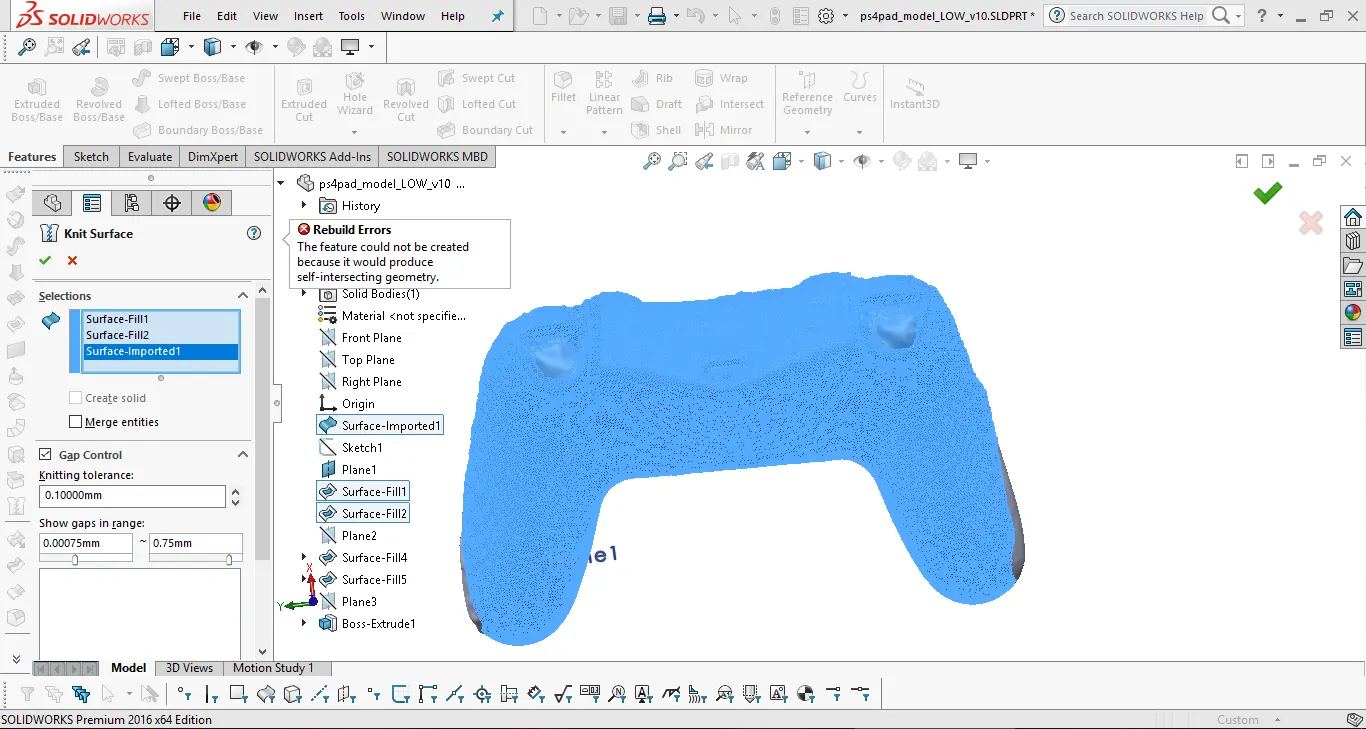
SURFACE KNIT :-
It's used to knit the adjacent surfaces by applying the applicable tolerance value (0.01 cm maximum).
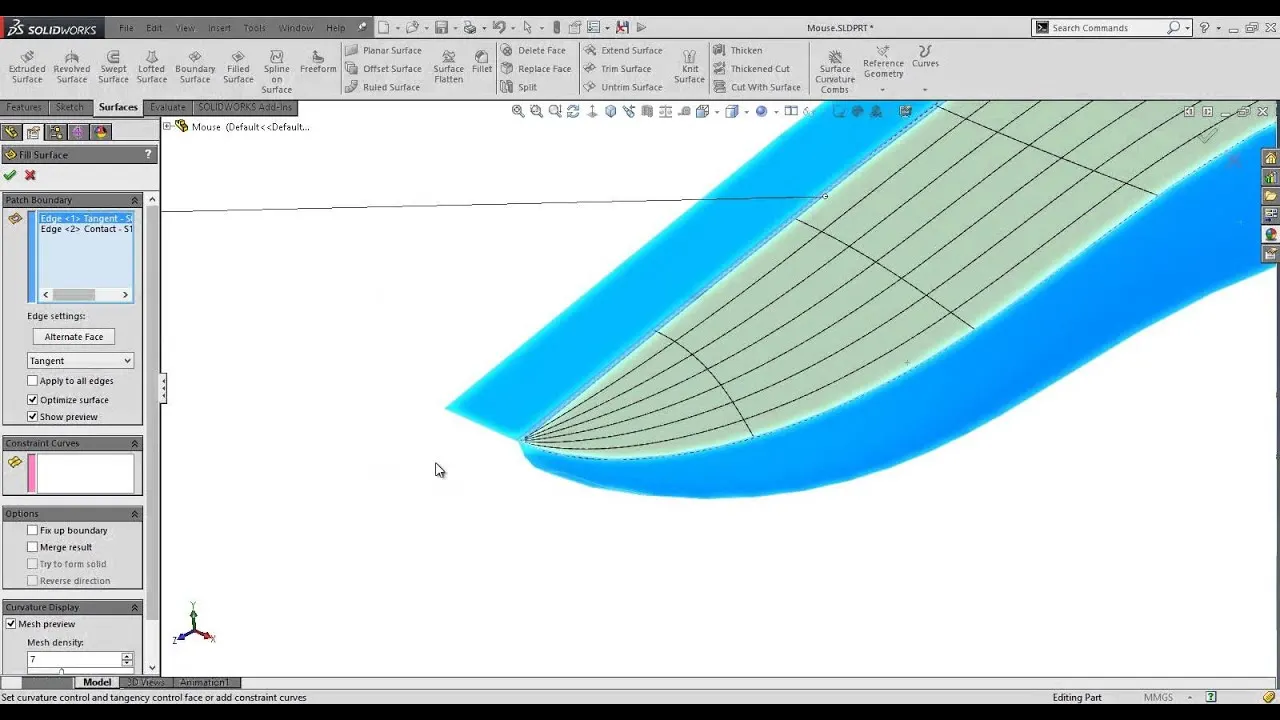
SURFACE FILL :-
It's used to patch an area with edges or sketches adjacent to them and use constraint curves.
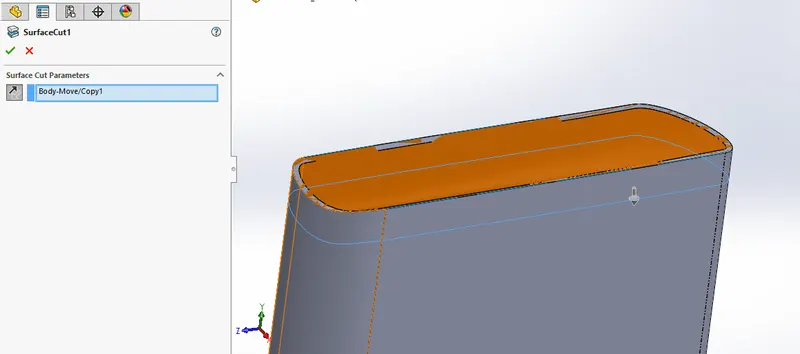
SURFACE CUT :-
It's used to cut the body below or above the surface body.
ADDITIONAL FEATURES :-
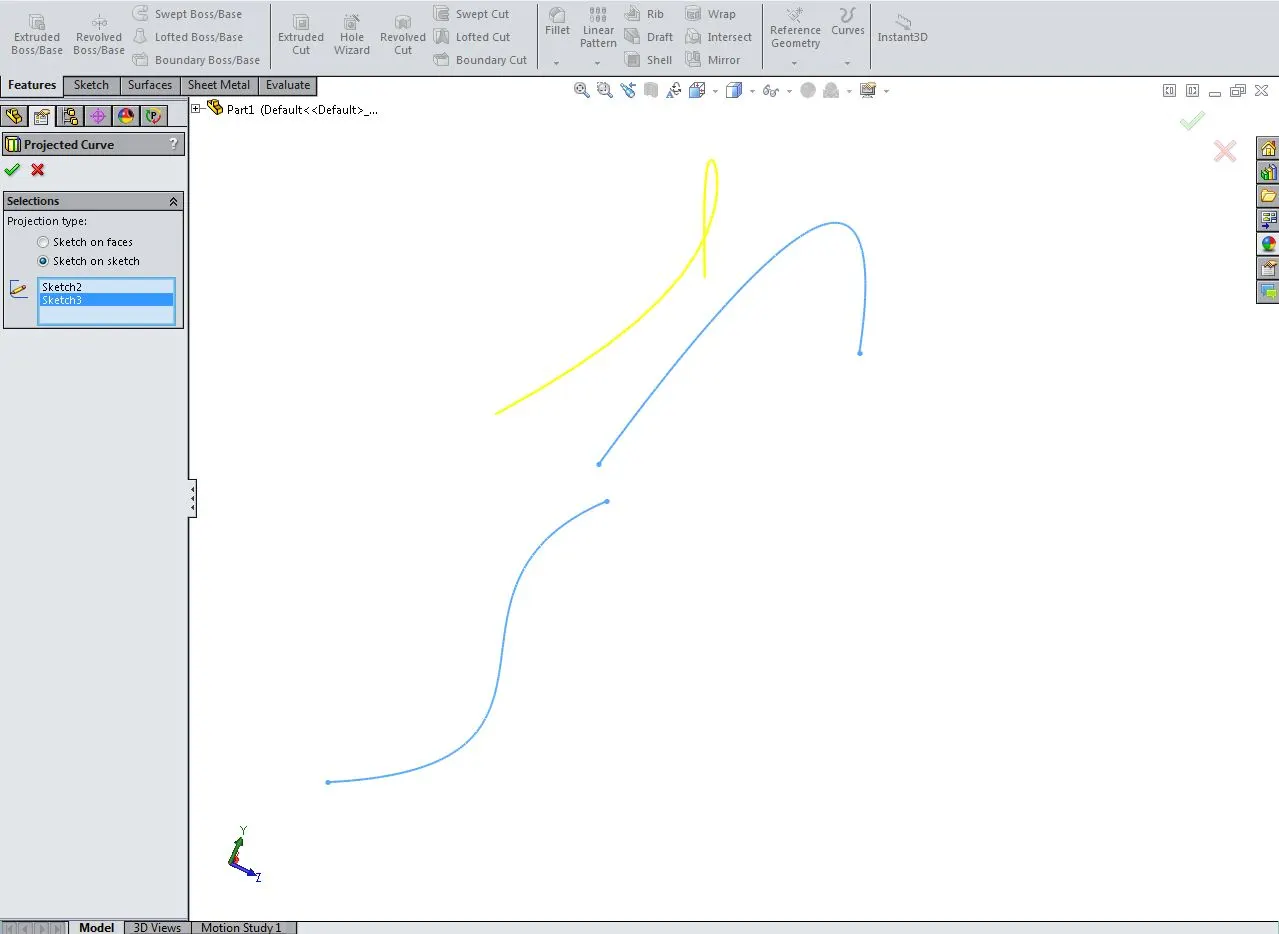
PROJECTED CURVE :-
It's used to create a 3D curve from two different sketch profiles from different planes. It will have the view of two sketches in a single curve.
SPLIT LINE :-
It's used to project a profile on to a surface of both solid and surface models.
INTERSECTION CURVE :-
This will create a sketch of the intersecting junction profile with the adjacent surface or body.
CONVERT ENTITIES :-
It's used to create a sketch profile out of a surface or edge from a solid body or a surface body.
COMPONENTS DESIGNED :-
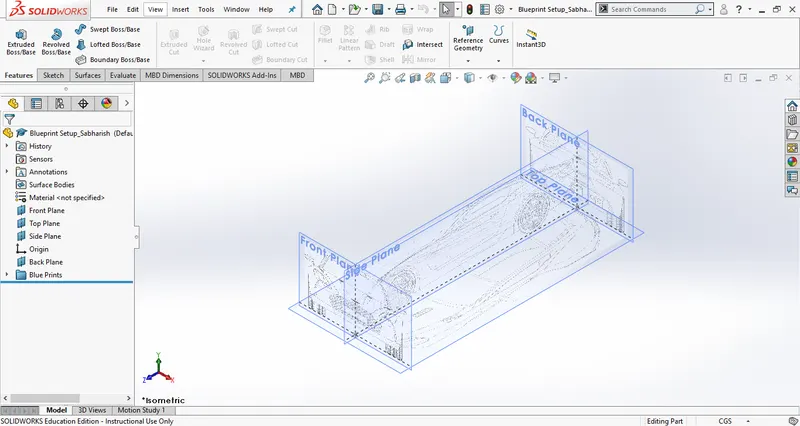
BLUEPRINT SETUP :-
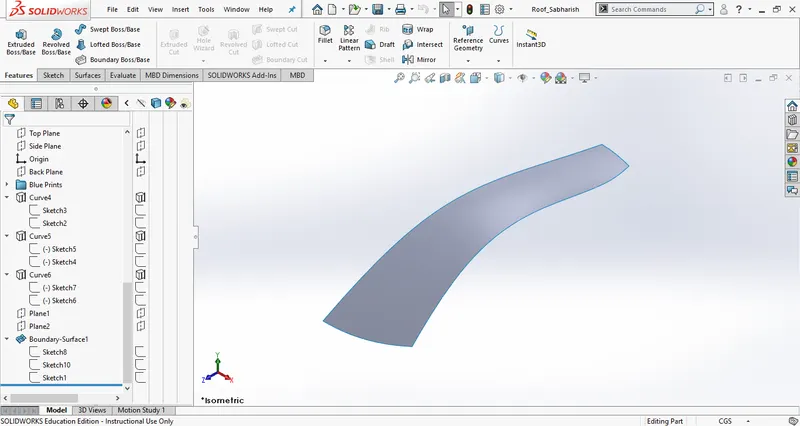
ROOF PART 1 :-
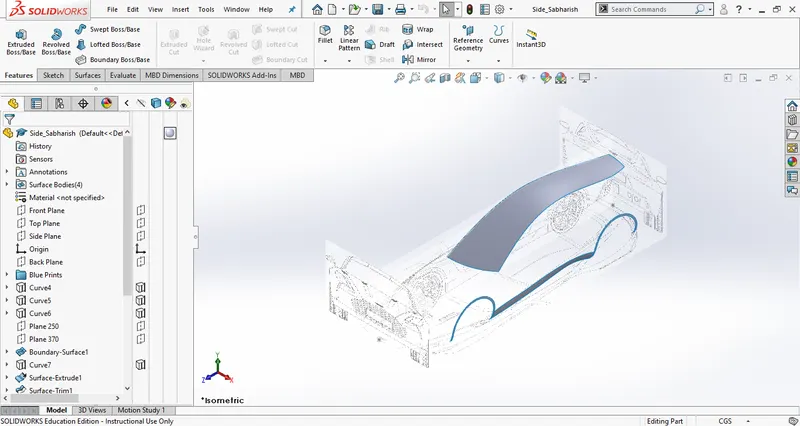
SIDES PART 1 :-
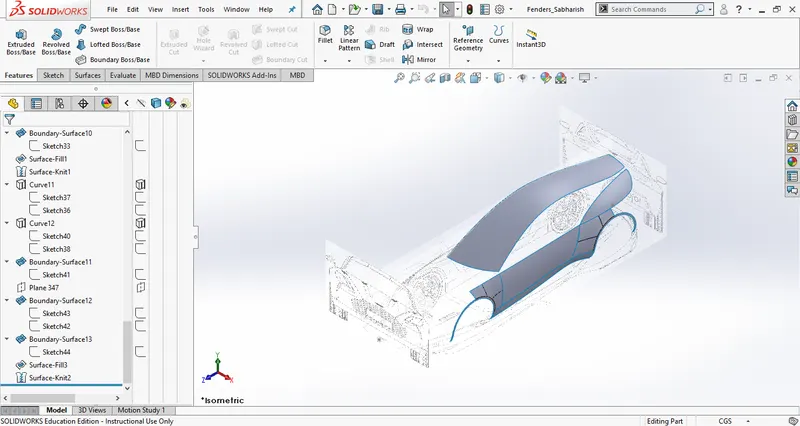
FENDERS :-
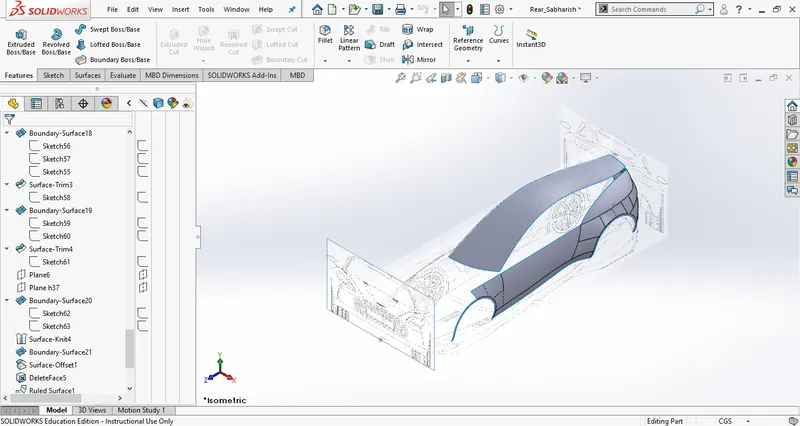
REAR :-
FRONT BUMPER :-
HOOD :-
WINDOW:-
DOOR :-
FRONT WING :-
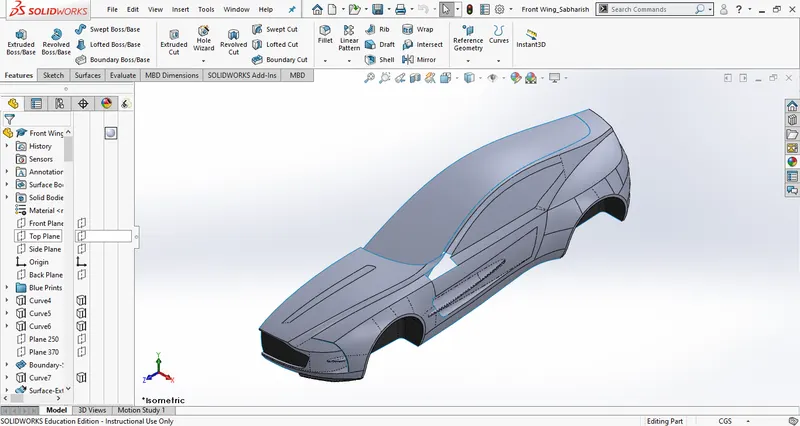
WINDSHIELDS :-
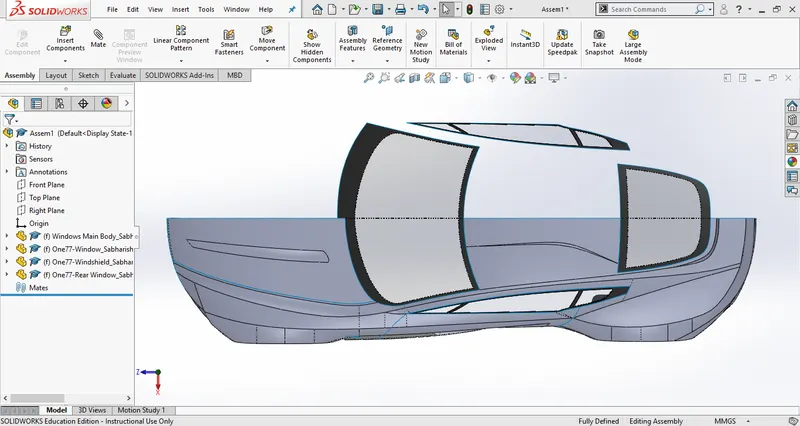
HOOD PART 2 :-
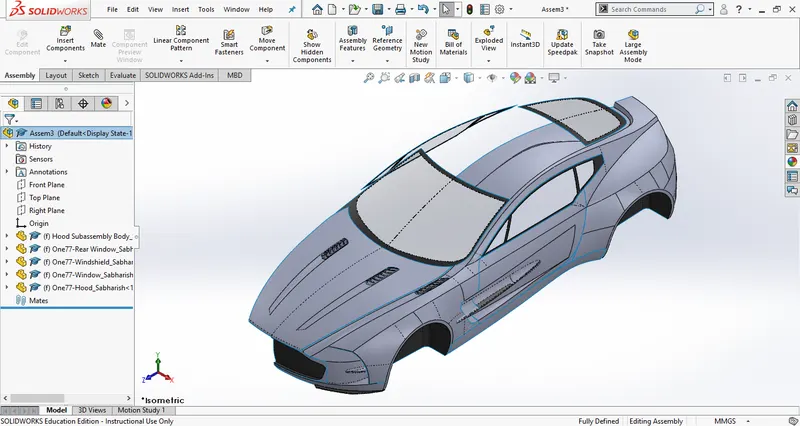
REAR BUMPER :-
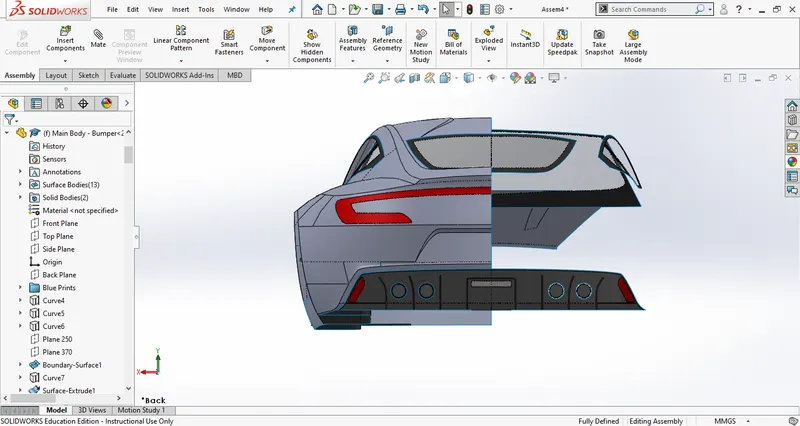
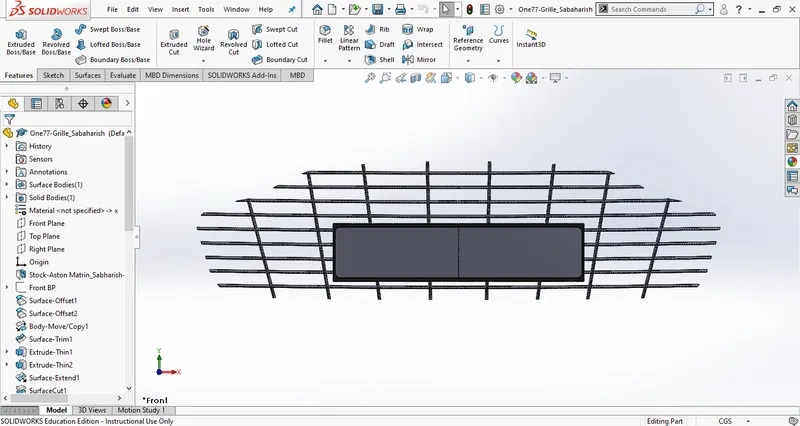
GRILLE :-
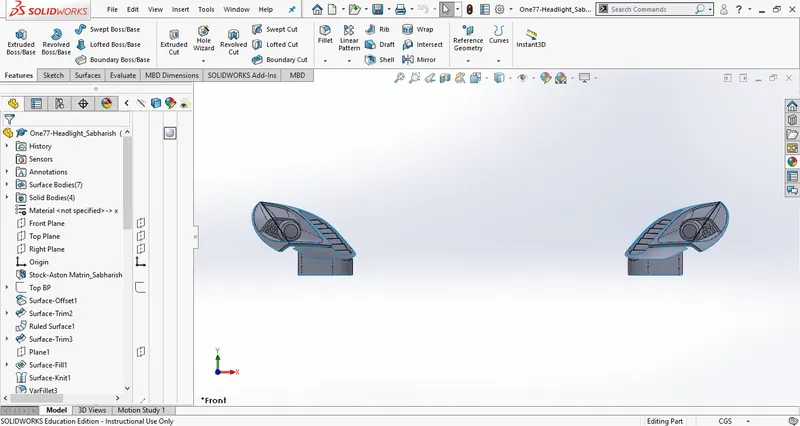
HEAD LIGHTS :-
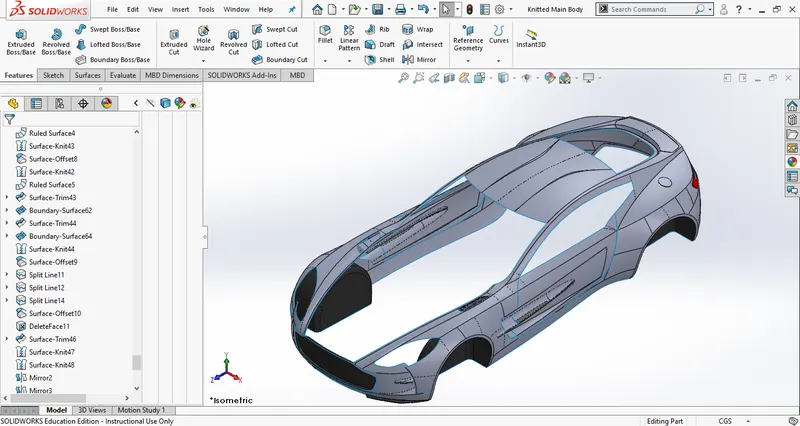
SYMMETRY MAIN BODY :-
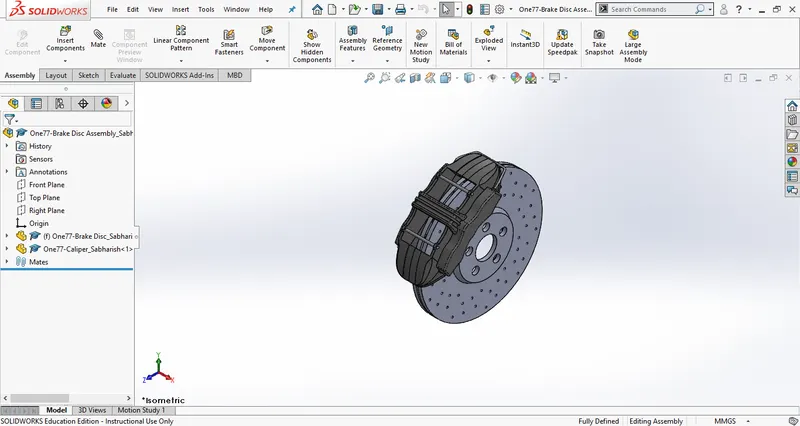
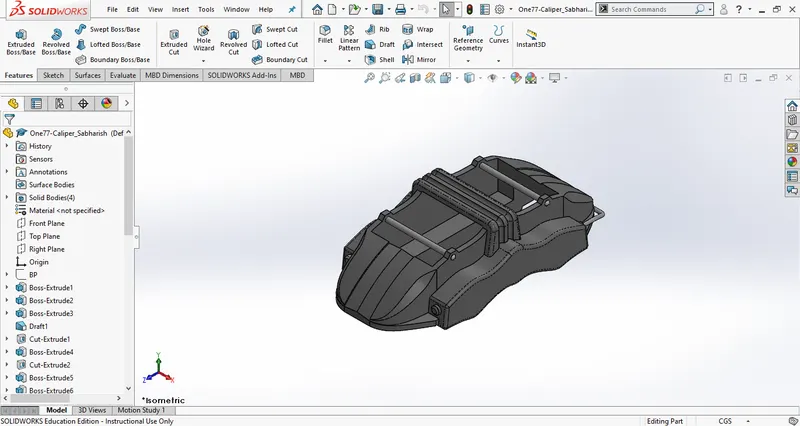
DISC & CALIPER :-
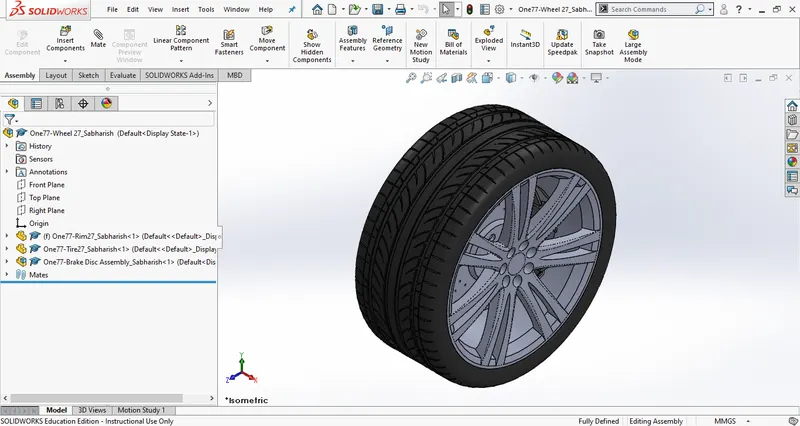
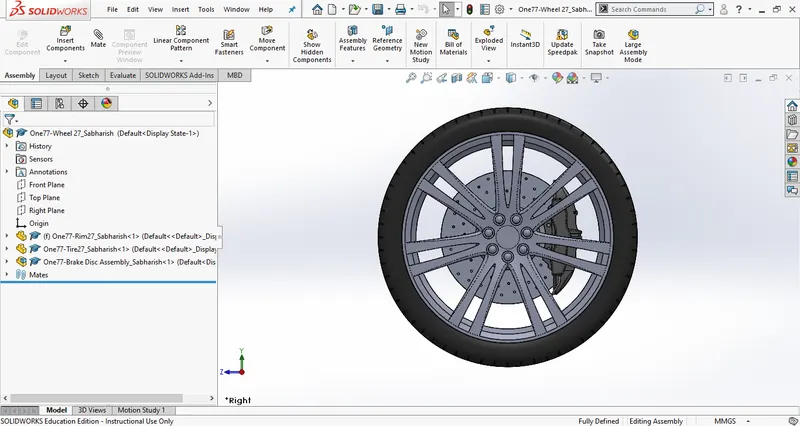
WHEEL :-
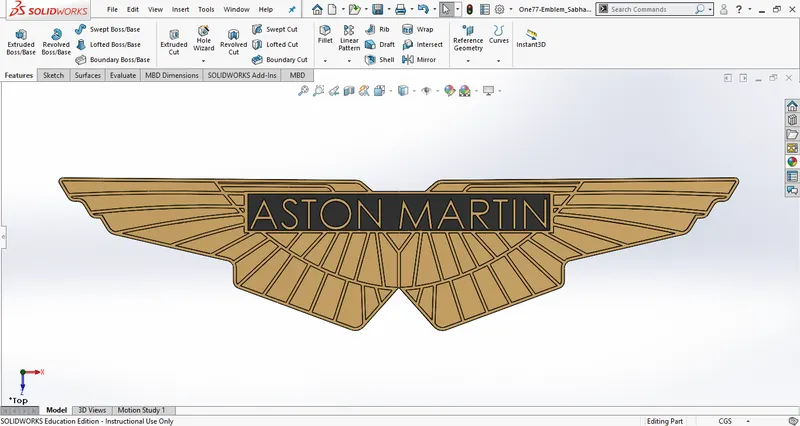
EMBLEM :-
FINAL ASSEMBLY :-
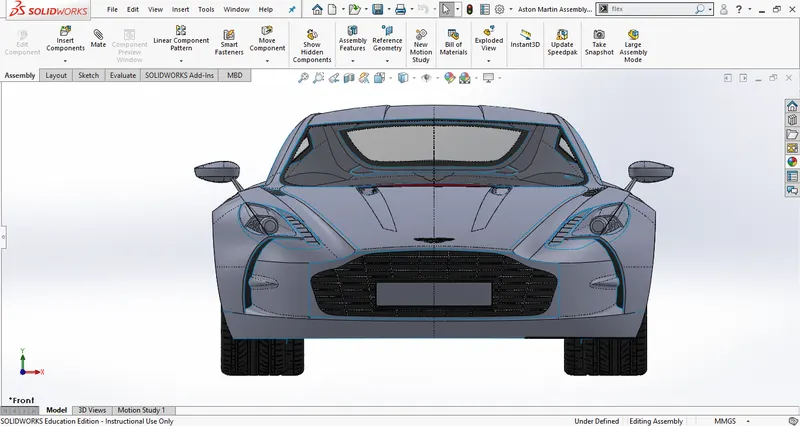
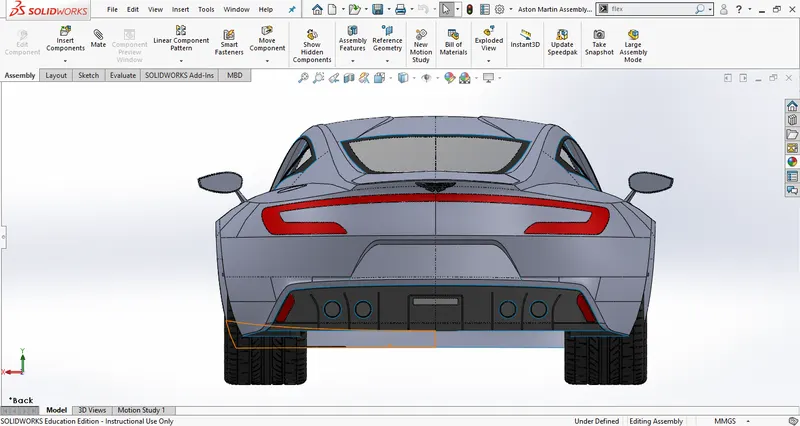
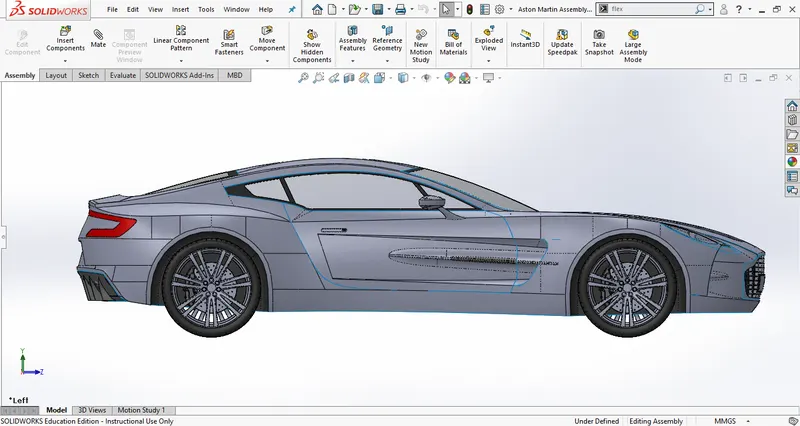
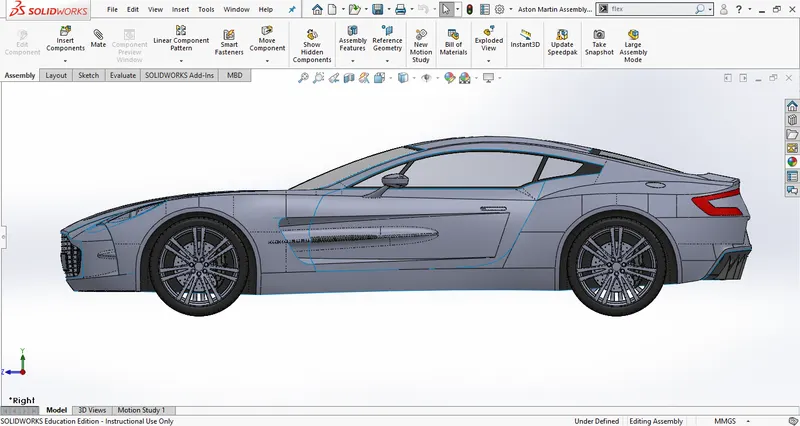
RENDERED IMAGES :-
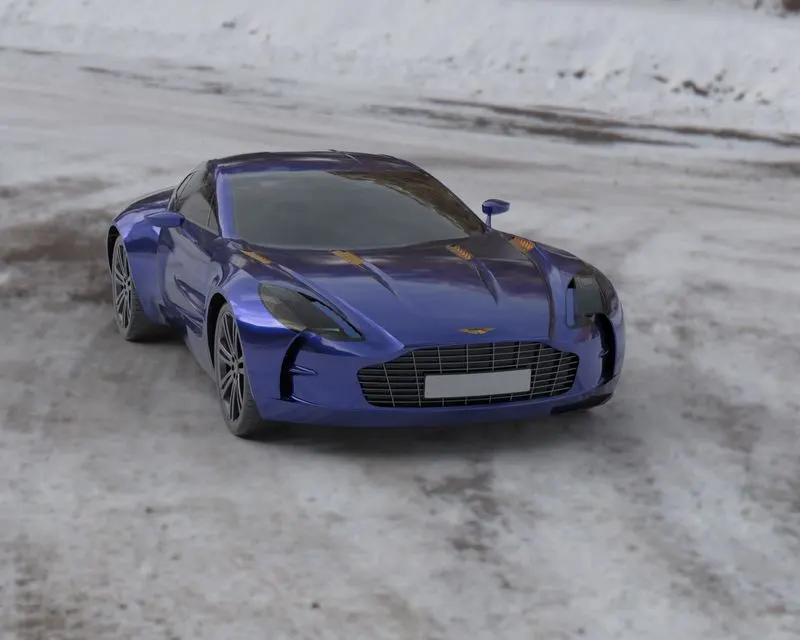
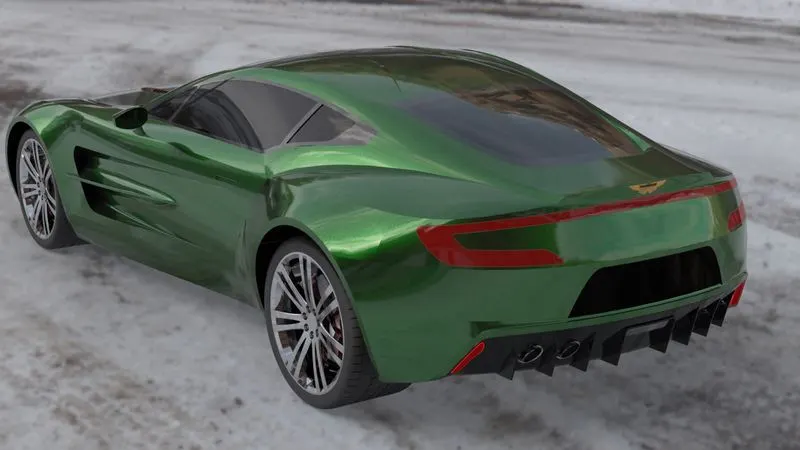
CONCLUSION :-
The ASTON MARTIN ONE 77 car was designed successfully using solid and surface features. Then it was assembled using assembly workbench and rendered in SOLIDWORKS VISUALIZE.