Assignment 8-Roof crush
*Objectives:-
-To perform Roof crush analysis in the given BIW model as per quection given in the challange pae.
**procedure:-
*Import:-
• Car
• Impactor
-First of all select import solver deck command, and go to the solver deck.
-now select the file from our folder and import it.(File names=neon_roof_0000.rad, FMVSS_ROOF_IMPACTOR_coarse_0000.rad)
-but it is not visible on our screen due to graphical issue , for that use f key and then its visible.
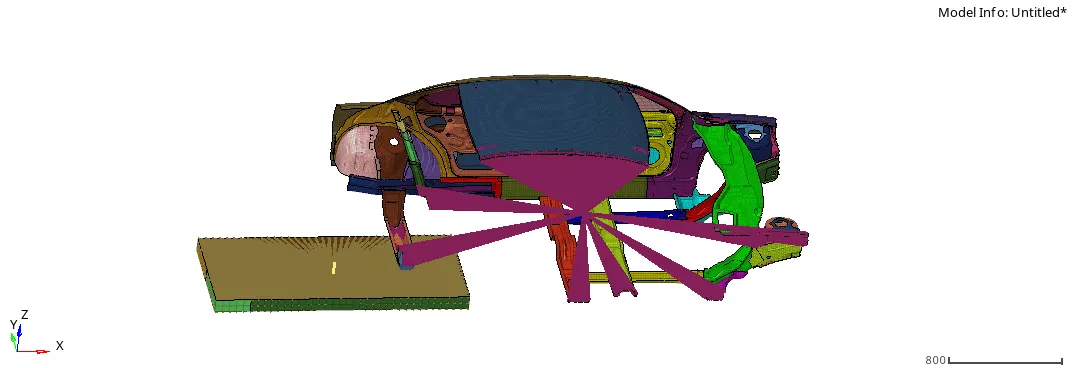
*Transforms:-
* A 180° rotation about the global z-axis:-
-The initially position of impactor is following:-
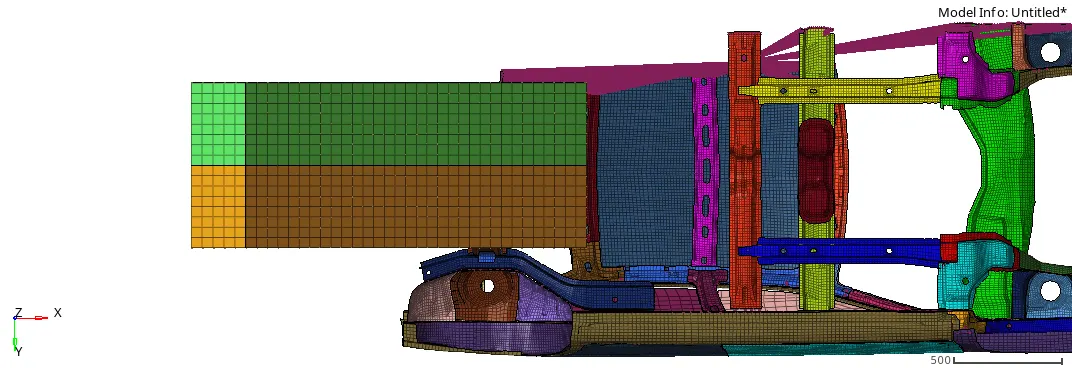
-For rotation of 180 degree go to the rotate command.(Tool>>rotate)

-Fig of after 180 degree rotation:-
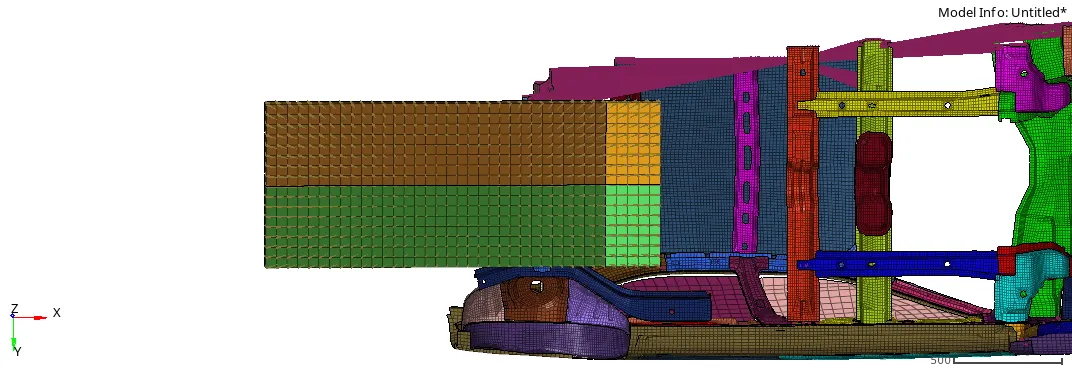
*A 5° rotation about the axis through axis AB:-
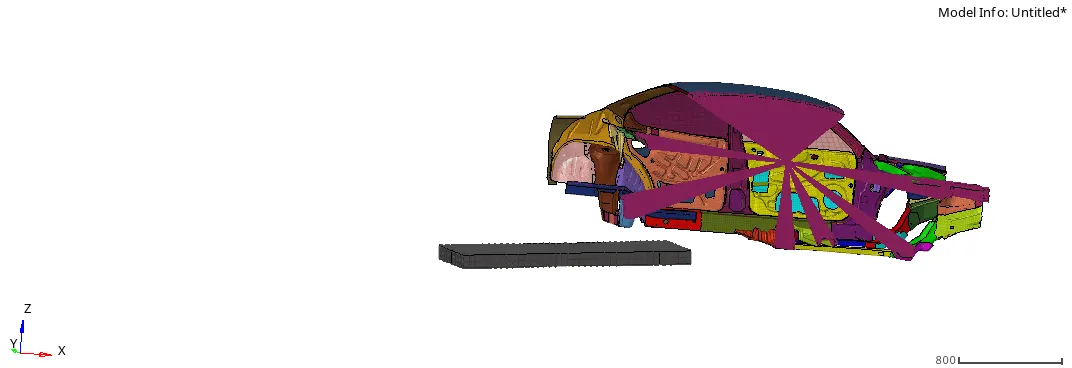
*A 25° rotation about the axis through axis AC:-
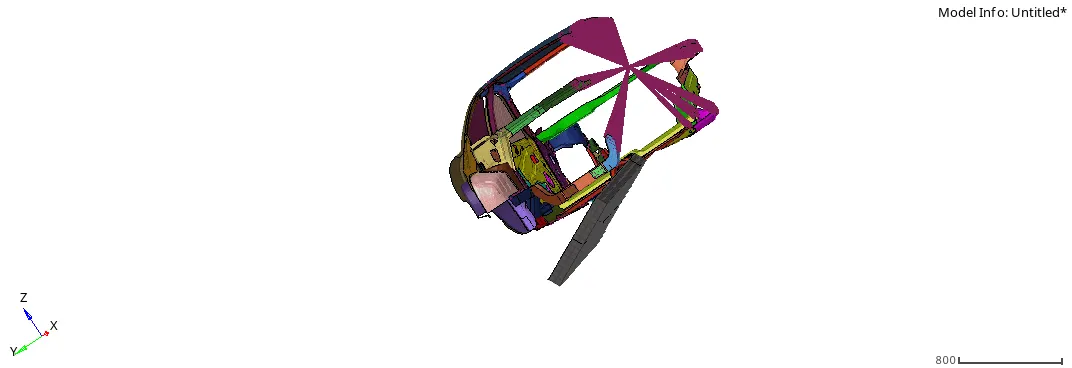
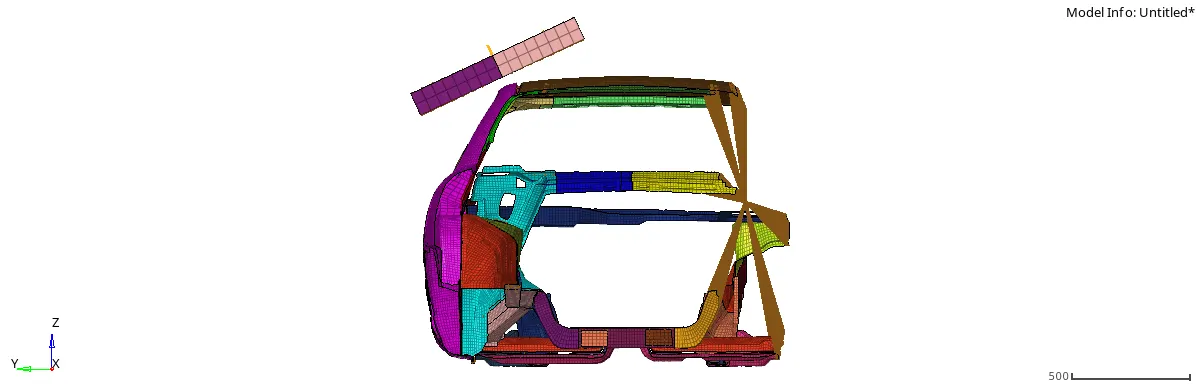
*Translation to put point A at global ( -3500.00, 584.822, 1343.06):-
-For that use translate command.(Tool>>translate)

-Here provide the magnitude as per our requirement.
-After translation impactor is placed near to the roof of the car model.
*Interfaces:-
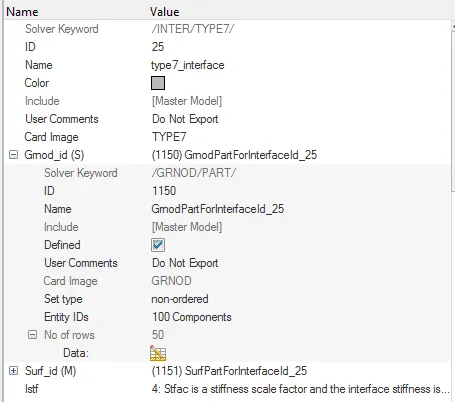
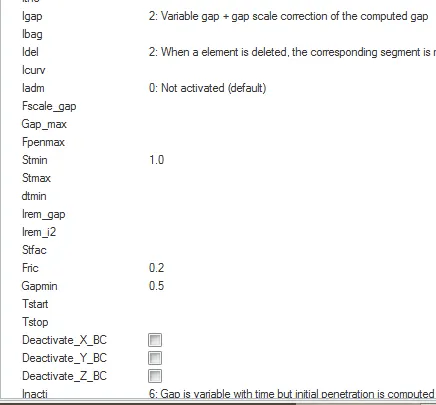
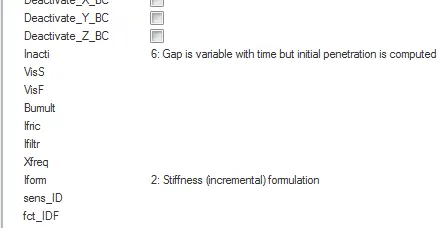
• Create a Type 7 contact interface between the impactor and the car
• choose an appropriate stiffness definition
• choose an appropriate minimum gap
• change the coefficient of friction to 0.2
• choose the appropriate friction penalty formulation
• Save the data from the interface to the time history file.
*Create a Type 7 contact interface between the impactor and the car:-
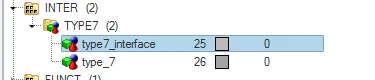
-First of all delete all the interface and create a new type 7 interface.
-For that go to the solver deck andClick on Right key of mouse and choose create>>inter>>type 7.
-After that provide the condition as per our requirement.
*Boundary condition:-
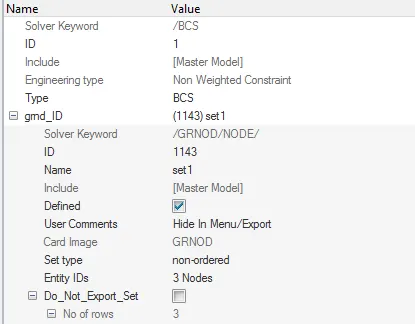
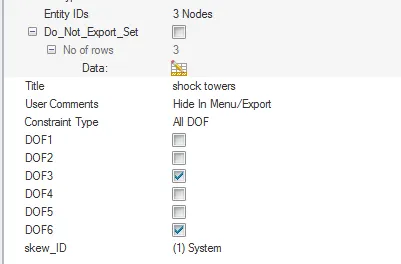
keep the suspension shock tower nodes locked in Z.
-For that go to the solver deck and click on right key on mouse and create new BCS.(create>>boundary condition>>bcs)
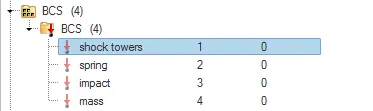
-after that provide the folloeing condition. here main point is it is locked in z direction.
*Impactor Boundary Conditions:-
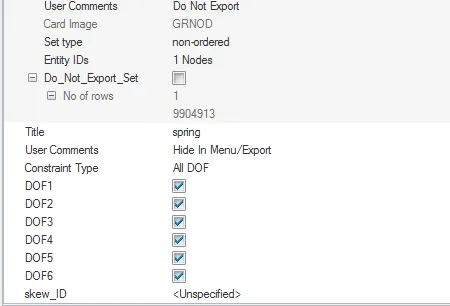
• The impactor assembly contains a spring attached for stability. Create a BCS
collector to fix the free end of the spring.
• Create a moving SKEW to define the direction normal to the impactor’s
face.
• Create a BCS collector to guide the master node of the impactor rigid body
so that it is free to translate normal to the face of the impactor, but is fixed
in all other DOFs.
-For that create spring using Rigid command.(1D>>rigids)
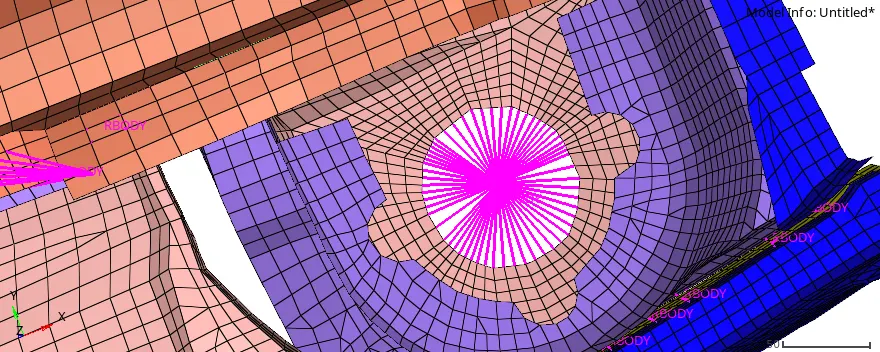
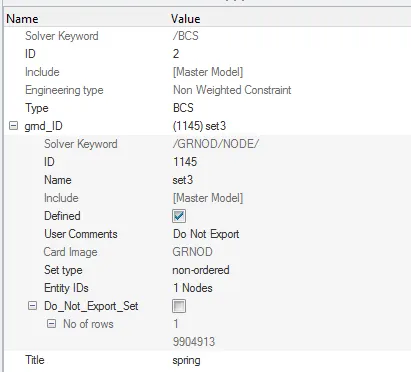
-First of all create new BCS and provide the name is spring.
*Imposed Displacement:-
• Impose the velocity of the impactor starting from 0 mm/s at t = 0. The
displacement of the impactor should be 200 mm @ 200 ms.
• Avoid abrupt changes in the acceleration of the impactor.
-For that first of all create new curve.Go to the model tab and cresate new curve.

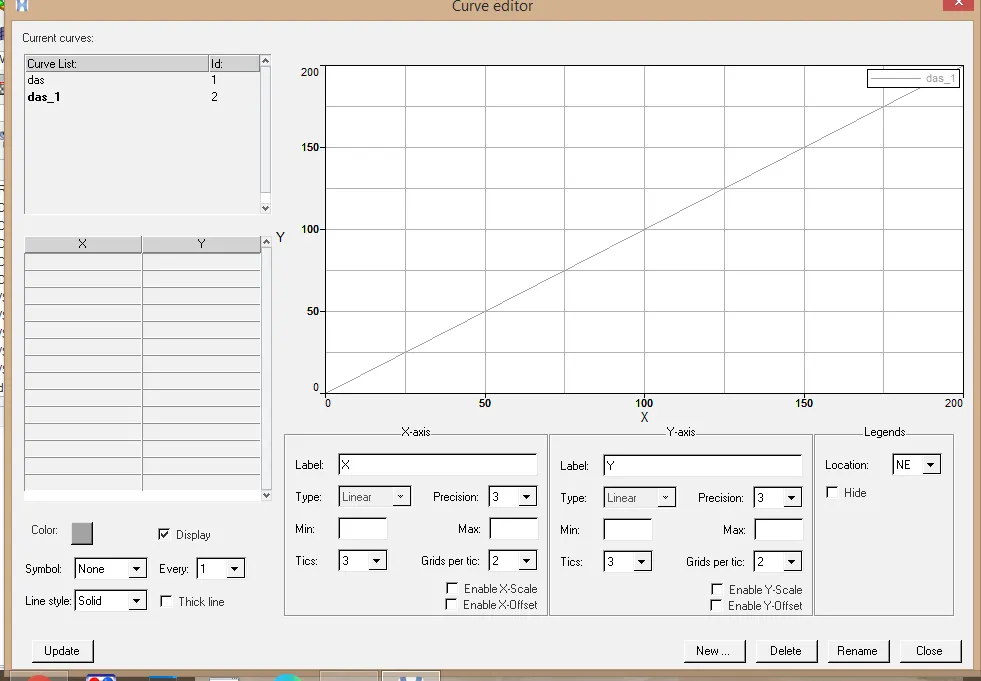

-Here Provide this condition:-
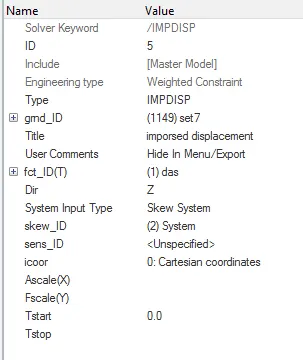
*Engine File:-
• Use a constant nodal time step
• Print time history every 0.0001 seconds
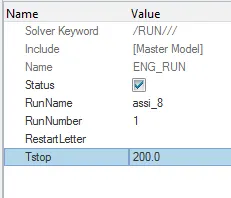
• Solve for 200 ms
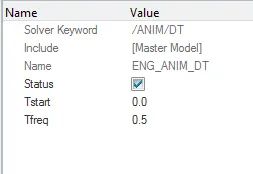
• Create an animation file every 0.005 seconds
-First of all open the Engine run card.(model>>cards>>engine_run)
-Here provide the value is 200 ms.
-Now go to the Engine_anim_dT and provide T freq value is 0.5.
*Run the simulation:-
After that go to the radioss.(Analysis>radioss)
-Choose given property and after that click on radioss.

*results:-
-First of all go to the mode and choose the h3d file from our location and input it.
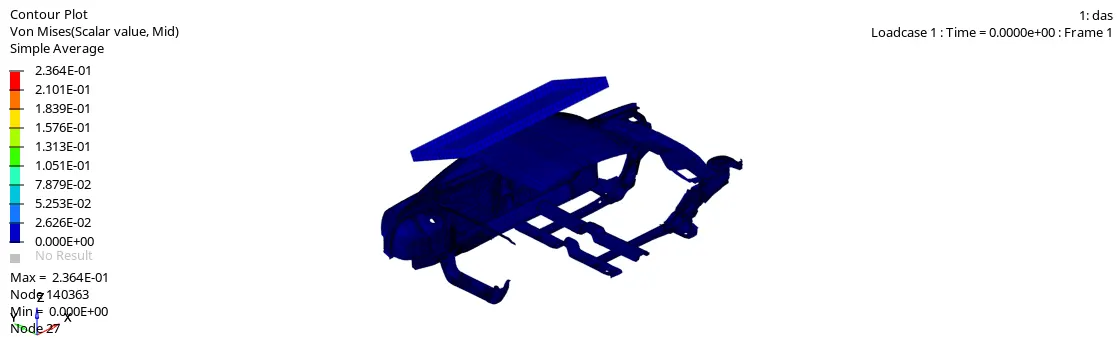
*The contour of von-mises stresses is:-
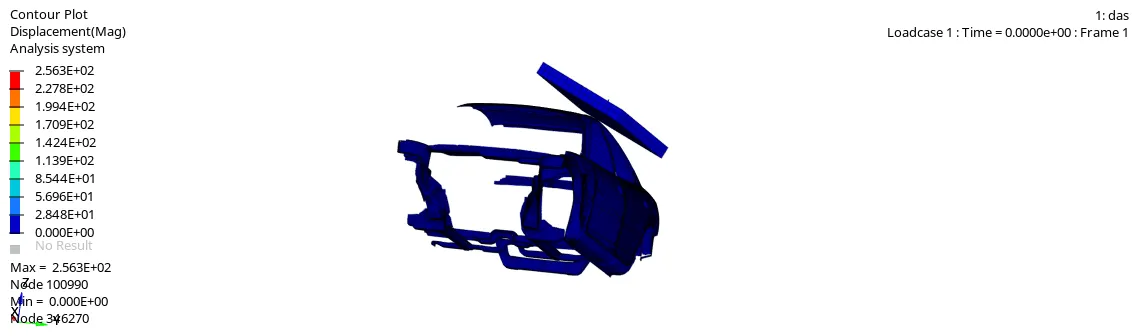
*The counter of disp :-
*plot of various energies:-
-First of all change the mode is hypergraph 2D.
-Choose T01 file from our location and import it.

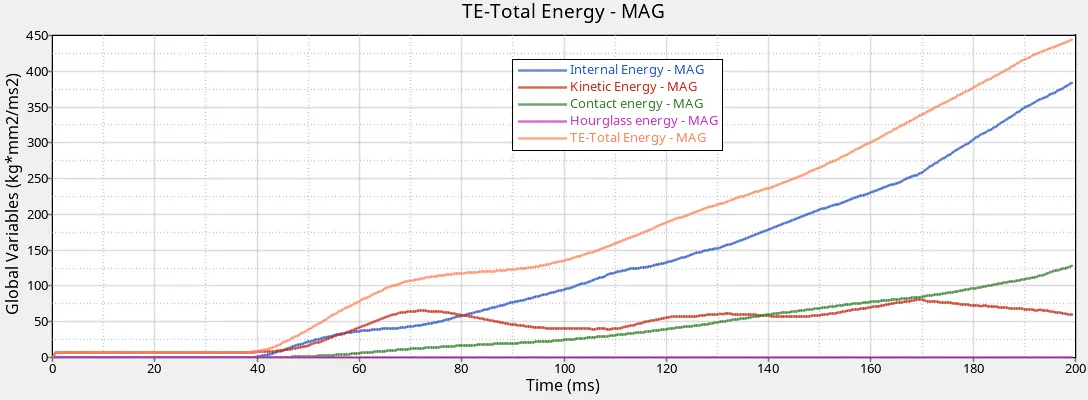
-Here we seen that every energies are start at zero value. but after that it increase by differently.(Hourglass energy is contant for all over simulation)After the end of simulation it reach different value.
Internal enegy:-380 KJ
Kinetic energy:-55.6 KJ
Contact energy:-128 KJ
Hourglass energy:-0 KJ
Total energy:- 440 KJ
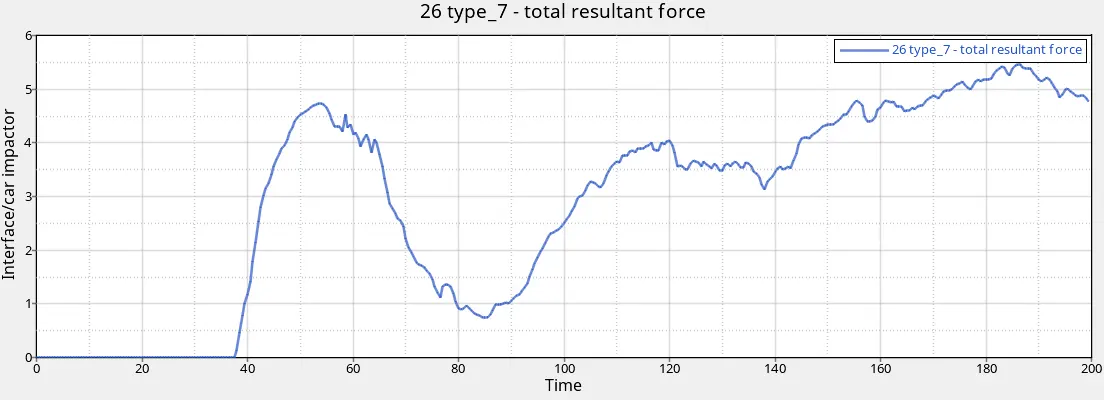
*Contact forces:-
*Car body self:-
-choose y-Axis parameter is interface/car impactor and choose force type is total resultant force.

- Saiful N SulaimanHi there! This is a great project! But where do I find the model impactor and car? Tq