Assignment 6-Frontal Crash Simulation Challenge
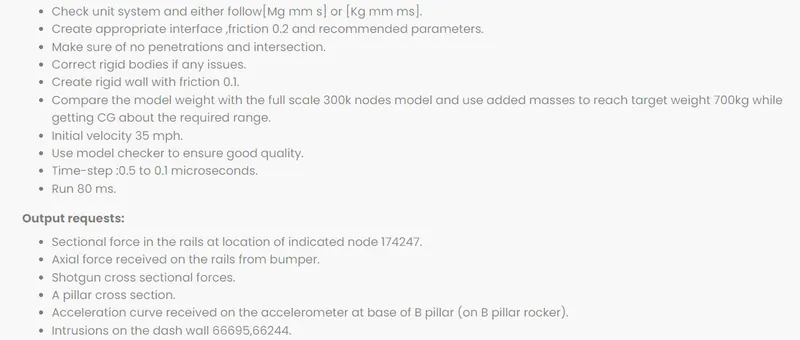
Aim- To run the frontal crash Biw Simulation and request the outputs as asked.
Question -
Procedure -
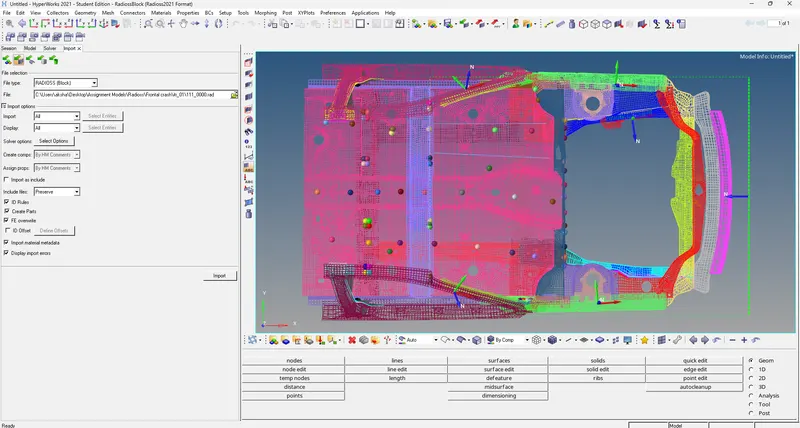
1. Import the given model in hypermesh as shown below:
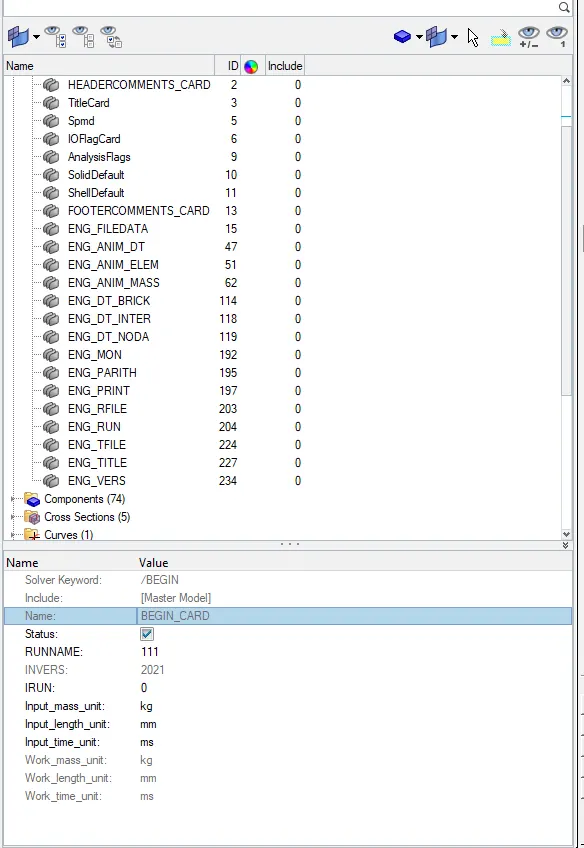
2. Check for the unit system, in this case, the kg/mm/ms system is followed as shown -
The units can be checked by two methods, either by the starter file or the begin card in the solver deck:
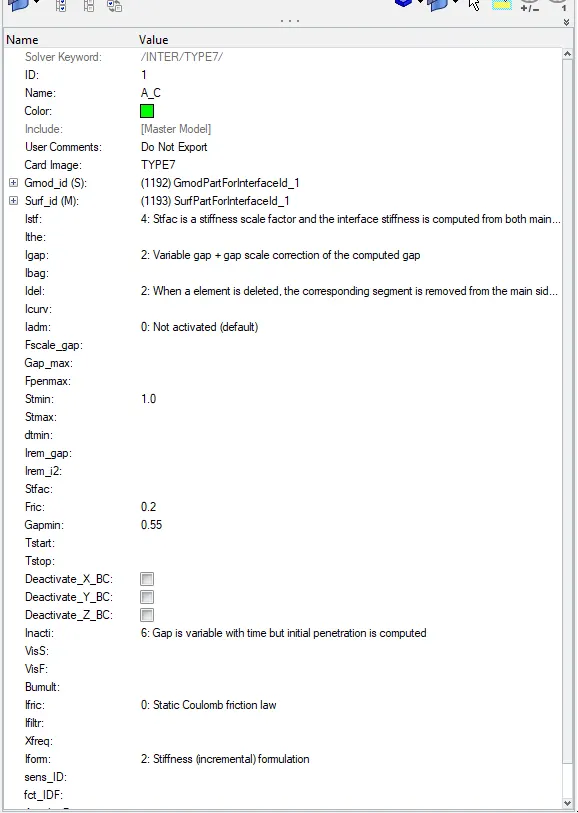
3. Create the type 7 contact with friction 0.2 and recommended parameters as shown :
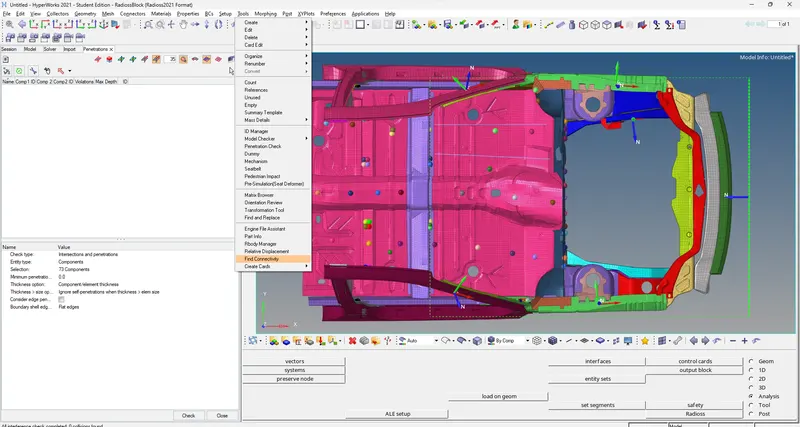
4. Now, we check for any intersections and penetrations present in the model :
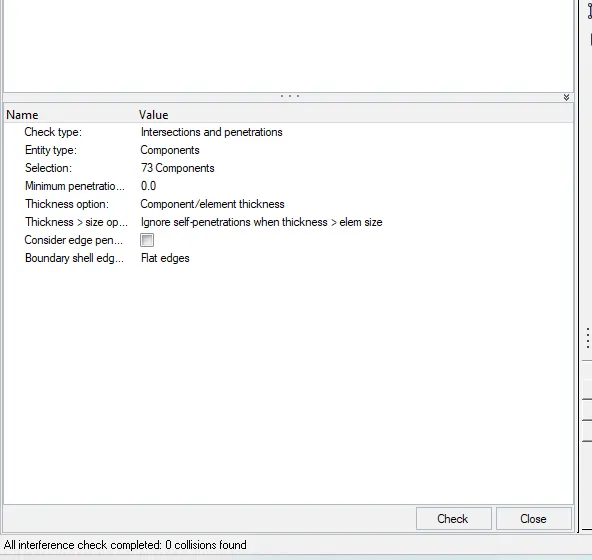
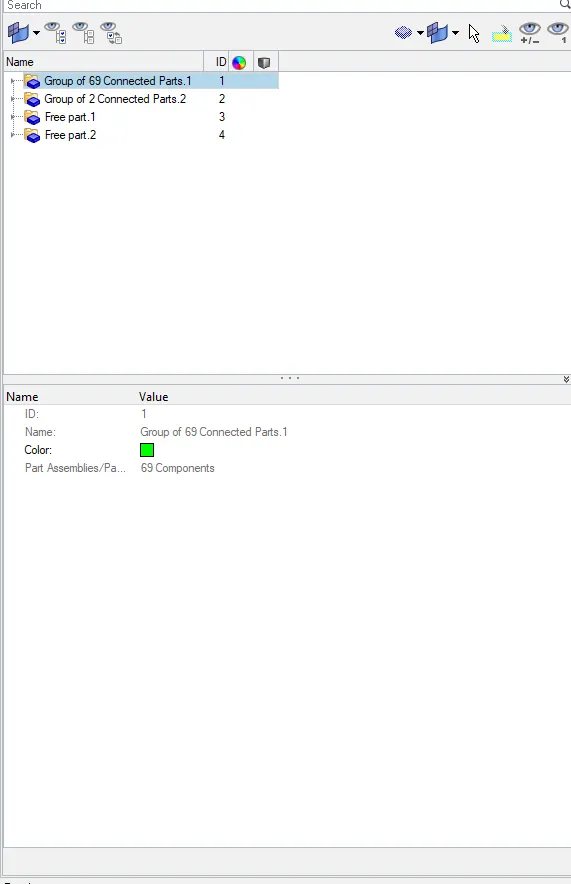
We also check for any issues with the rigid bodies as shown below:
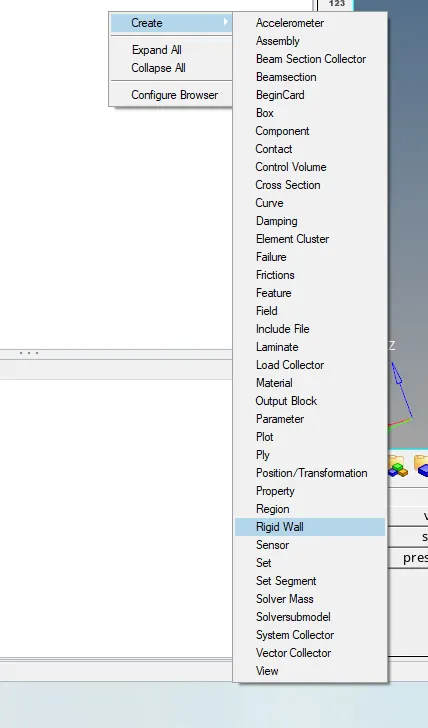
5. Now we create a rigid wall with friction 0.1 as shown below :
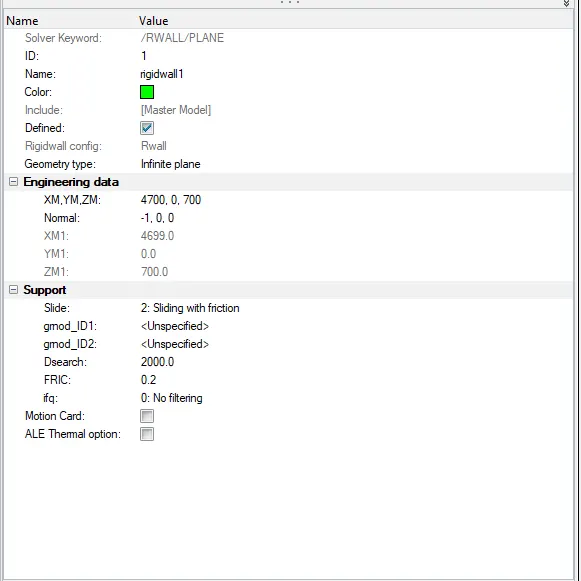
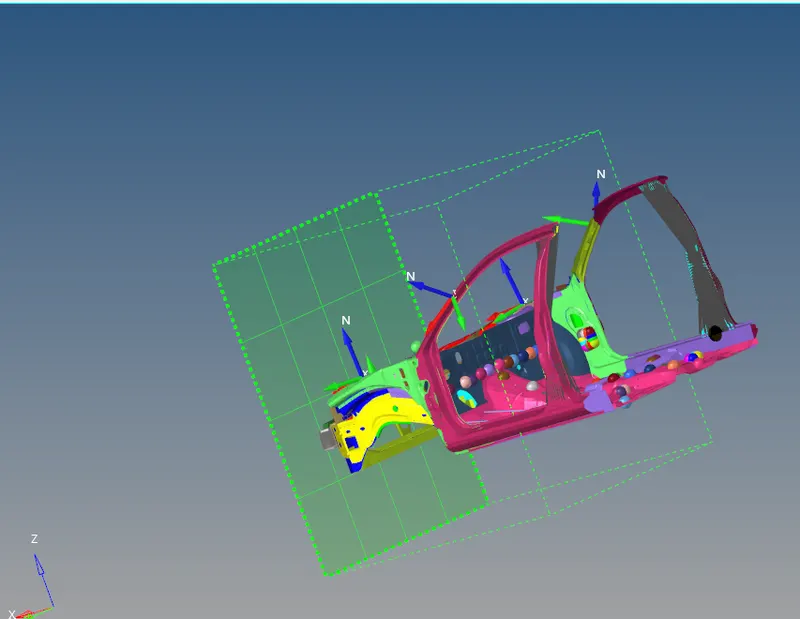
6. The mass of the model is compared with the full-scale model and we add mass on nodes to reach the target weight of 700Kgs as shown:
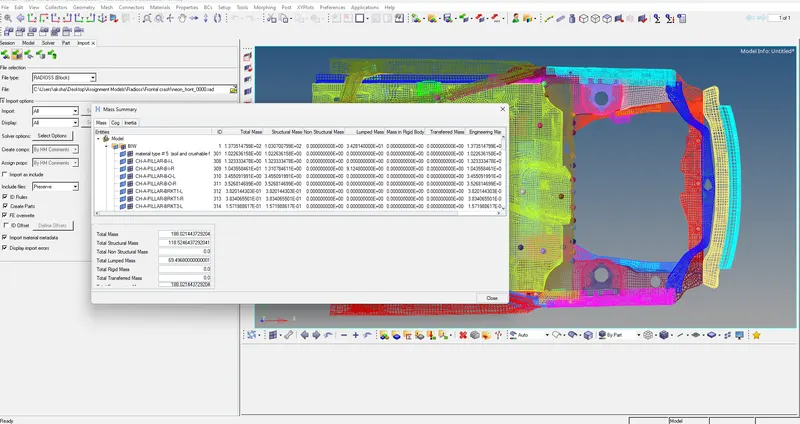
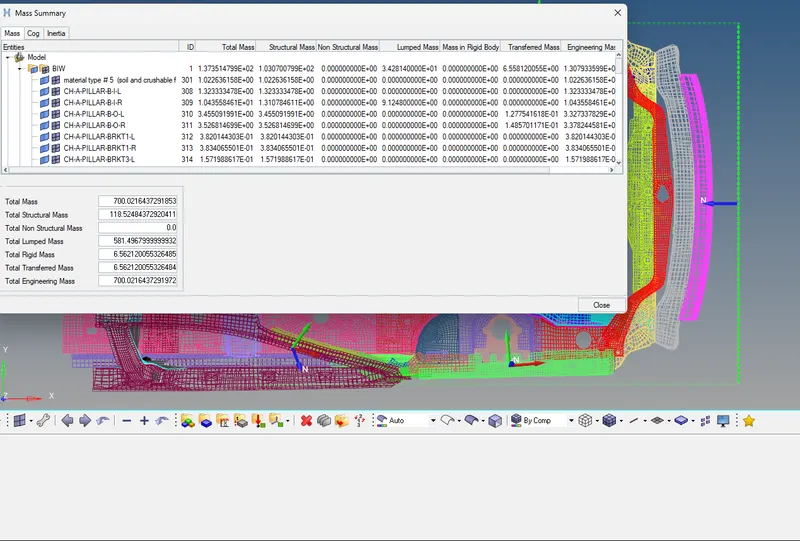
While adding mass we also check for the COG & add mass accordingly to adjust the COG to the required position:
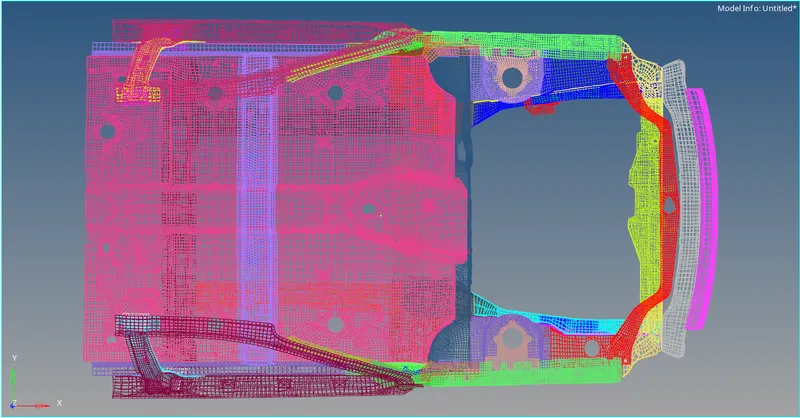
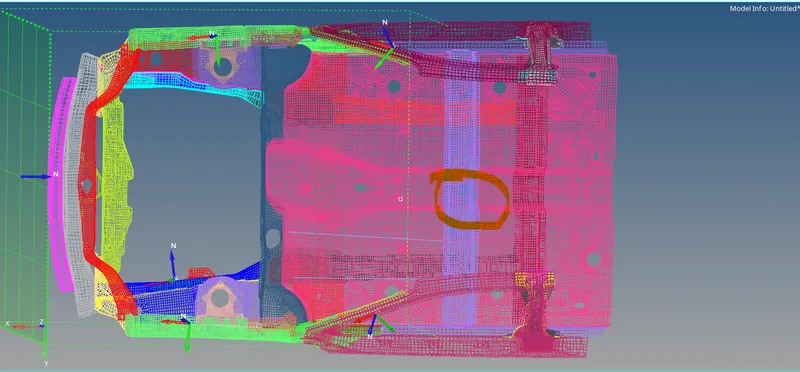
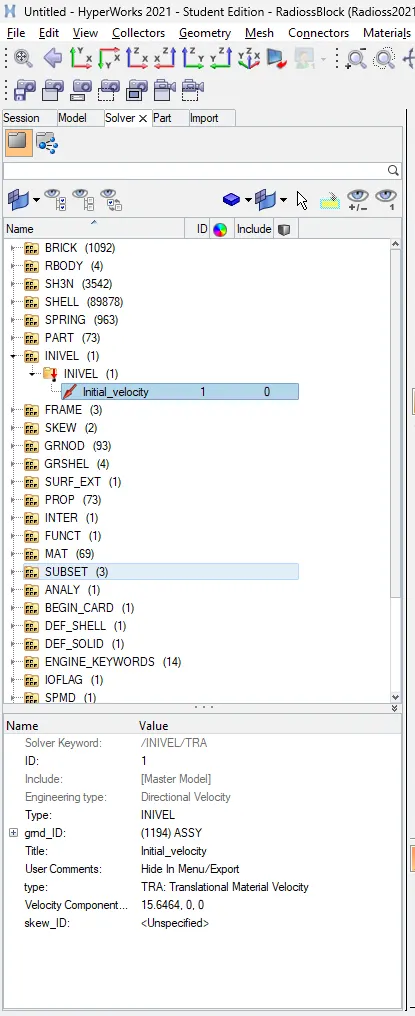
7. Now we create the given boundary conditions in the model as shown below:
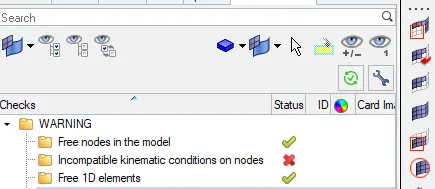
8. Run the Model Checker to ensure the best quality of the model as shown below:
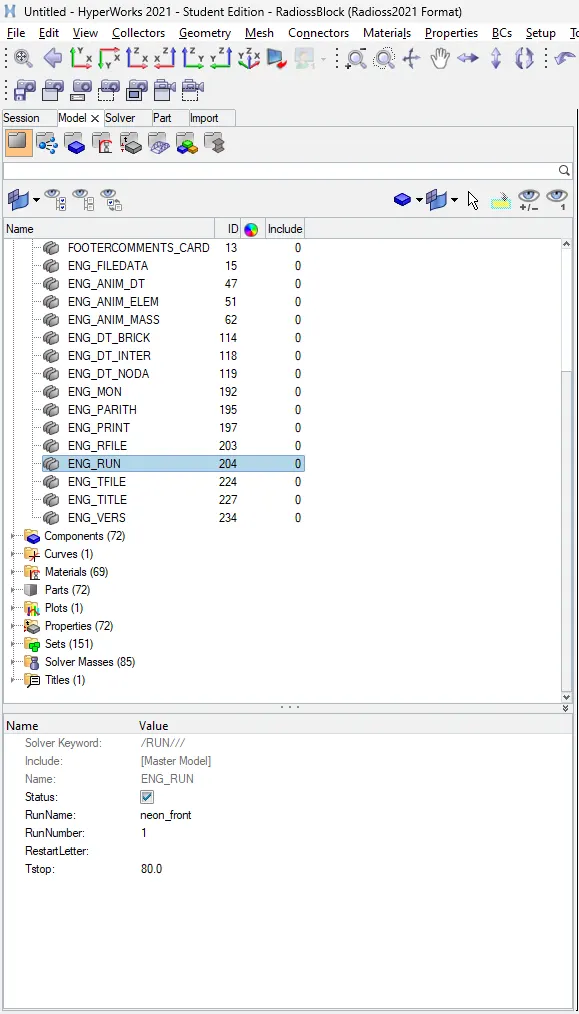
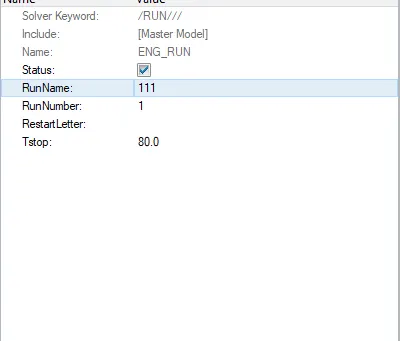
9. Create an engine run card of 80ms as shown below:
11. Output Requests :
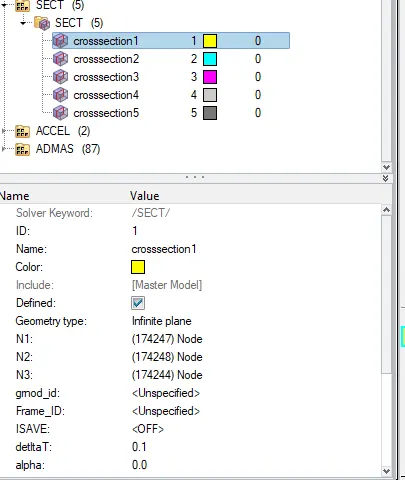
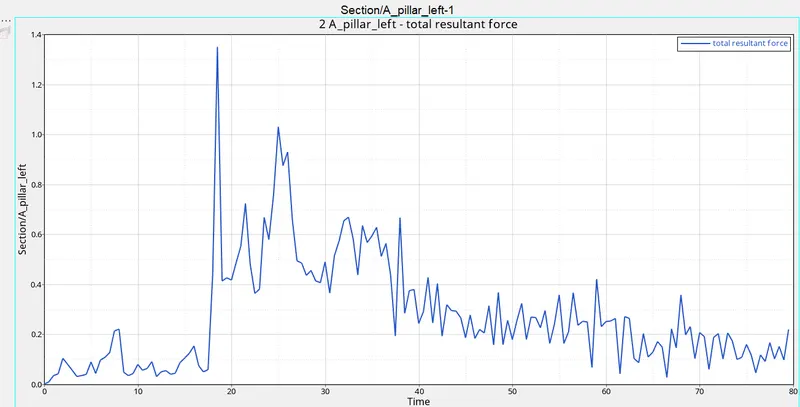
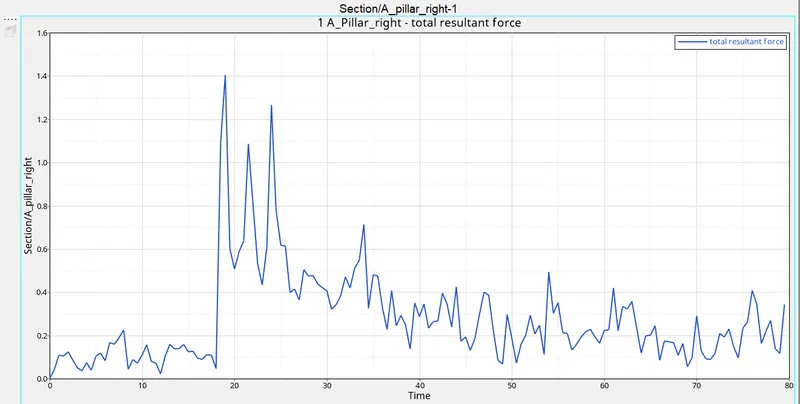
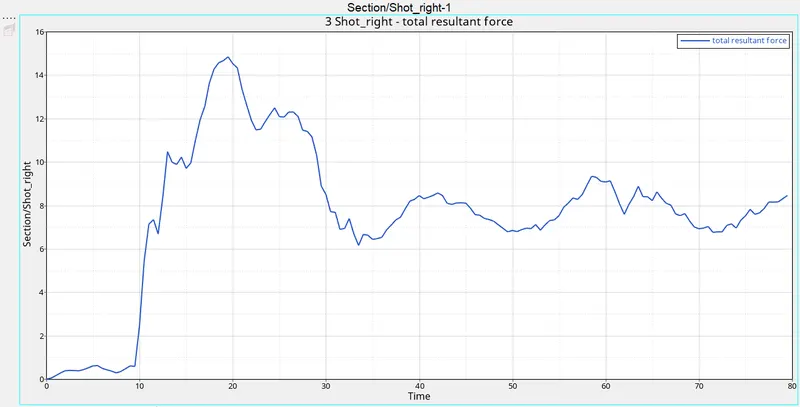
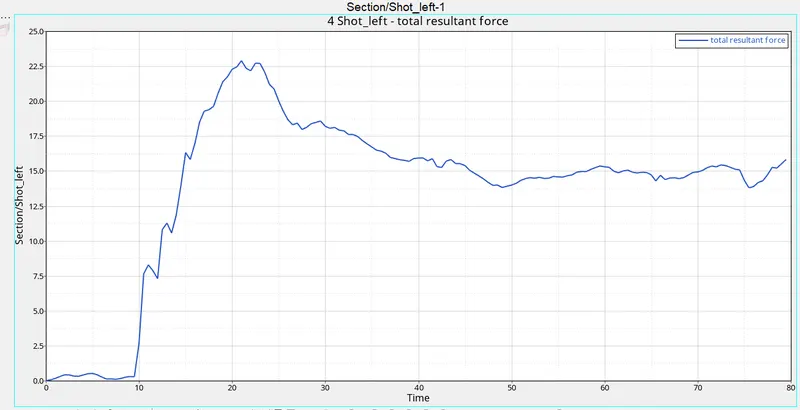
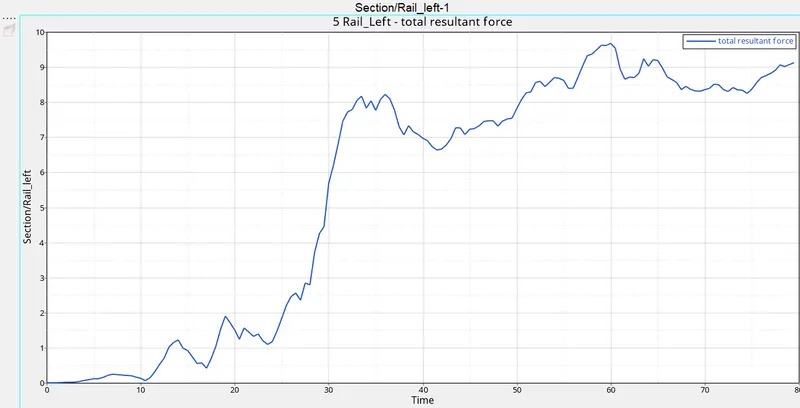
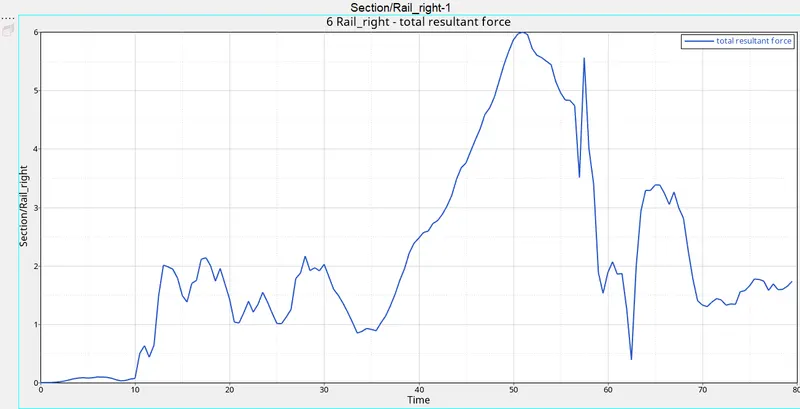
Creating sectional force output request in the rails at the location of indicated node 174247 :

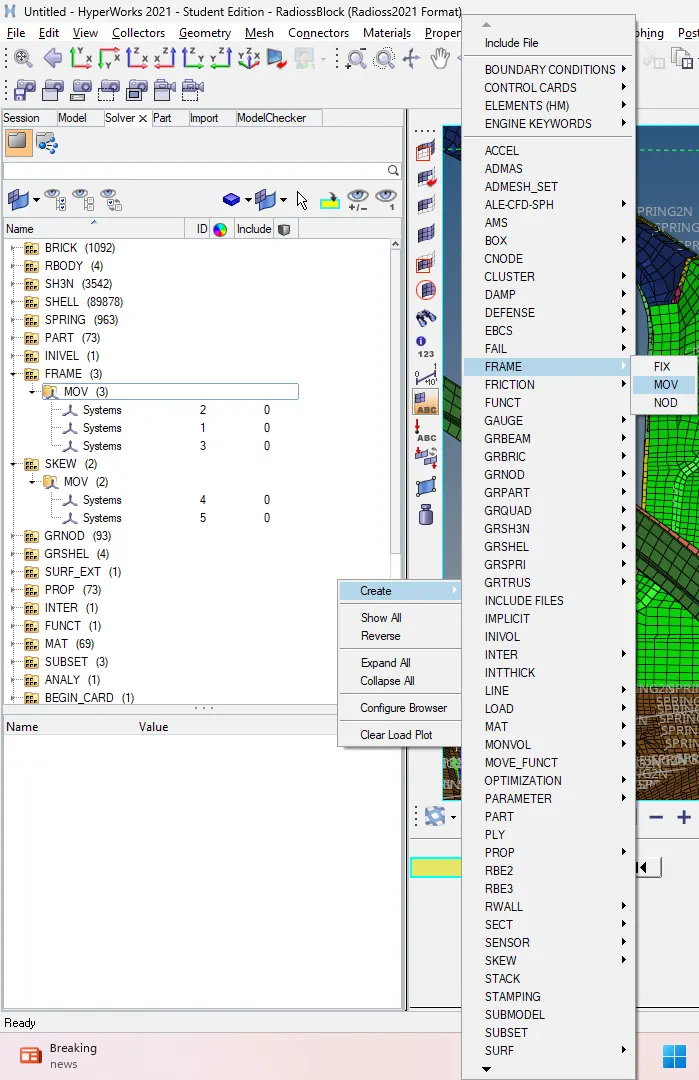
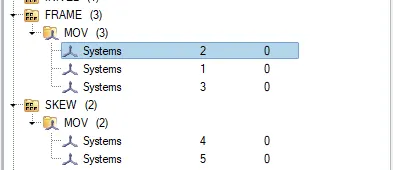
Create a frame card as shown below:
Create corresponding sect cards and give the required parameters:
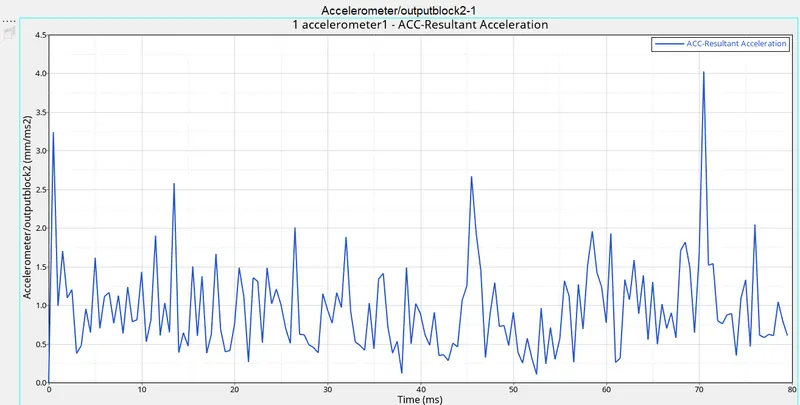
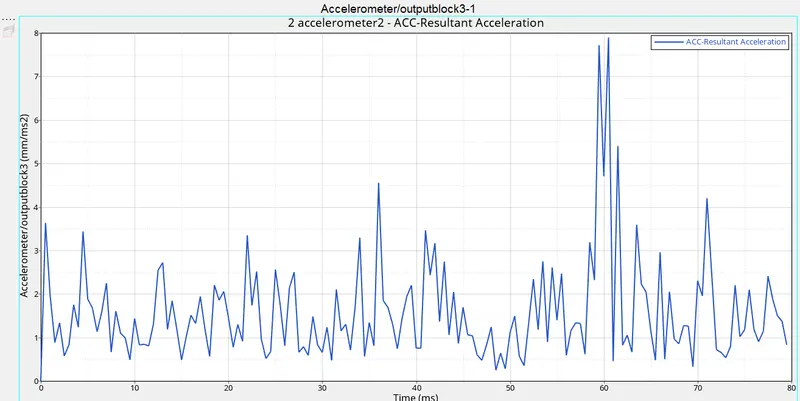
12. Acceleration curve received on the accelerometer at the base of B pillar (on B pillar rocker).
Creating Accelerometer on both sides of the car as shown :
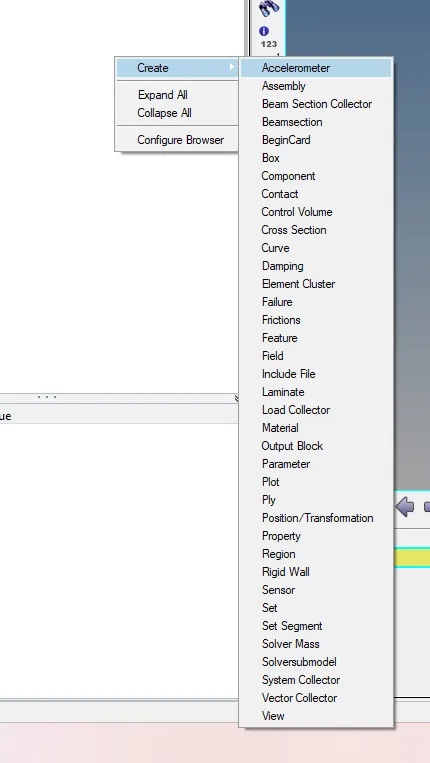
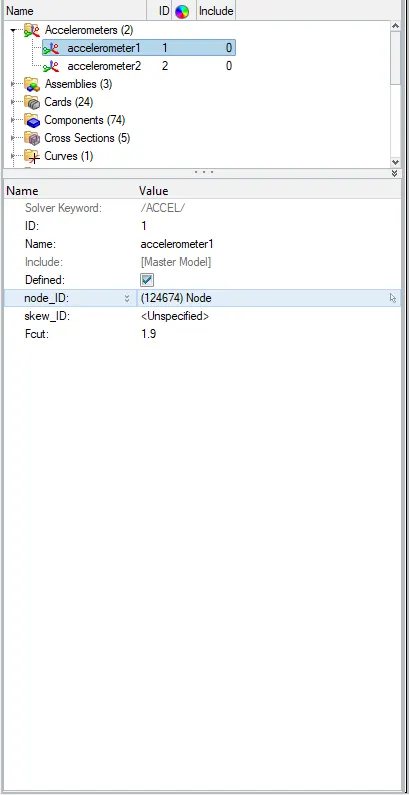
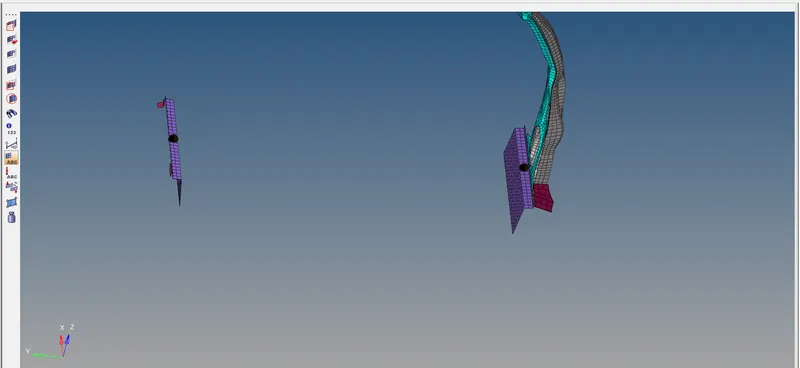
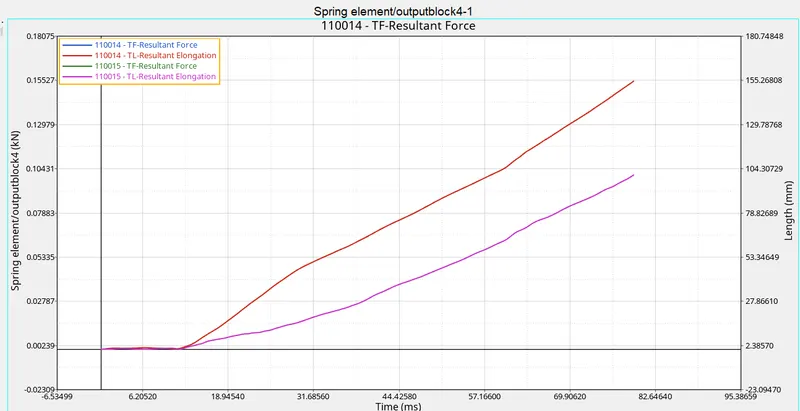
13. Intrusions on the dash wall 66695, 66244:
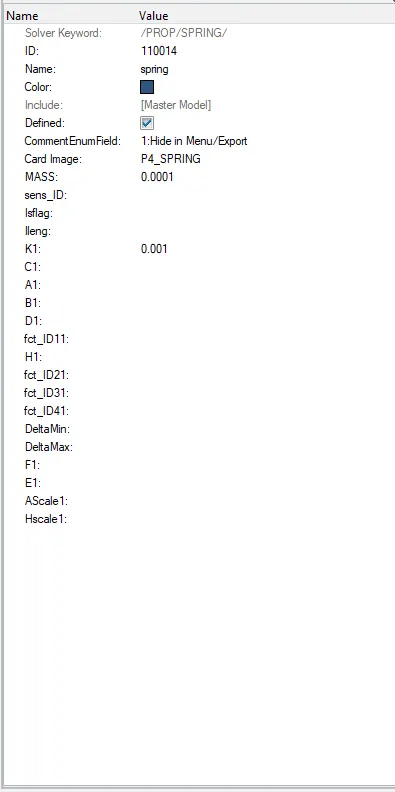
For checking the intrusions on the dashboard wall we create a spring between the node id's provided and the base cross member of the car as shown :

now we create the properties for the spring as shown :
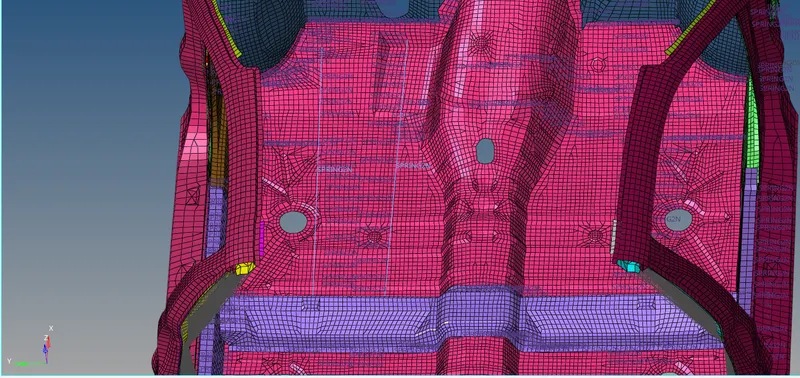
14. Create TH Files for the requested outputs as shown:
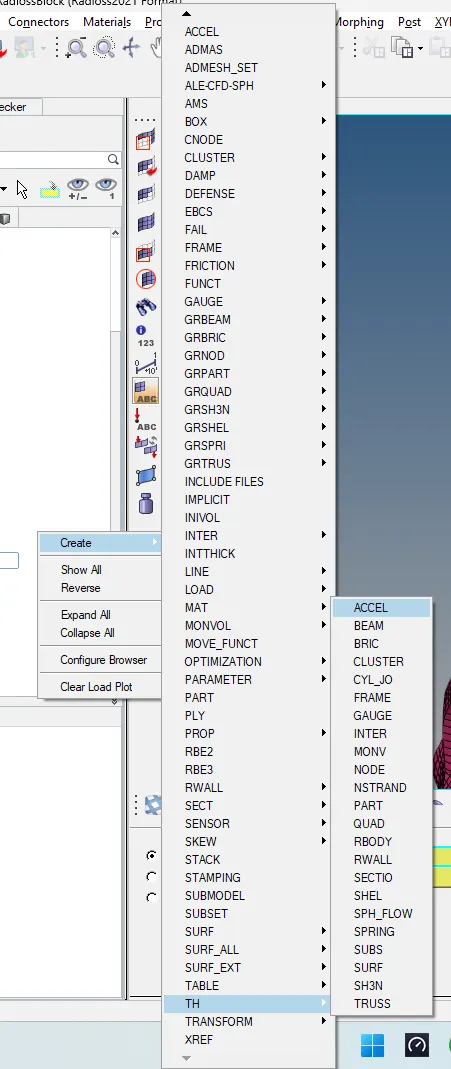
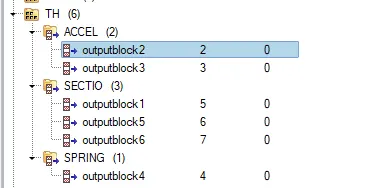
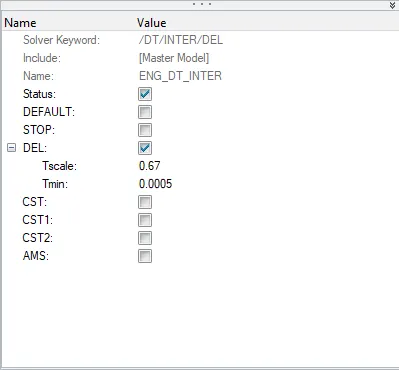
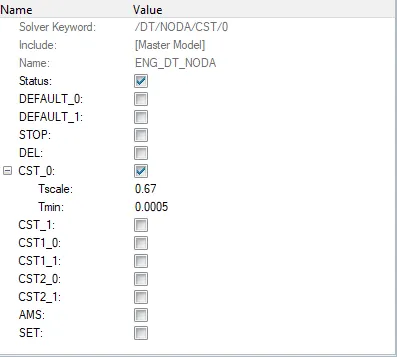
15. The simulation run time is set to 80ms and the min time step is kept at 0.0005 milliseconds as shown :
15. The simulation has been carried out and the results are as shown below :
16. The output requests are now visualized and displayed as shown below:
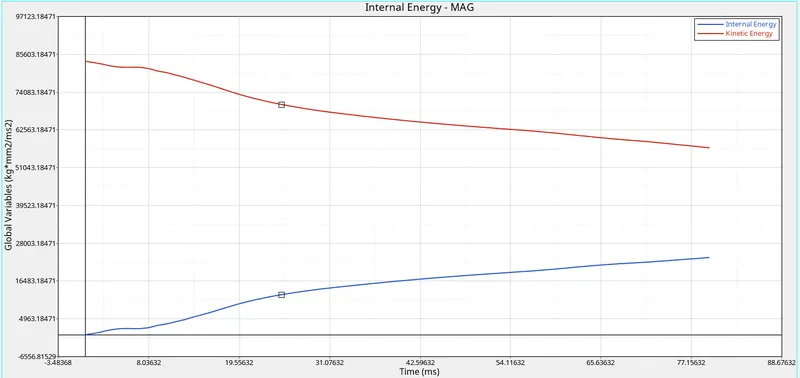
Energies:
Dashboard Intrusions:
Sectional Forces:
Accelerometer Outputs:
Result:
The required frontal crash simulation has been successfully carried out and the output requests have been shown.