Assignment 4-RADIOSS Material Laws Challenge
OBJECTIVE
To perform the impact analysis of a sphere pressing a plate for different materials laws and comparing the result variations due to change in the material laws.
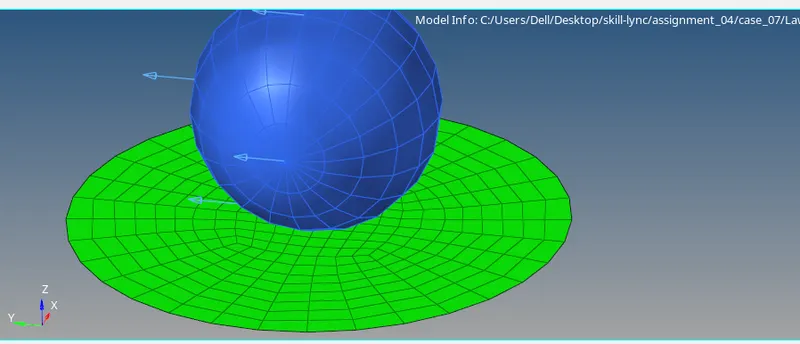
PROCEDURE
- In the first step we import the FAILURE_JOHNSON_0000.rad file in the hyperworks .
- For the first case there is no need to make any changes in the material data, save the file in the desired location and open the Analysis Tab in the Analysis tab set the location where we have to save the simulation file.
- Once the simulation is completed check for elapsed time ,energy error , mass error and no of cycle.
- After confirming the values of energy error and mass error are under the acceptable range proceeded furher to the hyperview to analyse the von misses stress, strain displacement etc contours and graph for kinetic energy , internal energy , total energy etc.
- the observed value for case 1 for energy error is 0.8%, mass error is 0.0% , elapsed time is 121.98 s and no. of cycles is 49380.
- the obtained mass error and energy error are under the acceptable range hence we can proceed further.
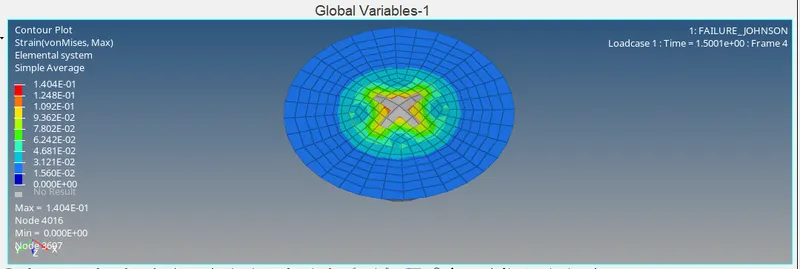
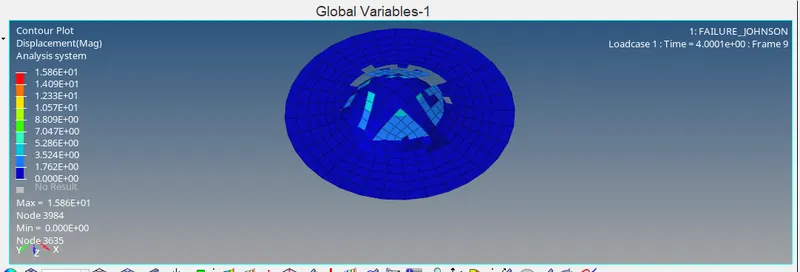
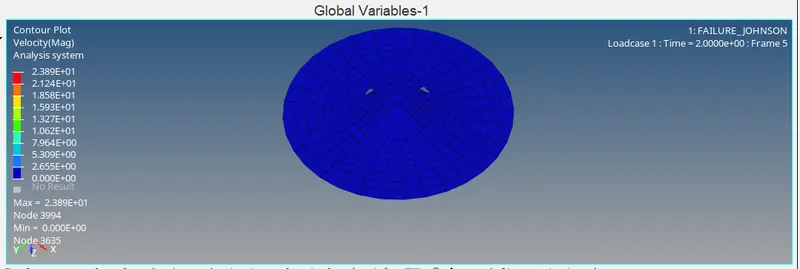
- now open the FAILURE_JOHNSON.h3d file in hyperview to obtain the the contours of on misses stress, strain displacement etc .
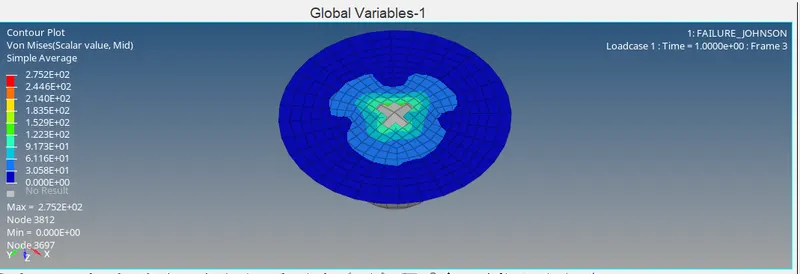
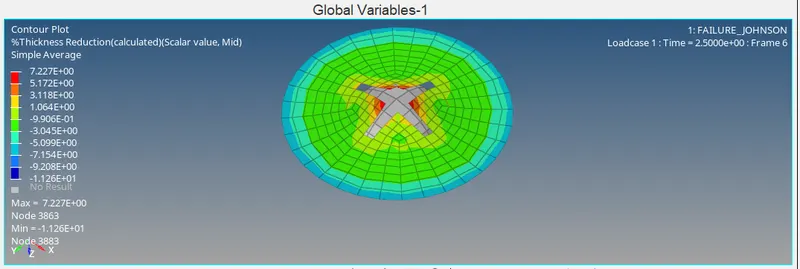
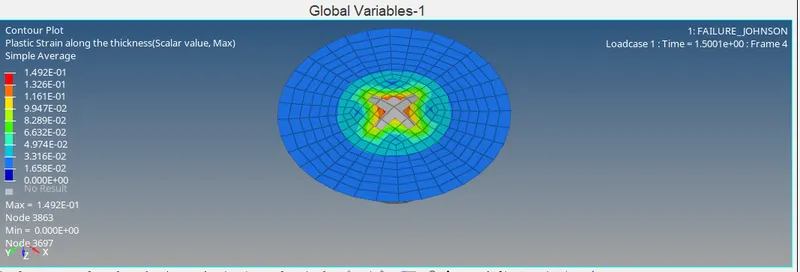
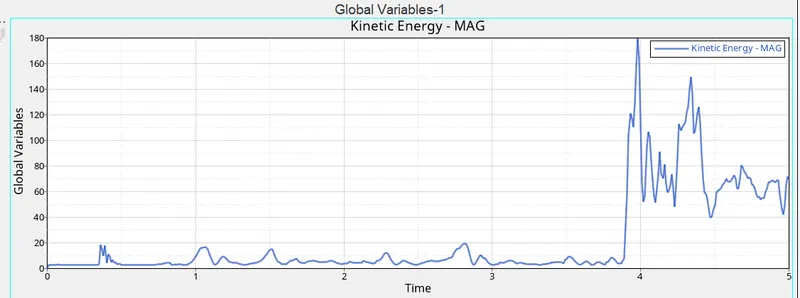
- now open the FAILURE_JOHNSONT01 file in hypergraph to obtain graph for kinetic energy , internal energy , total energy etc.
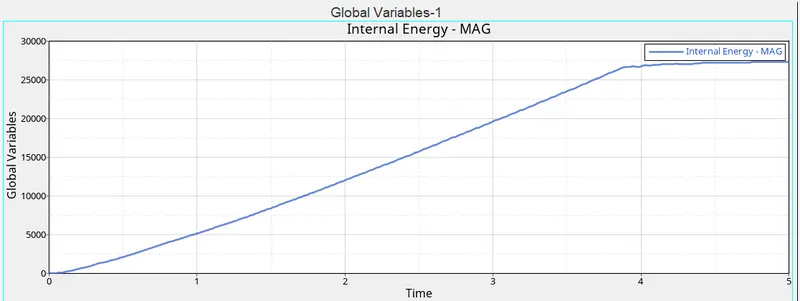
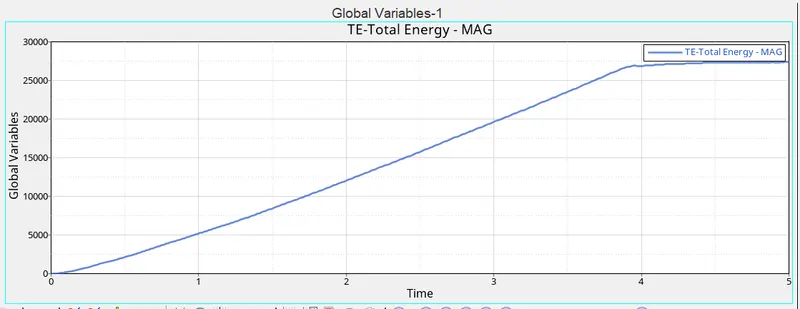
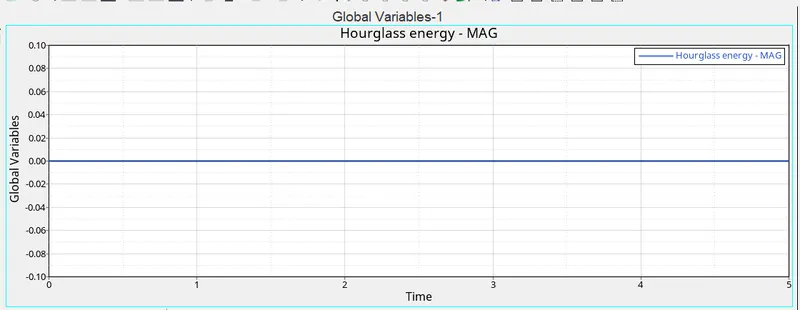
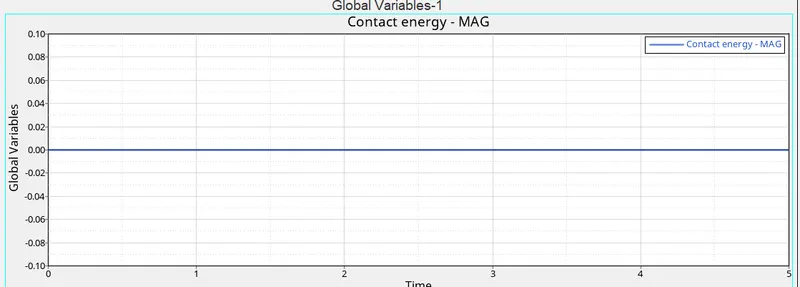
- for the CASE 02 change Ifail_sh to 1, Dadv to 1, and Ixfem to 1 in failure_JOHNSON_1 under the failure tab as per the requirement.
- after this save the file with name Law2_epsmax_crack and run the simulation.
- after simulation is done check for step 3 and step 4.
- now open the Law2_epsmax_crack.h3d file in hyperview to obtain the the contours of on misses stress, strain displacement etc .
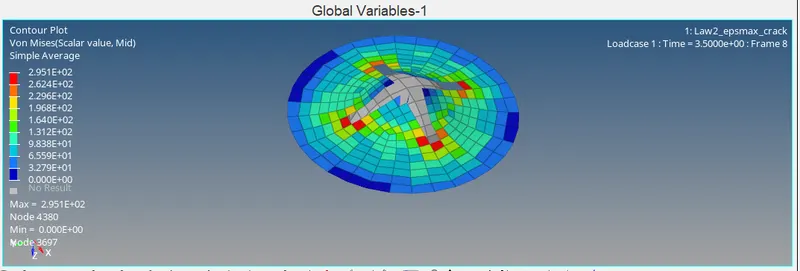
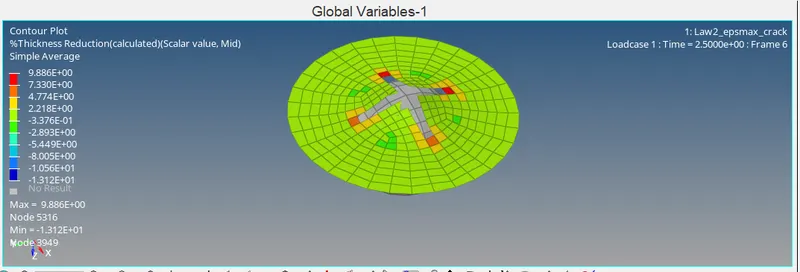
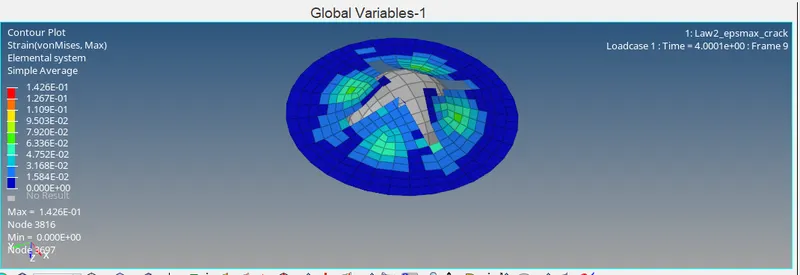
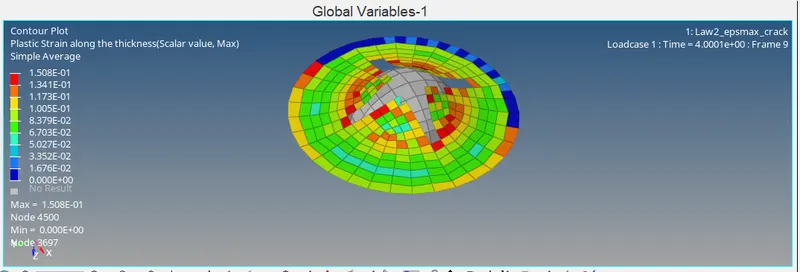
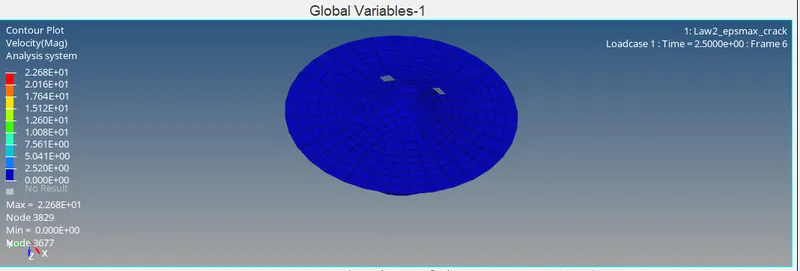
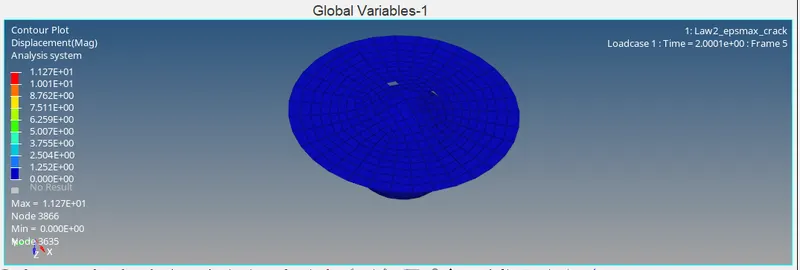
- now open the Law2_epsmax_crackT01 file in hypergraph to obtain graph for kinetic energy , internal energy , total energy etc.
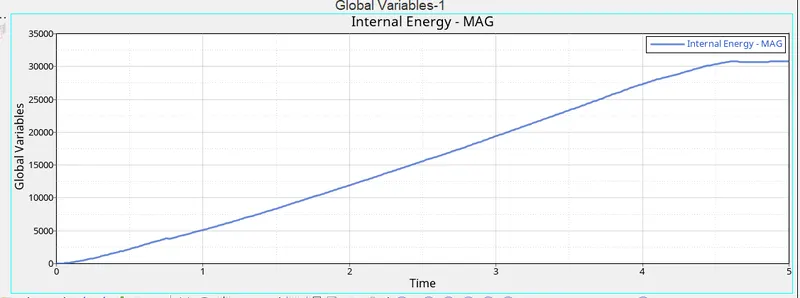
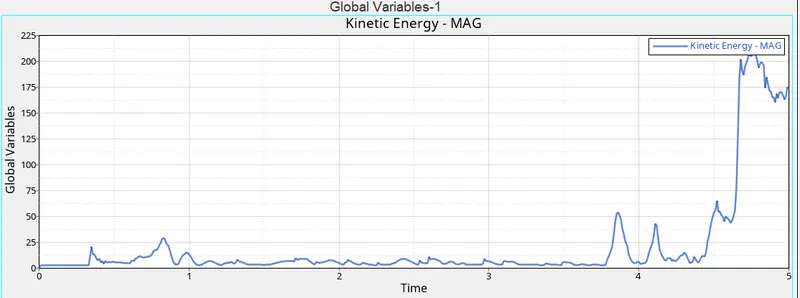
- for the CASE 03 we will delete the Failure_Johnson card and run the simulation without any further change in the properties.
- after this save the file with name Law2_epsmax_nofailure and run the simulation.
- after simulation is done check for step 3 and step 4.
- now open the Law2_epsmax_nofailure.h3d file in hyperview to obtain the the contours of on misses stress, strain displacement etc .
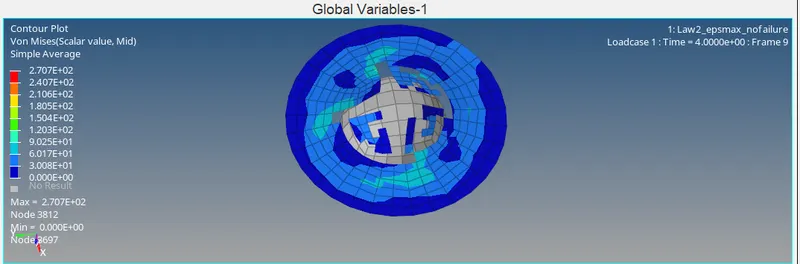
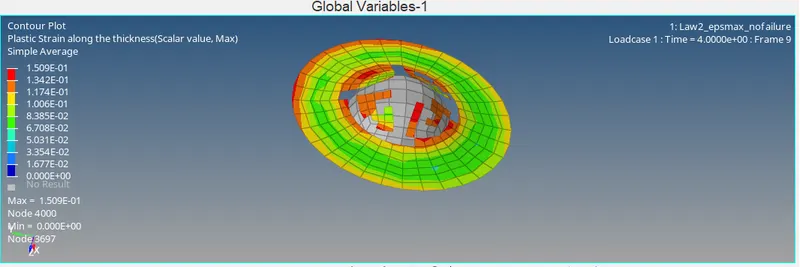
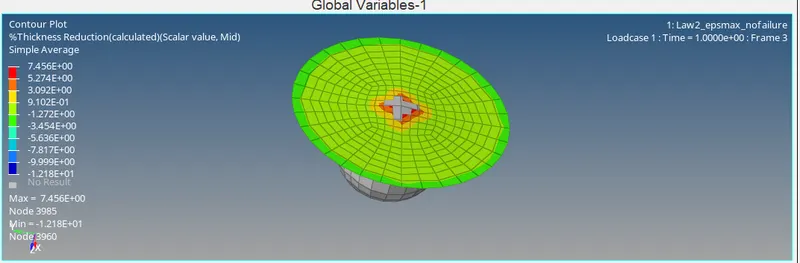
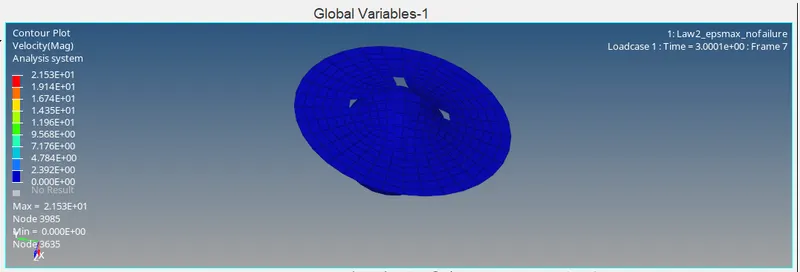
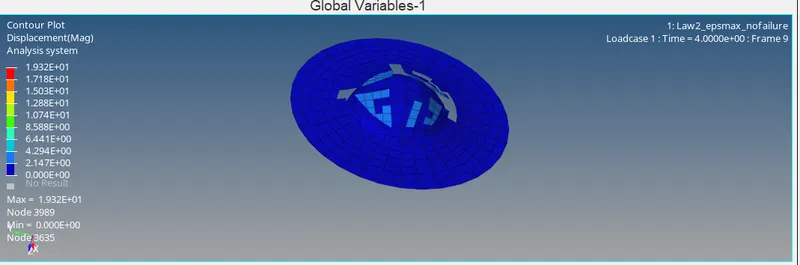
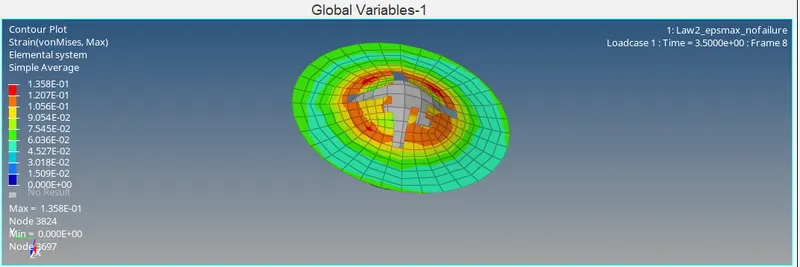
- now open the Law2_epsmax_nofailureT01 file in hypergraph to obtain graph for kinetic energy , internal energy , total energy etc.
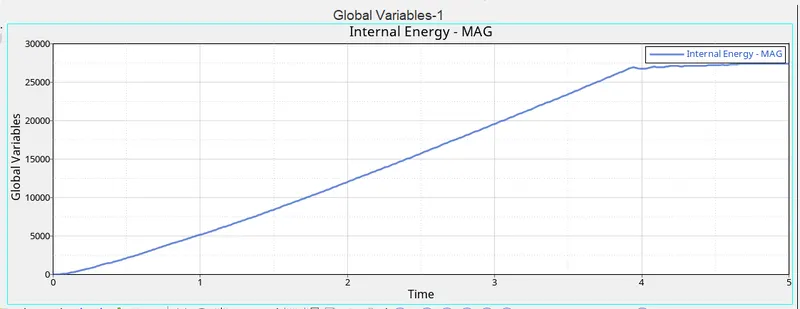
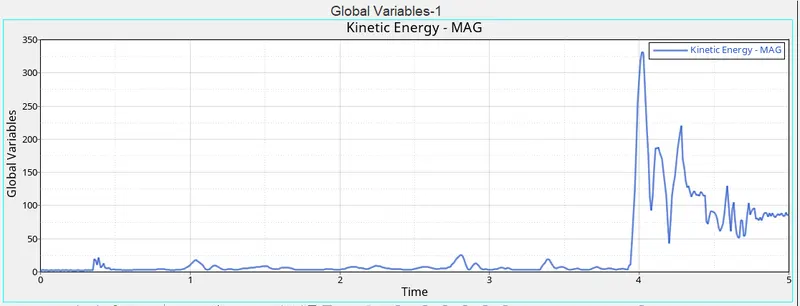
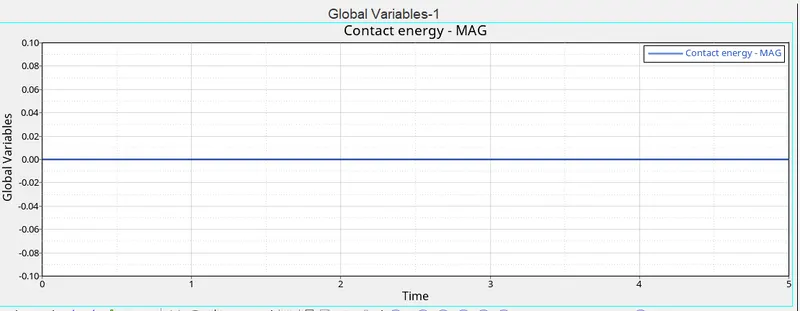
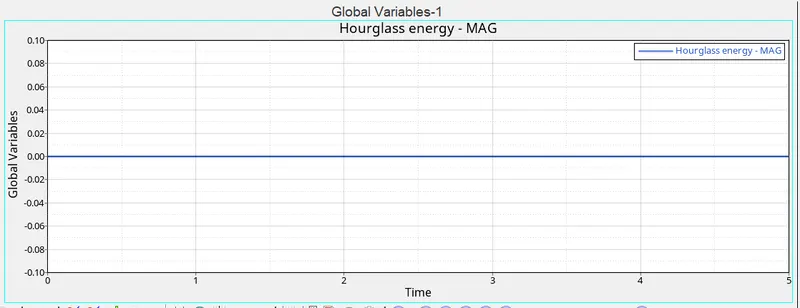
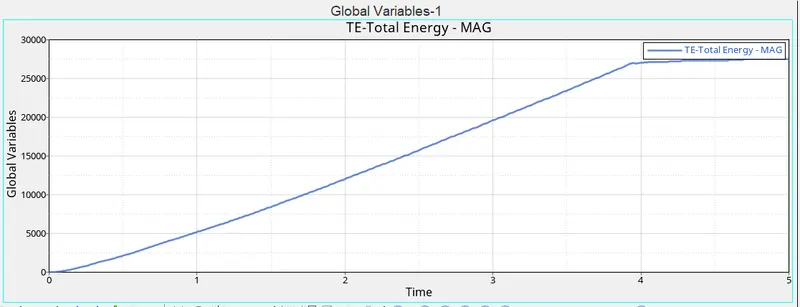
- for the CASE 04 we will edit the previous solver deck and delete the Eps_Max value from the material property.
- after this save the file with name Law2 and run the simulation.
- after simulation is done check for step 3 and step 4.
- now open the Law2.h3d file in hyperview to obtain the the contours of on misses stress, strain displacement etc .
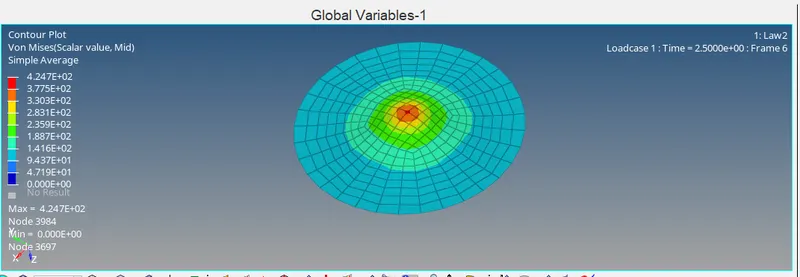
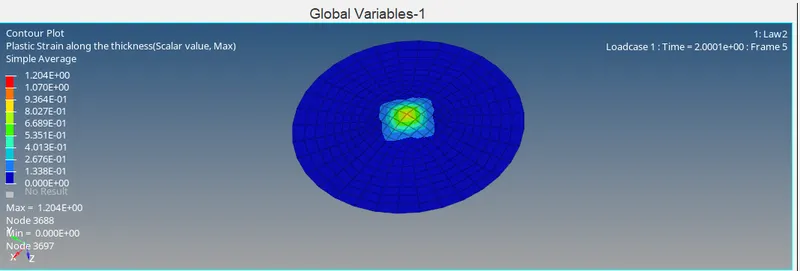
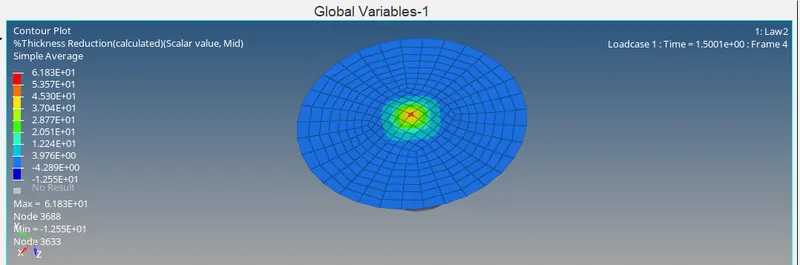
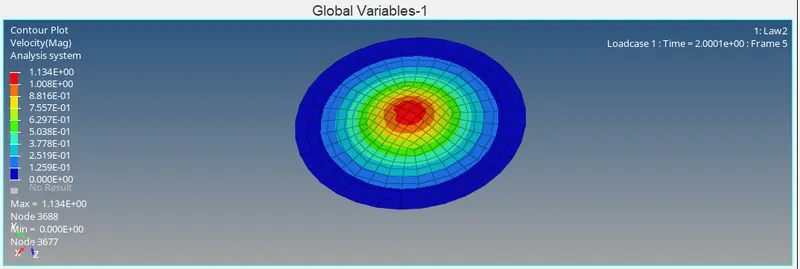
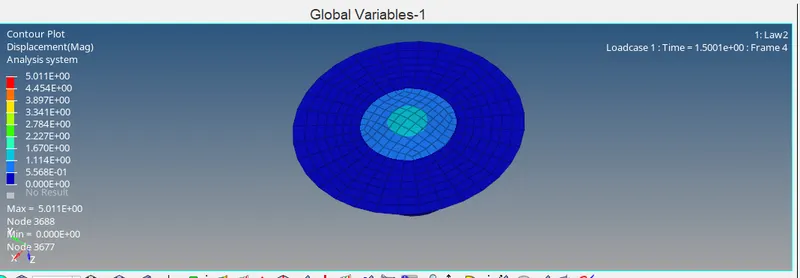
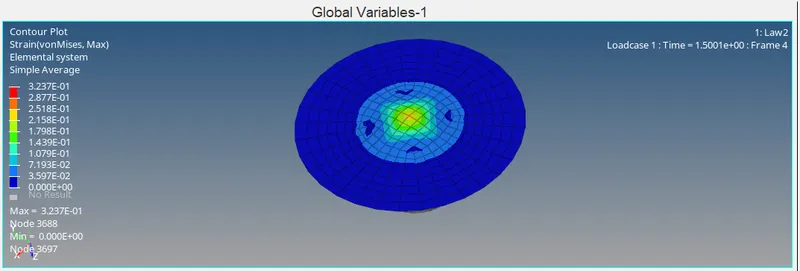
- now open the Law2T01 file in hypergraph to obtain graph for kinetic energy , internal energy , total energy etc.
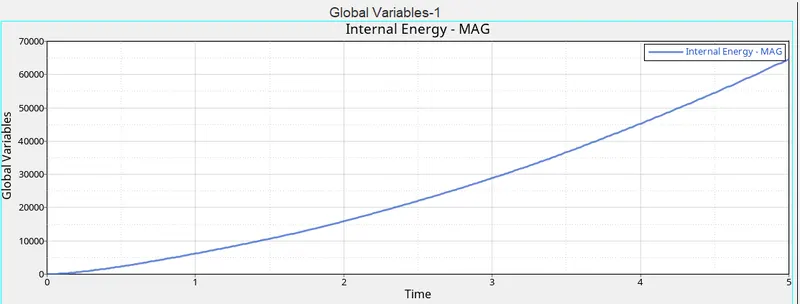
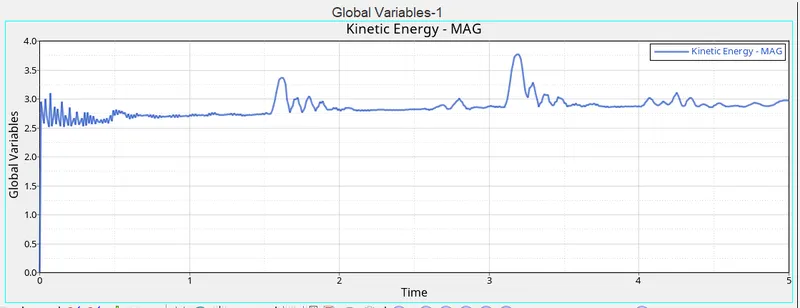
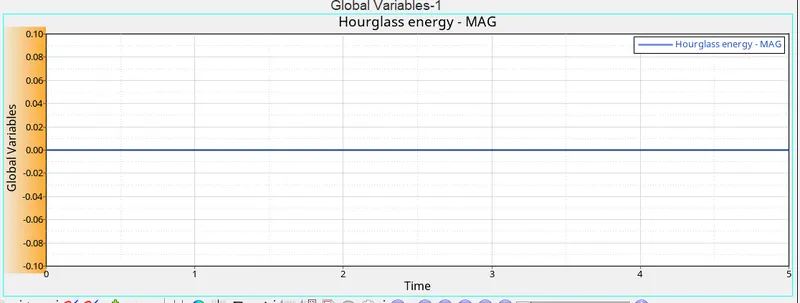
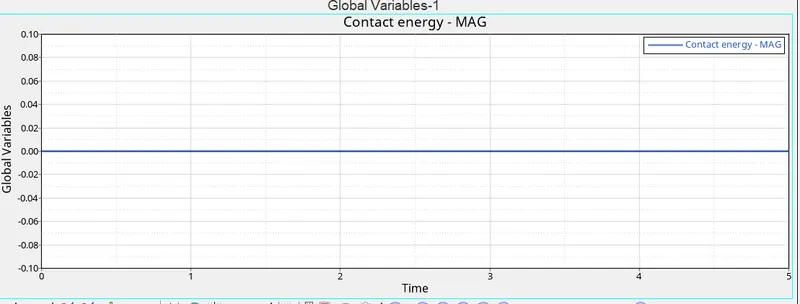
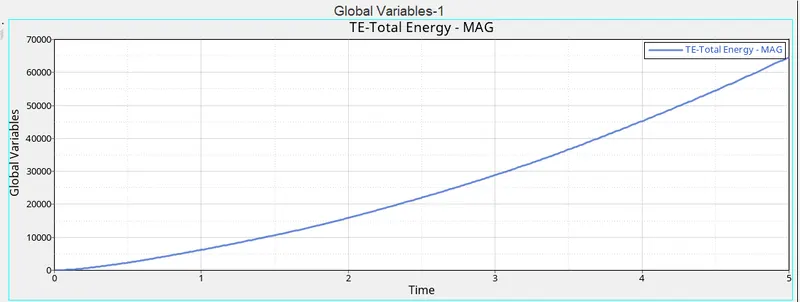
- for the CASE 05 change the card Image to M1 ELAST and update the material property. Change density to 0.0028, young's modulus to 71000, and Poisson's ratio to 0.33.
- after this save the file with name Law1 and run the simulation.
- after simulation is done check for step 3 and step 4.
- now open the Law1.h3d file in hyperview to obtain the the contours of on misses stress, strain displacement etc .
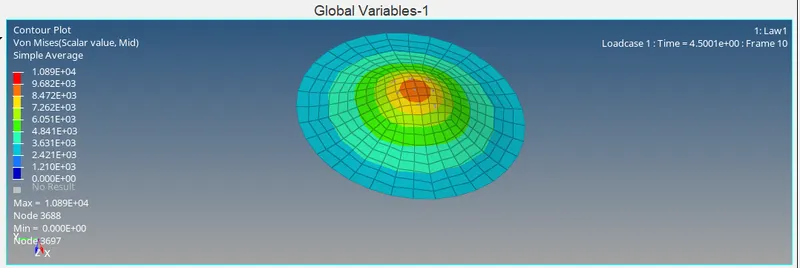
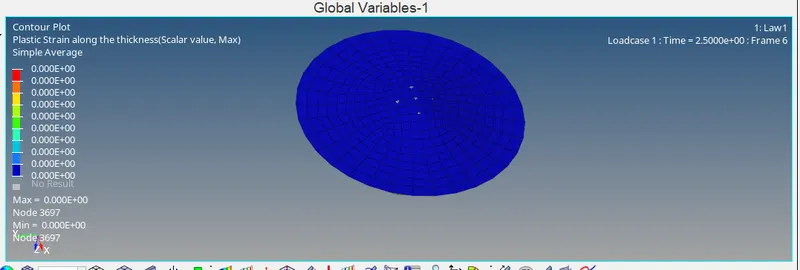
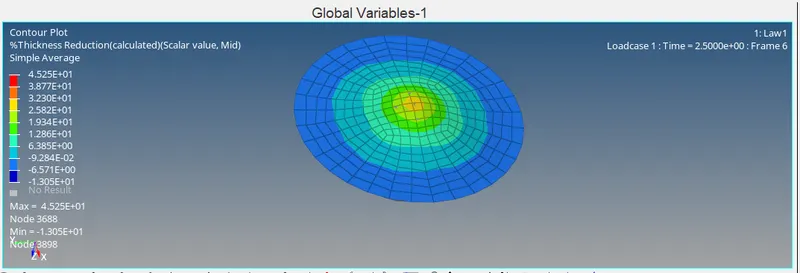
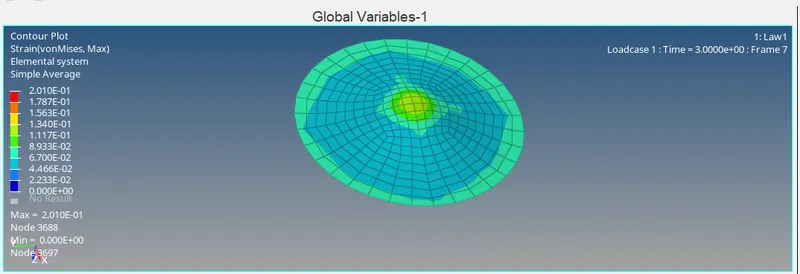
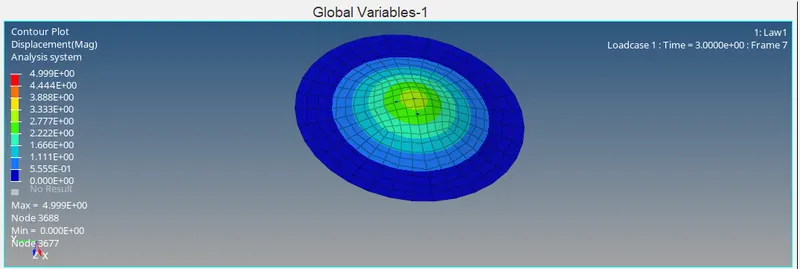
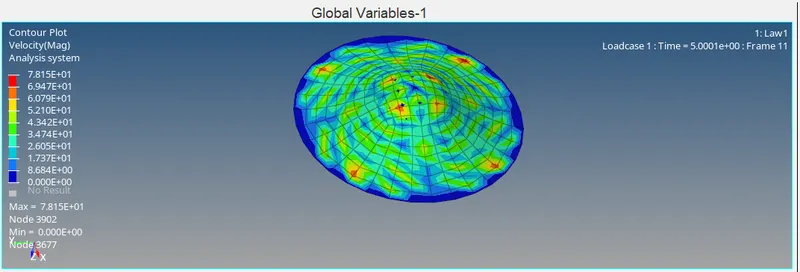
- now open the Law1T01 file in hypergraph to obtain graph for kinetic energy , internal energy , total energy etc.
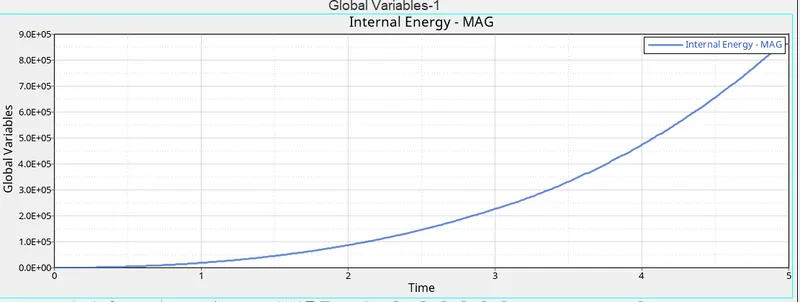
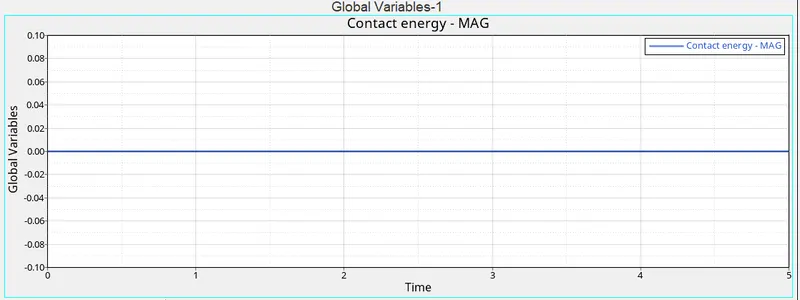
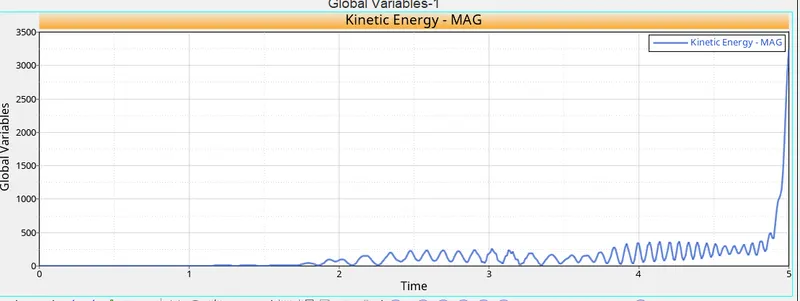
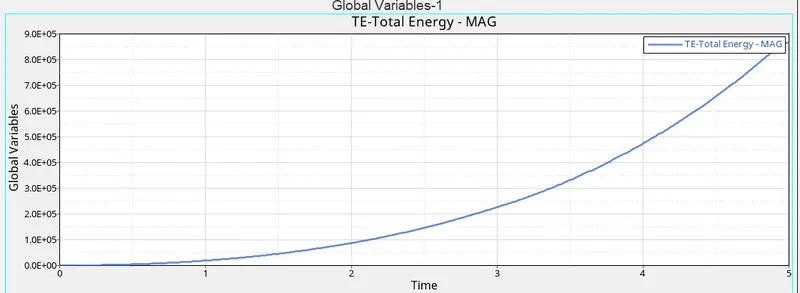
- for the CASE 06 Open LAW27_0000.rad file , no change in material data is required for the given file.
- after this save the file with name Law27 and run the simulation.
- after simulation is done check for step 3 and step 4.
- now open the Law27.h3d file in hyperview to obtain the the contours of on misses stress, strain displacement etc .
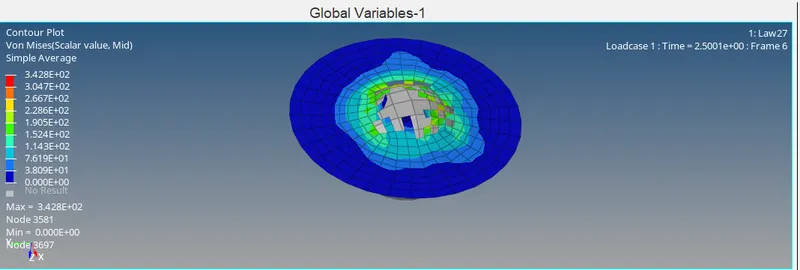
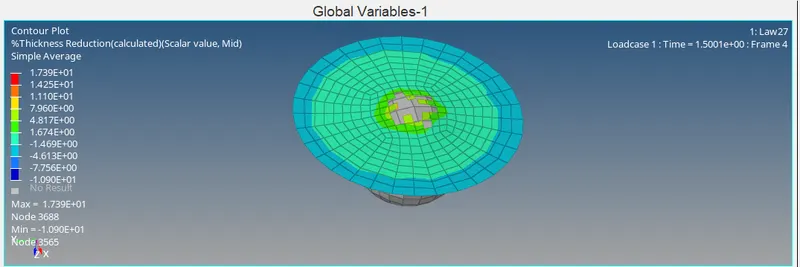
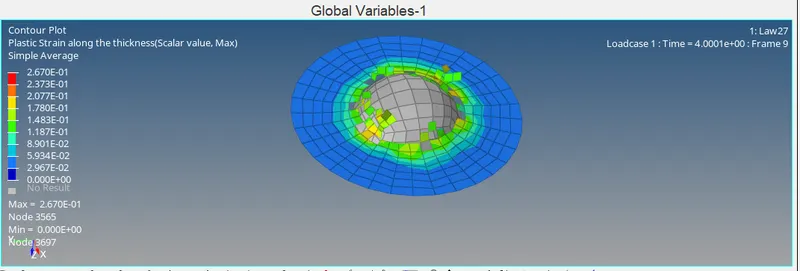
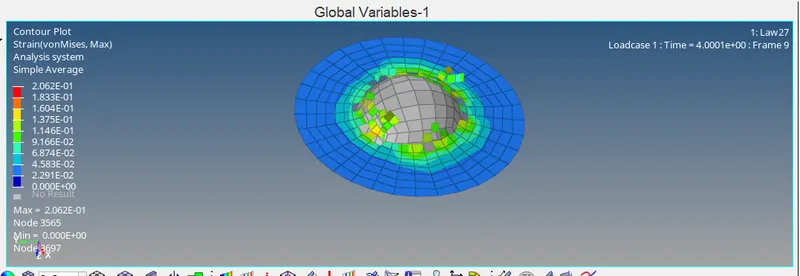
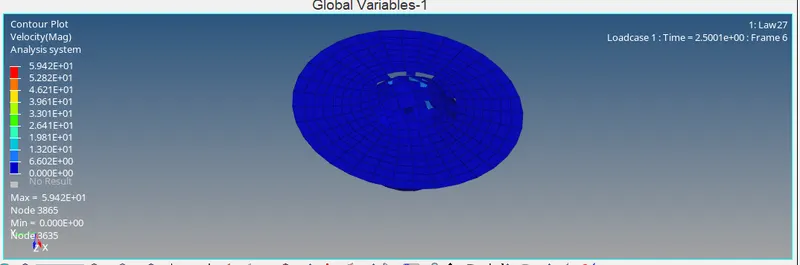
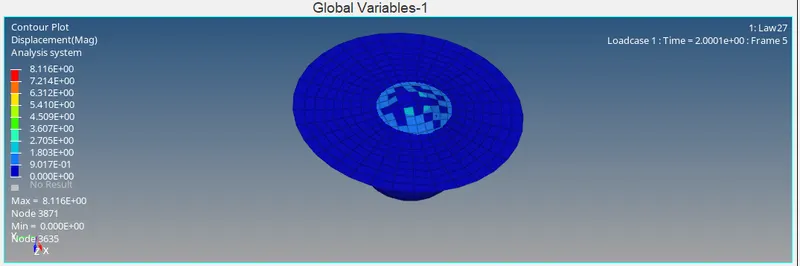
- now open the Law27T01 file in hypergraph to obtain graph for kinetic energy , internal energy , total energy etc.
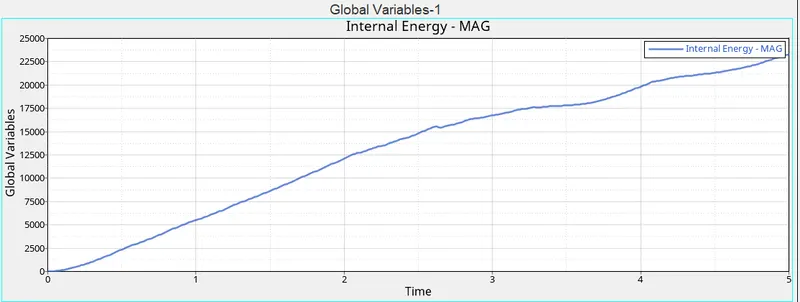
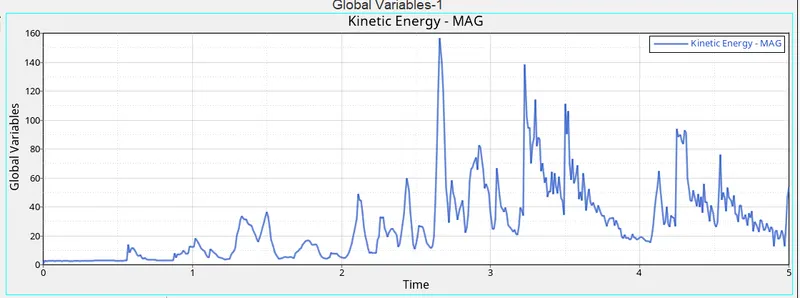
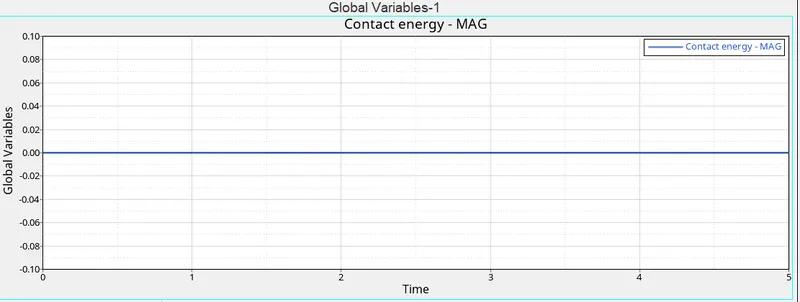
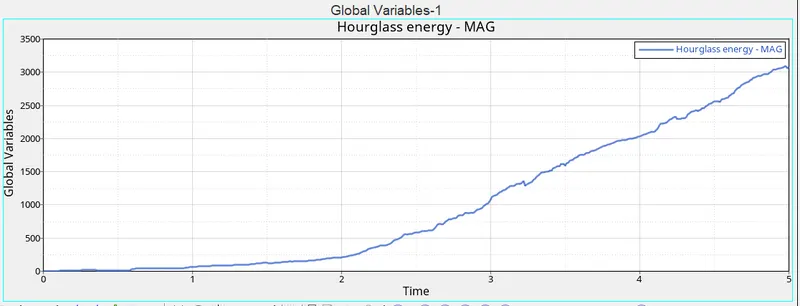
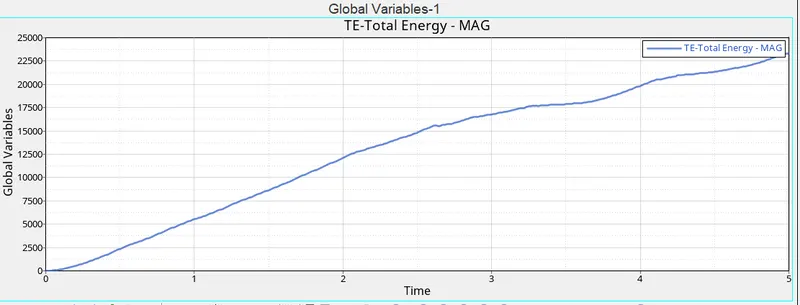
- for the CASE 07 change the material card to a LAW36 elasto-plastic based on the given material data . Now for this create the fifth material curve MAT which is needed for the fct_ID.
- For this the curve card has to be updatded with the given values of stress and strain to obtain the curve.
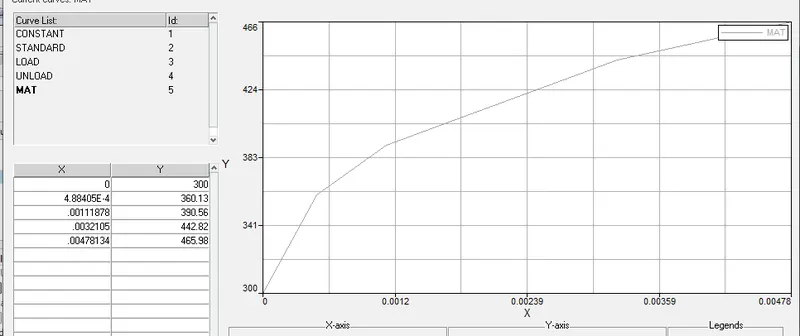
- after this save the file with name LAW36 and run the simulation.
- after simulation is done check for step 3 and step 4.
- now open the Law36.h3d file in hyperview to obtain the the contours of on misses stress, strain displacement etc .
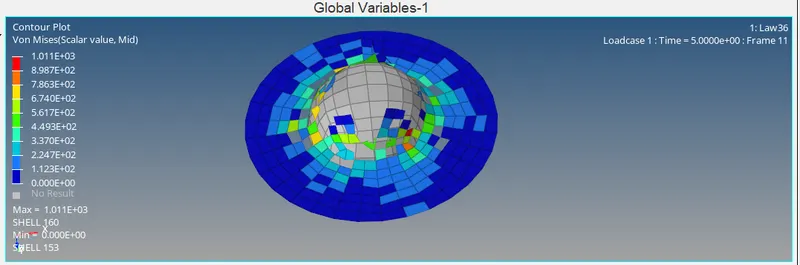
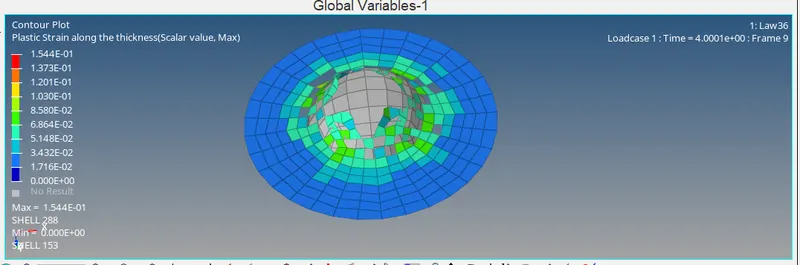
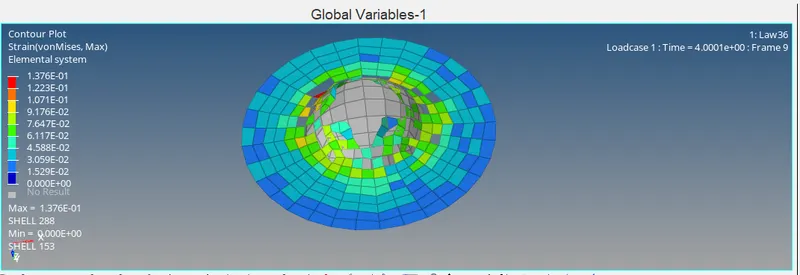
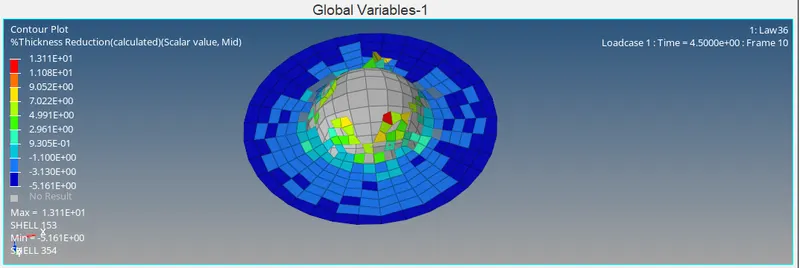
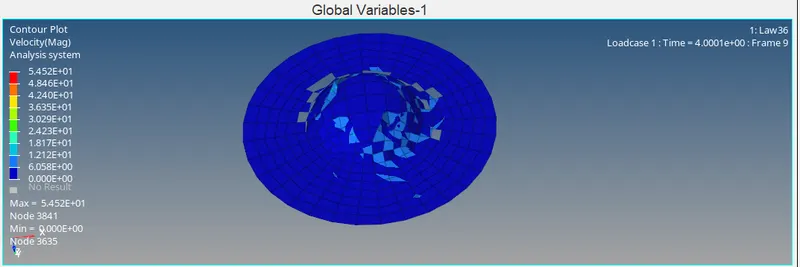
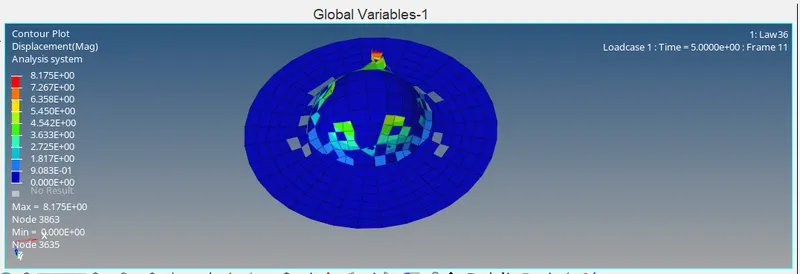
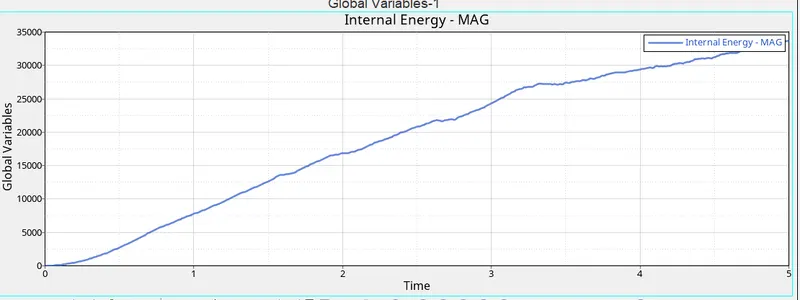
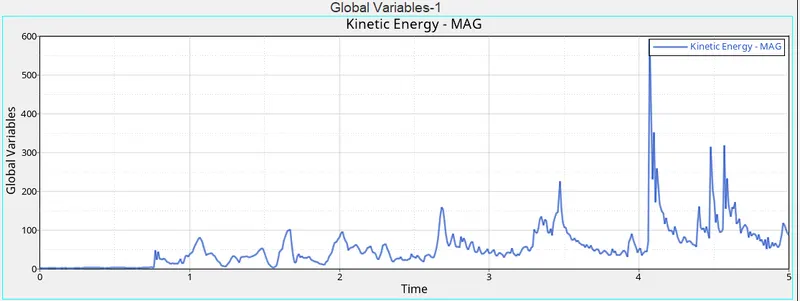
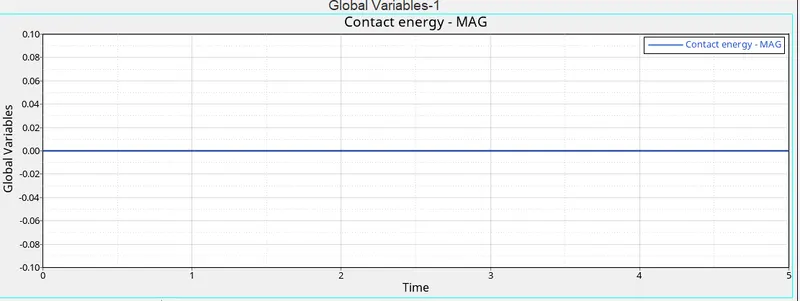
- now open the Law36T01 file in hypergraph to obtain graph for kinetic energy , internal energy , total energy etc.
RESULT & CONCLUSION
The values of Number of Cycle, Energy Erro, rMass Error and Simulation time for all the 7 cases are shown below in tabular format.
| Case | Number of Cycle | Energy Error(%) | Mass Error(%) | Simulation time (s) |
| Case 1 | 49380 | 0.8 | 0.0 | 121.98 |
| Case 2 | 49217 | 4.1 | 0.0 | 176.65 |
| Case 3 | 49408 | 0.8 | 0.0 | 183.59 |
| Case 4 | 48737 | 3.0 | 0.0 | 175.53 |
| Case 5 | 47969 | 1.3 | 0.0 | 185.19 |
| Case 6 | 41113 | -7.1 | 0.0 | 145.37 |
| Case 7 | 42107 | -19.9 | 0.0 | 162.02 |
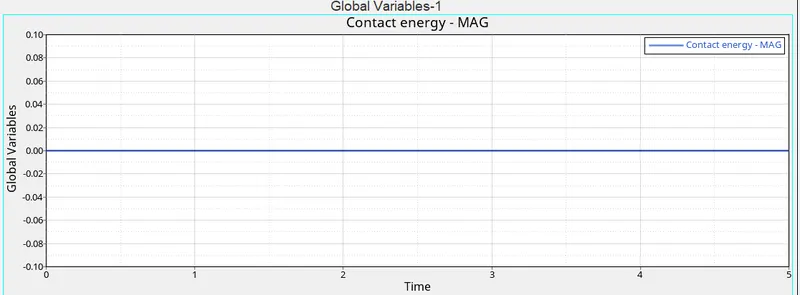
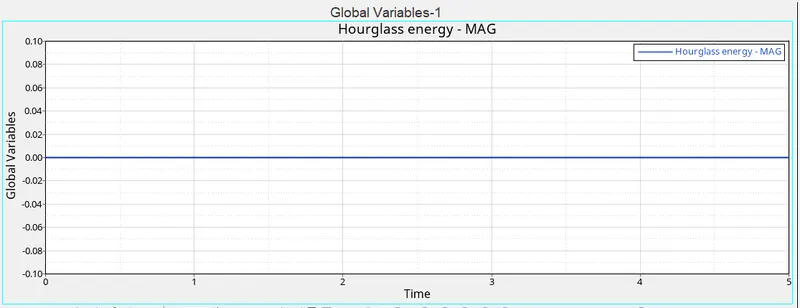
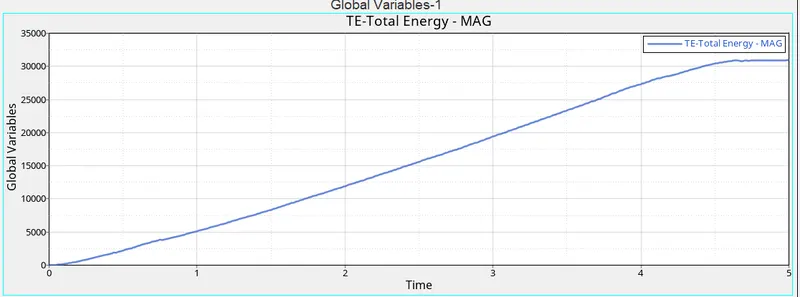
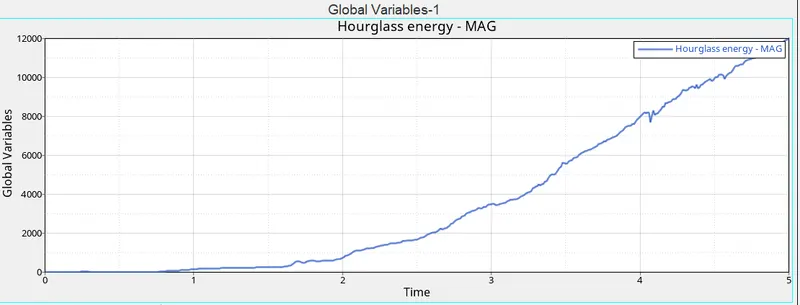
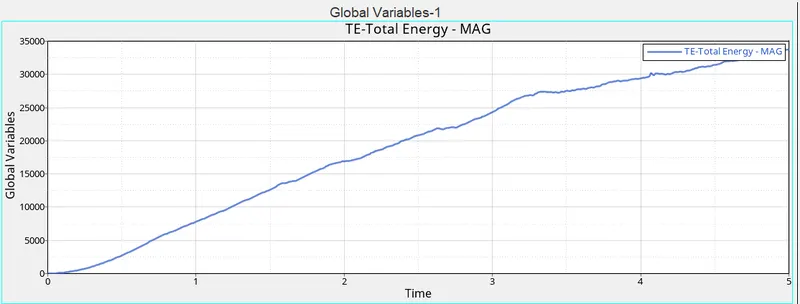
In the case 1 as we have set the value of Eps_max to .151(i.e. the element will fail when it reaches the 15 % of the total strain) , due to this the failure of element occured and elements cracked abruptly which result in no obsevation of hourglass and contact energy. Now in the case 2 due to introduction of Dadv & Ixfem in the falure card the elements are deleted with some larger strain value by intitating the crack at the initial stage, in this case also there is no obsevation of hourglass and contact energy.Now again in case 3 the failure card is deleted due to which on srunning simulation it was observed that the elemets were deleted without initiating cracking, this case aso had no hourglass and contact energy. after this in case we removed the Eps_max and used the law 2 to define the material card, in this no element deletion or cracking process is observed but this resulted in higher values of von misses stress in the model , in this model also there was no obsevation of hourglass and contact energy but the total energy of model increased rapidly which is almost two times the value which is observed in previous cases. Now in case 5 the material law is changed to elastic , due to this there is no element cracking phenomenon or failure process is observed in the model , due to elastic nature the highest value of strain enenrgy is found in this case but there was no plastic deformation and no houglass and contact energy observed in this model. Now in case 6 the material law is changes to 27 which is for brittle materials , due to which the element deletion and failure process waas observed in the model resulting in observation of hourglass energy in the model. After this in case 7 the material data is modified to law 36 and the data is then modified by entering the values for true stress VS strain curve., the purpose of this case was to make the results of the model more realistic by representing the actual loading scenario and hourglass energy is then observed in this model.
So finally we can conclude that based on the results obtained for different energies and deformation and stress- strain etc the case 7 represent the the on-field scenario in much likely manner.