assignment 4
*objectives:-
compare results from 7 cases and discuss on the following concepts.
1) Total number of cycles, Energy error, mass error and simulation time.
2) Notice the animation of all 5 and describe the animations in brief on the
basis of whether the elements are being deleted or cracked.
3) Plot energies and notice any difference.
4) Based on all the results, which case would represent the on-field
scenario.
5) Prepare a ppt/docx and list down case by case result and your conclusion
as to why the failure happened.
case-1:-
-First of all import the FAILURE_JOHNSON_0000.rad in radioss solver.
-here run the model as it, then not any changes require in material properties.
-Now go to radioss command(Analysis>radioss), and provide the name is Law2_epsmax_failure_oooo.rad.
-Here main noted point is provide the value in the opction is -nt 4.

-After that open the hyperview and load the model as a h3d file format.
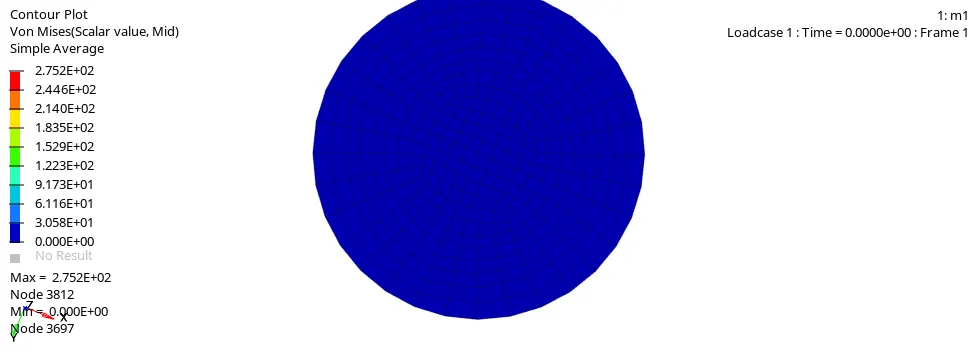
-Now go to counter opction and select same properties show in below image.

-The von mises counter is :-
case-2:-
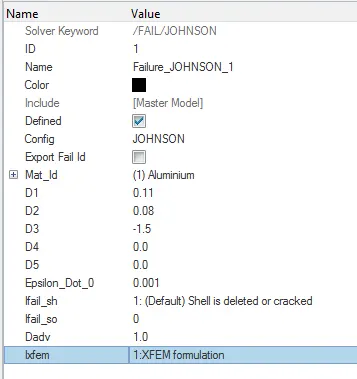
-Now go to the Failure_johnson_1(model>Failures>Failure_johnson_1)
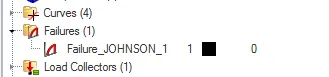
-Change the properties which available in the quection.
-Now go to radioss command(Analysis>radioss), and provide the name is Law2_epsmax_crack_oooo.rad.
-After that open the hyperview and load the model as a h3d file format.

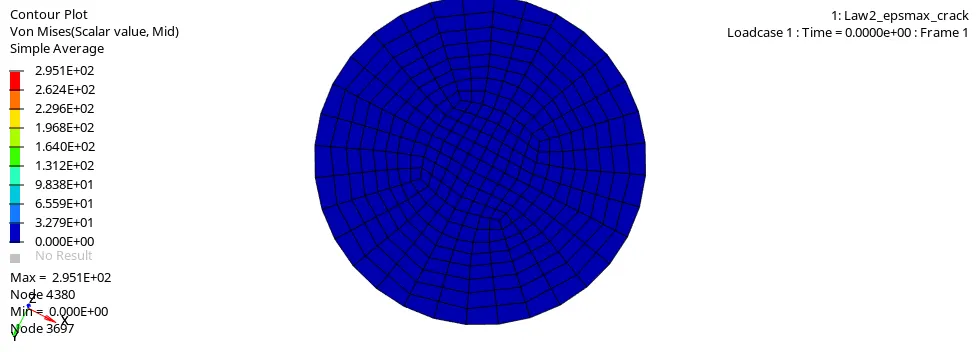
-Now go to counter opction and select same properties .(case-1)
-The von mises counter is :-
case-3:-
-Now delete the Failure_johnson_1.(model>Failures>Failure_johnson_1)
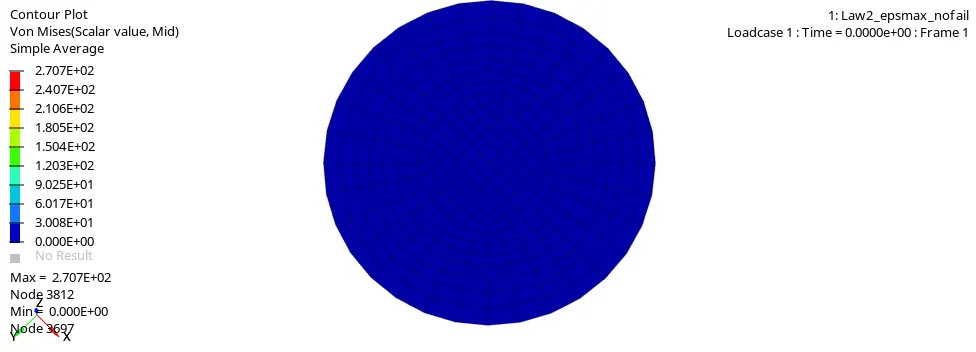
-After the deleting that go to radioss command(Analysis>radioss), and provide the name is Law2_epsmax_nofail_oooo.rad.
-After that open the hyperview and load the model as a h3d file format.

-Now go to counter opction and select same properties .(case-1)
-The von mises counter is :-
case-4:-
-Now delete the value of Eps_p_max.
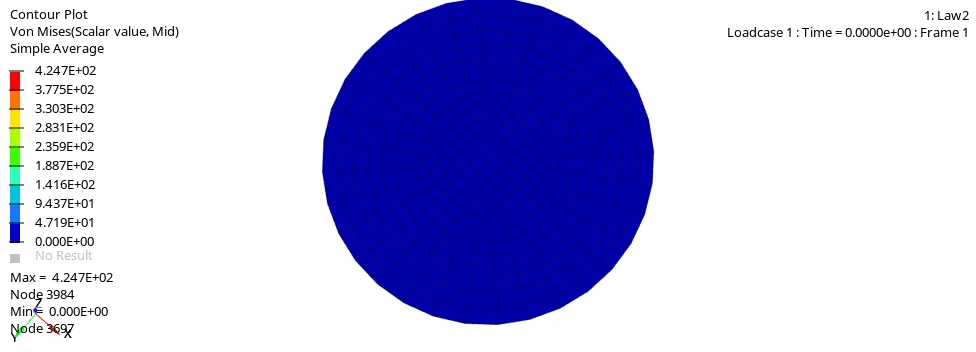
-After that go to radioss command(Analysis>radioss), and provide the name is Law2_oooo.rad.
-After that open the hyperview and load the model as a h3d file format.
-Go to counter opction and select same properties .(case-1)
-The von mises counter is :-
case-5:-
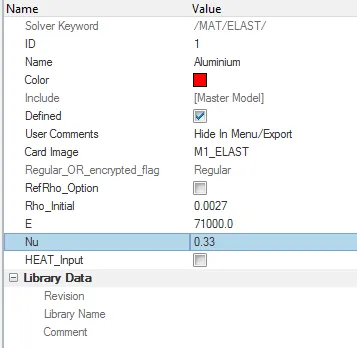
-Now change Law-2 to Law-1.
-For that go to material properties and change it. change the value of rho, E & Nu.
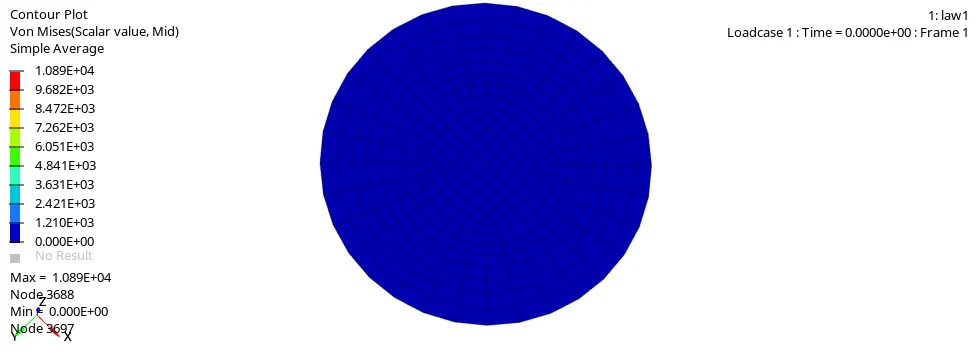
-After the deleting that go to radioss command(Analysis>radioss), and provide the name is Law1_oooo.rad.
-After that open the hyperview and load the model as a h3d file format.
-Now go to counter opction and select same properties .(case-1)
-The von mises counter is :-
case-6:-
-Now import the Law27_0000.rad file.
-After that change properties is available in the quection.
-Now go to radioss command(Analysis>radioss), and provide the name is Law27_oooo.rad.
-After that open the hyperview and load the model as a h3d file format.
-Now go to counter opction and select same properties .(case-1)
-The von mises counter is :-
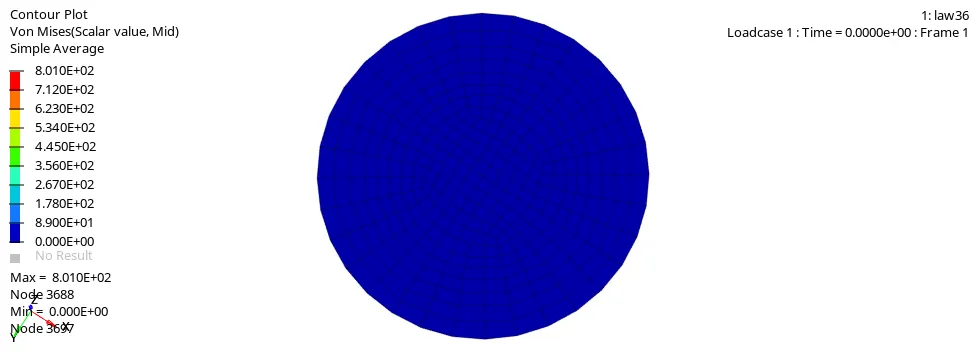
case-7:-
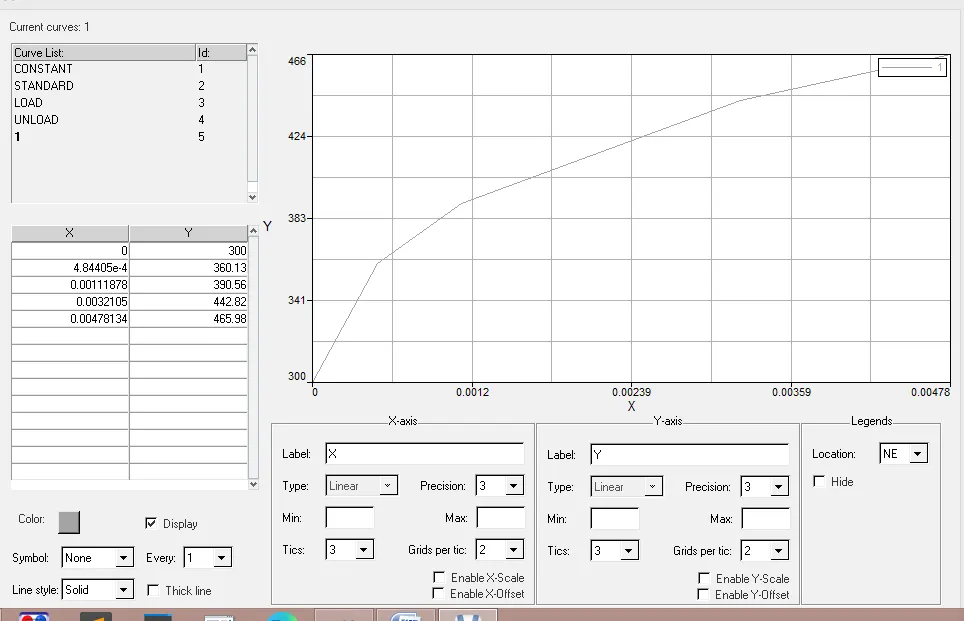
-Now change Law2 to law 36, for that go to the material.(model>material)
-After that create a new plot based on value given in the quection.
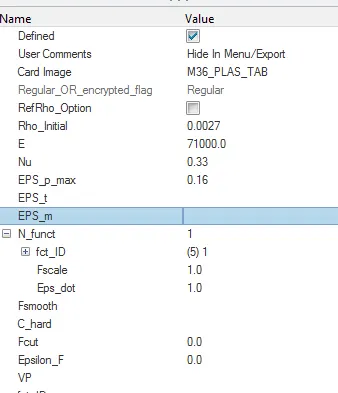
-After that change the material properties .
-After that go to radioss command(Analysis>radioss), and provide the name is Law36_oooo.rad.
-After that open the hyperview and load the model as a h3d file format.
-Go to counter opction and select same properties .(case-1)
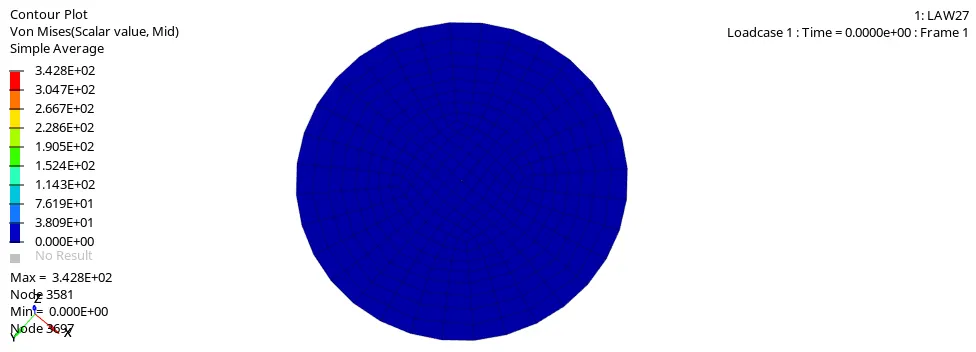
-The von mises counter is :-
1) Total number of cycles, Energy error, mass error and simulation time.
| sr.no. | Filure card | Material card | Energy error (%) | Mass error | simulation time(ms) | Number of cycle |
| 1 | Fail_johnson | M2_PLAS_JOHNS_ZERIL | -0.3 TO 0.8 | 0 | 5.01 | 49379 |
| 2 | Fail_johnson | M2_PLAS_JOHNS_ZERIL | -0.3 TO 4.1 | 0 | 5.01 | 49216 |
| 3 | Failure card deleted | M2_PLAS_JOHNS_ZERIL | -0.3 TO 0.8 | 0 | 5.01 | 49407 |
| 4 | Failure card deleted | M2_PLAS_JOHNS_ZERIL | -0.3 TO 3.0 | 0 | 5.01 | 48736 |
| 5 | No failure card | M2_ELAS | -0.3 TO 1.3 | 0 | 5.01 | 47968 |
| 6 | No failure card | M27_PLAS_BRIT | -0.3 TO 1.3 | 0 | 5.01 | 53153 |
| 7 | No failure card | M36_PLAS_TAB | -0.3 TO -7.1 | 0 | 5.01 | 41112 |
3) Plot energies and notice any difference.
1) 2)
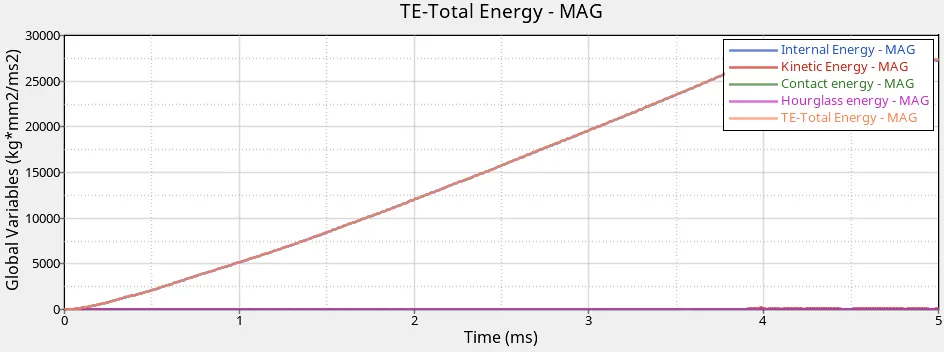
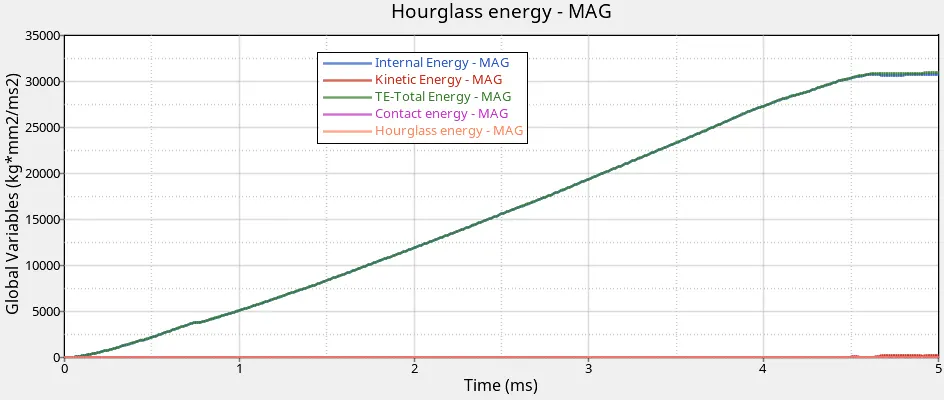
-In case-2 element failure slowlely compared to case-1, its due to crack initiation & propagation.total energy curves are looks like similar.
3) 4)
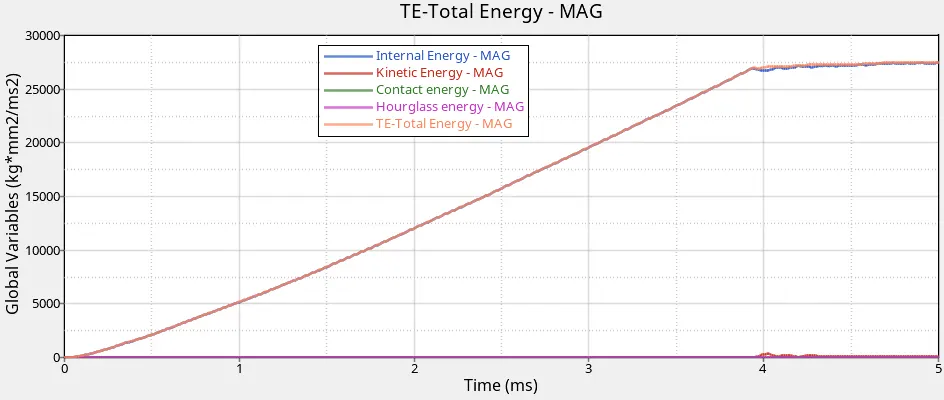
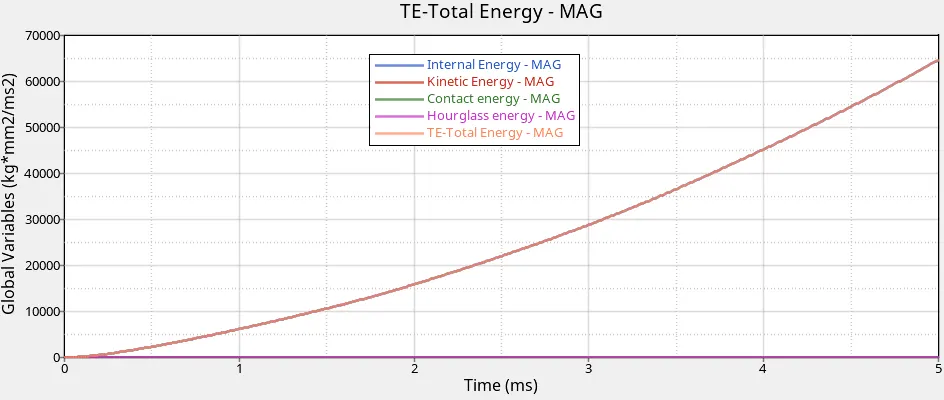
-case-3 behaviour similar to the case-1. the internal energy increase in case 3 is linear, but for case 4 it behave expontial.
5)
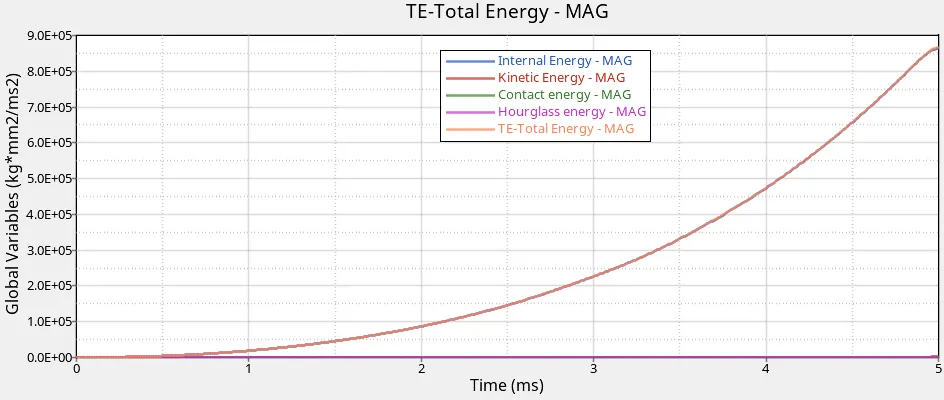
-here we seen that material is absorb lot of energy before the deformation.this one is a elastic material, it means after the removing the load it get back to original shape.the internal energy behave is expontial.
6)
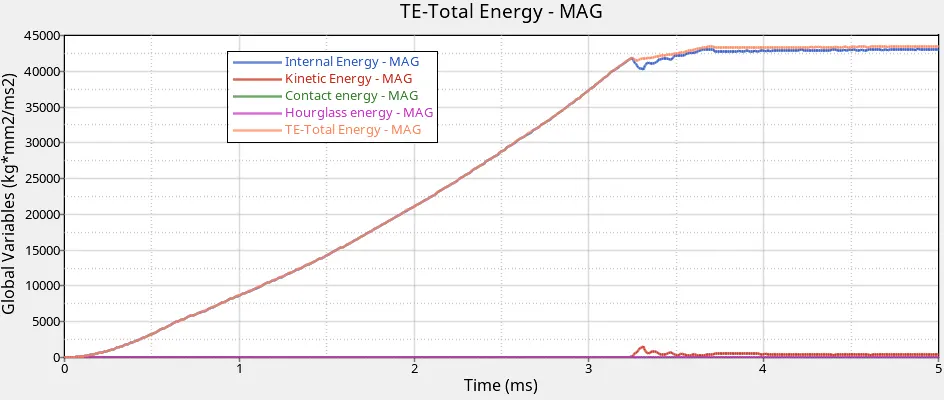
-here internal energy & total energy is increase continuesly and after one point it constant value with increase the time. kinetic energy value is flutuating for some time, after that its convert to zero.
7)
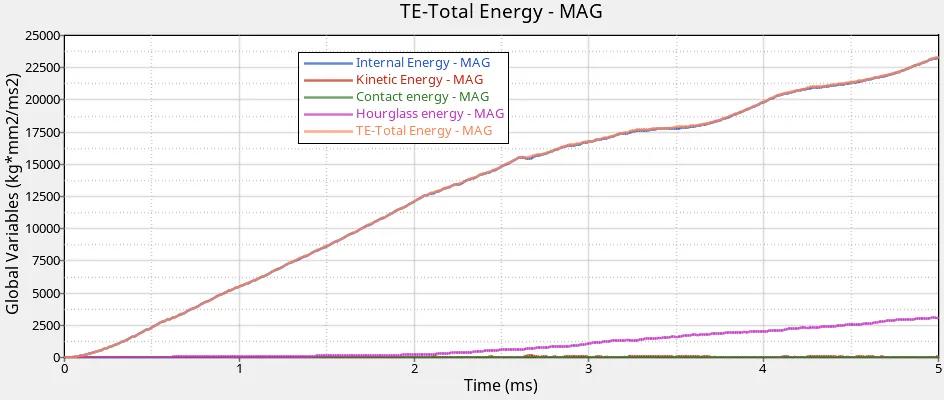
-Due to elasto-plastic material, stress value is much higher.internal energy & kinetic energy is most of same value with the time. Hourglass energy is not a zero value, its increase after some time.
*conclusion:-
-After the complection of all law we conclude that:-
1) Law1:- It is use for perfectly elastic material model. its not applicable for real time scenario.
2) Law2:- It is use for a elasto-plastic material model. It is applicable for crash analysis.
3) Law27:- It is combine of elasto-plastic johnson-cook material model with the an orthtropic brittle failure model.
4) Law36:- It is used if user define value are needed for stress-strain curve.