Assignment 3-2D Element Formulation Challenge
Objective :
To solve the simple crash model using Radioss and extract the results of simulation using Hyperview and Hypergraph and also compare the result with element formulation Q24 and with out element formulation.
Procedure :
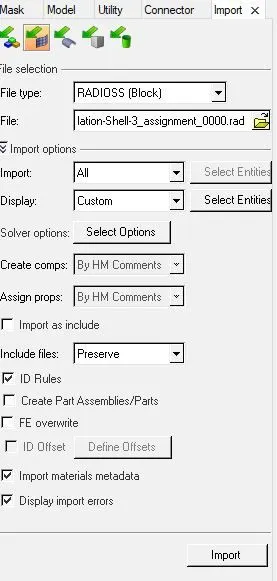
Step 1 : Import the .rad file using import solver deck option. Here before importing the .rad file first select the solver as Radioss.
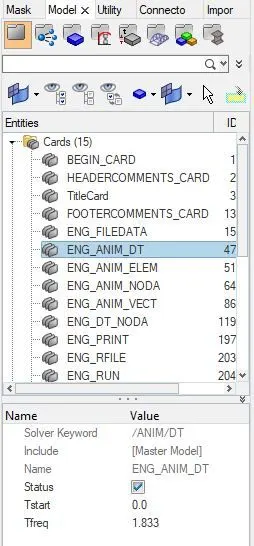
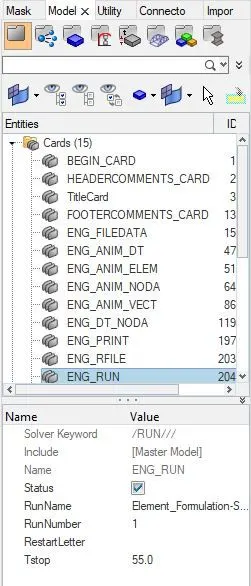
Step 2 : After importing file we need to edit the cards of engine timestep as 55.0 and engine animation frequency as 1.833.
Step 3 : Now export the file to required folder and open the analysis tab and select the radioss option to solve the file. Select the radioss option and it will opens the new tab where we can see radioss is solving the file.

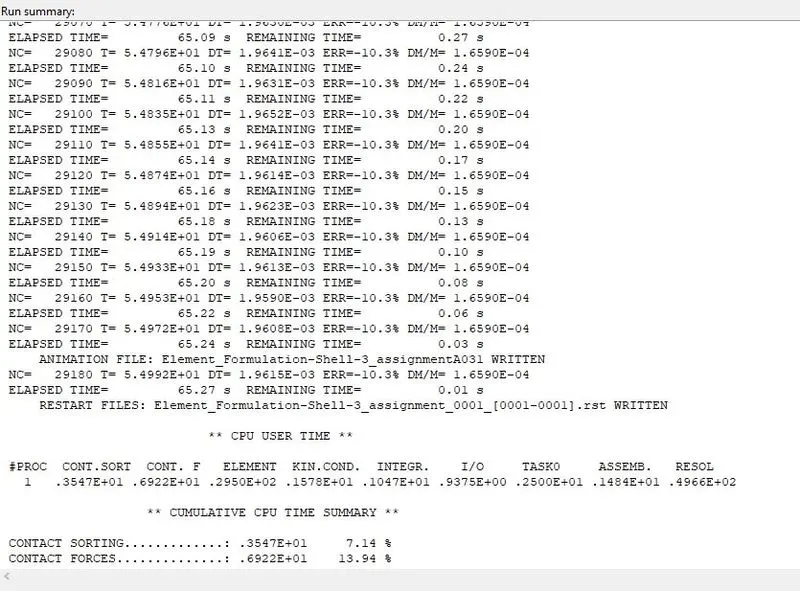
Step 4 : Now check the end of solver where there will be error percentage and for this model error percentage is -10.3% and which satisfies the ideal condition i.e, less than -15%. Here negative sign indicates energy is dissipated, the reason of dissipation of energy is discussed in results. Now simulation model is accepted.
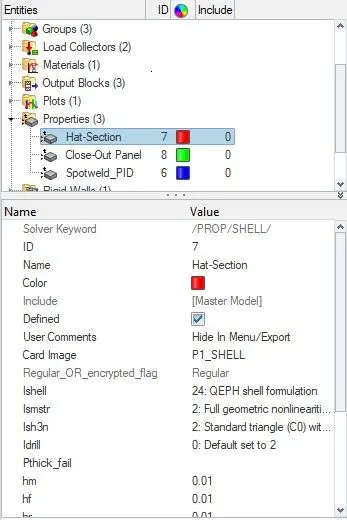
Step 5 : Like same as above steps another .rad file want create where the property of model has element formulation as q24, Ismstr 2, Ism3n 2. Export this rad file in seperate folder and solve the file.
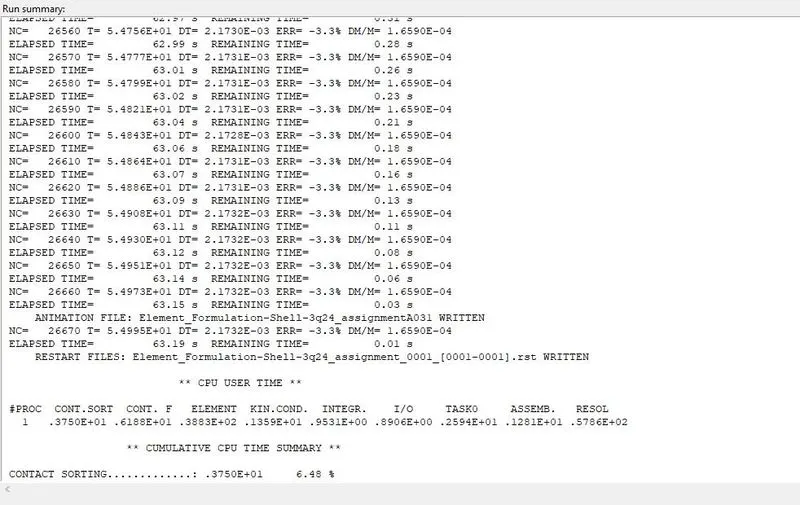
Step 6 : After solving file we can see error percentage is reduced to -3.3% and this is a good model. The reason for reduction is discussed in results tab.
Results&Discussion :
1. Now both models are acceptable so extract results for both the objects. To extract results switch hypermesh to hyperview and select the file of .h3d which will be at required folder.

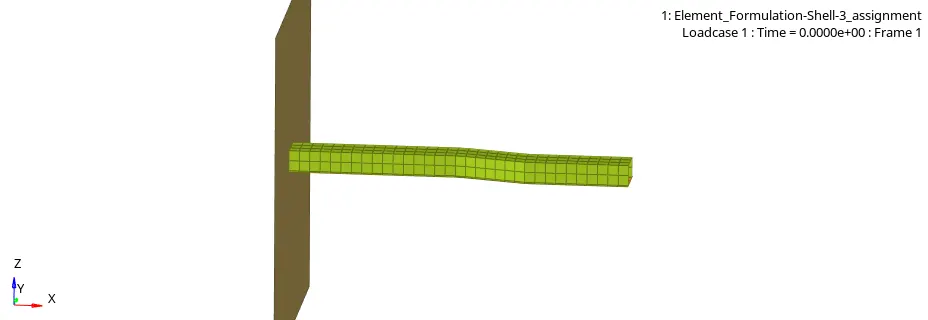
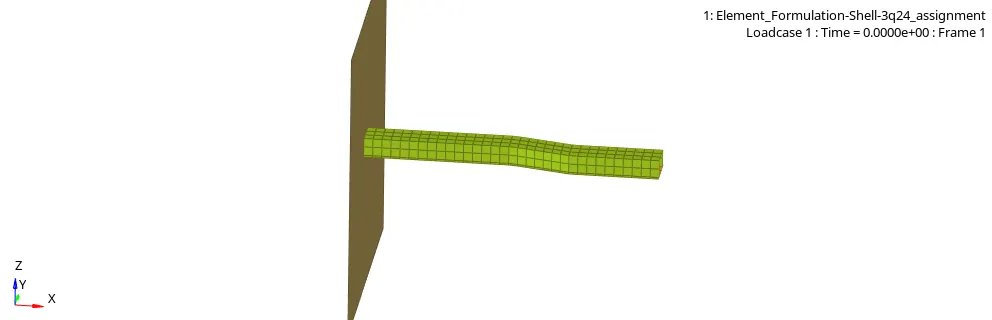
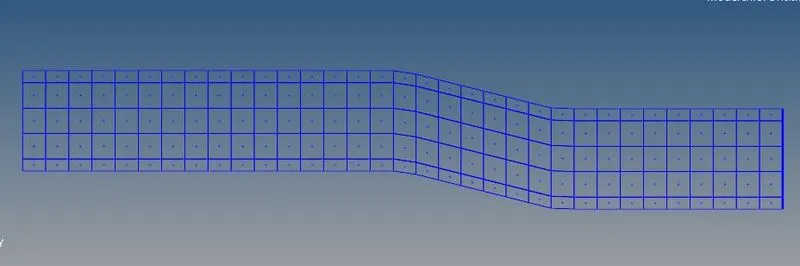
2. After that open contour plot and apply the displacement contour for model, which is shown below.
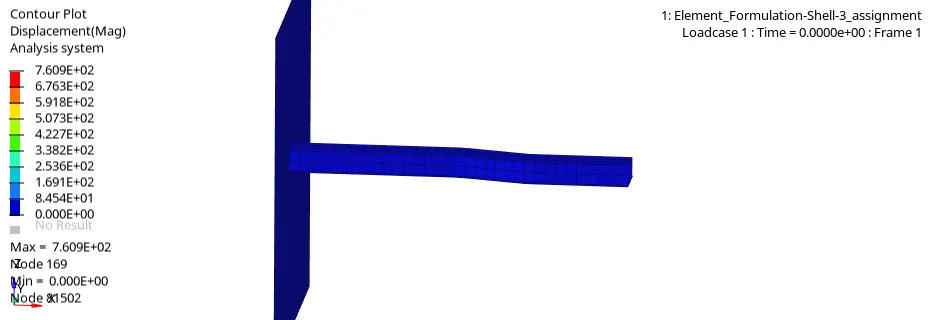
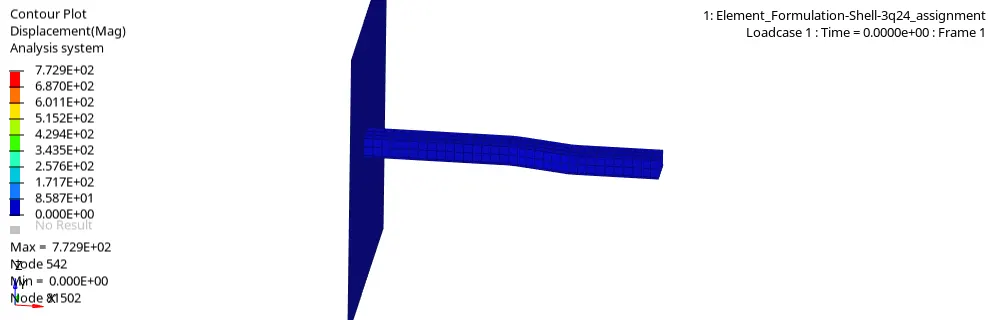
3. Now to extract energy plots switch hyperview to hypergraph and select the file of T01 and open. Now select the X-axis as Time and select Y-axis as Global variables i.e, kinectic,internal,hourglass and total energy and plot results.
Energy plot of without element formulation :
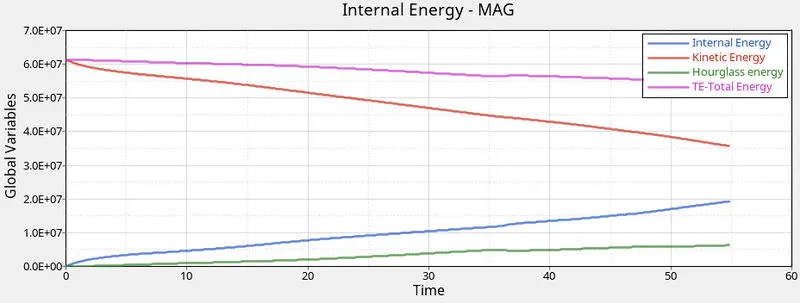
From above plot we can see that hourglass energy dissipation is more and now reason behind the more error negative percentage in solver is this, more artfical enrgy is created i.e, hourglass enegy in order to integrate the shell elements and due to more hourglass energy there is rise in total energy.
Energy plot with element formulation Q24 :
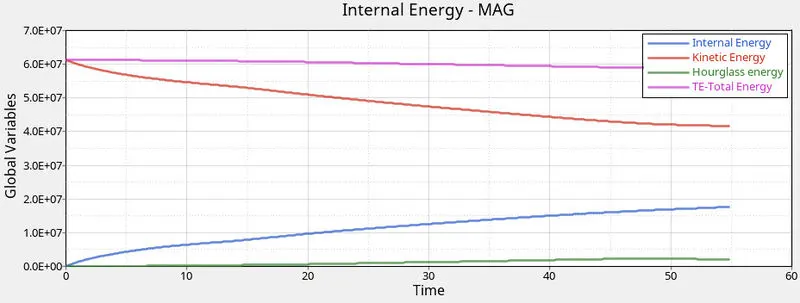
From the plot we can see that there is more stabilised hourglass energy and for this reason we got reduced error percentage while solving. The reason behind this is element formulation Q24 integrates 4node element in one integration and this stabilize the hourglass energy.
4. Now compare the rigid wall force for without element formulation plot and with element formulation.
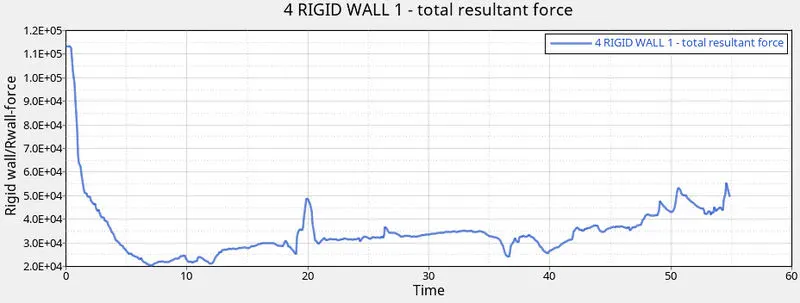
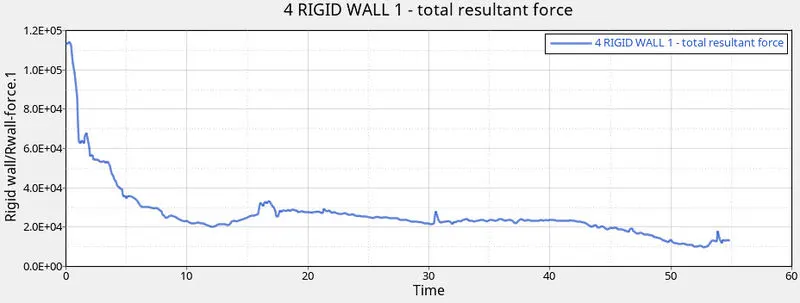
From both the plots we can observe that without element formulation( i.e, first plot) ha more irregular force during the crash with rigidwall this is due to less integration of shell elements where in with element formulation q24 there is regular drop of rigidwall force after object crashes the rigidwall.
Conclusion :
Thus we have performed a basic crash simulation using radioss solver and hyperview. Finally after seeing the energy plots of both simulations we can conclude that Element Formulation Q24 gives better results and stabilize the hourglass energy.