Assignment 3-2D Element Formulation Challenge
1.open the file in radios.
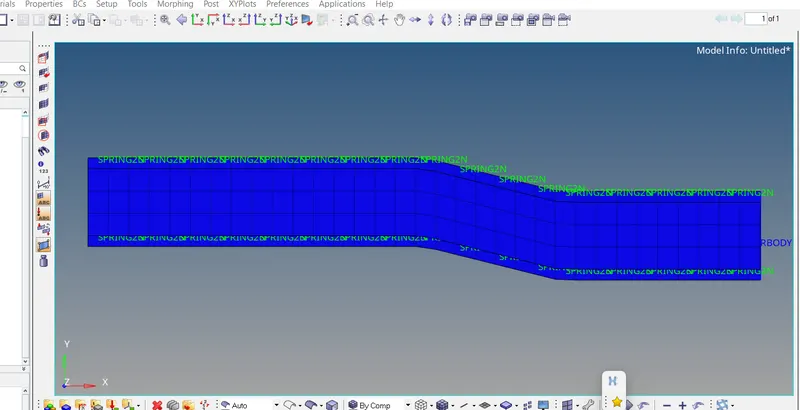
open cards of properties
change Tout as 55sec.
case1: run the file initial without changing any properties.
to run the file go to analysis select file and hit radios t
after sometime itll take to hyper view
select contour select components and select displayed
and play the video itll simulate and we can see the simulation.
CASE2: open a new file
this time select properties cards and select properties as mentioned in the question.
and repeat the process.
select the h3d file
play the simulation and observe the difference of second one with the first one.
save the file in sessionmode.
report: i have observed that in the first file the simulation the deformation starts from the starting point whereas in the second ifrom the middle point and the values are changing as well. in the second withb application of properties it folllowing apath which we can see fro the simulation.