Assignment 2-RADIOSS Engine File Editing & 3D Meshing Challenge
1. The speed of sound C= root(E/rho)
from the RADIOSS starter file we have the values of E and rho i.e E= 210000.00 and rho= 0.0078
Hence, speed of sound C= root(210000/0.0078)
Therefore, C= 5188.745217 mm/s
2. L=1000 mm
3. Time T= L/C
Hence, T= 1000/5188.745217
Therefore, T= 0.19272482231805832758814374446476 s
4. T= 0.19272482231805832758814374446476 s
5. Frequency for 20 animation steps= 0.00963624111590291637940718722324s
6. As we want animations for 20 steps so we need to print 20 frames. Hence, print/ -20 should be added in engine file
7. Objective: 3D meshing the geometries with tetra and hexa elements.
Solution:
-First open Hyper Mesh software and select RADIOSS profile.
-Now, import the geometry to Hyper MEsh software.
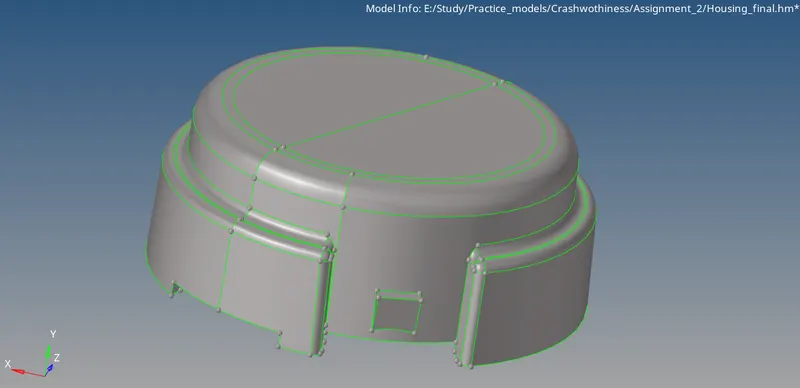
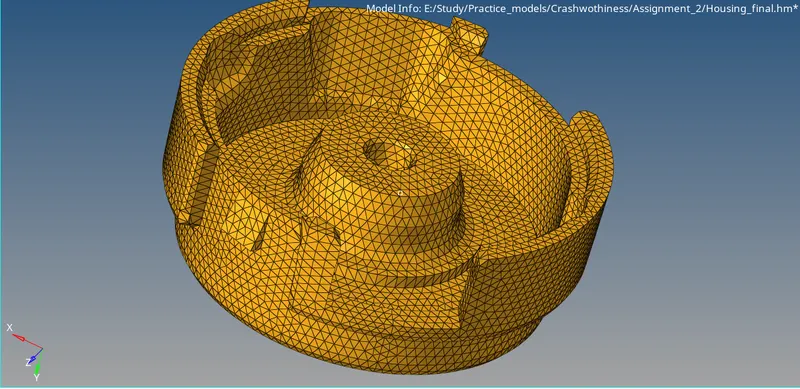
-Now, for this geometry we need to create 3D tetra elements for that we have three methods. Firstly, the quick tetra method, second volume tetra and last method is to create 2D tetra elements and then create volume inside the geometry.
-It is users wish to choose what ever method he want to in order to generate 3D tetra elements.
-For this geometry I have choosen quick tetra method.
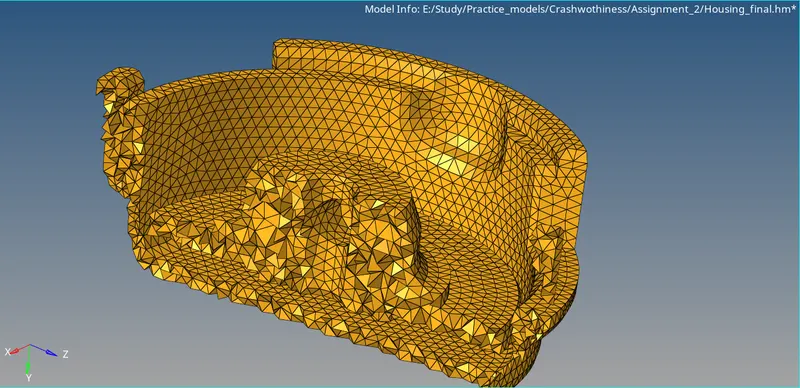
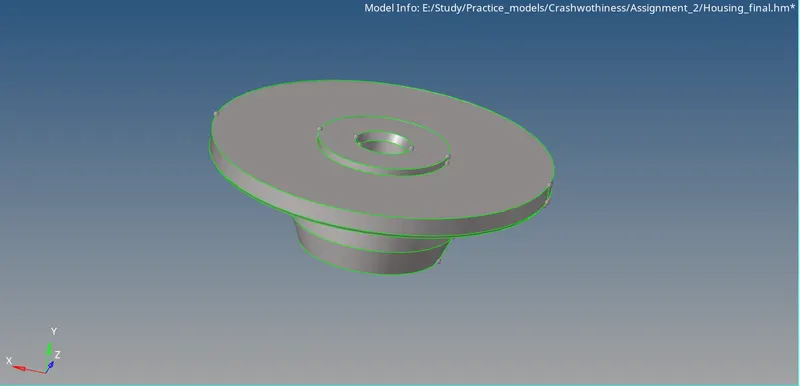
-Now, for the other geometry we need to create 3D hexa elements.
-First, we import geometry in Hyper Mesh RADIOSS profile.
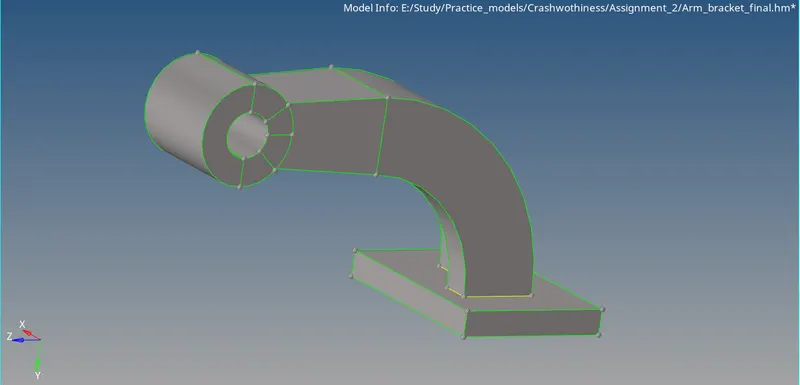
-Now, we need to start meshing each and every single component of the geoemtry with Quad elements.
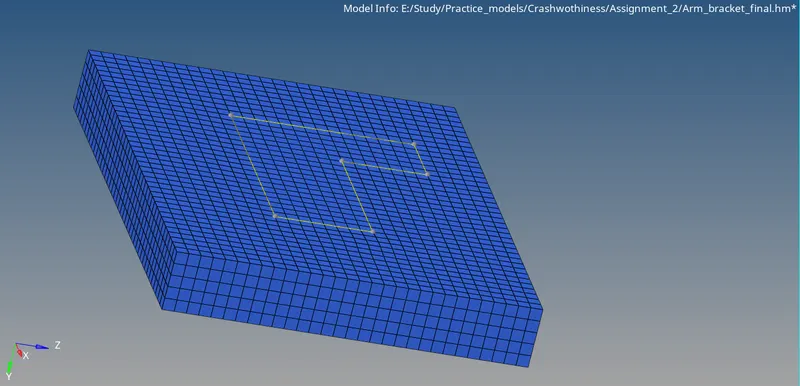
-Firstly, for the base component we will mesh the upper face of the base with element size of 5mm. And now we will choose the linear solid option to follow the upper mesh elements and create 5 columns of elements.
-Now, we need to generate elements to the arm-curve component for that we need to select the elements which are present at the base of the arm-curve and we use spin option to drag those elements to the arm-curve.
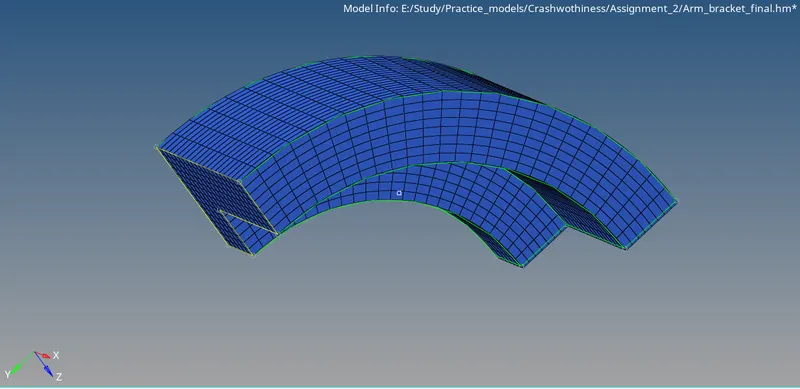
-Now, we need to drag the elements from arm-curve to arm-straight, to do that we need to hideall the 3D elements and leave the 2D shell elements which are in contact with the arm-straight.
-Now, we need to generate a quad mesh at the end of the arm-straight and match the elements with the 2D shell elements of the arm-curve.
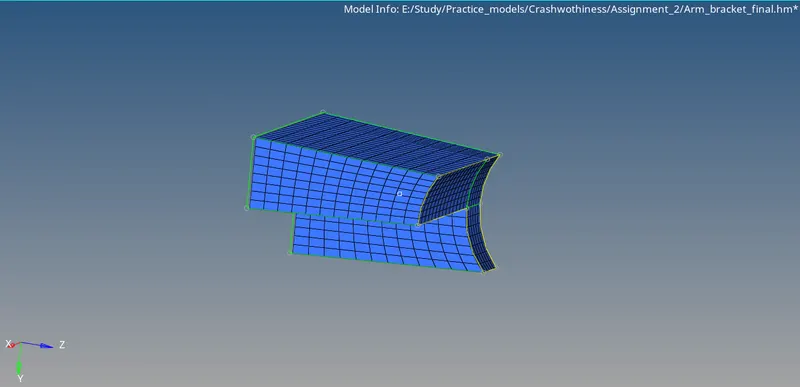
-And finally for the boss we need to generate a quad element mesh at one face and then use solid map option to drag the mesh to the other side of the boss.
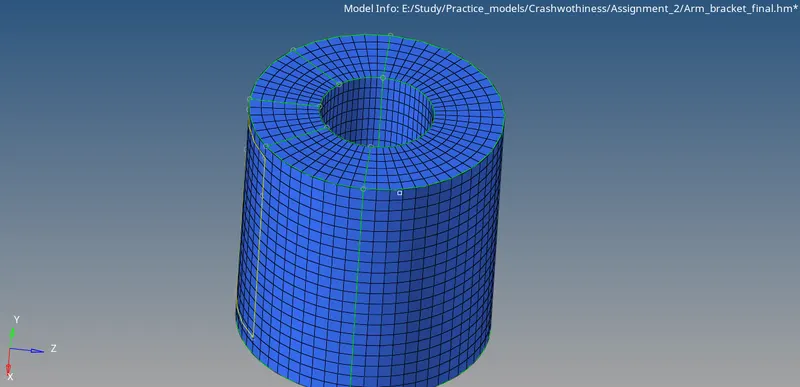
-Now, to summon up all the components together.
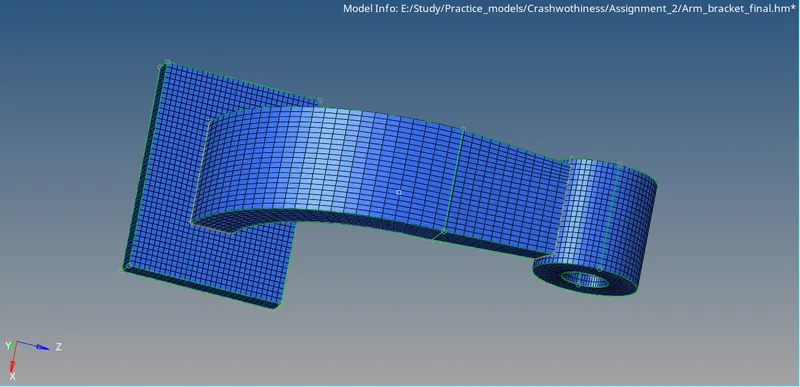
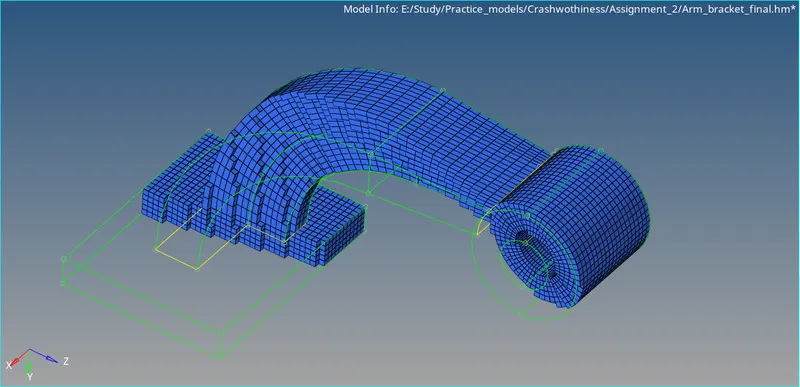
Conclusion:
3D tetra and hexa mesh for the following given geometries has been generated.