Assignment 2-RADIOSS Engine File Editing & 3D Meshing Challenge
Objective
1. Find out the exact simulation condition for the given problem and make the required changes in the engine file.
2. Mesh the housing models with Tetra mesh with with tet collapse> 0.15
3. Mesh the Arm Bracket model with hexa mesh with target element size = 10
Objective 1
The density and the young's modulus of the material is obtained from the starter file
Density(ρ)=0.078g/`mm^3`
Young's modulus(E)=210000g/(`ms^2`)(`mm^2`)
Substituting the above values in the equation for speed of wave gives
Speed of sound in steel rail(c)=518.874 m/s
The termination time is obtained by dividing the length by the obtained speed
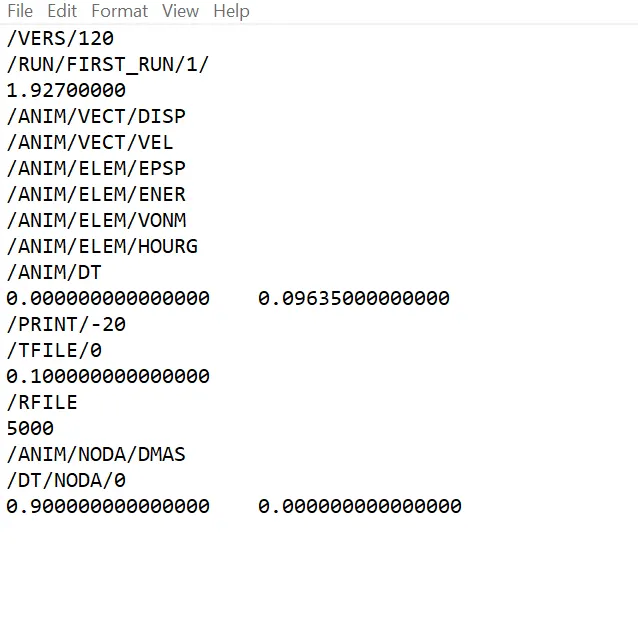
Time for sound to travel length of rail =1.927 ms
Frequency of animation is equal to termination time divided by 20
Frequency of animation=0.09635 ms
Make the appropriate changes in the engine file
Objective 2
3D tetra mesh
Procedure
1. Import the hm file into Hypermesh using import model option.
2. Delete all solids using delete options.
3. Carry out the geometry cleanup of all the components manually using toggle edge, washer splits and other cleanup tools.
4. Mesh the corresponding components using the Automesh option in the 2d menu with target element size 5, use tria type mesh to obtain only tria elements.
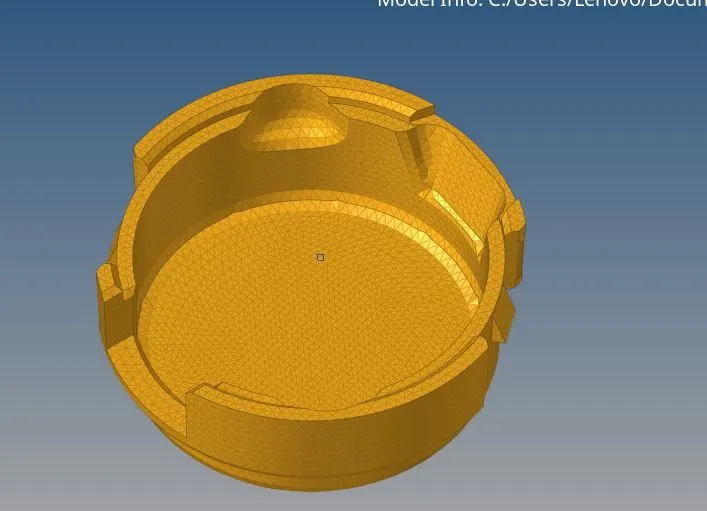
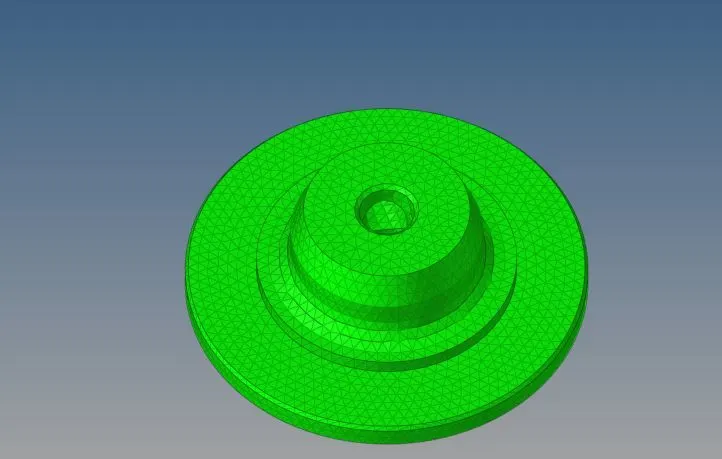
5. Check for free edges by using the edges option in the tool menu, use equivalence to toggle free edges between the elements and delete the edges.
6. Use the Tetra mesh option in Tetramesh(3d panel) and select the elements under Fixed Trias/ Quads to tetramesh option and click on mesh to generate the 3d mesh.
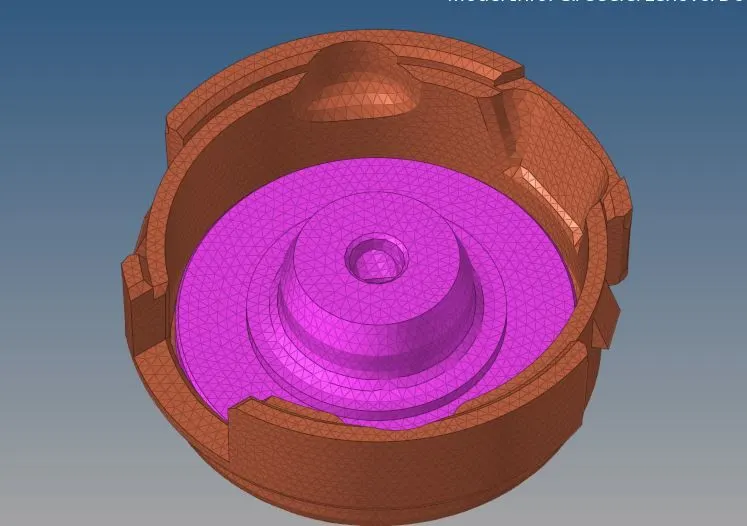
7. Go to check element in the tool panel and insert 0.15 in theTet collapse panel and click the button to check for tet collapse.
8. To eliminate the remaining tet collapse remesh the tetra elements.Insert the desired value of the tet collapse in Tetramesh Parameter window in teteamesh (3d panel). And then use tetra remesh in 3d panel to remesh the elements.
Objective 3
3D hexa Mesh
Procedure
1. Import the hm file into Hypermesh using import model option.
2. Delete all solids using delete options.
3. Carry out the geometry cleanup of all the components manually using toggle edge, washer splits and other cleanup tools.
4. Mesh the top face of the base component with 10mm quads.
5. Use Offset elem option in 3d menu to create 3 layers of solid mesh on the base component.
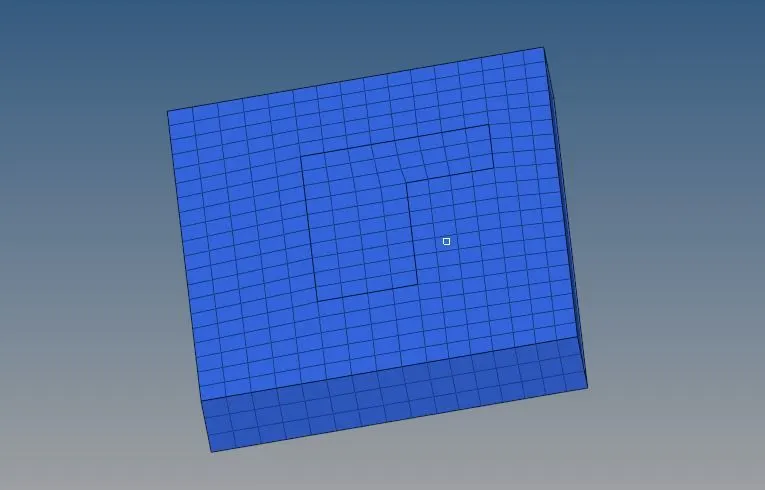
6. Mask the hex8 components such that only the quad elements are visible.
7. Create a centre node for the arm arc using the 3node option under the measure menu.
8. Use the spin option under the 3d menu to transfrom the element on the base of the arm to solid element layers.(Use the centre point as base node).
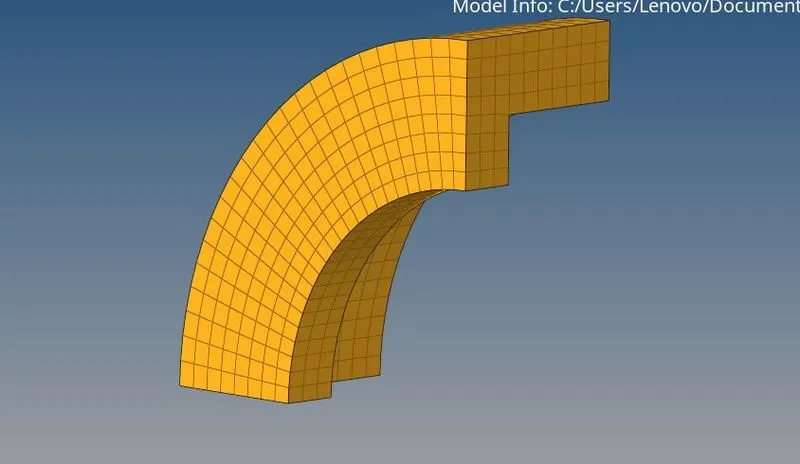
9. Obtain the face of the elements on the arm curve using the face option in the Tool menu.
10. Mesh the front face of the straight arm such that the composition of element is same on both rear and front face.
11. Use the elements on the front and rear face to develop linear solid mesh using the linear solid option under the 3d menu.
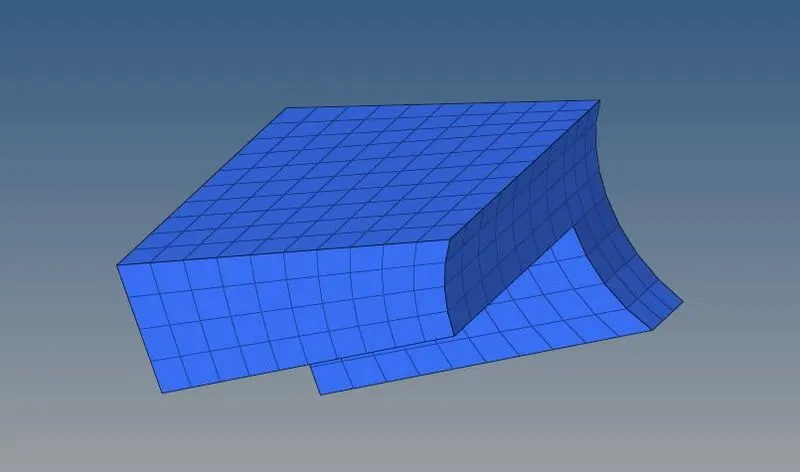
12. Create 2d mesh on one of the flat surfaces of the cylinder(The number of elements should be same on both inner and outer pheriphery)
13. Now map the created 2d mesh into solid elements along the node path along the elements at the line intersecting the staright arm and the outer cylinder.
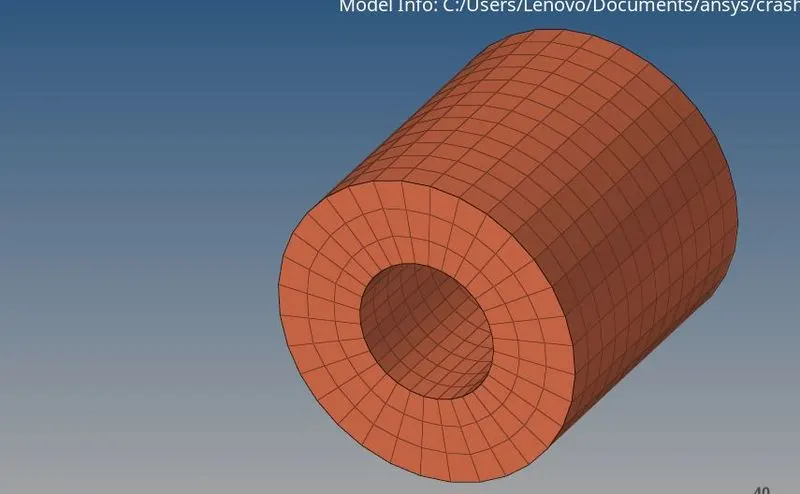
14. Finally delete all 2d elements in the model.
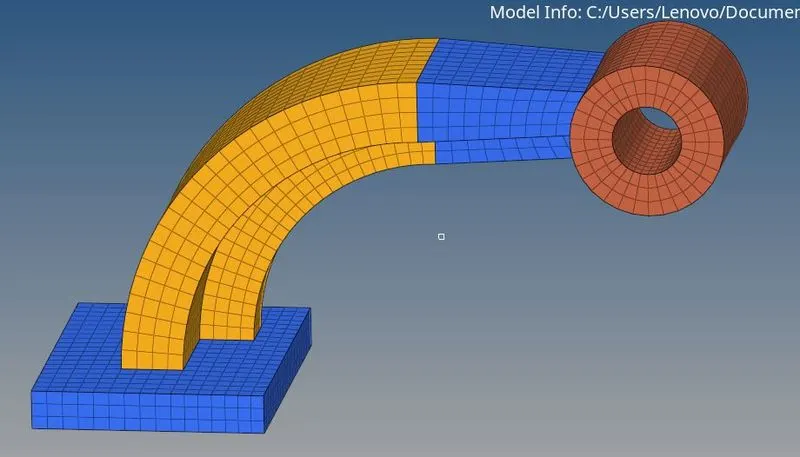
Conclusion
The Starter file was read to obtain the working units and material properties.
The Engine file was edited to change the termination time and animation steps.
The housing model was meshed with tetra solid elements.
The arm model was meshed with hexa solid element.