Week 3 - 2D meshing for sheet metal
Objective
Take the mid surface for all the components after checking the geometrical errors.
Mesh the mid surface with the given element Quality criteria.
Assign the thickness to the elements of each midsurface
Procedure
- Import the geometry into ANSA by using the open option in the file menu.
- Check the geometry by using Checks > Geometry in the tool menu.
Execute the check on each component to find the geometry errors
Try eliminating the errors by using the autocorrect options initially, if that does not eliminate all errors use manual operations like deletion, creation or fusing of surfaces to eliminate the error
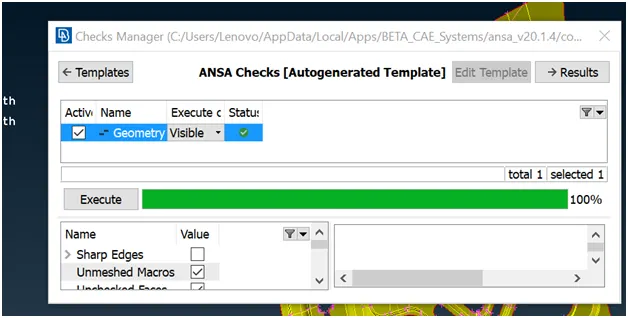
- After correcting the geometry we have to take the midsurface for each component of the geometry
Measure the thickness of the component.
Offset one side of the surfaces by distance equal to half the thickness to obtain the midsurface of the component
Repeat the process for each component.
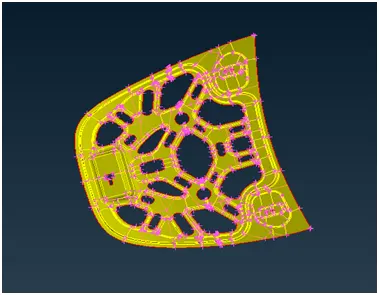
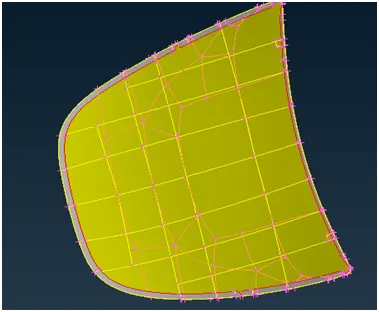
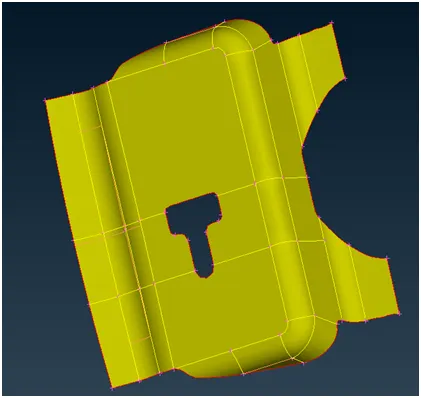
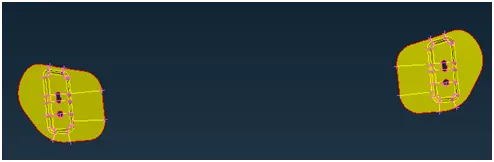
- Set PID for each midsurface as mids1, mids 2 and so on and assign the corresponding thickness to each.
- Use Cut, proj. Cut and join options in the Macros menu to make convenient macros as shown.
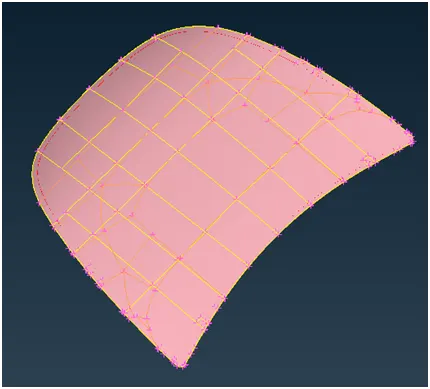
- Assign appropriate number of hot points to each such that the element length is within limits.
- Use the “Best” option in the mesh generation menu to mesh the macros.
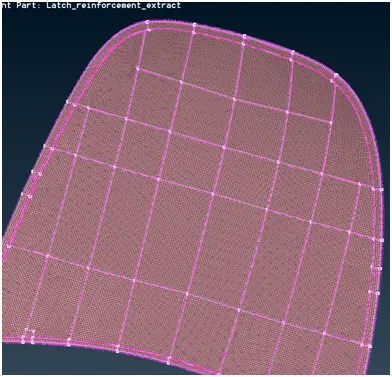
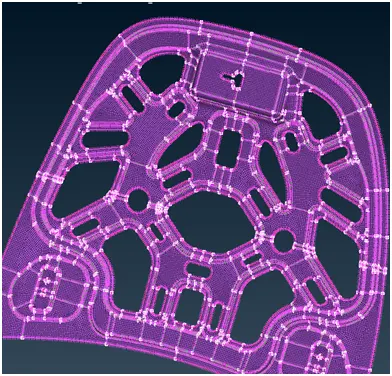
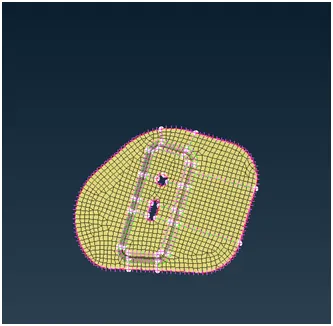
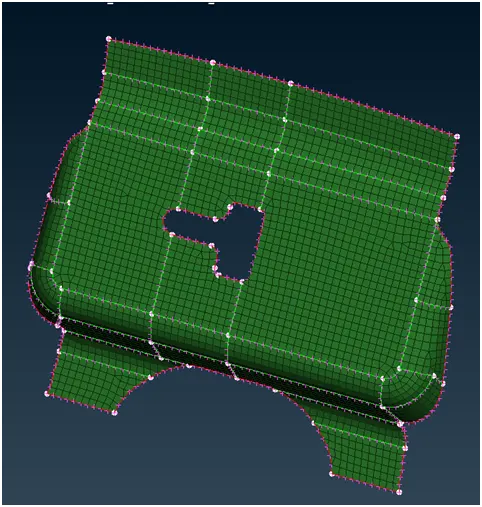
- Insert the values of the required quality criteria in the quality criteria window, and switch on the hidden mode to view the off elements
- Use the options in the Shell menu, Grid menu and element menu to correct the failing elements (all elements except those failing for min. Length criteria in very constricted areas need to be corrected).
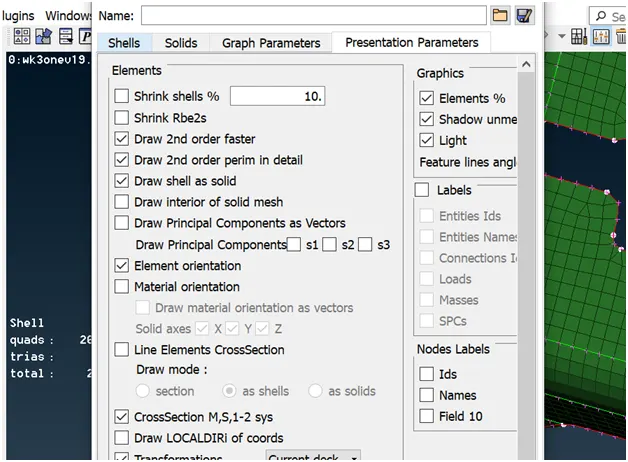
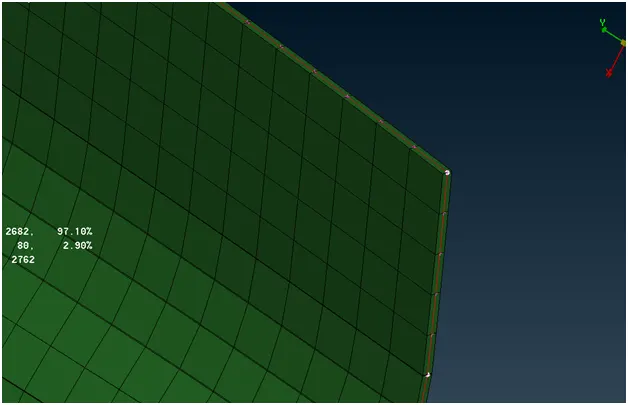
- Activate Draw shell as Solid in presentation parameter in the Quality criteria window to visualise the elements with thickness.
Result
The Geometry was cleaned up and meshed with appropriate element size.
All elements follow the given quality criteria (except some elements violating the minimum size)
Thickness was assigned to the elements
Learning outcome
Performing geometry cleanup
Midsurfacing the components by offsetting the surface to appropriate distance.
Setting up the macros so that the meshing becomes easier
Correcting false element by using various tools in ANSA