Week- 5 - Solid meshing
1. Objective
a) For the Rear view mirror component, check for the geometrical errors and mesh the Surfaces with the given 2D element Quality criteria
b)Use tetra elements to mesh the Volumes defined in the model and check for the below quality after Volume meshing.
2. Procedure
1. Import the geometry into ANSA by using the open option in the file menu.
2. Check the geometry by using Checks > Geometry in the tool menu.
Execute the check on each component to find the geometry errors then try eliminating the errors by initially using the autocorrect options, if that does not eliminate all errors use operations like release, delete, create or fuse to eliminate the error
3. Use the Length option under parameter menu to provide parameter and macro length to visulaise the model and refine the cad geometry (insert length as 1).
4. Insert the values of the required quality criteria in the quality criteria window, and switch on the hidden mode so that you can view the off elements after meshing.
5. Use the Spotmesh option in the mesh generation menu Mesh Curved macros with Ortho tria and flat macros by Trias.
6. Mesh all 4 parts of the geometry by the procedure in step 4. if some elements fail the quality criterion use reconstruct option in the Shell Mesh menu to reconstruct the mesh and eliminate the off elements.
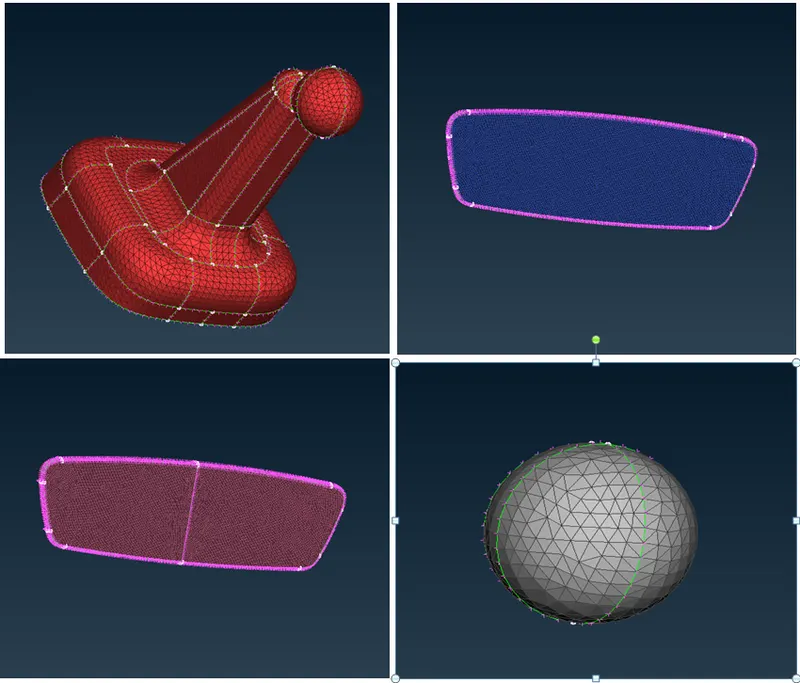
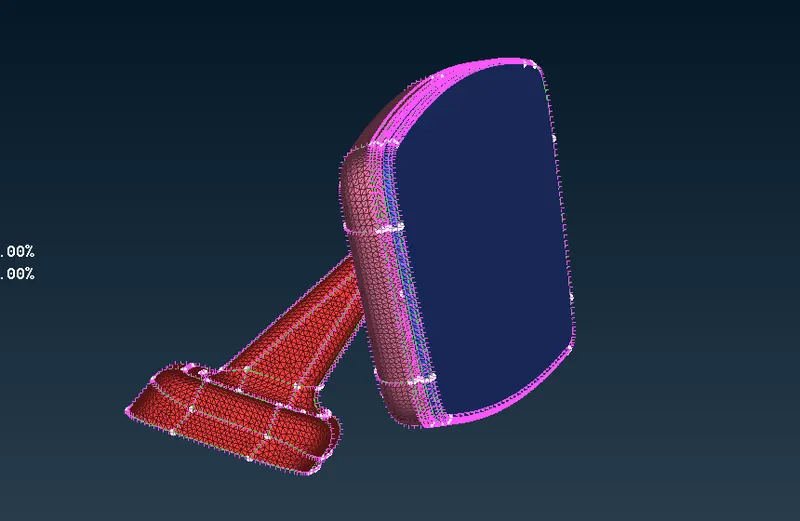
7. After Completing the Shell mesh on each part, insert the appropriate Solid Mesh quality parameter (Tet Collapse) in the Quality criteria window.
8. Use the Define option under the Volume option in the Volume menu (Volume Mesh) to define volume for each part. Use manual selection to select the element used to define the volume.
If you are working on version 19 you will have to create PSOLID properties for each part as well while verion 20 does it automatically.
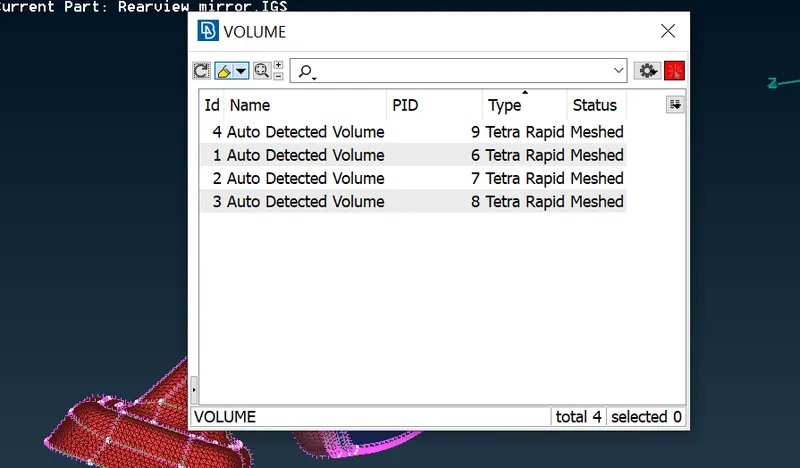
9. Use the Tetra Rapid/ Tetra FEM option under the Unstructured Mesh menu and select the corresponding volume to generate the Tetra mesh.
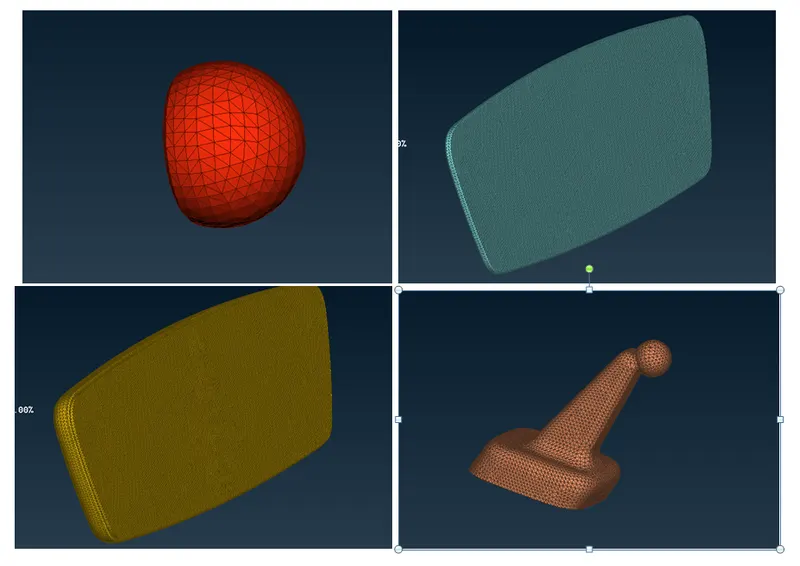
10. If any element fail for Tet collapse use MV Free to move the nodes in a way that eliminates Tet Collapse.
3. Learning Outcome
1. Learned how to mesh Components using Tria and Othro tria elements appropriately.
2. Learned how to generate Tetra mesh from existing shell mesh consisiting of trias.
4. Conclusion
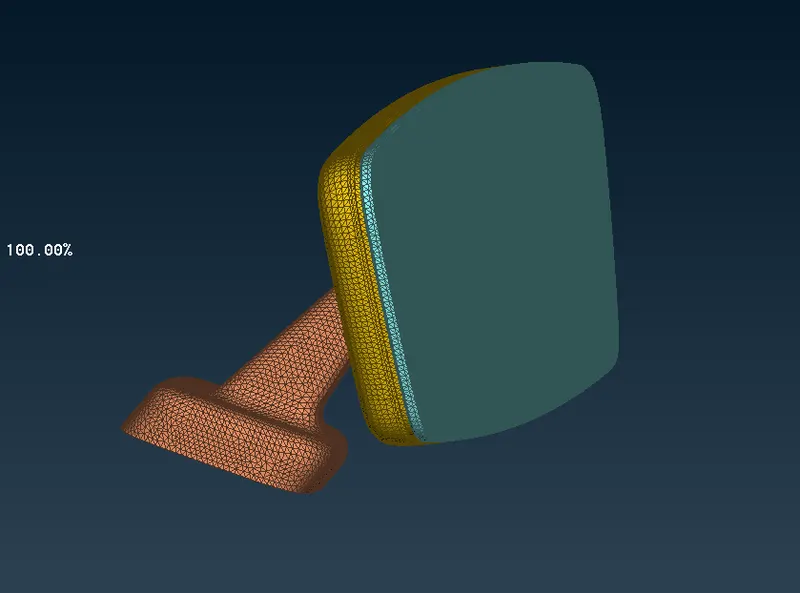
The Rearview mirror was meshed with shell mesh consisting of tria and ortho tria with appropriate minimum and maximum length criteria. following this Solid Mesh with Tetra elements was generated from the existing shell mesh. All elements of the generated Solid mesh passed the quality criterion(Tet Collapse).