Assignment 2-RADIOSS Engine File Editing & 3D Meshing Challenge
Aim
To Solid Mesh the Given component
Procedure:
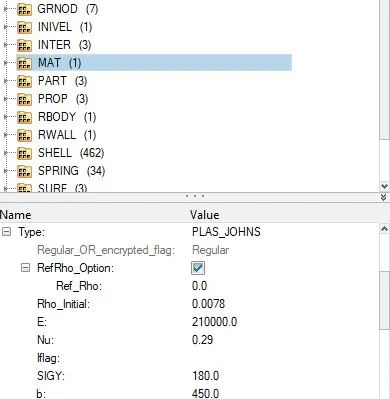
1.Check the material properties of the rail component and calculate the speed of sound in steel rail=_______
c=√210000/0.0078
=5188.75 m/s
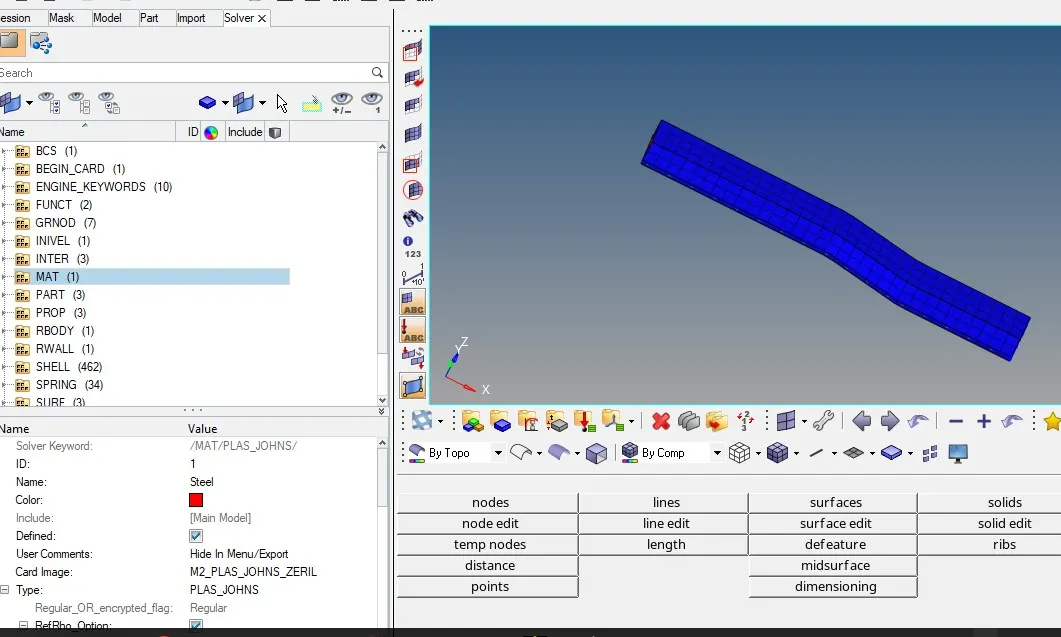
2. The length of the rail is about 1000 mm.calculate the time takes for a shock wave to travel from one end of the rail to the other.
3.Time for sound to travel length of rail=______
t=1/5188.75
=0.1927ms(milli seconds)
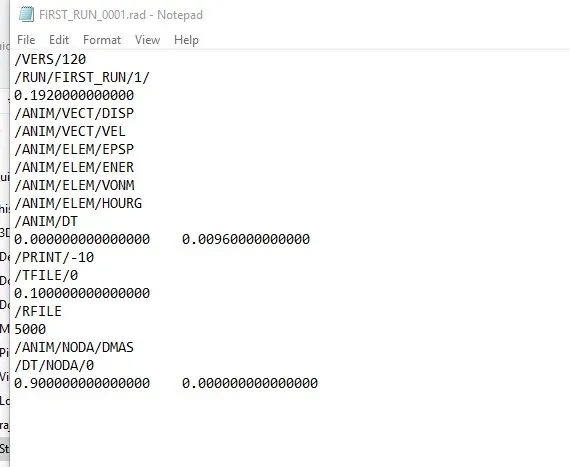
4.Edit the engine file so that the stress wave can be monitored, moving from one end of the rail to the other during impact -this will require a termination time equal to the time it takes for the sound to travel the length of the rail(set on/RUN card)
5.Set the frequency of animation output to a time that will give 20 animation steps(/ANIM/DT)
6.Change /print -10.
7.3d meshing tetra mesh and hex mesh
- Repeat class examples and, maintain the quality.
- Target tet size=5mm,hex size=10mm,tet collapse=0.15.
Step 1
Import geomentry
Model 1
step 1
After setting the quality criteria the componet is solid mesh using tetramesh
step 3
As shown below componet is tetra mesh with given quality criteria
step 4
Final Result
Model 2
step 1
Import geomentry
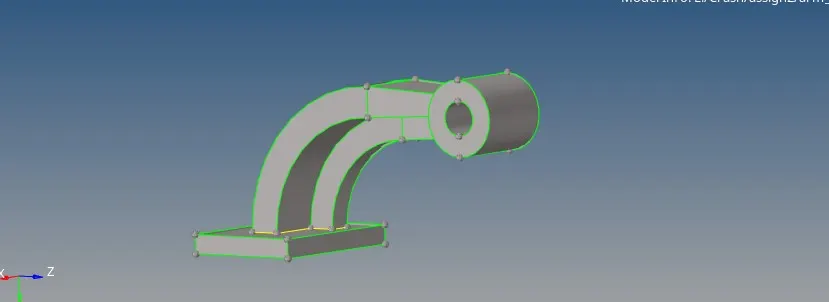
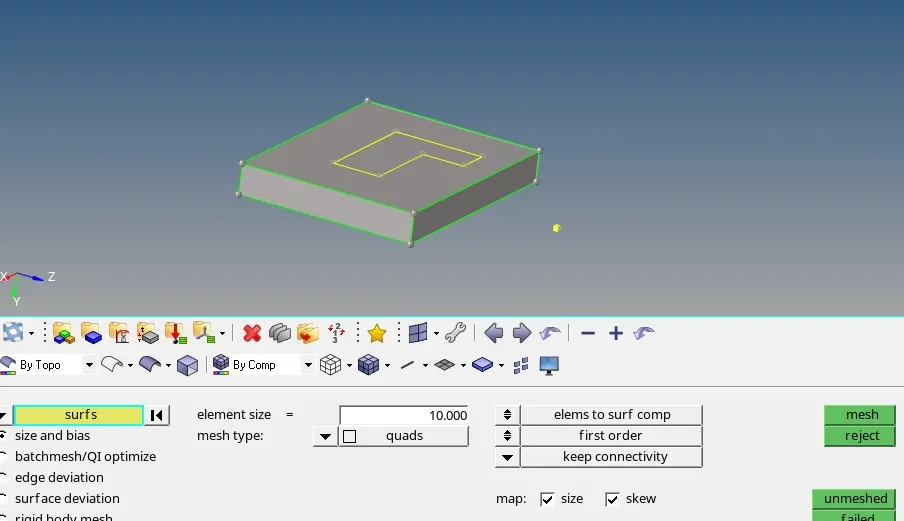
Starting from base initially we used quad elements to mesh surface
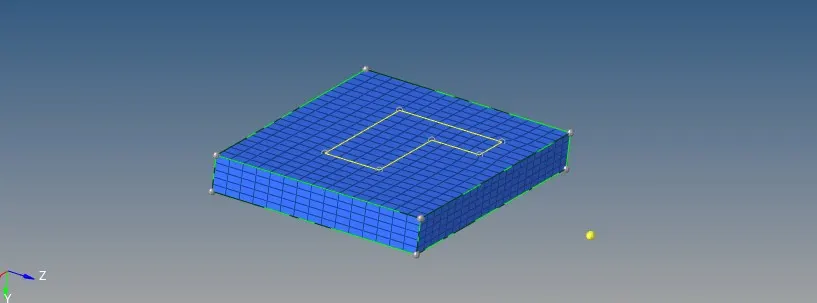
After meshing quad elements we used solid offset to create solid elements in base
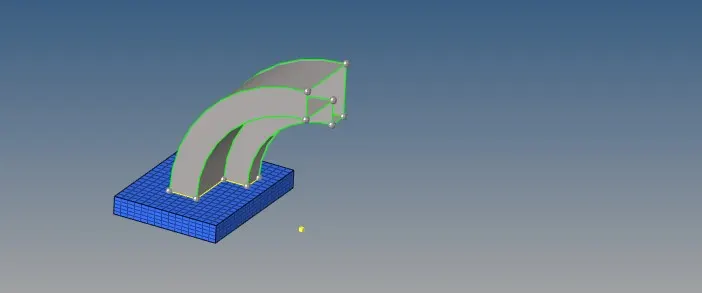
Now for curve geomentry we used spin option to create solid elements along the curve geom.
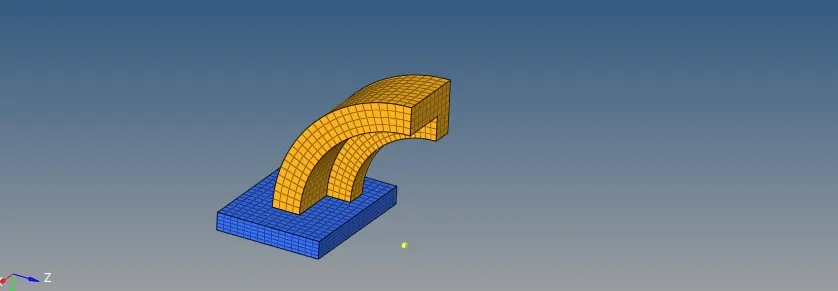
After curve solid meshing we see the solid elements as below
Now we used stright solid alignment for creating element along the line
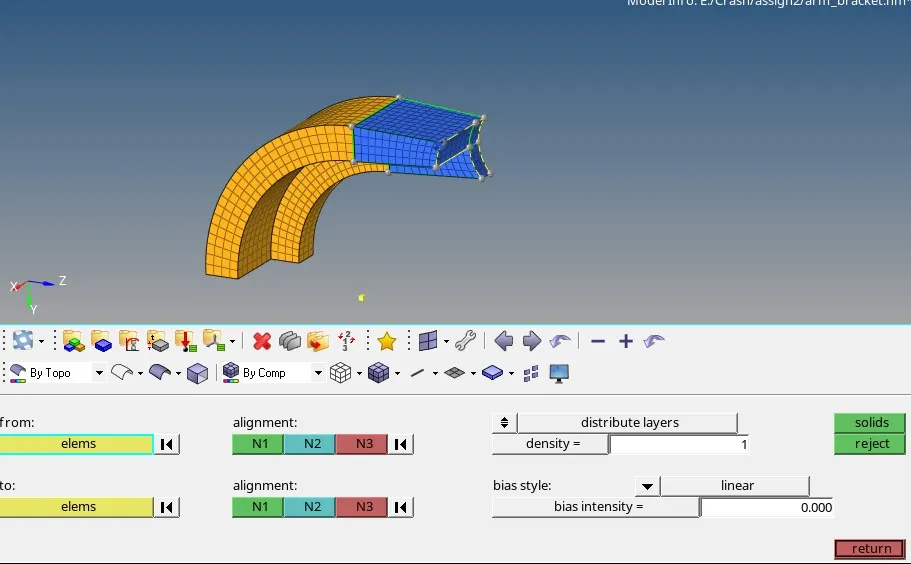
Now deleting all quad elements in meshing
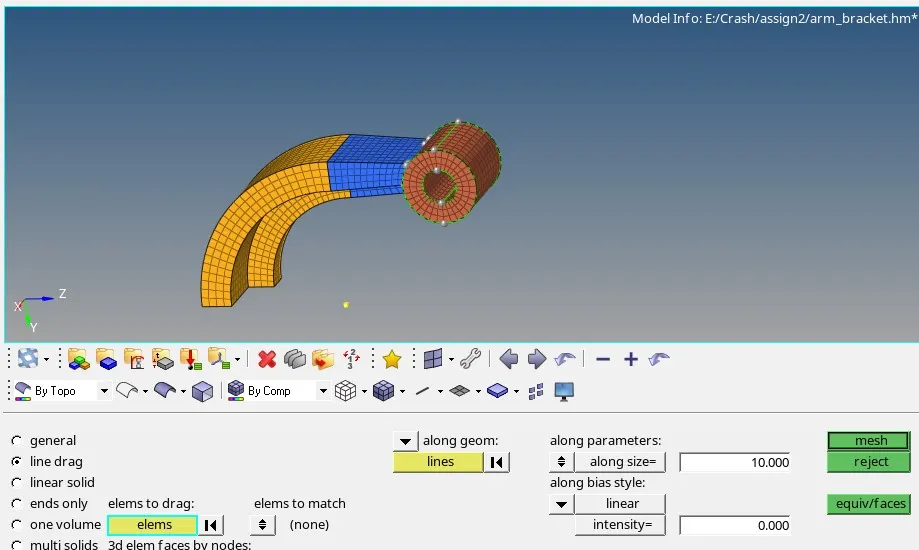
final 3d mesh geomentry as bellow
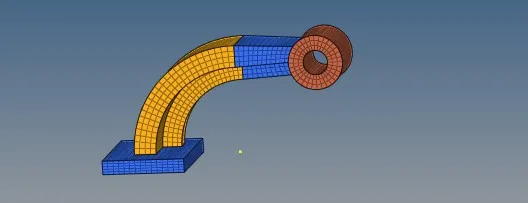
Out comes:
- Understood how to read input radioss file
- Understood how import the radioss solver deck file anf feed the value
- Got to know how to create 3d tetra mesh and hexa mesh
- Understood how to calculate speed of sound in different material, frequency.