Assignment 2-RADIOSS Engine File Editing & 3D Meshing Challenge
Q1)Check the material properties of the rail component and calculate the speed of sound in steel rail=_______?
Ans).
From FIRST_RUN_0000.rad file confirmed that they used steel as an assigned material for the rail.
They followed the g, mm, and ms unit systems for the component.
So to find the speed of sound (c) = √(Young's Modulus (E) / Density (ρ)
Young's modulus of steel = 210000 Mpa
Density of steel = 0.0078 g/mm3
Speed Of Sound in the Steel Rail(c) =√(210000/0.0078)
= 5188.74
So the speed of sound in steel rail = 5188.74 m/s.
Q2) The length of the rail is about 1000 mm. Calculate the time takes for a shock wave to travel from one end of the rail to the other.
Ans).
Δt = l/c
We have length = 1000 mm
we got the speed of sound (c) = 5188.74 m/s
so the time taken for the shock wave to travel from one end of the rail to the other is 0.19 ms.
Q3) Time for sound to travel the length of rail = Δt = 0.19 ms.
Q4) Edit the engine file so that the stress wave can be monitored, moving from one end of the rail to the other during impact -this will require a termination time equal to the time it takes for the sound to travel the length of the rail(set on/RUN card).
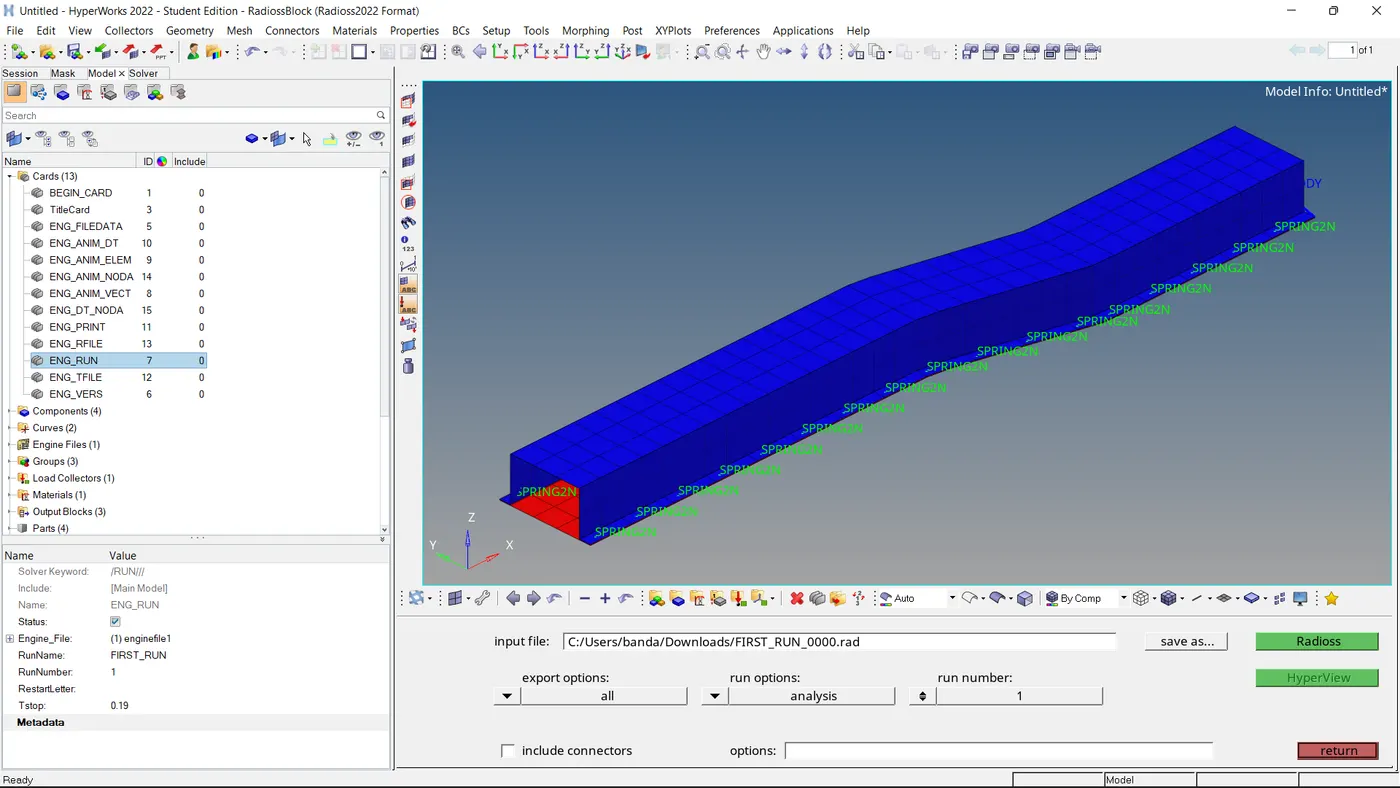
So the Tstop value is changed as mentioned that termination time is equal to the time it takes for the sound to travel the length of the rail.
Q5) Set the frequency of animation output to a time that will give 20 animation steps(/ANIM/DT).
Ans.
Tfrequency = Tstop /Anim dt
Tfrequency = 0.19/20
= 0.0095
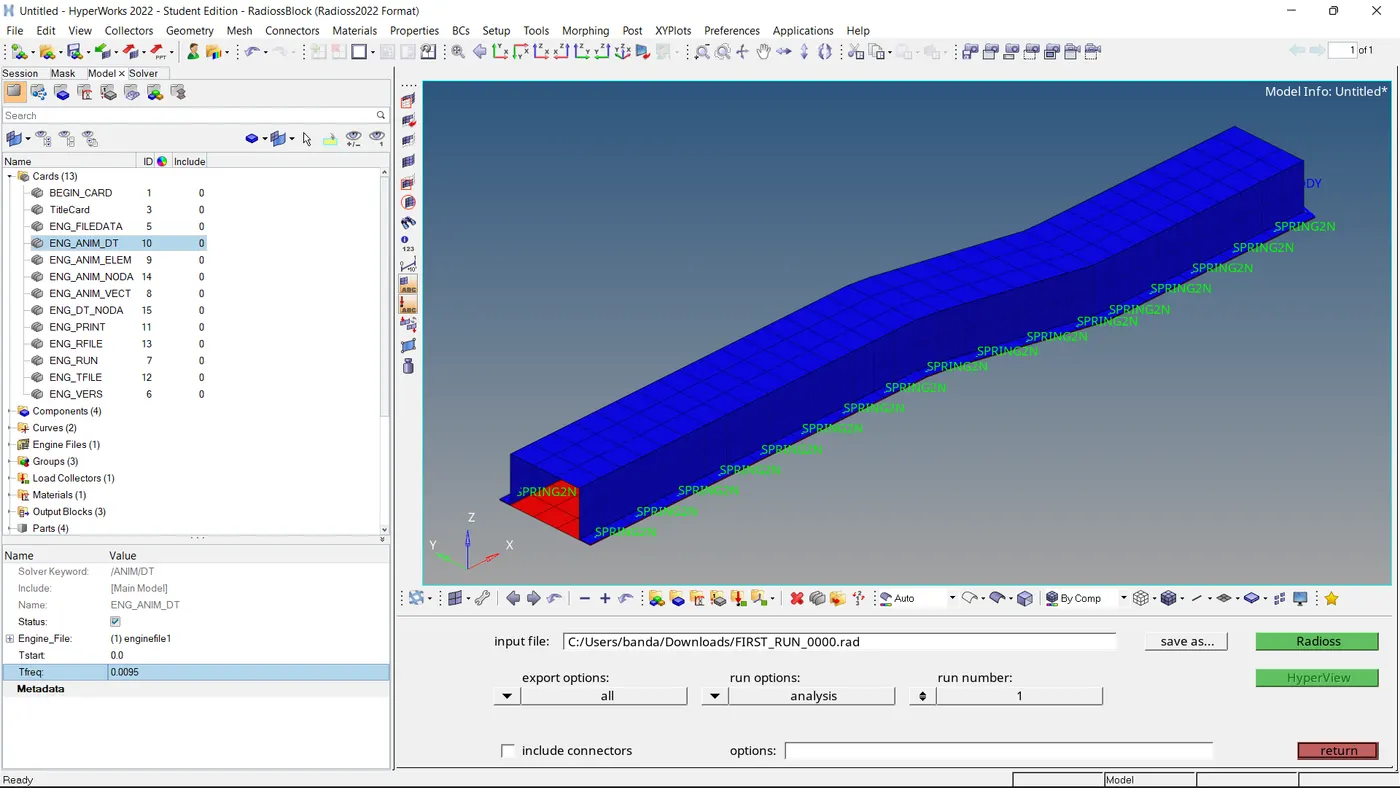
So the Tfrequency value changed to 0.0095
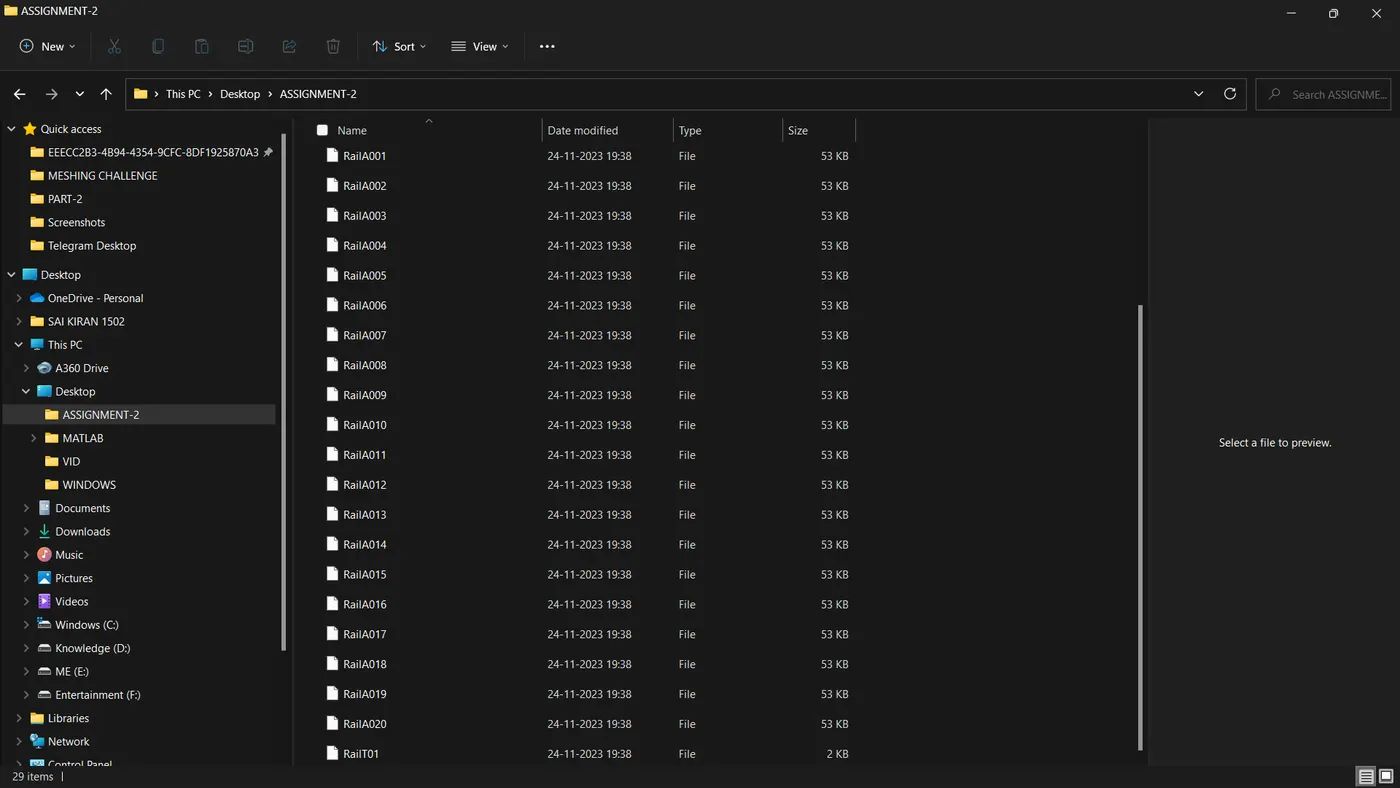
So We can observe in the picture I ran the analysis with the name Rail so it created 20 Animation files as calculated.
Q6) Change /print -10
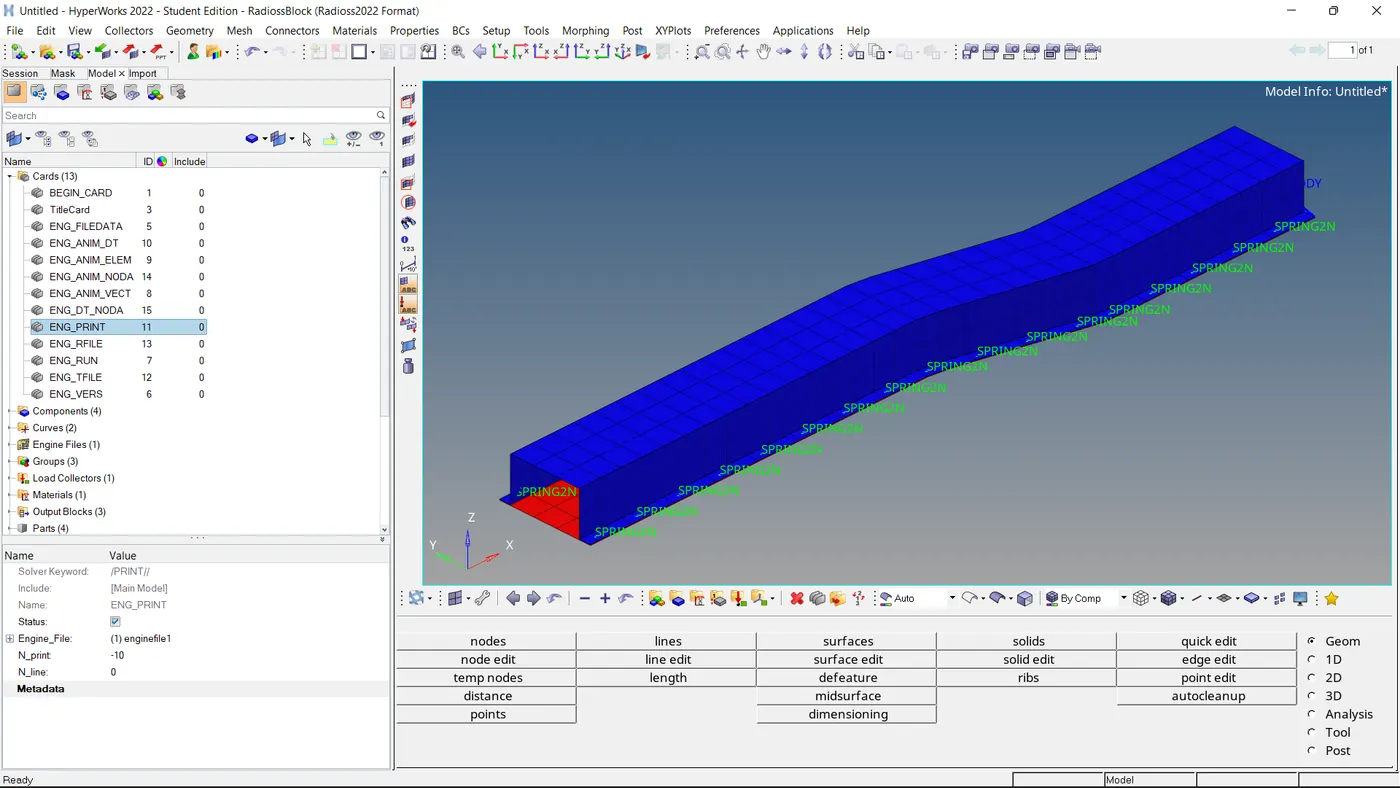
The N_print value is also set down to -10.
Q7) 3d meshing tetra mesh and hex mesh challenge
Objective:- To 3d mesh the Given Housing and Arm Bracket.
Component-1:-
Housing component: I decided to perform Tetra mesh on this component with a Target element size of 5 mm and Tet collapse with 0.15.
Step-1:
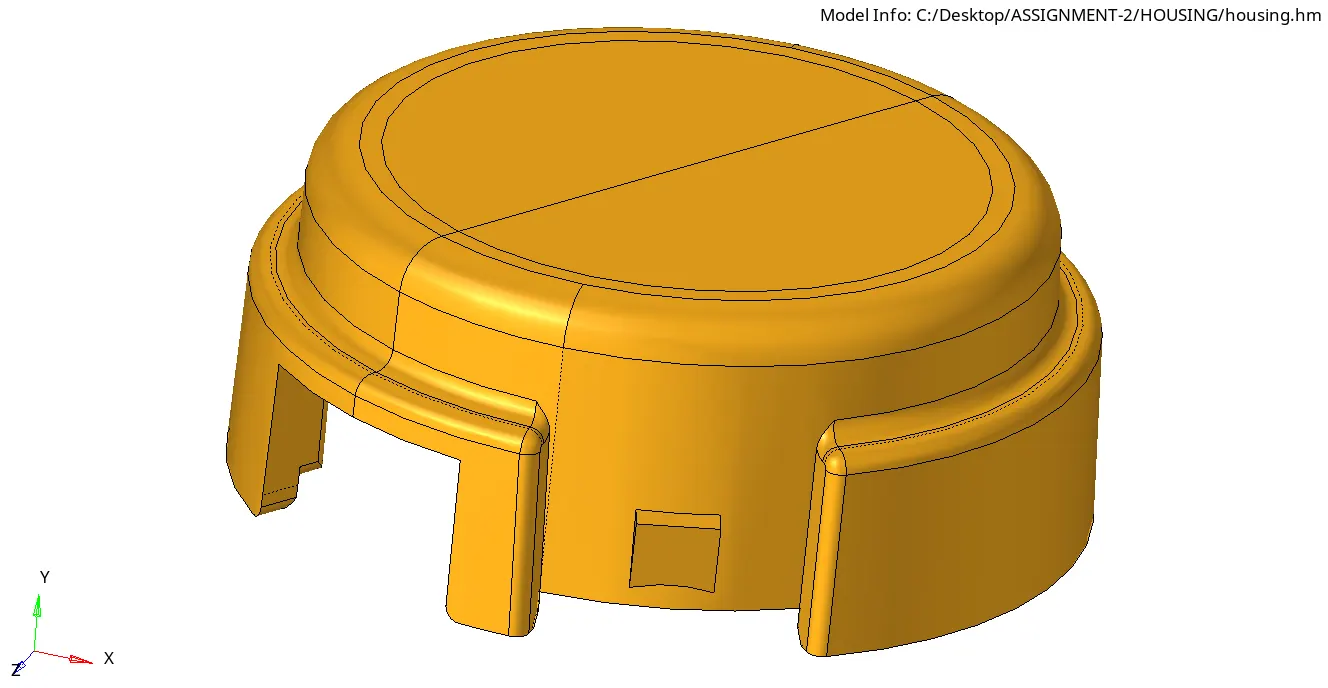
I imported the given model.
Step-2:
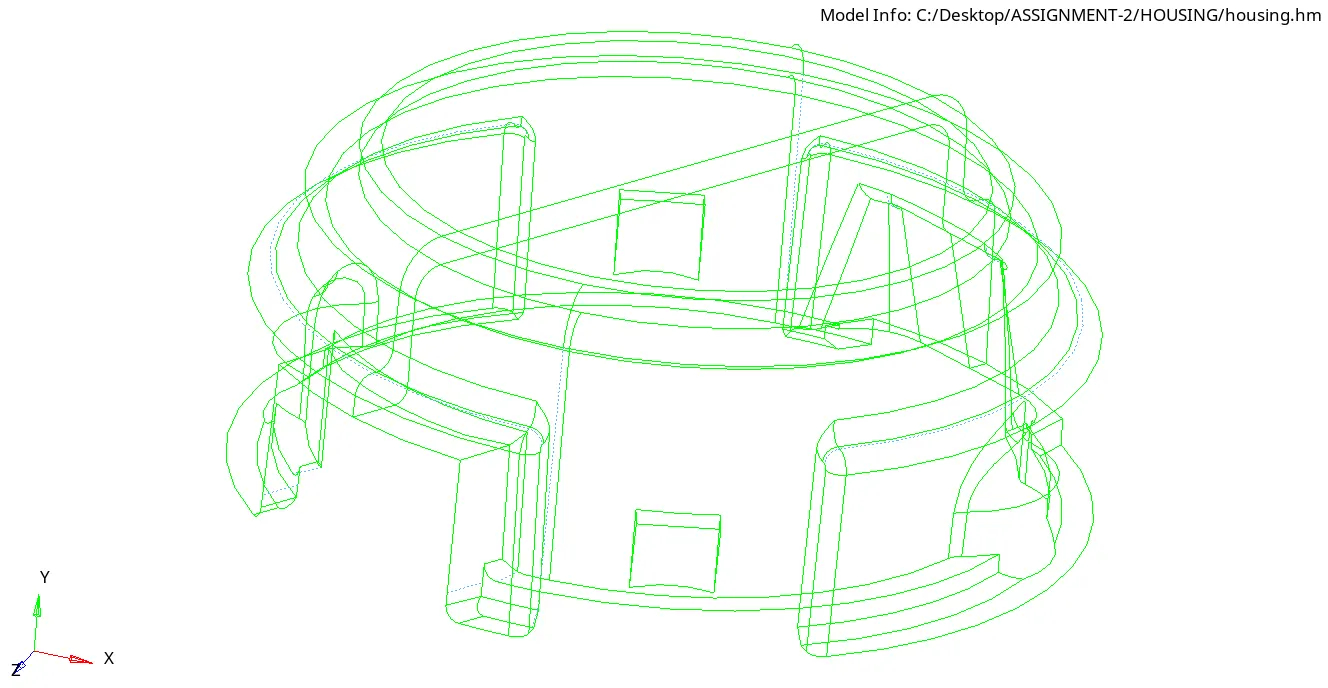
I have confirmed the model has no surface errors before starting the meshing.
Step-3:
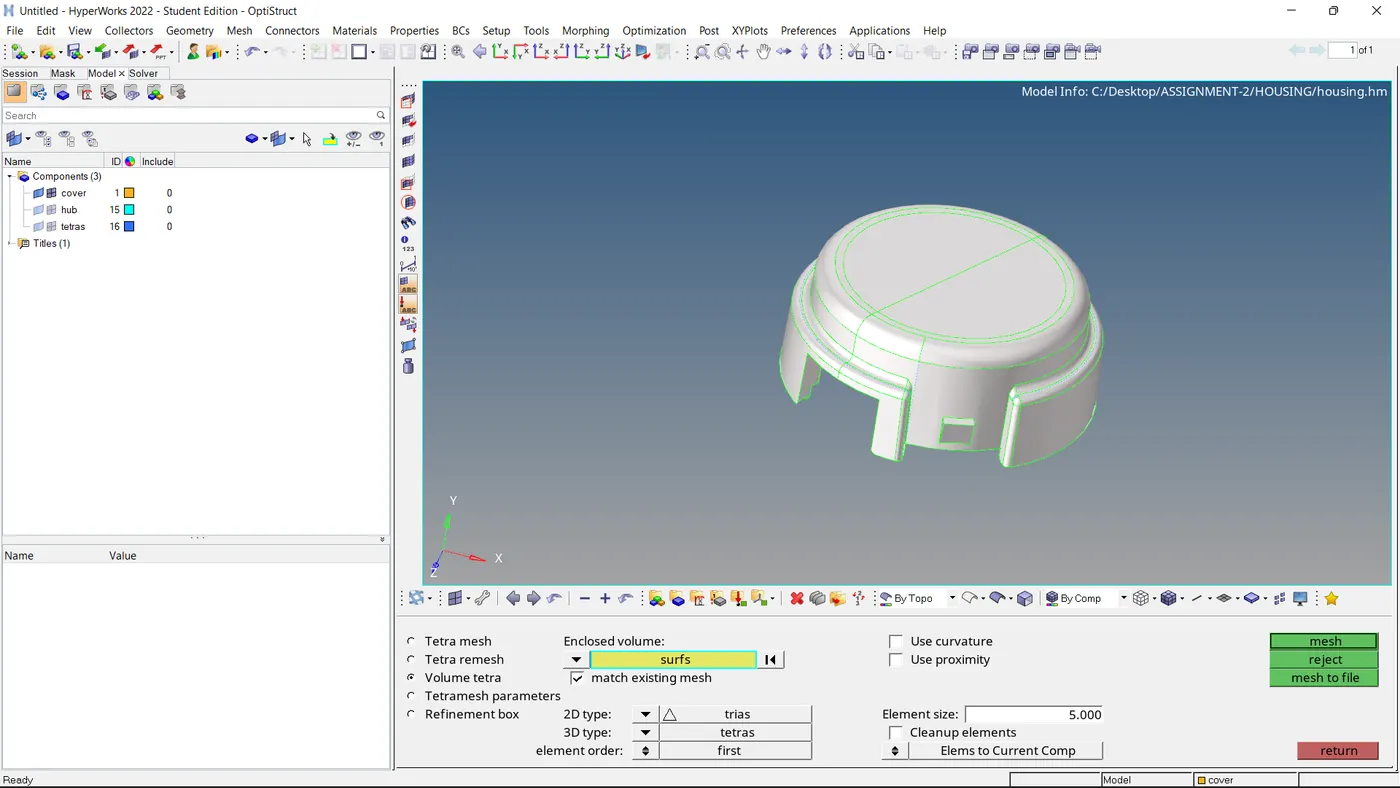
I performed Volume Tetra mesh with a target element size of 5 mm.
Step-4:
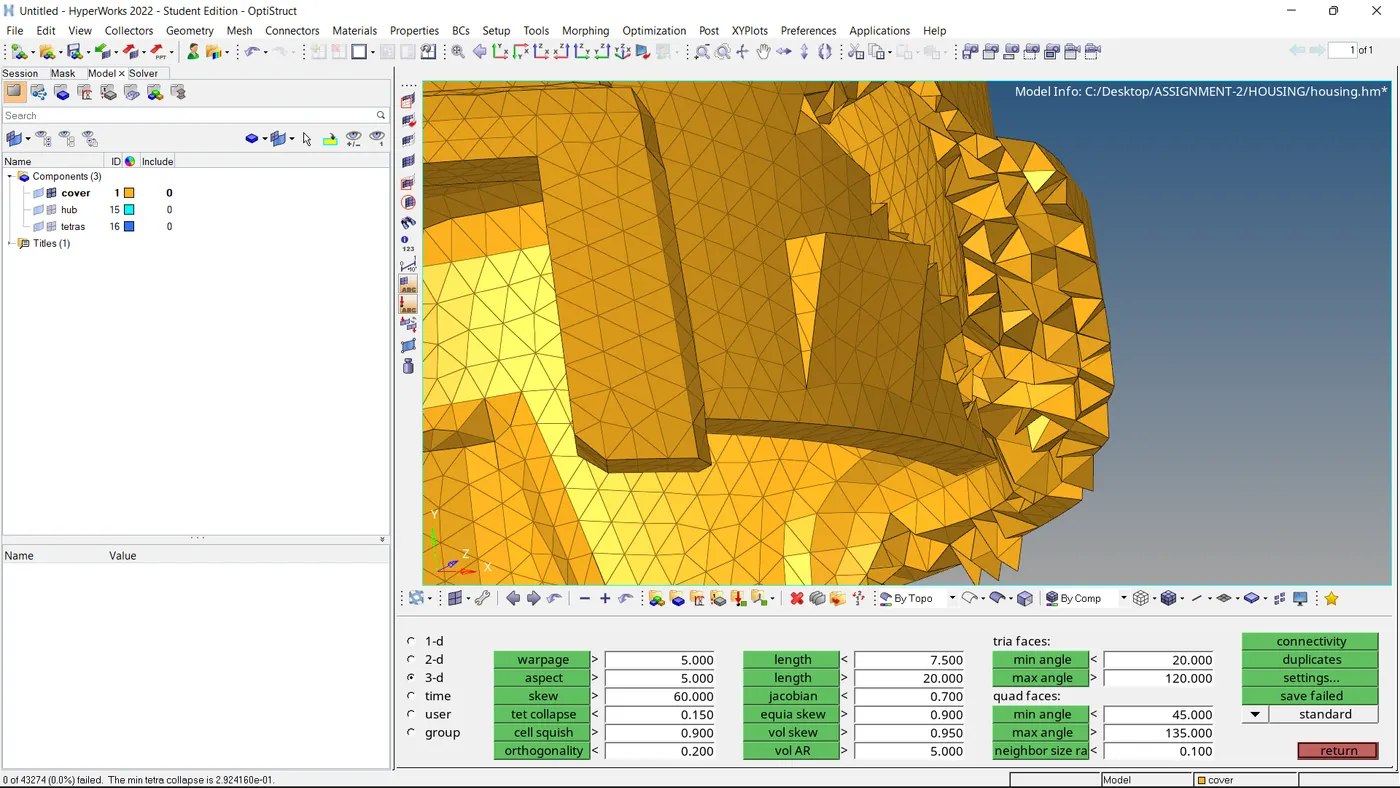
As mentioned the Tet collapse of 0.15 is set down and there are no failure elements.
-----------------------------------------------------------------------------------------------------------------------------------------------------------------------------------------------------------------------------------------------------------------------------------------
Component-2:
Arm Bracket Component:- I decided to perform Hexa mesh on this component with a Target element size of 10 mm.
Step-1:
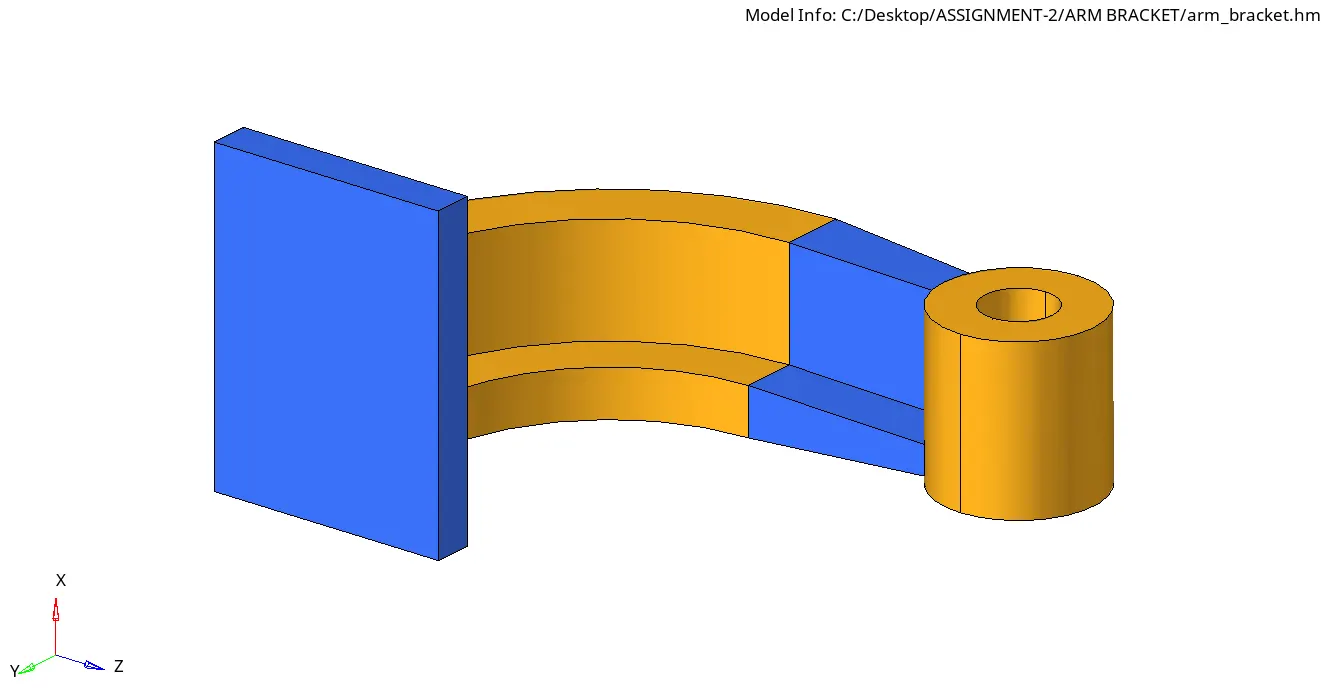
The given model got imported into hypermesh.
Step-2:
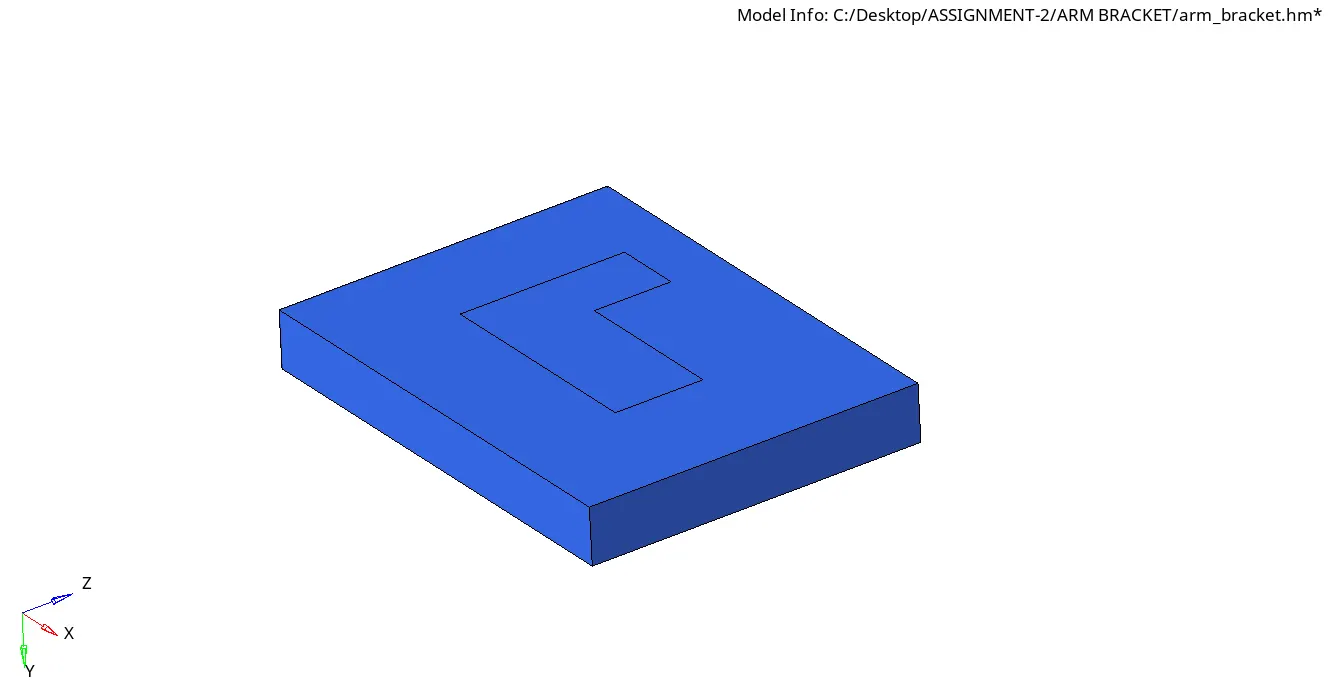
The first part is the Base component which I'm going to mesh.
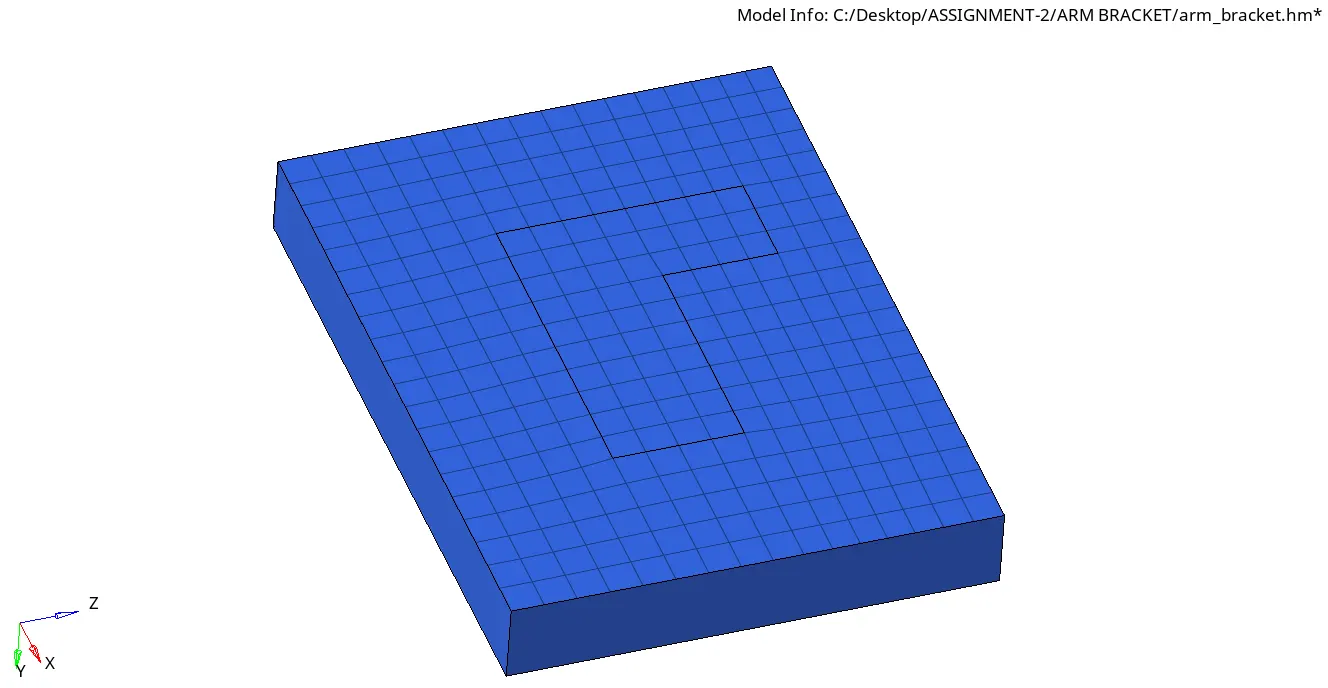
Firstly created a 2D mesh with a quad-element size of 10 mm.
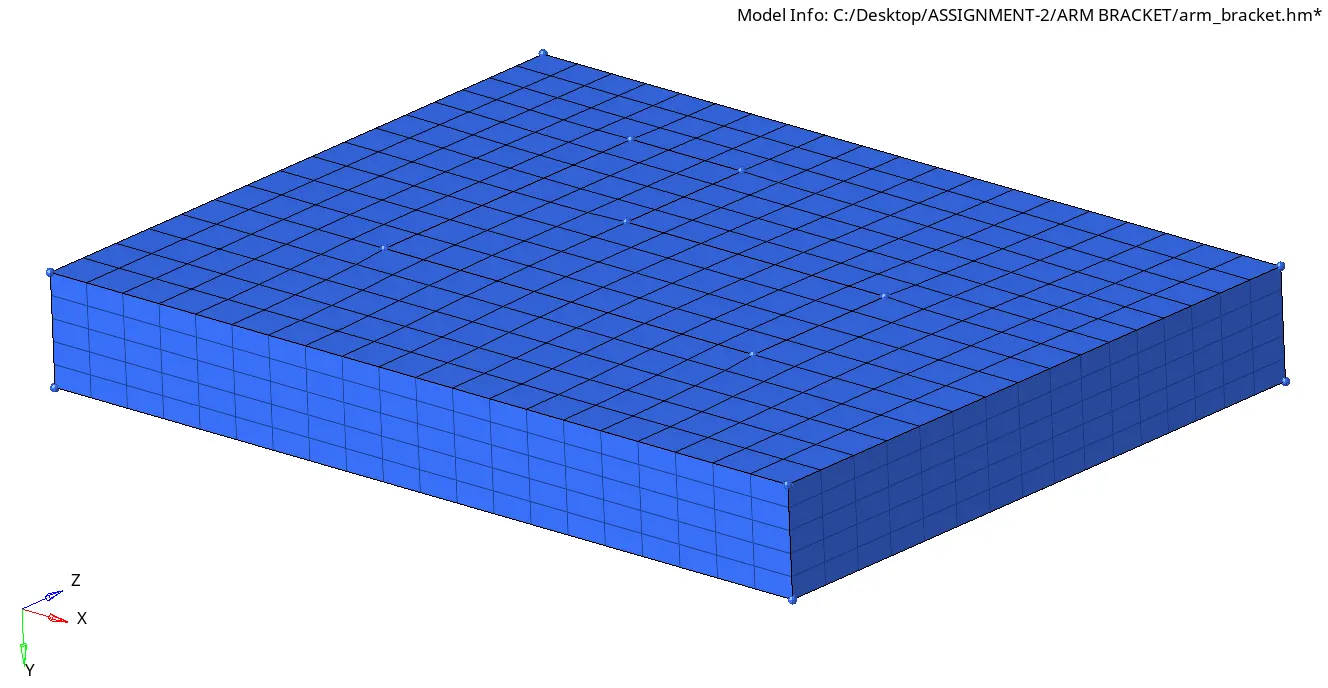
Using the Element offset option in 3d commands meshed the component with hex mesh.
Step-3:
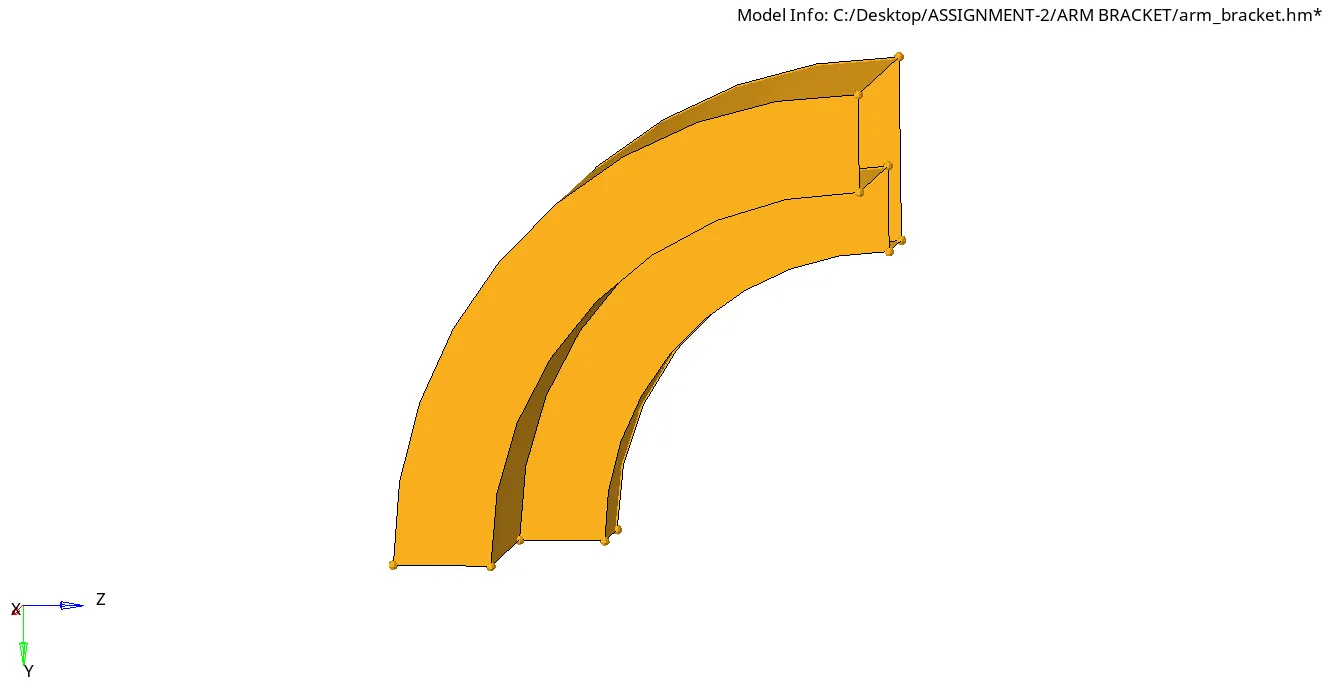
Now the 2nd part is called the Arm Curve component.
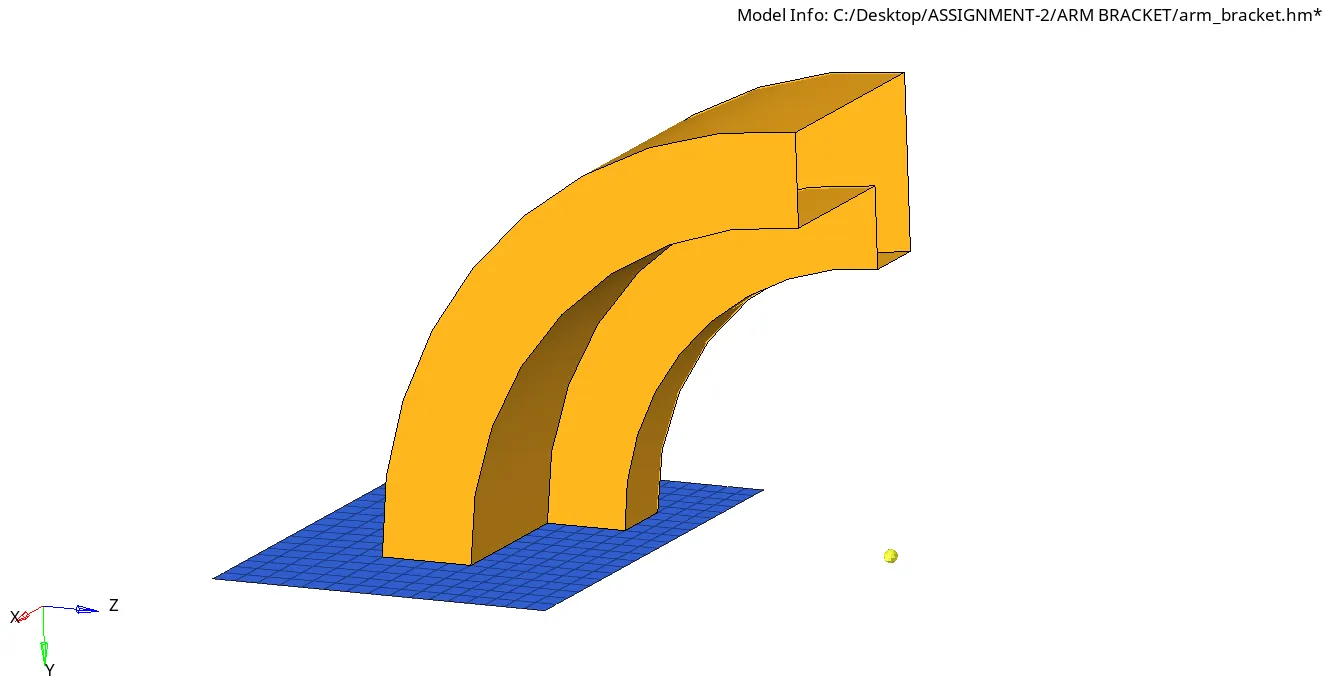
We need the 2d mesh and an arc center node is also created to spin the 2d elements.
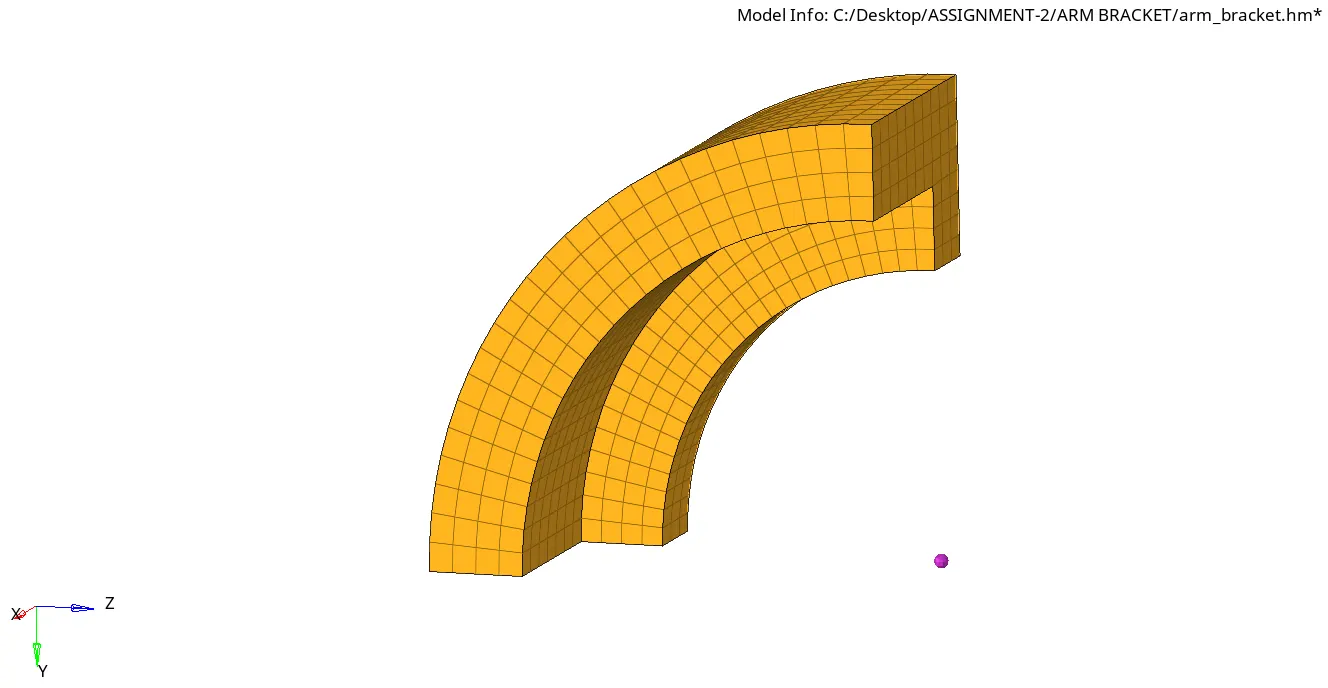
Using Spin command created the hex mesh.
Step-4:
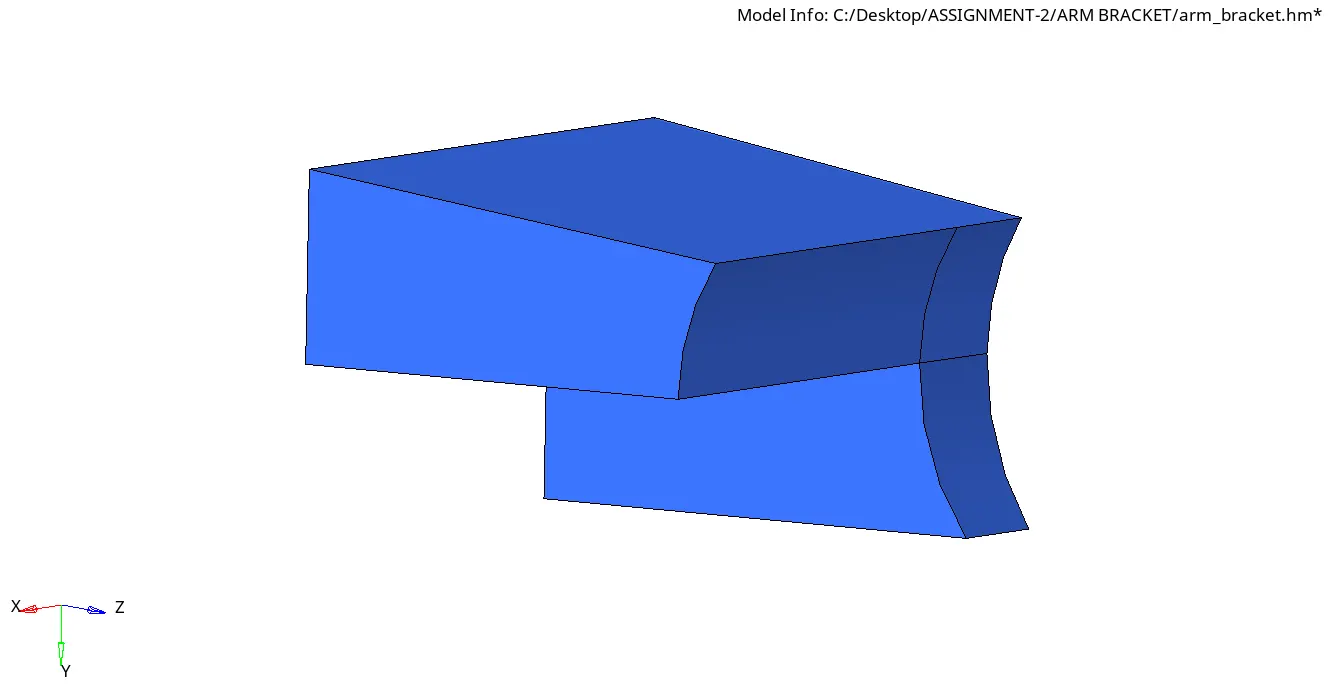
Now the 3rd component Arm Straight component.
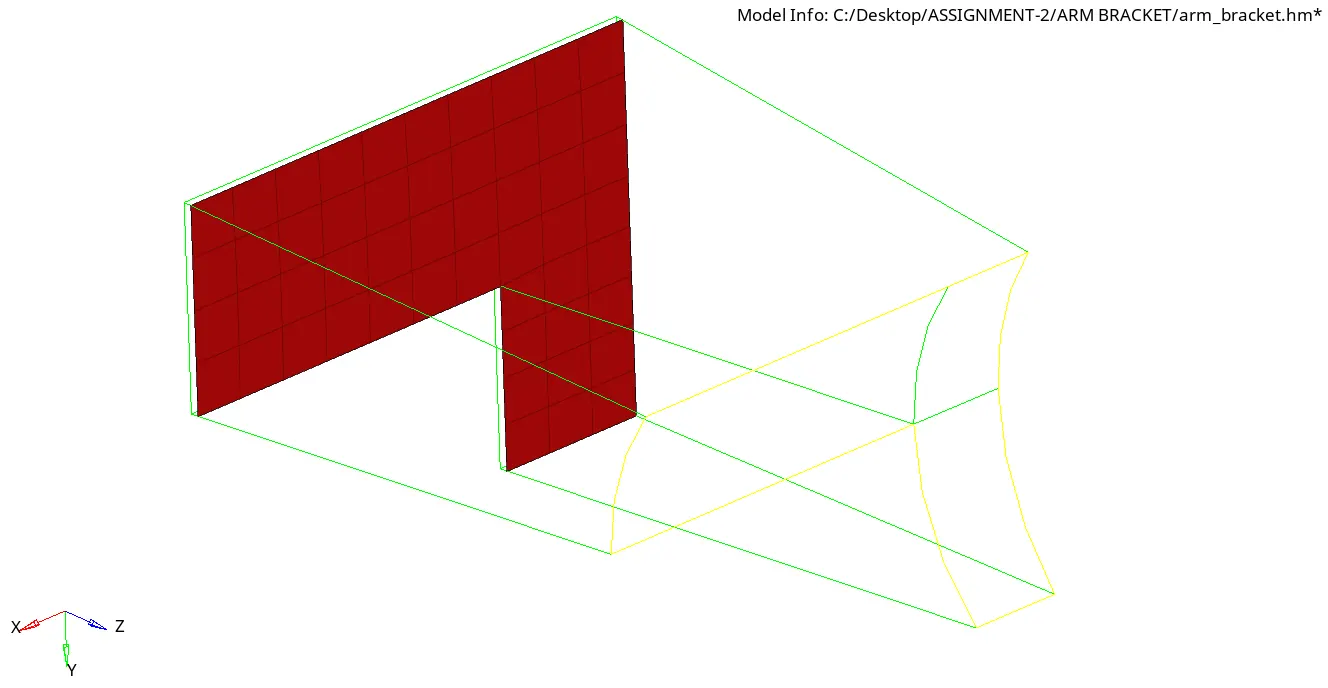
To create hex mesh for this type of taper component we require 2D mesh, these red elements are faces of Arm Curve hex elements.
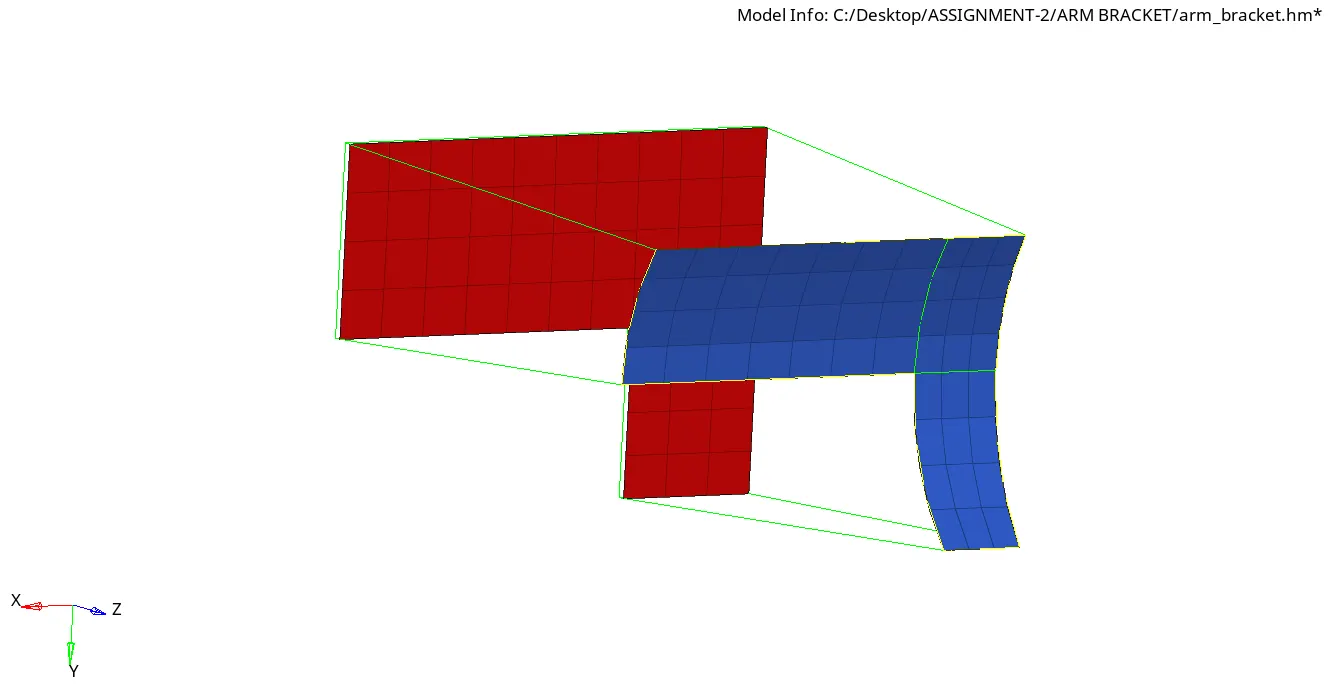
Then 2D mesh on the Arm straight is meshed with the same number of elements on the Faces elements on the arm curve component to align them.
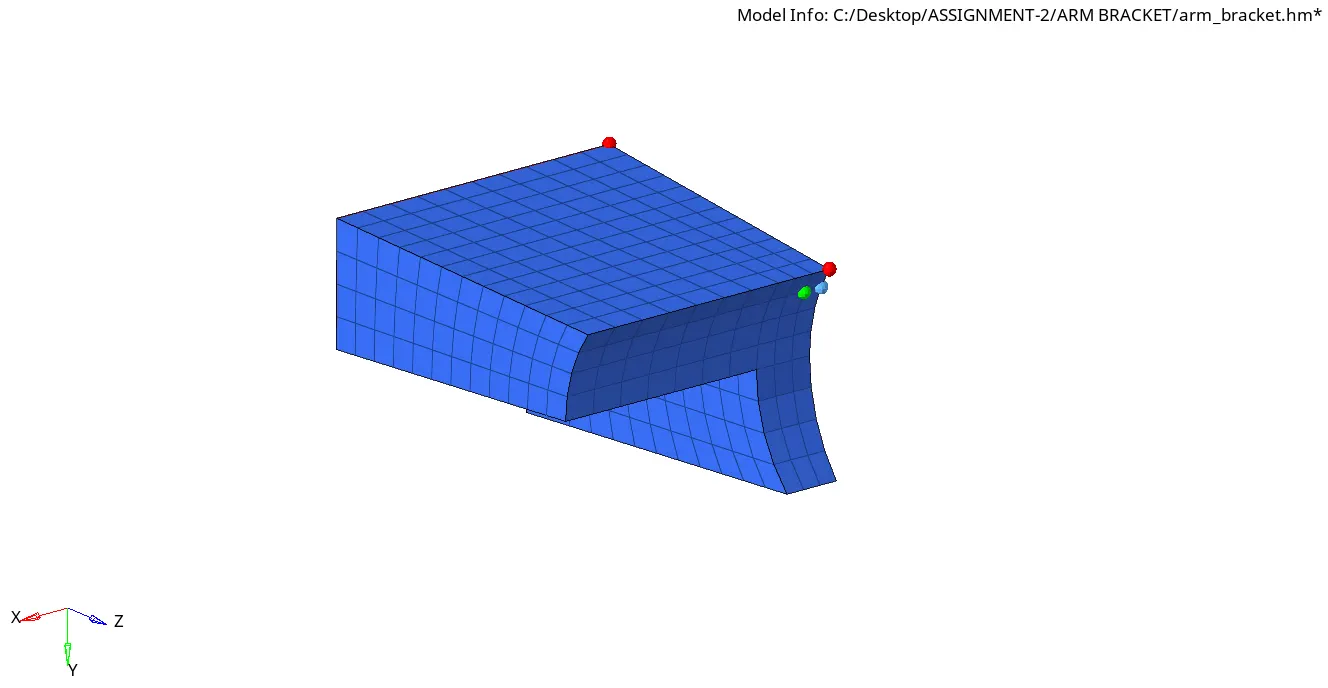
Here the Hex mesh is created by giving alignment to from the Hex mesh using Linear Solid command.
Step-5:
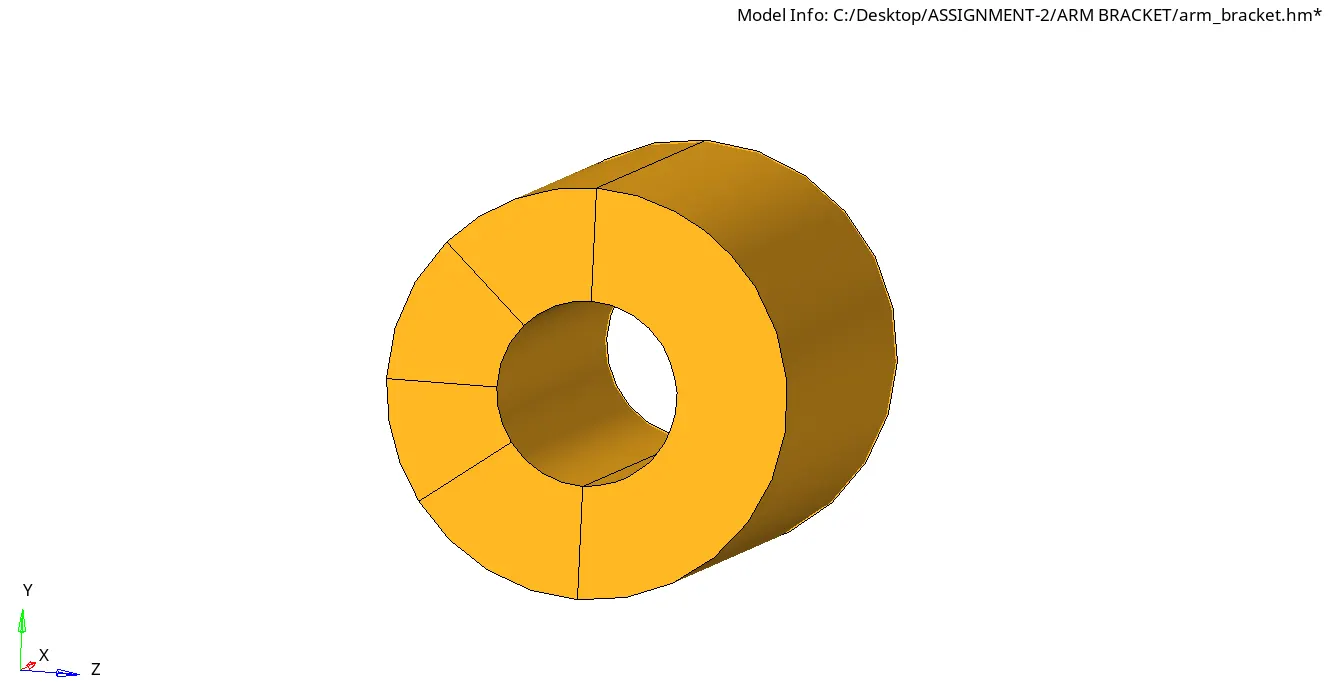
The final part is Boss.
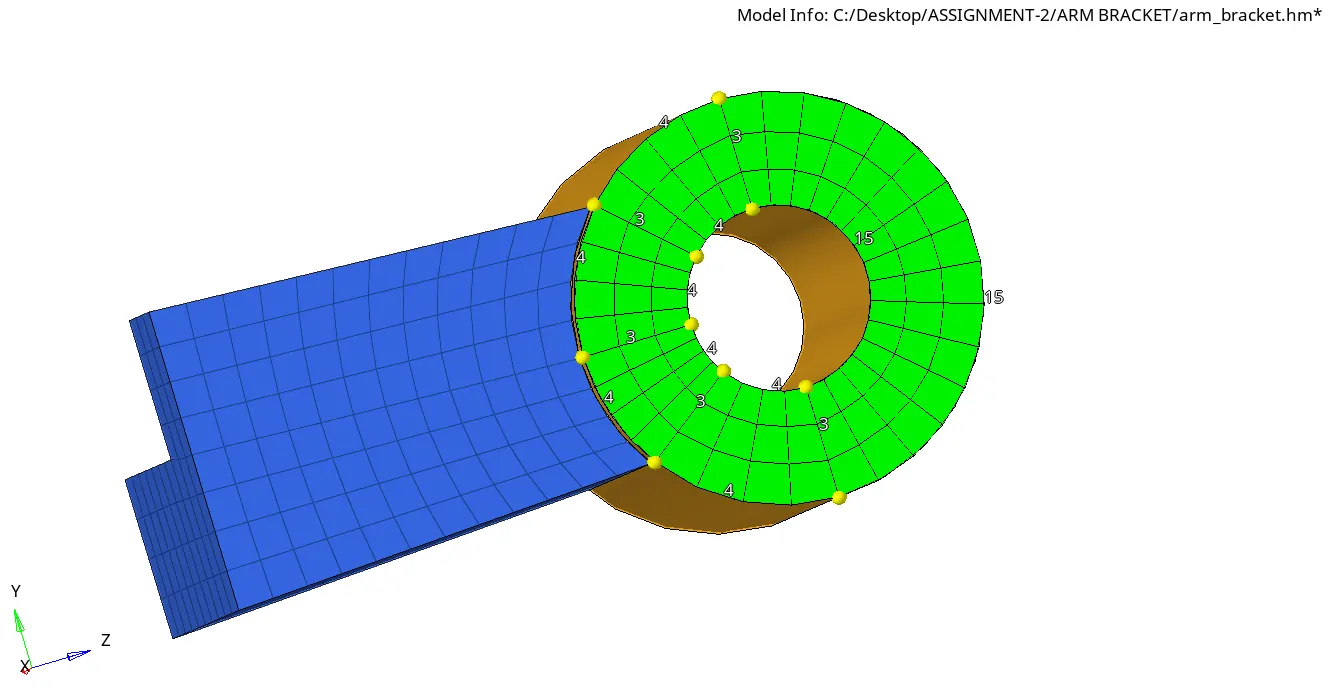
So here also the same method to create 2D mesh according to the count of elements on the Arm Straight to match the element's alignment.
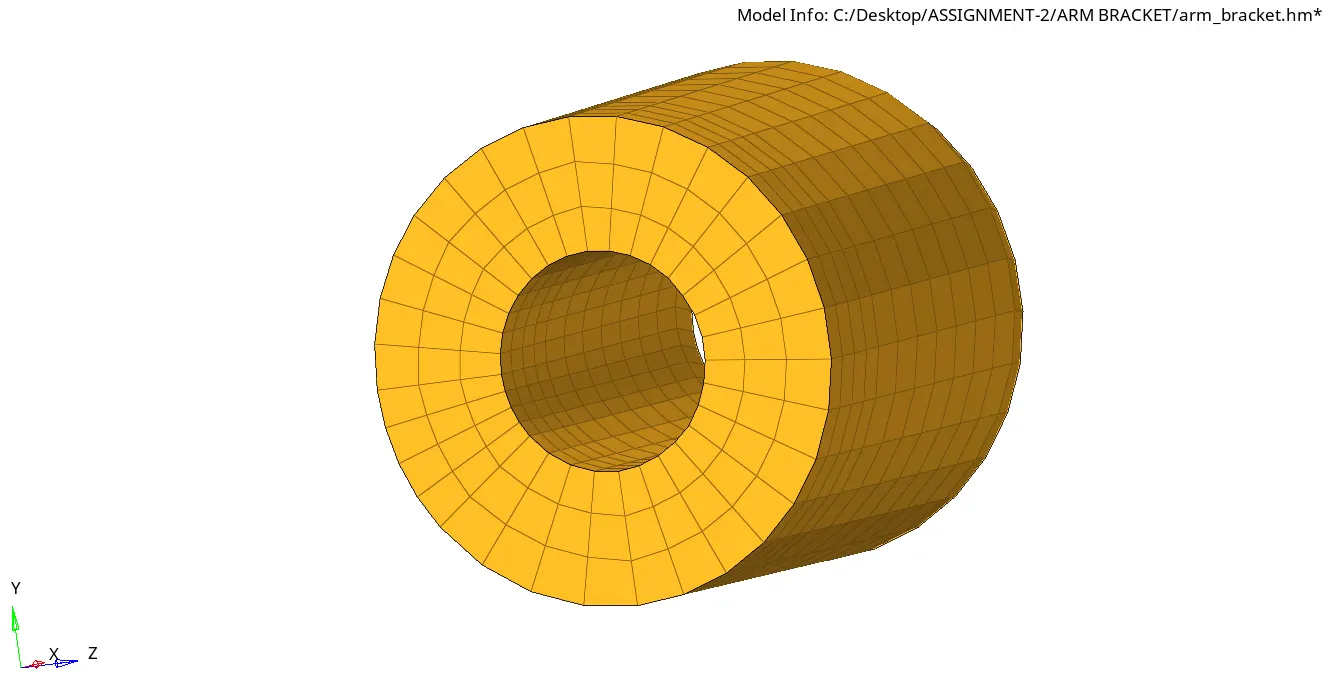
The Boss has meshed with Hex Mesh using the Solid Map command.
Step-6:
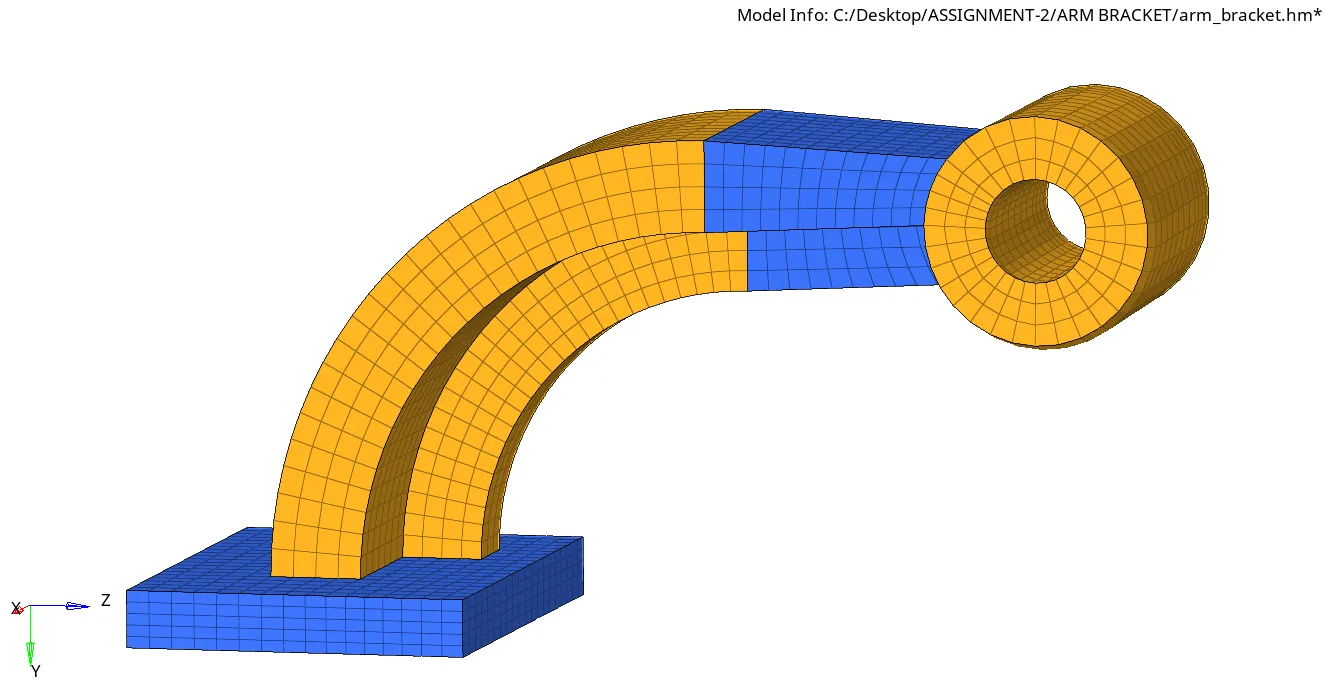
Finally, the Arm Bracket Component was meshed with 10mm Hex Elements.