Assignment 2-RADIOSS Engine File Editing & 3D Meshing Challenge
Aim:
- To study the Starter file and Engine file in the RADIOSS user profile
- Change the parameters according to the requirement in Starter and Engine files
- Create Tetra Mesh for housing component and solve Tet-Collapse
- Create Hexa Mesh for Arm Bracket
OBJECTIVES:
1. Check the material properties of the rail component and calculate the speed of sound in steel rail=_______
2. The length of the rail is about 1000 mm. calculate the time takes for a shock wave to travel from one end of the rail to the other.
3. Time for sound to travel the length of the rail
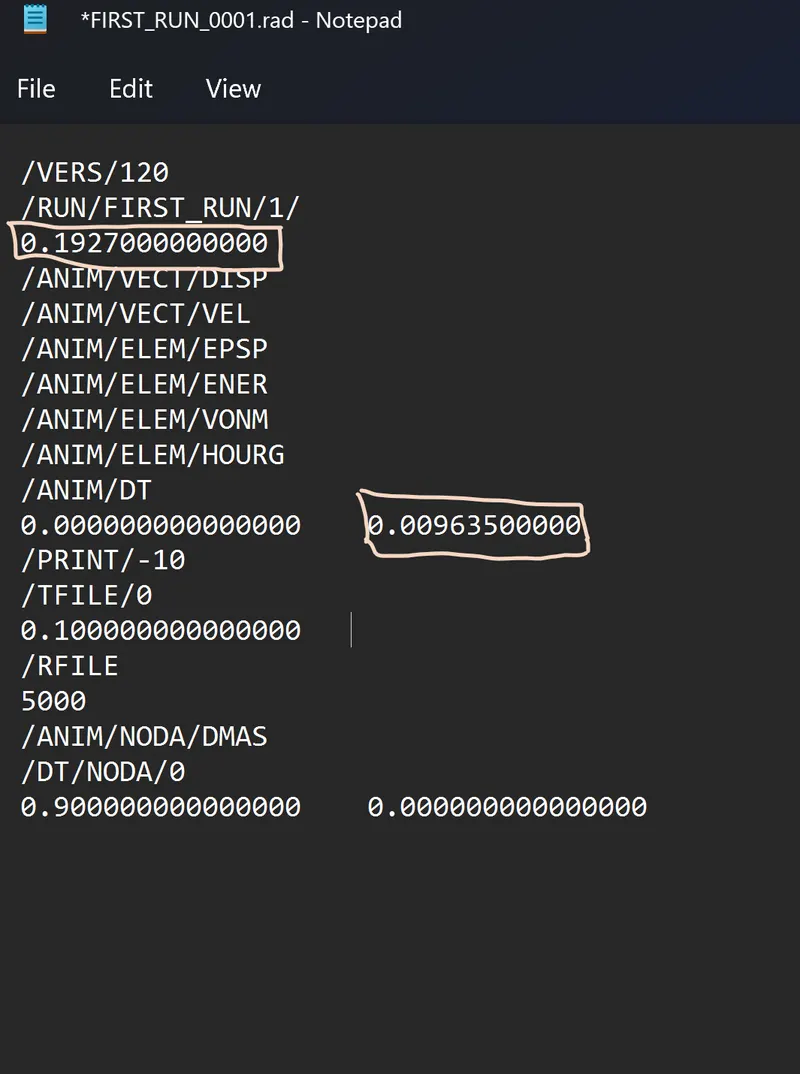
4. Edit the engine file so that the stress wave can be monitored, moving from one end of the rail to the other during impact -this will require a termination time equal to the time it takes for the sound to travel the length of the rail(set on/RUN card)
5. Set the frequency of animation output to a time that will give 20 animation steps(/ANIM/DT)
6. Change /print -10.
7.3d meshing tetra mesh and hex mesh
- Repeat class examples and, maintain the quality.
- Target tet size=5mm, hex size=10mm, tet collapse=0.15.
Procedure:
Import the .rad file in the hypermesh and check the properties of the material and calculate the required values Or else open the file in the notepad and take the value and note it down.
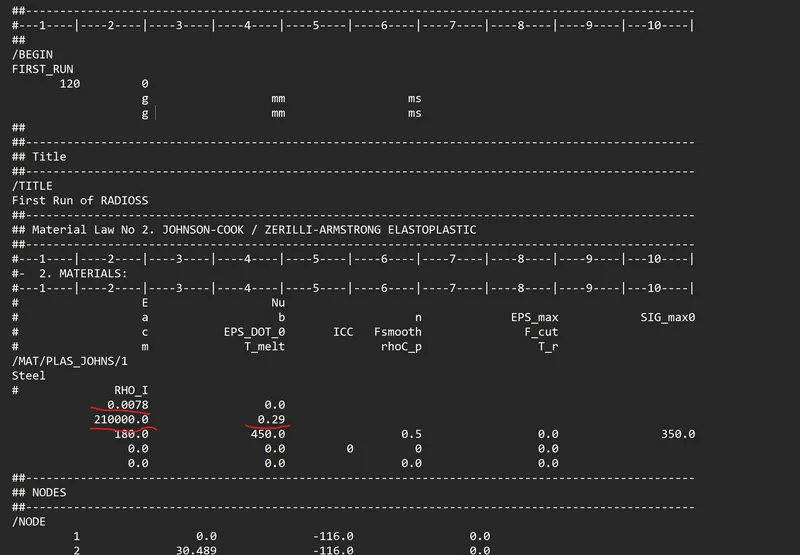
solution for 1: Check the material properties of the rail component and calculate the speed of sound in steel rail.
from the file get to know that E= 210000 mpa.
- Rho initial = 0.0078 g/mm^3.
`C= sqrt(E/rho`
C =`sqrt(210000/0.0078)`
c= 5188.74m/sec
2. The length of the rail is about 1000 mm.calculate the time takes for a shock wave to travel from one end of the rail to the other.
L= 1000mm
`Time taken = L/C`
t= 1000/5188.74
t = 0.1927ms
3. The length of the rail is the length mentioned in question 2 (i.e. 1000 mm)
Therefore, the time taken is the same - 0.192 ms.
4. Termination times means the time obtained in question 2 which is the time taken to travel 1000mm by shock wave.
t = 0.1927ms
5. `f =(Time)/ (Oscilation)`
f =0.1927/20
f = 0.009635.
6.
7. 3d meshing:
- start with importing the model based on the which type of file it was given the question.
- The meshing of any component using Hexa elements is complicated as compared to tetra elements.
- In this challenge, the arm bracket must be meshed using only Hexa or brick elements
- I have divided the given geometry into 4 components inorder to maintain the mesh connectivity
- First create 2D quad mesh on the base model’s top surface
- Remove all the trias and rotating quads. Use element size as 10
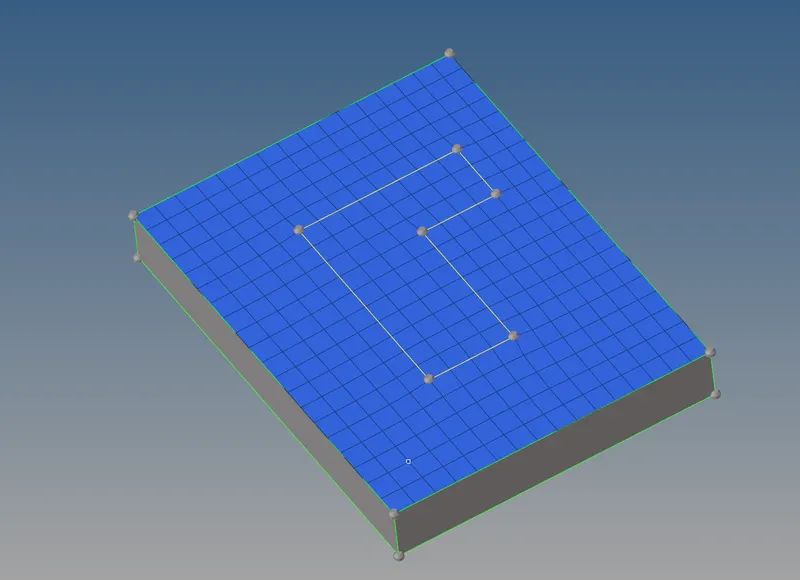
- After creating the 2d elements convert them into 3d elements by using command 3d > element offset.

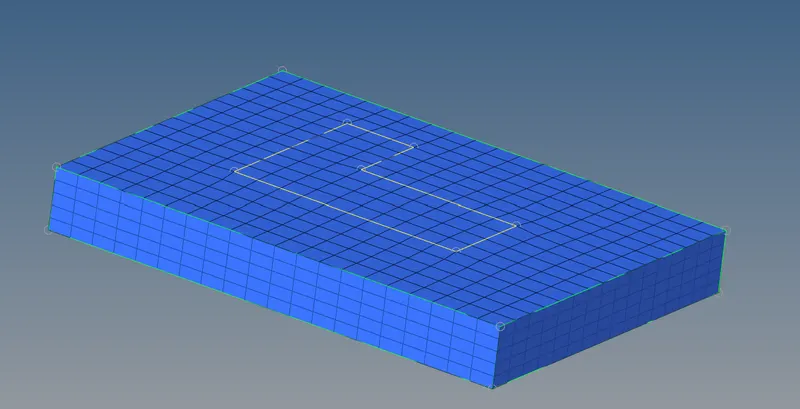
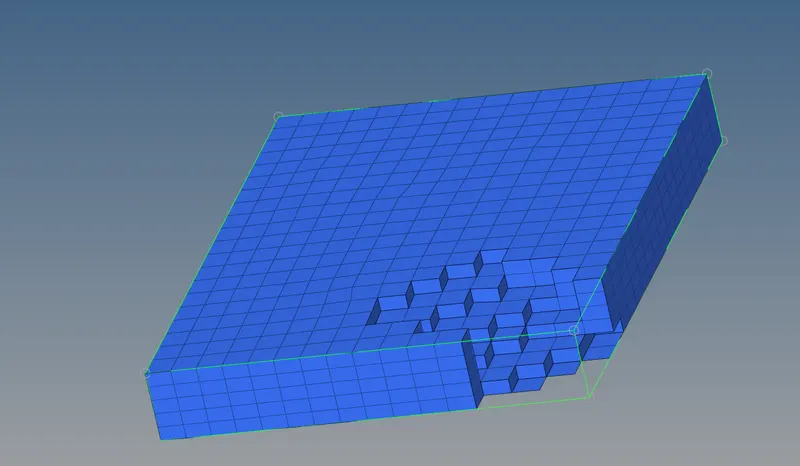
part 2
- Now create a temporary node using geometry >> nodes >> arc center as shown below
- This node will act as a base node for spinning elements onto the 2nd U-shaped component
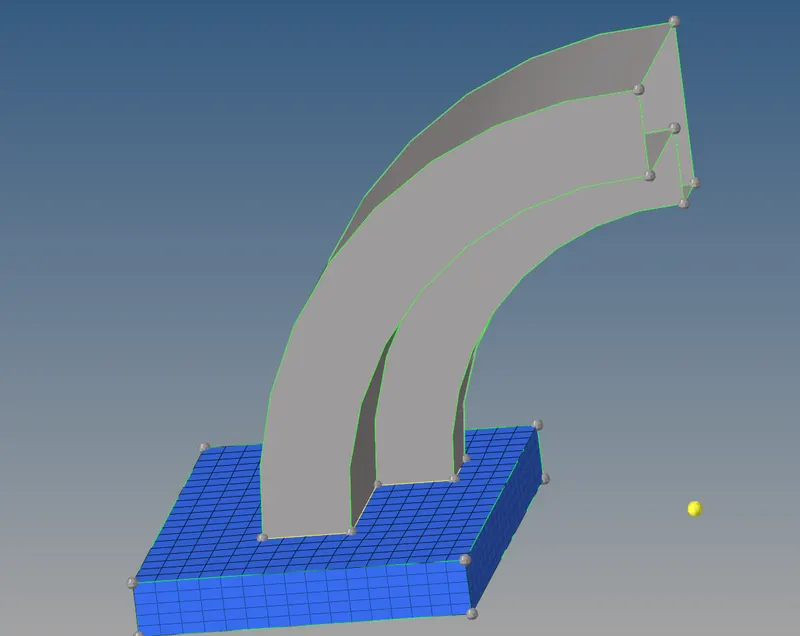
- next is to spin the elements for the second part by using the 1st part.
- visible only 2d elements in the 1st part and select the same area of elements for the spin for the 2nd part.
- Spinning is takes place by using the command 3d > spin.

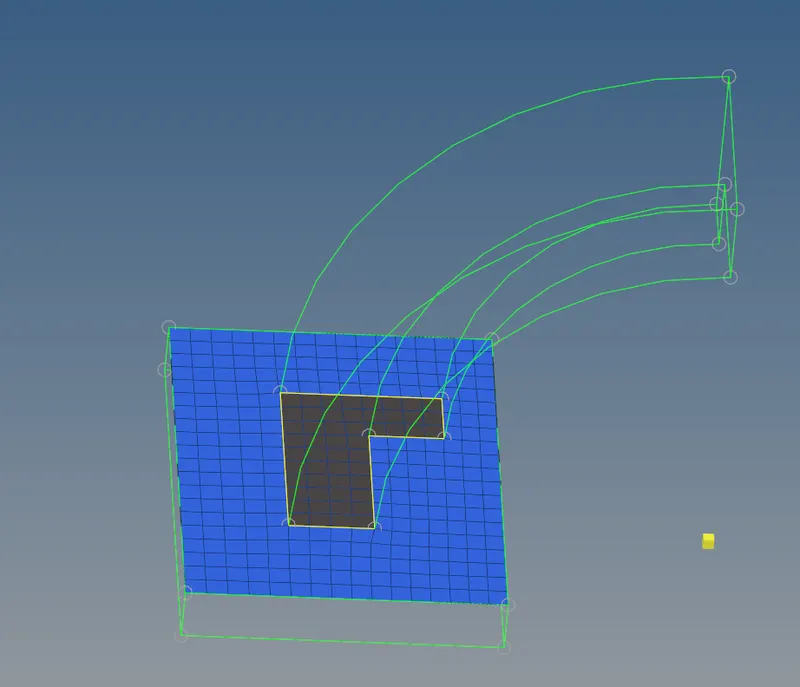
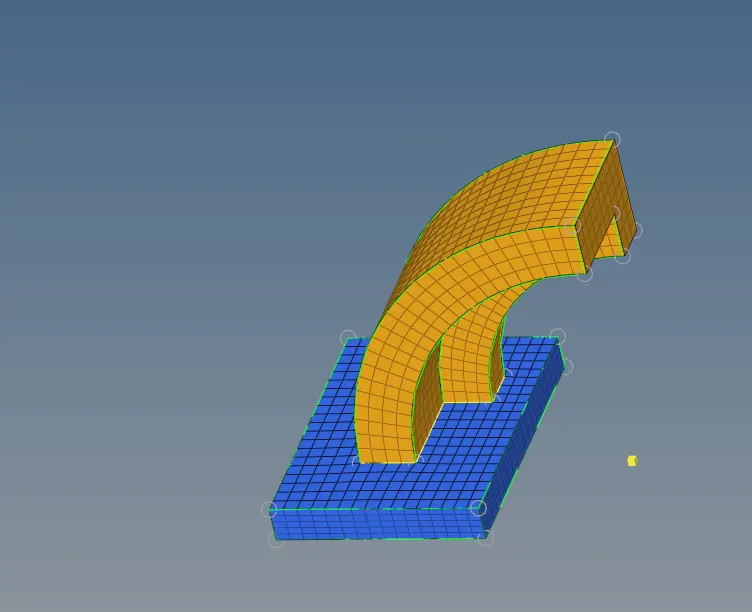
part 3
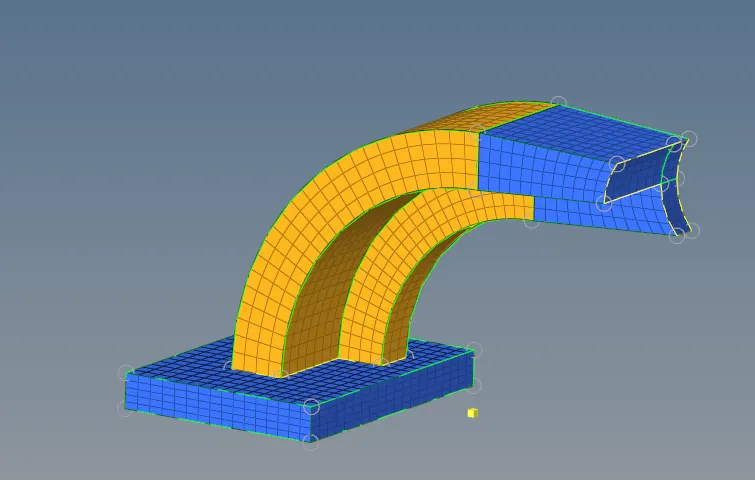
- for the arm straight we have to use the linear solids for creartion of the solids.
- For the linear solid method we need from to to elements.
- From the part create faces by using the command tools >faces > comp > arm curve > find faces.
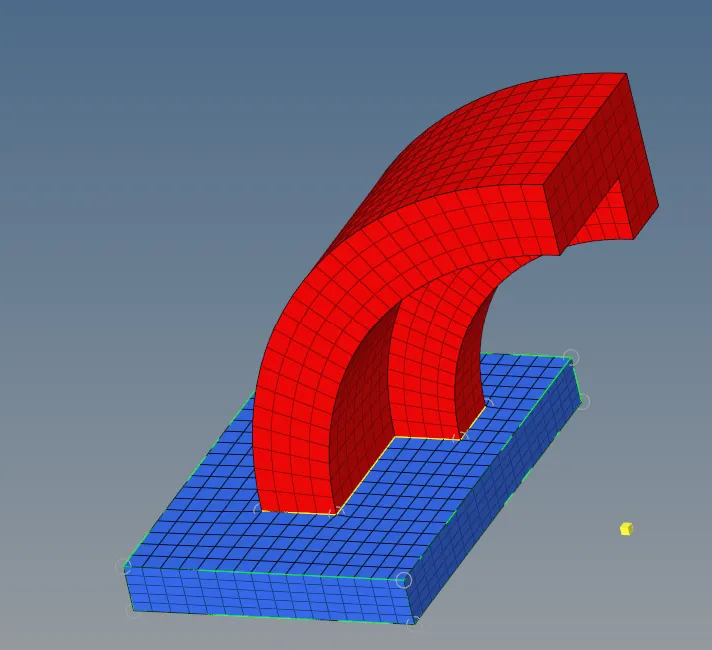
- From the faces of 2nd part we have to select the fro elements. for the to elements create 2d mesh on 3rd part with same number which has in 2nd part.
- After selecting the elements mesh the solids.
part 4
- Similarly create 2D quad mesh on the surface of the 4th Be careful because the elements created should match the elements of 3rd component .
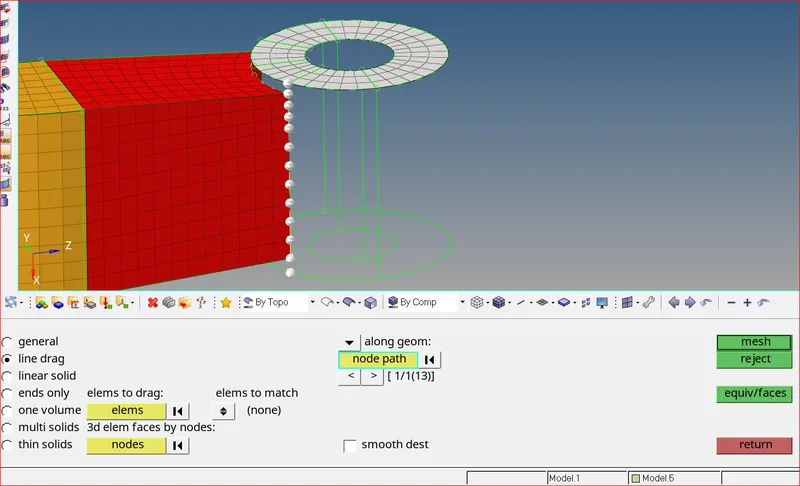
- Now project a point on to the surface below. This will act as a end node while solid mapping. Use tools >> project.
Dragging Elements
- Use 3D >> solid map >> line drag option. Select elements to drag and node path as shown below
Finally, we have to delete all the 2d elements. By using the command Delete > elements> by config > quad 4 > select > delete.
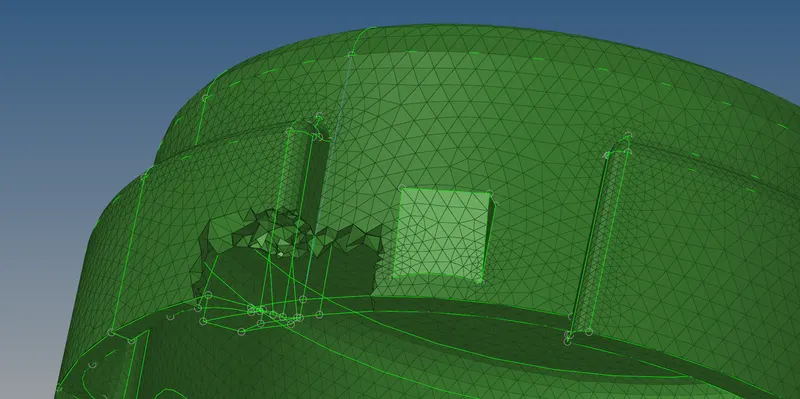
Tetra meshing.
Housing:
- for the creation of the tetra mesh we have 3 methods. But here used is volume tetra mesh.
- select the surf /solids and create mesh.

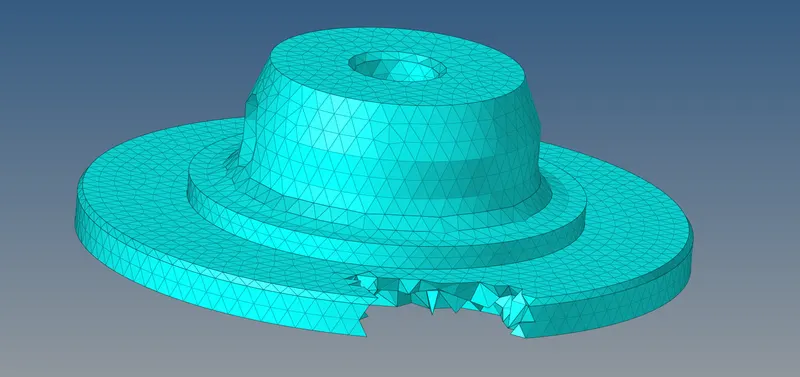
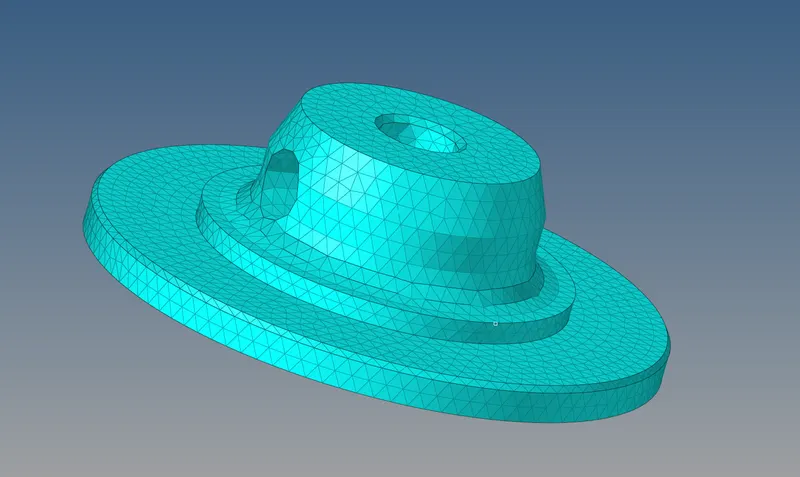
Hub:
similary has per the housing we had done the tetra mesh.
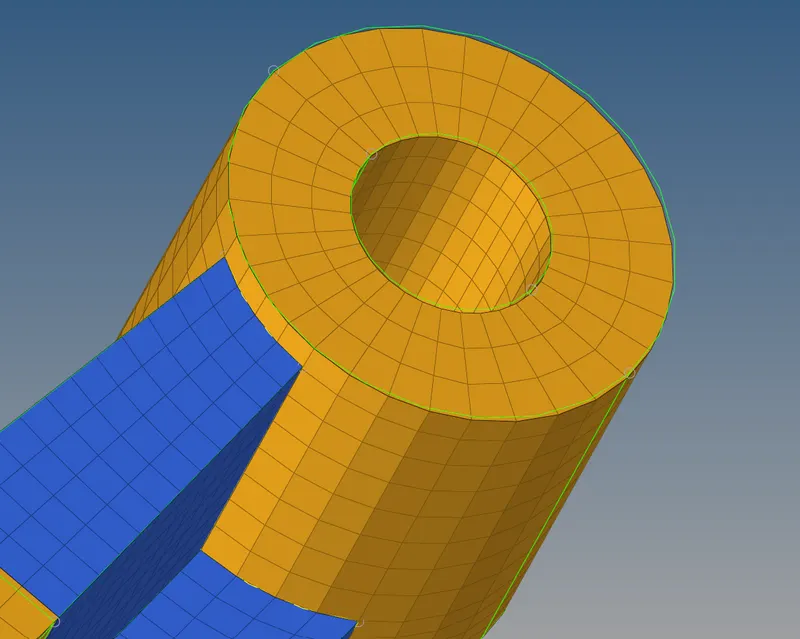
FInal models:
Arm bracket
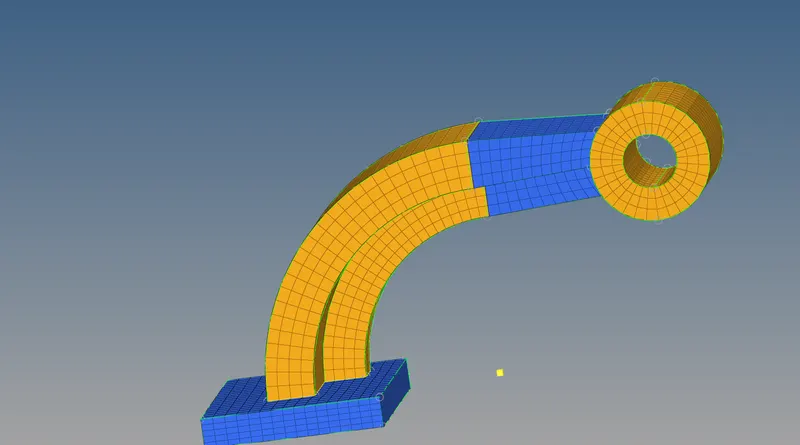
Tetra meshing:
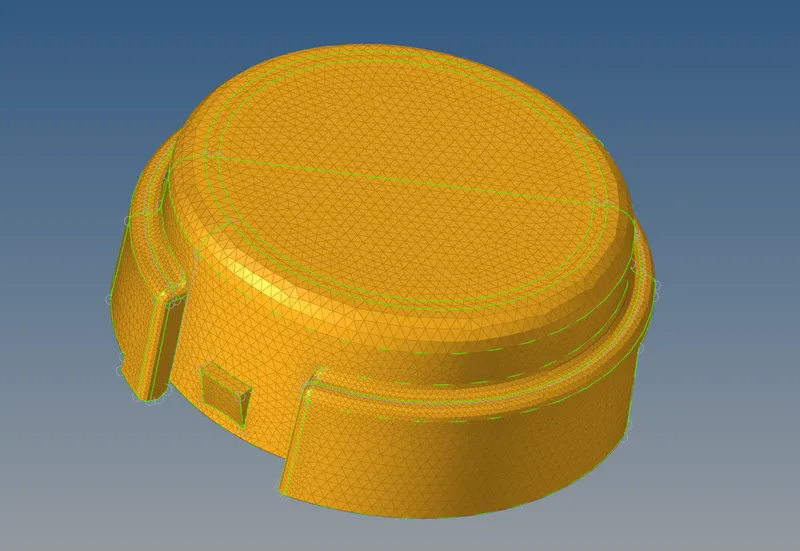
RESULT:
The given arm bracket and housing components were 3D meshed as per the given quality criteria. Also, changes were made to the engine file as per the calculations carried out.