Assignment 2-RADIOSS Engine File Editing & 3D Meshing Challenge
OBJECTIVE:
1. Perform Tetra mesh using Tetra4 elements for given housing Assembly.
2. Perform Hexa mesh using Hexa8 for given Arm bracket.
3. Perform calculations for stress wave propogation in steel rail and editing the RADIOSS Engine input file.
TASK1:
Tetra mesh using Tetra4 elements for given Housing Assembly:
Imported CAD:
File>>Import>>Import Geometry>>STP file>>Open Import dialog box>>Choose step file>>OK>>Import.
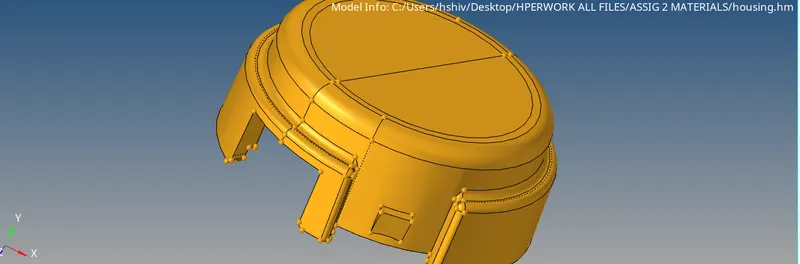
Distributing assembly into different components:
Using Tool>>Organise>>Solids>>Choose>>Chhose compoenet>>Move.

Assemblies are divided into Outer and Inner components.
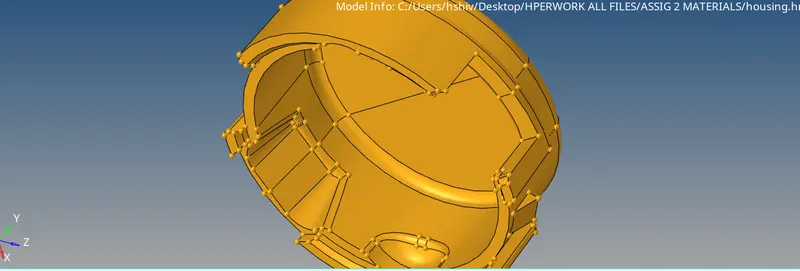
Outer component assembly
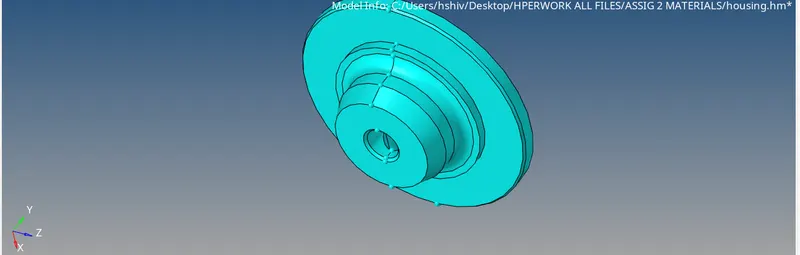
Inner component Assembly
Deleting Solids:
Solids are deleted to get the surface based volume mesh.
F2>Solids>>Displayed>OK
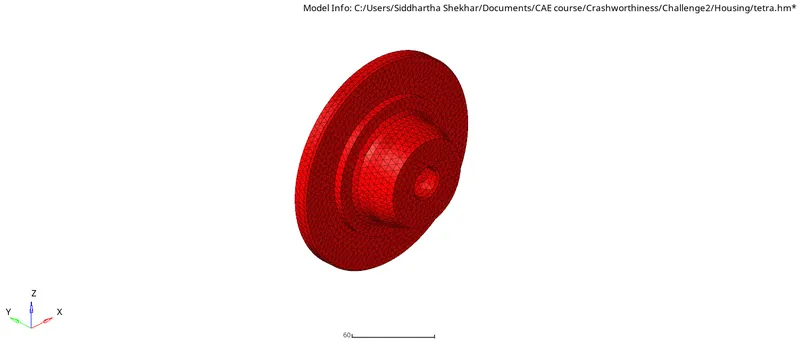
2D Tria mesh:
F12>>Choose surface>>Target element size = 5mm>>Choose element type = tria >>First order>>To current componet>>Mesh

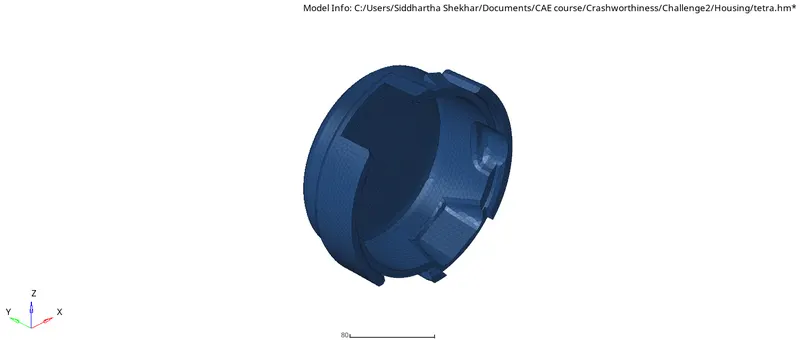
3D - Tetra mesh:
Setting the Criteria file: Preference>>3D>>tet collapse = 0.15, this ensures element check threshhold.
Also, 3D>>Tetramesh>>Tetramesh parameters>>tet collapse = 0.15 so that generated mesh is as per this value.

Now, Tetra mesh >> Choose elems>>Simple pyramid>>elems to current component>>Mesh
By this we can convert the 2D tria mesh into 3D tetra4 mesh.
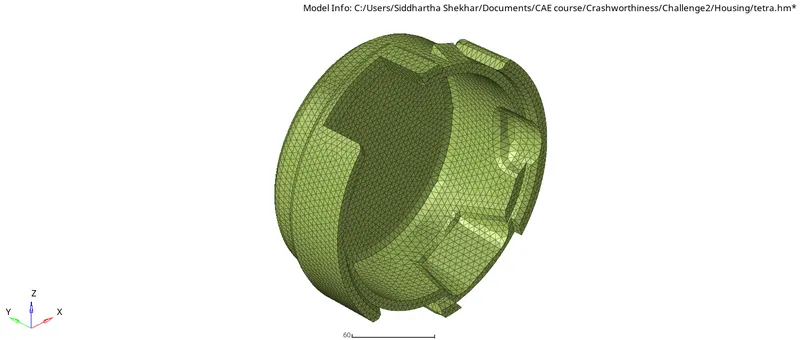
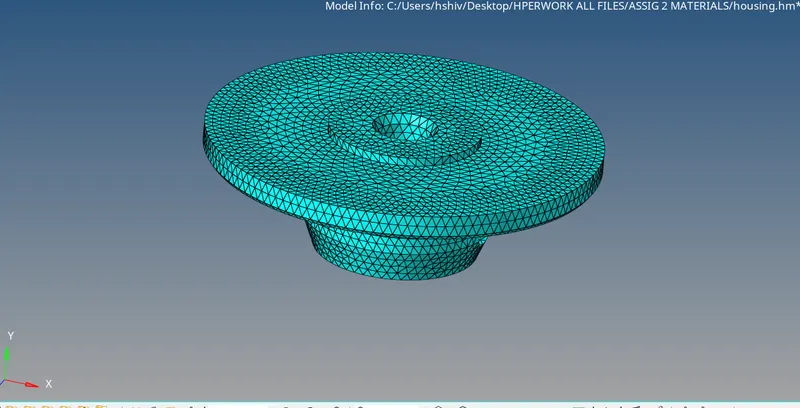
Checking the mesh volume: Using Mask elements we can see if volume mesh happened or not.
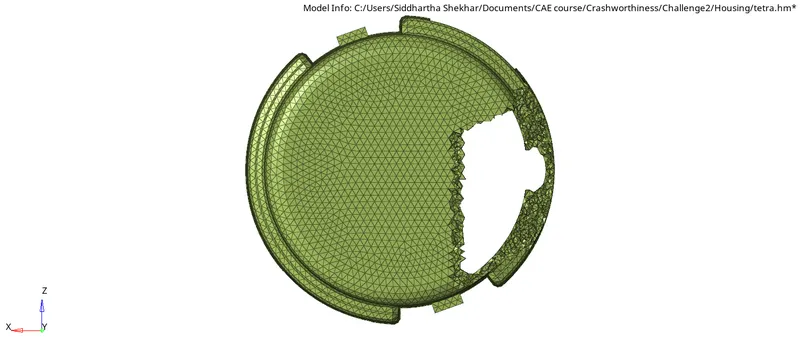
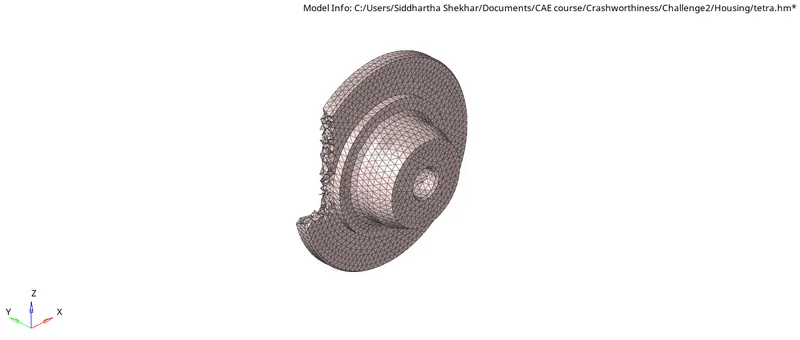
Fixing element quality:
Go to 3D>>Tetramesh>>Fix 3D elements>>Choose elems>>Choose criteria>>Enter value>>Show failed>>Fix.

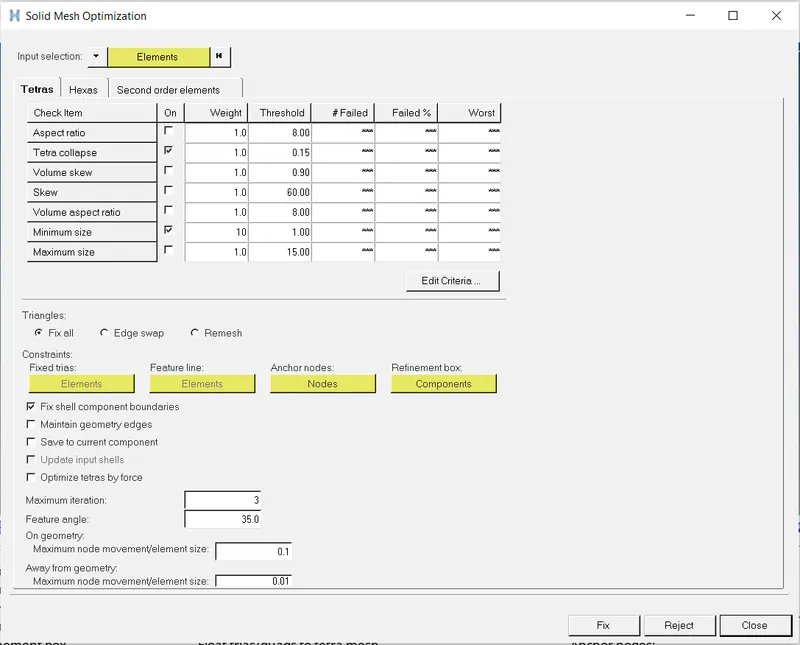
Remaining elements can be corrected for tet collapse using Tools>>Translate.
Choose node>>Define plane>>Enter magnitude>>Translate + or translate -
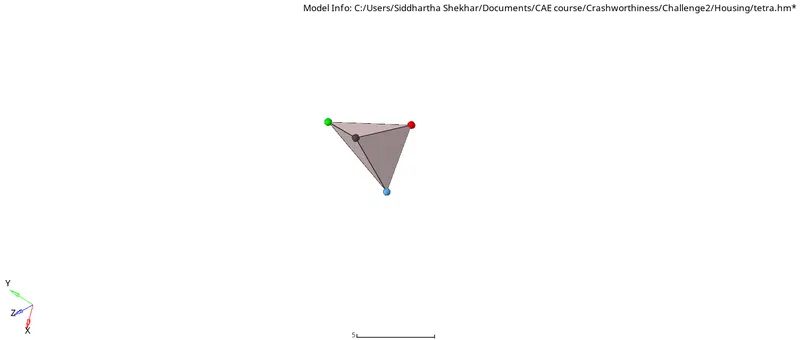

Delete 2D shells:
At the end, delete all shell elements
F2>Elems>>by config>>quad4>Select entity>Delete
TASK2:
Hexa mesh using Hexa8 elements for given Arm bracket:
Imported CAD:
File>>Import>>Import Geometry>>STP file>>Open Import dialog box>>Choose step file>>OK>>Import.
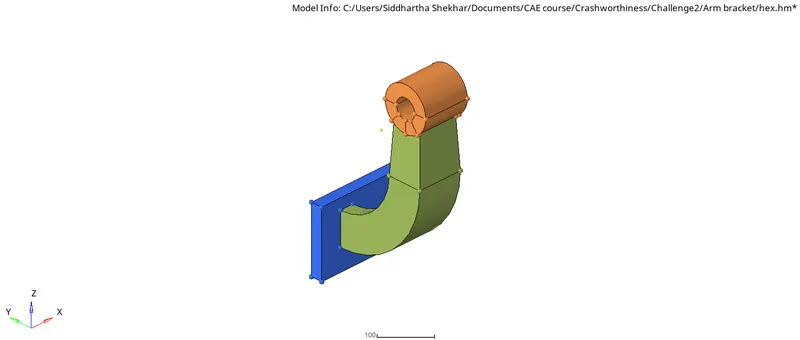
Distributing assembly into different components:
Using Tool>>Organise>>Solids>>Choose>>Chhose compoenet>>Move.
Assemblies are divided into Outer and Inner components.
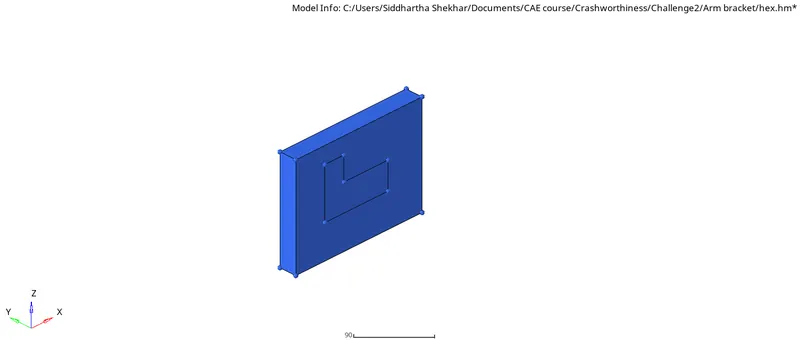
Base plate
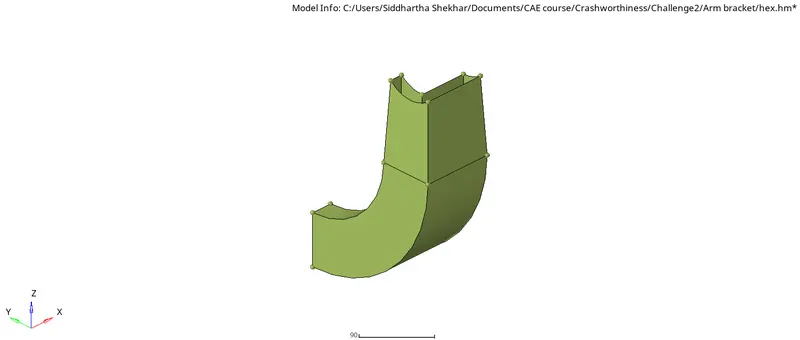
Curve sleeve
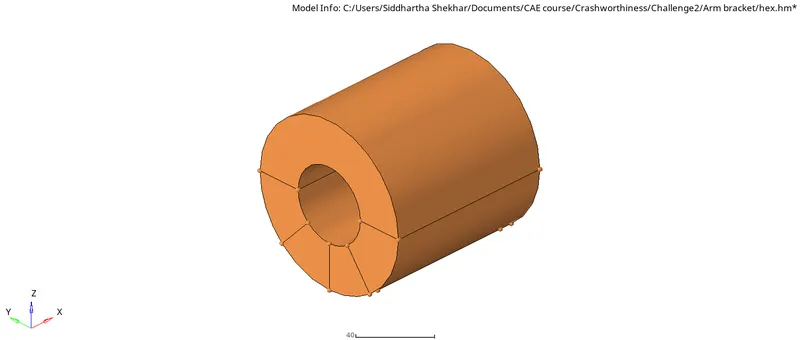
Boss
Deleting Solids:
Solids are deleted to get the surface based volume mesh.
F2>Solids>>Displayed>OK
3D - Hexa mesh:
Setting the Criteria file: Preference>>3D>>Traget size = 5, this ensures element check threshhold.

Options for solid hex mapping:
- Solid map
- Linear solid
- Soli dmesh
- drag
- spin
- line drag
- elem offset
However, Morphing can also be used to perform 3D hexa mesh.
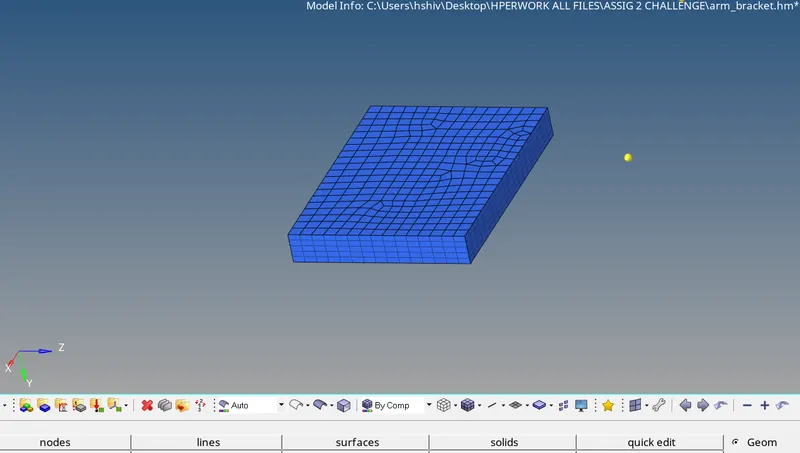
Base plate using Solid Map
2D mesh with 10mm mesh on top face.
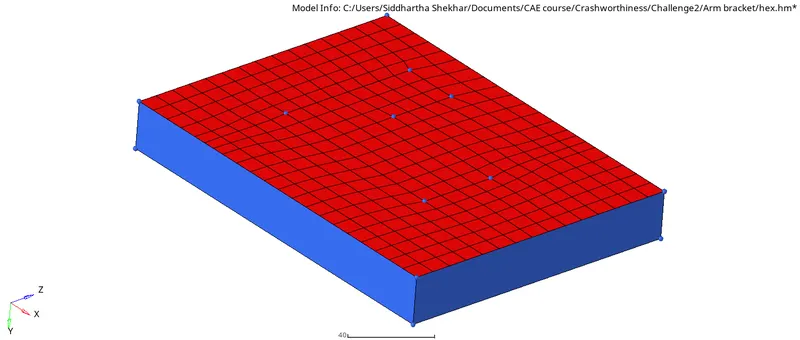
Using Tools>>Project>>Elems>>Surface>>surface normal>>project
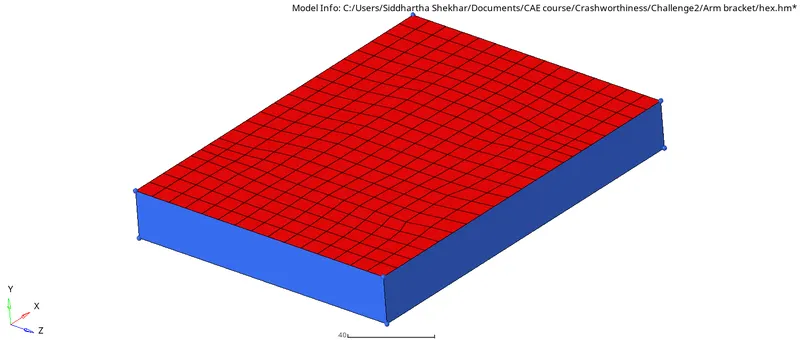
now, 3D>>Solid map>>General>>Choose source elems>>Choose dest elems>>Choose along geometry (lateral surface)>>Enter density(5)>>Mesh

Arm sleeve using spin-part1:
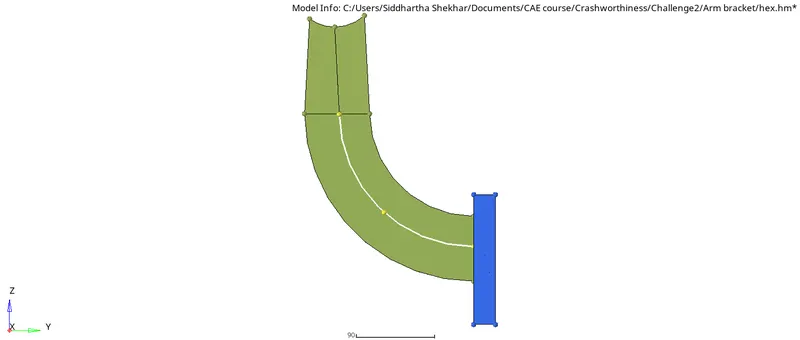
Centre of nodes is found using F4>>three nodes>>Centre node.
Now, 3D>>Spin>>Spin elems (L shape base 2D shells are selected)>>3d elems faces by nodes>>Enter angle>>Spin elems>>Choose plan for circular spin>>Choose base>>mesh
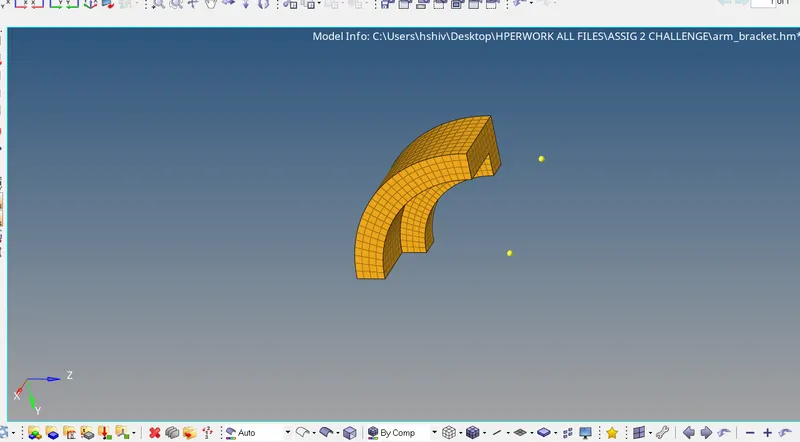
Arm sleeve using spin-part2:
3D>>Linear solid>>Choose elems(from)>>choose elems(to)>>Assign alignment>>Density>>Solids
NOTE: Density of from and to elems should be same.
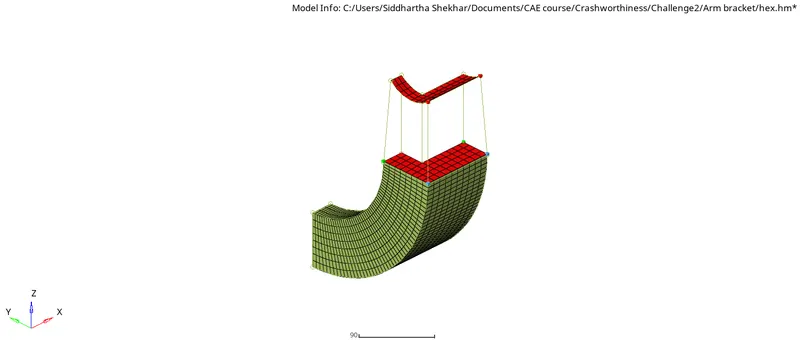

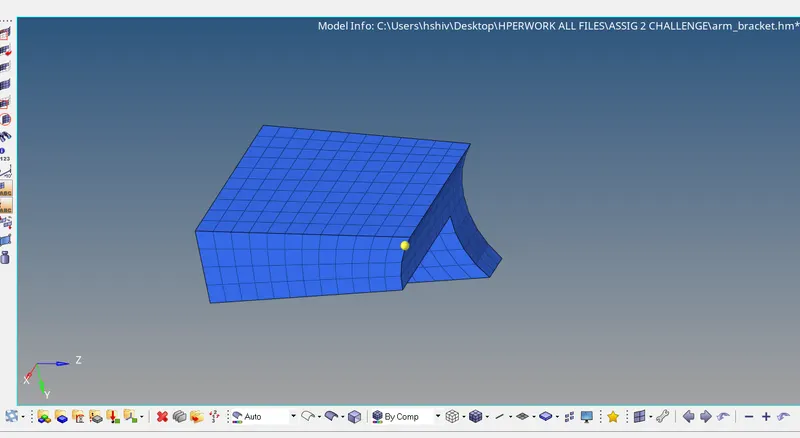
So, complete arm sleeve is:
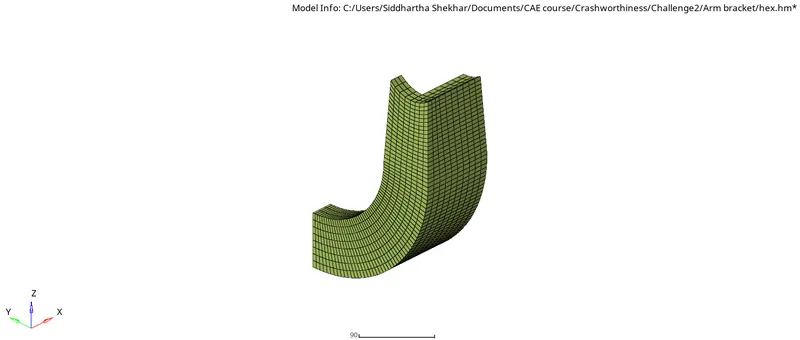
Boss 3D mesh usinh Solid Map:
Based on the mesh density of associated elems from sleeve, we need to mesh on the Boss faces.
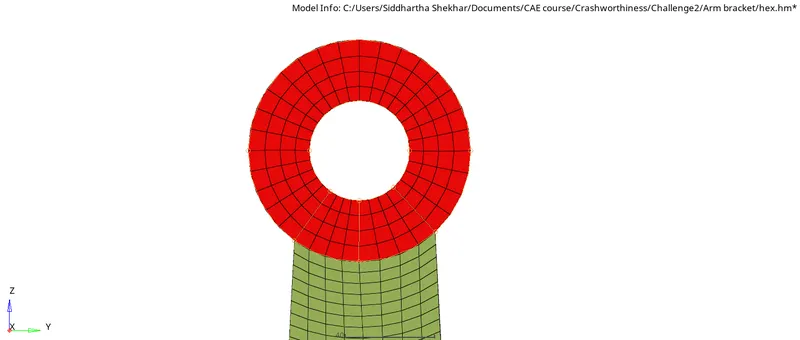
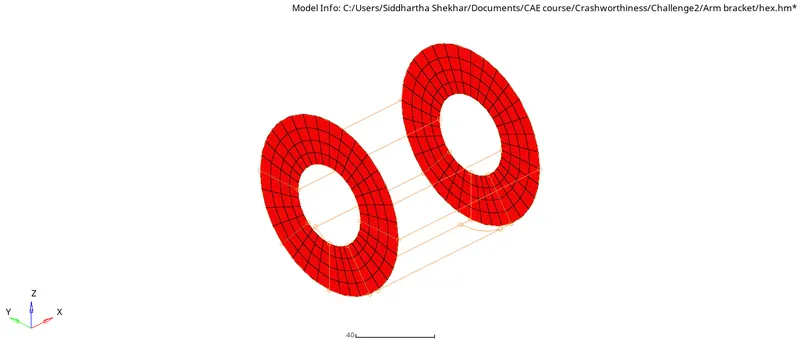
Now, 3D>>Solid map>>choose source elems>>choose destination elems>>along geometry (Node path with associated sleeve)>>mesh
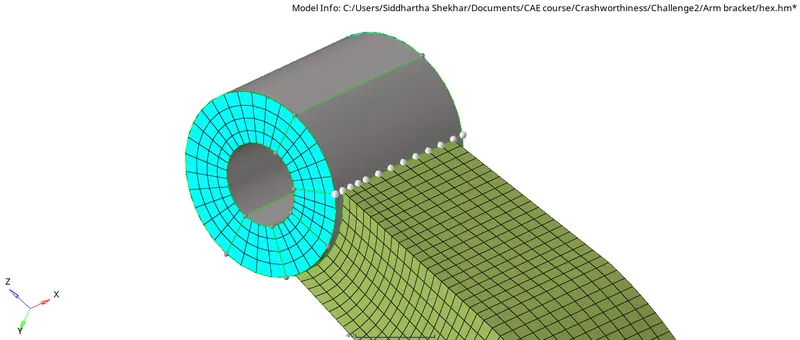

this gives us the finish mesh for Boss
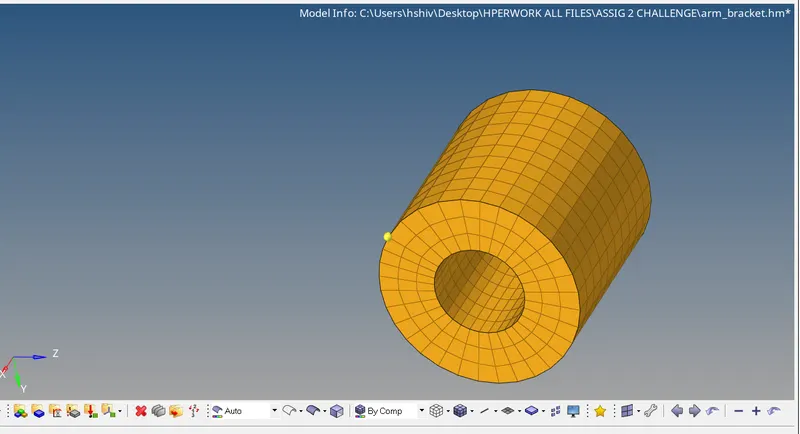
Final mesh:
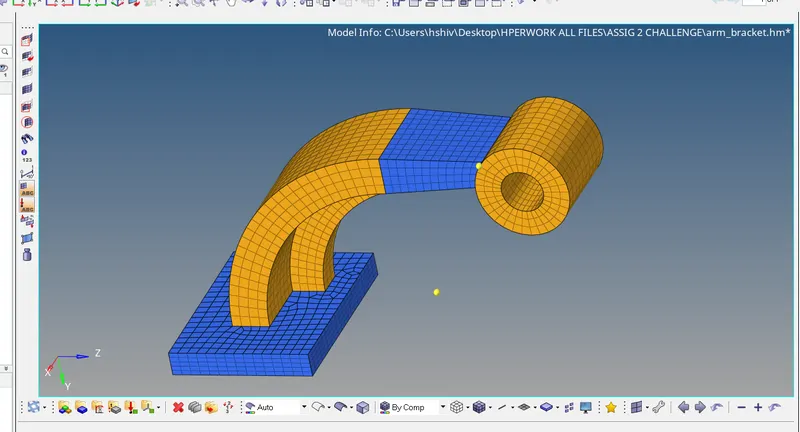
Deleting quad4:
Delete all elems by config.
TASK3:
Calculation for the time step and modification in Engine input files:
From the Strater input file, we can get details about the Material used:

Youngs Modulus, E = 210000 MPa or N/mm2">mm2mm2
Density,ρ">ρρ = 0.0078 gm/mm3">mm3mm3
speed of sound, c = ">√(E/ρ">ρρ)
Speed of sound, c = ">√(210000/0.0078) mm/ms
c = 5188.7452 mm/ms
Length of rail, L = 1000 mm
Time taken, T = 1000 mm/ 5188.7452 mm/ms
T = 0.19272 ms
Modification in Engine input file: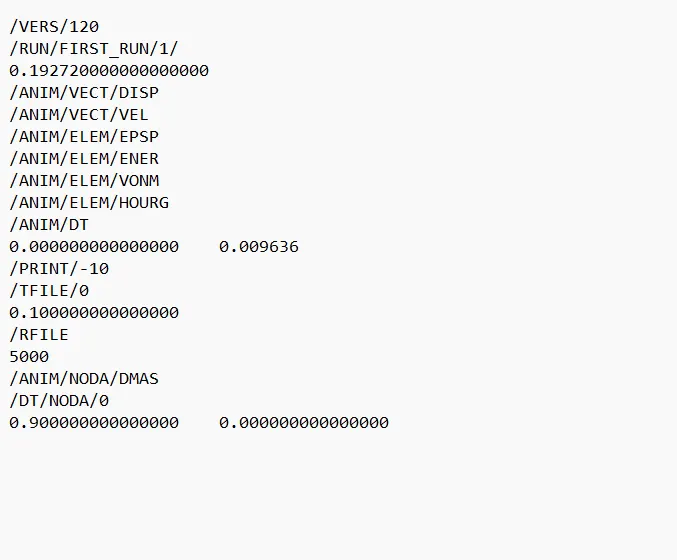
Here, total termination time is T
and after every 0.096 ms animation file will be written.