Assignment 2-RADIOSS Engine File Editing & 3D Meshing Challenge
Assignment 2-RADIOSS Engine File Editing & 3D Meshing Challenge
Objective: To edit the RADIOSS Engine File as per the question and to create 3d tetra mesh and hex mesh in given components.
Questions:
1. Check the material properties of the rail component and calculate the speed of sound in steel rail=_______
Solution:-
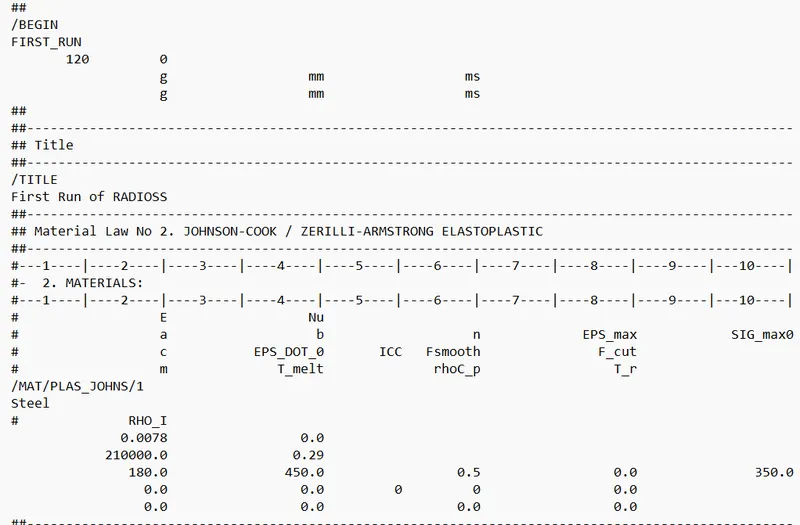
From the given file
E = 210 GPa
ρ = 7.8*10^-6 g/mm^3
speed of sound c = √E/ρ m/s or mm/ms
= √210/7.8*10^-6 m/s or mm/ms
= 5188.745 m/s or mm/ms
2. The length of the rail is about 1000 mm. calculate the time takes for a shock wave to travel from one end of the rail to the other.
Solution:-
Length of the rail = 1000 mm
Since shock waves travel at the speed of sound
Therefore the time required for the shock wave to travel from one end of the rail to the other
= 1000/5188.745 ms
= 0.19272482233188631 ms
3.Time for sound to travel length of rail=______
Solution:-
As the shock waves travel at the speed of sound, therefore, time for sound to travel the length of the rail
= 0.19272482233188631 ms
4. Edit the engine file so that the stress wave can be monitored, moving from one end of the rail to the other during an impact -this will require a termination time equal to the time it takes for the sound to travel the length of the rail(set on/RUN card)
Solution:-
Given Engine File:
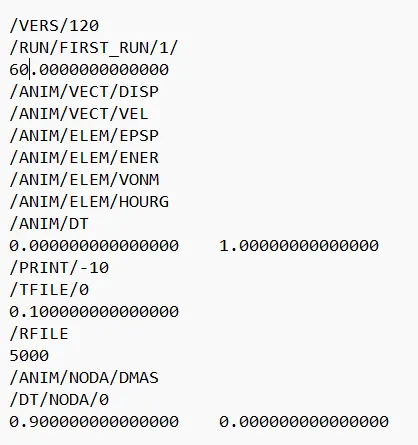
To monitor stress wave moving from one end of the rail to the other during an impact termination time = 0.1927248 ms ( As calculated above)
Solution:-
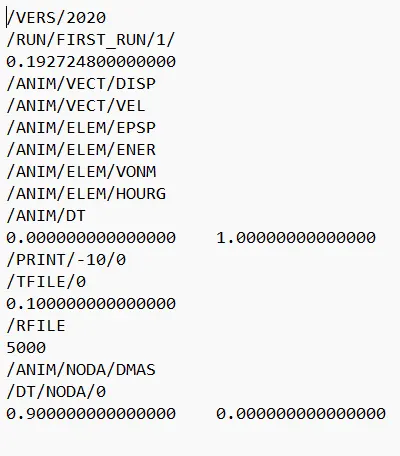
5. Set the frequency of animation output to a time that will give 20 animation steps(/ANIM/DT)
Solution:-
Frequency of animation output to a time that will give 20 animation steps:-
Animation steps = Termination Time /Tfreq
Tfreq = 0.192748/20
= 0.009636241
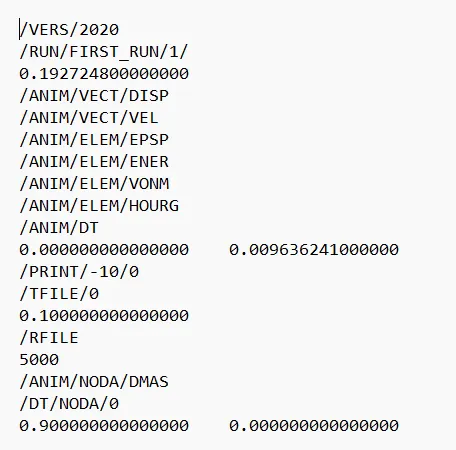
Change /print -10.
3D Meshing
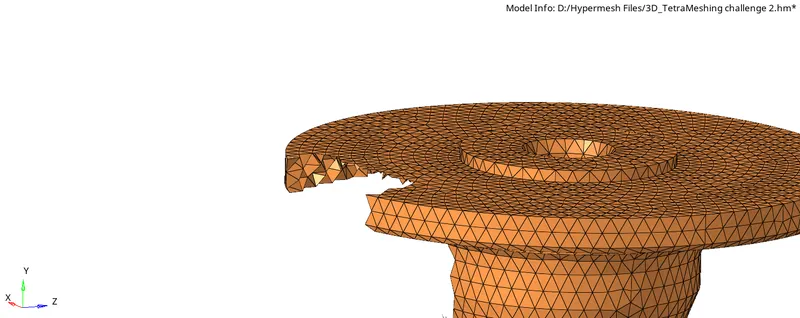
Tetra Meshing
Procedure:
1) Import the model and perform suitable geometry clean-up.
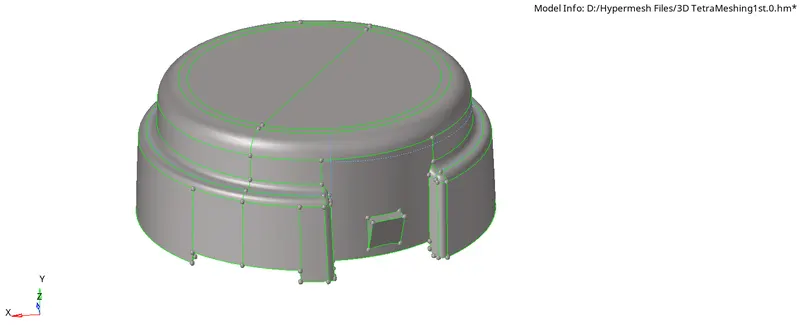
2) Go to 2d auto mesh and create 2d tria elements as specified in the problem.
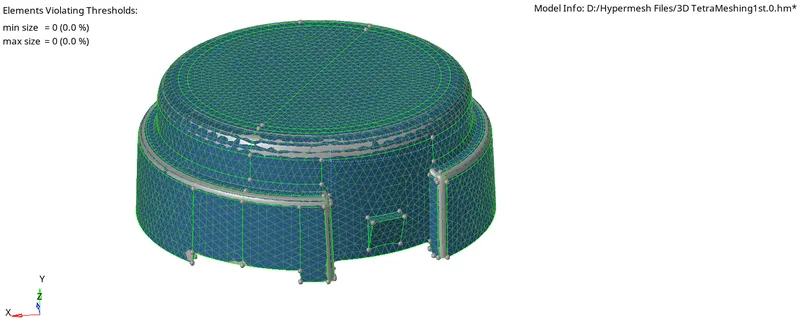
3) Now go to the 3d panel and select the Tetramesh option.
4) Now select the elements under the "Fixed tria/ quad to tetra" option and then press the middle mouse button.
5) Mask the few elements after tetra mesh generation.
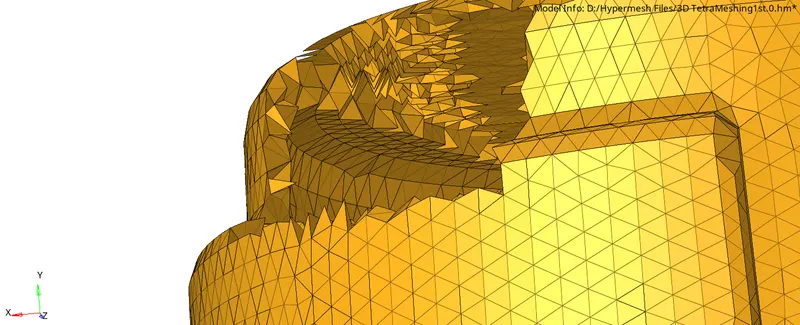
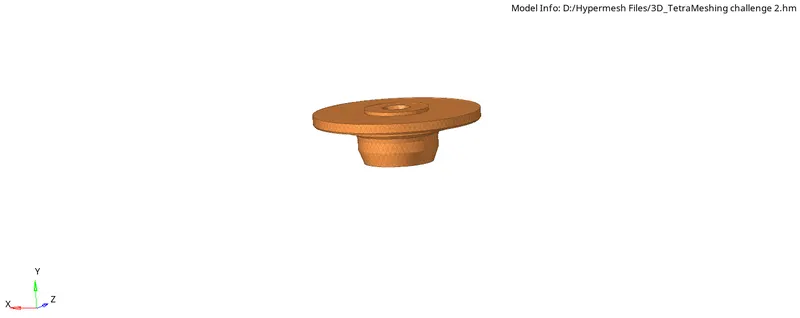
Hex mesh:
Procedure:
1) Import the geometry
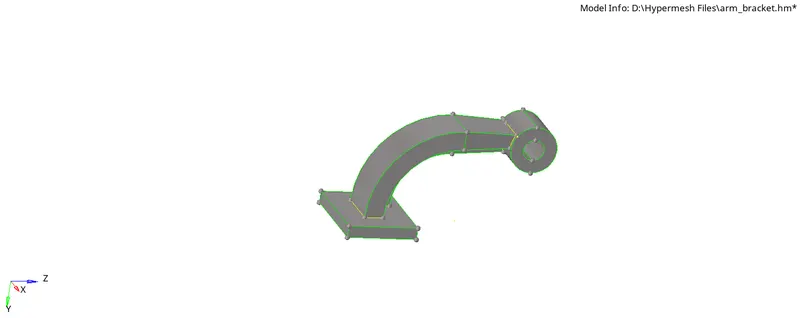
2) AS there is no need to perform manual geometry cleanup directly go to meshing
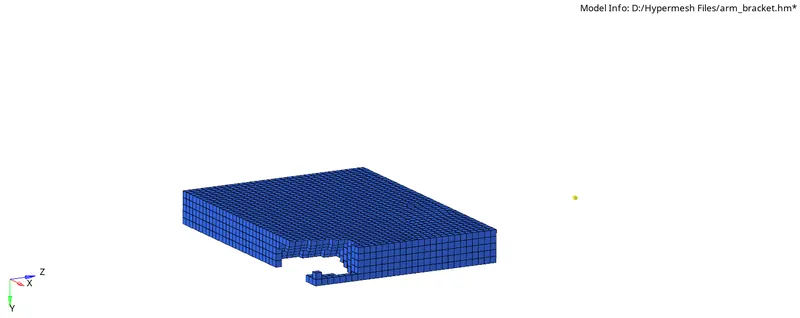
3) Create 2D Mesh on the base component's top surface by selecting mesh type as quads only to avoid penta six elements.
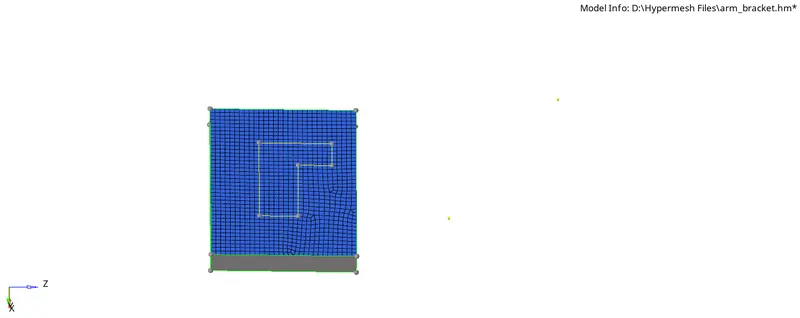
4) GO to 3D-element offset then specify the number of layers and total thickness

5) Select 2D elements and surfaces and then press offset
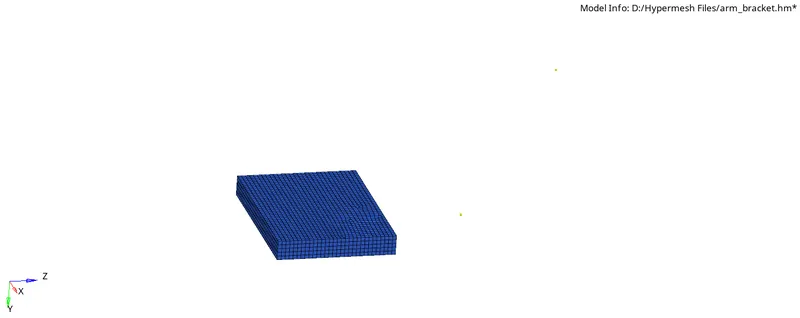
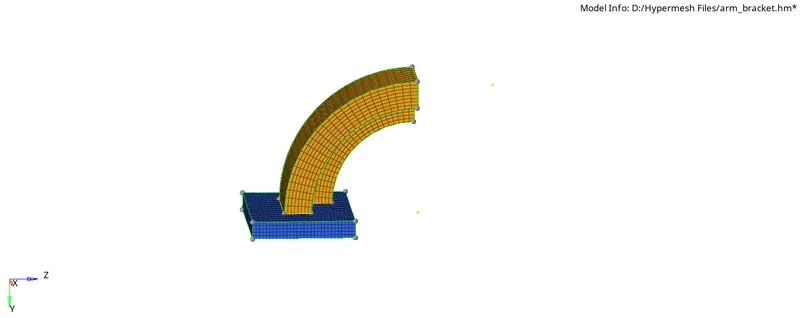
6) To mesh the arm curve go to 3D-Spin

7) create the node in the arc center
8) Select the elements and base node then press the spin
9) To mesh the arm straight go to linear solid

10) In this we need 2D elements so go to tools- faces select the arm curve component and find faces
11) Then 2D mesh the cross-section of the arm straight by carefully matching the no of elements present in the opposite side
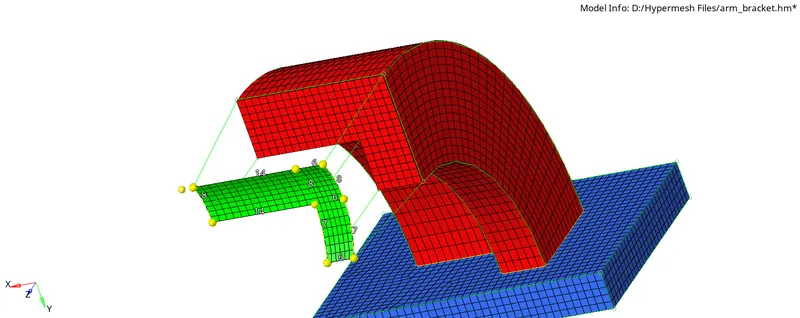
12) Select the elements and alignment in the linear solid and press solid
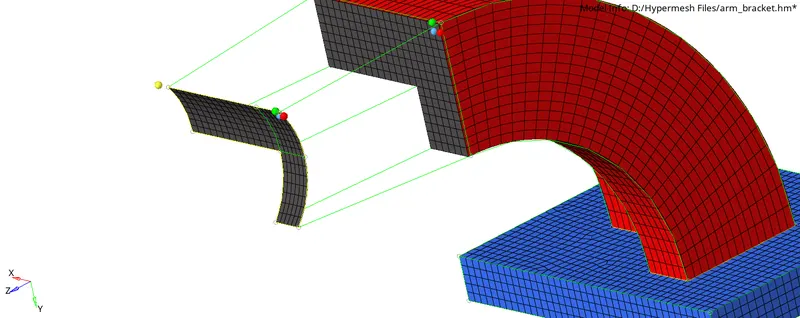
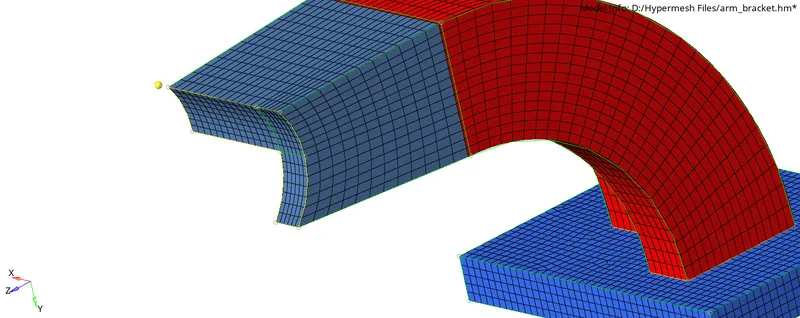
13) To mesh the boss component first create 2D mesh on one side
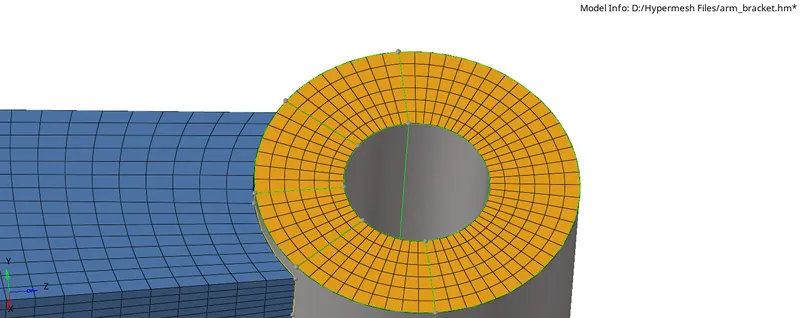
14) Go to 3D- Solidmap

15) Select the elements to drag, destination, and other parameters then press mesh.
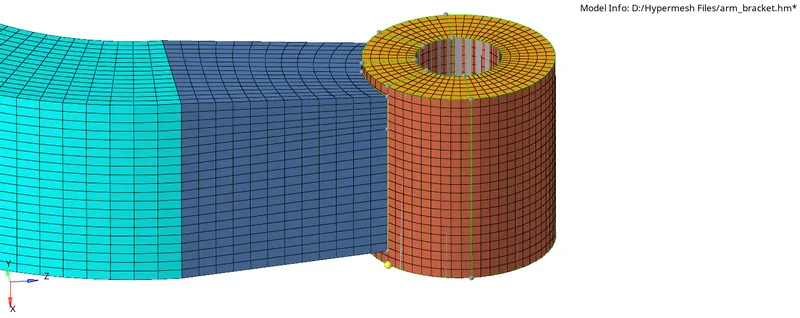
16) Move the created element into the desired component
17) Delete all 2D elements using the delete option.
Final Hexa Mesh:-
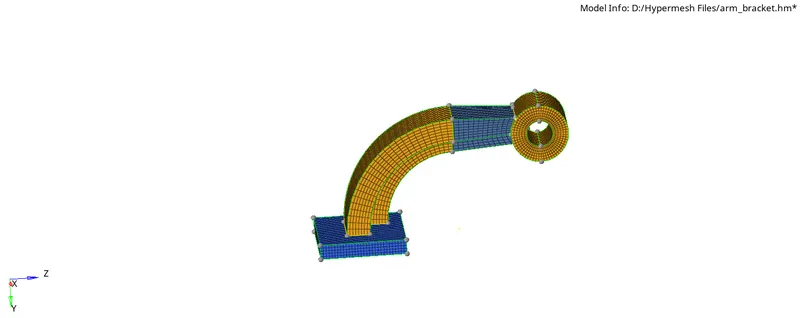
Conclusion:
1) Learned to create 3D tetra and Hexa mesh by various methods
2) Learned to import and export engine files in Radioss
3) Learned about shock wave propagation in a crash
4) Learned how to study and edit the engine files.
5) Learned time step calculations