assignment 2
1) Check the material properties of the rail component and calculate the speed of sound in steel rail=_____
*speed of sound:-
c=√(Eρ)c=√(Eρ)
where, c=speed of sond in any medium
E= young modulus
ρρ=density of material
-here,steel material are available ; then we use properties of the steel.
E=210000 Mpa=210*10^9 N/m^2=210*10^9 Kg/(m*s^2)
ρρ=0.0078 kg/M^3
-then, C=√(210⋅〖10〗90.0078)C=√(210⋅〖10〗90.0078)
c=√(26.923⋅〖10〗6)c=√(26.923⋅〖10〗6)
c=5.188×〖10〗3c=5.188×〖10〗3
c=5188 m/s
2) The length of the rail is about 1000 mm.calculate the time takes for a shock wave to travel from one end of the rail to the other.
-here, l=1000 mm=1 m
- Δt=lc∆t=lc
Δt=15188∆t=15188
Δt=0.0001927s∆t=0.0001927s
Δt=0.1927ms∆t=0.1927ms
3)Time for sound to travel length of rail=______
-the length of rail is equal to 1000 mm, then time for sound is
t=0.1927mst=0.1927ms
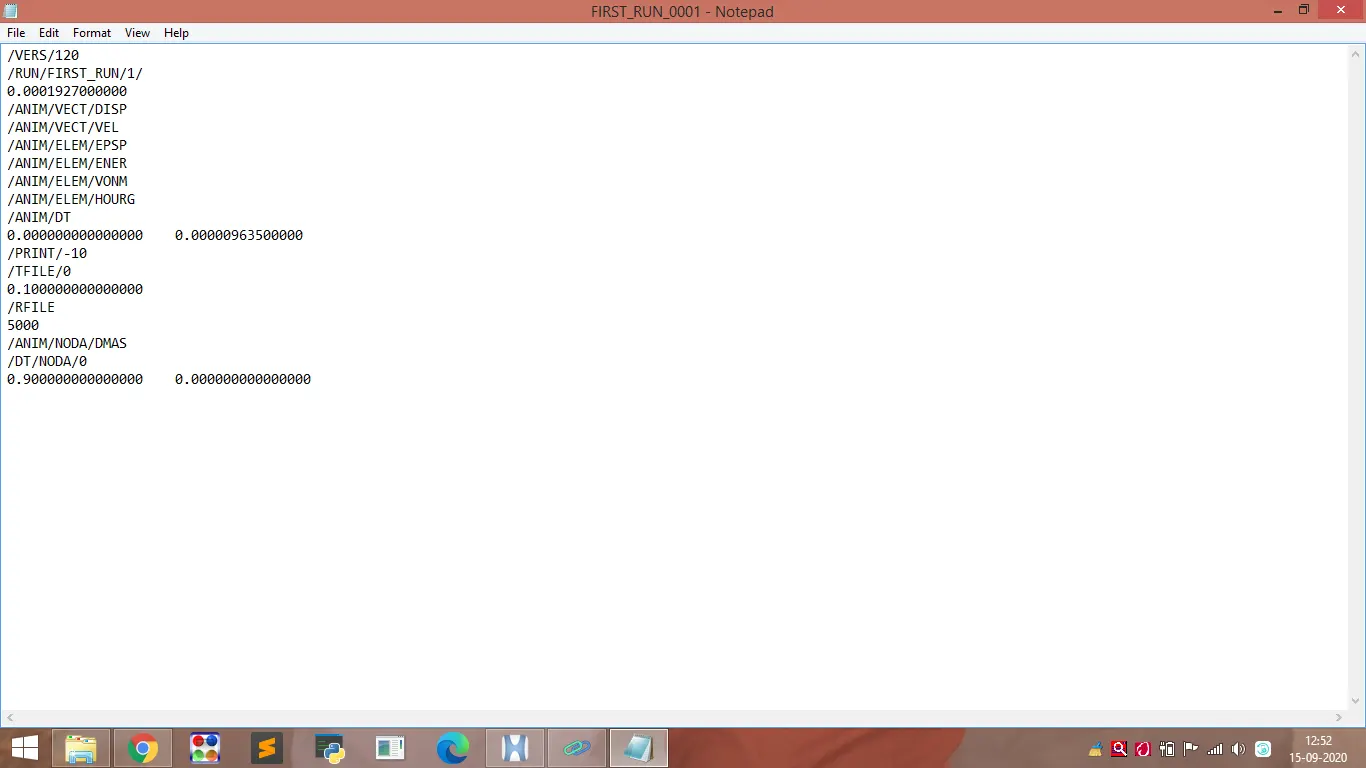
4 & 5) Edit the engine file so that the stress wave can be monitored, moving from one end of the rail to the other during impact -this will require a termination time equal to the time it takes for the sound to travel the length of the rail.
Set the frequency of animation output to a time that will give 20 animation steps.
- we know the equation of the frequency is:-
equency=terminationtimeνmberofanimationstepsequency=terminationtimeνmberofanimationsteps
equency=0.000192720equency=0.000192720
f=0.000009635
6) Change /print -10.
-its allready available in Engine file.
7)3d meshing tetra mesh and hex mesh
*Model name:-
Hosing
*Methodology:-
1)Import the model
2) Geometry cleanup
3) Creation of 2D tria meshing as per quality criteria
4) Convert 2D tria to 3D tetra
5) Check 3D quality of mesh
1)Import the model:-
-The format of the file is hm, then first of all select import solver deck command, choose import model type.
-Now select the file from our folder and import it.
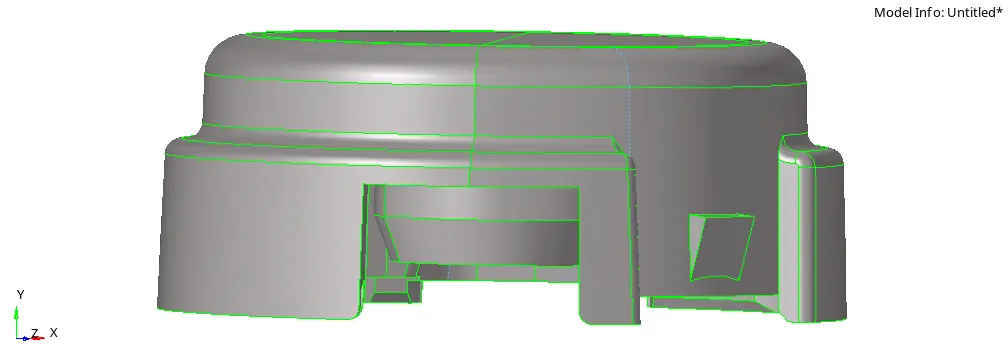
-here, there are two components are available.
1)Hub ; 2) cover
2) Geometry cleanup:-
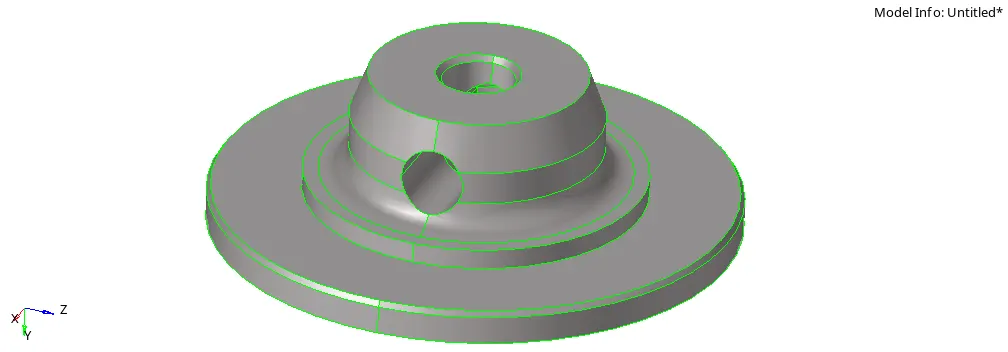
-After import a model, we focuss on geometry.
-it is required for achieve better result of mesh flow.
*cover:-
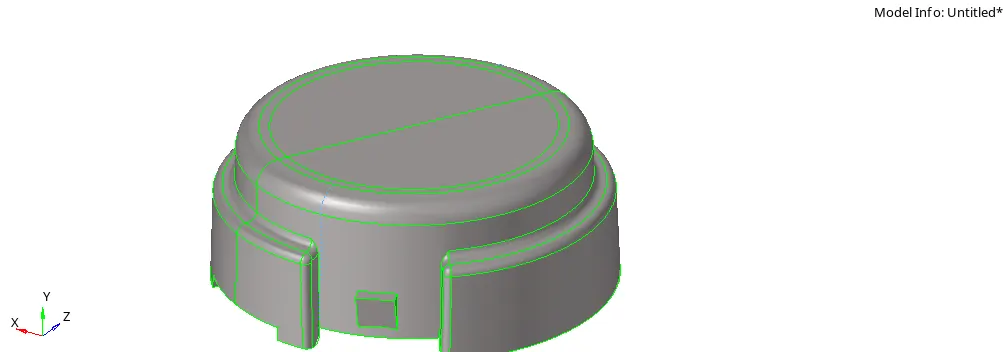
*Hub:-
3) Creation of 2D tria meshing as per quality criteria:-
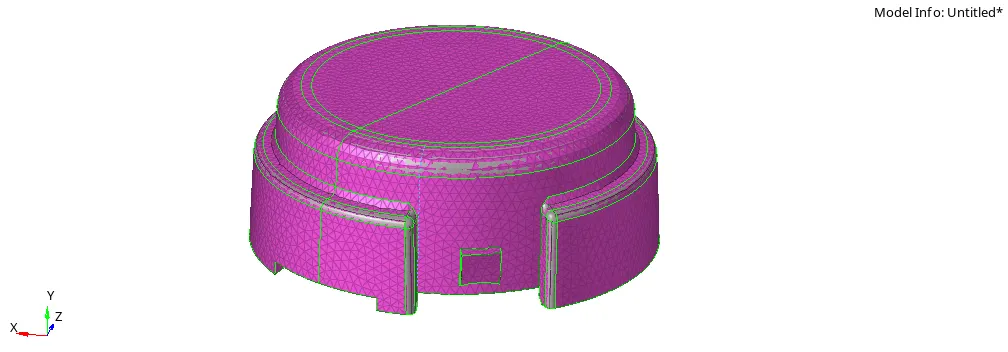
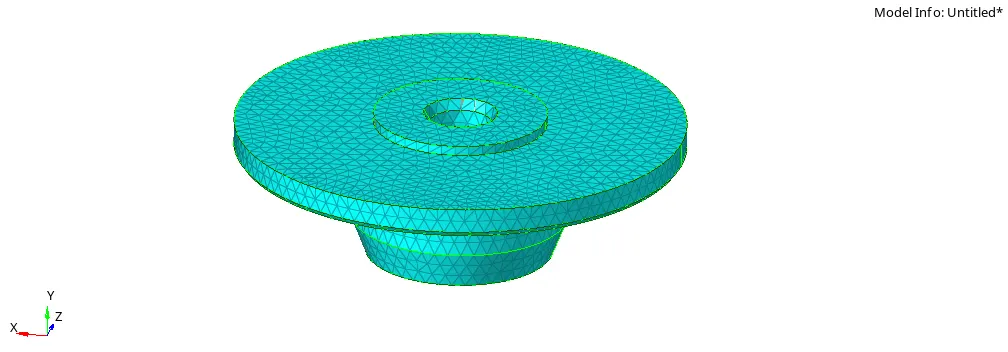
-after complete of geometry cleanup, we create 2D tria mesh on the all surfaces.
-for that use following quality criteria.
Elements sizes:- Target length - 5mm,
-for that choose automesh command and select all surfaces using surface via display.
-here, main point is type of mesh is only tria.
-after that remesh elements by elements for best result of meshing.
4) Convert 2D tria to 3D tetra:-
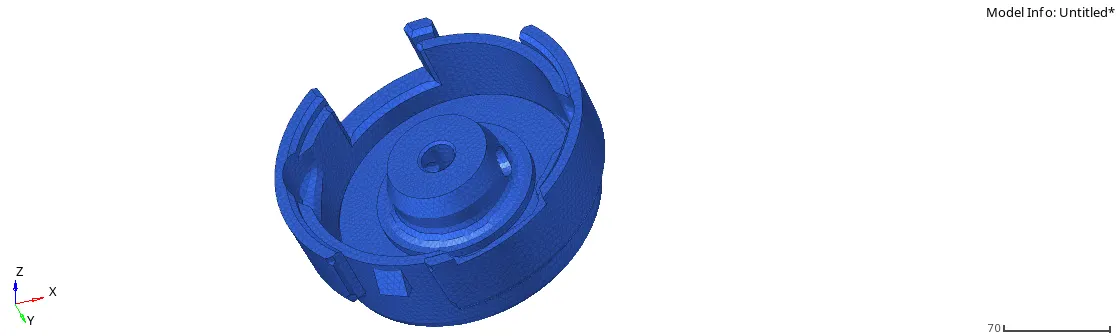
-now next step is we convert 2D tria elements to 3D tetra elements.
-for that use tetra mesh command, and select the overall elements using display opction and create a mesh.(3D>tetra mesh>tetra mesh)

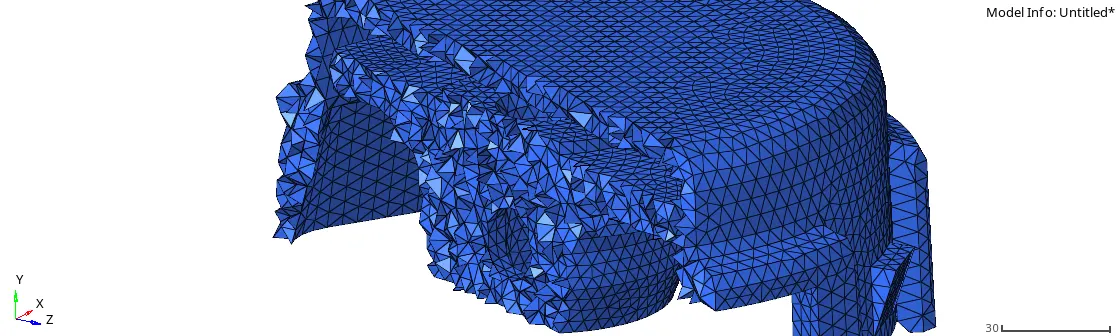
5) Check 3D quality of mesh:-
-After the conversion of 2D to 3D tetra elements, we check the quality of mesh.
-the main important quality for 3D tetra meshing is tet-collapse.
-here value required of tet collapse is more than 0.15
-we remove tet collapse elemets by elements using translate command.(Tool>translate)
*Model name:-
arm bracket
*Methodology:-
1)Import the model
2) create hexa meshing
1)Import the model:-
-The format of the file is hm, then first of all select import solver deck command, choose import model type.
-Now select the file from our folder and import it.
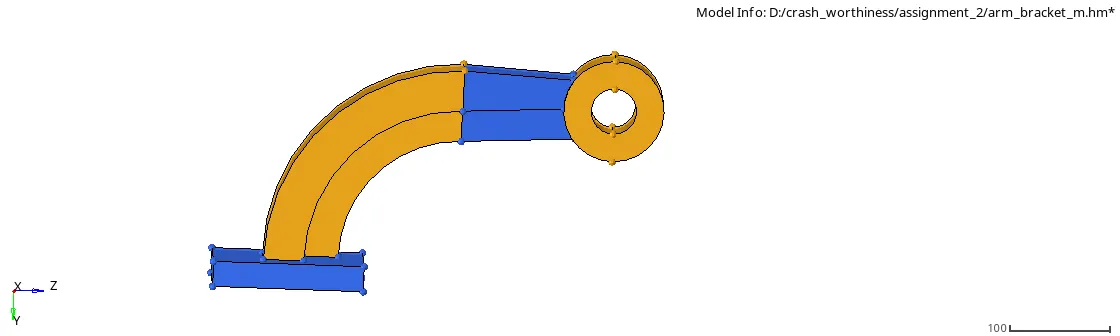
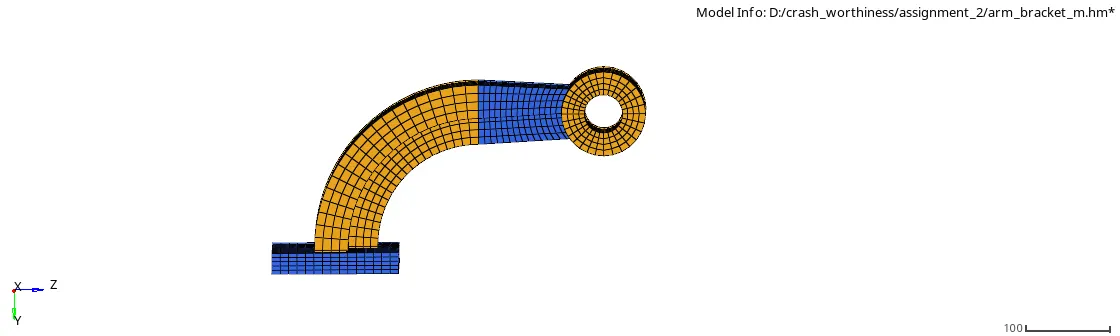
-here, there are four components are available.
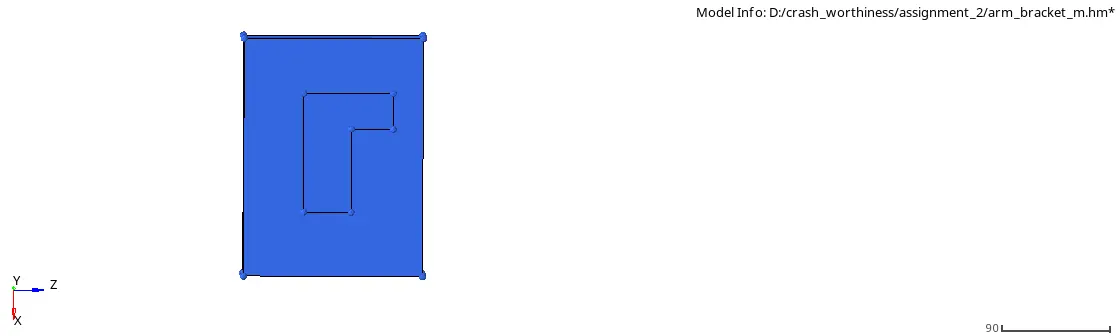
1) base:-
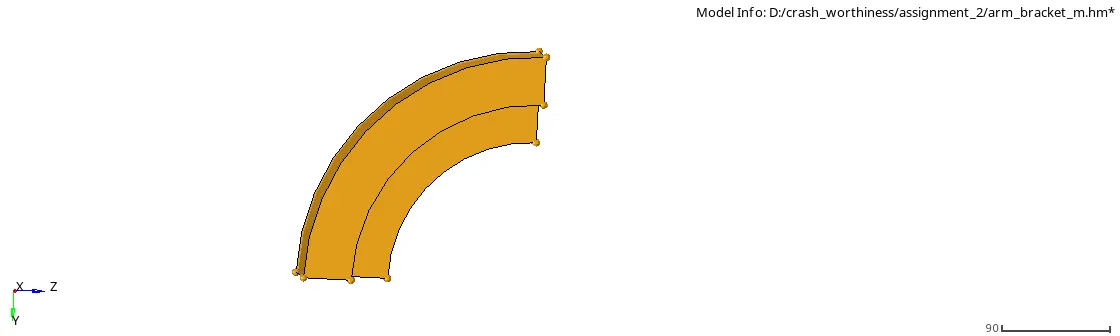
2) arm curve:-
3) arm straight:-
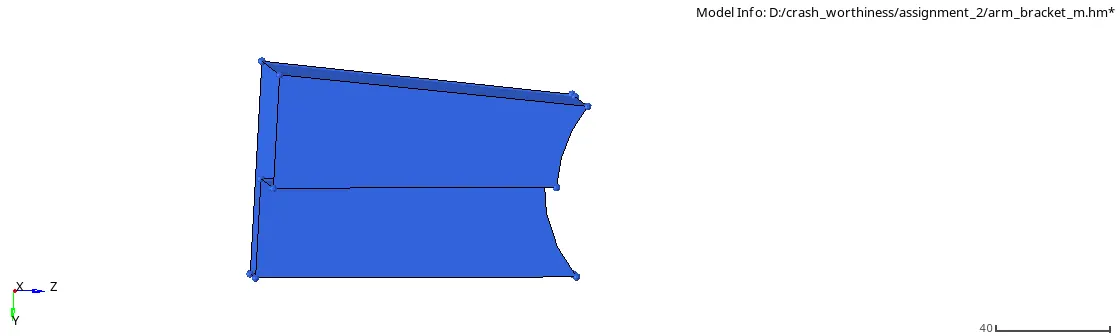
4) boss:-
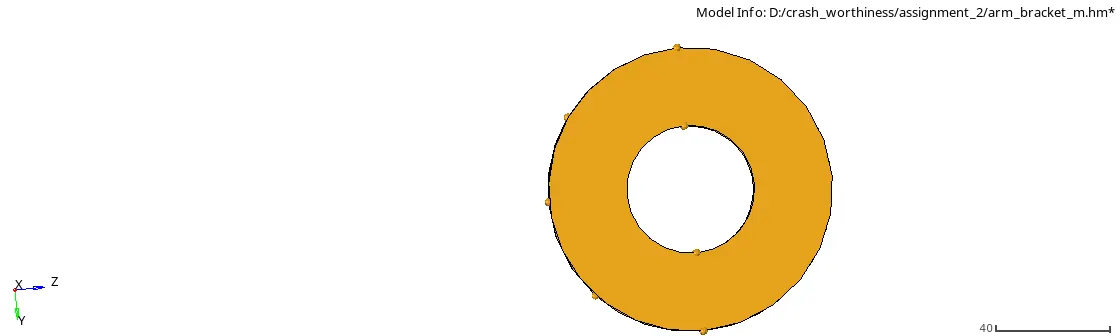
2) create hexa meshing:-
-now we create a hexa meshing on one by one components.
-here, main point is we not use any tria elements in the meshing part.
-after this process we delete the all shell elements.