Assignment 1-2D Meshing Challenge
Objective:
Run a Pre-processor structural analysis for the following geometries by using HYPERMESH RADIOSS profile with the given criteria.
- Clean the geometry.
- Extract midsurface.
- Clean midsurface geometry.
- Ignore holes less than dia 5mm.
- Create 2D mesh with target length 5mm, min 3.5mm max 7mm.
- And assign proper thickness, by creating a generic property.
Solution:
For 1st geometry:
-Open HYPERMESH software and choose RADIOSS profile.
-Import the geometry to HYPERMESH software.
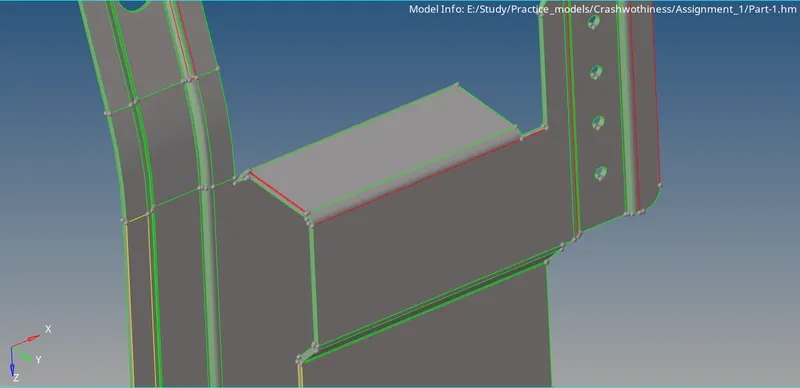
-Now, 1st clean up the geoemtry. To do that you need to switch on wireframe mode and check where there are red and yellow lines present.
-Now, click F11 or go to quick edit panel and choose toggle lines option and toggle each red lines and for the yellow lines you need to delete the surface.
-After cleaning up the geometry generate mid-surface to the geometry.
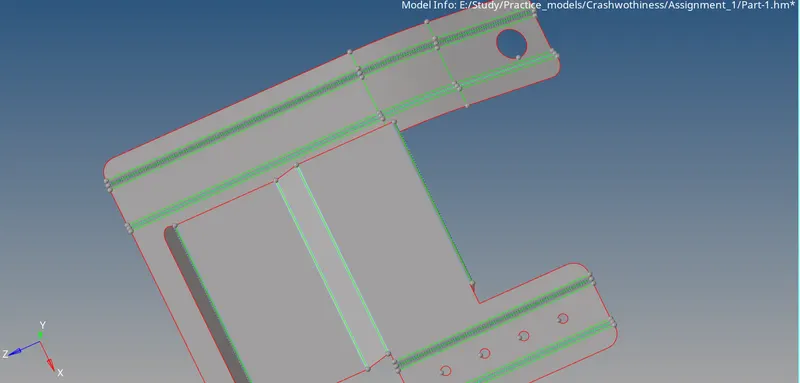
-Now clean up the mid-surafce based on the given quality criteria, fill the holes which are less than 5mm.
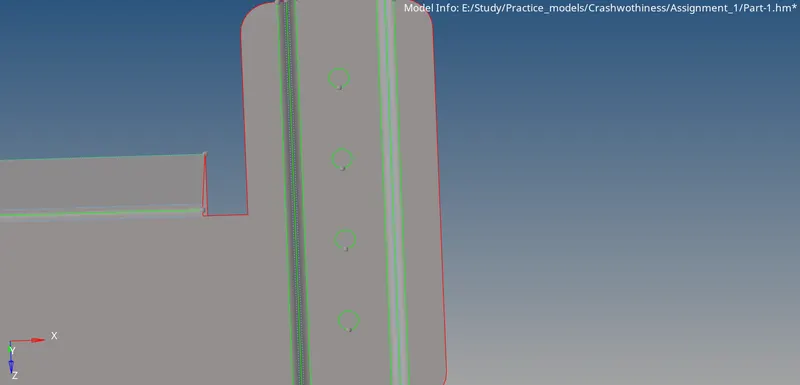
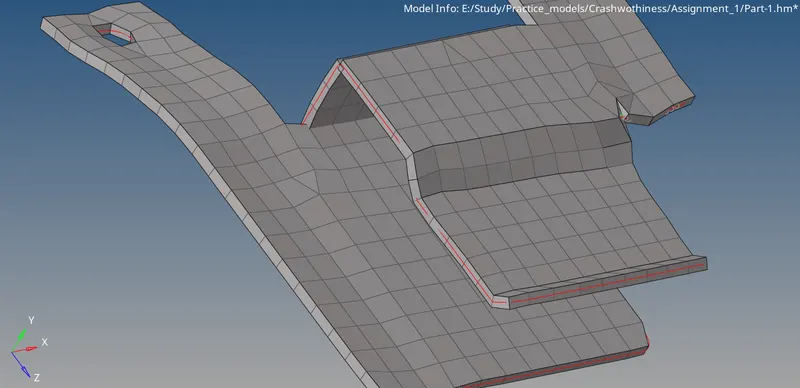
-After that mesh the geometry.
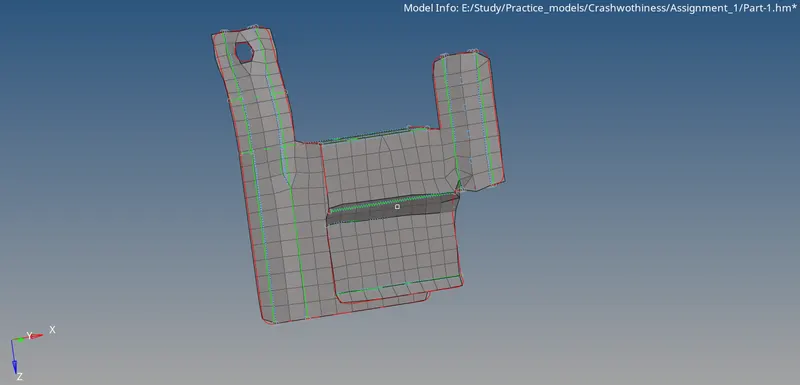
-Now, mesh the geoemtry till you satisfy the quality parameters.
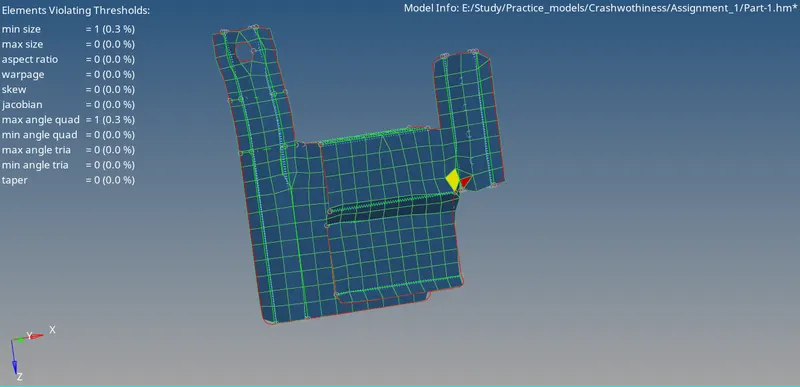
-After finishing that create a property card and assign thickness to the geometry and assign the property card to trhe component.
For 2nd geometry:
-Now, import new geometry to the HYPERMESH software.
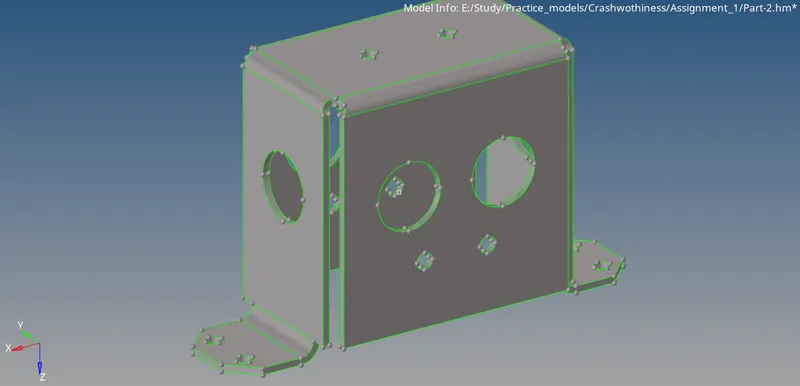
-As done before for the above geometry we need to follow the same steps here. See if there are any red or yellow lines.
-If there are any toggle or delete surfaces and clean up the geometry.
-After cleaning up we need to generate mid-surface.
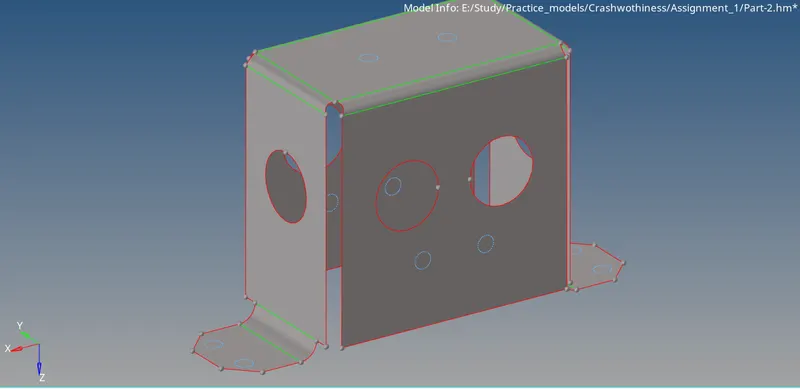
-After gerating the mid-surface we need to fill surface for the holes which are having less than 5mm diameter.
-After doing so generate mesh to the geometry.
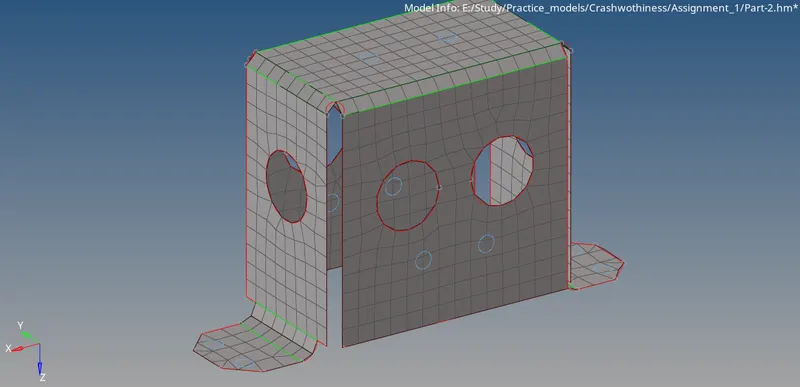
-Clear the mesh till you achieve the quality.
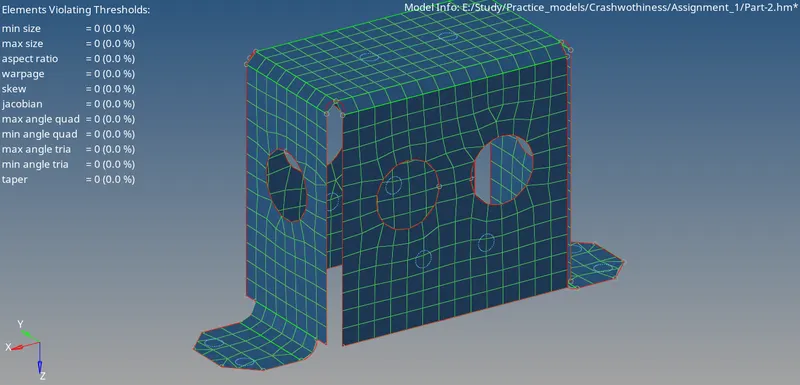
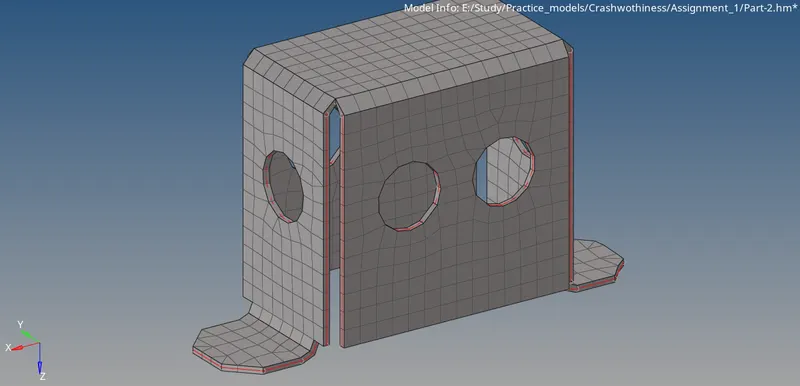
-Now, we need to create a property card and give thickness to the geometry and assign the property card to the component.
For 3rd geometry:
-Follow the same instructions as followed above and import new geometry to HYPERMESH software.
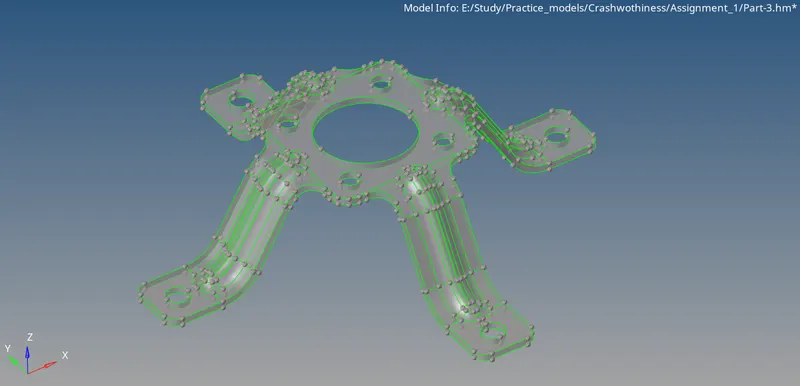
-Change the view to topology and check if tehre are any red or yellow lines.
-If there are any then clear them and generate mid-surface.
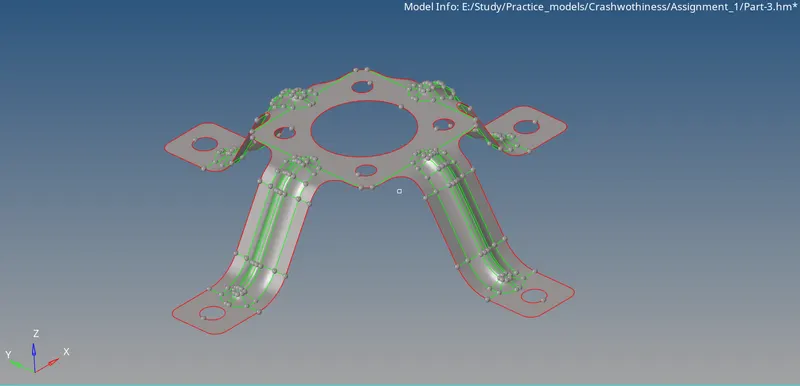
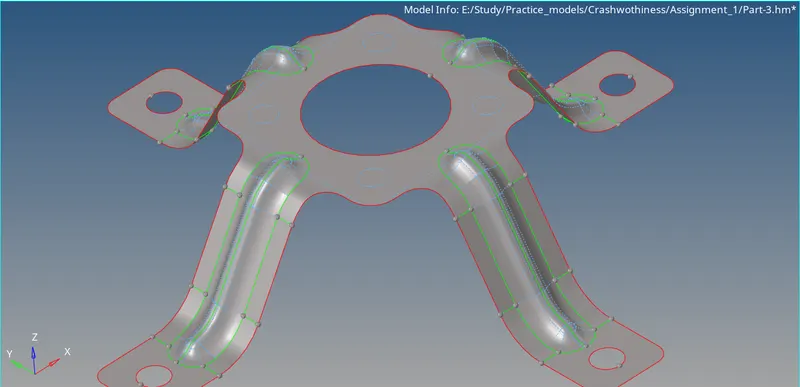
-After generating mid-surafce clean up the geoemtry according to quality criteria.
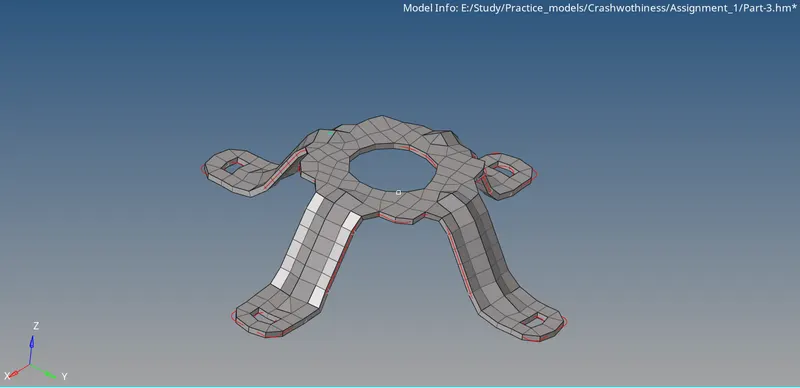
-Now, generate mesh to the geometry.
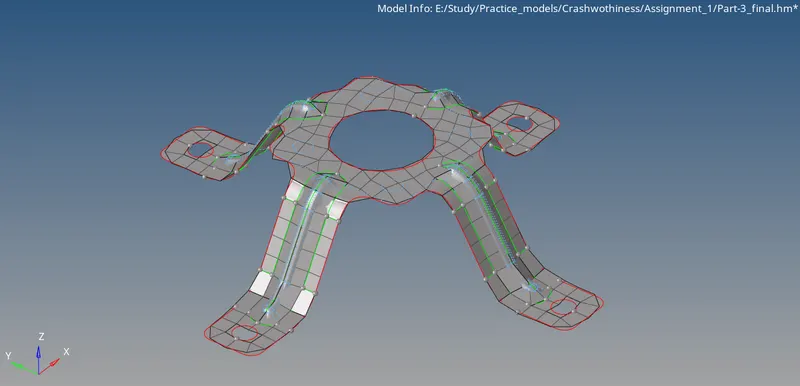
-After generating mesh clean the mesh to reach quality.
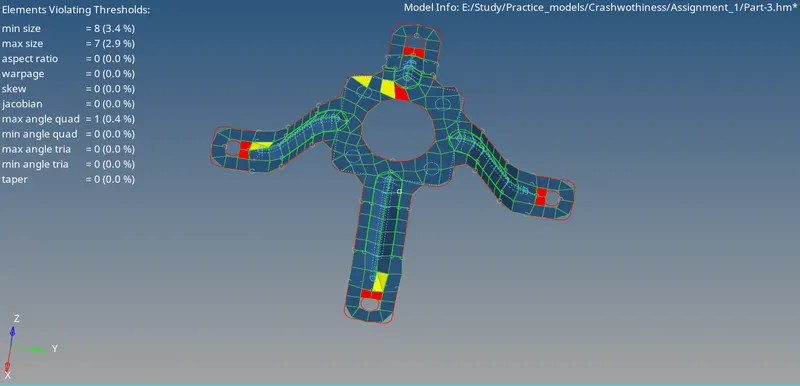
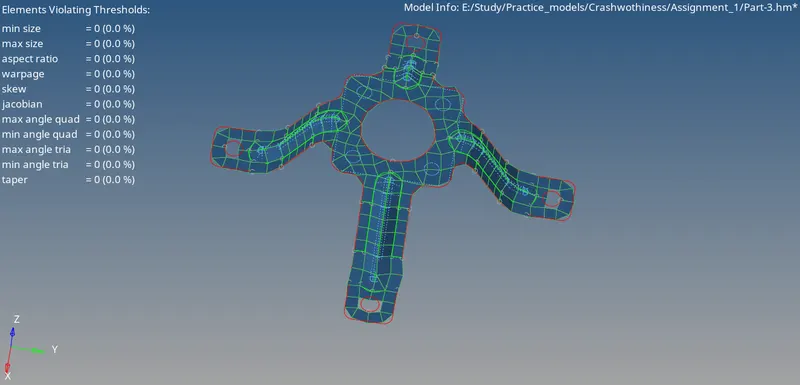
-Now, create a property card and give thickness then assign the property card to the component.
Conclusion:
In order to mesh the component by achieving the given quality parameters we need to re-mesh the elements as many times as possible until you get better mesh and achieve better flow of the mesh. And also make sure to topology clean up the geometry before you mesh the geometry and make sure the geoemtry is closed solid to generete proper mid-surface.