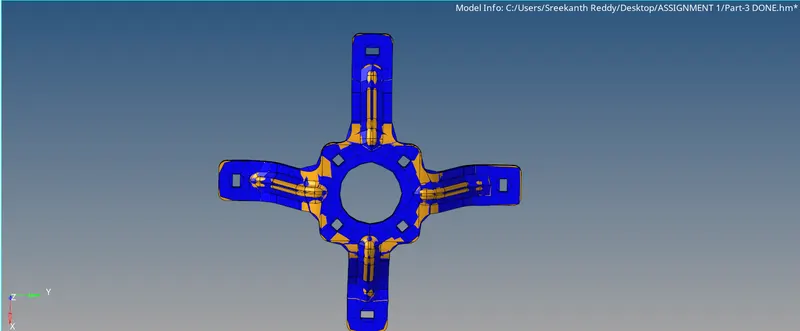
Assignment 1-2D Meshing Challenge
OBJECTIVE:
- Clean the geometry.
- Extract midsurface.
- Clean midsurface geometry.
- Ignore holes less than dia 5mm.
- Create 2D mesh with target length 5mm, min 3.5mm max 7mm.
- And assign proper thickness, by creating a generic property.
- Then Save in .hm format.
Given Components:
- Practice
- Clip Repair
- Mounting Bracket
Procedure:
Import the model and check for geometrical errors.
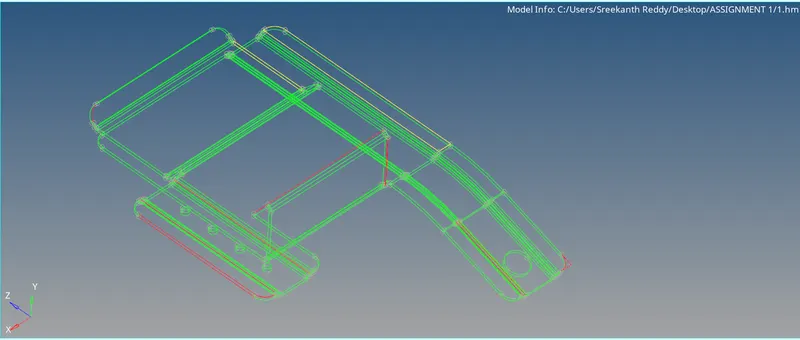
PRACTICE MODEL:
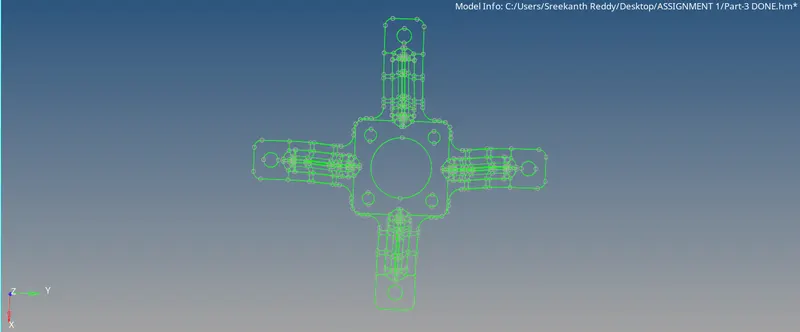
CLIP REPAIR MODEL:
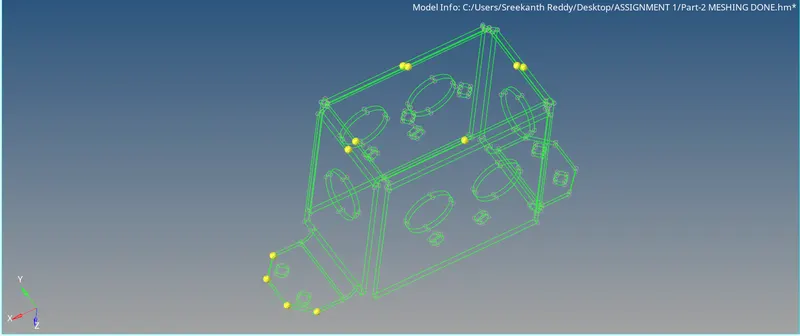
MOUNTING BRACKET:
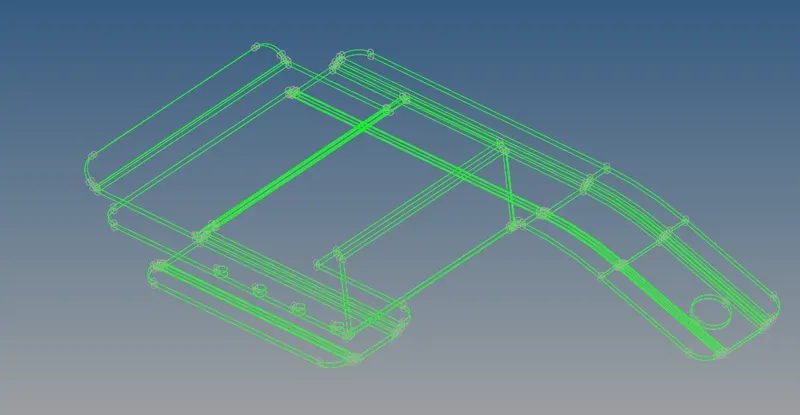
In Practice model, the single cons represented by red colour shows free edges and extra faces which is why the model is not closed.
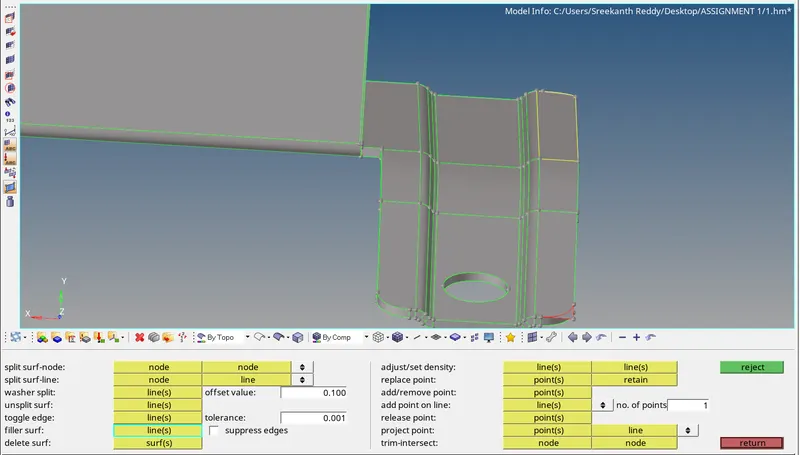
We can see a surface extruded out. Our model should be closed in order to use Auto mid-surface.
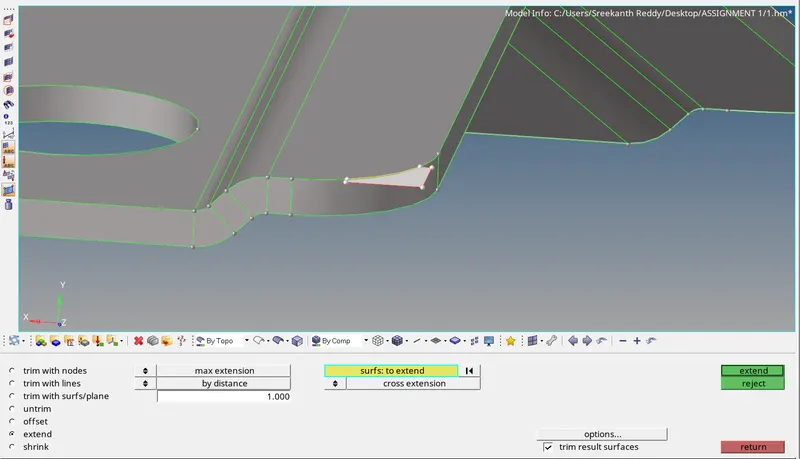
Use Geometry >>> Surface edit >>> Extend.
A single con is now representing a free edge, which can be deleted.
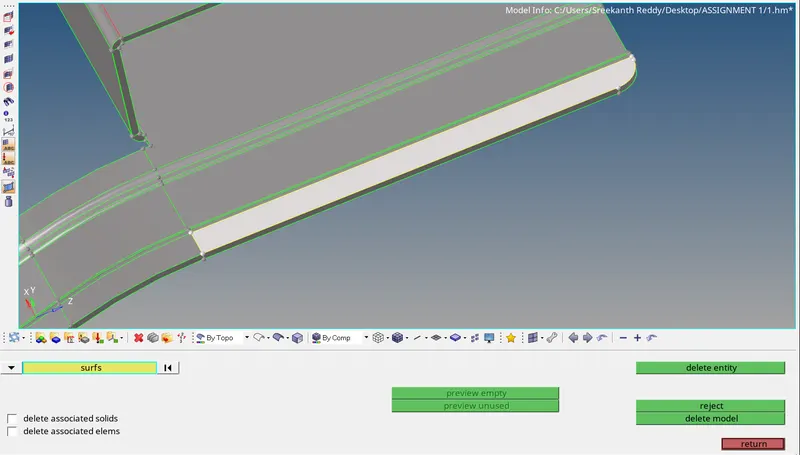
There are some free edges in between the geometry, represented in red cons. we can use fill to close the geometry.
Geometry >>> Quick edit >>> Filler surface.
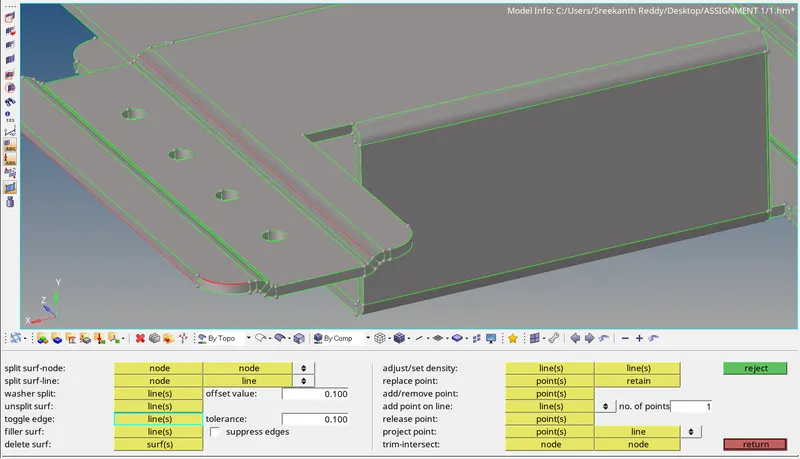
The red cons, reprensenting free edge can be toggled with tolerance to close the geometry.
Geometry >>> Quick edit >>> Toggle edge.
The below image shows the closed geometry.
Clip repair model, Mounting bracket model has no geometrical errors. we can extract mid-surface using Auto-Midsurface.
Extracting mid-surface:
Geometry >>> Mid surface >>> Auto midsurface >>> Select surfaces >>> Extract.
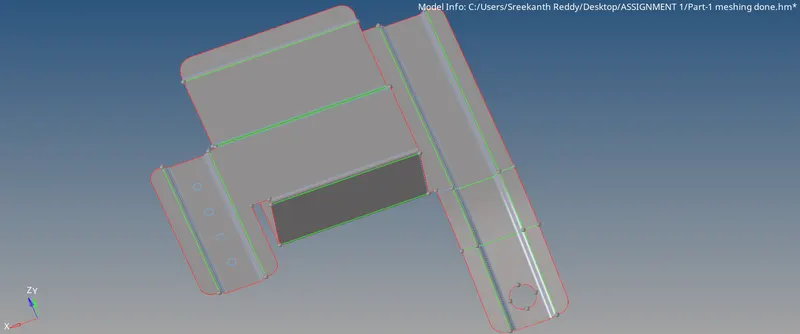
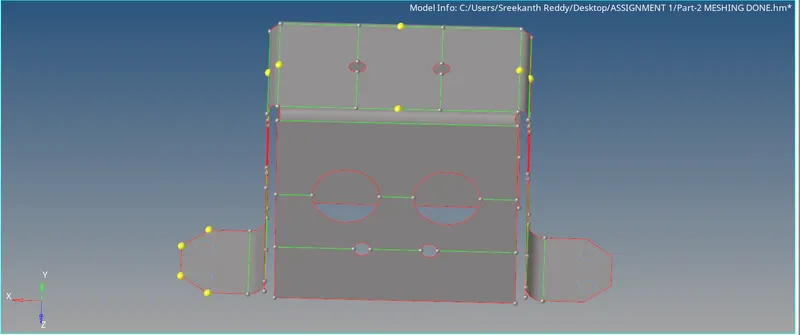
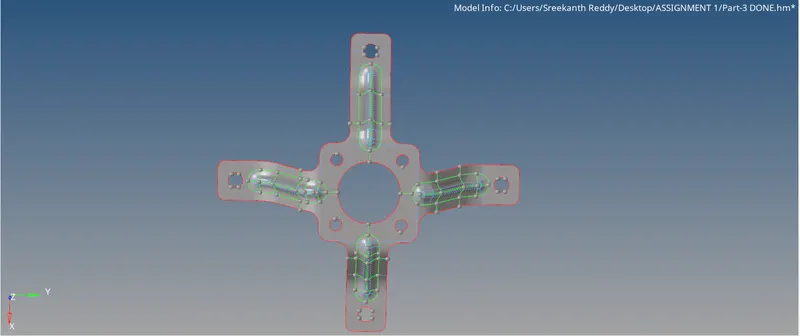
2D deck >>> Automesh >>> ( Select Surfaces >>> Displayed ) >>> Mesh.
To Clear OFF elements and get proper mesh use "Smooth", "Re-built Mesh" in 2d deck.
Assign Thickness to the Mid-Surface components:
Create new property and assign the thickness value.
Then, Go to mid surface component >>> assign(right click) >>> Assign property >>> Apply
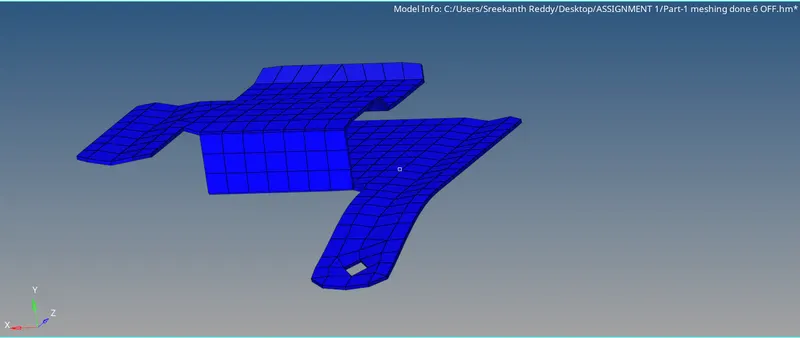
Draw shell as solid is activated:
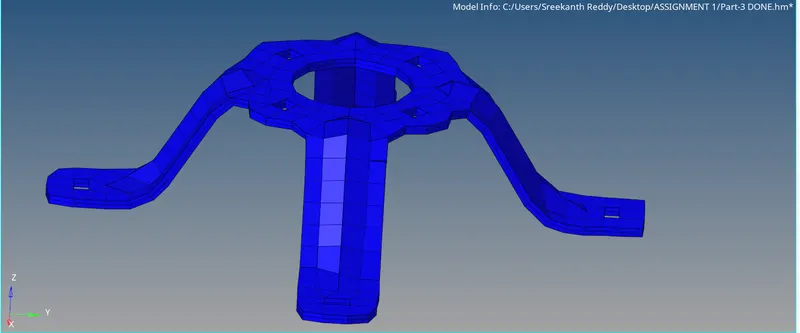
Conclusion:
The images below compares the Meshed model with given model.
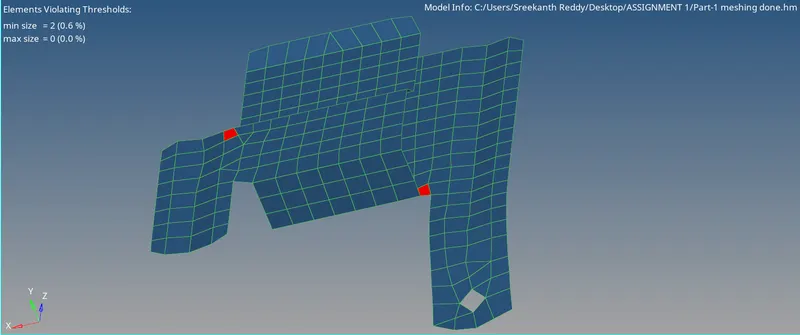
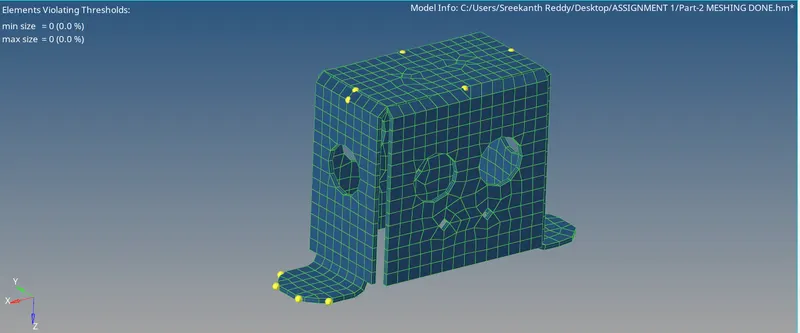
We can see, In the practice model the features are not captured perfectly due to de-featuring to satisfy the quality criteria.
Holes are filled to clear off elements which are of 5mm.
Two off elements are present in the model. If we try to clear those off elements, Features cannot be captured well.
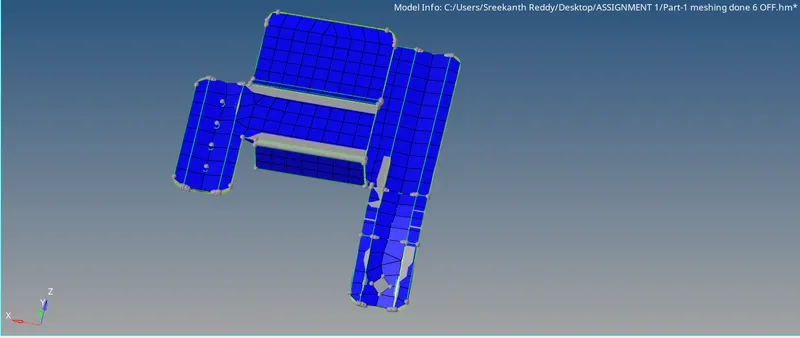
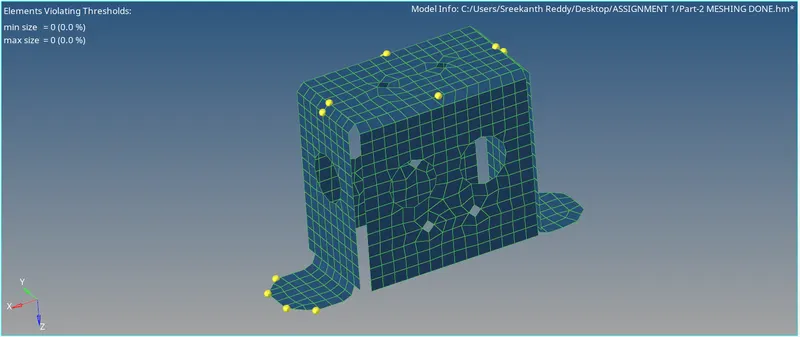
In Clip Repair model, the features are captured well. In the fillet region the feature capturing is not that good due to de-featuring to clear off elements.
There are no off elements in this model and features are well captured.
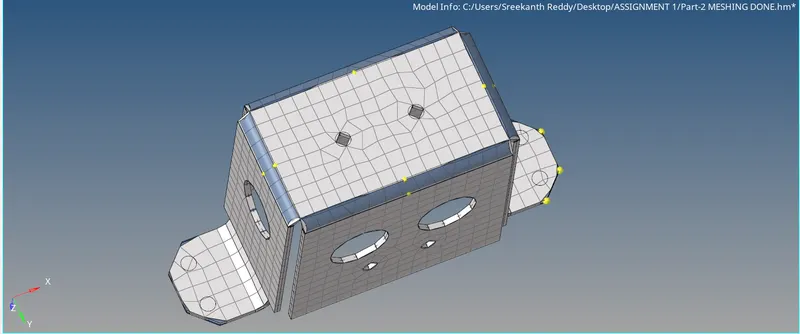
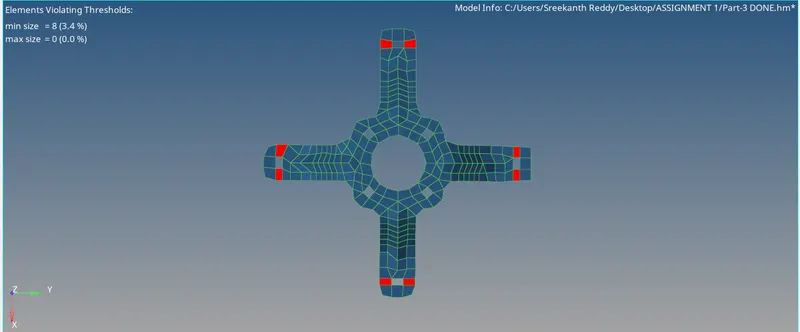
In mounting bracket model shown below, In the curved region due to lot of de-featuring to clear off elements features are not well captured. There are some OFF elements which can't be cleared.
Overall the model is captured well with 8 OFF elements.