Assignment 1-2D Meshing Challenge
AIM: The main aim of this challenge is to clean the geometry, extract the midsurface, mesh the component, and assign the thickness to the component by choosing the appropriate property.
PROCEDURE:
- First, import the given geometry into the HYPERMESH, then check if there are any solids inside the model; if they exist, delete the solid.
- If you find any free edges (red lines), clean up those free edges and close the solid.
- Then use GEOM-->MIDSURFACE-->automidsurface to extract the midsurface of that closed solid.

- After extracting the midsurface, assign the quality criteria as per the challenge, then check if the fillets are necessary or not based on the minimum element size; if not, delete the fillets by using the GEOM-->DEFEATURE.

- If the holes are less than or equal to 5 mm in diameter, then we can neglect the holes.
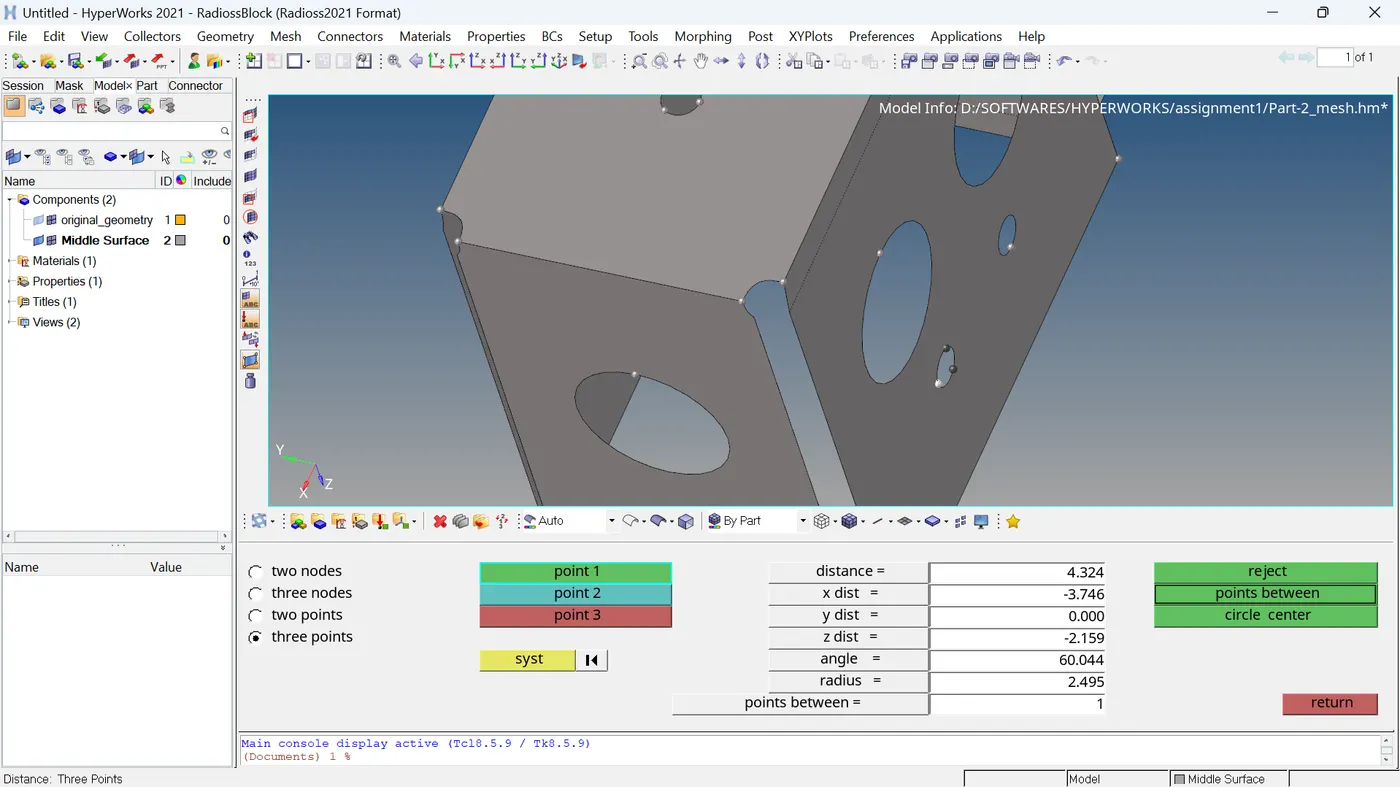
- After doing geometry cleanup, the meshing of the component should be done by selecting 2D->AUTOMESH, selecting the surfaces that need to be meshed, and adjusting the number of nodes along the edge so that the number of trias should be minimal.

- Based on the quality criteria given, check the elements that are failing and repair them by using the CleanupTools and rebuild mesh options.


- The number of failed elements should be as minimal as possible, or make it zero.
- Then assign the thickness for the component by choosing the property card.
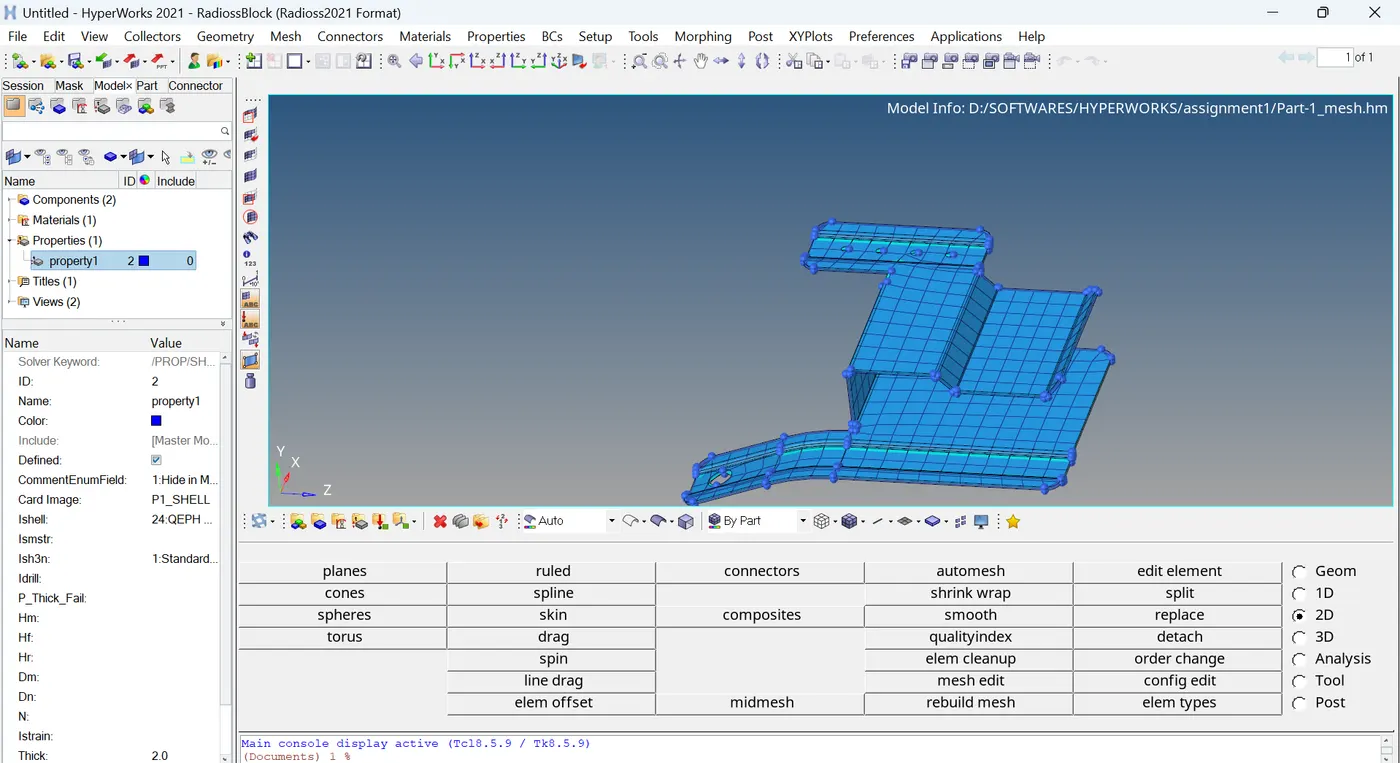
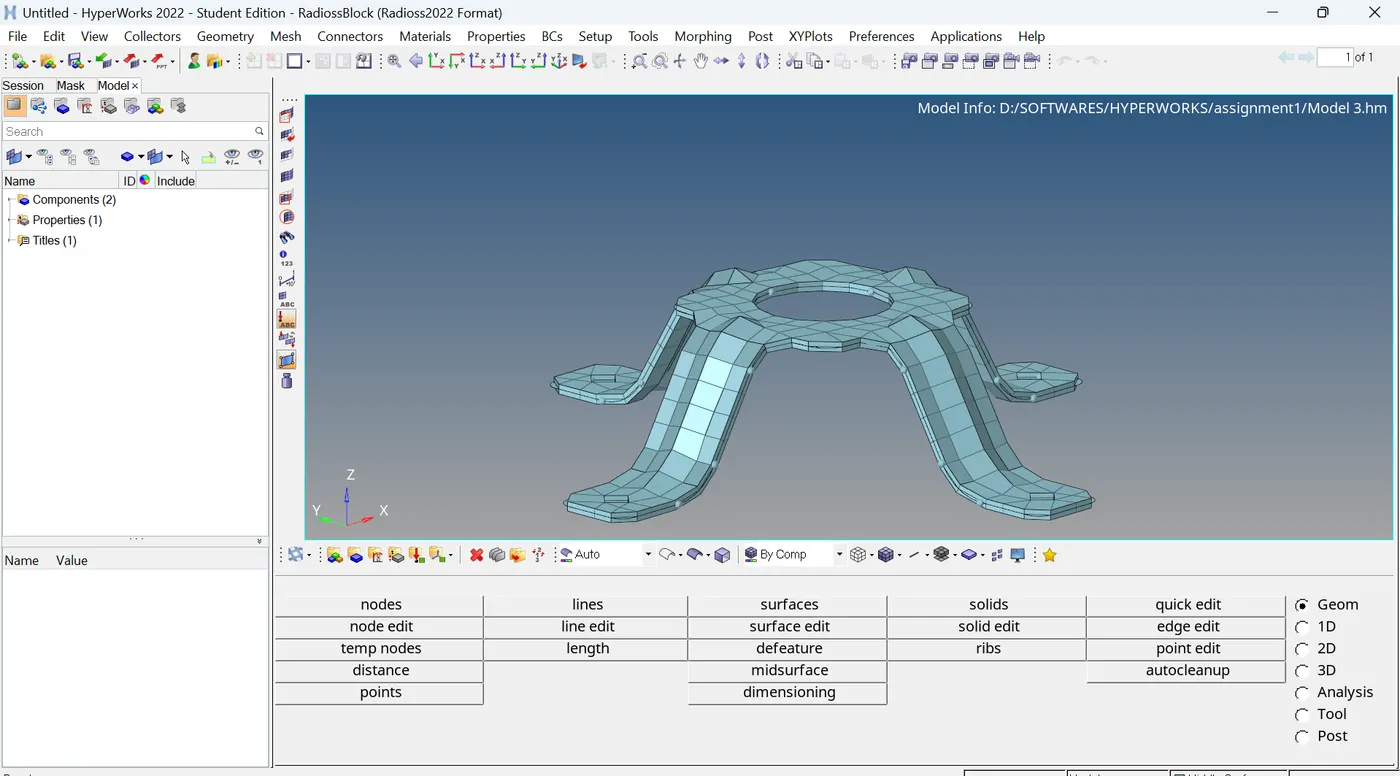
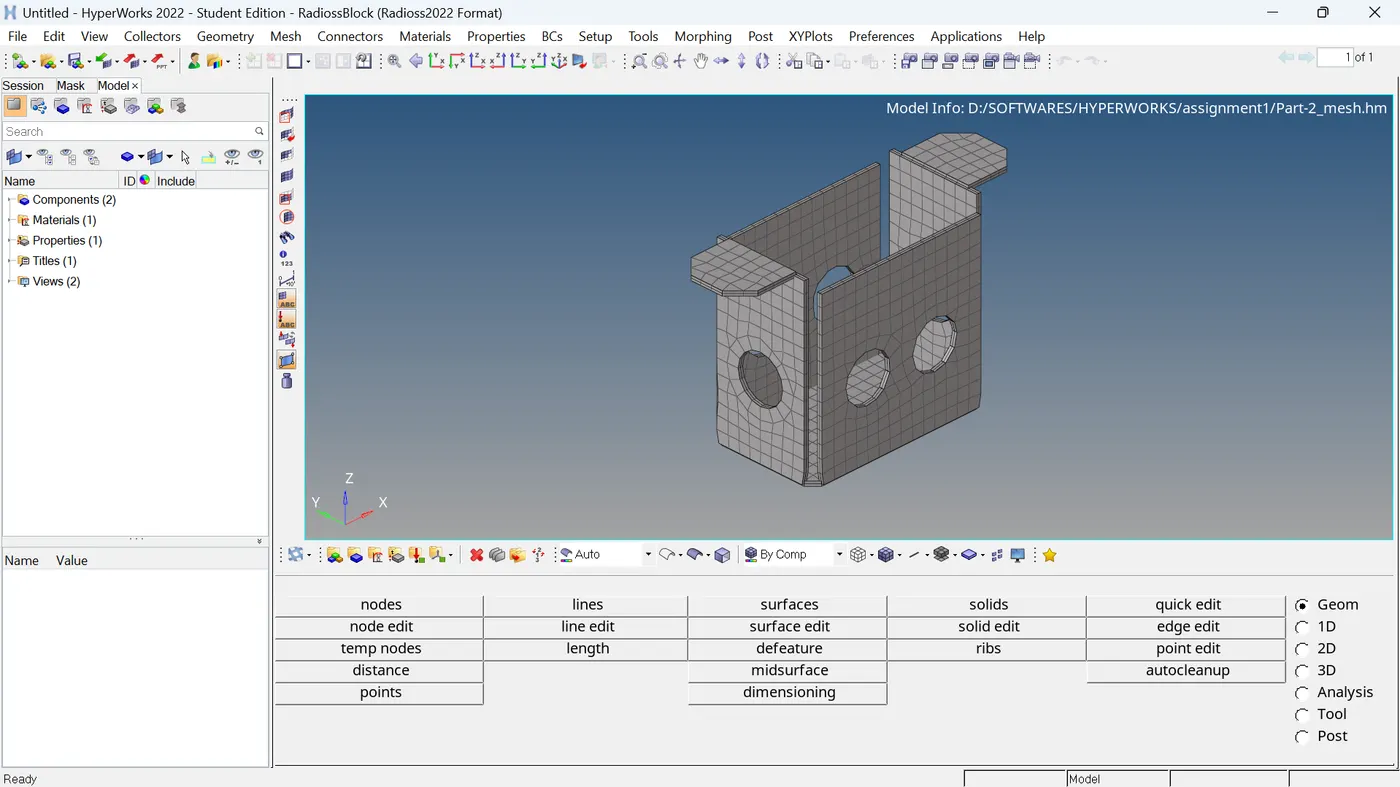
- Same procedure is followed for all the models for 2D meshing.
CONCLUSION: The extraction of midsurface and meshing has been done for the given models.