Week - 4 - 2D meshing for Plastic components
- The bottle cap is imported to ANSA then check for the geometry errors.
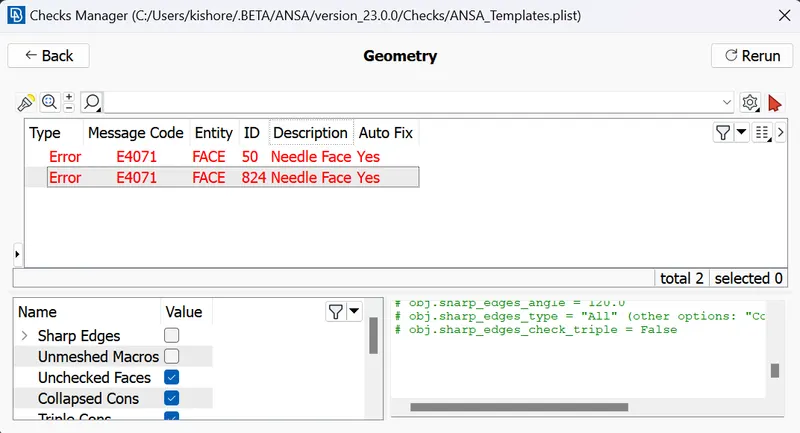
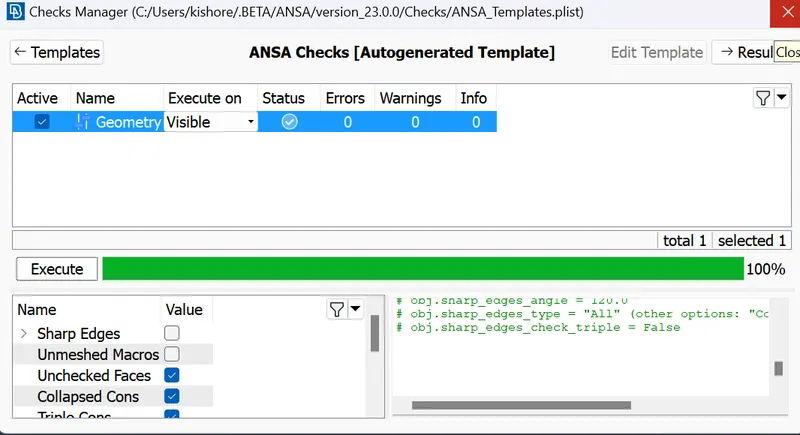
- The geometry cleanup is done using auto fix.
- After the geometry clean up is done, i have tried to get the auto midsurface from ANSA, proper faces are not generating, So i have used the manual mid surface.
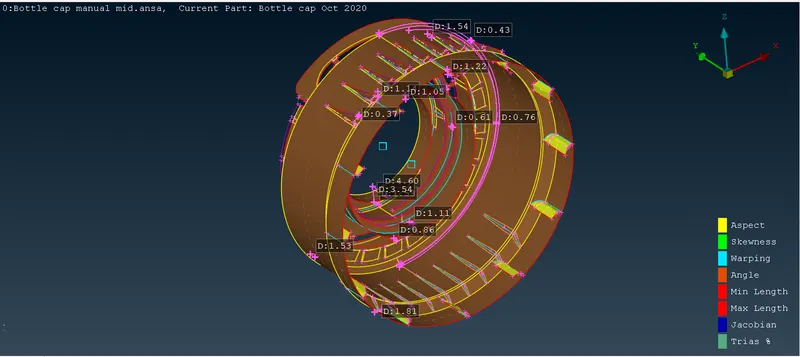
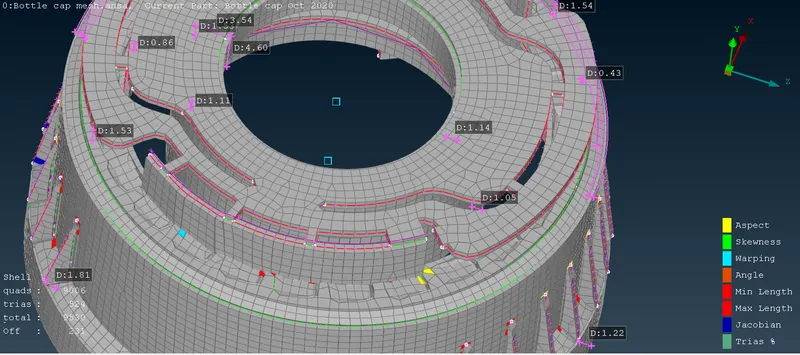
- After the mid surface extraction the average length is given as 1 for all the perimeters. Using the Best option the meshing is done, For alterations in meshing I have used the Smooth, reconstruct, split, and increasing or decreasing the perimeter nodes options. I have tried to minimize the OFF elements as minimum as possible, but i could not able to avoid it.
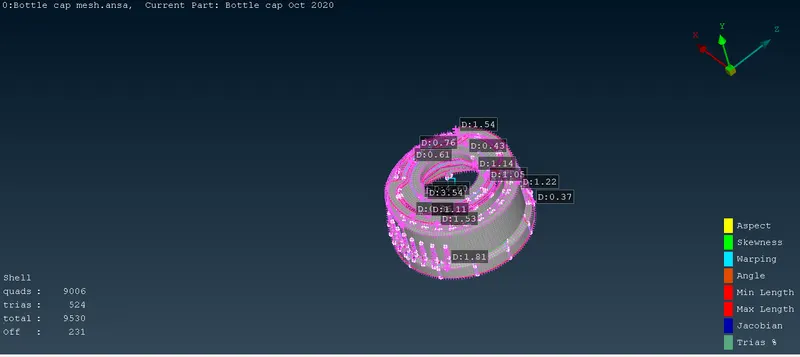
- After meshing is done the draw shell as solid option is enabled and is shown in the figure.
LEARNING OUTCOMES:
- I have learned the procedure to mesh the plastic component using ANSA.
- I have explored different options like Auto mid surface extraction, different difficulties while extracting manual mid in ANSA while doing this challenge.
- I have learned how to deal with the meshing difficulties arises during meshing.
- I have learned how to deal symmetry options and rotating option during this challenge.
CONCLUSIONS:
In this challenge the importing the geometry, geometry cleanup, assigning the thickness to the model, auto mid-surface extraction,manual mid-surface extraction and meshing is performed with minimum OFF elements . The application of loading and boundary conditions are performed for upcoming challenges.