Week- 5 - Solid meshing
AIM: The 3D model is taken and TETRA meshing is performed using the VOLUME mesh module.
- Import the model into the ANSA software, then use TOPO option to combine all the RED CONS to get YELLOW CONS
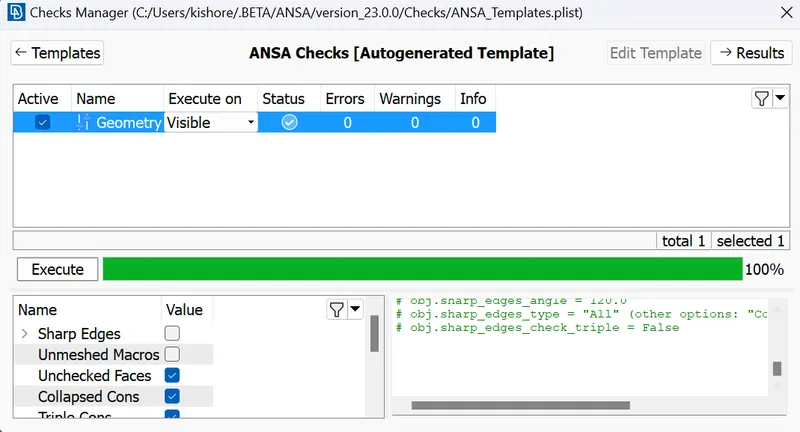
- Then check for any geometry errors and in the model, if there are any errors use the AUTOFIX to fix all the geometry errors.
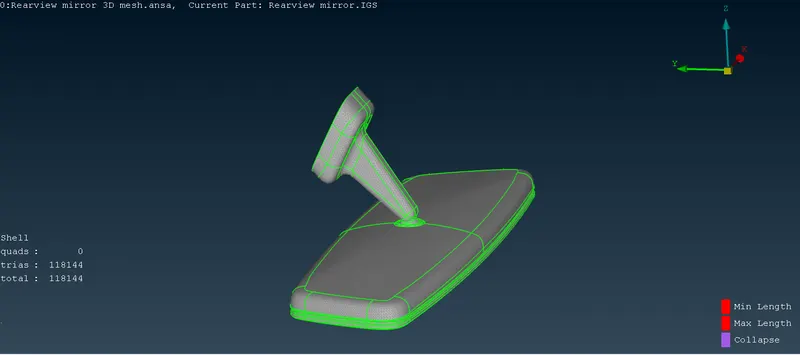
- Then go to shell meshing module use LENGTH option to give the average length to the perimeters of the model and then use the SPOT MESH option using ORTHOTRIA elements near the curved region and TRIA elements at the remaining region.
- Use the reconstuct option and smooth options to fix the quality like minimum and maximum length.
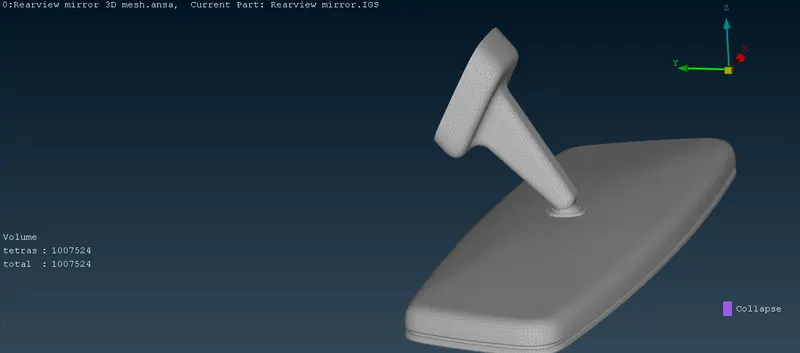
- Then use the VOLUME MESH module to mesh the volume.
- First define the volume using DEFINE option and check the volume using the LIST option
- Then use the TETRA FEM option to solid mesh the component, check for any OFF elements like COLLAPSE in the model, If there are any collapse elements then use the FIXQUALITY option to automatically fixing the quality or one fix the quality manually by using MOVE option to move the node and fixing it.
- If there are any kinks are projections on the surface of the model then use the ALIGN option by selecting the node and defining the vector.
LEARNING OUTCOMES:
- Learned how to mesh the volume using the tetrahedral elements.
- Learned what is difference between tetra rapid and tetra fem in the volume mesh.
- Learned how to fix the quality using the move, align options.
CONCLUSIONS:
- The mirror model is imported and the surface of the model is meshed with the ortho tria and tria elements and by using the volume mesh module solid meshing is done using the tetra rapid or tetra fem algorithm based on the accuracy requirement.