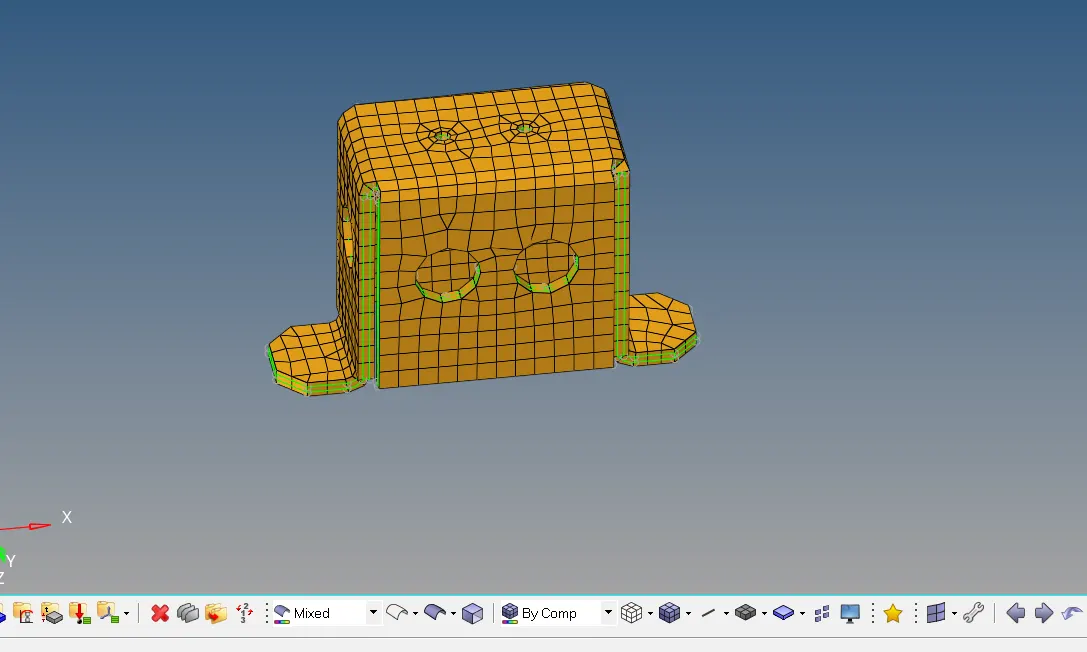
Assignment 1-2D Meshing Challenge
Aim : clean up the geometry, extract the mid surface and perform appropriate mesh for both clip and mounting bracket.
1)
set the interface to radioss
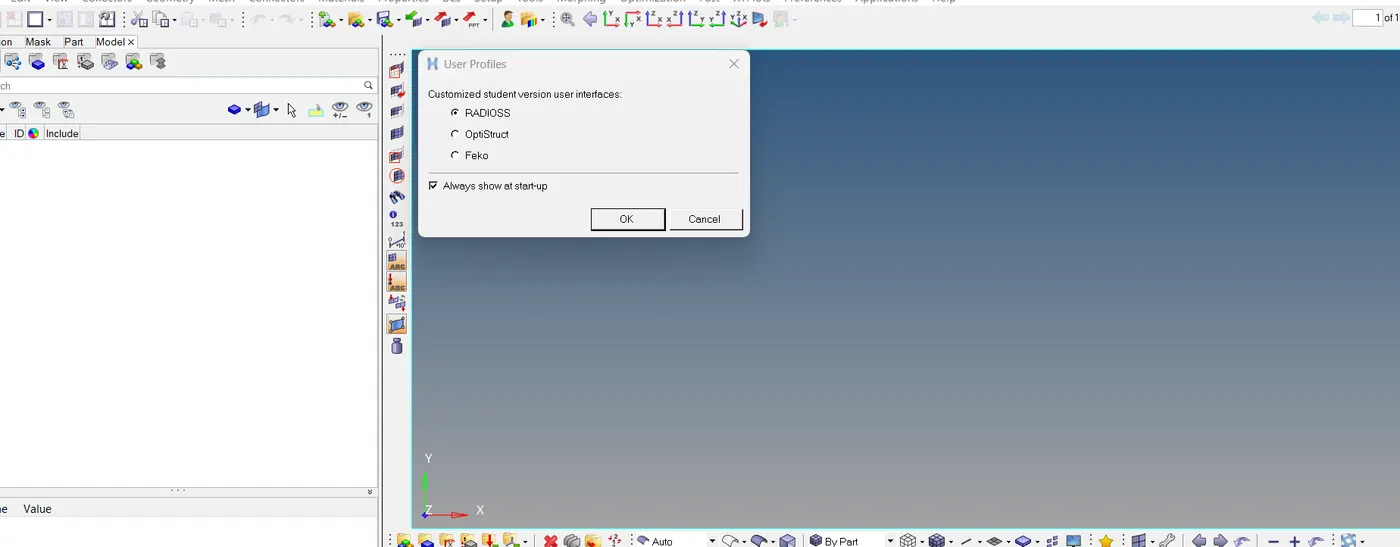
- Click on the import icon on the main menu bar.
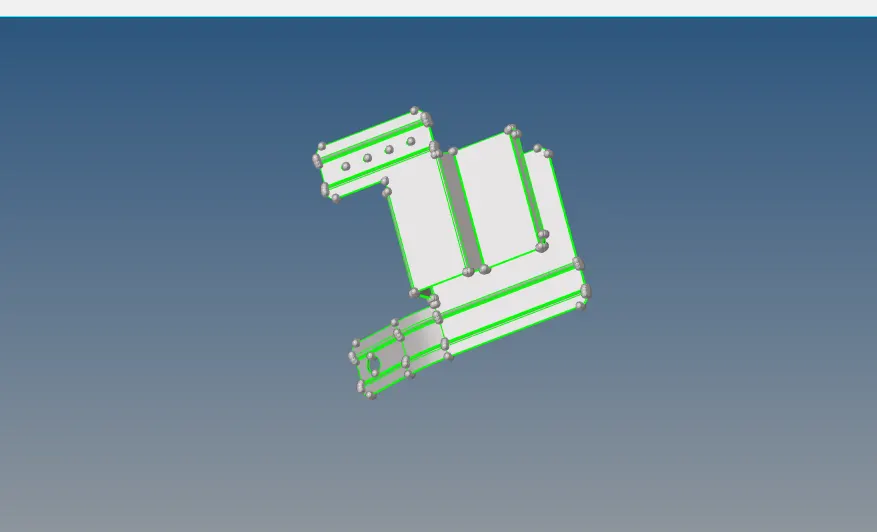
- Select the import geometry and choose the file, click on import.
- Then the file will be imported and will be shown in the graphical area as below
MIDSURFACE EXTRACTION
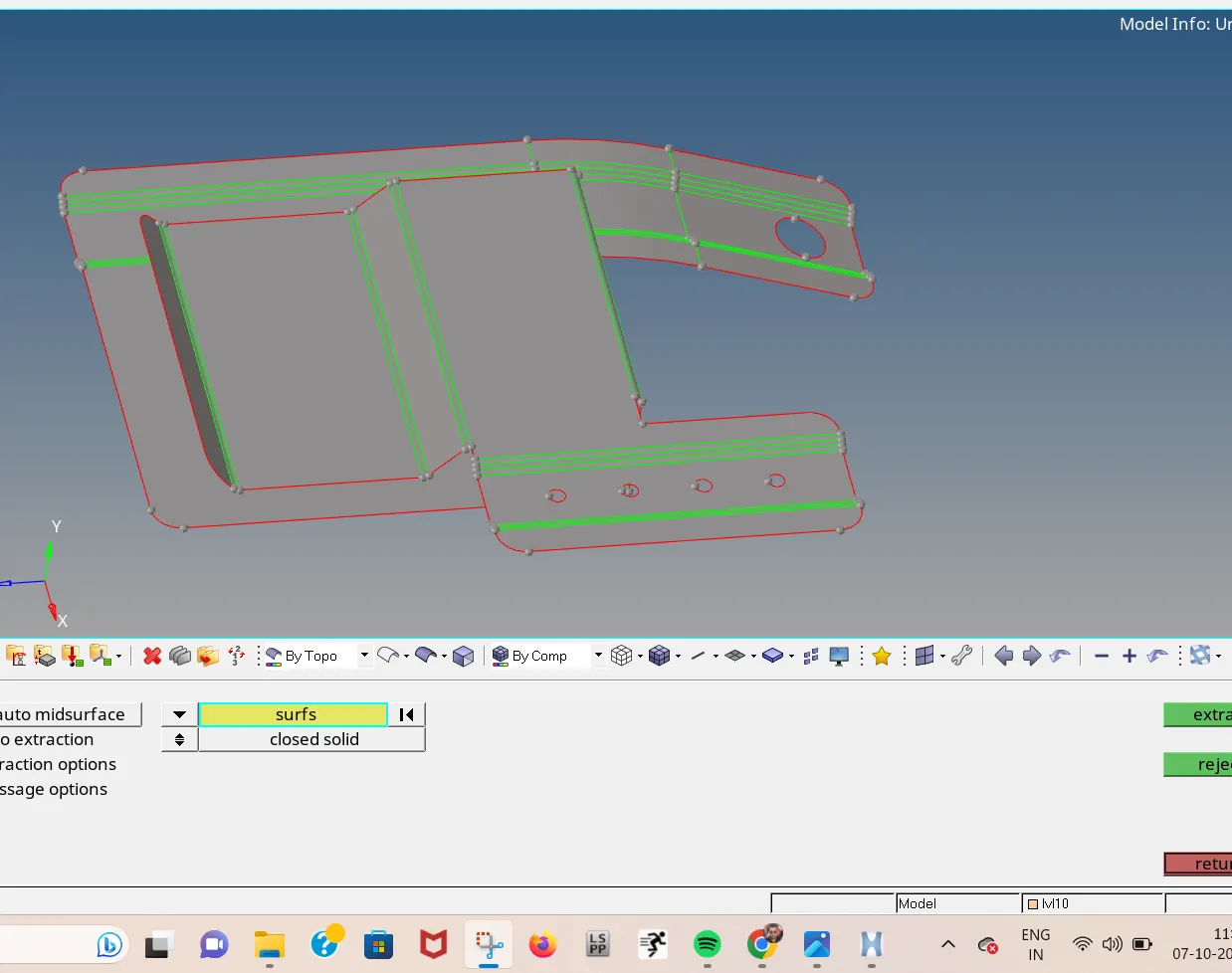
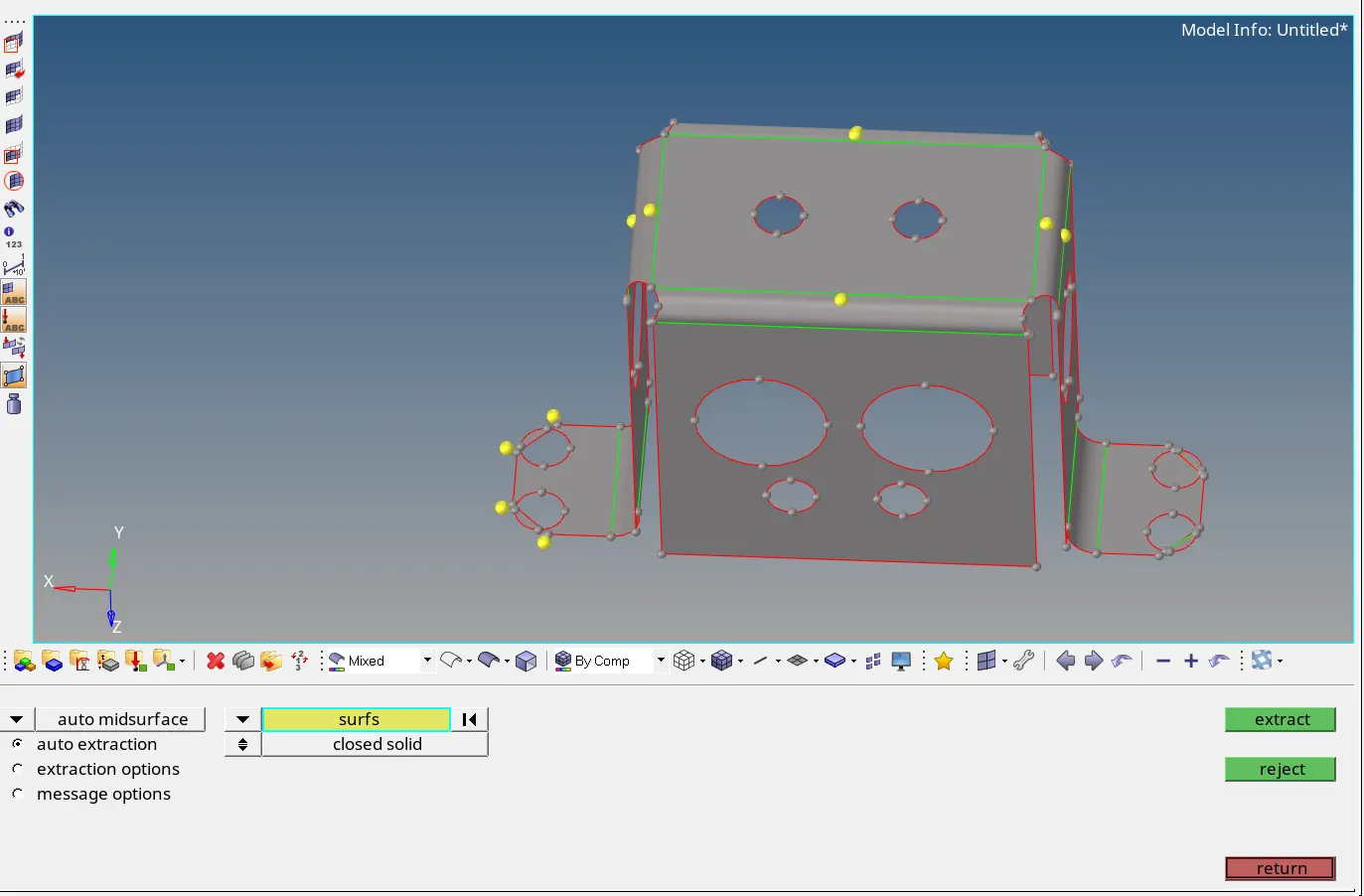
- Click on the mid-surface from the geometry menu bar.
- Select the surfaces and click on extract.
- The mid-surface of the component will be extracted.
- Hide the original component and rename the middle surface that is extracted.
- Thus, the mid-surface can be extracted and seen on the graphical interface.
AUTO CLEANUP
To clean the geometrical error use auto cleanup to get done fast.
select the surface to cleanup
MESHING
set up the 2d mesh by using 2D-Automesh
set the unit as 5
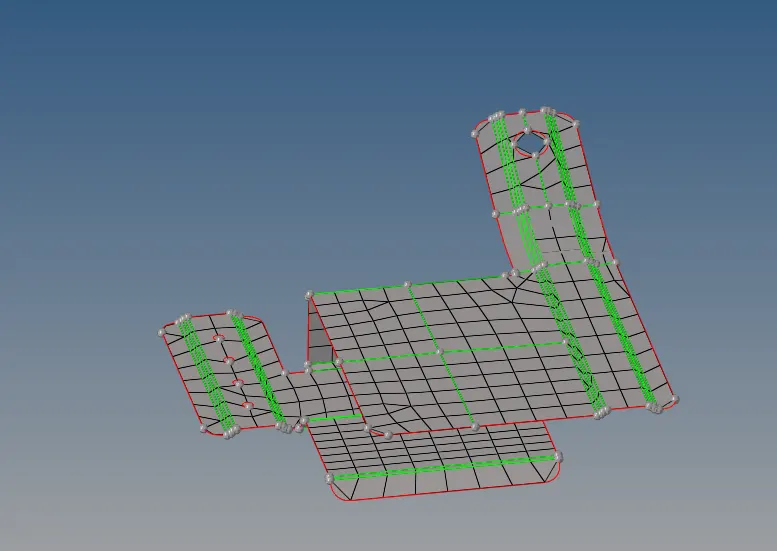
2) Upload the next geometry to the interface
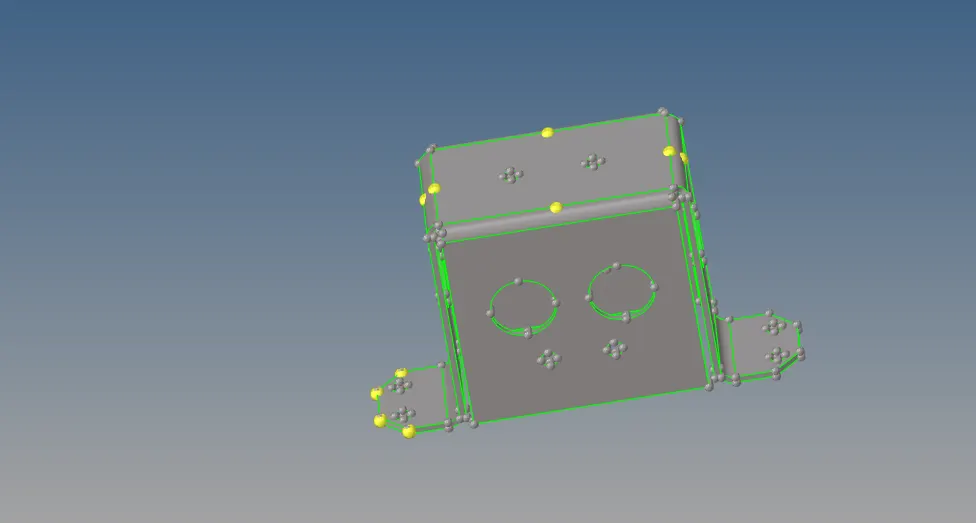
MIDSURFACE
MESHING
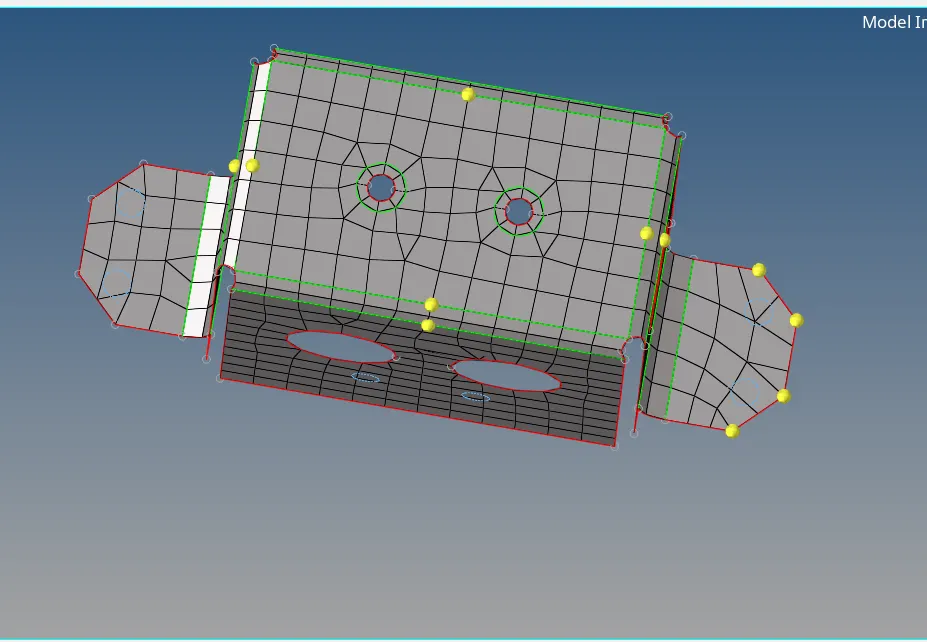
CLEARING UNWANTED LINES & NODES
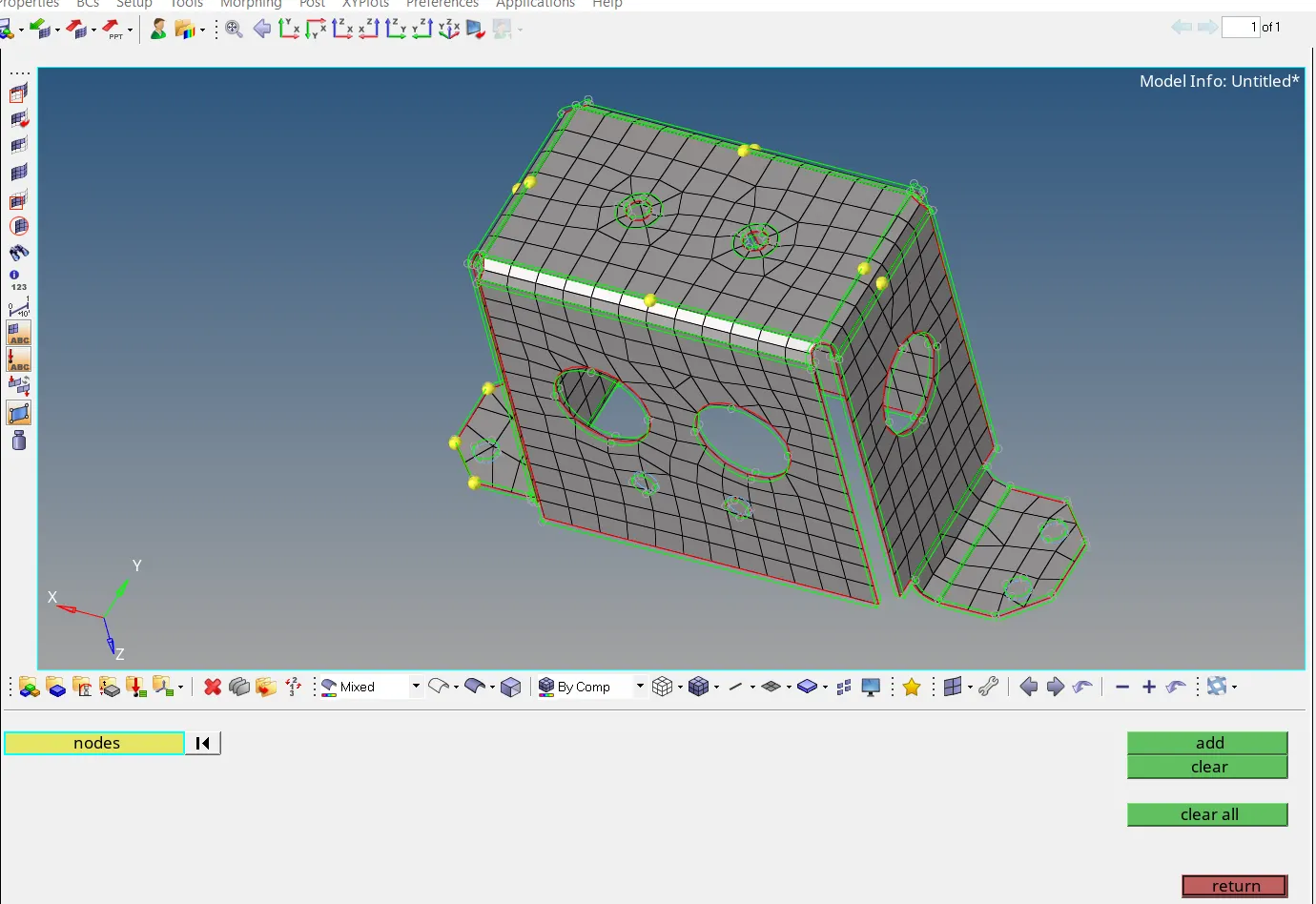
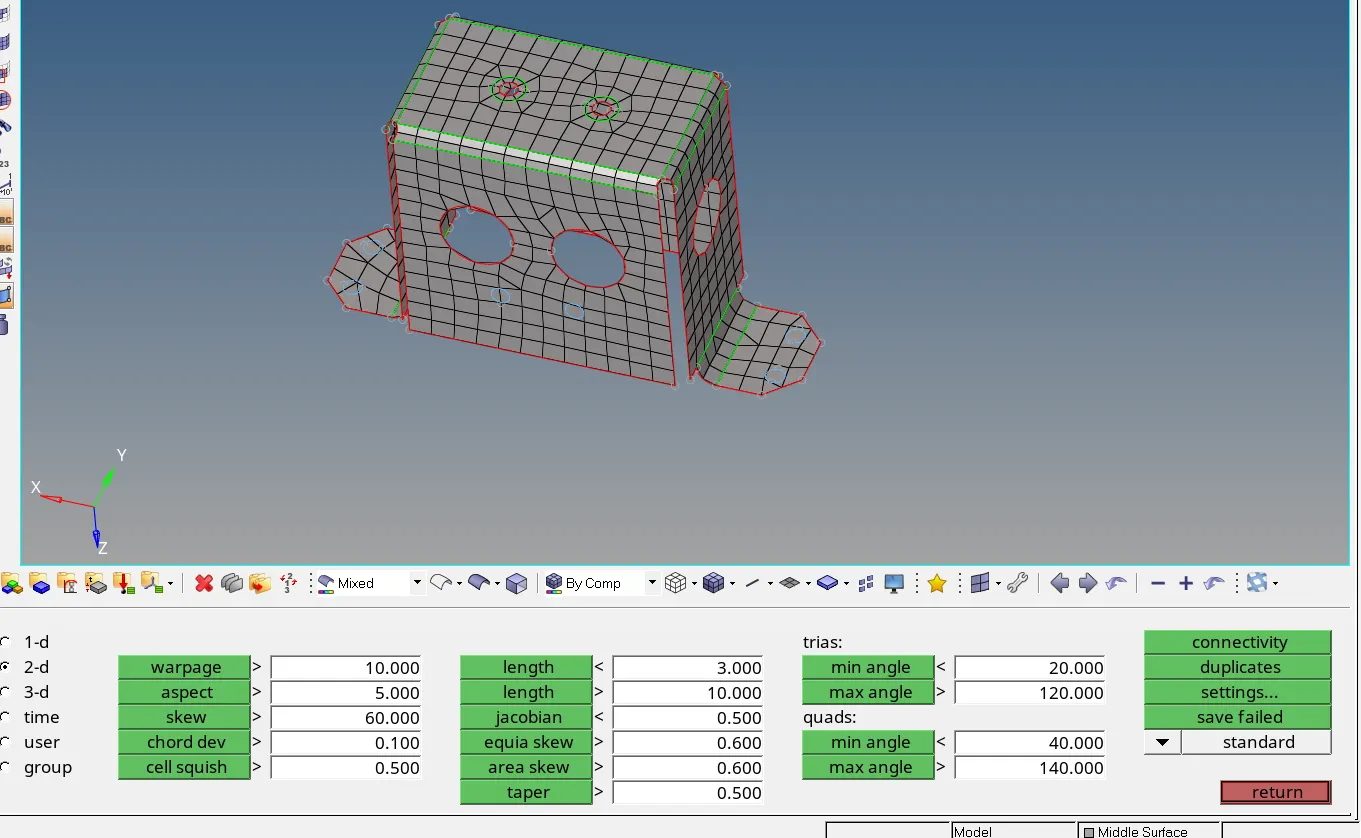
check elements
Assigning thickness
- Check the thickness of the parent geometry.
- Create property and assign the thickness to the property.
- If the thickness is varying separate them to different collectors and create multiple properties.
- Assign the properties as per the thickness.
- To check the thickness switch to 2D Traditional Element Representation.