Assignment 1-2D Meshing Challenge
AIM:to create the midsurface,and mesh the given components.
procedure : download the models of a component and open.
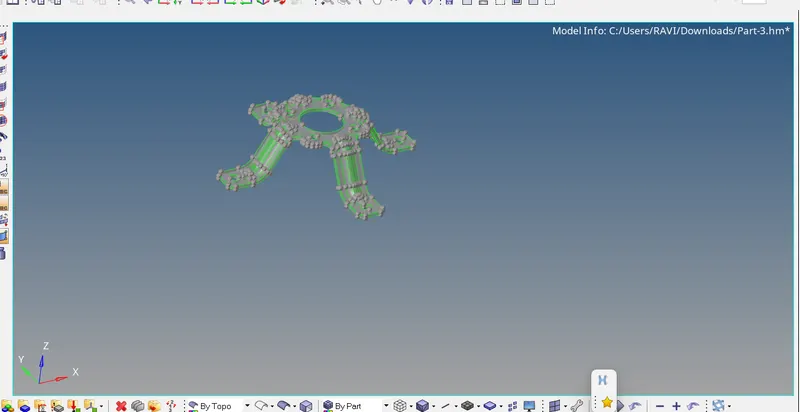
measure the thickness
GEOMETRY Check:check whether any free edges or disconnected surfaces are present in the model.if present clean them by selcting F11
toggle edge 2. keep the component in topo mode and disable the shaded part and identify.
2. MIDSURFACE: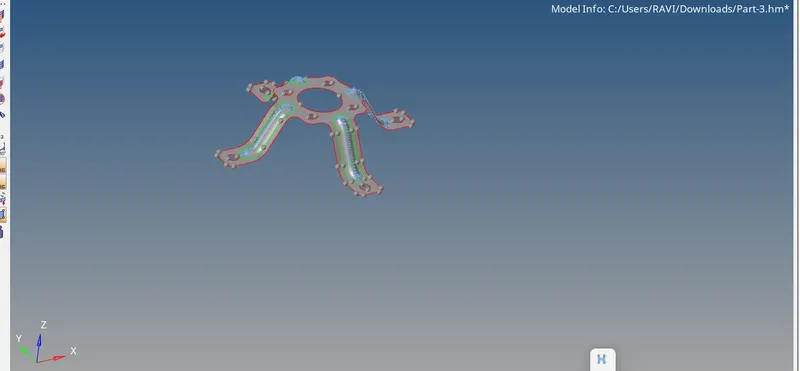
for midsurface select geometry midsurface select auto extraction
3. geometry cleanup: select F11 toggle the unwanted line which crete the errors for elementquality.
4.mesh: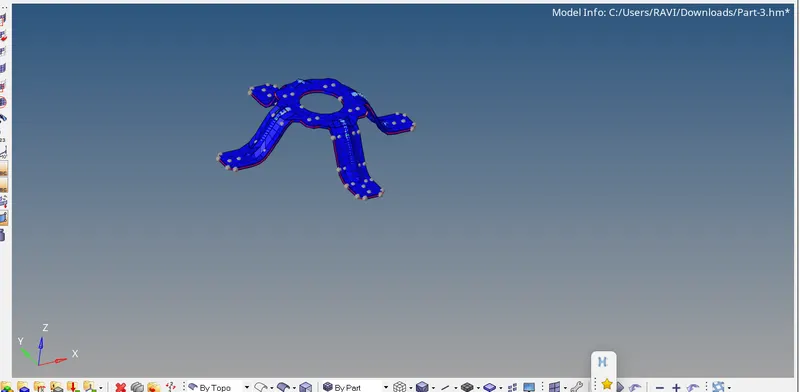
mesh the midsurface by 2D automesh
5.QUALITY : selecct the quality index and reduce the errors by optimize element,quads
assign property and material and thickness.