Assignment 1-2D Meshing Challenge
obective: Mesh the given sheetmetal model and assign thickness and material.
model 1:
open model in Hypermesh > radioss
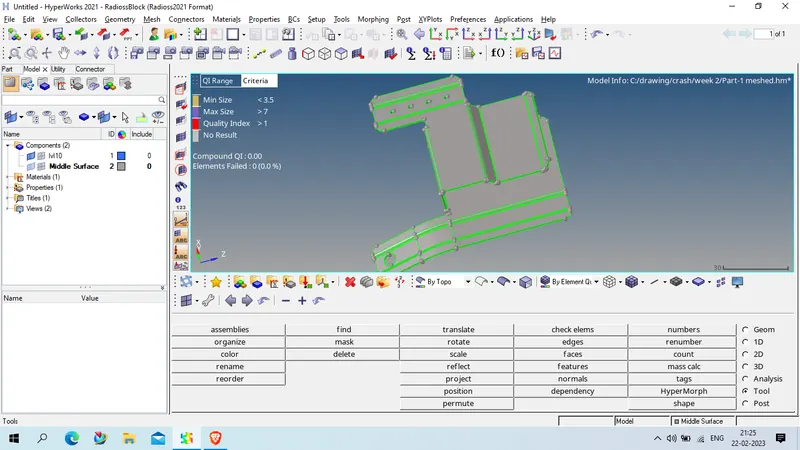
CHeck geometry thickness
as we check thckness , we found it on multiple location as 0.91 unit
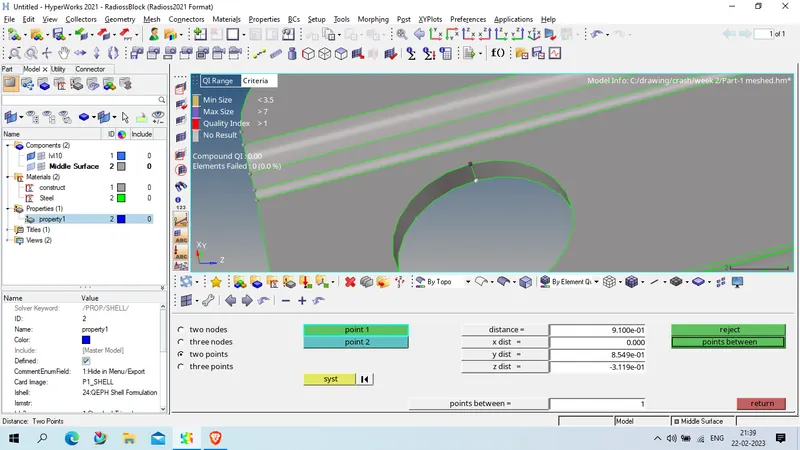
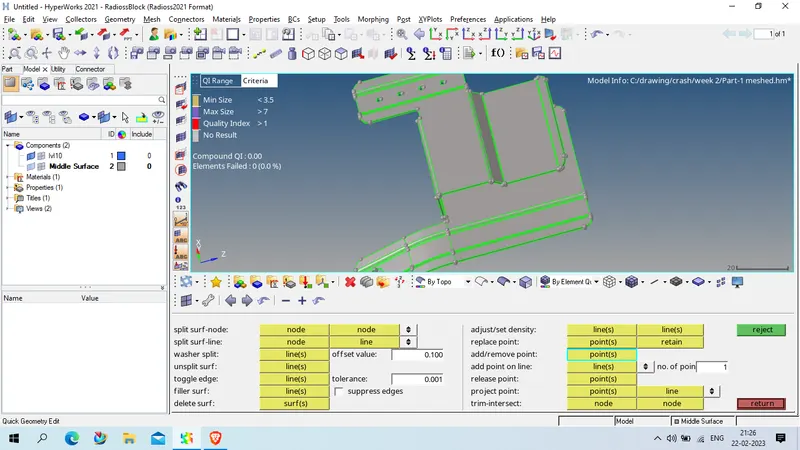
Clean the geometry using quick edit tool
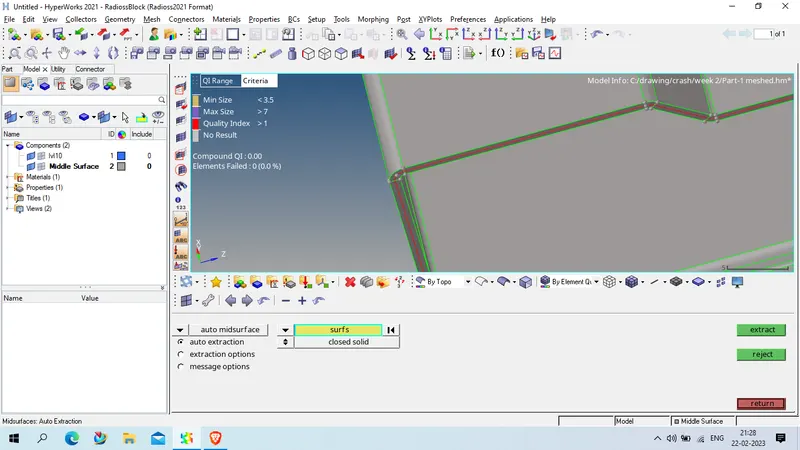
after geometry get clean we take auto midsurface using
Geom> midsurface > extraxtion opetion ( offset) > auto extraction using surface select > select all displaced suface and click extrack
checked the given mid surface is proper or not , and clean the mid surface if their any abnormality
Using Geom> quick edit
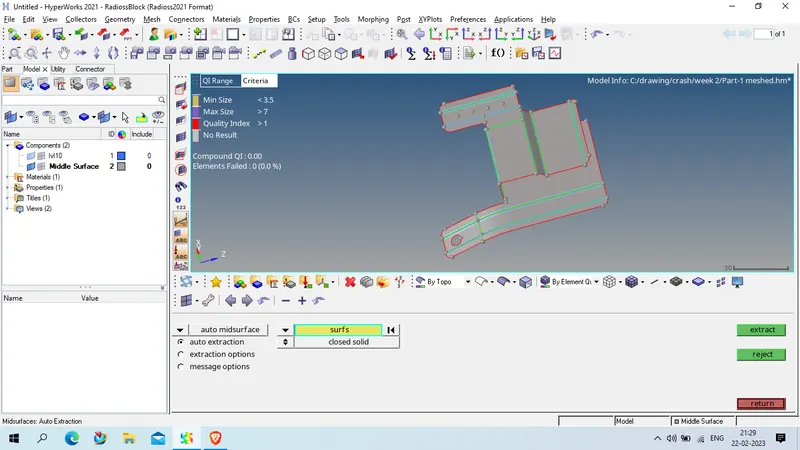
so after getting clean mid surface we will mesh the mid surface using
2D > automesh > element size = 5 unit , mesh type : ,mixed
using surface select > select required surface where mesh need to be place and click on mesh
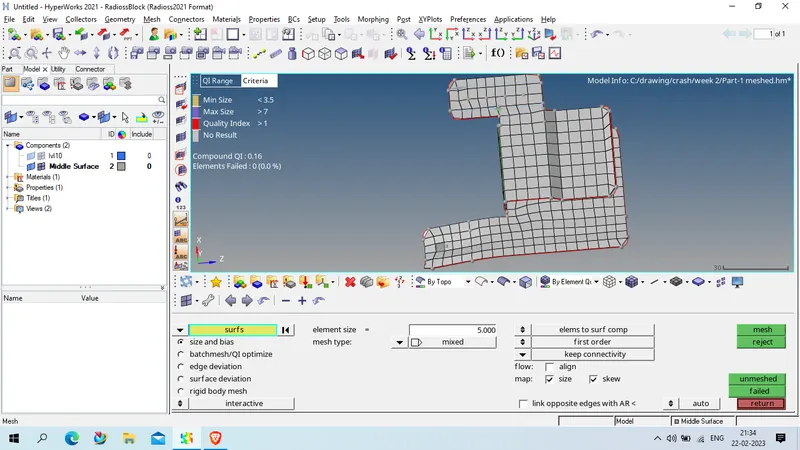
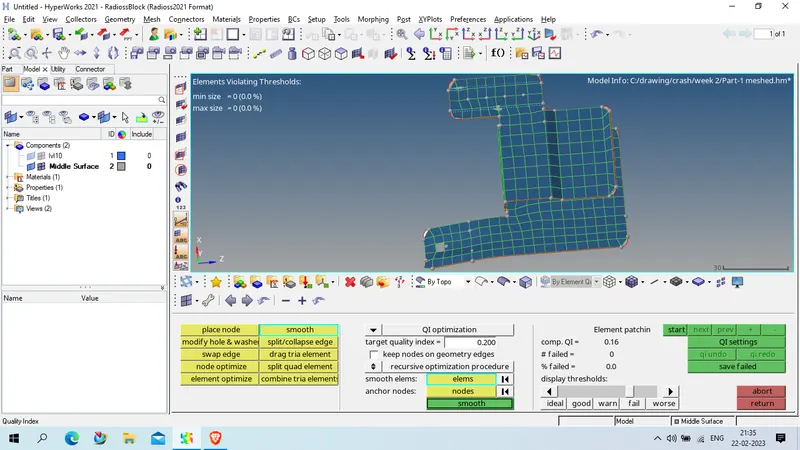
Clean the mesh quality with given quality criteria
for improving mesh uality we will use , quality check in 2D and use cleanup tools
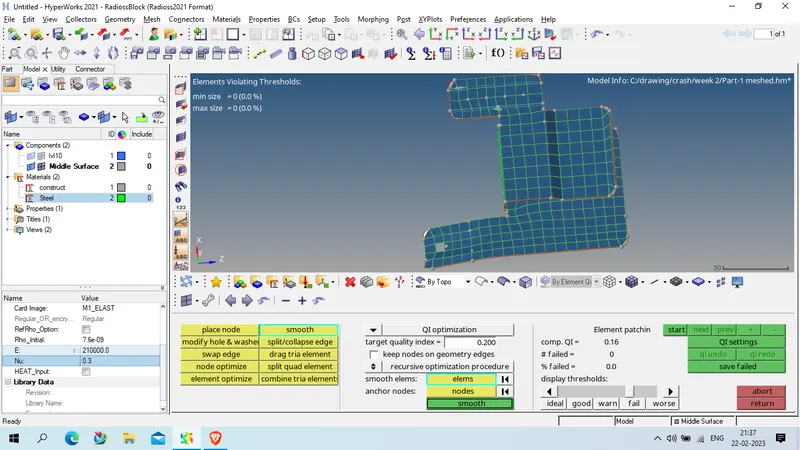
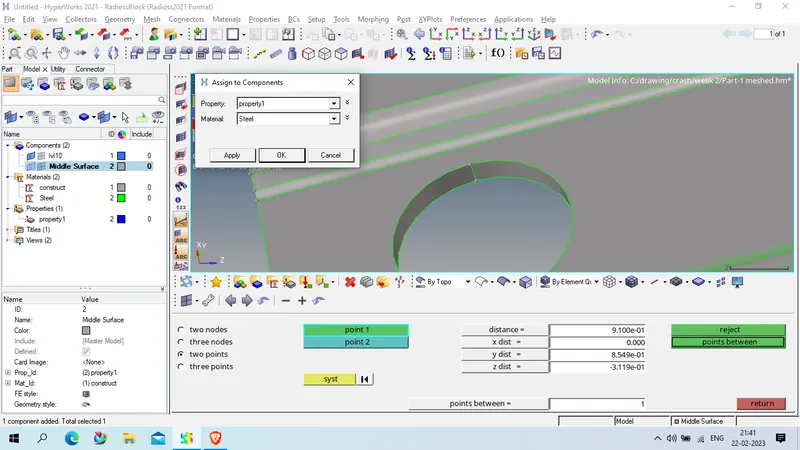
now create material as steel with given details
Rho : 7.6E-9
E = 210000
Nu : 0.3
Create property with thickness of 0.91 unit and card type P1_shell
ishell : 24QEPH shell formulation
Ish3n : 1 standard triangle
thick : 0.91
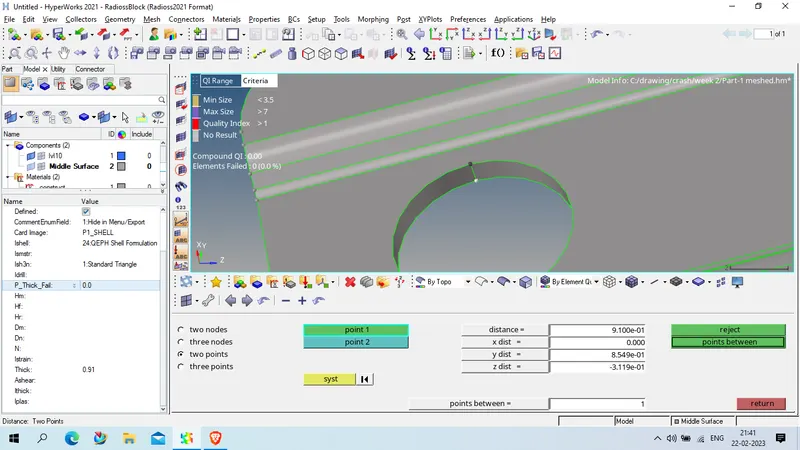
Now assign the material and property to mid surface
now save the geometry
Model 2: Open the geometry in Hypermesh > Radioss 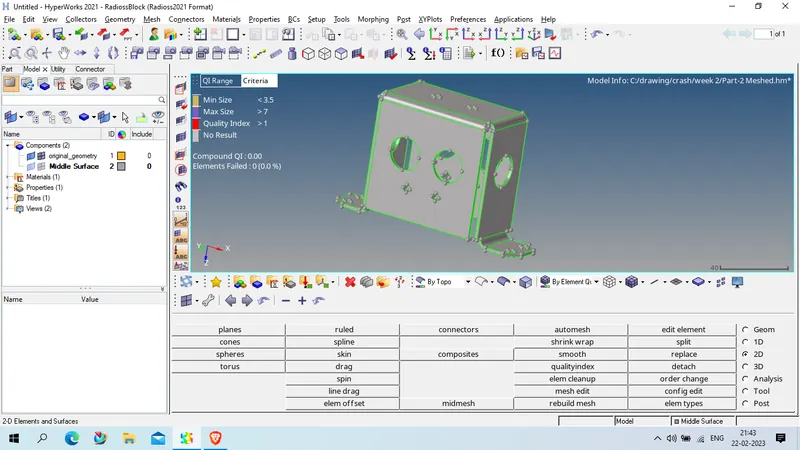
CHeck the thickness of component , as we checked the on multiple location we found thickness as 2 unit
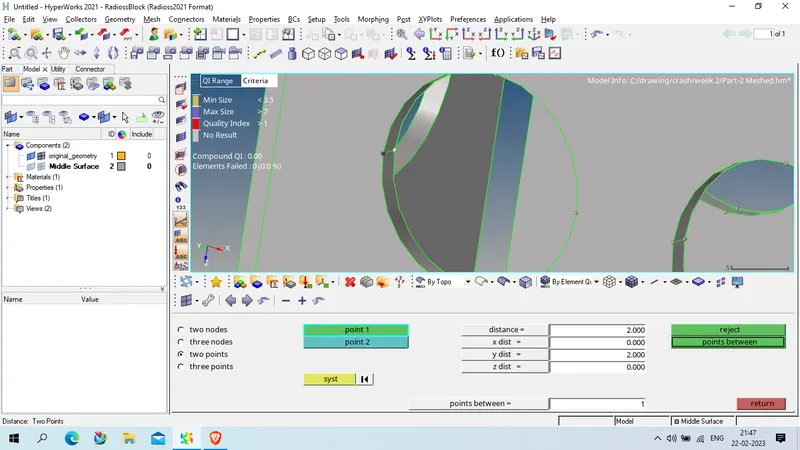
1st clean the geometry using Geom > Quick edit
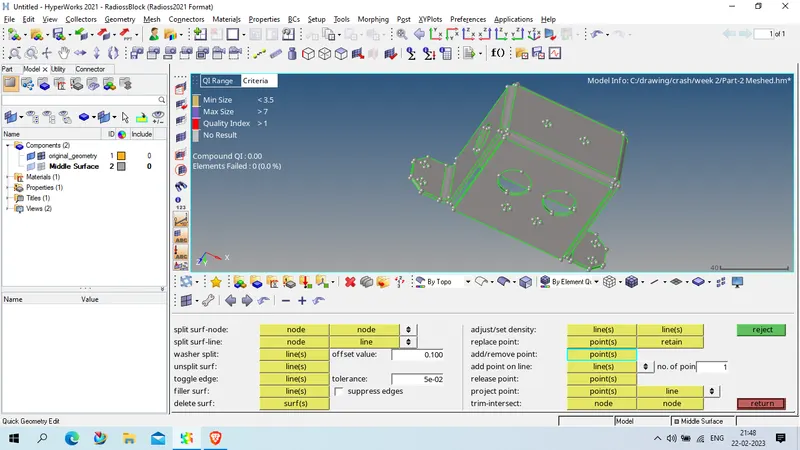
after geometry clean up done we will extrack mid surface using
Geom> Mid surafce > extractio option ( skin off set ) > auto extracrtion > surface > select all displayed surface and click extract
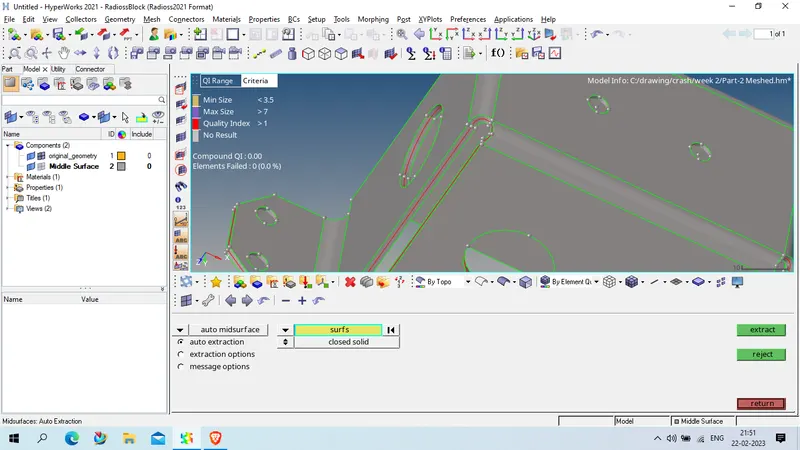
CHeck the given mid is proper or not , and hide parent geometry
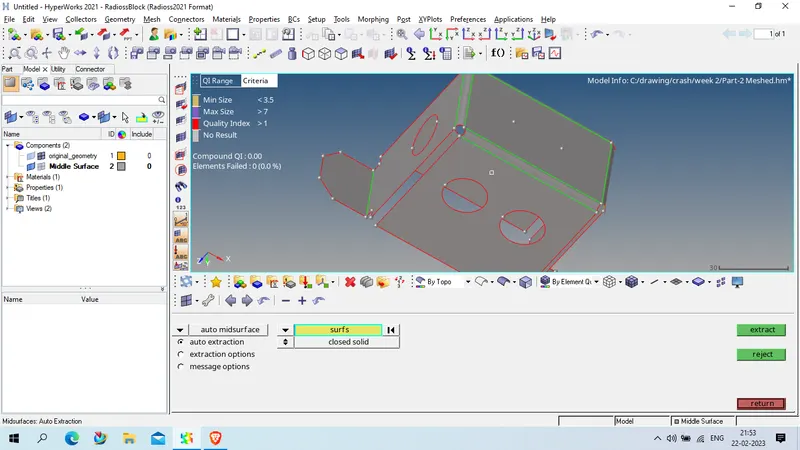
now defeature the fillet and pin hole using geom > defeature
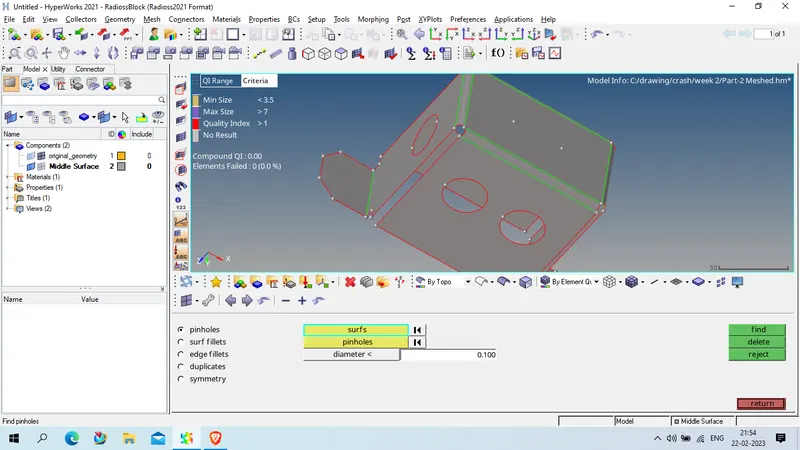
now clear the geometry using geom > quick edit
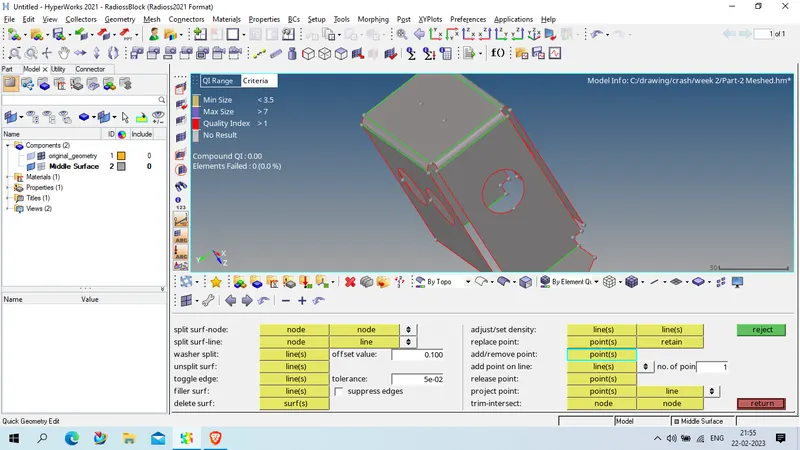
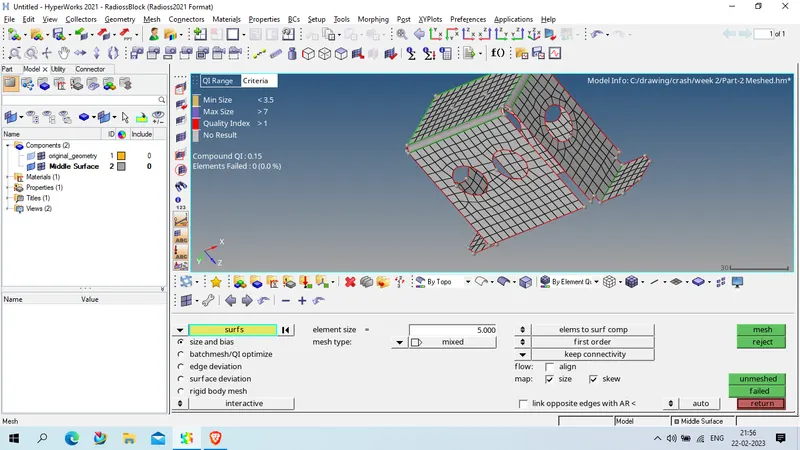
after geometry clean up done , we will do meshing using
2D > automesh > select surface > element size : 5 unit and mesh type : mixed
click on mesh
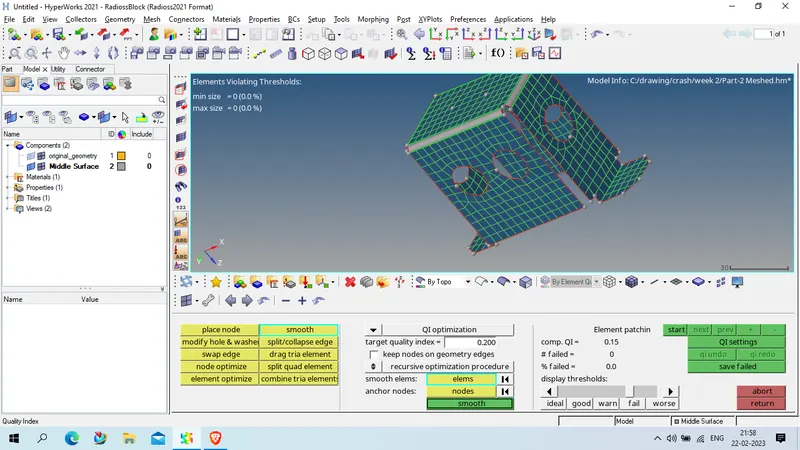
CLear the element quality issue using 2D > quality check > clean up tool
Property as given below
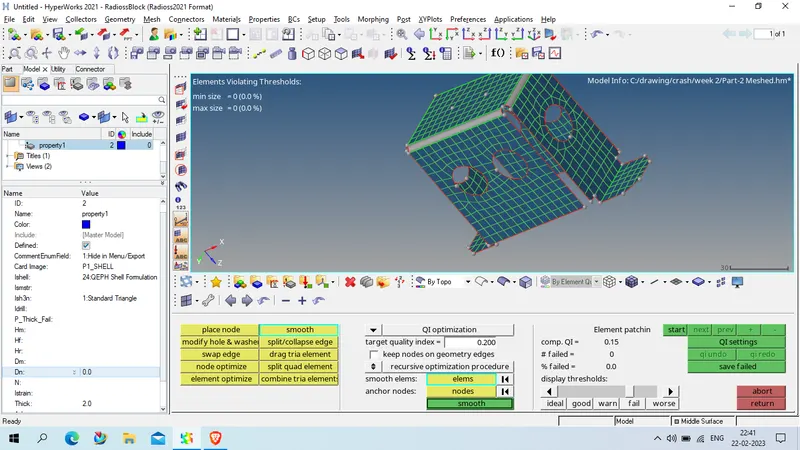
assign material and property to the mesh element
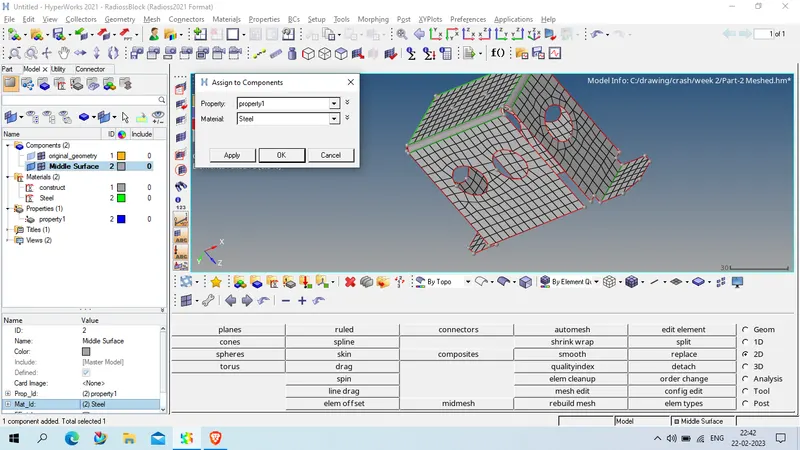
NOW SAVE THE MODEL
Model 3 :
OPen geometry in Hypermesh > Radioss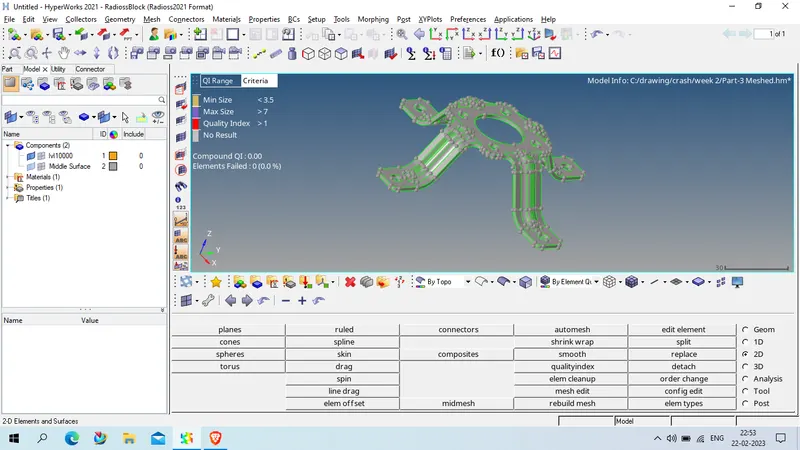
check the thickness of component , as we founf thickness on various place as 1.8 unit
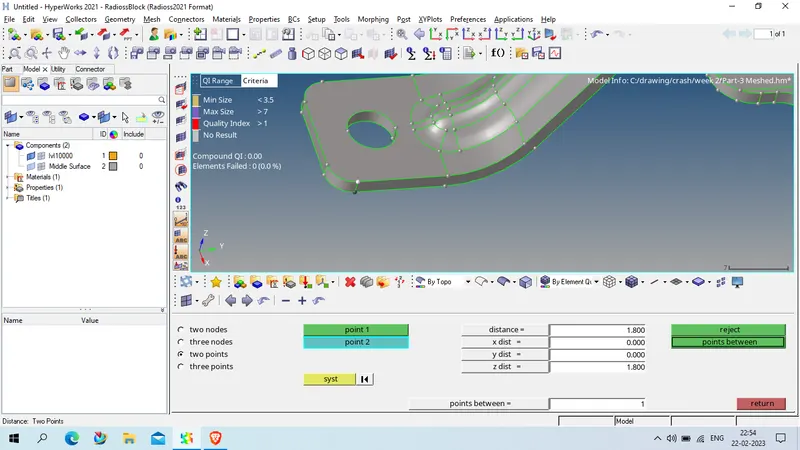
now we clean the geometry using geom> equick edit tool
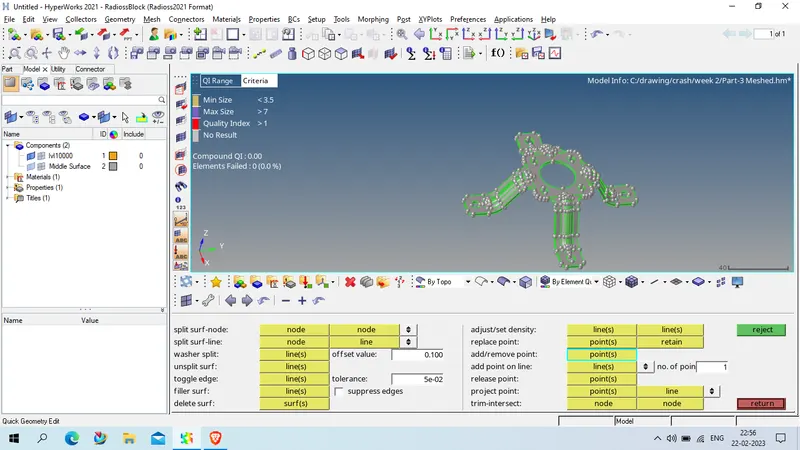
as the geometry is clean now we will take mid surface using
geom> mid surface > auto extraction , xtraction type skin offset
select all surface using all displace surface
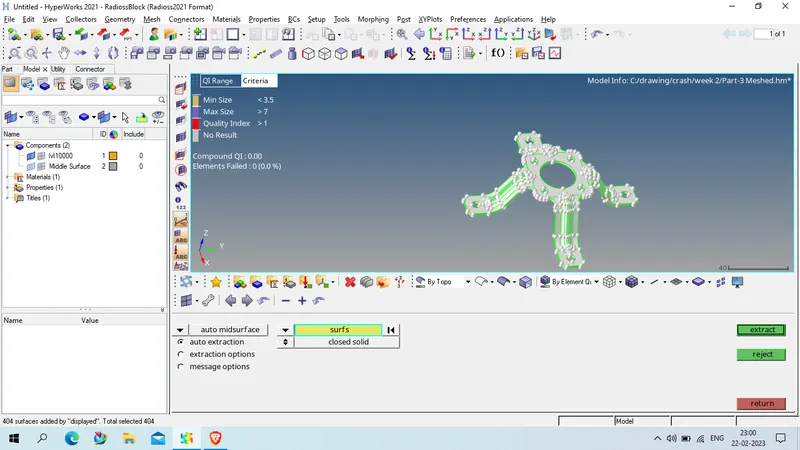
click on extract and get the mid surface , observe the mid surface that given mid is proper or not
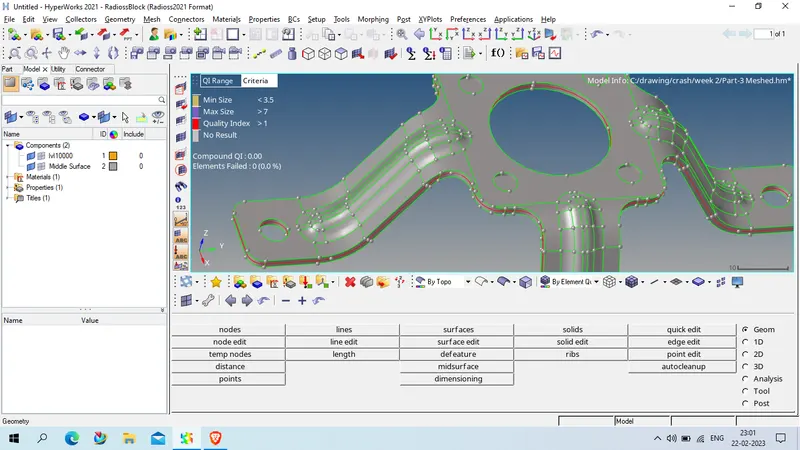
as given mid is currect now we will clean the mid surface if any distosion happen ,using 2D> quick edit and remove the pin hole below 5 mm usnig geom > defeature option
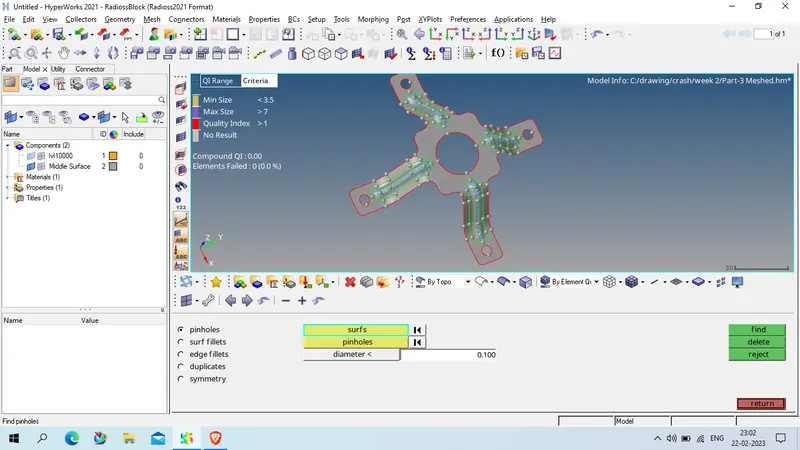
now mesh the mid surface usnig 2D > automesh > select the surafce and
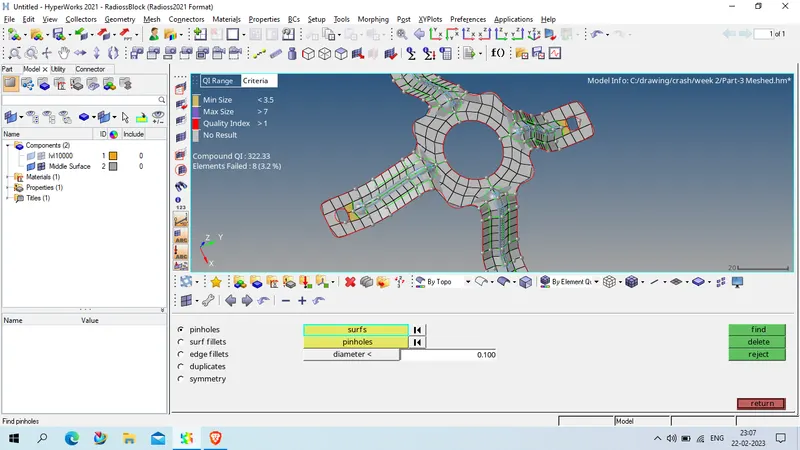
Clear the mesh quality using 2D > quality index > cleanup tools
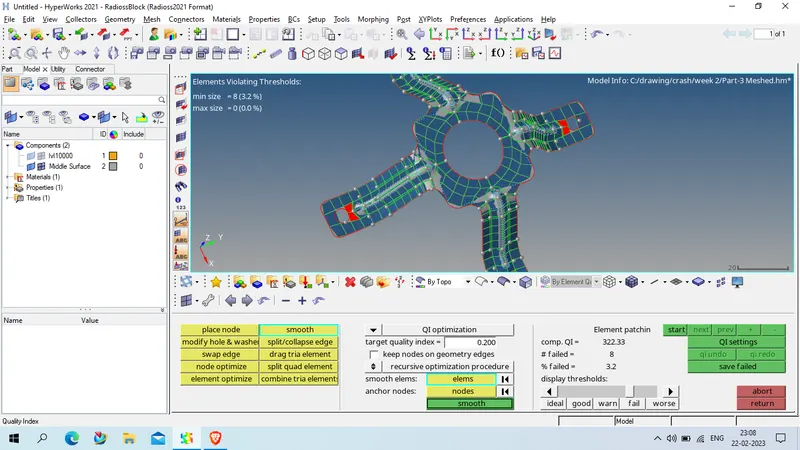
Now create the material
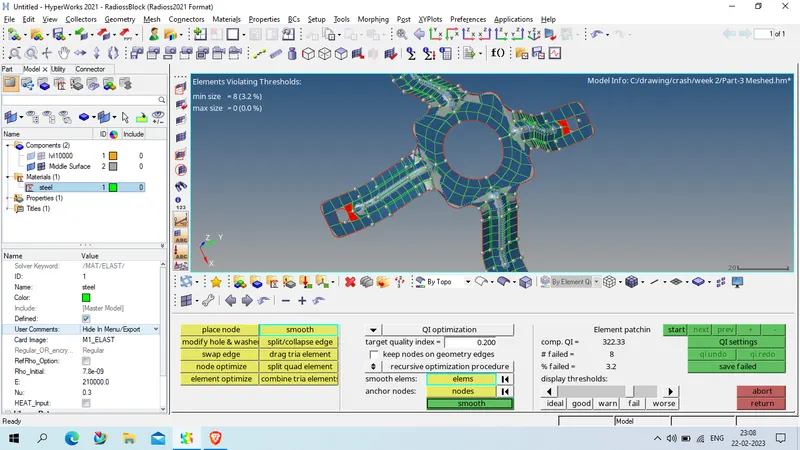
as steel with below details
Rho -7.6E-9
E -210000
Nu - 0.3
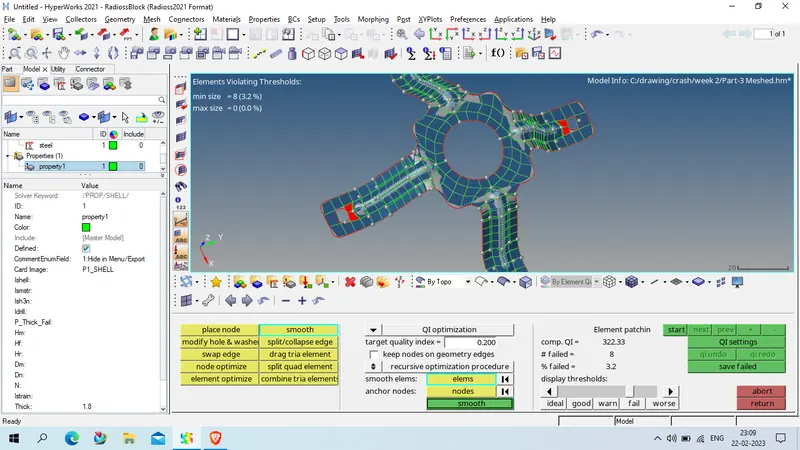
create the property of 1.8 unit thickness
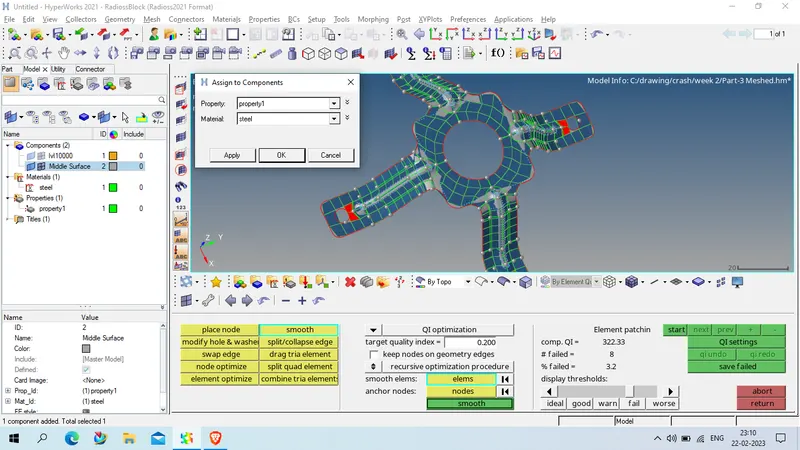
now assign the material and property to the mesh
Now save the model.