Assignment 1-2D Meshing Challenge
Objective:-
- To clean up geometry. create mid surface and 2D mesh with a given requirement for the given three geometry files.
- Then to assign property thickness.
Import Geometry:-
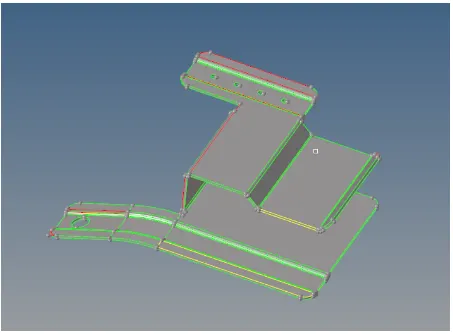
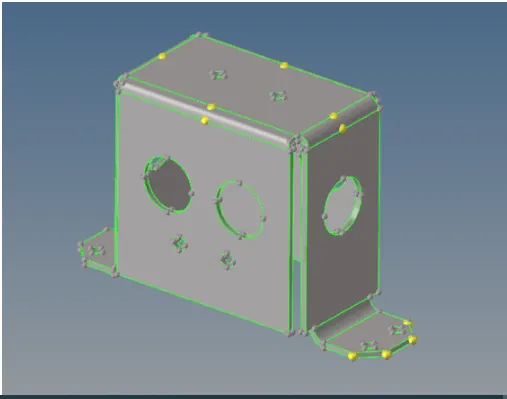
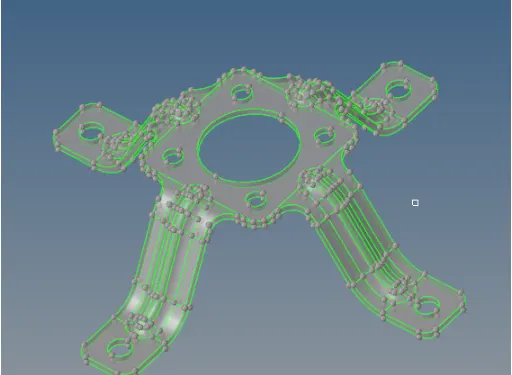
- Three parts are shown as given below .
- The topo view shows the missing surface and duplicate surface present in the geometry.
Part 1:-
part 2:-
part 3:-
Geometry cleanup and Mid surface Extract:-
- The many number of missing surface and duplicate surface present in the model
- create surfaces used to Geometry > Surface > spline/filler.
- Unwanted surface trim in the trim surface used to Geometry > Surface edit > trim with lines.
- Duplicate surface deleted used to Geometry > Delete > Surface.
- Ignore holes less than 5mm.fill the holes used to Geometry > Quick edit > filler surface.
- Extract midsurface used to Geometry > Midsurface > Auto.
- To clean the Geometry and suppress the edges use Geometry >Quick edit > toggle.
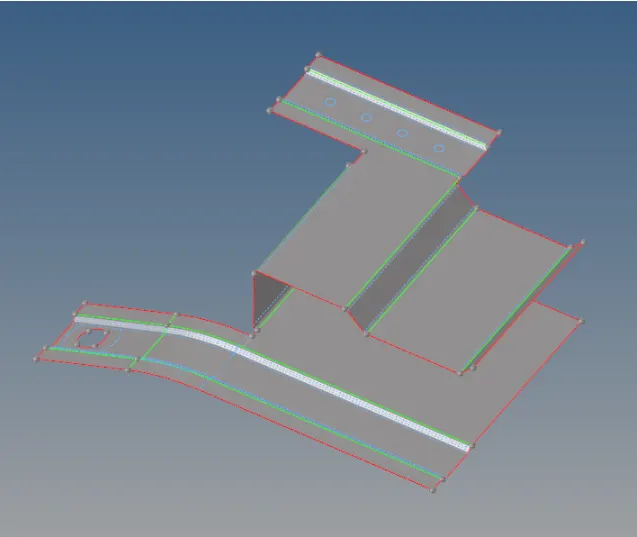
- The Geometry cleanup show as given below.
Part 1:-
Part 2:-
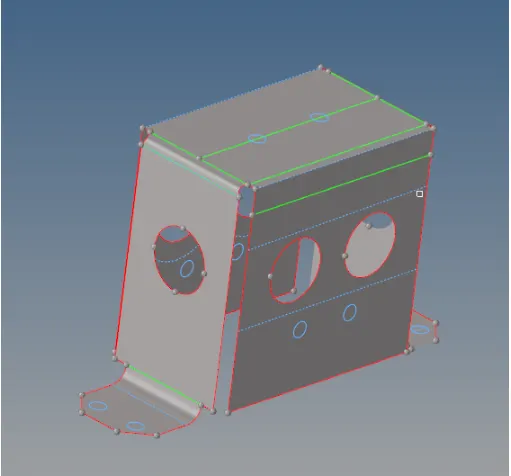
Part 3:-
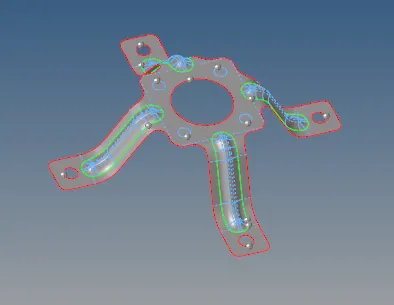
Create Mesh :-
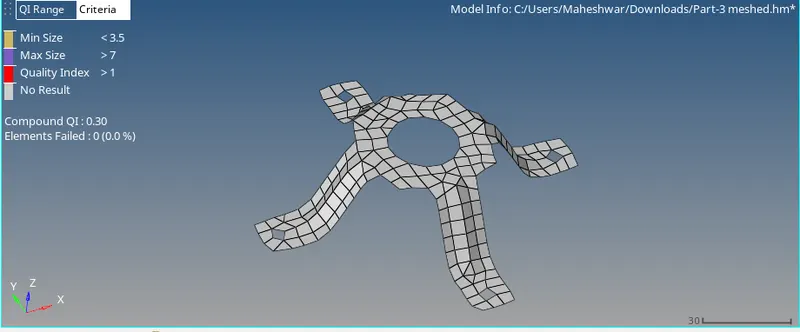
- meshing process is done, the Element size 5mm and mesh type mixed in auto mesh option.
- All mentioned quality criteria,mesh the component has followed and mesh is applied.
Part 1:-
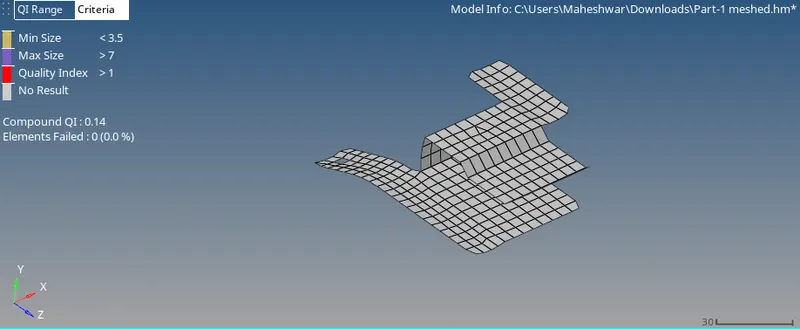
Part 2:-
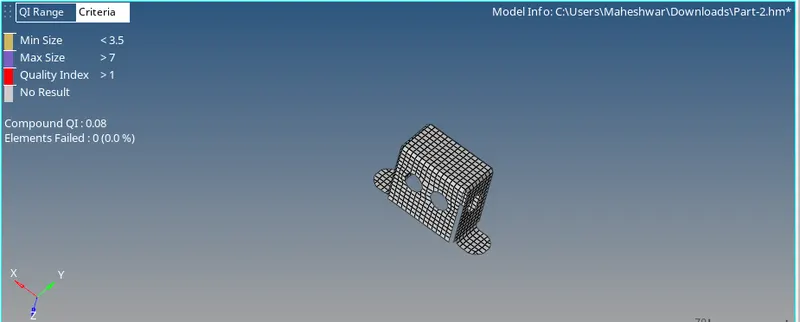
Part 3:-
Concusion:-
- The given three models generate the mesh and Assign property thickness.