Assignment 1-2D Meshing Challenge
AIM :
- To extract the mid surface and perform the geometry clean up on the given components.
- To generate a 2D mesh on the given components by following the element qaulity criteria.
- To assign the thickness for the given component.
PROCEDURE :
Component 1:-
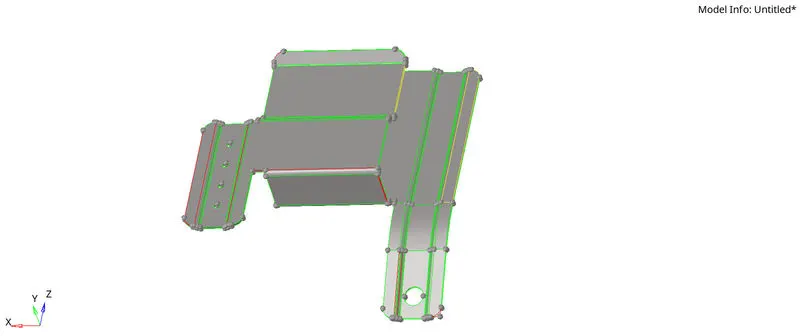
Initially, the given component is imported in hyperworks software.The next step is to view the given component "By Topo". In order to verify whether any geoemtrical errors are present.
Geometry clean up:-
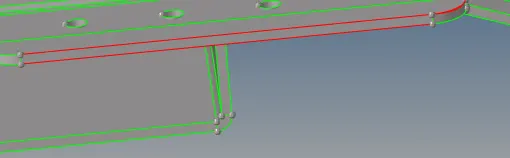
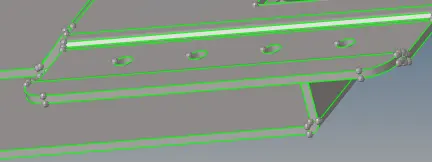
After extracting the mid-surface, the next step is to clean up the geometry. This geometry clean up is done with the help of "Quick edit"panel .
Extraction of Mid-surface:-
The next step is to extract the mid-surface. The mid-surface is available in the geometry panel.
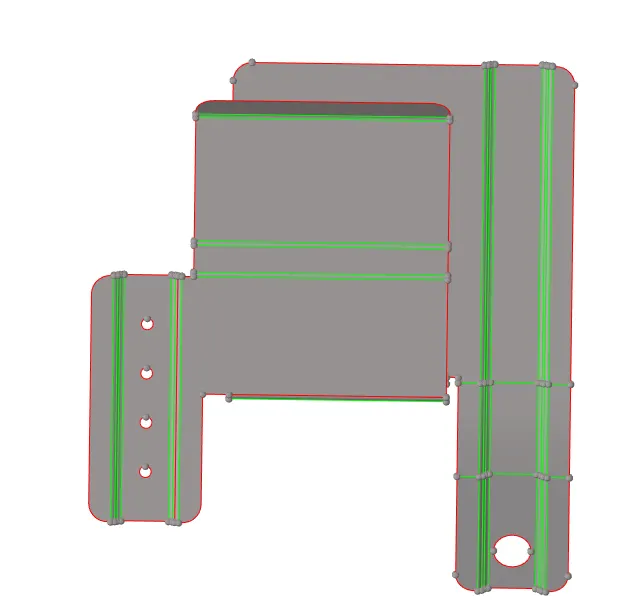
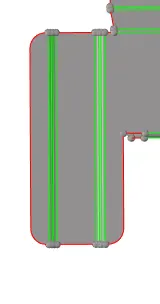
Ignore the holes which are in minimum of 5 mm diameter by using the unsplit option from the "quick edit" pannel.
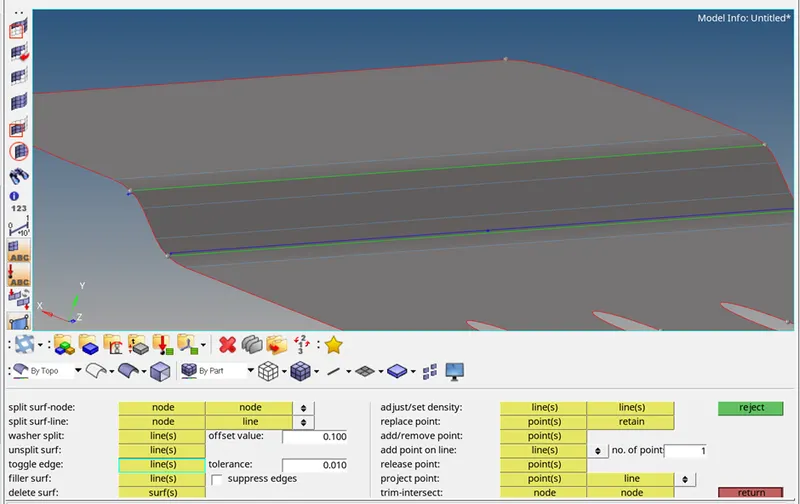
Then toggle the unwanted lines which cause a improper mesh flow.
Quality criteria:
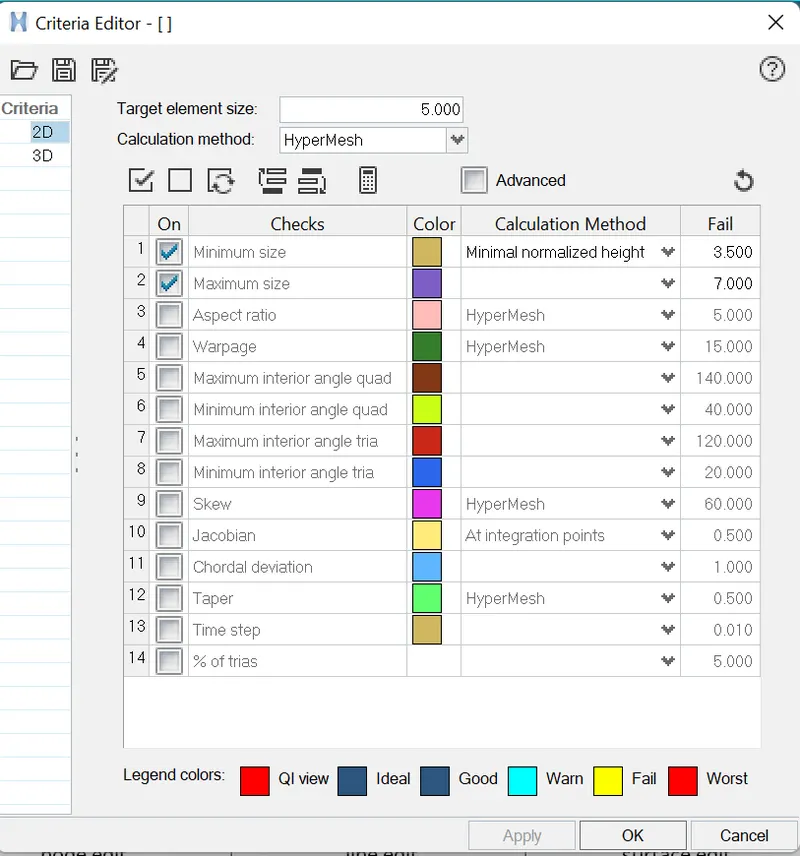
Before generating the mesh, there are some pre-requisites. They are filling up the critreia editor.
After entering the quality criteria, click on "Apply" and "Ok".
The next step is to verify some parameters in automesh panel(Keyboard short-cut is F12) such as element size, enabling the align & size.

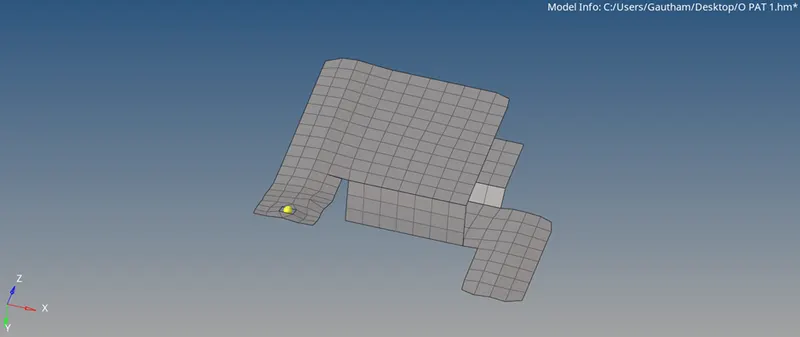
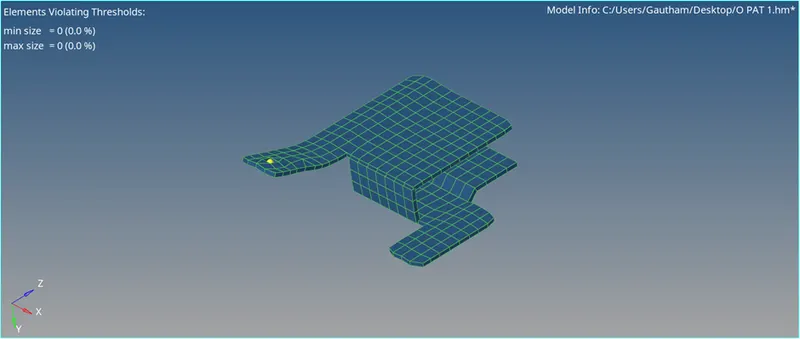
After performing the mesh on the entire component, Indicating that, some elements are failed. Now those errors are to be rectified. This can be done by quality index (Keyboard short-cut is Ctrl+Q). After removing those errors, the component with zero element errors.
Assigning thickness:-
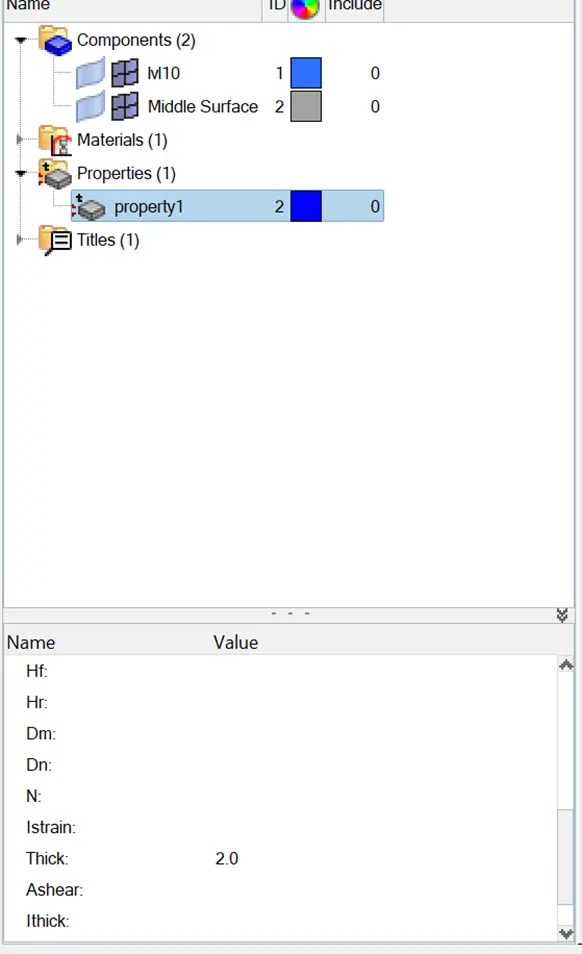
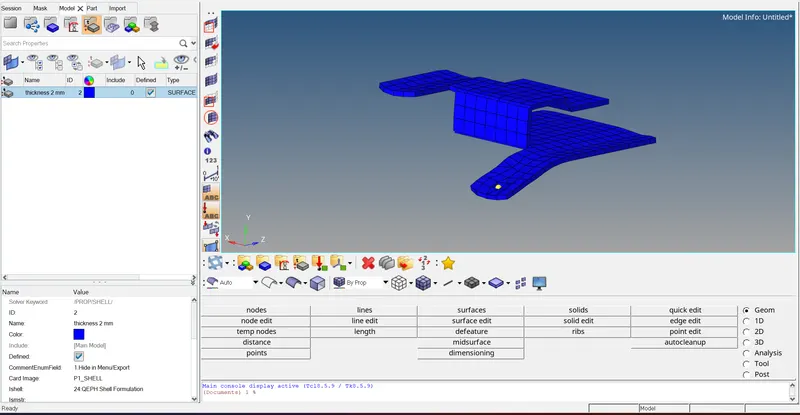
After generating the mesh, the next step is to assign the thickness. For assigning thickness, a property need to be created. Property can be created by right clicking on the Tab bar. And the created property can be renamed for easy understanding, appears in the tab bar
Component 2 :-
Initially, the given geoemetry is impoted in to the hyperworks. After importing the geometry, the geoemetry in the graphical display.The next step is to view the given geometry "By Topo".
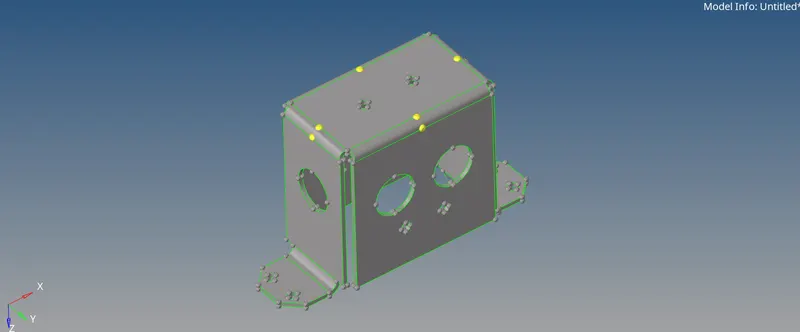
Extraction of Mid-surface:-
The next step is to extract the mid-surface. Since the given geometry consists of uniform thickness, Auto mid-surfacing can be used.
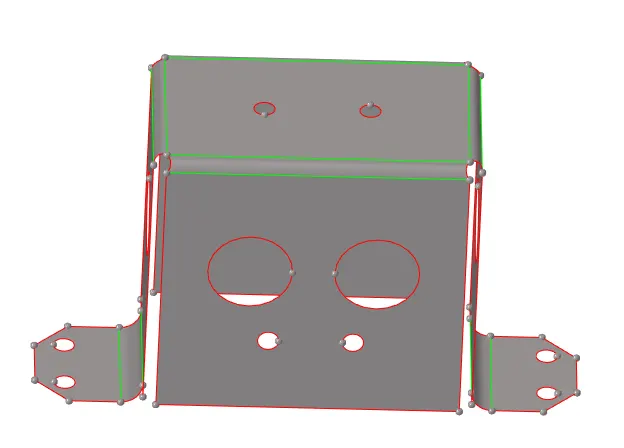
he next step is to unsplit the holes which are having diameter less than 5 mm.After unsplitting those surfaces and geoemtry clean up.
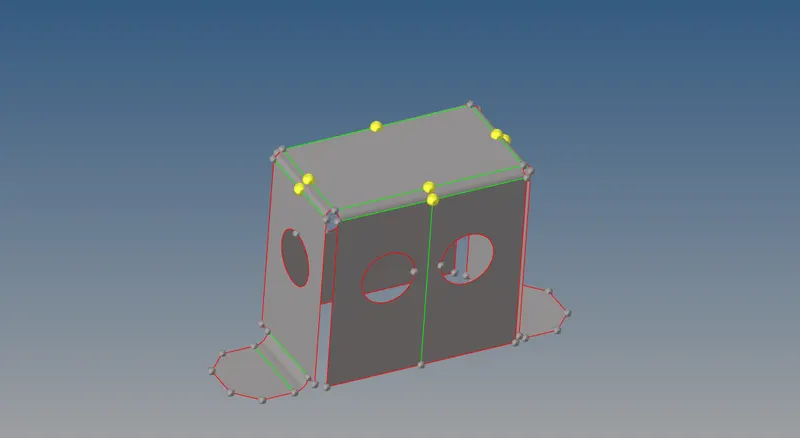
Generating the mesh:-
In order to mesh the component faster, only some surfaces are meshed.
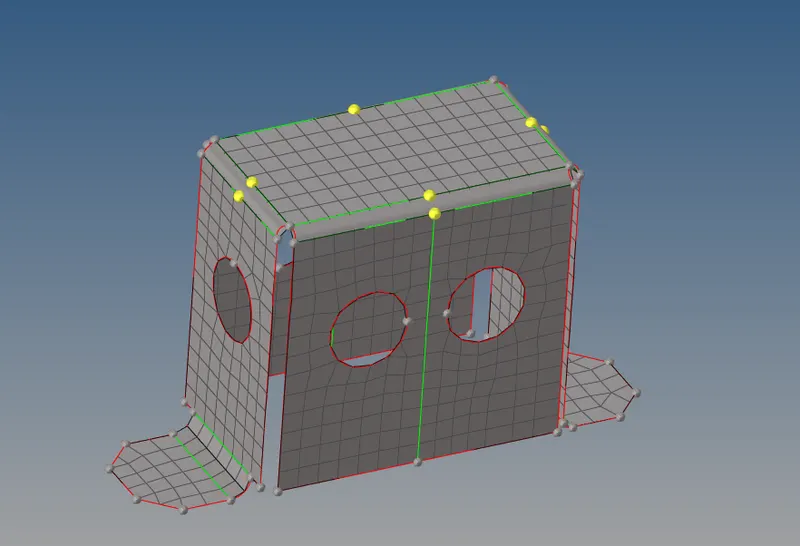
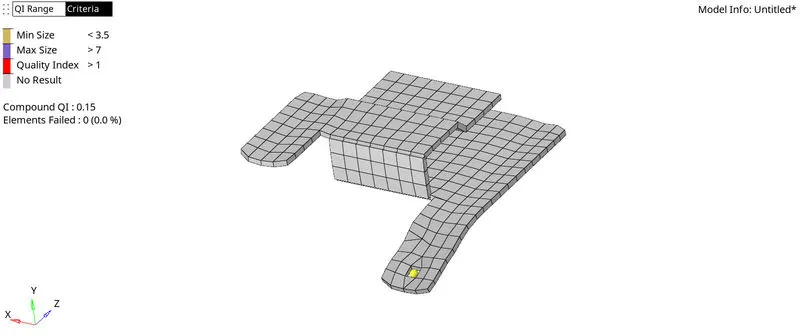
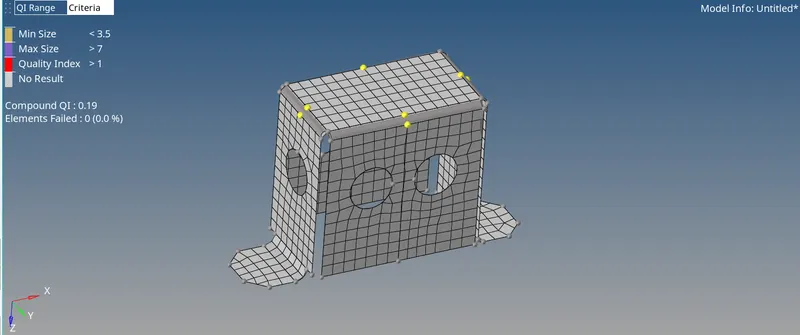
And the quality criteria is verified. The elements failing.
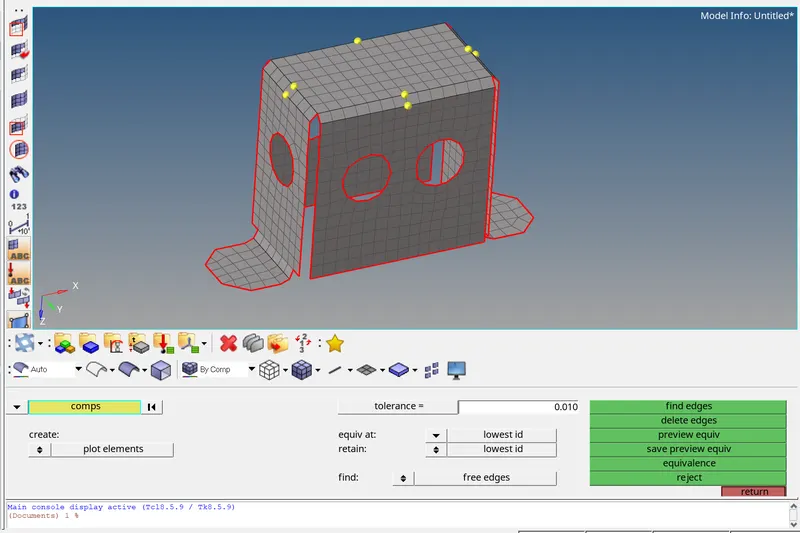
The next step is to verify the free edges. It is also verified by the "Find edges" option.
Assigning thickness:-
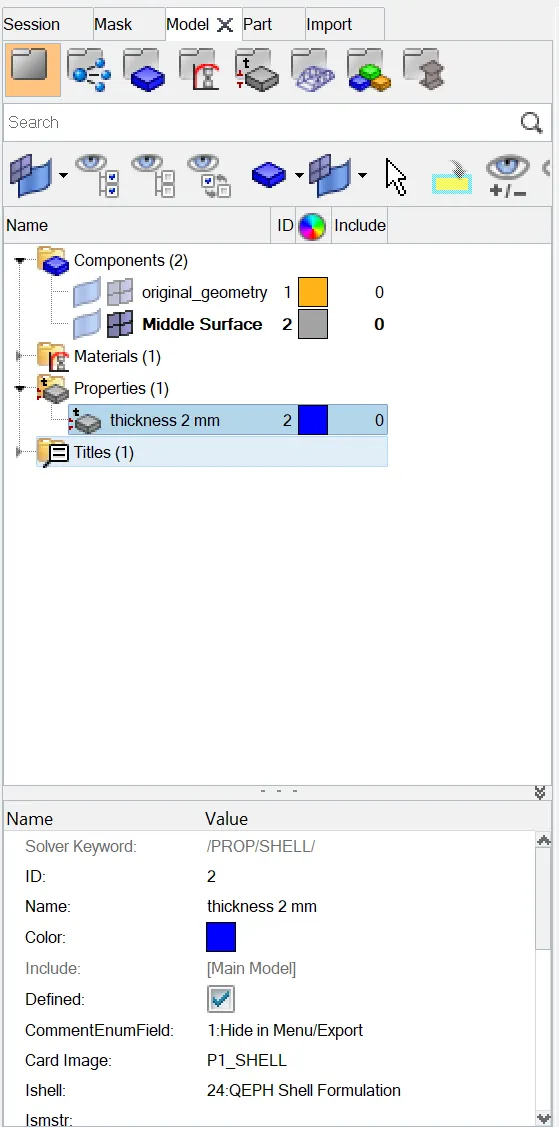
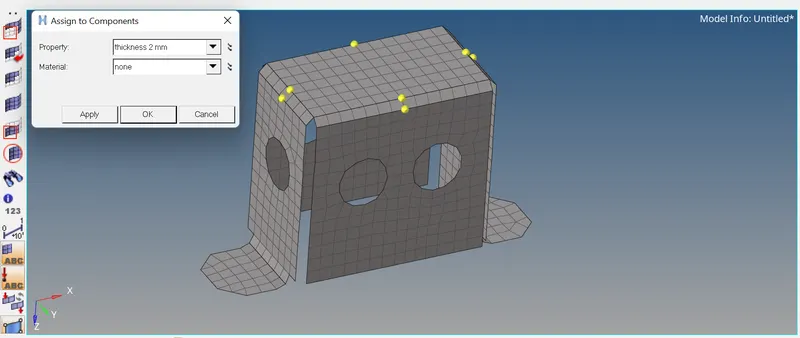
The next step is to assign the thickness. For assigning the thickness, a property is created & the thickness value with respect to the parent geometry is entered.
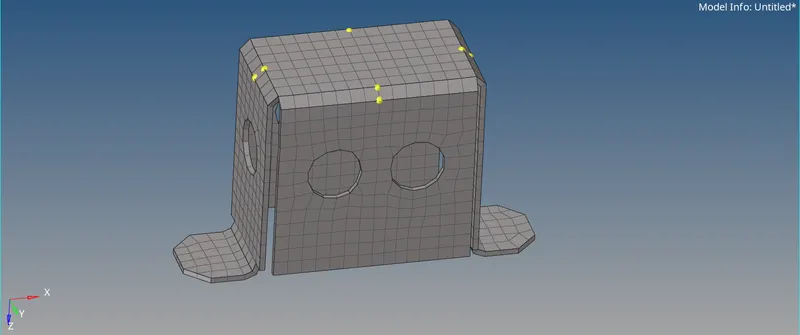
Component 3:-
Initially, the given geoemetry is imported in to the hyperworks.The next step is to view the geometry "By Topo".
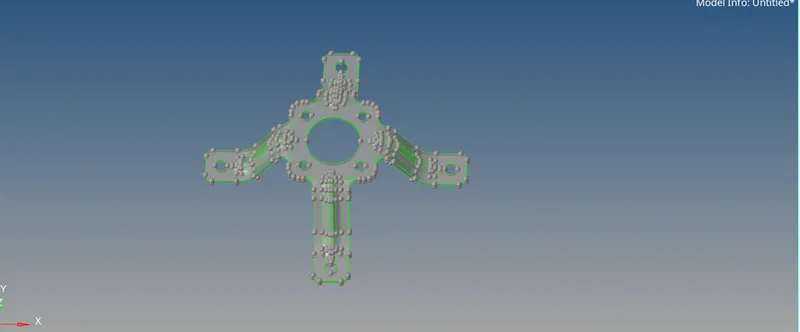
Extraction of mid-surface:-
The next step is to extract the mid-surface. Since the given component has uniform thickness, auto mid-surfacing is used.
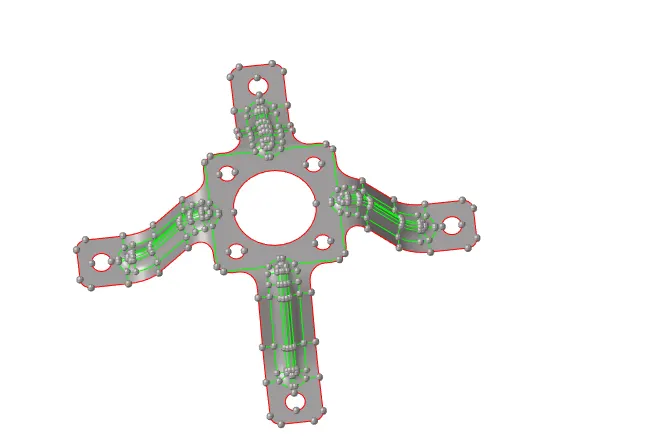
Geometry clean up:-
The holes with the diameter less than 5 mm are unsplitted.
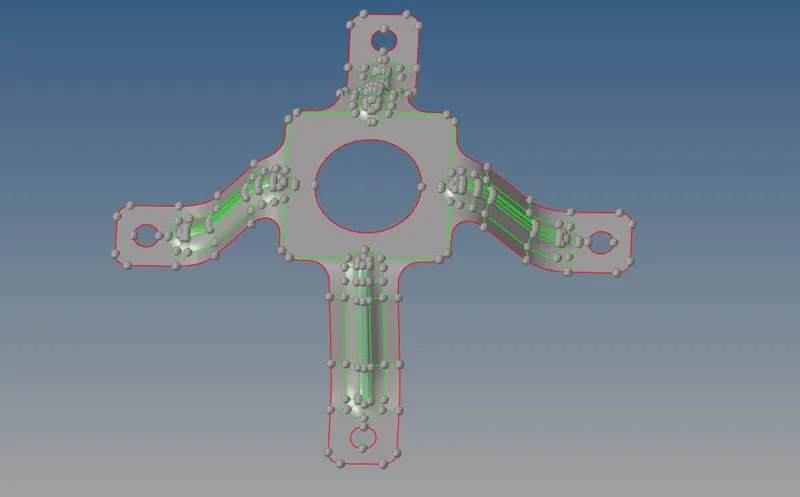
The next step is to take a mid line in between two surfaces, After obtaining the mid line,The next step is to trim the surface with the created mid line. After splitting the surfaces and deleting the created mid-surfaces.
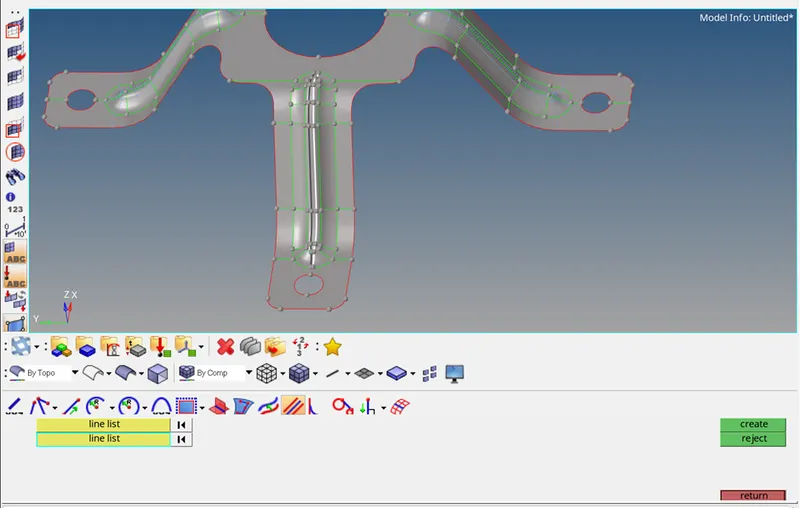
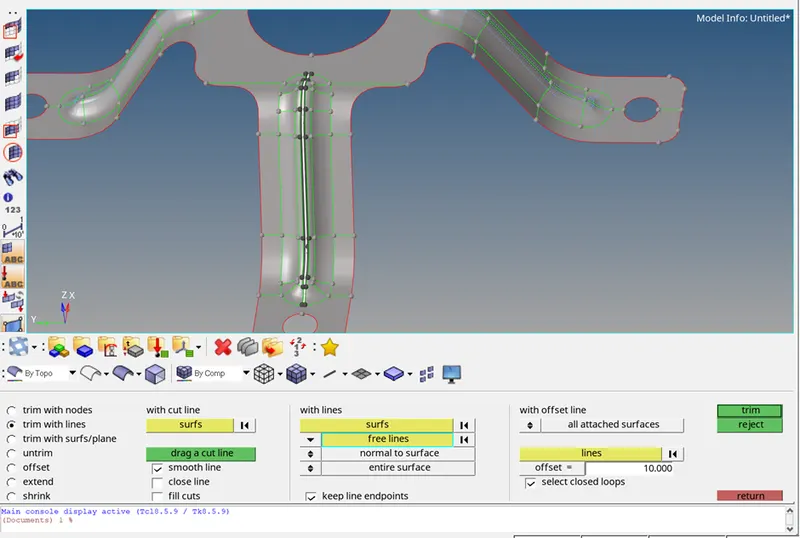
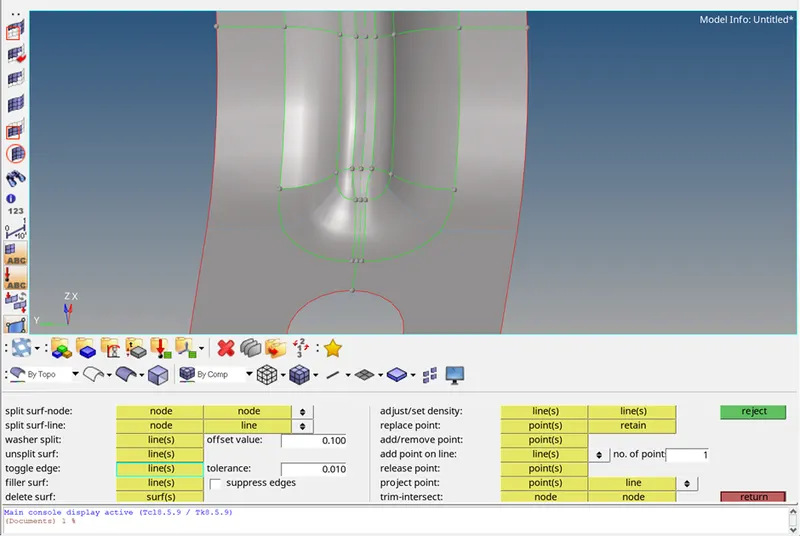
Then, the feature lines which are adjacent to the created split line at the middle are toggled,Similarly, the entire geometry is cleaned up. After the entire geometry clean up, the geoemtry.
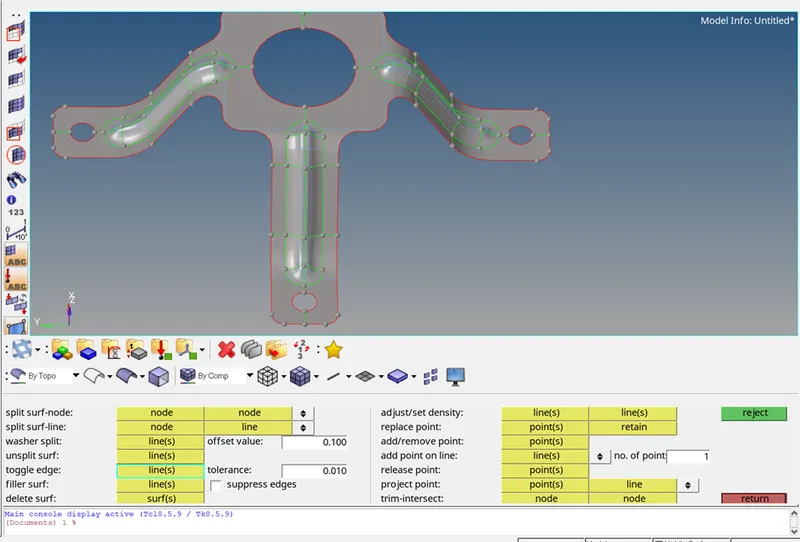
Generating mesh:-
The next step is to generate the mesh. In order to mesh faster with proper mesh flow.
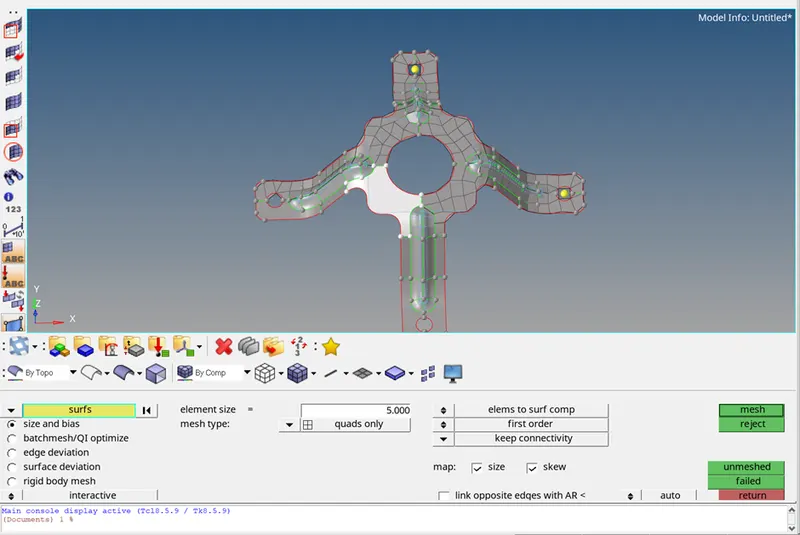
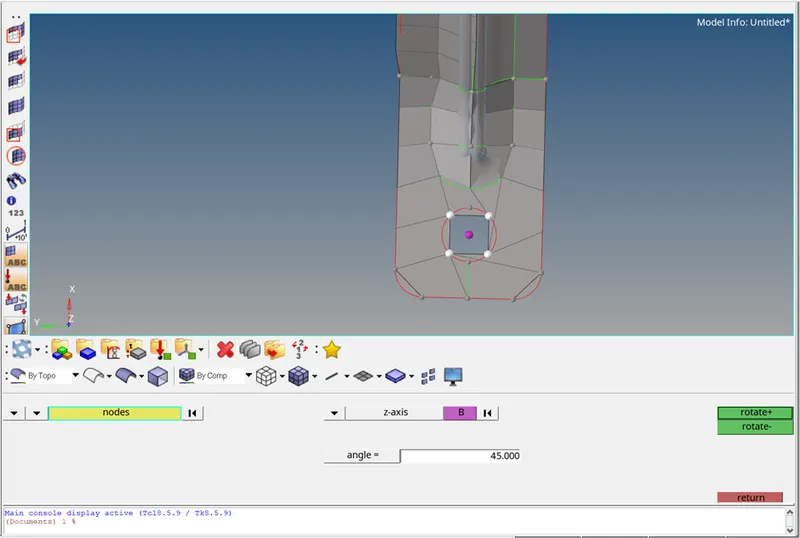
The mesh near the holes is to be rotated. In order to obtain the proper mesh flow. After rotating.
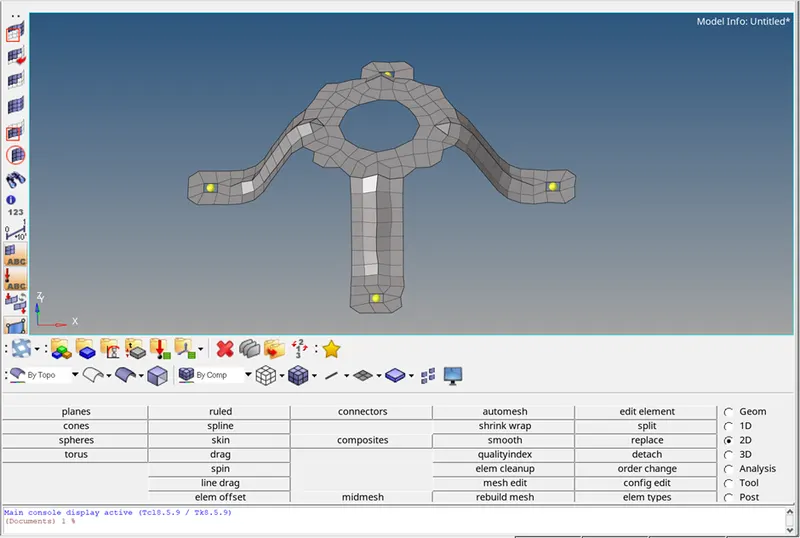
Then, the element quality criteria should be taken in to consideration. The elements failing for quality criteria is rectified and bought to zero.
Assigning thickness:-
The next step is to assign the thickness. This is done by creating a property and assigning the thickness value to it. The created property in the tab bar.
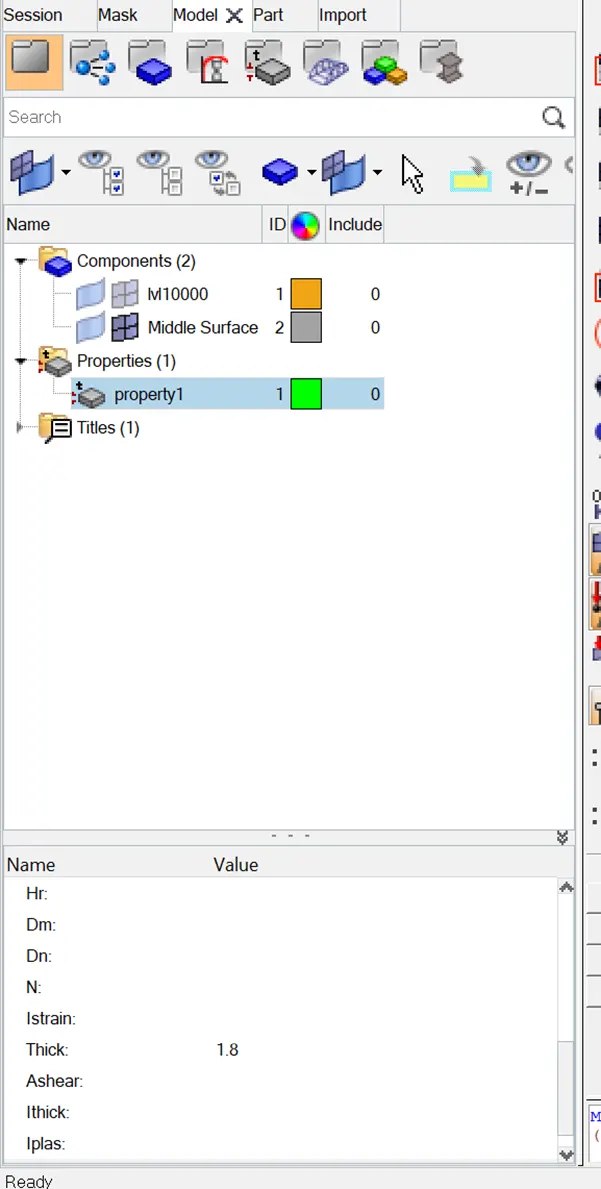
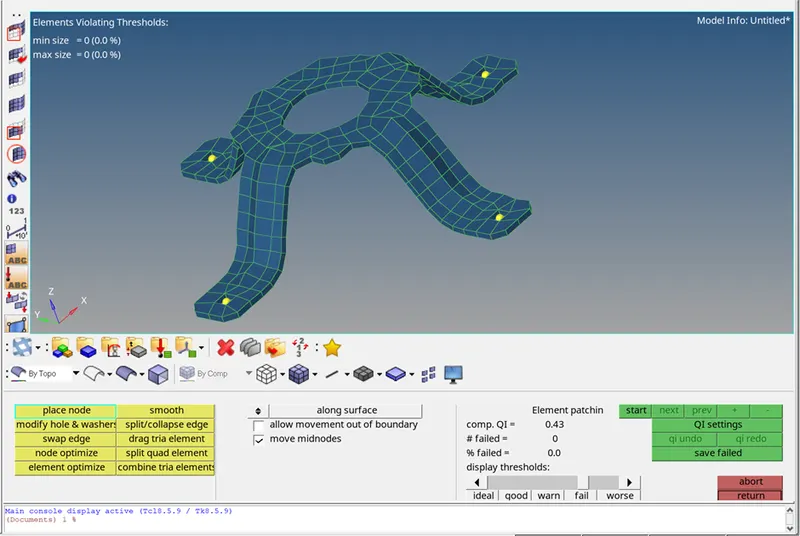
inally, after assigning the thickness the component .
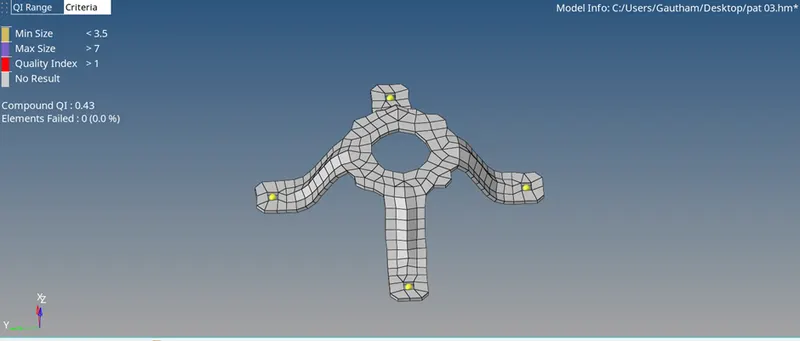
Conclusion:
- Extracted the mid surface and performed the geometry clean up on the given components.
- Generated a 2D mesh on the given components by following the element qaulity criteria.
- Finally, assigned the thickness for the given components.
Learning outcomes:
By performing this task, the following aspects can be known:
- Extracting the mid-surfaces
- Performing geoemtry clean up
- 2D meshing
- Maintaing element quality
- Assigning thickness