Assignment 1-2D Meshing Challenge
Your Answers
AIM:
To extract the mid surface of given components and mesh the components under given quality criteria and assign thickness.
OBJECTIVE:
- To extract the mid surface and mesh it with proper mesh flow.
- To ensure the mesh should pass the given Quality Criteria.
- To assign thickness to all the components of the model
GIVEN:
Carry out the geometry cleanup operation on the given 3 files.
- Practice
- Clip Repair
- Mounting Bracket
There should not be any free edges, convert all of them into refine geometry.
- Clean the geometry.
- Extract midsurface.
- Clean midsurface geometry.
- Ignore holes less than dia 5mm.
- Create 2D mesh with target length 5mm, min 3.5mm max 7mm.
- And assign proper thickness, by creating a generic property.
- Then Save in .hm format.
IMPORT GIVEN MODEL AND GEOMETRY CLEAN UP
- Import the model by using IMPORT option.
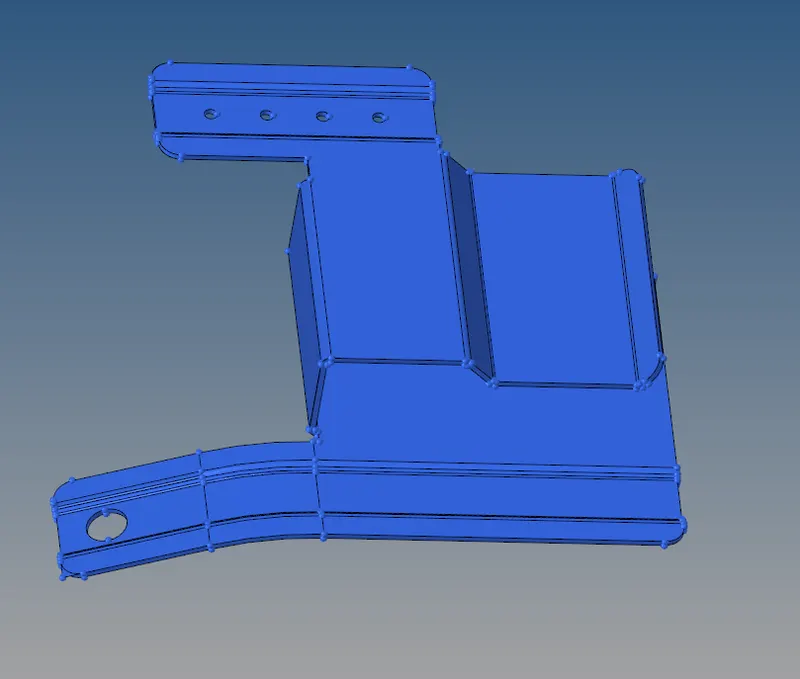
PART 1
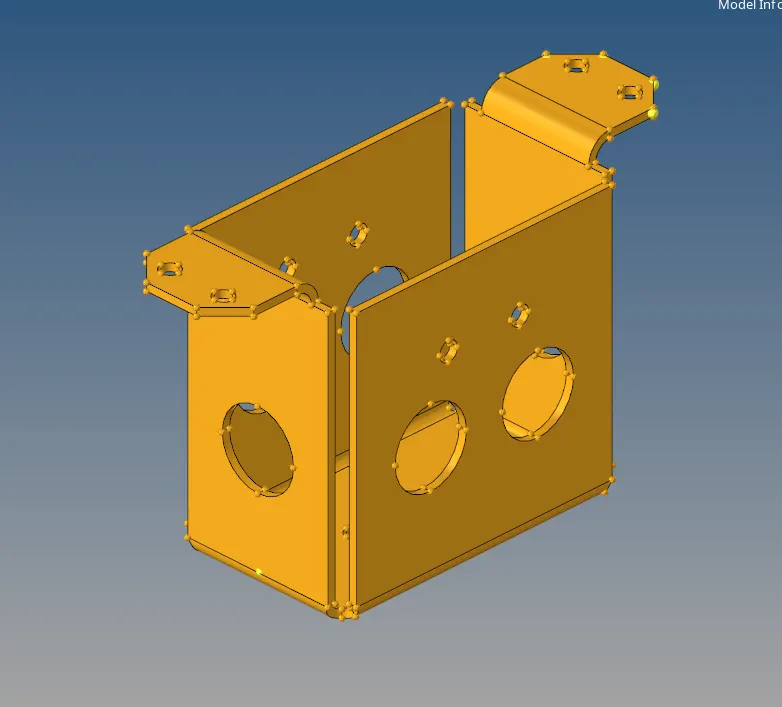
PART 2
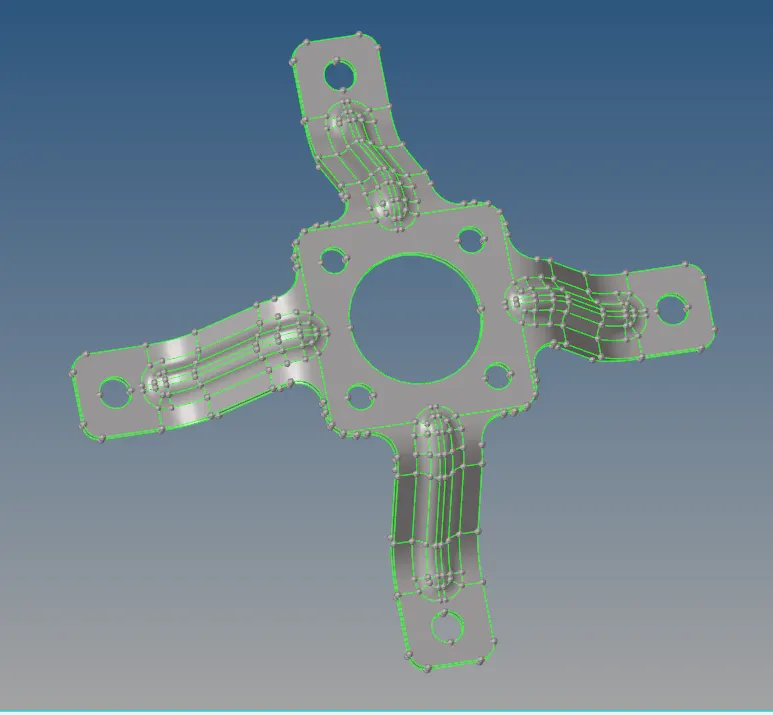
PART 3
- Visualize the model for find deformities in its surface or free edges,which can be visualized in wireframe mode and By Topo mode and repaired.
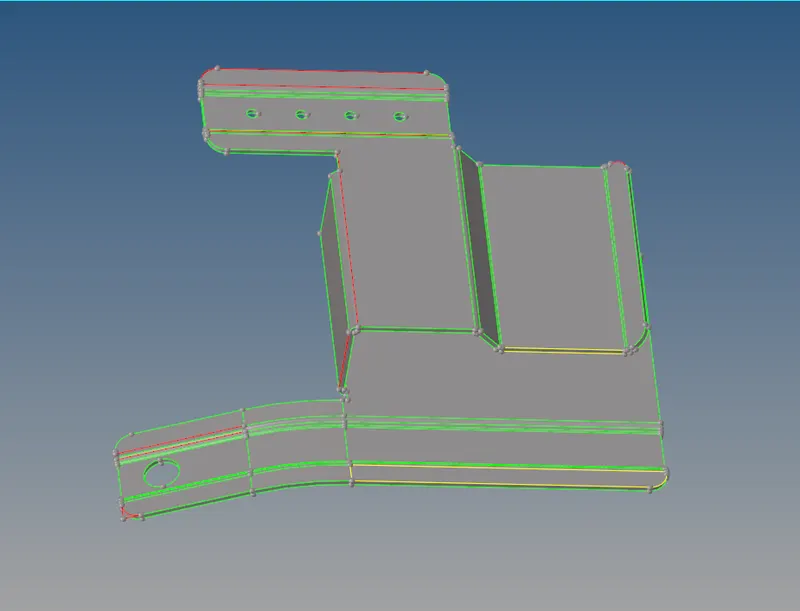
GIVEN MODEL IN BY TOPO MODE WITH ERRORS(PART 1)
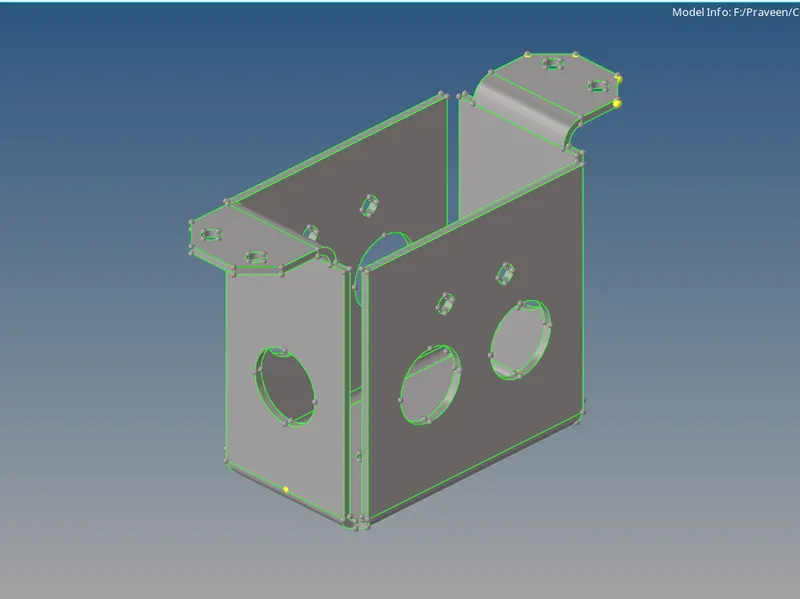
GIVEN MODEL IN BY TOPO MODE(PART 2)
- Make sure about the surface errors before start to take mid surface.if you see unwanted free edges in the surface repair using correct step.
- BY TOPO mode you easily find the free edges
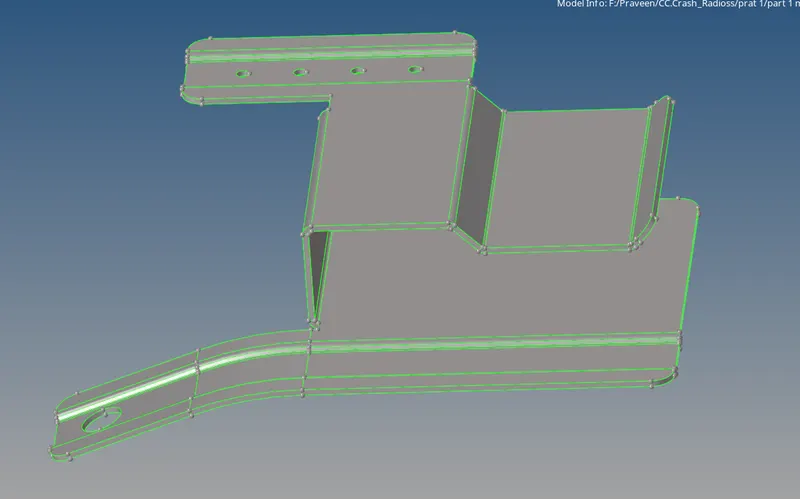
GIVEN MODEL IN BY TOPO MODE WITHOUT ERRORS
EXTRACTION OF MID SURFACE
- First extract mid-surface for given component by following steps
Geom→mid surface
- And also carried out several geometry edit for getting good mesh flow.we toggled unwanted topology lines which makes element failure.
- But always careful we never remove feature edges.
- Defeature the holes which are less than 5mm and fill the gap by using following steps
Geom→surface
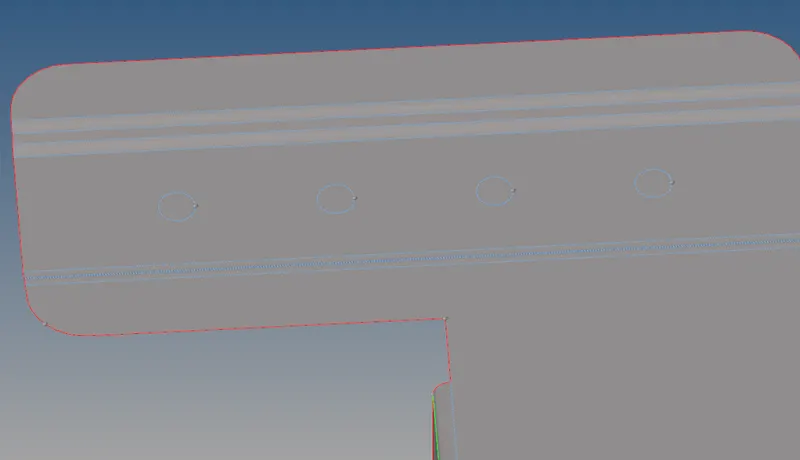
HOLE DEFAETUREd<5mm(PART 1)
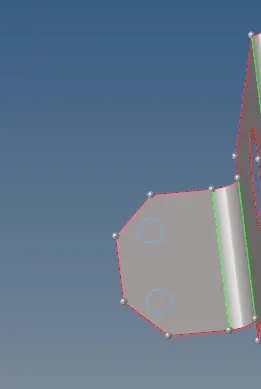
HOLE DEFAETUREd<5mm(PART 2)
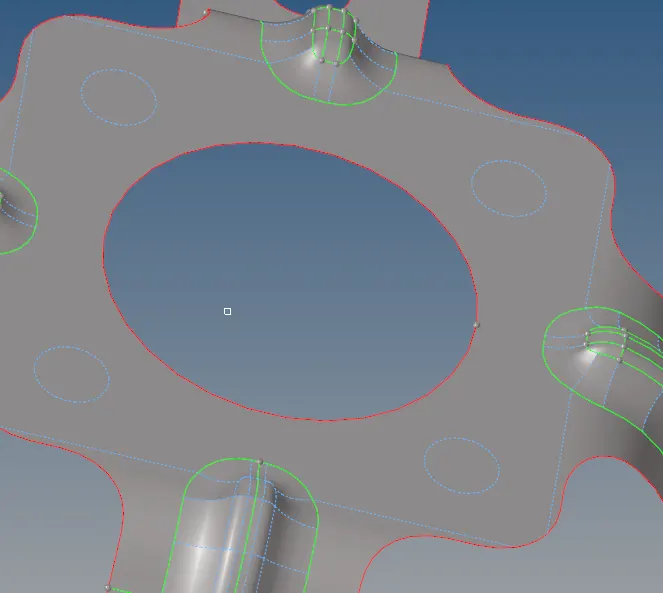
HOLE DEFAETUREd<5mm(PART 3)
- Now the mid surface is extracted properly as shown in figure.
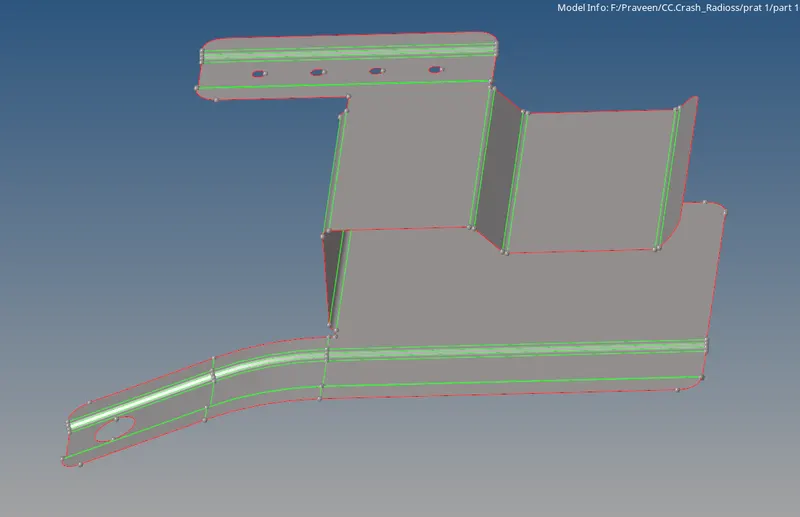
FINE MID SURFACE (PART 1)
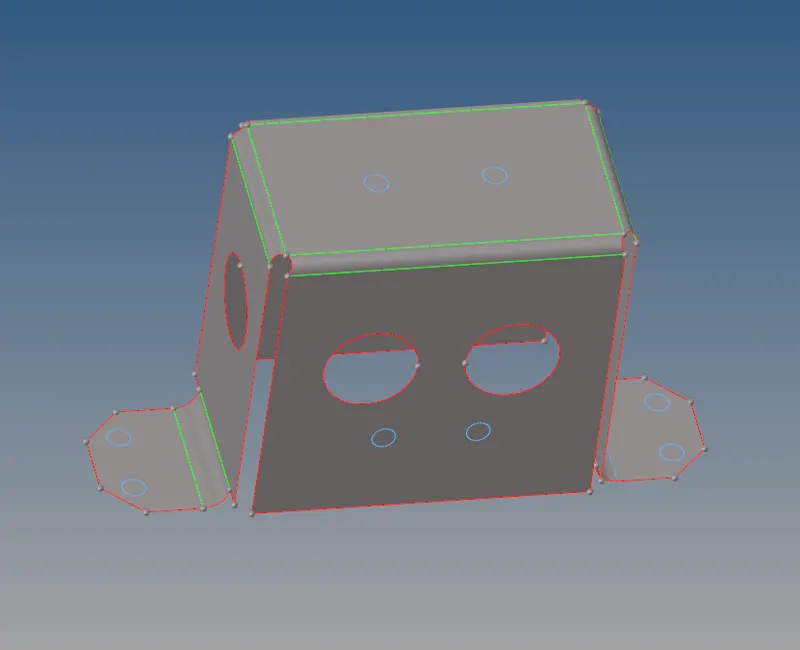
FINE MID SURFACE (PART 2)
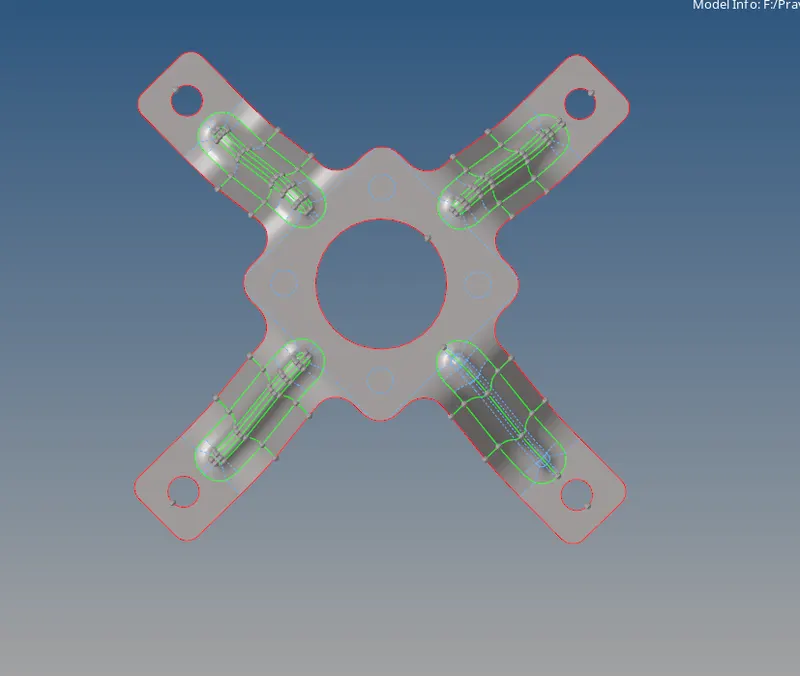
FINE MID SURFACE (PART 3)
2D MESH ON EXTRACTED MID SURFACE UNDER GIVEN CRITERIA
- Before start mesh we need to set meshing Quality criteria by using preference menu
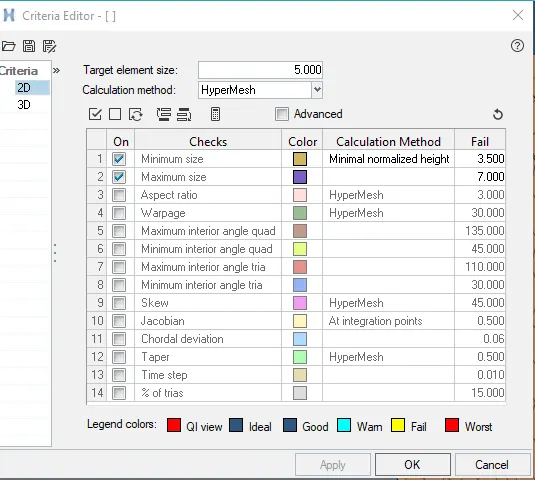
CRITERIA FILE SETTING
- Now we can start the 2D shell mesh for the component by using following steps
2D→automesh
- We mesh the mid surface by element size as 5 and mixed elements.
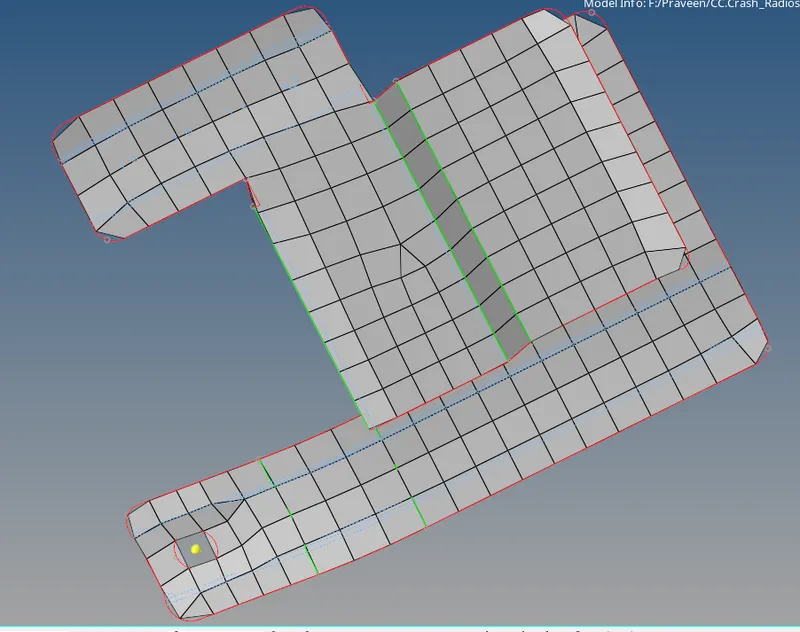
MESHED MODEL(PART 1)
- While meshing we should maintain the tria percentage as low as possible.
- We can maintain trias in the direction of the mesh flow.
- We should avoid opposite trias.
- In this model some surfaces are symentric so we mirror the mesh by using following steps
Tool→reflect
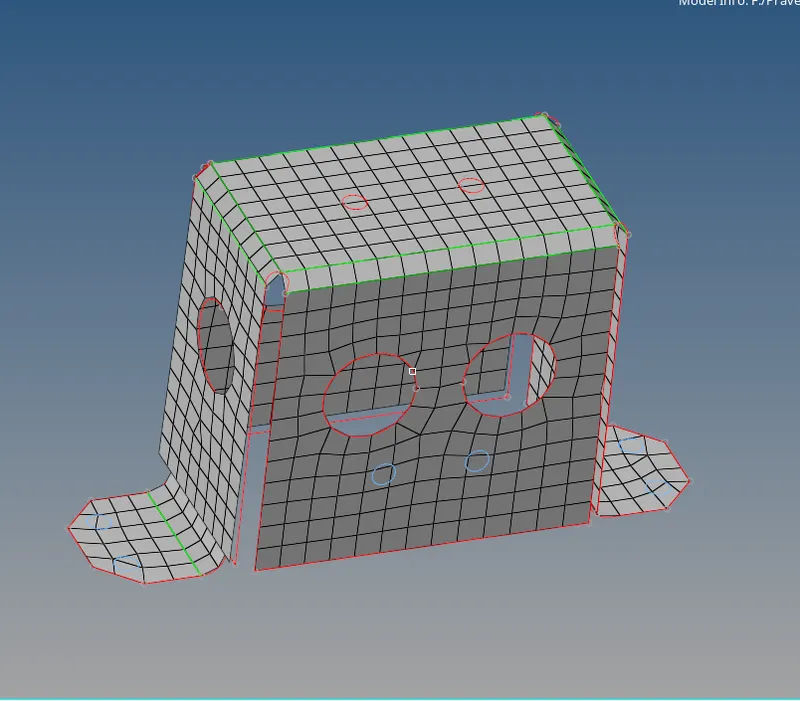
MESHED MODEL(PART 2)
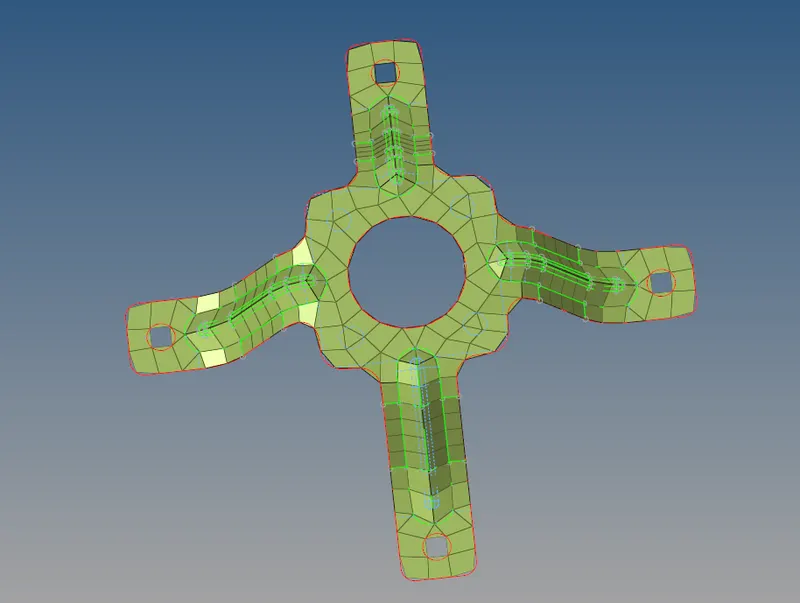
MESHED MODEL(PART 3)
- It reduce the time and effort.
- While meshing the elements are fail because of criteria,that failure is cleared by using QUALITY INDEX.
2D→quality index
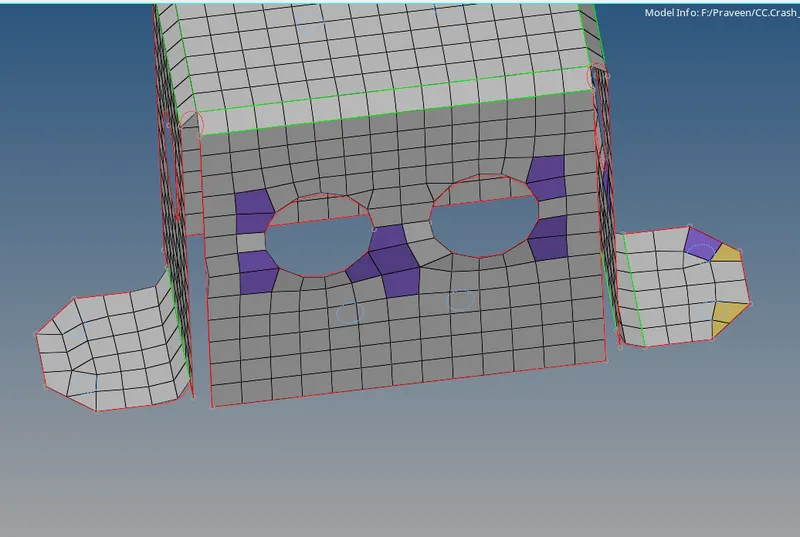
ELEMENT WITH QUALITY FAILIURE
- But always careful with feature areas because it disturb everything.
- Try to clear all errors by using remesh,rebuild mesh.
ASSIGN VARIOUS THICKNESS FOR EACH PARTS
- First we need to create PROPERTY and MATERIAL before assign thickness.
- Right click on tab area and select create then Property.now new property is created.
- After creating property rename it and give material, thickness, card imeage,etc...
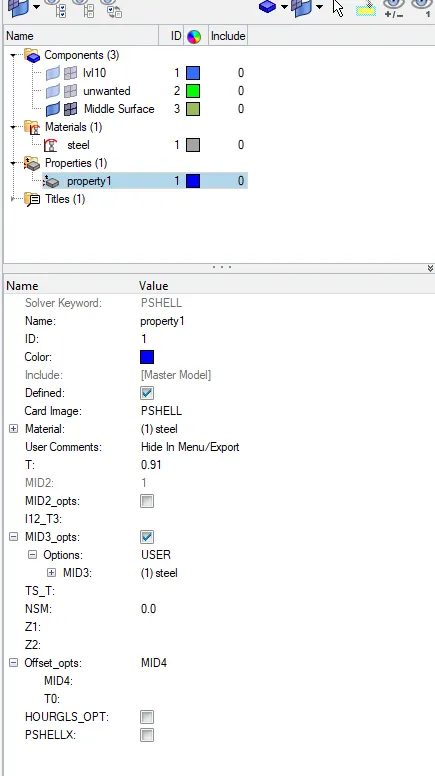
PROPERTY(PART 1)
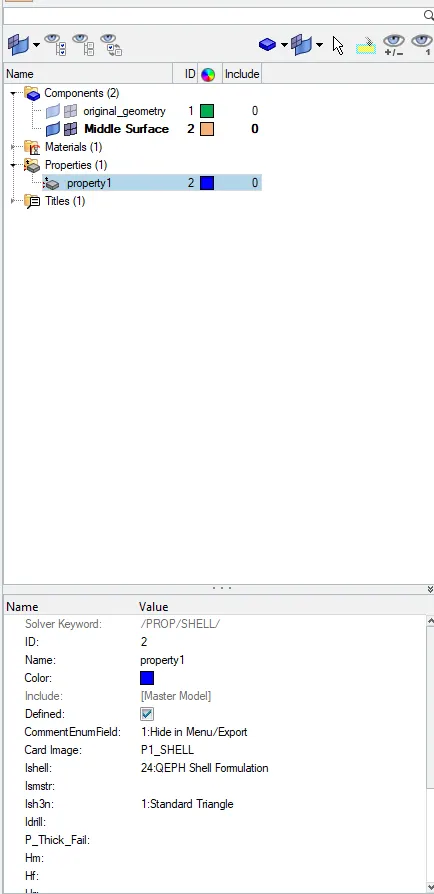
PROPERTY(PART 2)
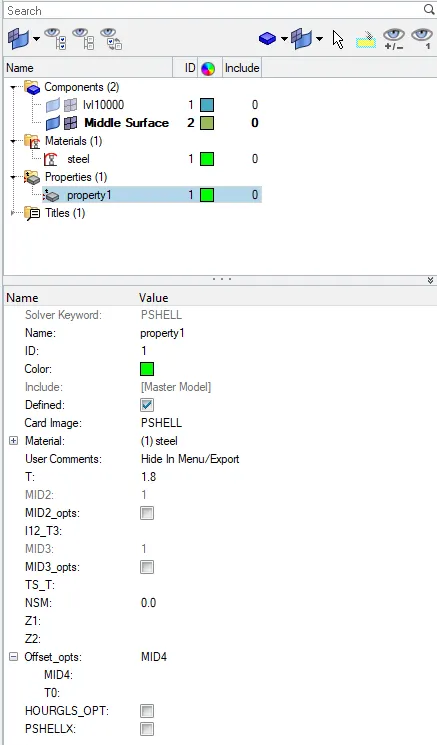
PROPERTY(PART 3)
- Assign properties to each parts by following steps
Right click on component > assign > select property
- After assign see the difference to use 2D Detailed Element Representation .
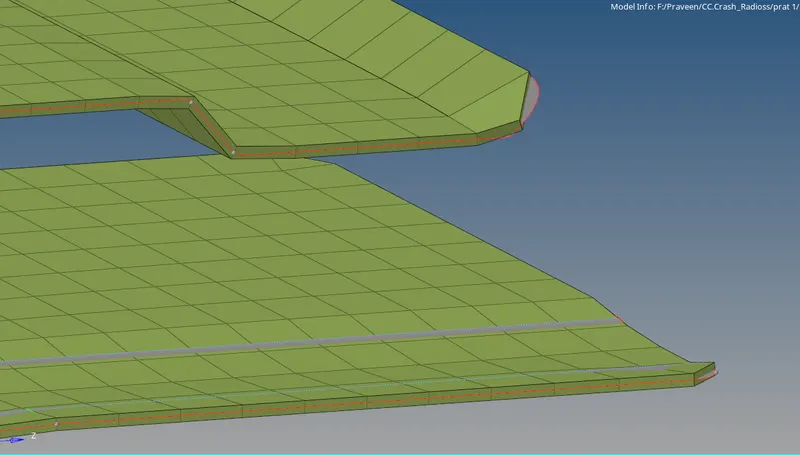
2D Detailed Element Representation(PART 1)
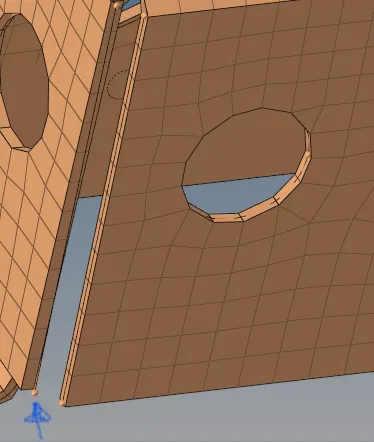
2D Detailed Element Representation(PART 2)
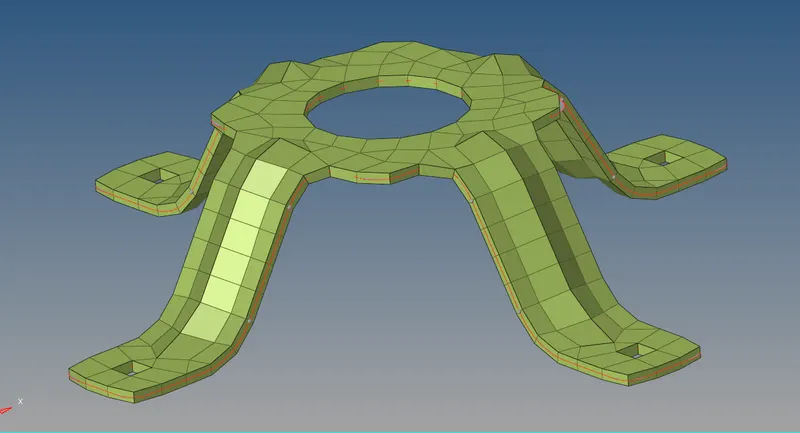
2D Detailed Element Representation(PART 3)
- At the end one important step should check that is find free edges,
Tool→edges
- If find any edge that means there is no connectivity so make the connectivity by using following steps (F3)
2D→replace
FINAL MODEL:
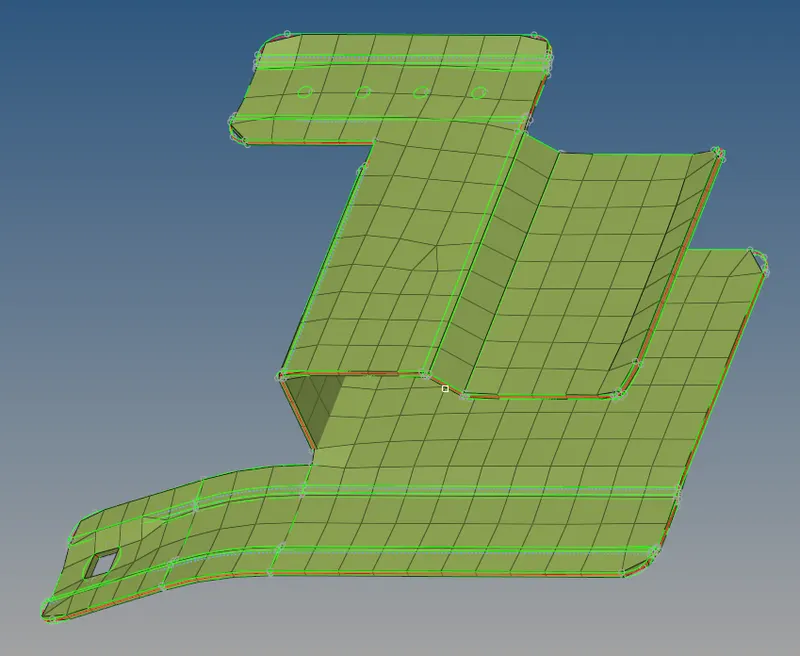
FINAL MODEL(PART 1)
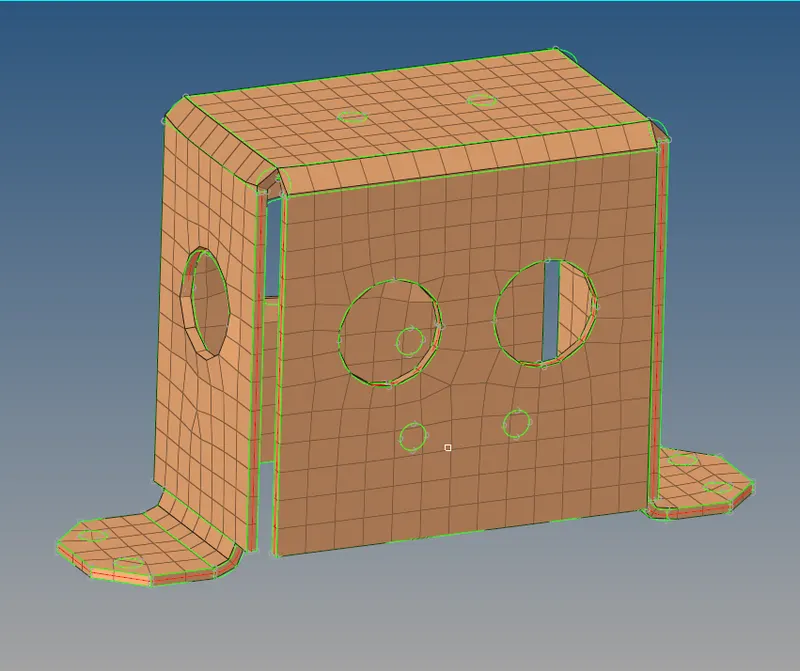
FINAL MODEL(PART 2)
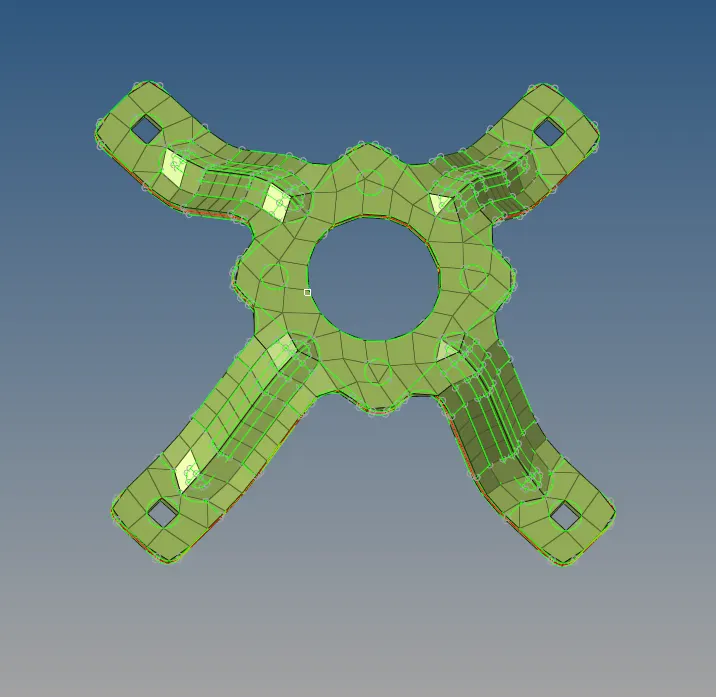
FINAL MODEL(PART 3)
CONCLUSION:
- Mid surface extracted and Geometry clean up done for given components.
- 2D(shell) mesh is generated for given components under given criteria.
- Thickness and meterial assigned for given component
LEARNING OUTCOMES:
- By performing this task, the following aspects are learned:
- Extacting mid surface.
- 2D meshing.
- Maintaining element quality.
- Assigning thickness.