Assignment 1-2D Meshing Challenge
Objective :
To perform geometric cleanup and extract the mid surface for given three parts and perform 2d mesh on mid surfaced parts.
Procedure :
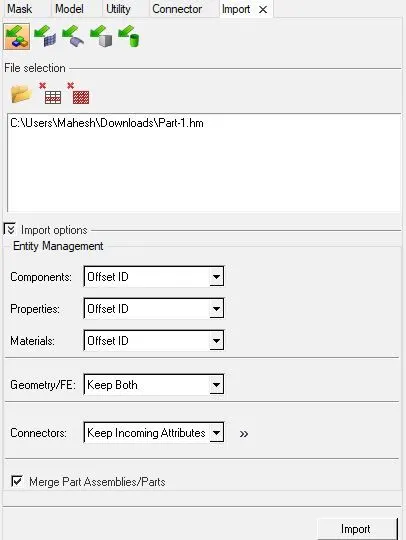
Step 1 : First import the model to Hypermesh using import option, here individual midsurfacing and 2d meshing is performed for each part.
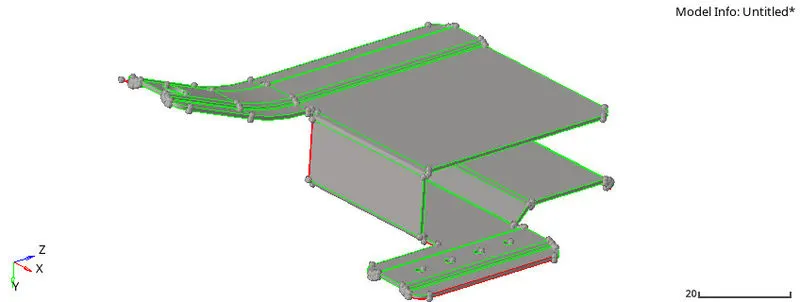
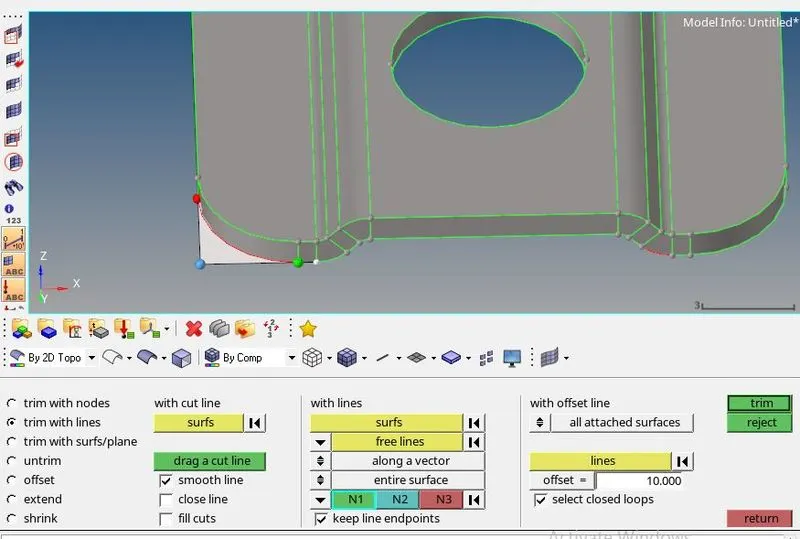
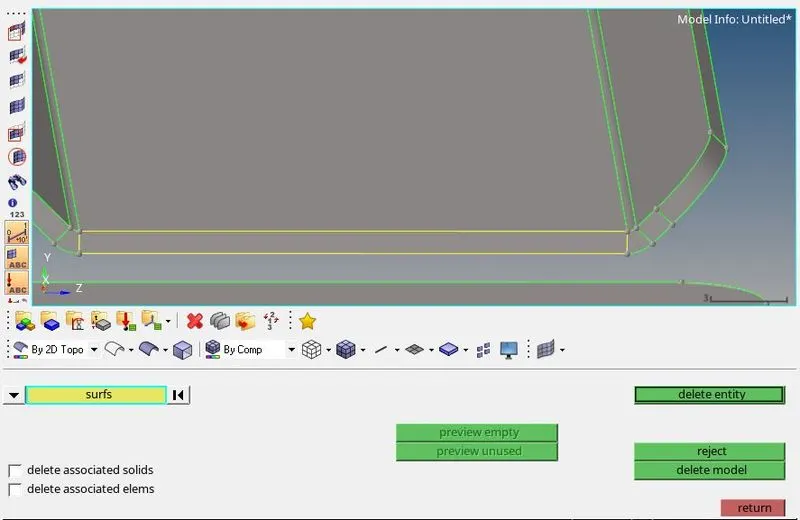
Step 2 : After importing the part it had so many geometric errors like extra surfaces, deleted surfaces and free edges. To delete extra surfaces first we need to trim the surface, so go surface edit in that select trim with lines and select surface and line, by doing this we can seperate the surface and delete the surface using delete option.
Step 3 :Now we need to perform toggle the free edges using toggle option in quick edits or press f11 it will directly opens the quick edit options.
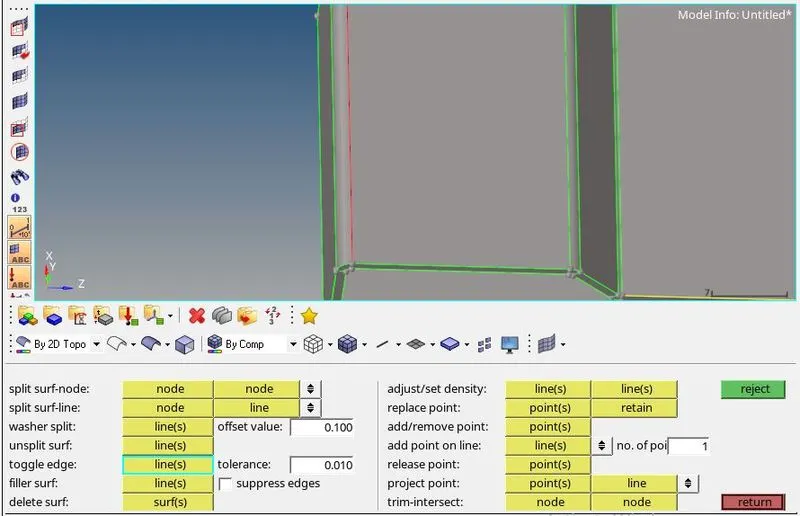
Step 4 :For some free edges we cannot toggle the edges so we need to create the surface on that edges which will join the the surfaces, so go to the surface option and select ruled option and also select the lines which surfaces has to be created. Like this we can clear the geometric errors for the given part.
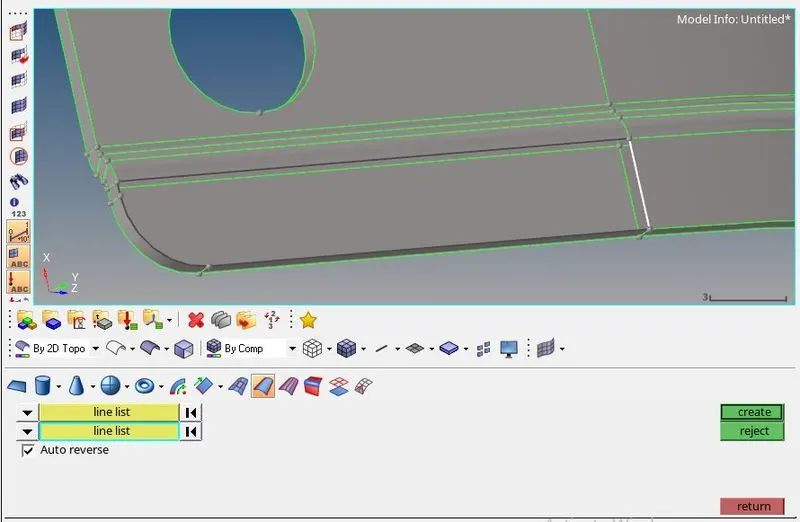
Step 5 : Now we need to cleanup the geomentry, this is performed to remove the fillets which is unwanted or which cretaes the fail mesh on part, to perform this there are two options auto cleanup and manual cleanup. Here manual cleanup is preferred because by manually we can explore more options and we can learn quickly. Toggle option is the main one to perform geometry cleanup and distance option is used to measure the fillets in part.
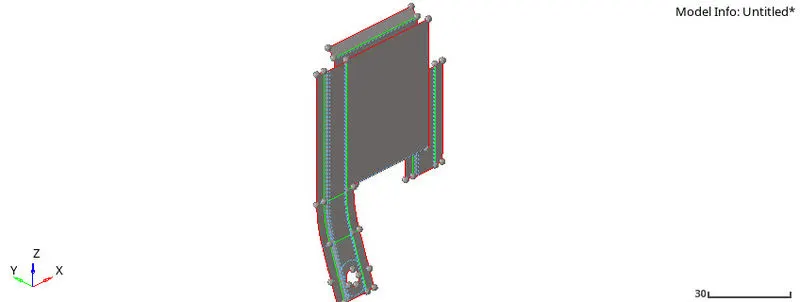
Step 6 : There are some unwanted holes are there we need to fill them using fill surface which will be at quick edit option. For some holes washers are created using washer split, this washer surfaces will give good meshing near holes.
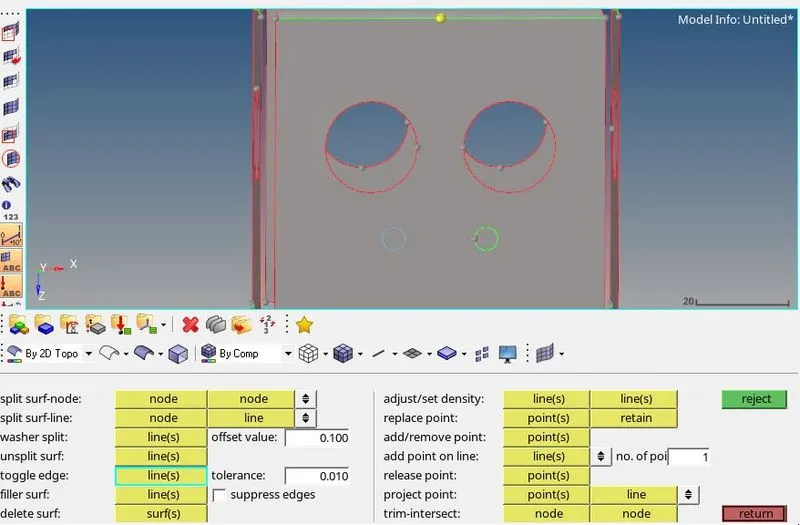
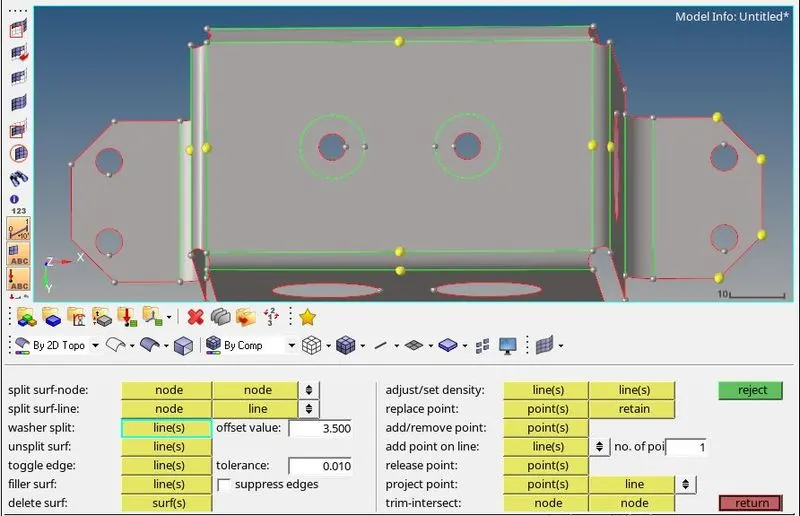
Step 7: After cleaning up the geomentry go to auto midsurface and select the part and this option perform the midsurface automatically and extracts midsurface.

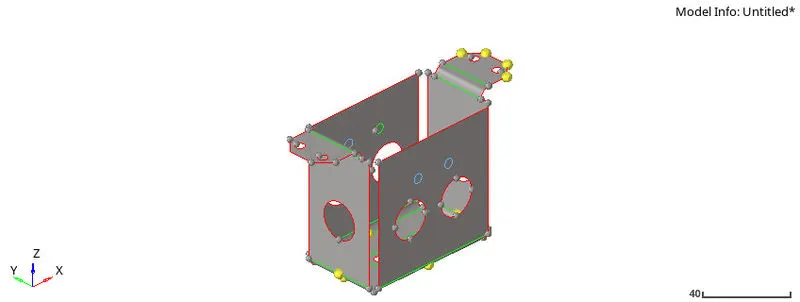
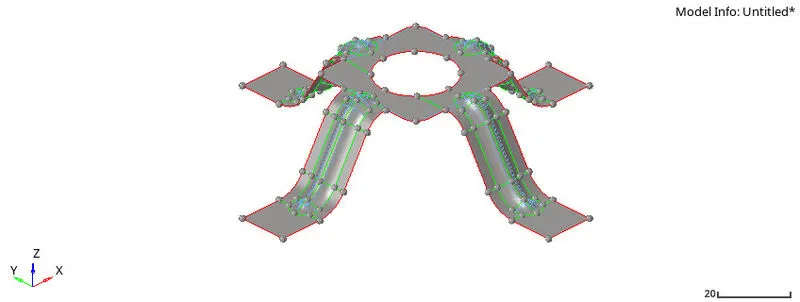
Step 8 : Now go to 2d tab for meshing the part and select the auto mesh and give the element size as 5mm and also keep meshing algorithms as element to surface comp and first order and select the surface for meshing. While meshing the part do not attempt to do meshing for whole part at a time, do surface to surface then only mesh gives perfect or good mesh.

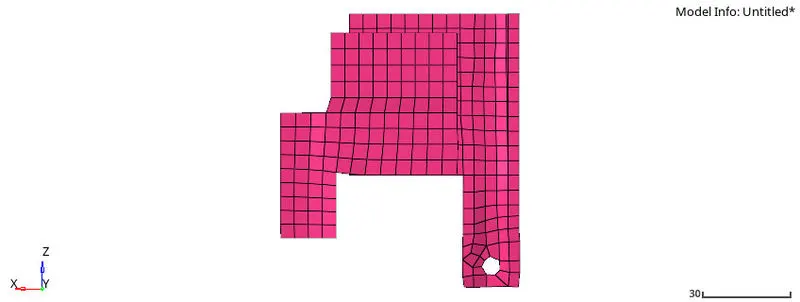
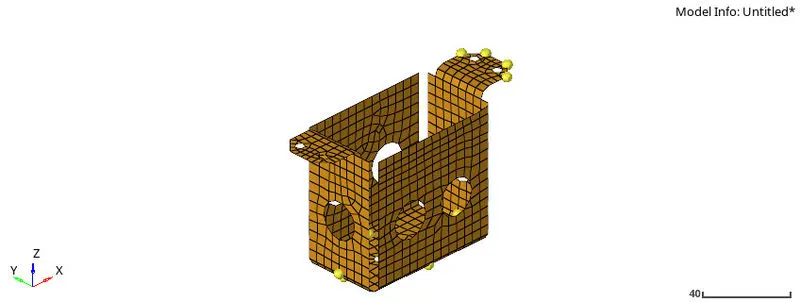
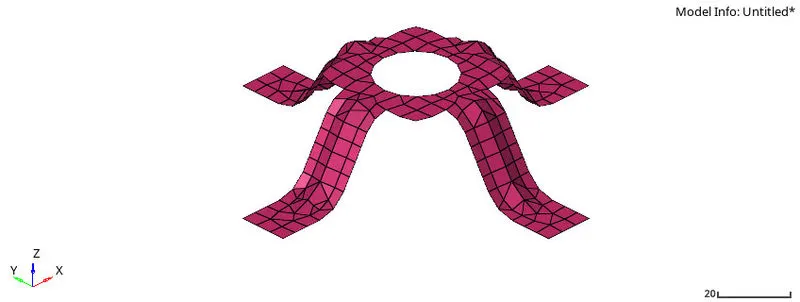
Step 9 : After meshing we need to create a property card for the midsurface part, to create go to model tab in entites create a property card and give proper thickness value and after creating property card we need to assign this to midsurface part, go to components and select the midsurface part and assign the property card. Like this we can asign material card also.
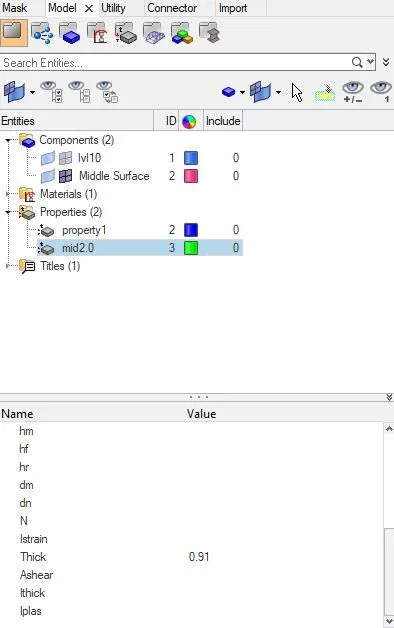
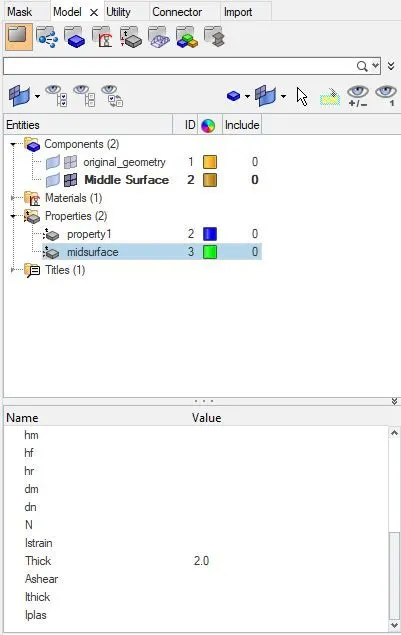
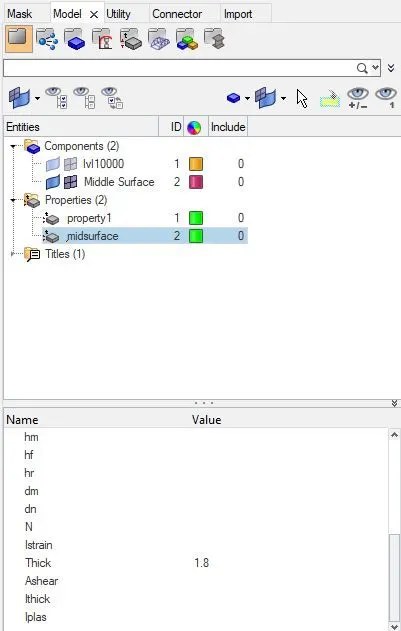
Step 10 : To check whether thickness is assigned to the midsurfaced component, turn on the 2d detailed representation option. Like this we need to perform midsurface and 2d mesh for another two parts.
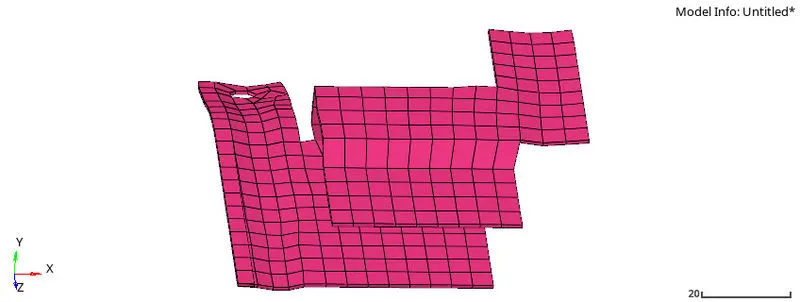
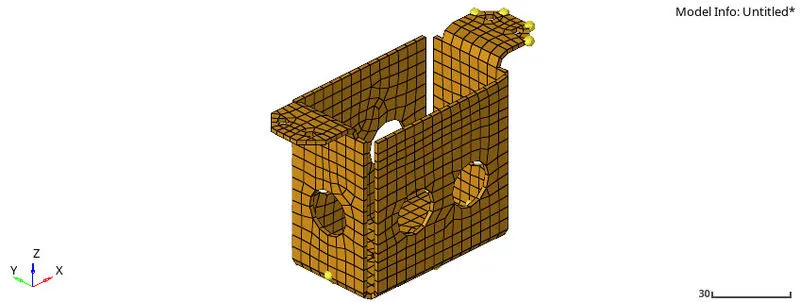
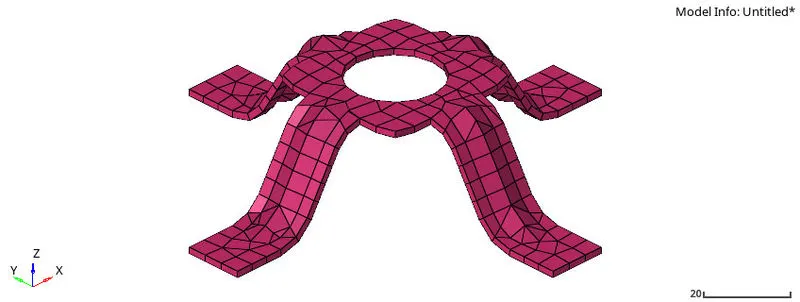
Conclusion :
Thus we performed a geometry cleanup and extracted midsurface and meshed the extracted midsurface with 2d shell elements and assigned a property card for all three parts using Hypermesh.