Assignment 1-2D Meshing Challenge
OBJECTIVES :
- To clean the given geometry without any free edges.
- To extract the mid-surface for the given component.
PROCEDURE :
- The given model is imported (.hm file) in HyperMesh window. Here 3 models are given for midsurfacing and meshing.
- The component display mode is changed from auto to by topo.
- In order to clean the free edges which are highlighted with red boundaries are surface filled using the filler surface option or toggle edge in quick edit.
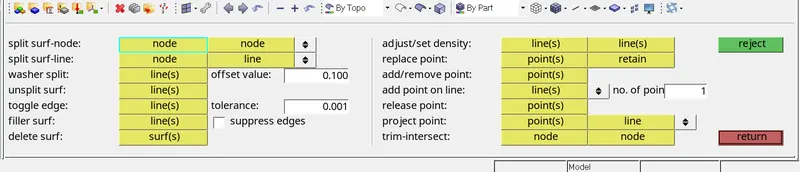
- On switching to wireframe geometry, the free edges in the component are cross checked and incase of no free edges the geometry is switched back as shaded geometry.
- Thus the given component is made clean from free edges and the model is made ready for midsurfacing.
- For midsurfacing, one of the four auto-midsurfacing methods is preferred based on the model to be midsurfaced.
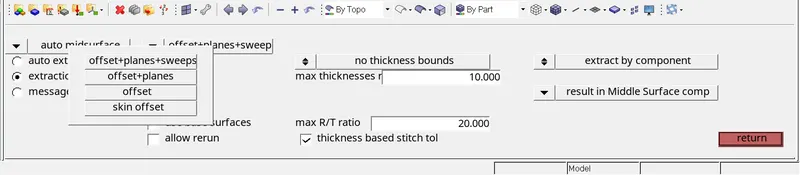
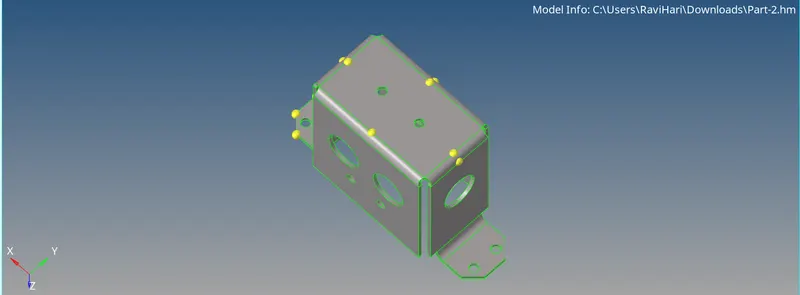
- For the given models, holes less than 5mm diameter are neglected and surface filled in those region.
- The midsurface is automatically kept in a separate collector and the criteria file settings is fed as input for meshing.
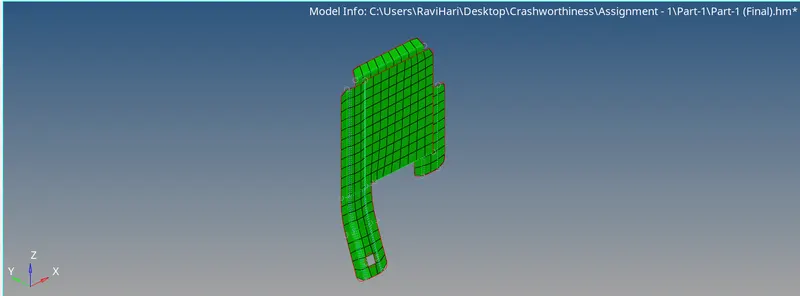
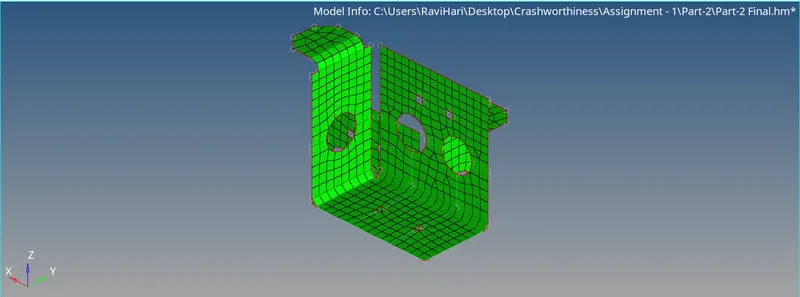
- The 2D meshing is done using automesh option - mixed element type and the target element length here is 5mm.

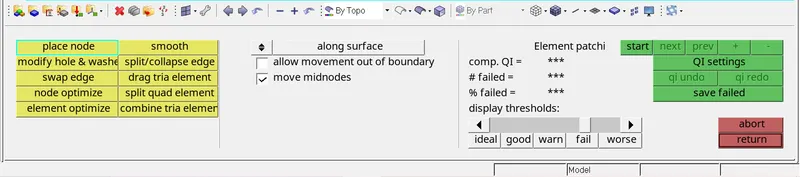
- For element cleanup options such as swap edge, split/collapse edge, smooth etc are used and the mesh is made proper.
- After meshing thickness is assigned to the mesh by creating a property card. Finally after meshing and thickness assigning the model is saved.
CAD MODEL IMAGES :
MODEL 1:
GIVEN MODEL
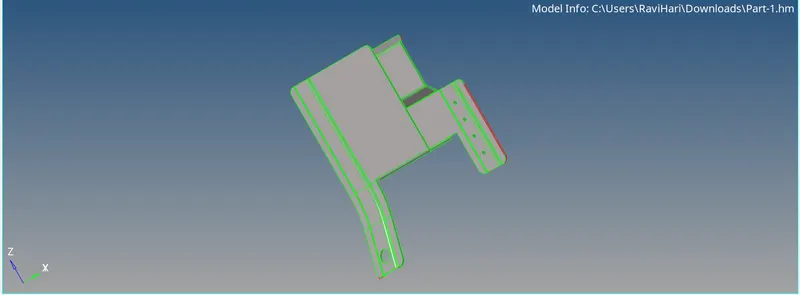
MESHED MODEL
MODEL 2:
GIVEN MODEL
MESHED MODEL
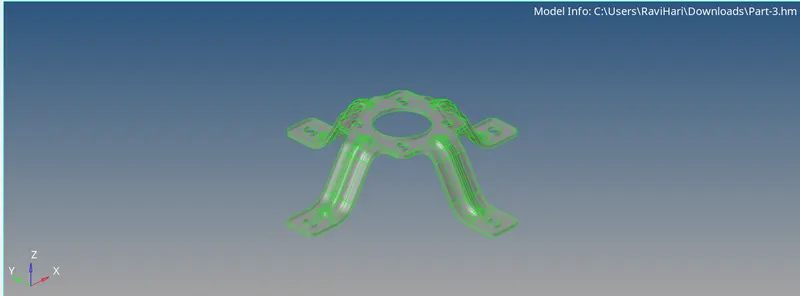
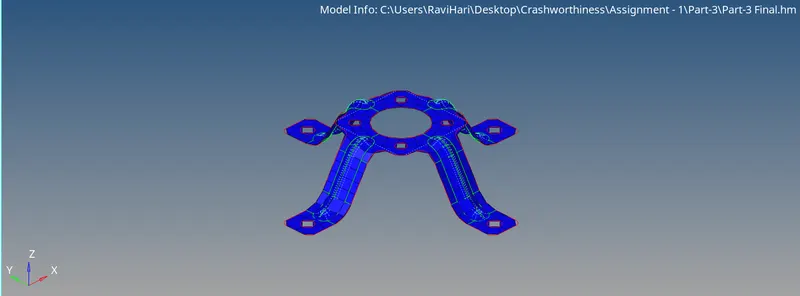
MODEL 3:
GIVEN MODEL
MESHED MODEL
CONCLUSION :
Thus the given 3 models are initially processed for geometry cleanup then midsurfacing and meshing is done. Finally thickness is assigned to the mesh successfully.