Assignment 1
AIM: Carry out the geometry cleanup operation, extract midsurface,mesh the components according to given quality criteria and assign proper thickness.
Quality Criteria:
| S.no | quality criteria | value |
| 1. | minimum length | 3.5mm |
| 2. | maximum length | 7mm |
Procedure:
- Import part1 into hyperworks in the optistruct profile.
- As seen below, the part has missing surfaces and other surface problem
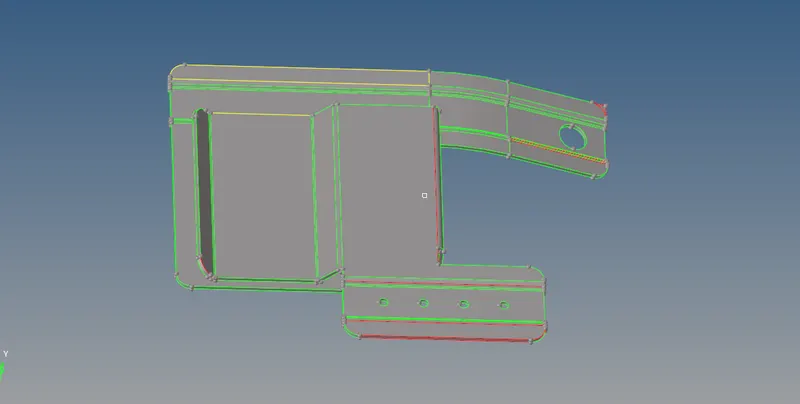
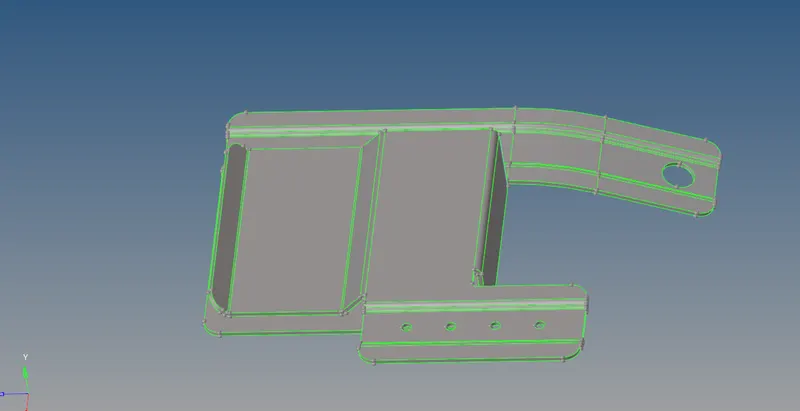
1.These issues are to be resolved using geometry cleanup tools like quick edit>fillet surface.
surface edit>trim ,quick edit >toggle
after clearing surface it looks like figure below
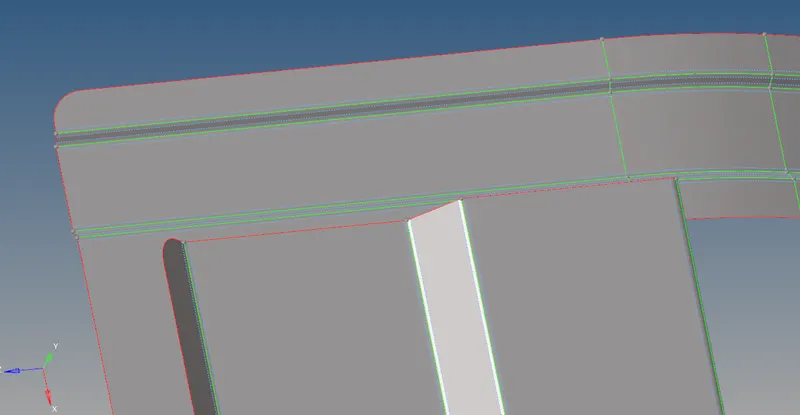
2. Now we extract mid-surface using geom>surface edit>offset.
3.Now we perform geometry cleanup , defeaturing and ready the midsurface for meshing.we fill the hole with diameter less than 5mm.
4.Now midsurface is meshed using 2D automesh. Element size 5mm and element type is mixed.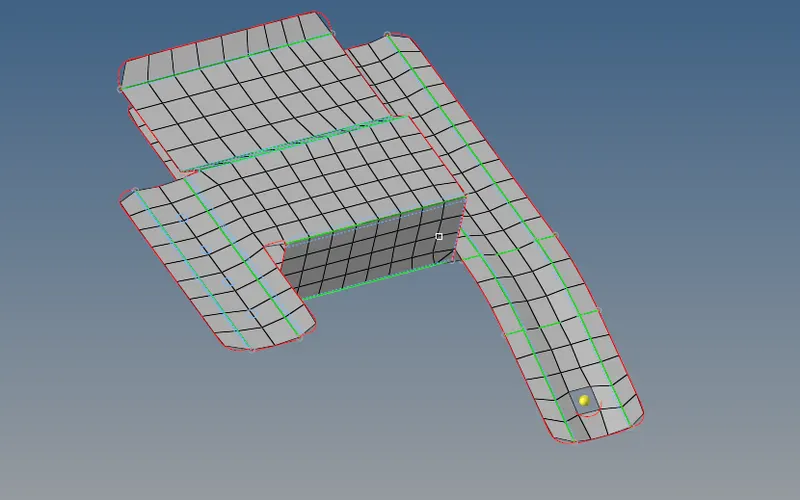
5. We remesh the problem areas to get a better mesh flow quality.
6. Now we assign the thickness to the part as per the parent geometry, and editing the property file and assign card image as PSHELL
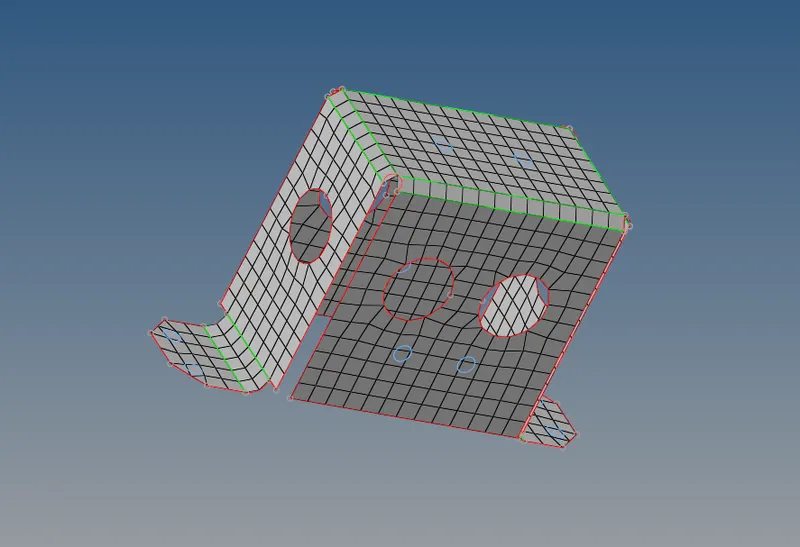
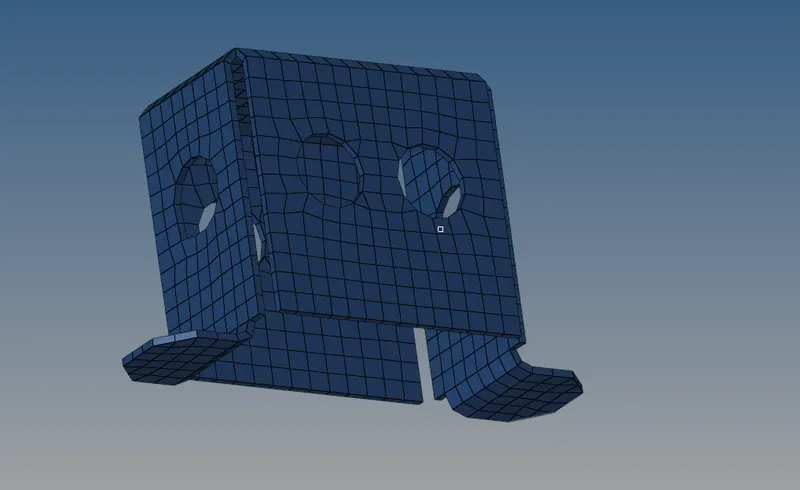
7. The element cleanup plot for the model is as shown:
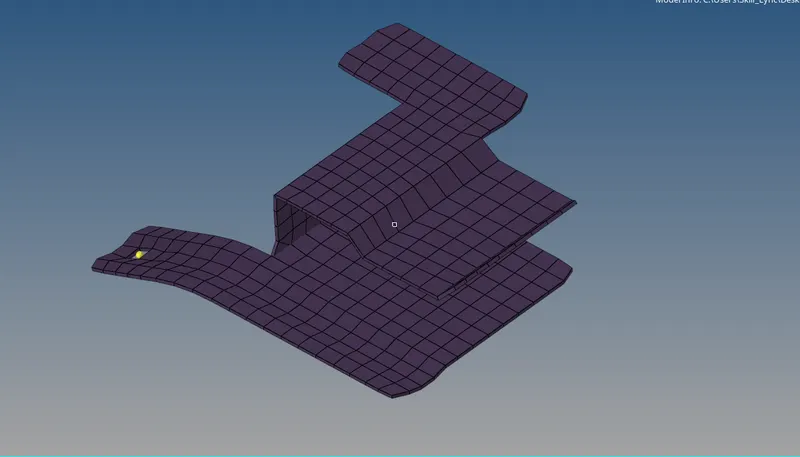
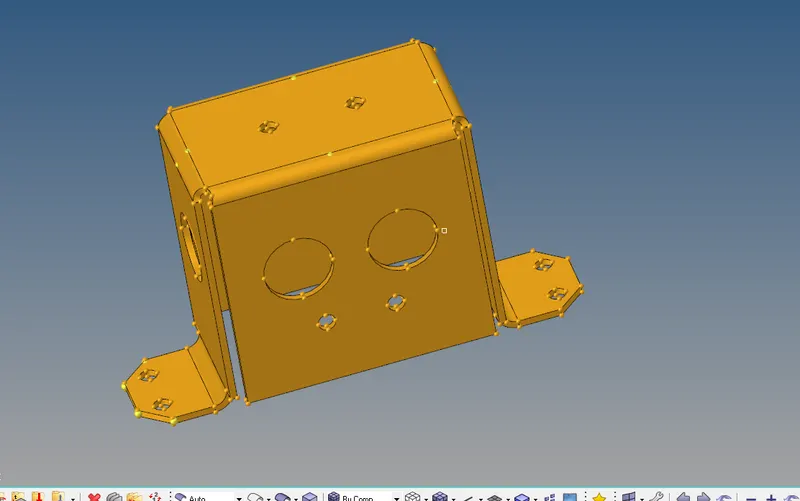
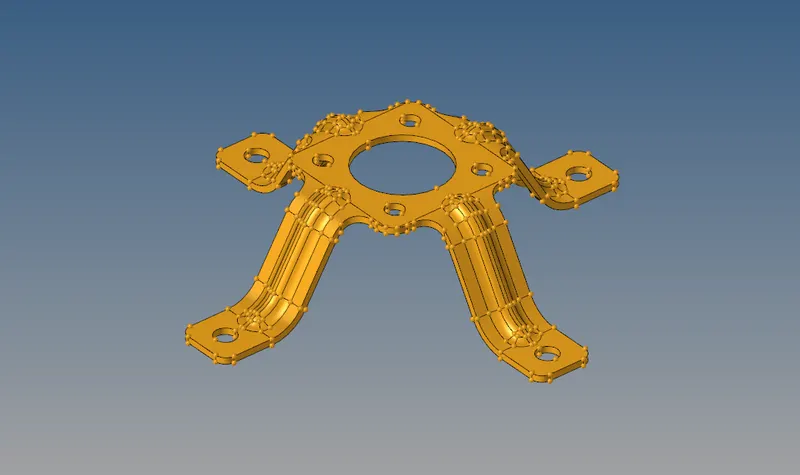
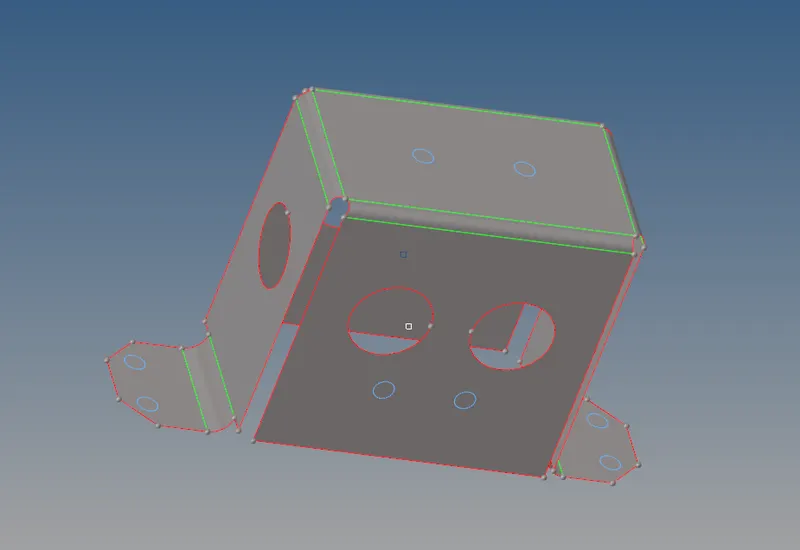
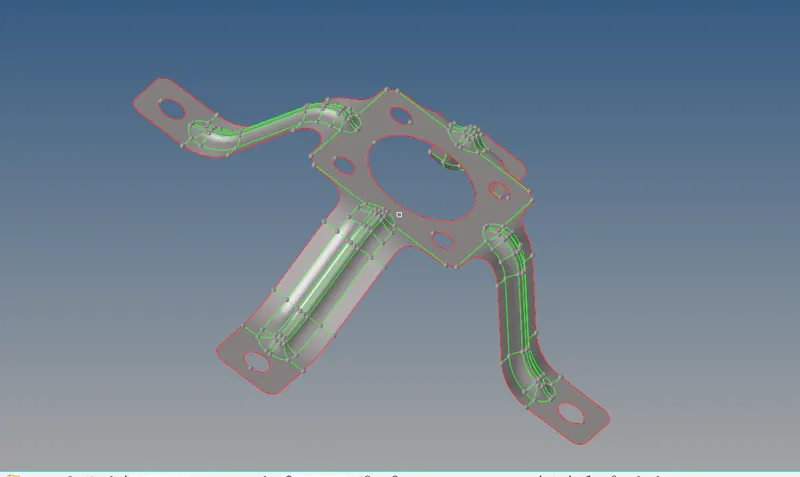
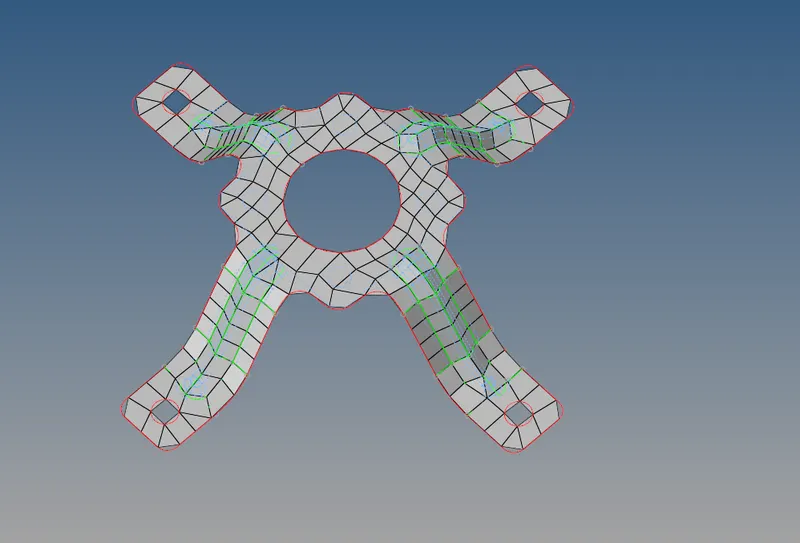
Similarly we take mid surface and meshing of other two components:
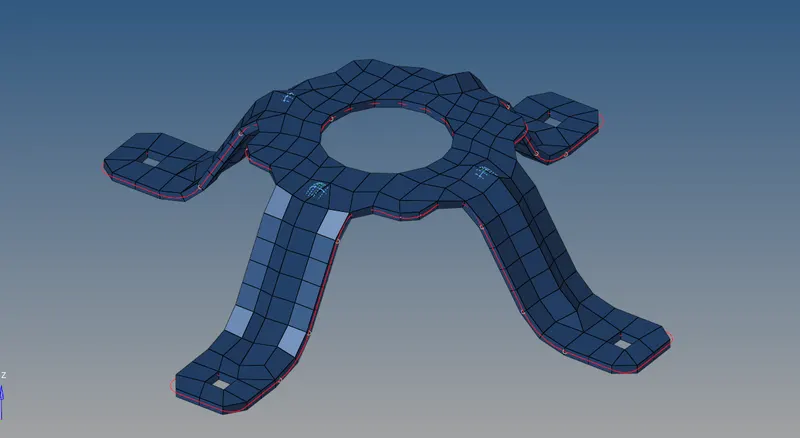
Result:
The given components are meshed by extracting mid surface and then assigning proper thickness to them.