Assignment 1
OBJECTIVE
Generate 2D mesh for the given component using following quality criteria. Also ignore holes less than 5 mm
Element size = 5 mm
min size = 3.5 mm
max size = 7 mm
PROCEDURE
The generic process involved in generating mesh is as follows.
- import the model
- check the geometry. repair any missing feature or duplicate feature using quick edit tools
- extract midsurface using auto midsurface tools
- Perform geometry cleanup. Toggle edges, filler, replace points, split surface are the common options to be used for this.
- Generate 2D mesh by selecting individual surfaces using following steps
2D -> Automesh -> select surface -> element size = 5 mm -> element type = mixed -> create - Check for mesh quality using Tool -> check mesh.
- Repair mesh either by remeshing the failing elements or using quality index tools
- use smooth tools to smoothen the flow of elements if required
- Create a property and take the thickness similar to the original component. Assign it to generated midsurface.
- Export the model as .hm file
Part-1
original geometry
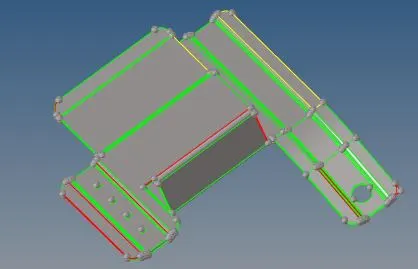
clean geometry
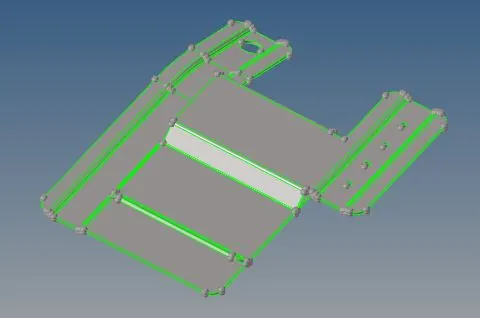
midsurface - clean
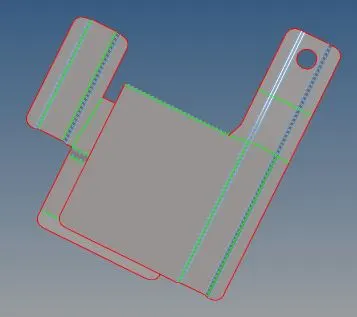
mesh
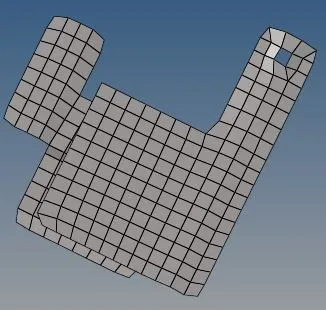
Part-2
Geometry
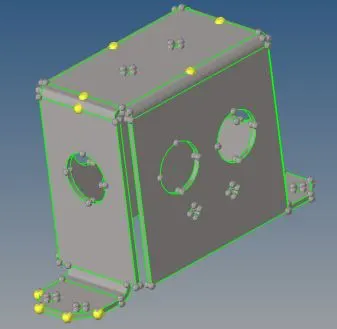
remove temp nodes.
Midsurface
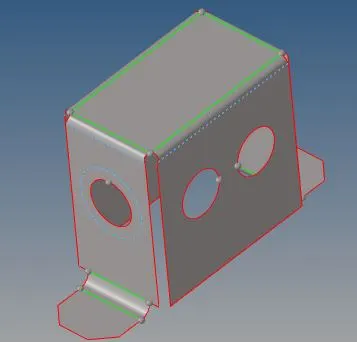
cleanup
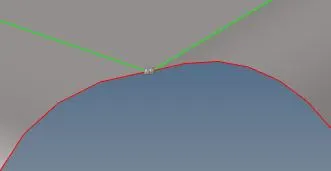
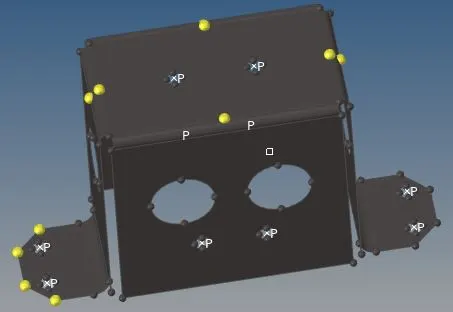
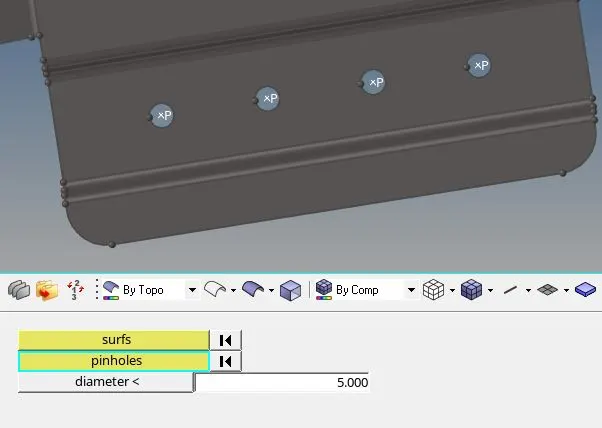
use replace point to repair these points and defeature pinholes less than 5mm
mesh
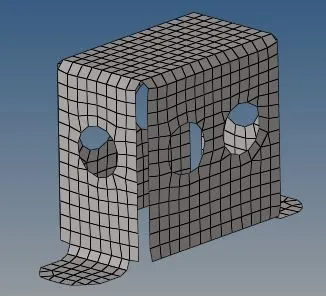
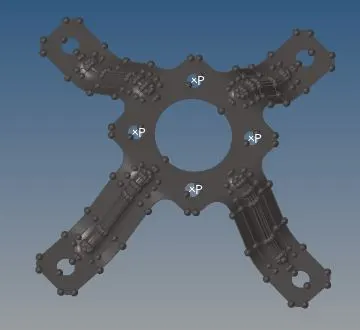
Part-3
geometry
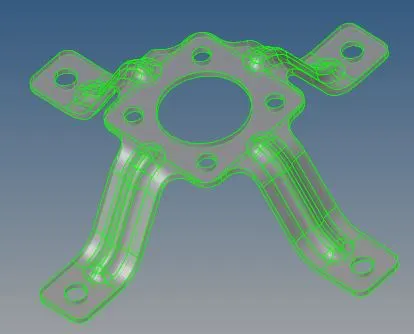
midsurface
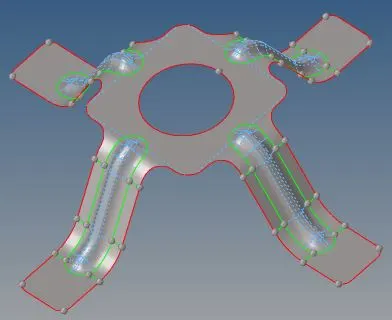
cleanup
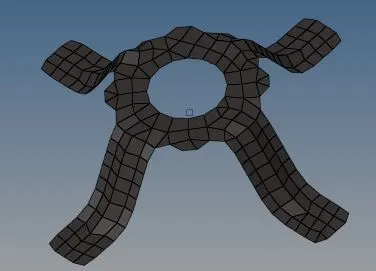
mesh
CONCLUSION
The activity helped us understand basic procedure involved in the meshing using 2D shell elements.