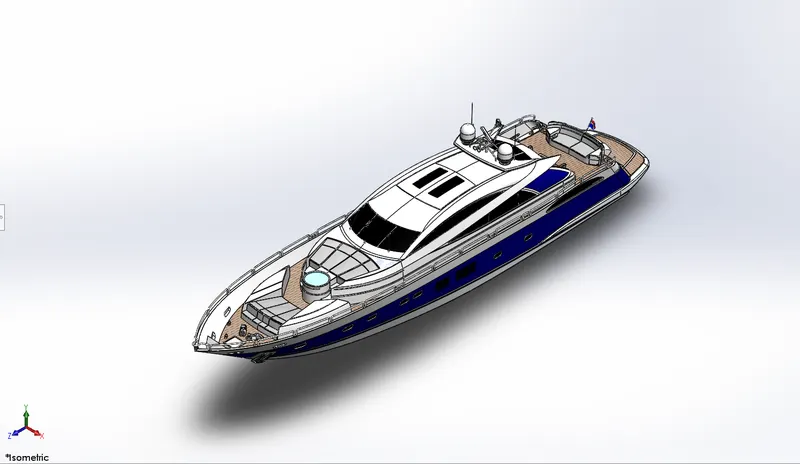
Assembly of Yacht
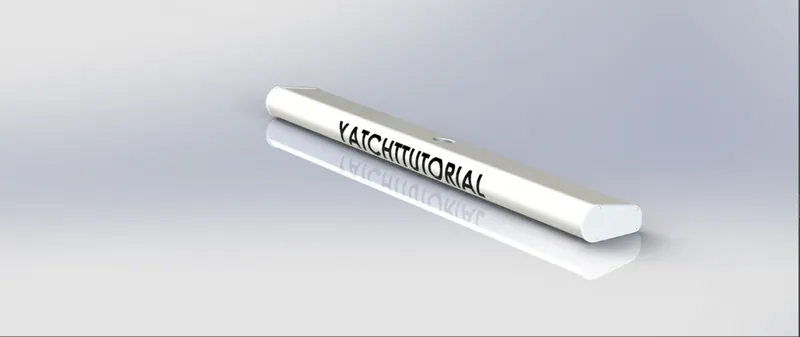
Radar Mast
Max Expected Number of hours required to design- 1.5hrs
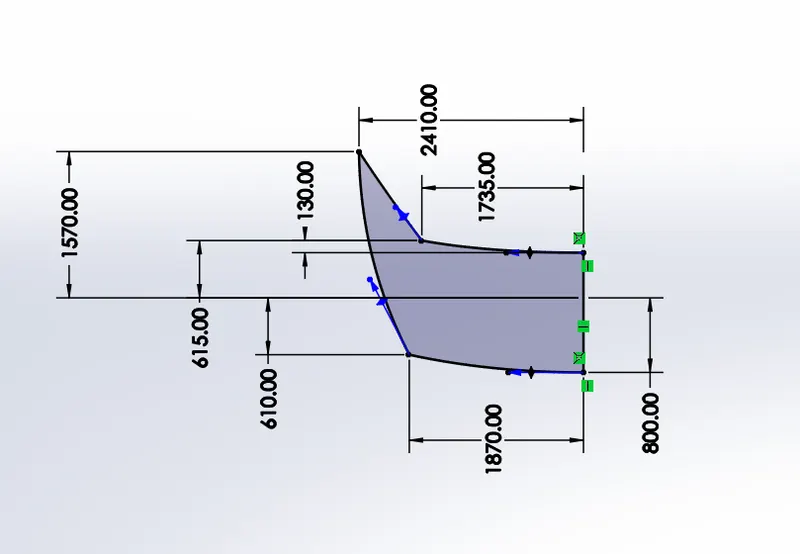
Sketch 1
view orientation
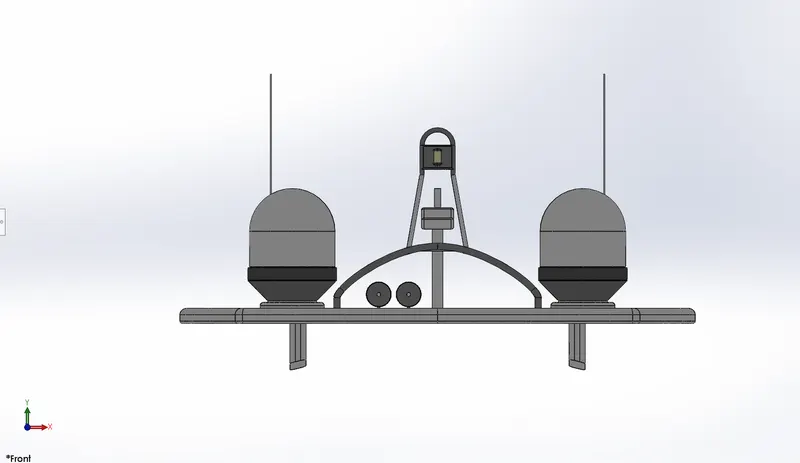
front view
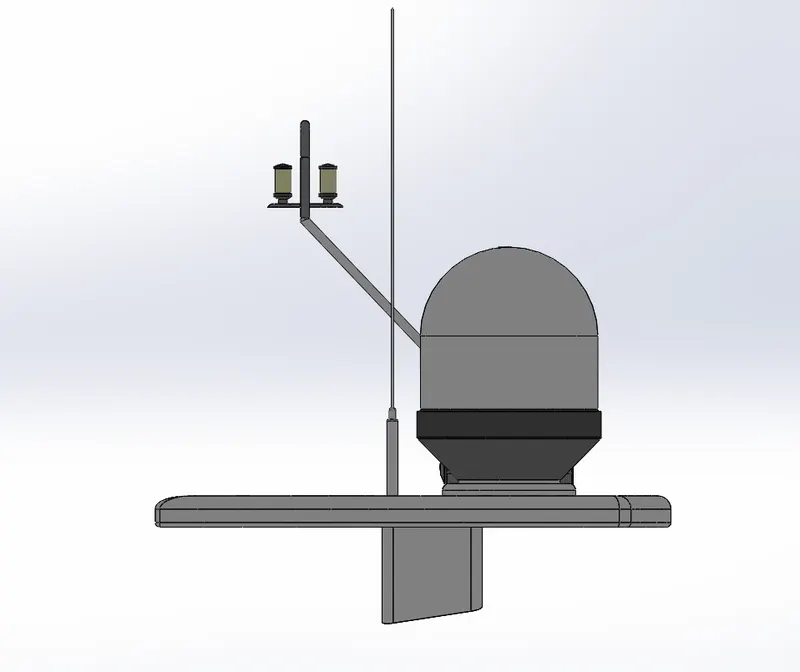
side view
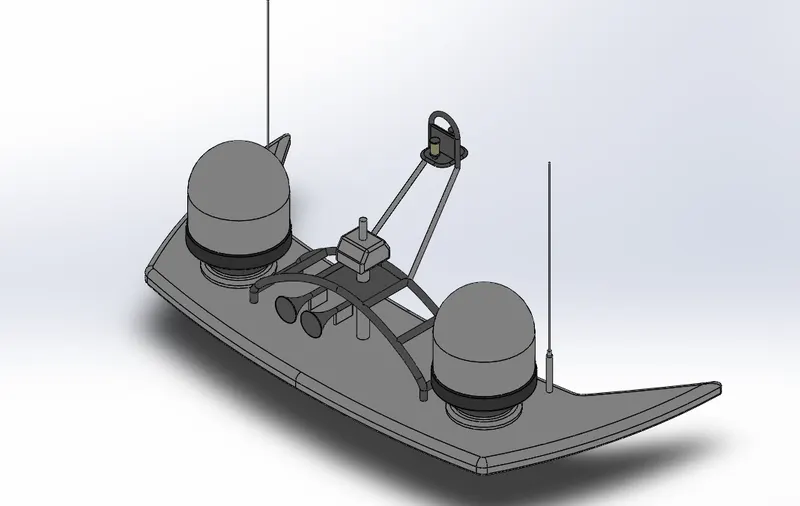
Isometric view
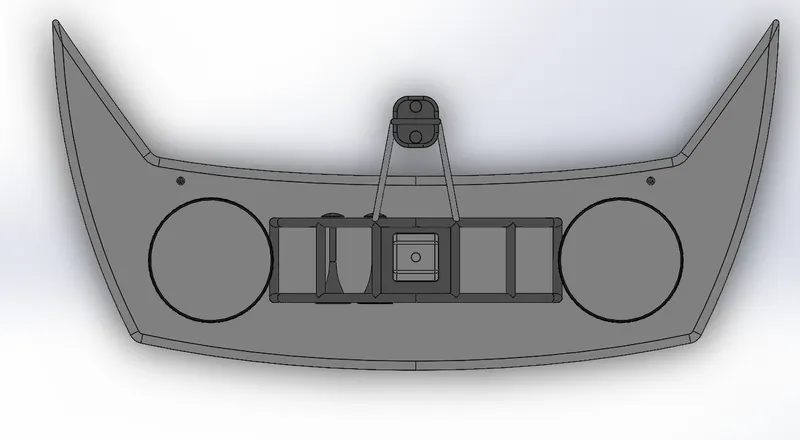
Top view
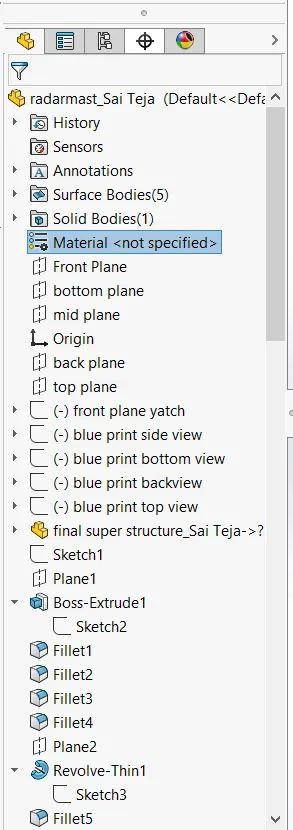
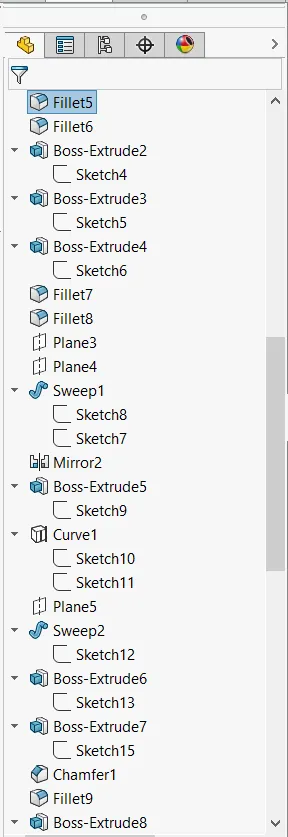
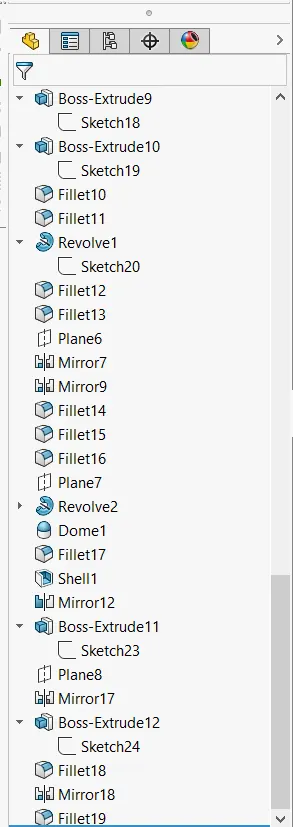
Tree feature
Render image in photo render 360
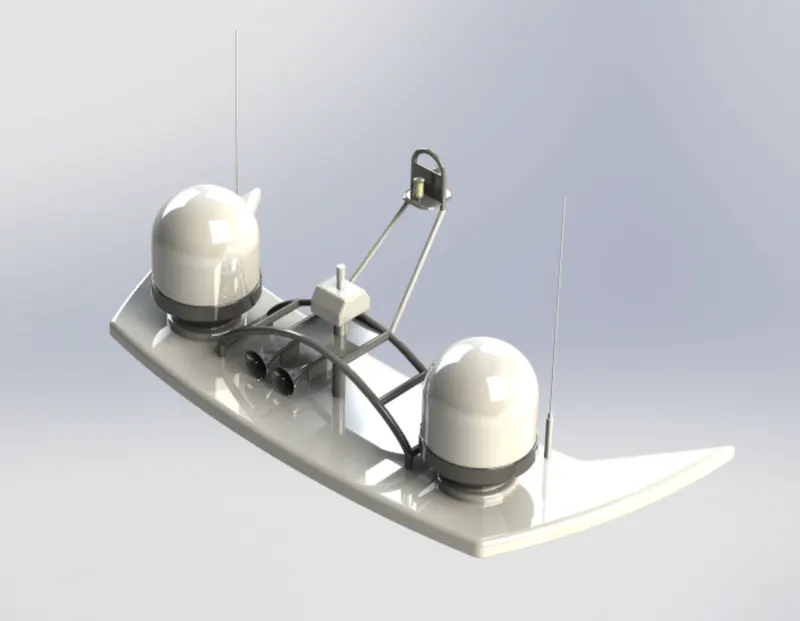
Yacht Assembly
Max Expected Number of hours required to design- 8hrs
DESIGN and rending of Yatch
Objective :
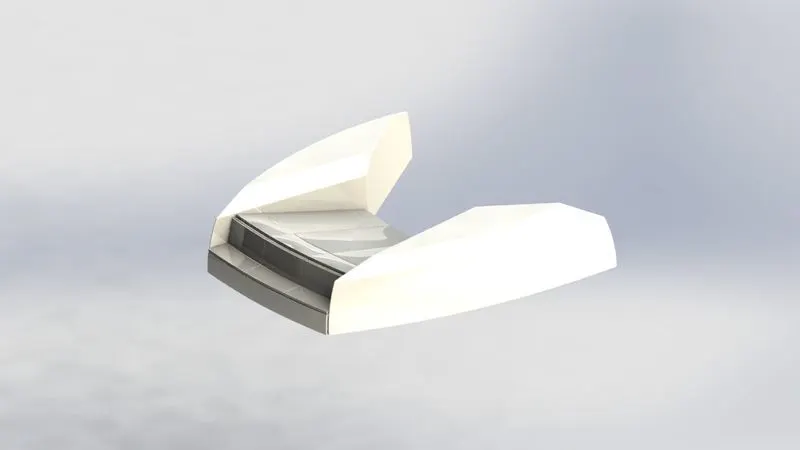
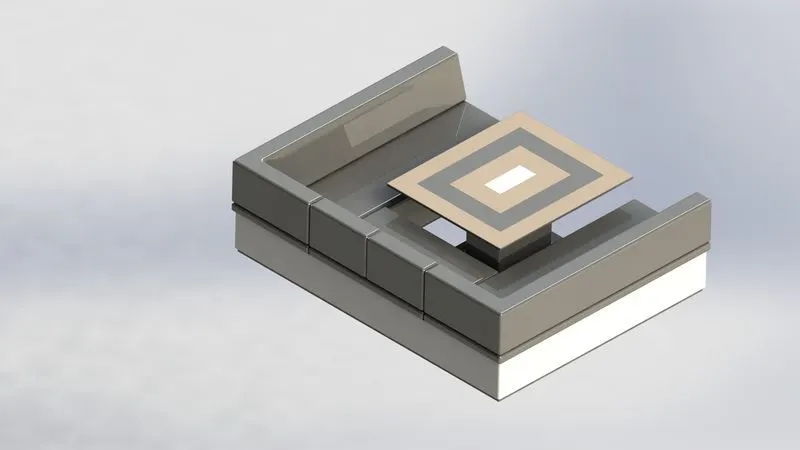
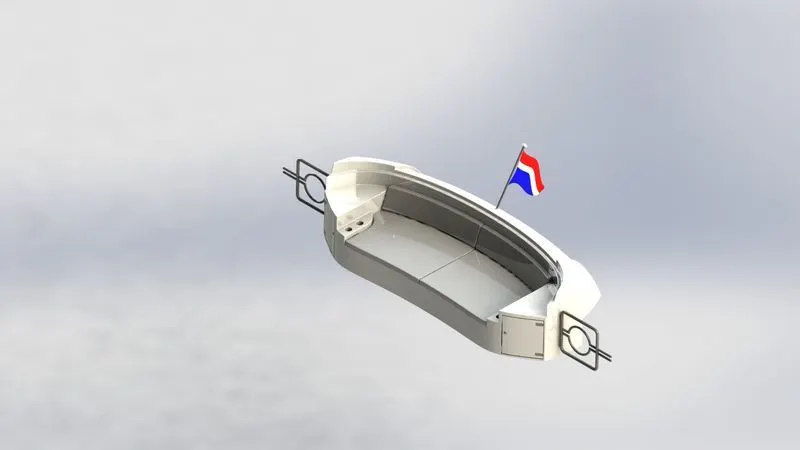
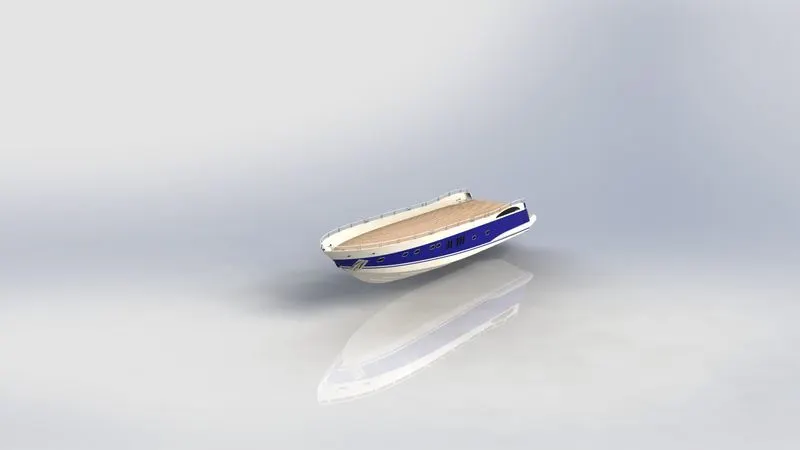
To designe individual components and assembling of Yatch, rendering the Yatch to make realistic view using photoview 360.The whole process is carried out in solidworks 2019 tool.
Introduction :
This project is demonstrated in soild works tool using part model then it is sent to assembly process to assembly each part in sequence to demonstrate a american chopper. this yatch is designed by using surface moduling commands.
Design methodology:
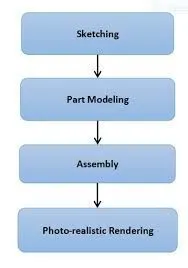
Sketching :
Parts to be designed
- Radar
- Radar mast
- Front seat
- Middle seat
- Rear seat
- Hull
- Superrstucture
- Garage door
- Propeller
Tools used in surface moduling in designing Yatch:
- Extude surface: You can create extruded surfaces from models that include 2D or 3D faces and knit the extruded surfaces to surrounding features.
- extended Surface: You can extend a surface by selecting an edge, multiple edges, or a face. Under Edges/Faces to Extend, select one or more edges or faces in the graphics area for Selected Face/Edges. For edges, the surface extends along the plane of the edge.
- Swept surface: Create planes for sketching the sweep profile, sweep path, and if necessary, the guide curves. If you are using guide curves, create coincident or pierce relations between the guide curves and the profile.
- lofted surface: loft Surfaces are surfaces generated by multiple 3D Curves or existing edges creating a smooth tangency between the selected curves. Match Points are created between each selection denoting the orientation and path of the loft surface.
- Boundary surface: The boundary surface feature lets you create surfaces that can be tangent or curvature continuous in both directions (all sides of the surface). In most cases, this delivers a higher quality result than the loft tool.
- Ruled surface: The Ruled Surface command creates surfaces that extend out in a specified direction from selected edges. Examples of how you can use ruled surfaces: Add tangent extensions to complex surfaces. Create drafted sidewalls.
- Filled Surface: The Filled Surface feature constructs a surface patch with any number of sides, within a boundary defined by existing model edges, sketches, or curves, including composite curves.
- Knit surface: Use the Knit Surface tool to combine two or more faces and surfaces into one.Create a solid body when the knit surfaces form a closed volume, or leave as a surface body.
- Delete surface: To delete the face on the plane or bodys
Tools used in solid moduling in designing Yatch:
- Extuded boss/base: You can extrude base features and other features using Extrude (2D to 3D toolbar) with partial sketches. Extruded Boss/Base on the Features toolbar accepts only complete sketches.
- Extuded cut:
- sweap boss: sweep is a tool that creates a solid, a cut or a surface feature by moving a profile along a path. To create a solid, use the Swept Boss tool to move a profile along a path.
- revolved boss/base: Revolved Boss or Base is a SolidWorks feature tool which is used to create solid 3D model around an axis.
- Fillets: Fillet/Round creates a rounded internal or external face on the part. You can fillet all edges of a face, selected sets of faces, selected edges, or edge loops.
- Chamfer: The chamfer tool creates a beveled feature on selected edges, faces, or a vertex. ... Set the Distance and Angle in the Chamfer PropertyManager or in the graphics area. A manipulator arrow appears that points in the direction in which the distance is measured.
- mirror: To reflect the 2d sketch or 3d body in different planes.
Parts designed in Yatch:
Radar
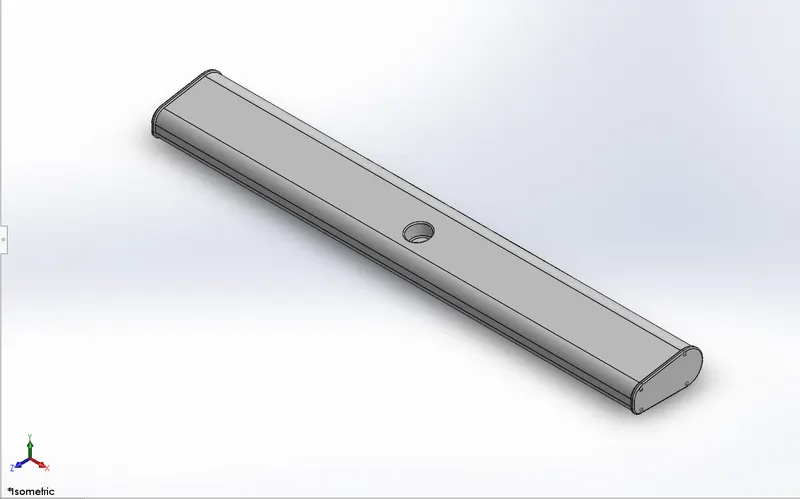
tools used :
- Boss Extude
- cut extrude
- Fillets
- sketch pattern
- Mirror
- split line
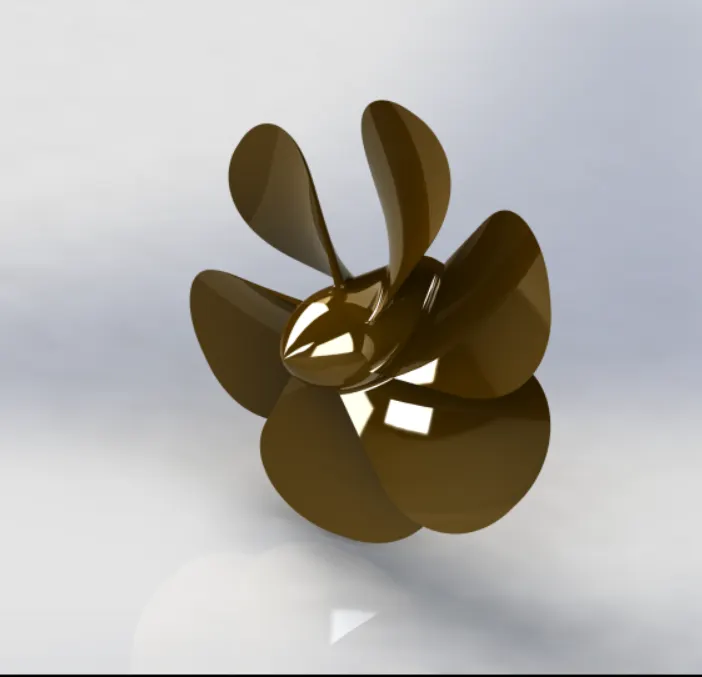
Propeller:
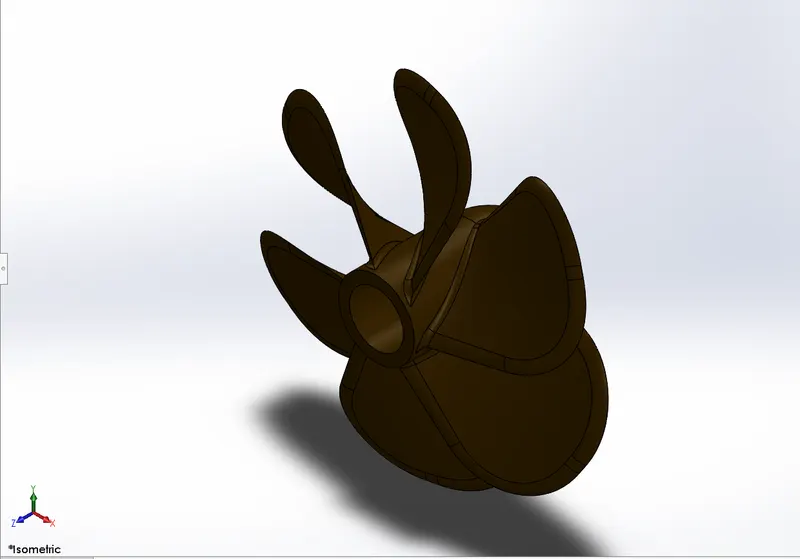
Tools used in solid moduling in designing Yatch:
- Revolve
- loft
- fillet
- extude cut
- circular patter
Hull:
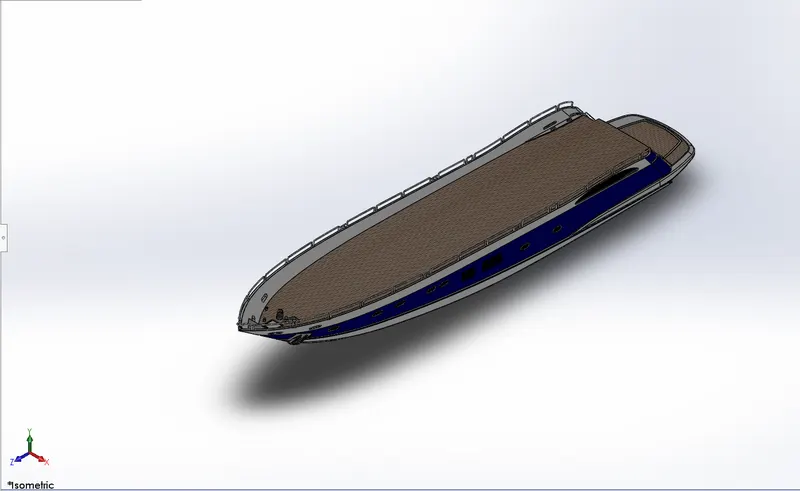
Tools used in surface moduling in designing Yatch:
- extend surface
- extude surface
- surface offset
- Ruled surface
- surface trim
- surface knit
Tools used in solid moduling in designing Yatch:
- extrude boss/base
- extrude cut
- fillet
- chamfer
- sweep
- mirror
- split lines
- delete faces
- linear patten
- shell
Super structure:
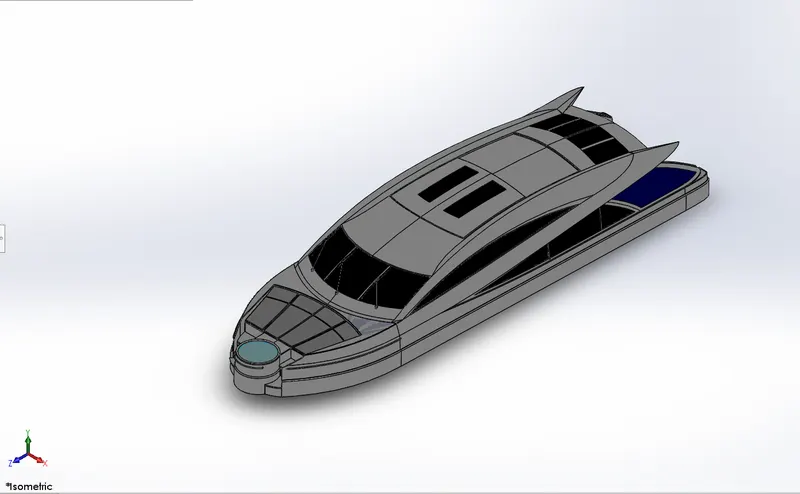
Tools used in surface moduling in designing Yatch:
Surface extrude
- Ruled surface
- surface loft
- surface sweep
- surface trim
- surface knit
- extended surface
Tools used in solid moduling in designing Yatch:
- curve
- boss extude
- cut extude
- chamfer
- delete faces
- surface offset
- thickness
- dome
- sweep
- mirror
Garage door:
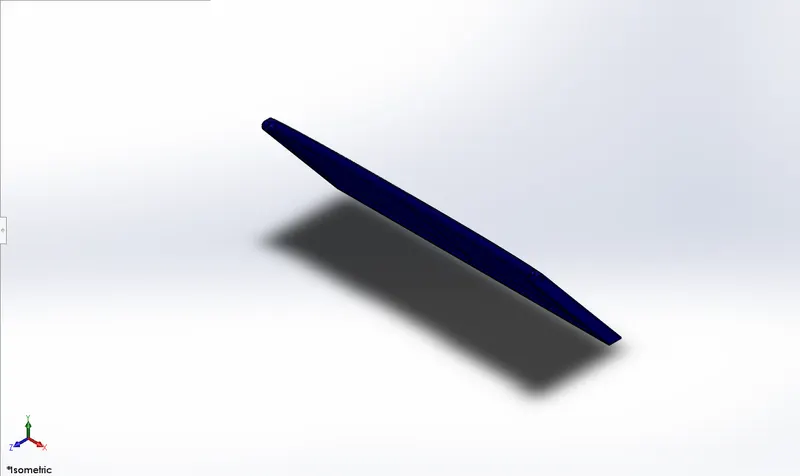
Tools used in solid moduling in designing Yatch:
- Cut extrude
- shell
- fillet
- mirror
Front seat:
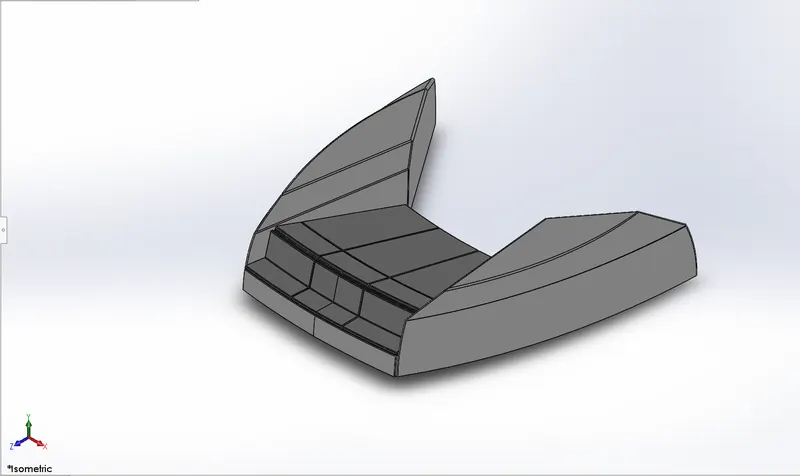
Tools used in surface moduling in designing Yatch:
- Surface sweep
- surface extrude
- surface trim
- surface fill
Tools used in solid moduling in designing Yatch:
- revolve
- boss extrude
- cut extrude
- chamfer
- fillet
- dome
- mirror
Middle seat:
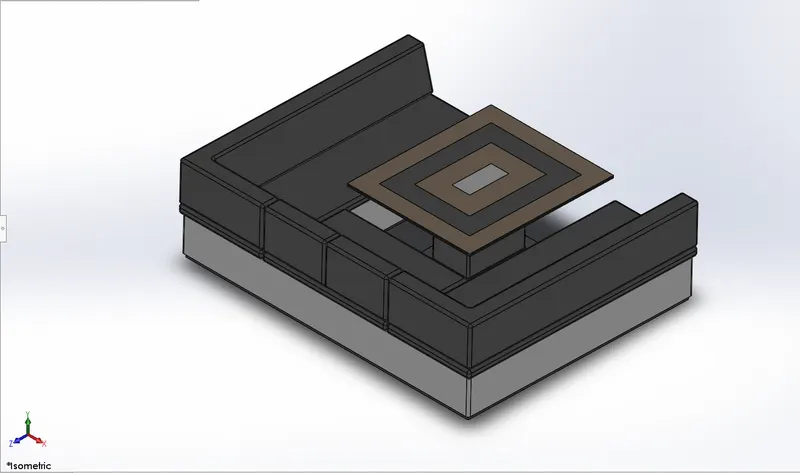
Tools used in solid moduling in designing Yatch:
- Boss extrude
- chamfe
- fillet
- mirror
Rear seat:
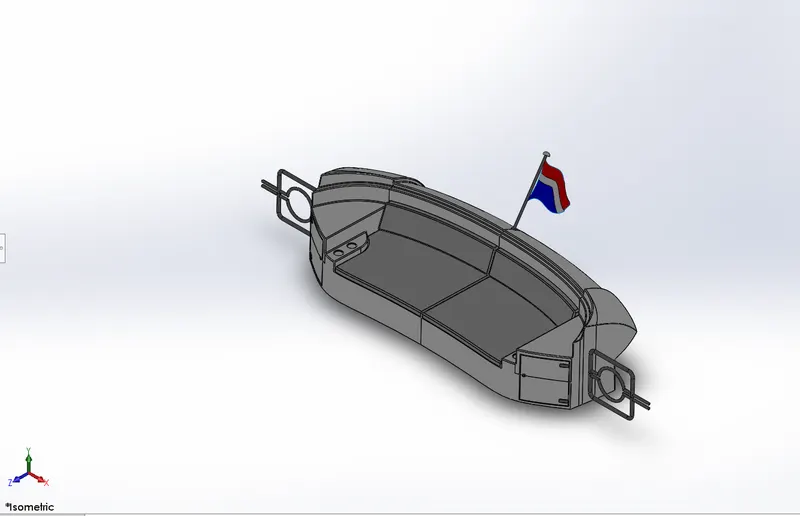
Tools used in solid moduling in designing Yatch:
- boss extend
- surface offset
- boss extude
- cut extude
- chamfer
- fillet
- sweep
- mirror
Tools used in surface moduling in designing Yatch:
- Surface Sweep
- surface extude
- surface trim
- surface knit
- surface loft
- suface extrude
Radar must:
Tools used in solid moduling in designing Yatch:
- Boss extude
- revolve
- fillet
- cut extrude
- sweep
- curve
- shell
- mirror
- combine
ASSEMBLY:
Render in photo 360
Conclusion:
This with this tool yatch is moduled and renderd , and i have a brief knowledge how to do surface module , solid moduling, and also Rendering using photo 360. this knowldge will be very beneficial in the field of product develpment field or desiging field.