Analysis & Design of RCC shear walls in the model using ETABS
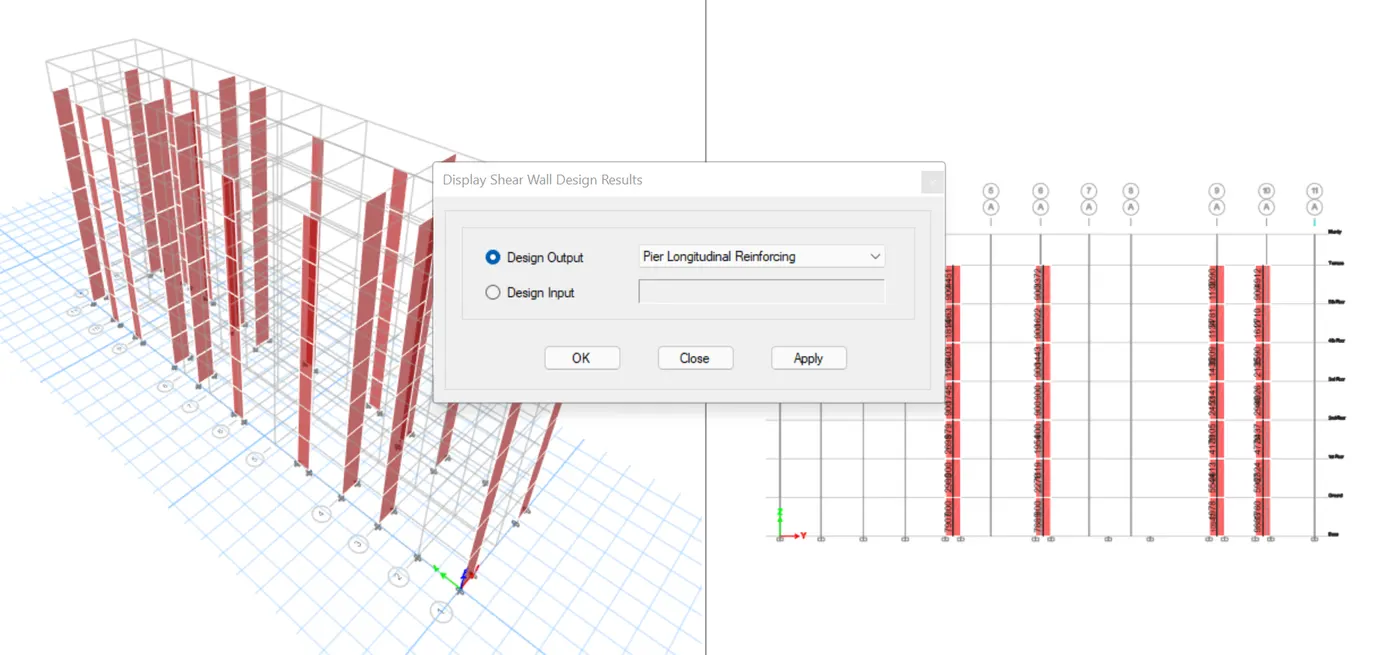
The etabs file for a G+6 building is provided. Run the analysis and design the RCC shear walls (show in the etabs model). The following challenge deals specifically with the shear wall of size 300x1500 at grid A-11 in the structural model.
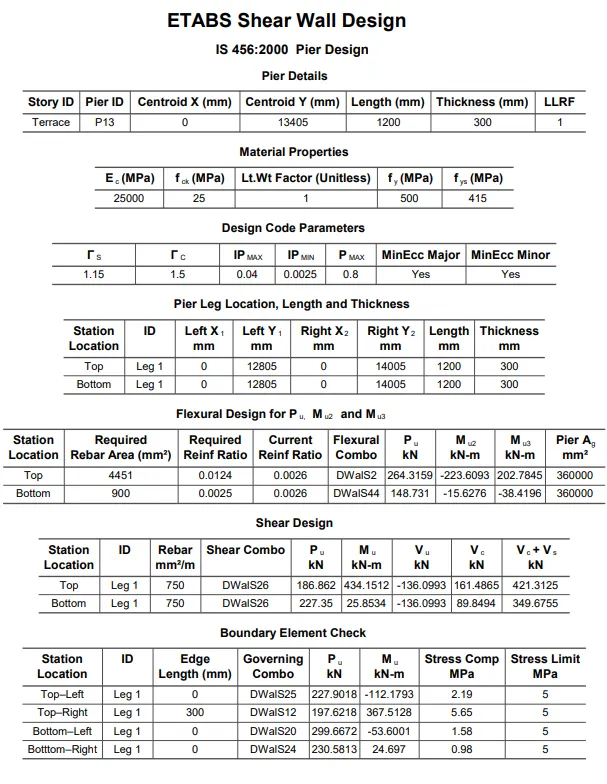
- Extract values of longitudinal steel ratio, boundary element length and shear reinforcing ratio from the design results.
- Provide cross sectional steel arrangement of the shear wall from its base up to terrace, in compliance with provisions of IS 13920 – 2016. AutoCAD application can be used for this exercise. Alternatively, it can be drawn by hand as well.
- Provide elevation drawings of the reinforcement details of the shear wall from base up to terrace.
Ans:
Step-1: Open the ETABS file after the analysis click Concrete frame design
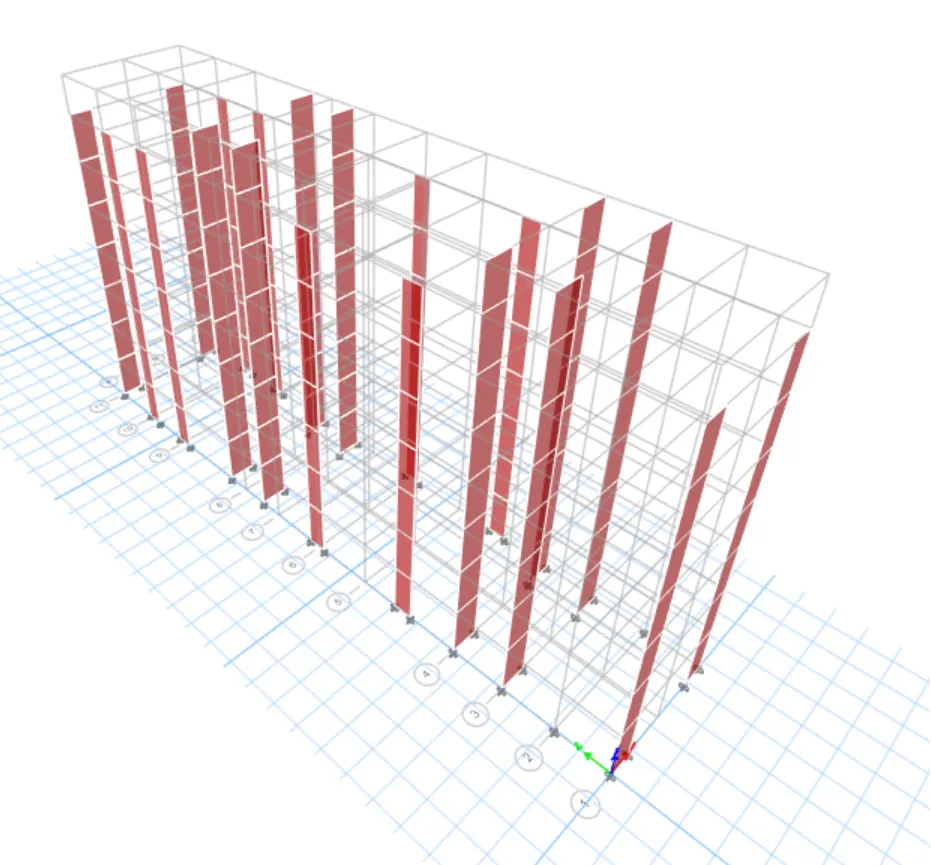
Step-2: Need to check there is any failures occurs and click Shear wall design tool
Step-3: select Display info and choose PM failure
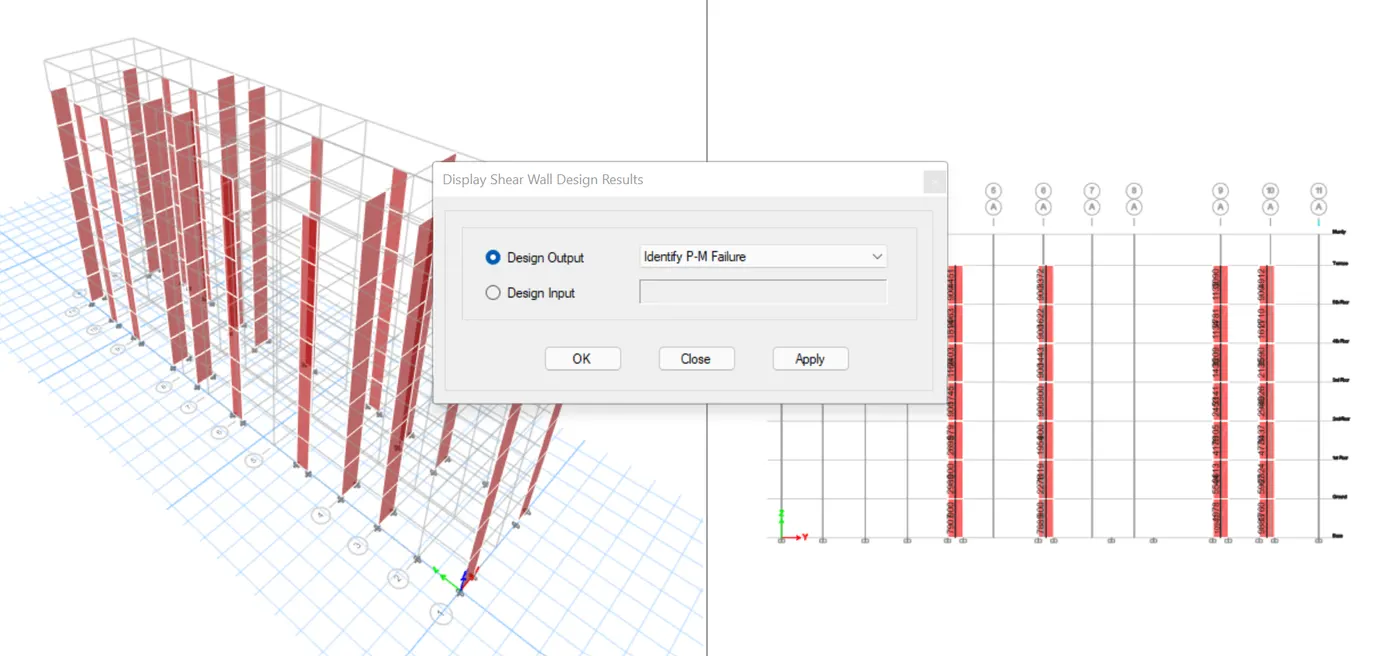
Step-4: Click any wall and check the details here there is no failure occurs all the values of reinforcement ratio is within 4%
Step-5: Shear Reinforcing
- Go to concrete frame design
- Click Display design info
- Choose Shear reinforcing
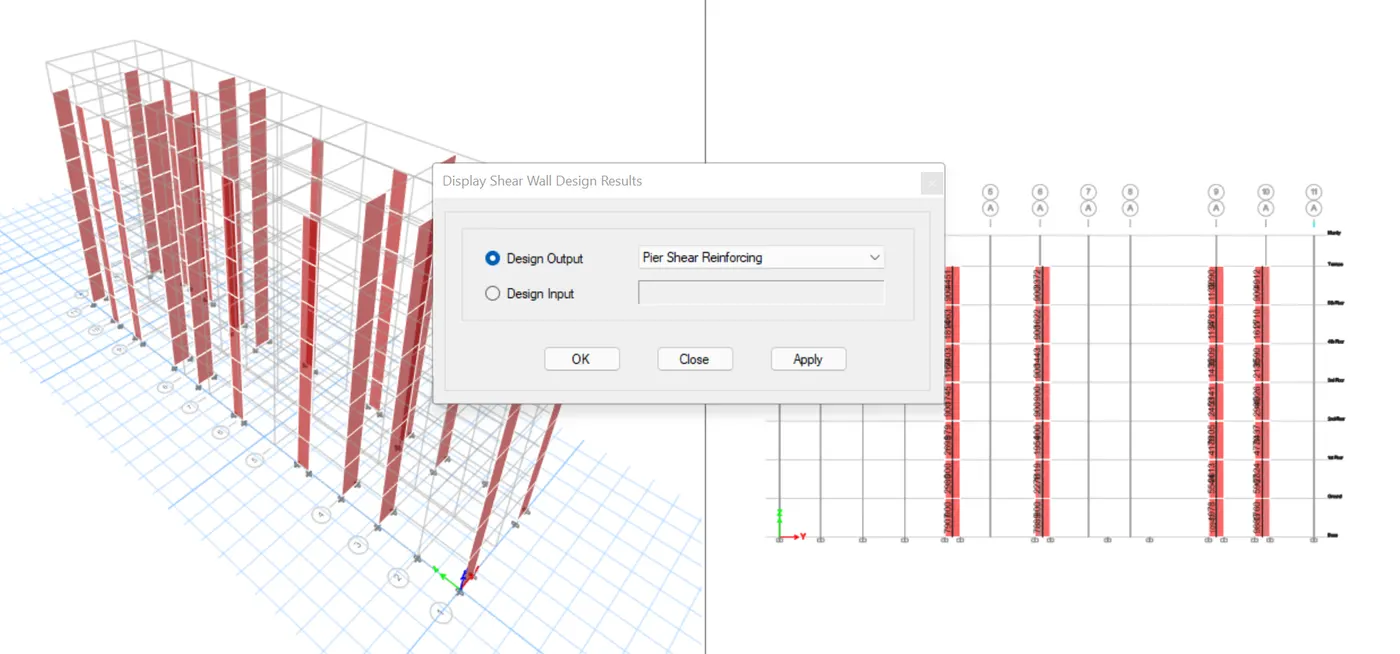
Step-6: Boundary element width
- Go to concrete frame design
- Click Display design info
- Choose Pier edge or boundary zone width
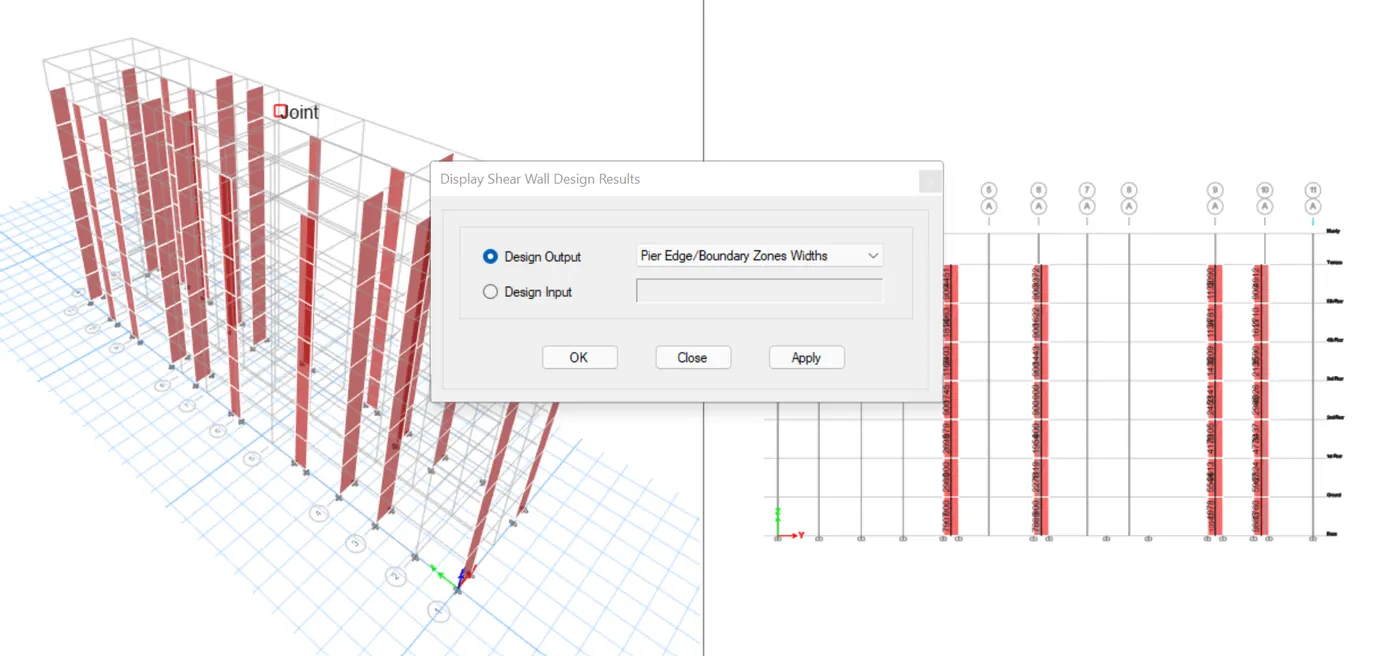
Step-7: Longitudinal Reinforcement:
- Go to concrete frame design
- Click Display design info
- Choose Pier longitudinal reinforcing