Advanced Sheet Metal Design Using NX Cad Challenge_5_Odd Shaped Enclosure
NX_Odd_Enclosure_Abhishek-Sonawale.
Introduction:
This is Sheet Metal Design create in Siemens NX 11.0. In this design various tools are used to design this sheet metal like Sheet metal from Solid, Flange, Jog and other commands.
In NX Sheet Metal is most command is friendly with other software. Casing Design is model of sheet metal.
Design Methodology:
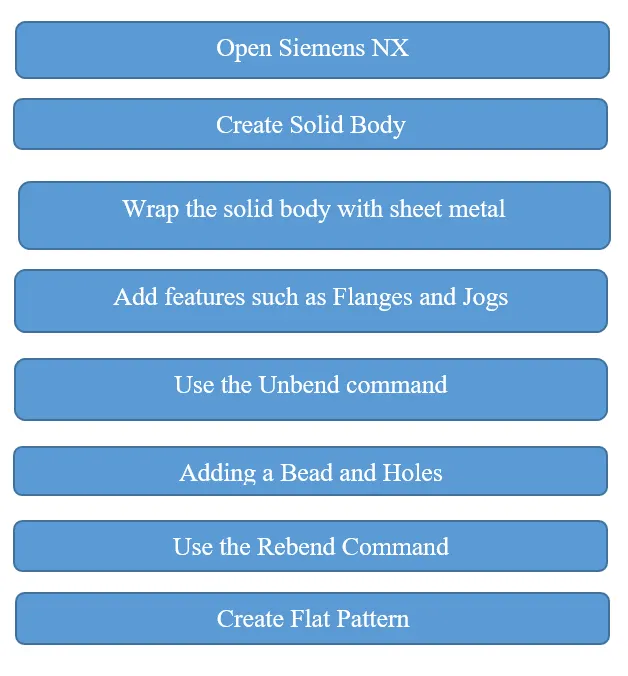
- Description:
- Open Siemens NX:
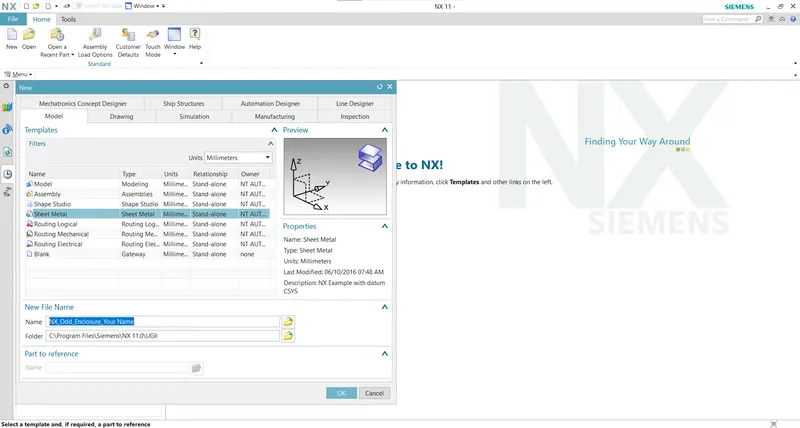
Firstly, open Siemens NX, Select New File (Ctrl + N) then select Modeling Sheet Metal.
Then go to Application and select Modeling.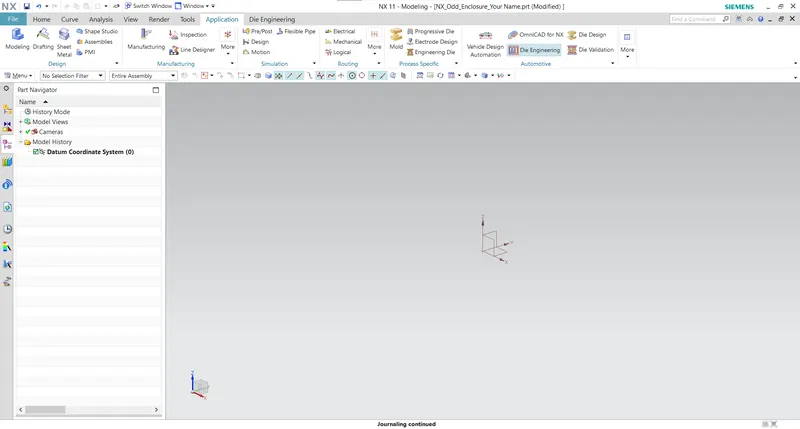
- Create Solid Body:
First select the Sketch Mode and Draw the Sketch on the Plane.
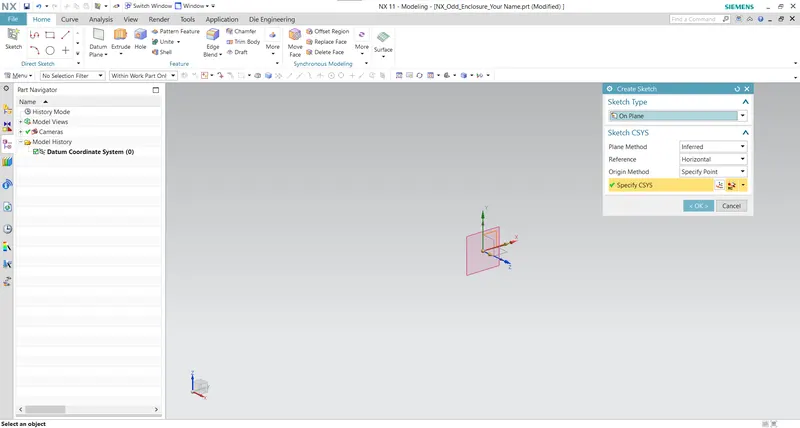
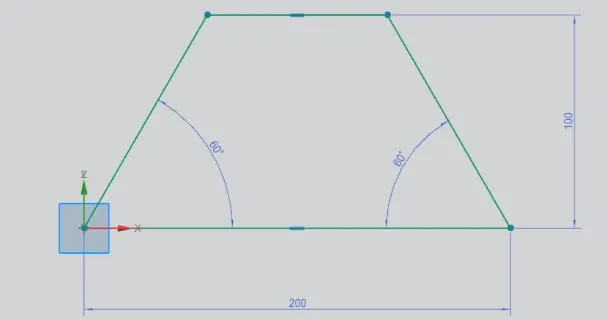
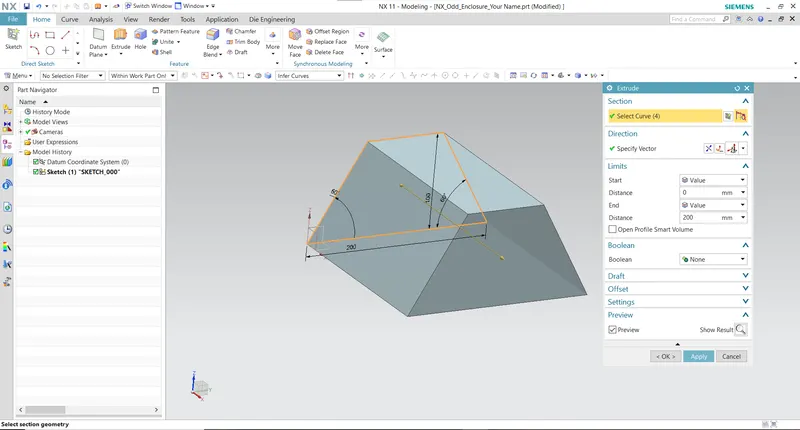
Exit the Sketch mode and Extrude 200mm.
- Wrap the solid body with sheet metal:
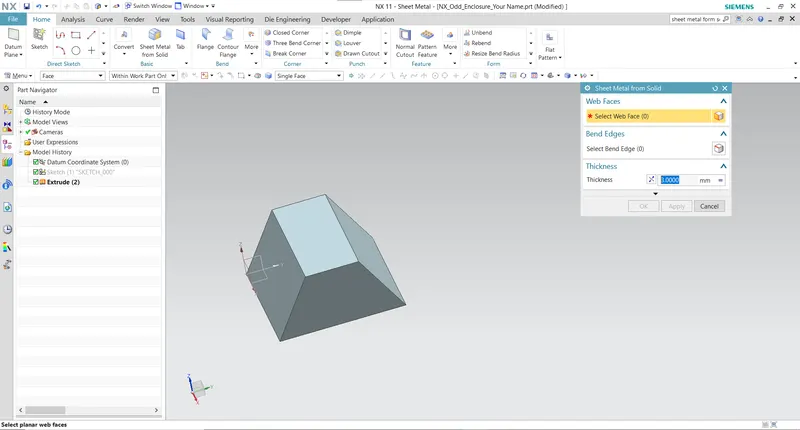
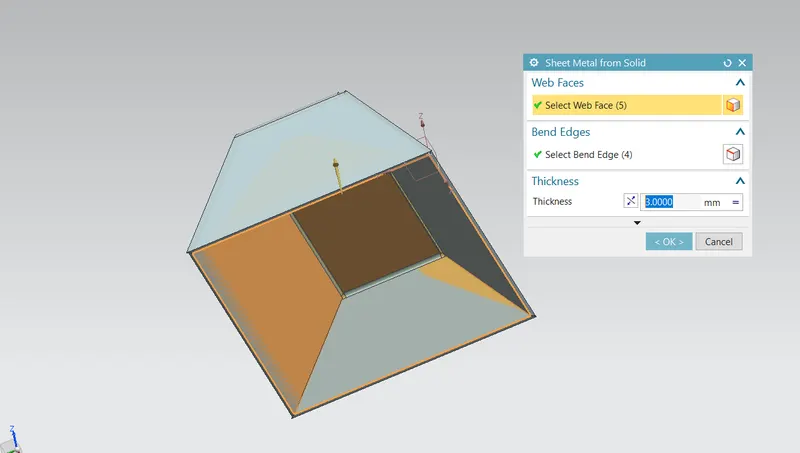
Firstly, go to the Application then Select the Sheet Metal. In sheet metal there command in Ribbon (Home) "Sheet Metal from Solid", click on that icon.
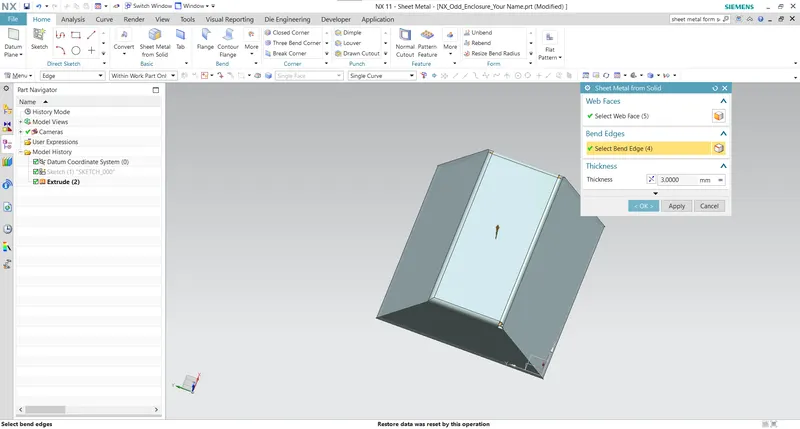
Select the Web face and Bend face. Click on OK button And see the Resuit
- Add features such as Flanges and Jogs:
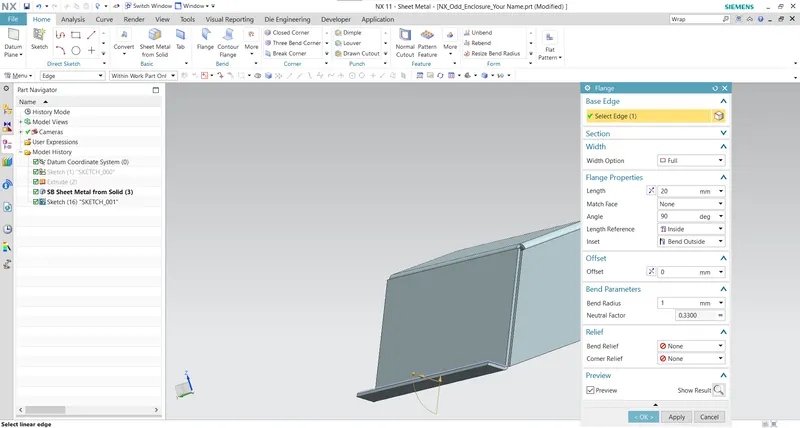
Add the Flange by using Flange command.
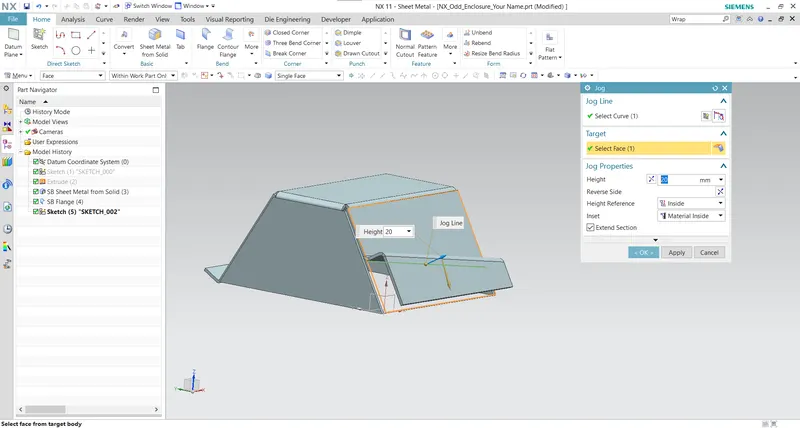
Adding the Jog
- Use the Unbend command:
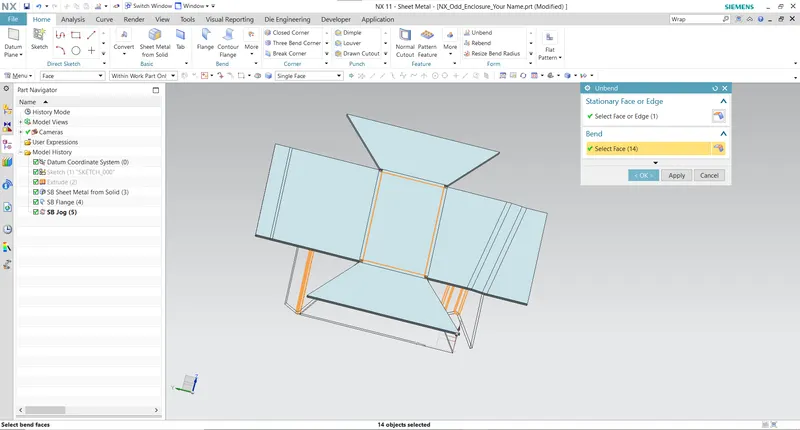
After that click on Unbend command. Select the Face and Bend, Click on the Ok button.
-
Adding a Bead and Holes:
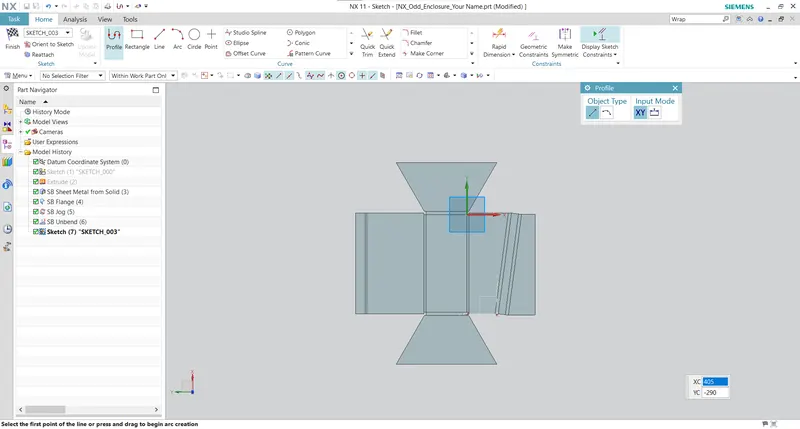
Click on sketch mode and select the Plane.Draw the sketch on plane and Exit the Sketch mode.
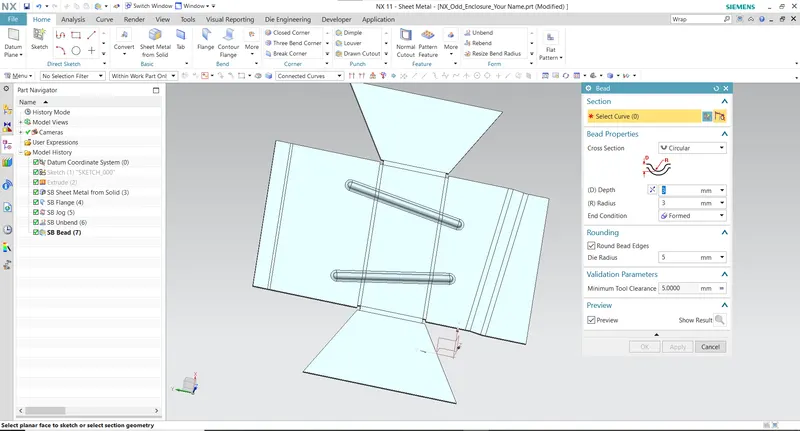
After that select the Bead command and Select the sketch ( Draw on Plane). In Bead dialog box, set the Depth and Radius in 3mm. Click on OK Button and see the result.
Adding Bead feature, after that click on More option and select the Hole command.
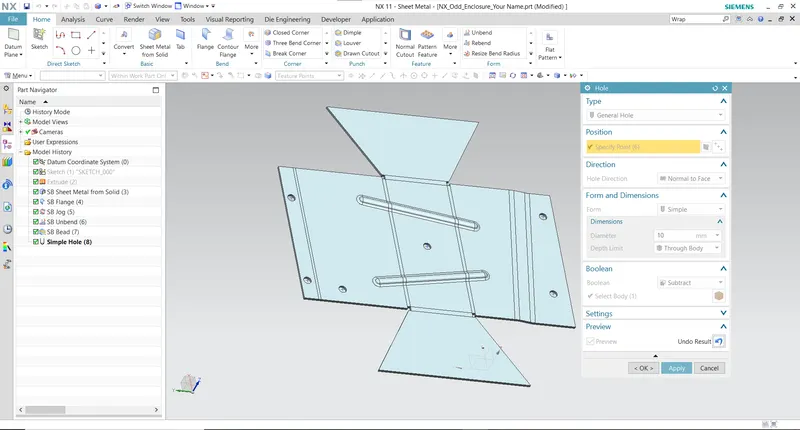
Click on OK button.
- Use the Rebend Command:
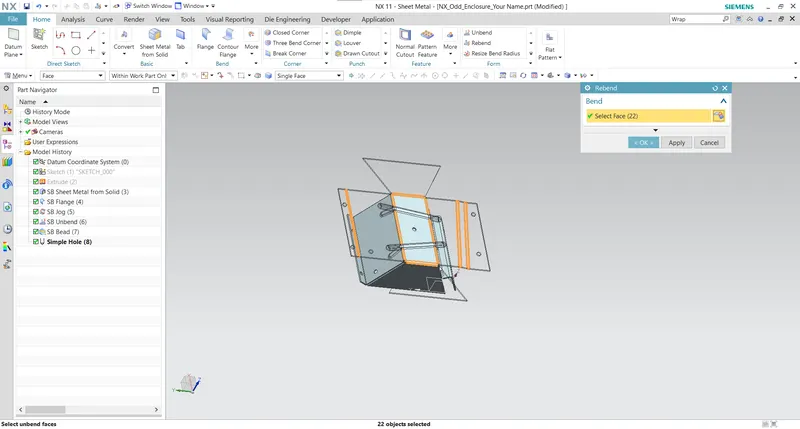
Rebend the metal sheet with help of Rebend command. In rebend command, select the horizontal face (which is used in unbend command) and select all bends. Click on OK button and see the metal sheet in previous shape (before unbend) with added features.
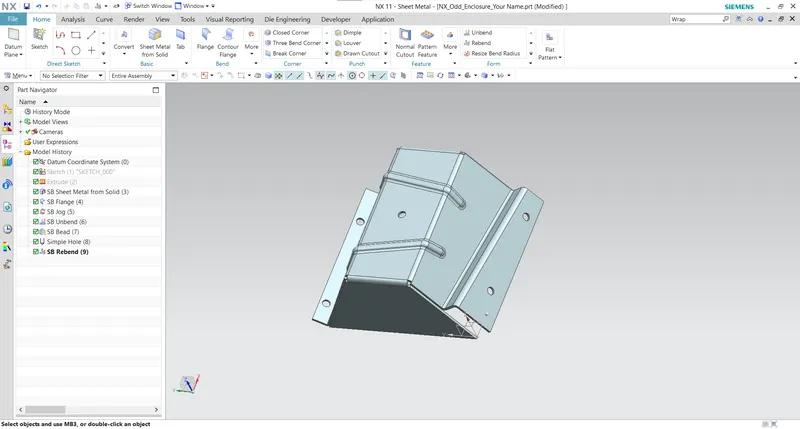
- Create Flat Pattern:
Select the Flat Pattern in Ribbon (Home). Select the Face and Edge to create Flat Pattern. Click on OK button. 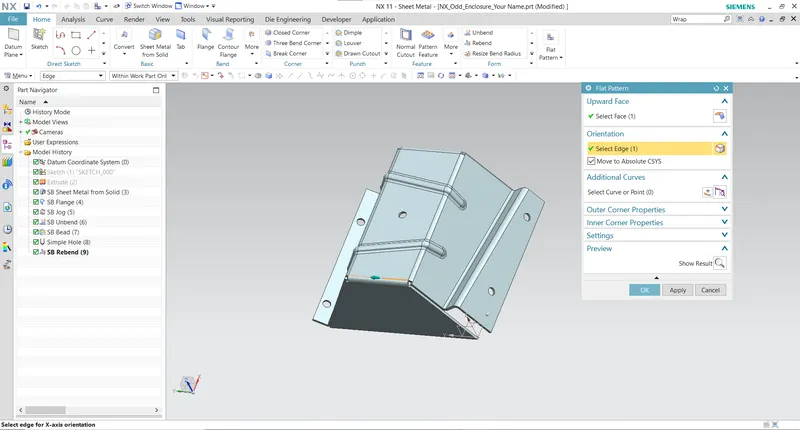
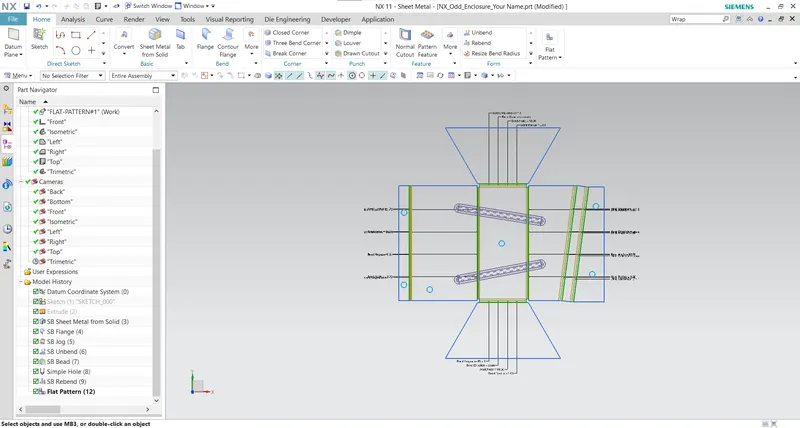
- Drafting:
For Drafting select the Drafting Option in Application.
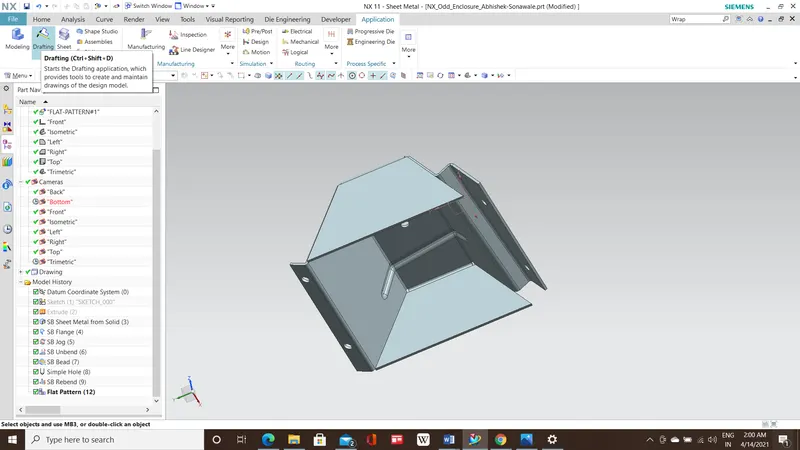
In the sheet dialog box, set the size of drawing sheet in A4 size.
After the creating sheet select the View Creation Wizard. In the View Creation Wizard, click on the orientation and select the flat pattern.
Set the scale 1:2 in the option.
We will get drawing after the clicking OK.
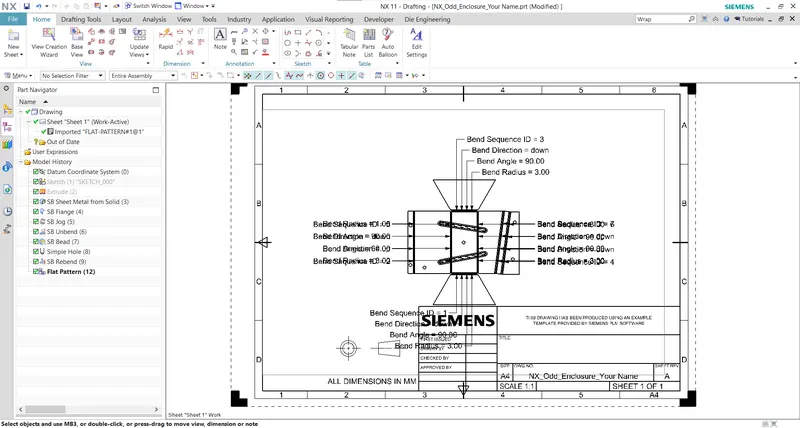
Delete the all text added in the sheet.
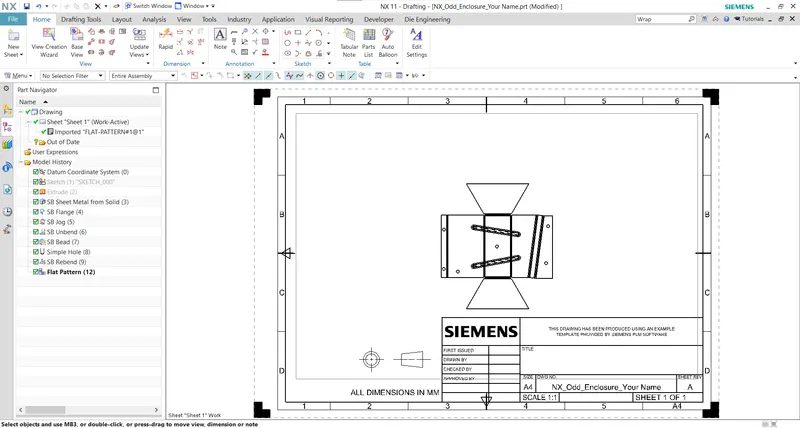
- Views:
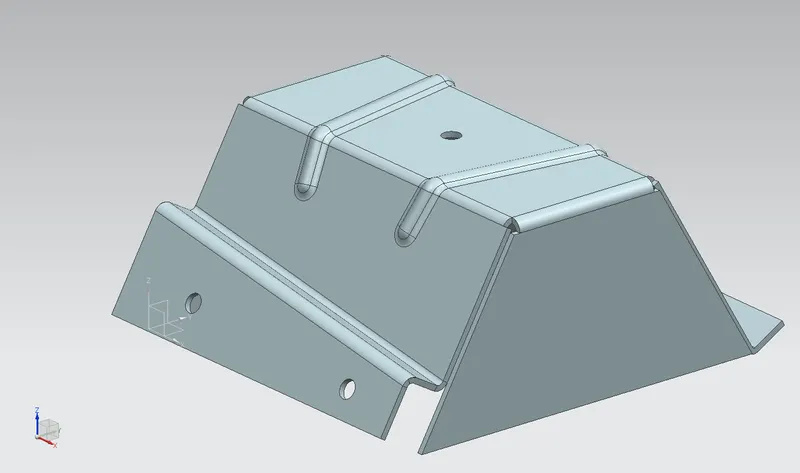
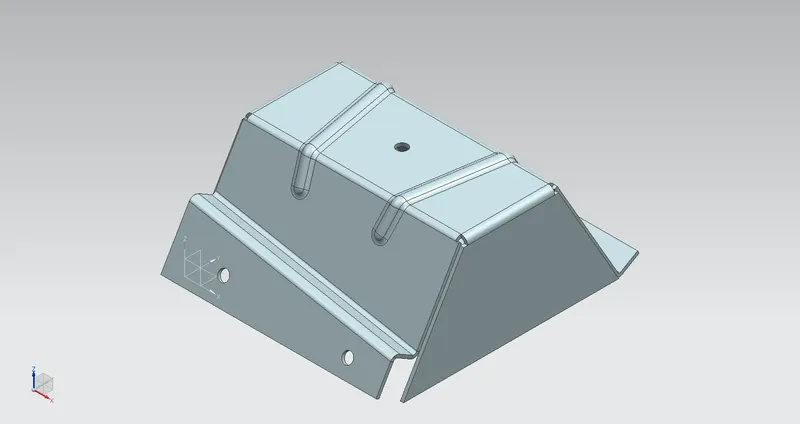
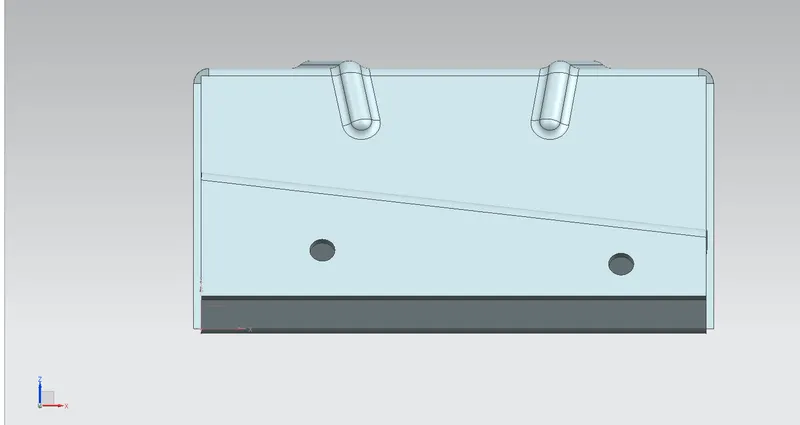
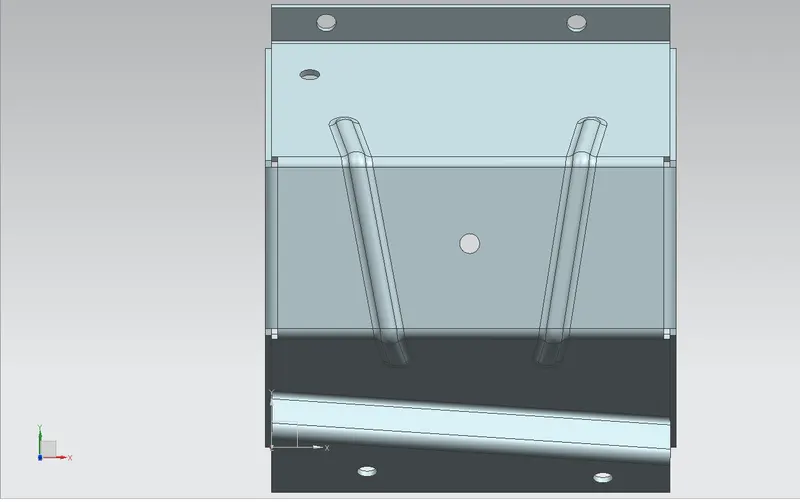
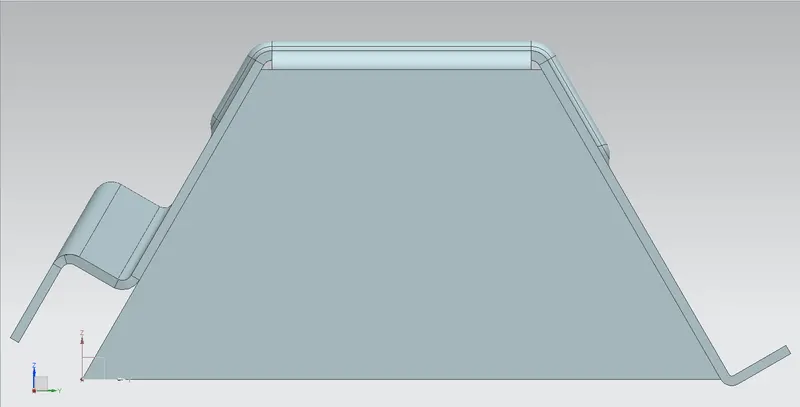
- Drawing Sheet:
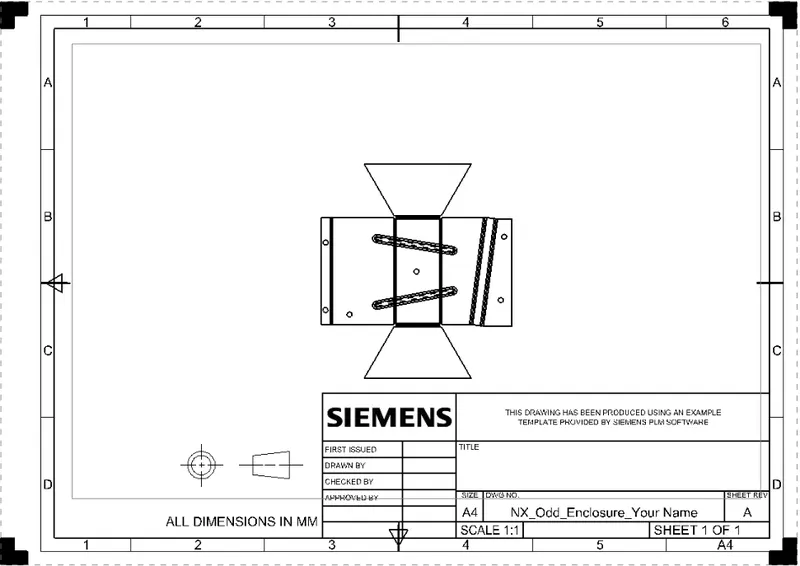
- Conclusion:
All the various commands. We get the Final Model and the Drawing Sheet.