Advanced Sheet Metal Design Using NX Cad Challenge_7_ Metal bracket-II
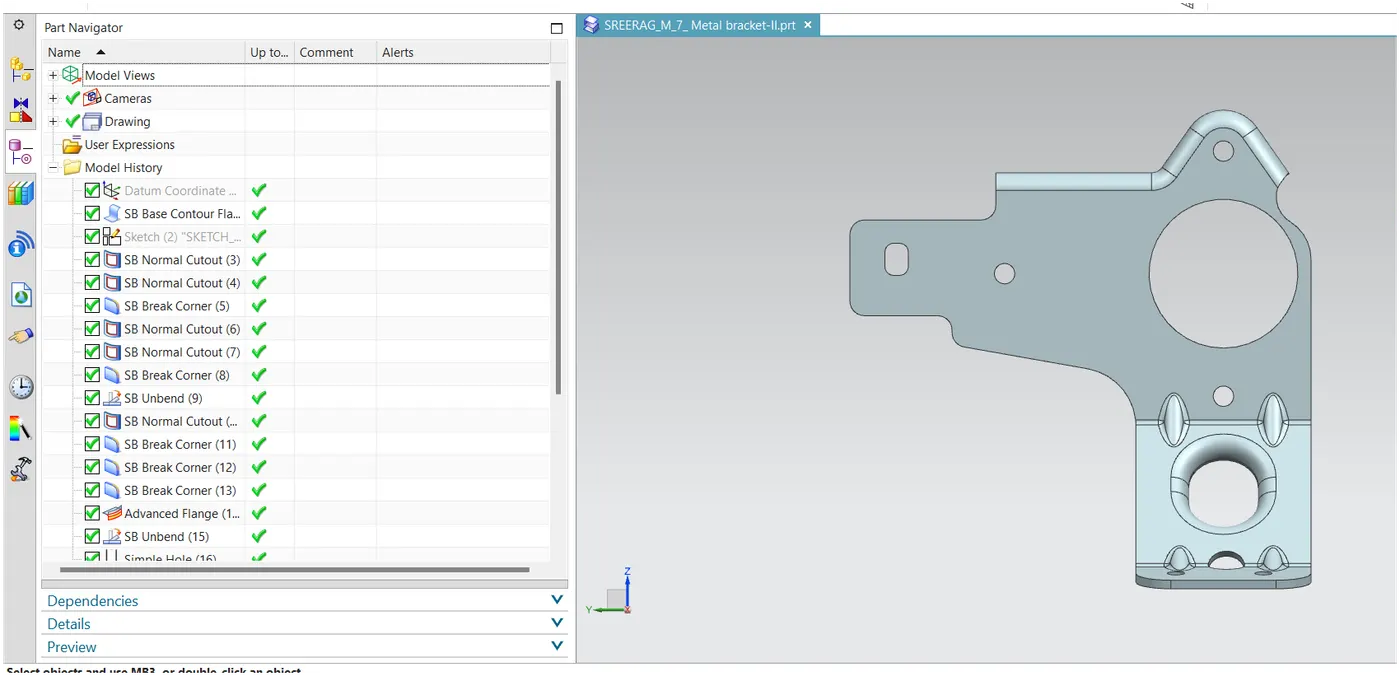
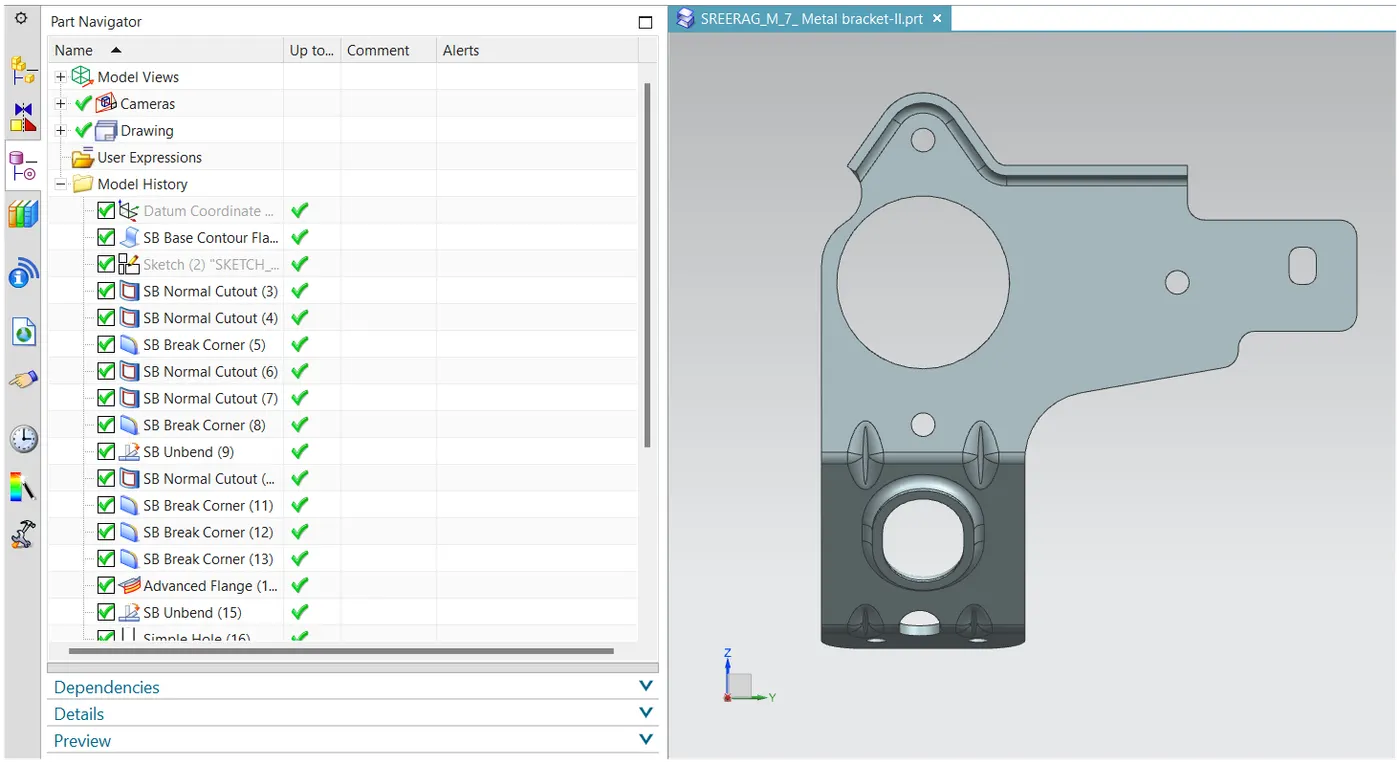
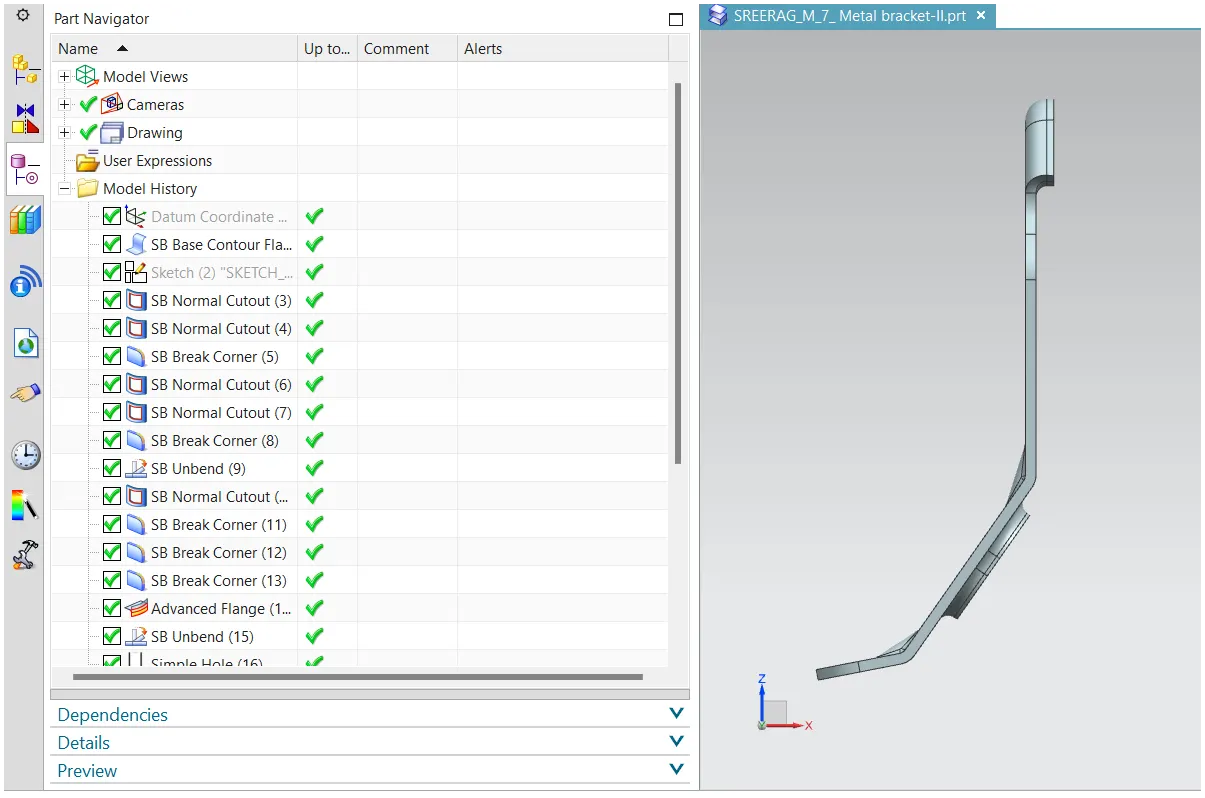
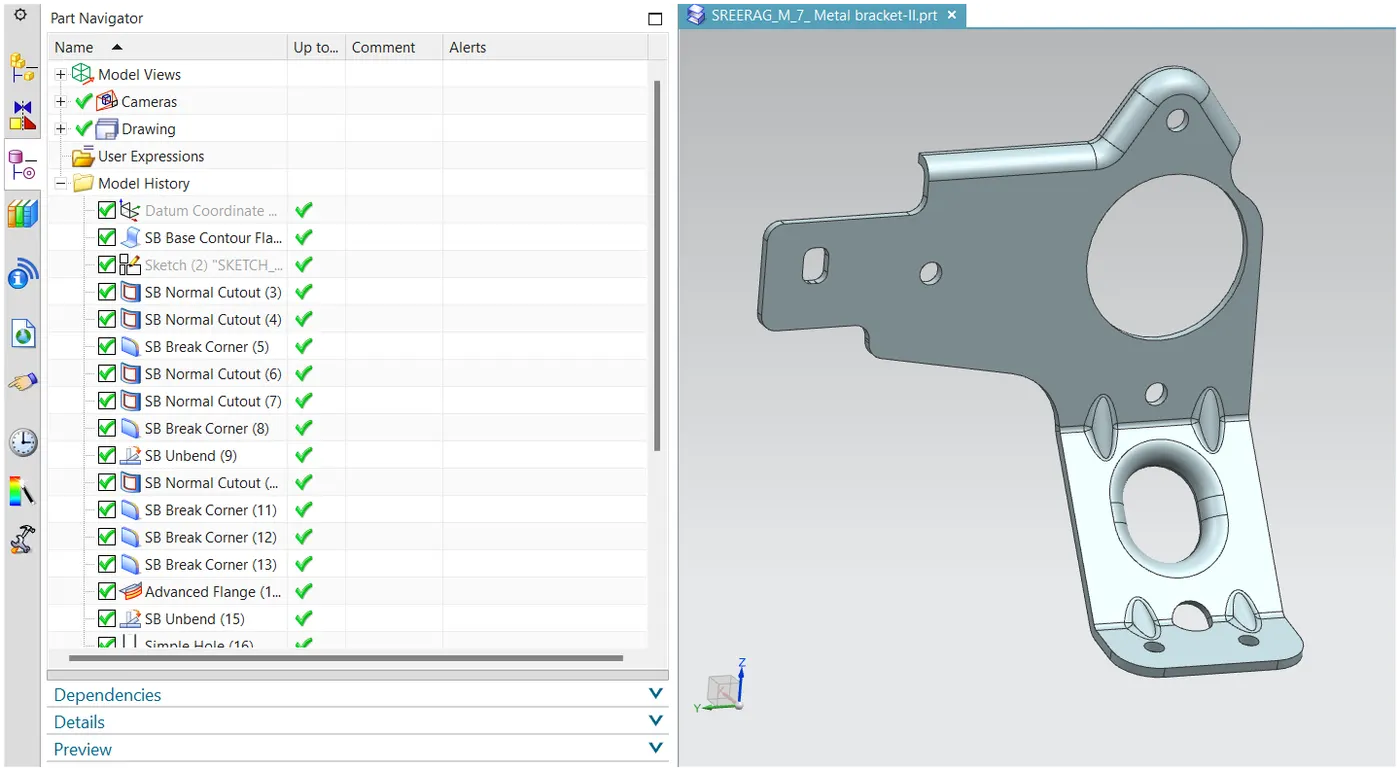
Title of the Project: Designing an L-Shaped Bracket with Gusset using Siemens NX Sheet Metal Application
Objective: The primary objective of this project is to provide a step-by-step guide on creating an L-shaped bracket with a gusset based on a given 2D drawing using Siemens NX Sheet Metal Application. The project aims to comprehensively understand sheet metal design principles and tools.
Introduction: A bracket serves as an intermediary component for affixing one part to another, providing support. This project focuses on designing an L-shaped bracket with a gusset, considering factors such as load capabilities, ease of manufacturing, and overall strength considerations.
Design Methodology / Approach:
Sketching:
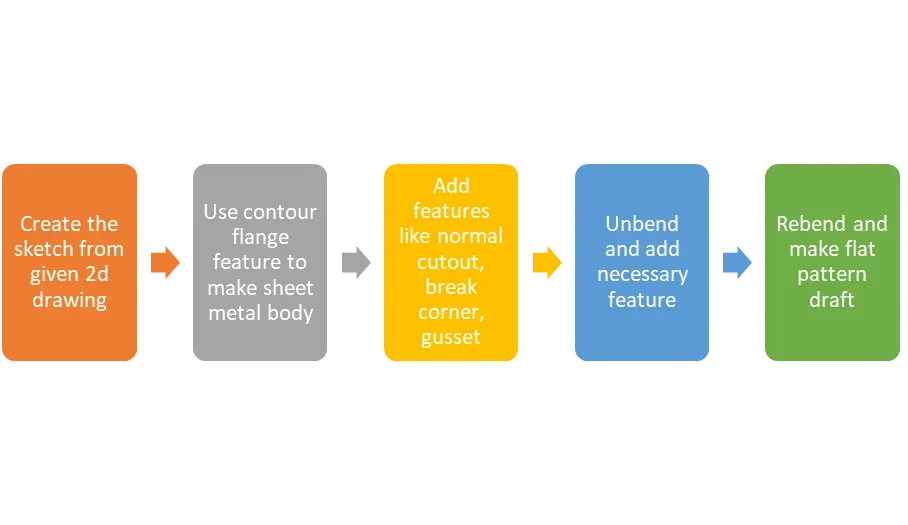
Initiate the design by sketching the bracket profile on the XZ plane with a width of 158mm.
Normal Cut-Out:
Utilize the normal cut-out feature to remove unwanted material based on the 2D drawing.
Break Corners:
Apply break corners to achieve smooth curves at the corners, aligning with the 2D drawing.
Unbend and Cut Shapes:
Unbend the model and cut out the necessary shapes following the 2D drawing.
Rebend:
Revert the model to its original form using the rebend command.
Advanced Flange:
Apply advanced flange to the upper edge with a flange length of 5mm.
Holes and Advanced Flange:
Unbend the model again and add holes at the bottom as per the drawing.
Use normal cut-out and advanced flange on the same sketch for additional features.
Gusset Feature:
Apply the gusset feature to strengthen the sheet metal at specific bends, as indicated in the drawing.
Flat Pattern:
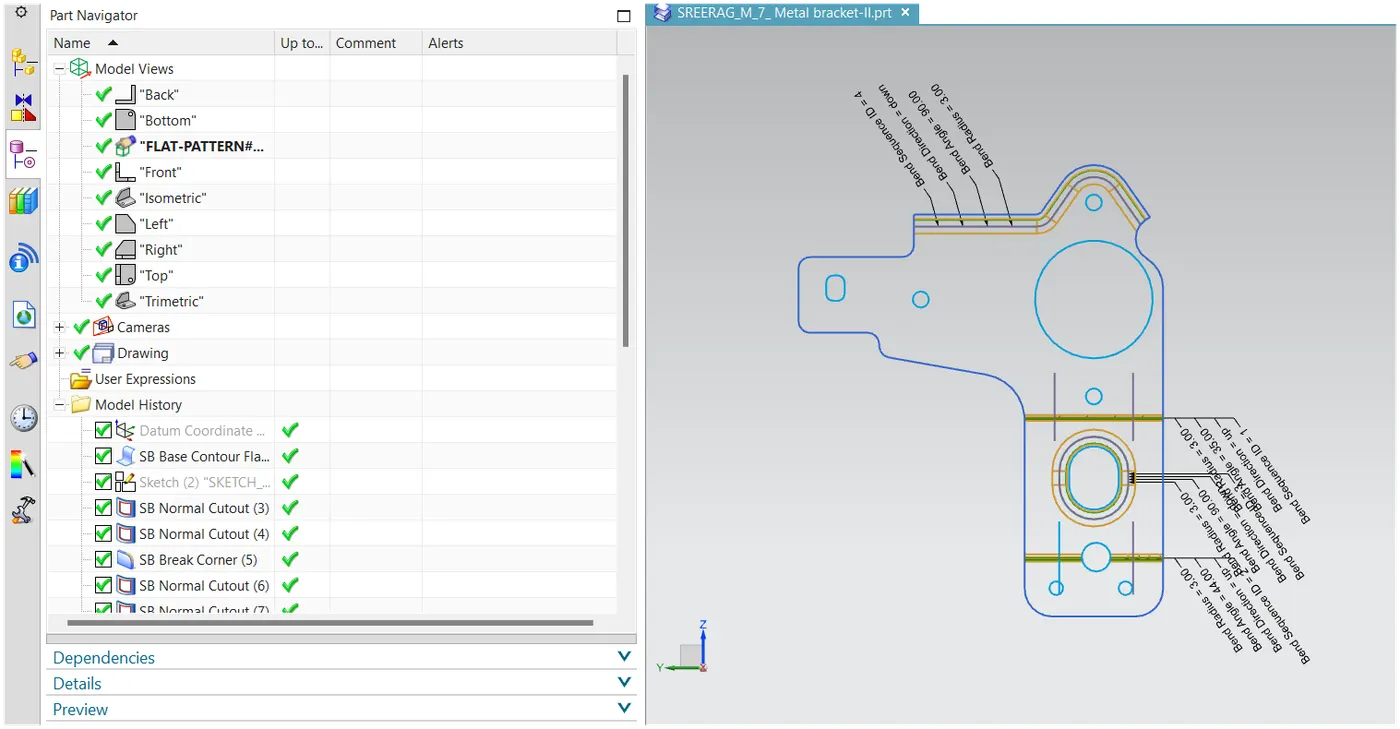
Utilize the flat pattern command to represent the entire component in a 2D format, capturing all features and dimensions.
Drafting:
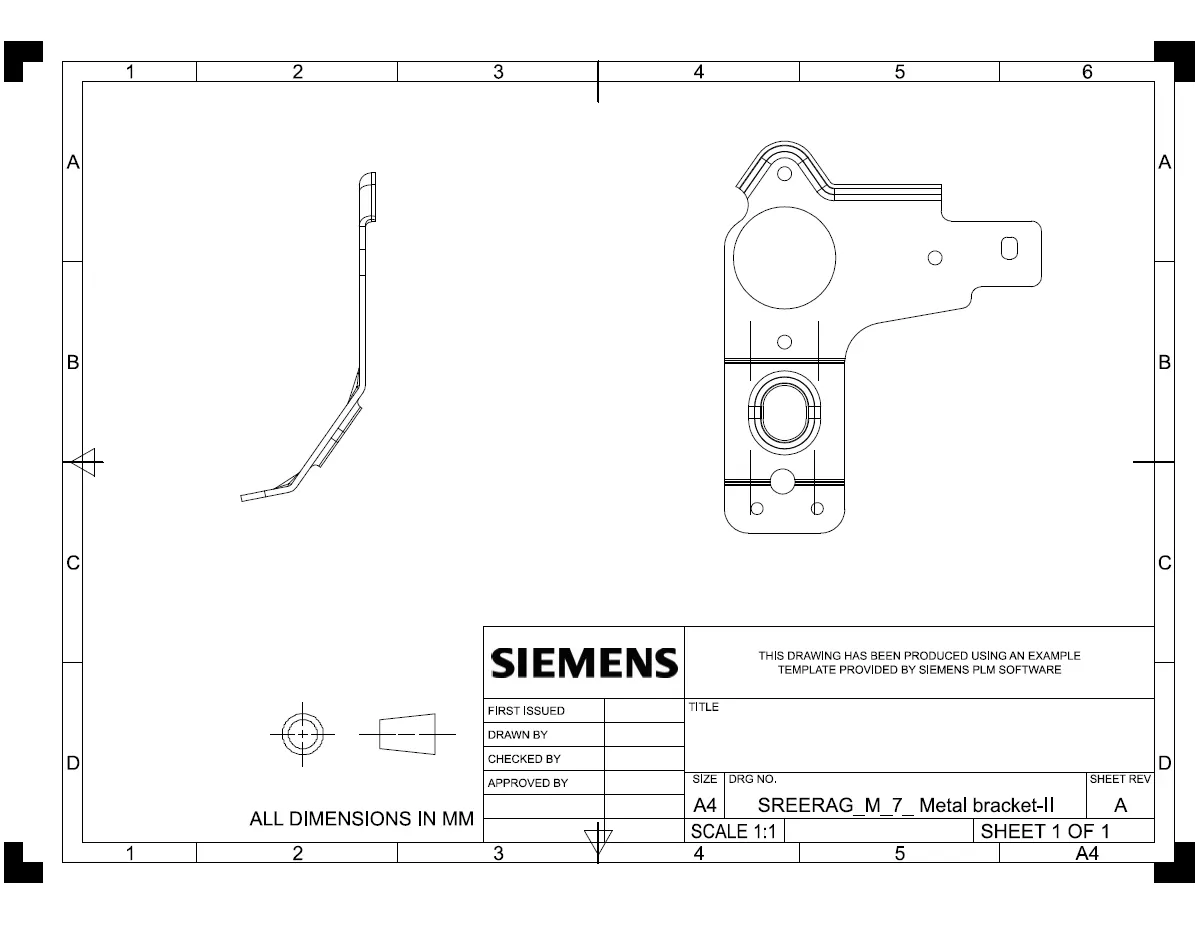
If required, create a detailed technical drawing using the drafting tool for better communication with the manufacturing department.
Description (Features used while designing):
- Sketch: 2D representation of the profile created for featuring.
- Normal Cut-Out: Cuts the sheet metal based on a 2D drawing.
- Break Corners: Converts sharp corners to smooth curves or chamfers.
- Unbend: Flattens the bent shapes to a flat pattern, facilitating additional feature application.
- Holes: Creates holes in the sheet metal.
- Rebend: Restores the sheet metal to its original form after unbending.
- Advanced Flange: Adds flanges along edges using a bend angle or reference face, accommodating curved edges.
- Gusset: Strengthens the sheet metal by adding a stiffening gusset.
- Flat Pattern: Represents the sheet metal in a 2D format, including all features and dimensions.
- Drafting: Creates a technical drawing for detailed communication.