Advanced Sheet Metal Design Using NX Cad Challenge_7_ Metal bracket-II
Bracket Designed by using Sheet Metal Design workbench in NX Cad Software
Objective: To Know How to design given part using NX CAD
Introduction: It is a typical sheetmetal part. used for clamping.
Design Methodology:
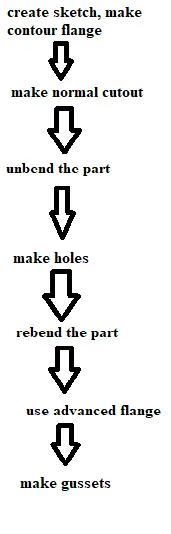
Description:
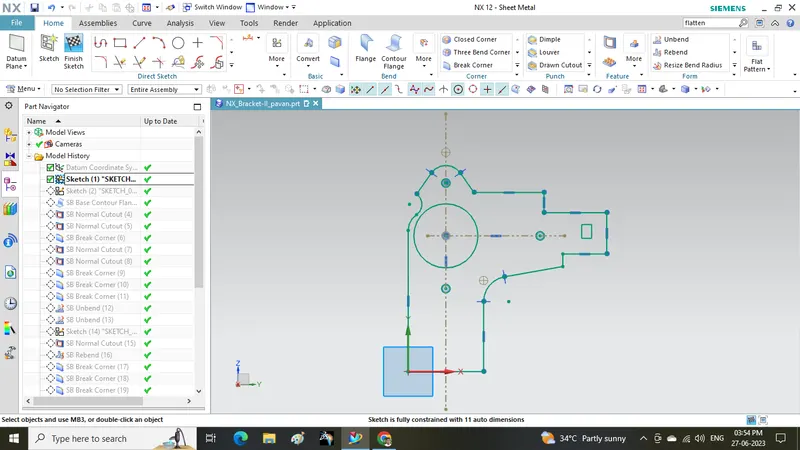
- Draw a sketch as shown
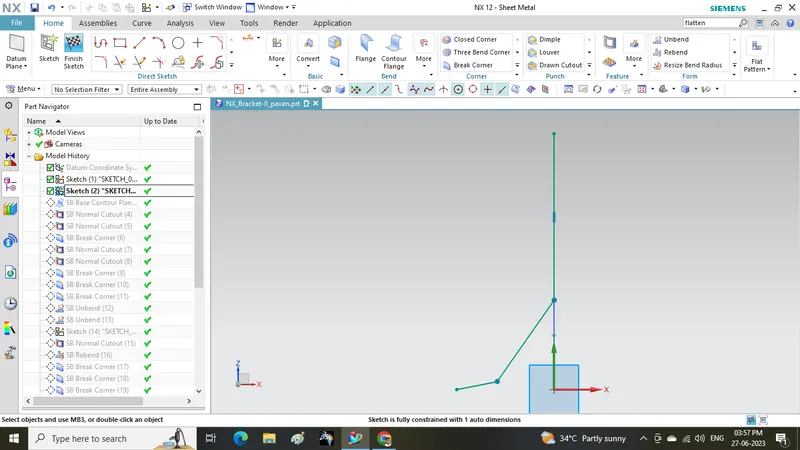
- Draw another sketch on side plane as shown
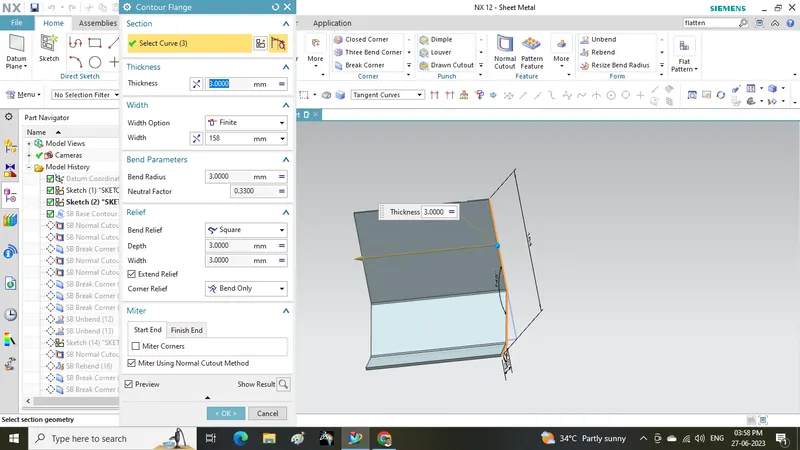
- make contour flange from above sketch
- Then use normal cut out and Break corner
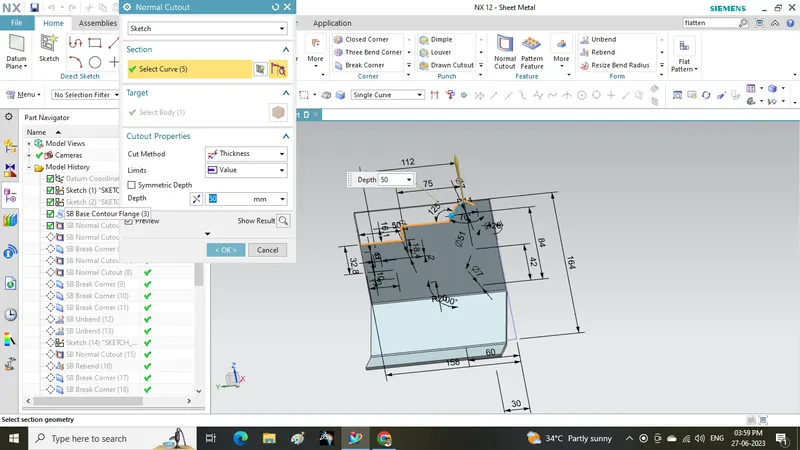
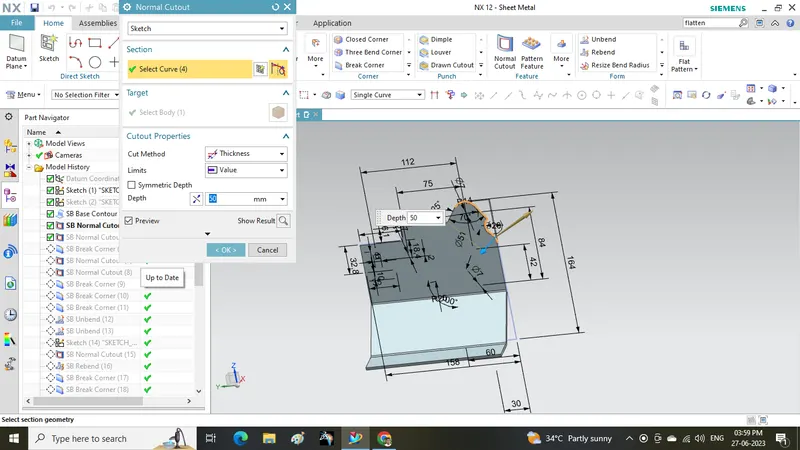
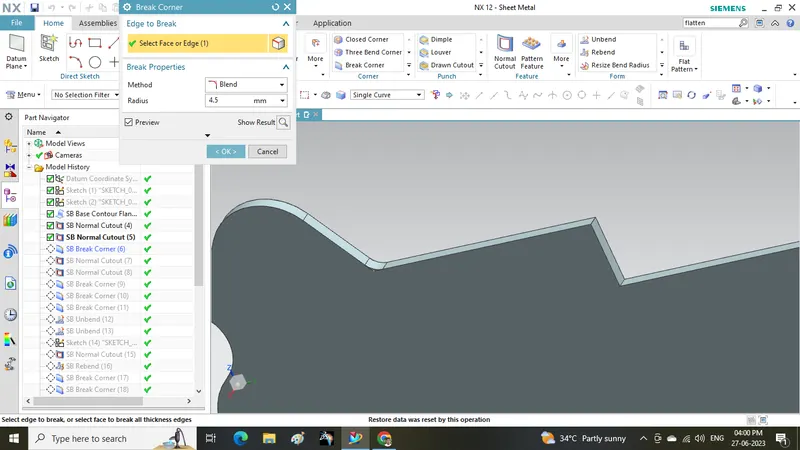
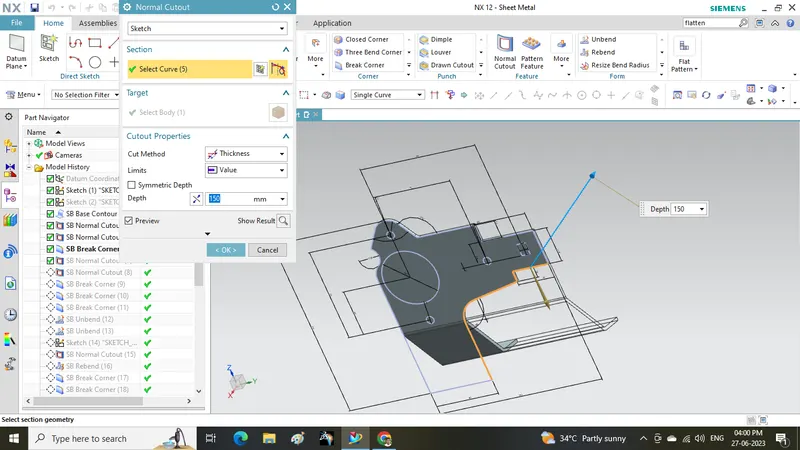
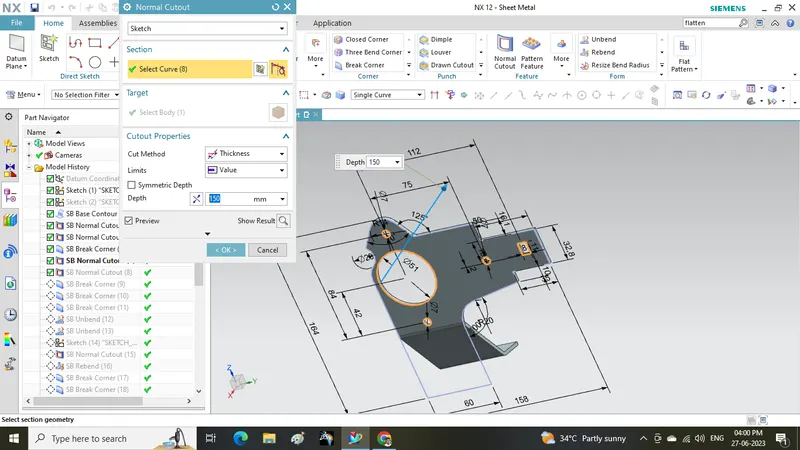
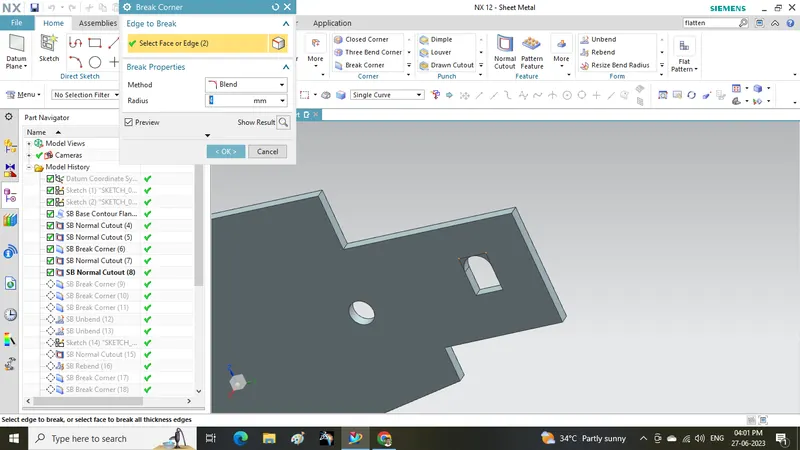
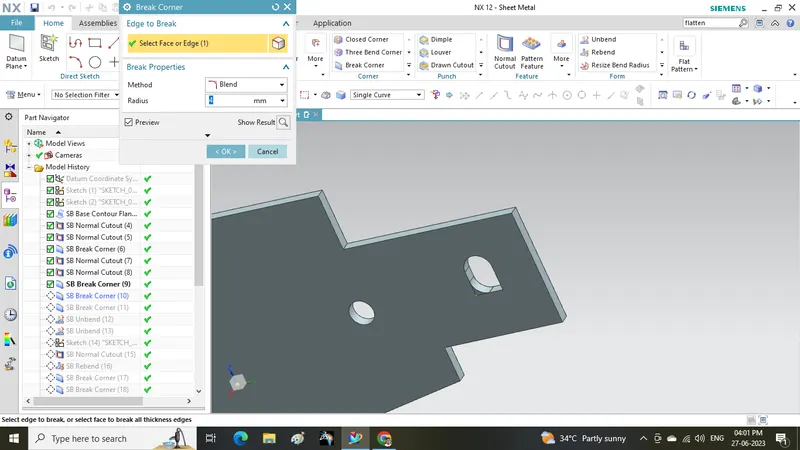
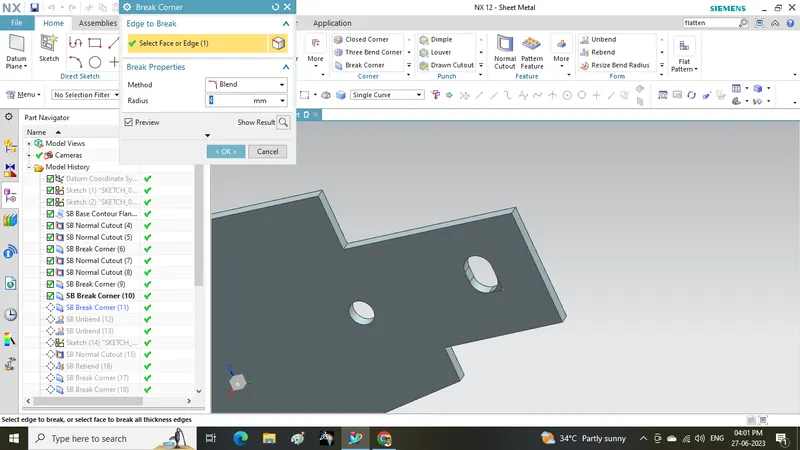
- unbend the part
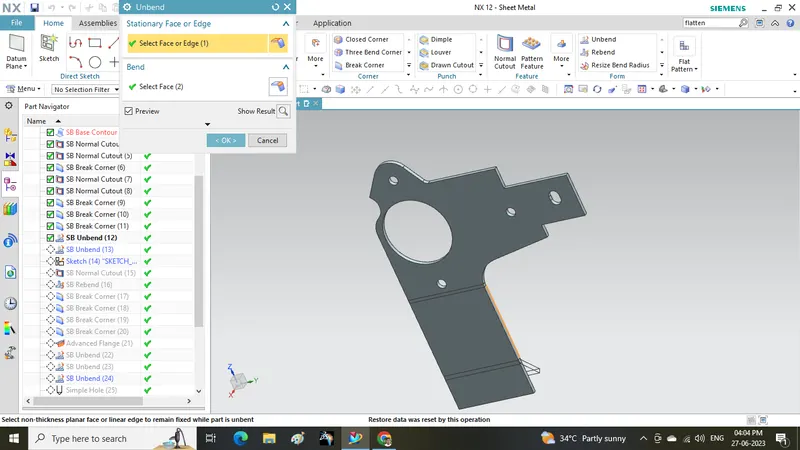
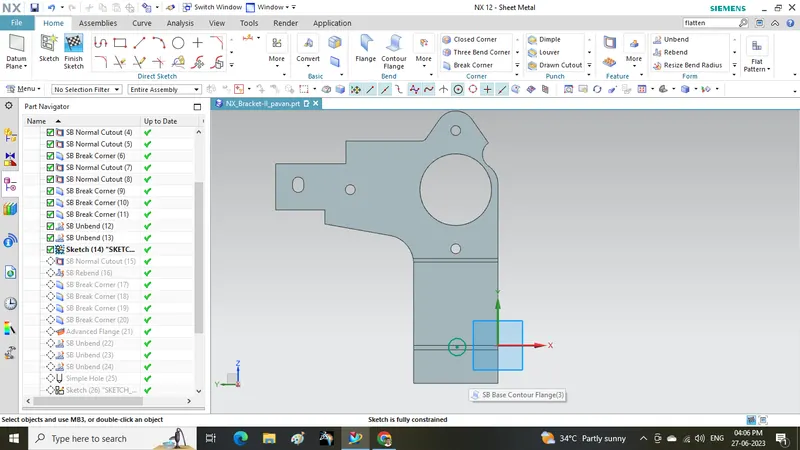
- Draw a sketch
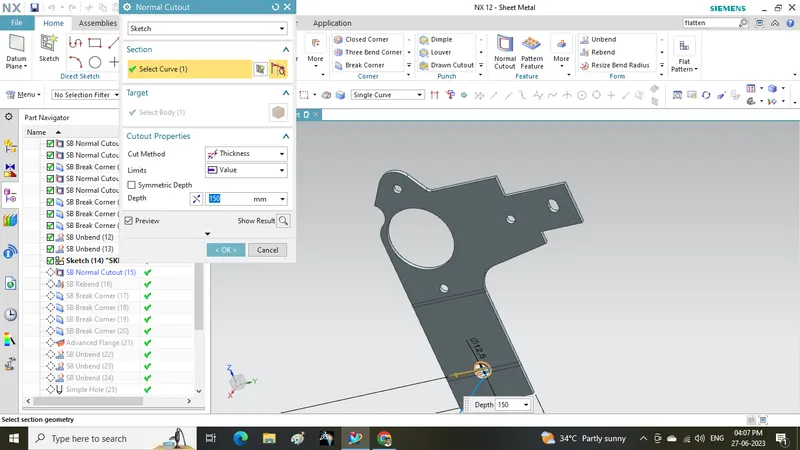
- make normal cutout
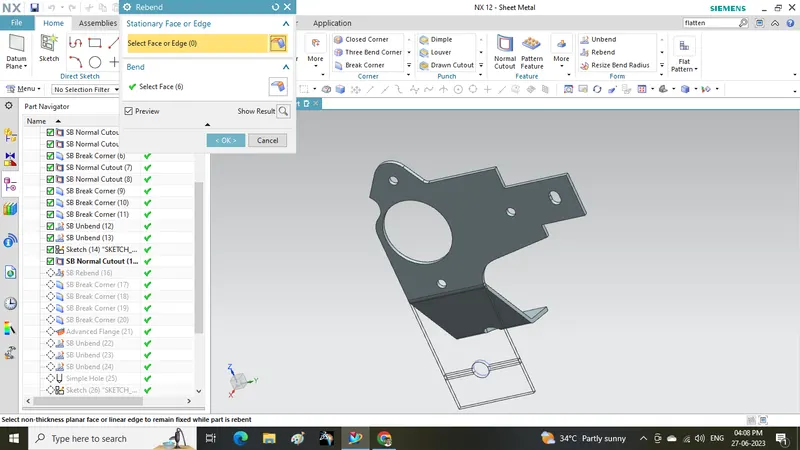
- Rebend the part
- use break corner
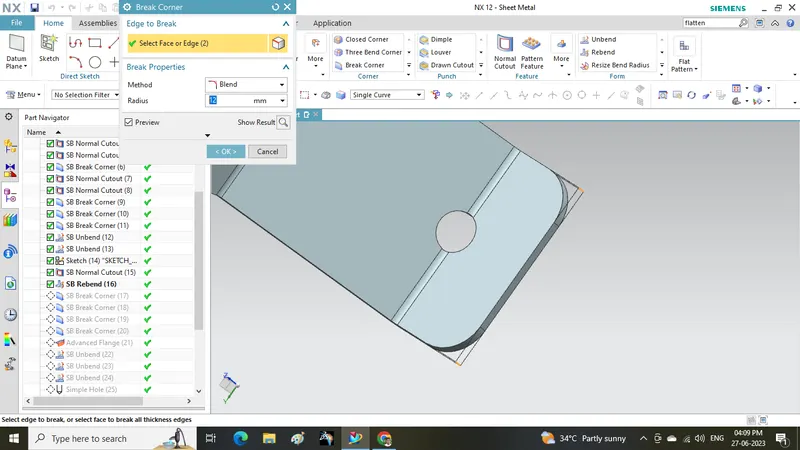
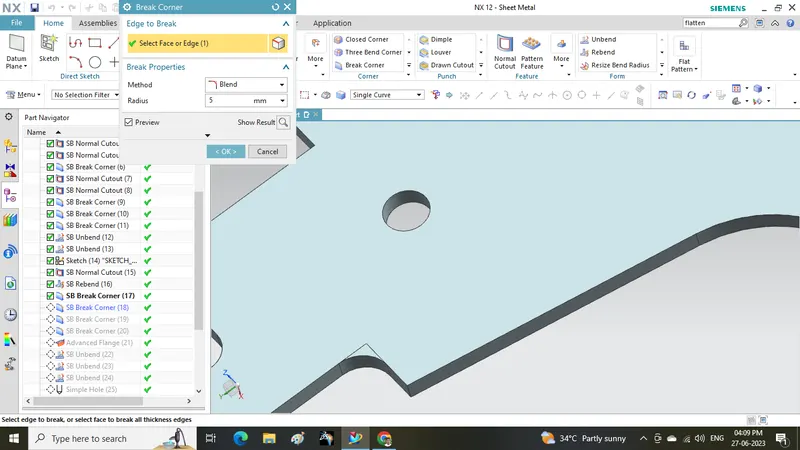
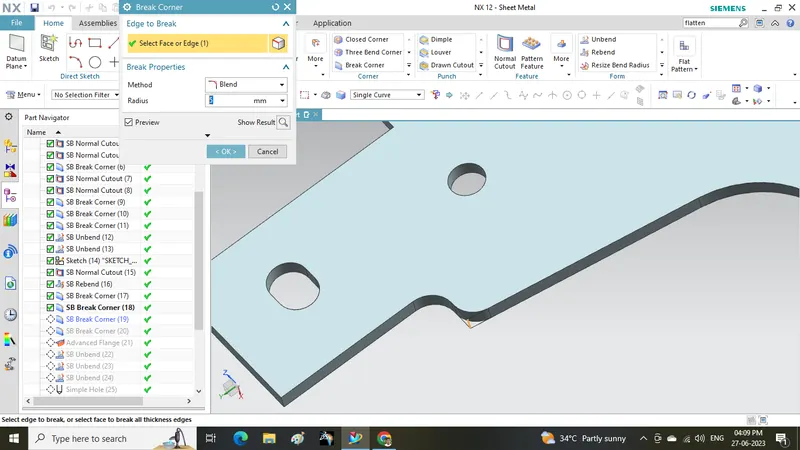
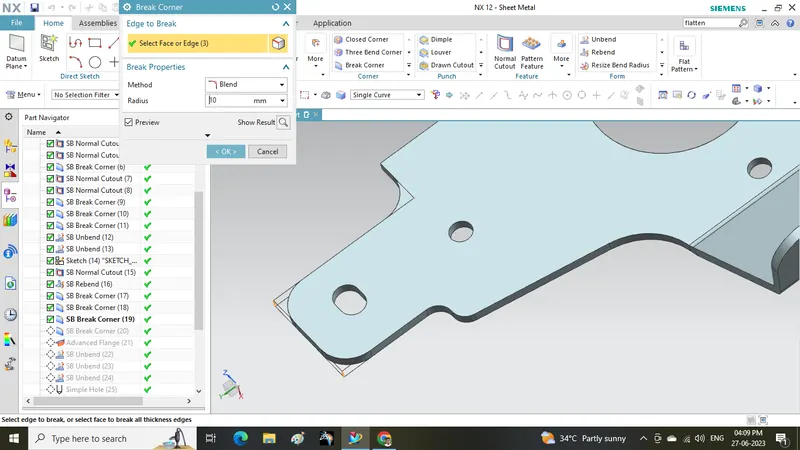
- use advanced flange command
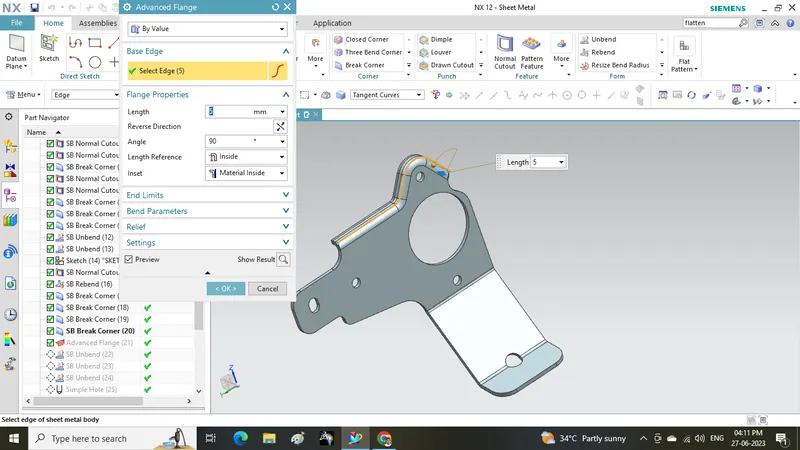
- unbend the sheet
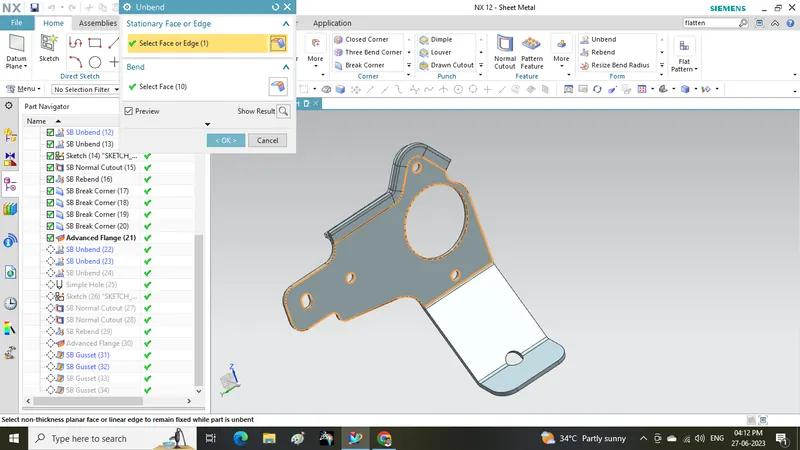
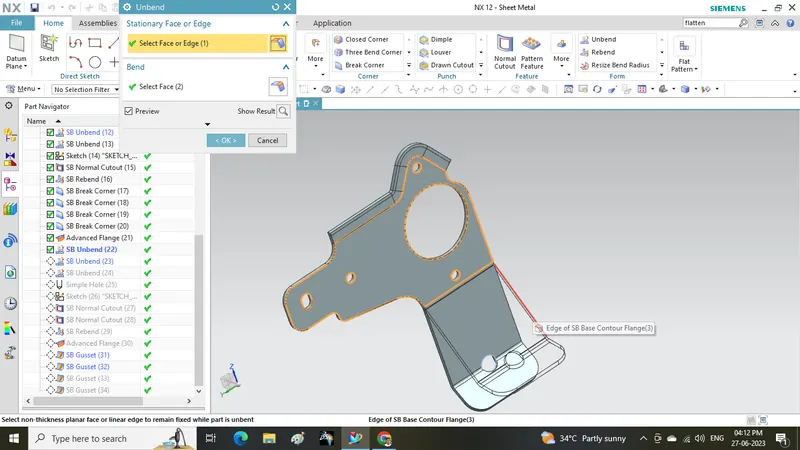
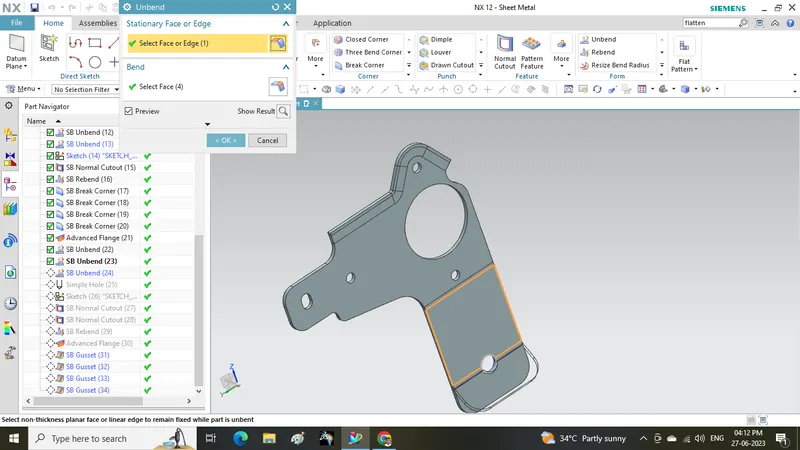
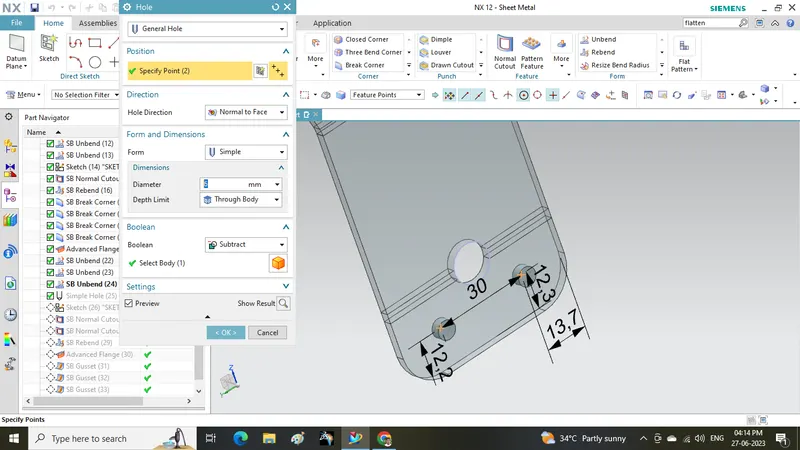
- make holes as shown
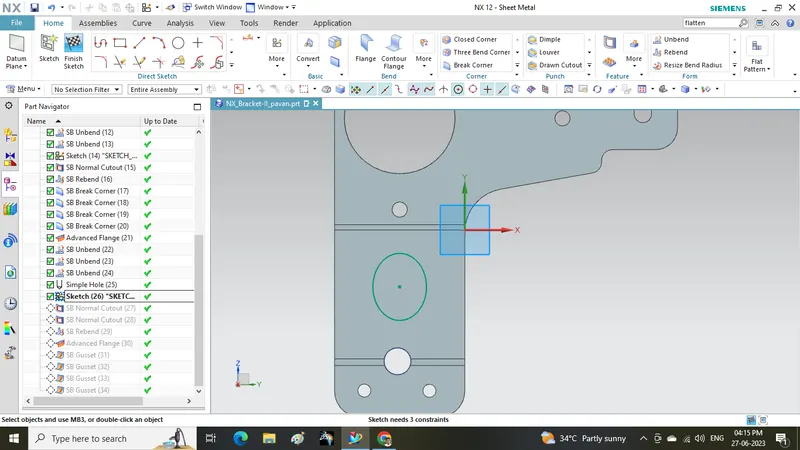
- Draw an ellipse sketch as shown
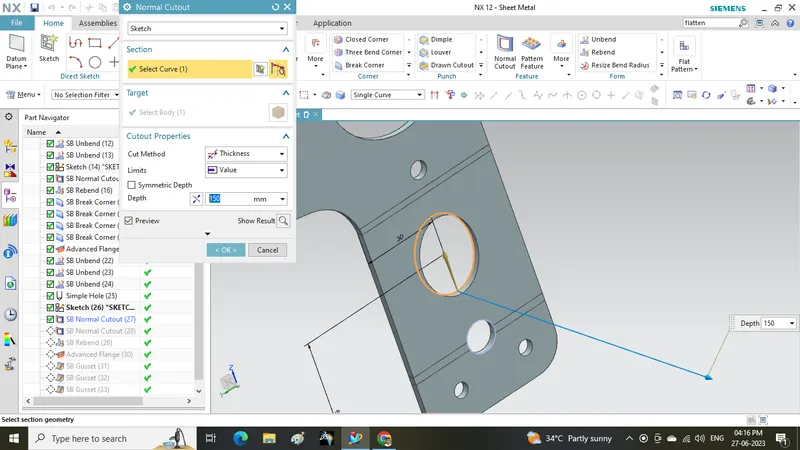
- make normal cutout as shown
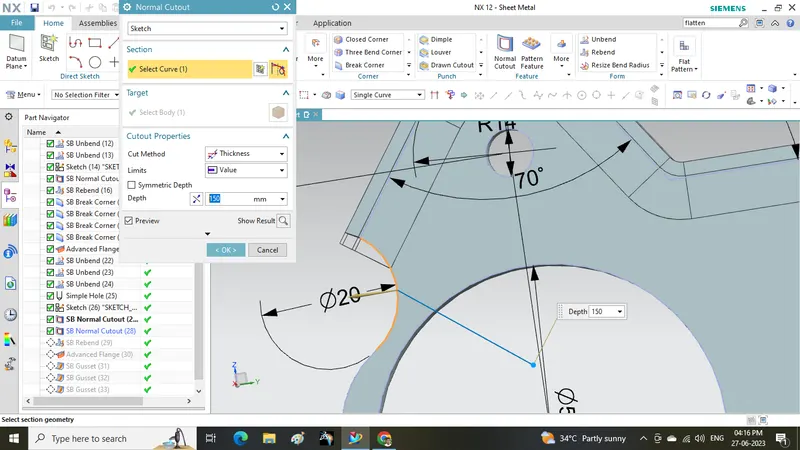
- Rebend the part
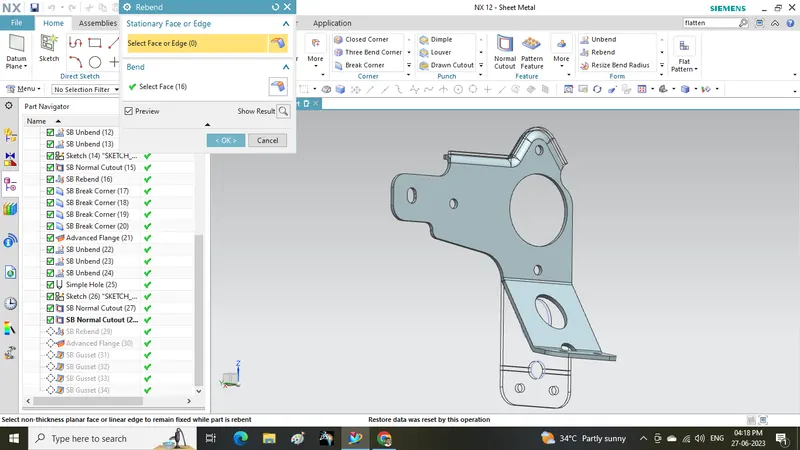
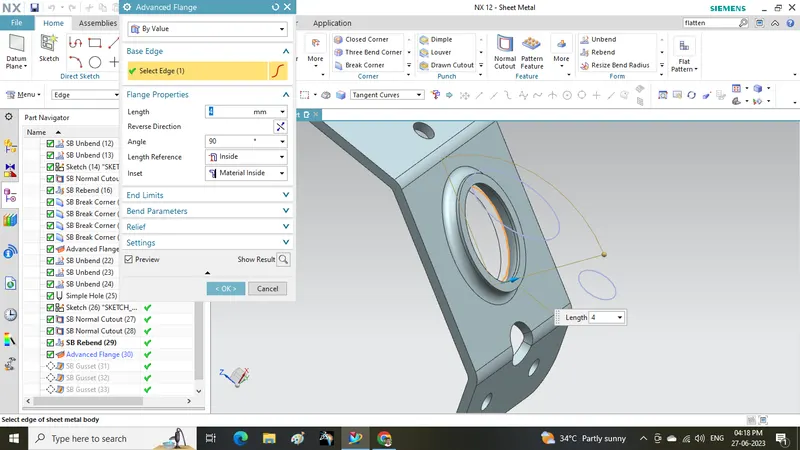
- make a flange using advanced flange command
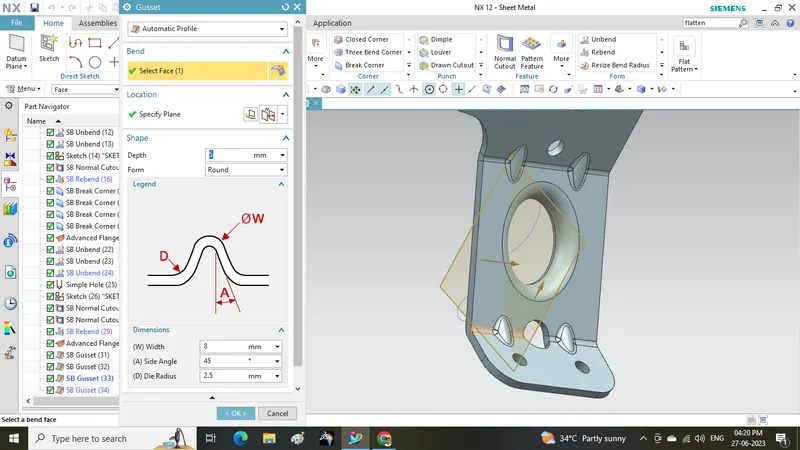
- make gussets at four places as shown
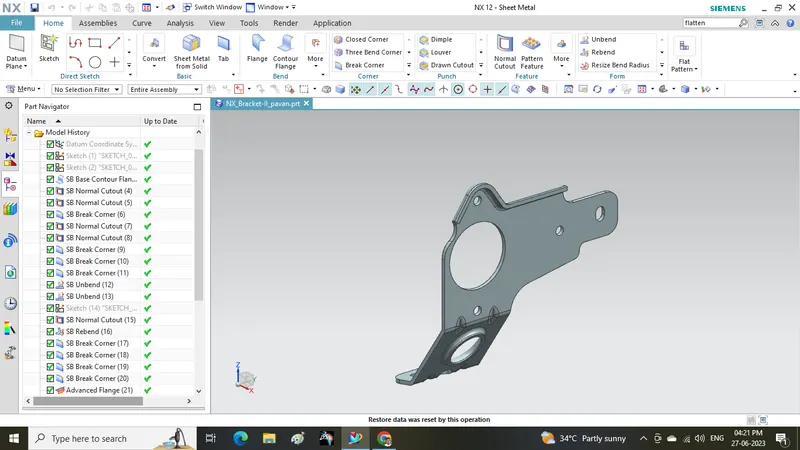
different views of part
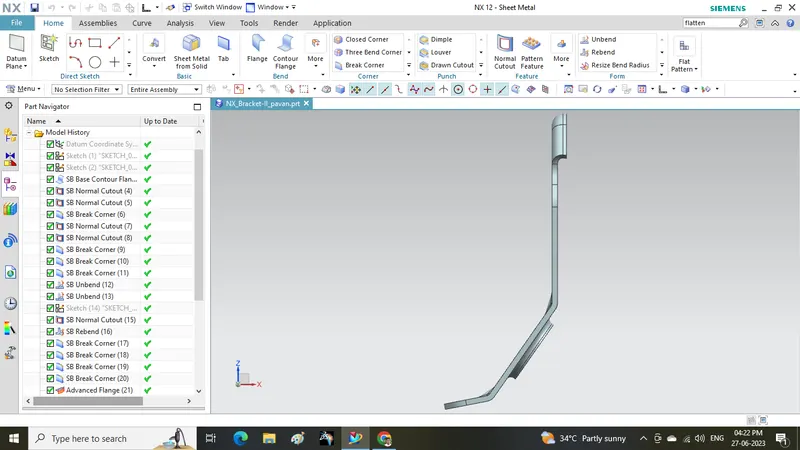
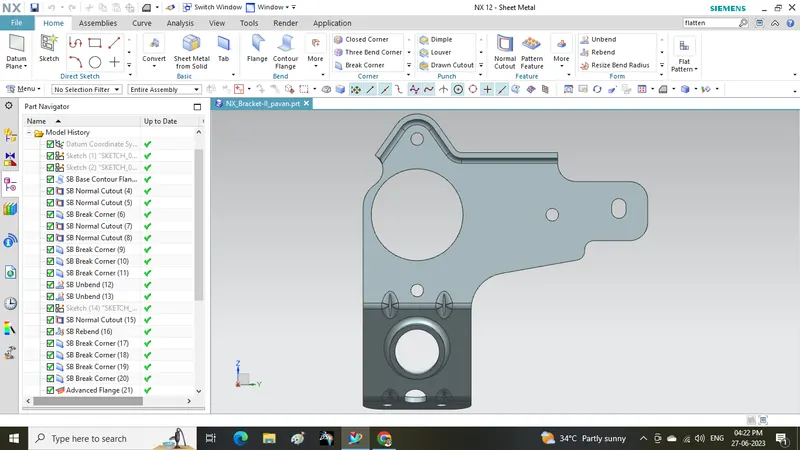
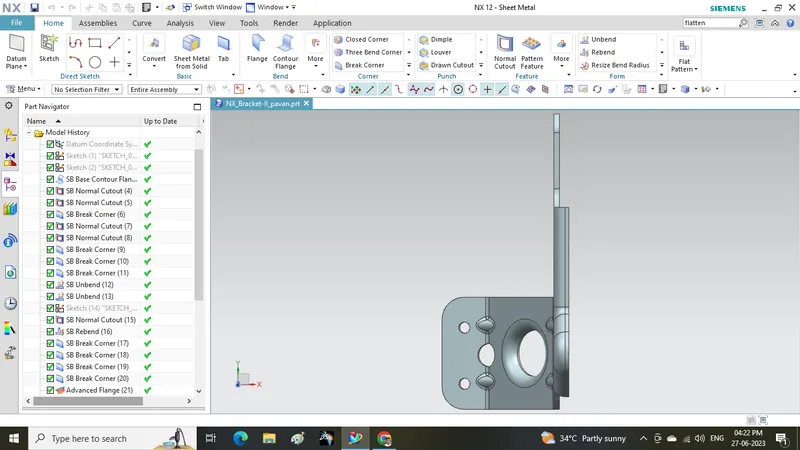
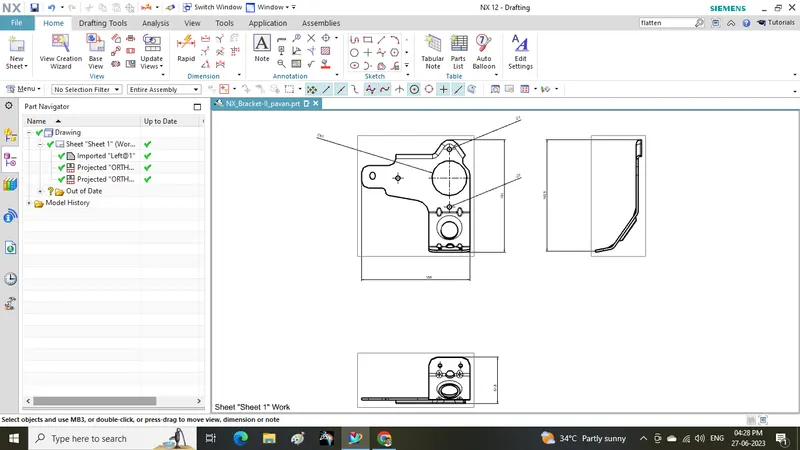
Drawing sheet for above part:
Conclusion: I here by declaring that I learnt how to create above Bracket from Skilllync on NX CAD software