Advanced Sheet Metal Design Using NX Cad Challenge_7_ Metal bracket-II
Aim : To create a cad model of bracket from given 2D drawing in NX Sheetmetal application.
Objective :
- To create CAD model from given drawing.
- Create report of it .
- Understanding various command in NX sheet metal application.
Introduction:
- Bracket in widely used in automotive industries.
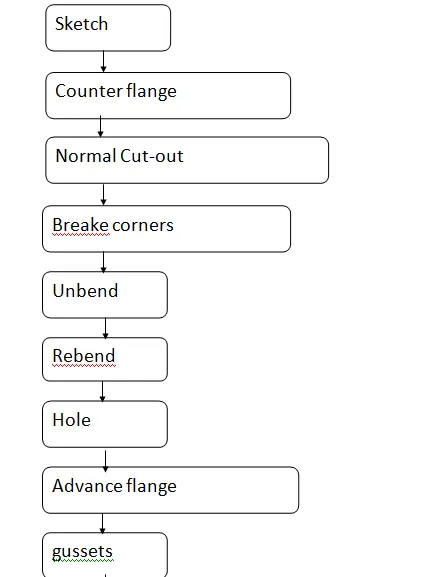
Approach :
Description :
Create sketch according to given dimensions.
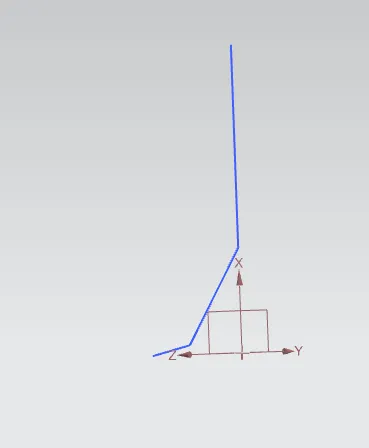
Now use counter flange command .
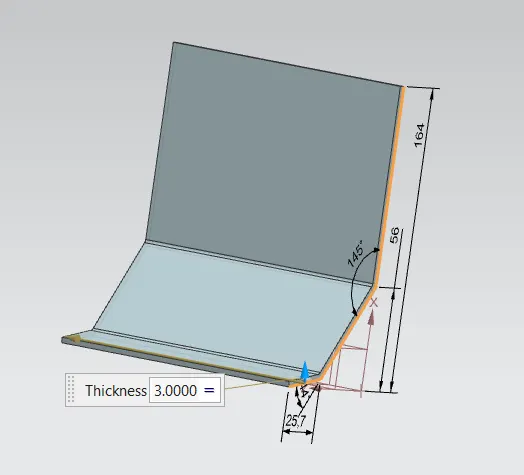
Now use normal cutout command
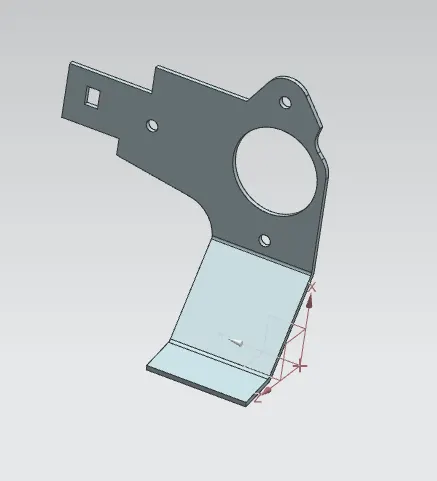
Using unbend command.
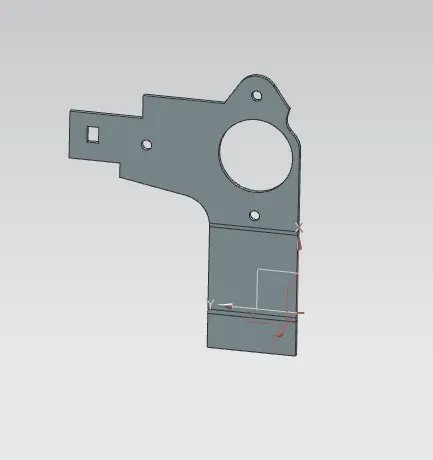
Creating hole according to given dimensions .
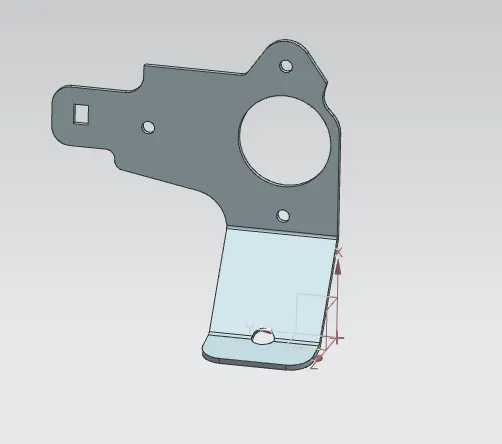
Using Advance flange command .
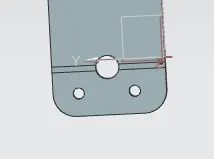
Now using simple hole command to do hole .
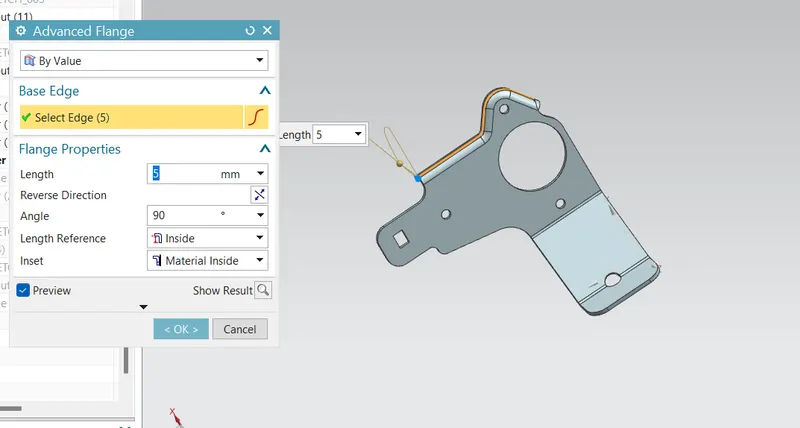
Now using Advance flange to do flange.
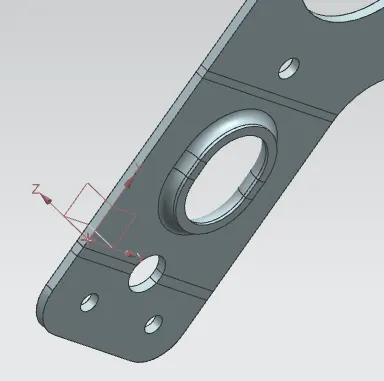
Now creating dart using gussets command .
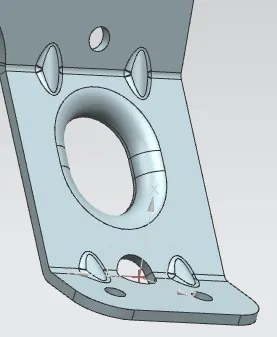
Different views :
Back view :
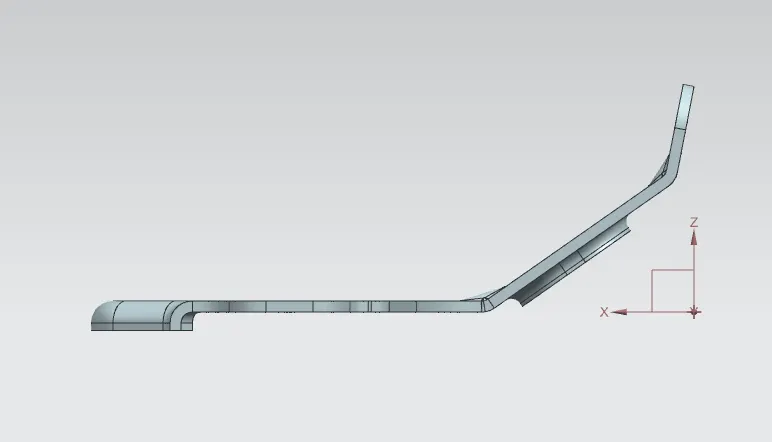
Bottom view :
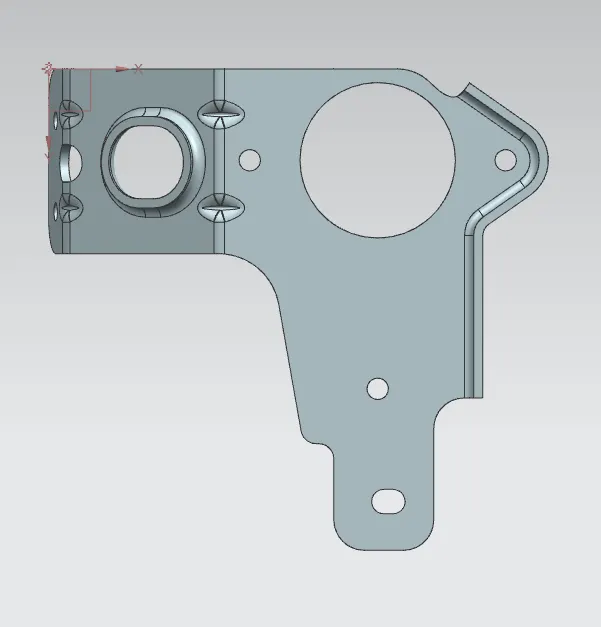
Isometric view :
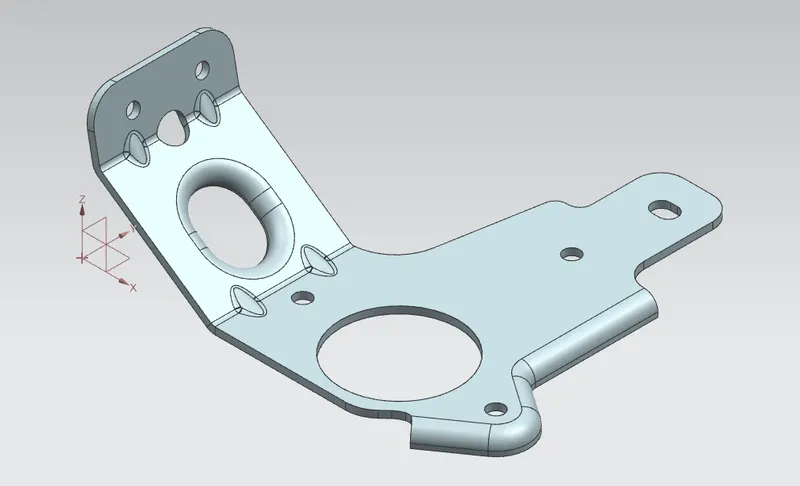
Right view :
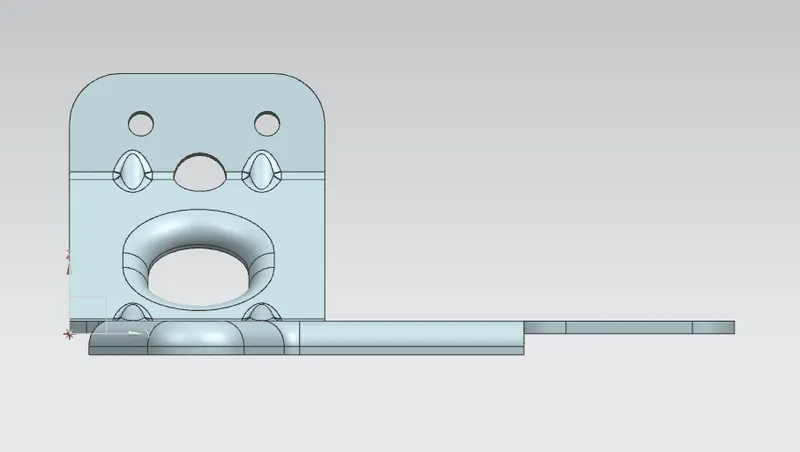
Conclusion :
- Here we have created CAD model of bracket using NX .