Advanced Sheet Metal Design Using NX Cad Challenge_7_ Metal bracket-II
USING NX CAD SOFTWARE TO DESIGN METAL BRACKET II IN ADVANCED SHEET METAL
OBJECTIVE:
To design the metal bracket ll in advanced sheet metal using nx cad software and to learn the features and tools used.
INTRODUCTION:
Sheet metal can be formed into different shapes and sizes flexibely as per required and it is a easy process which is also less costlier than compared to other manufacturing process.
DESIGN METHODOLOGY/APPROACH:
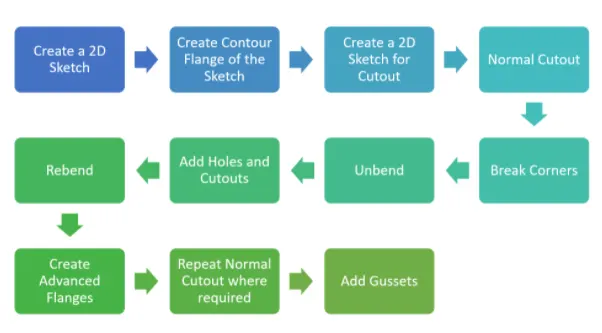
DESCRIPTION:
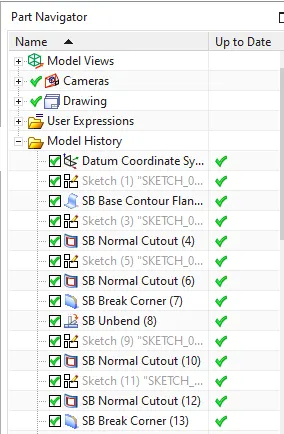
- sketch
To draw the 2d sketch for the modelling.
- contour flange
It is used to create a base feature by extruding along the vector sketch.
- sketch for cutout
To draw the sketch required for cutout needed.
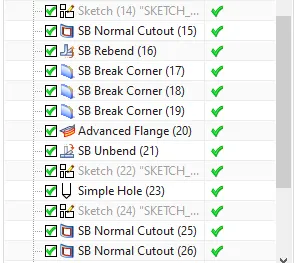
- normal cutout
It is used to cut the part as per drawn sketch.
- unbend
It is used to flaten the bent sheet.
- hole
It is used to draw the holes as per required.
- break corners
It is used to create round and smoothen edges.
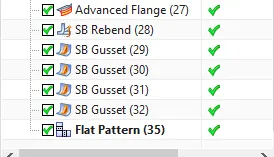
- advanced flange
It is used to create bent flanges
- gussets
It is used to apply stiffeness for part models.
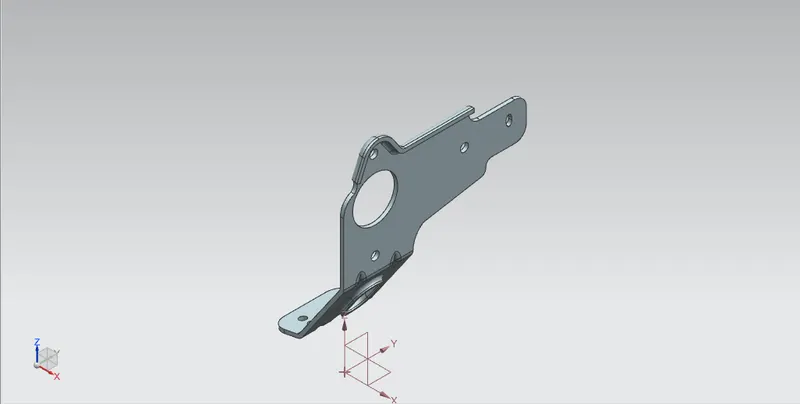
SCREENSHOTS OF METAL BRACKET II DIFFERENT VIEWS:
front view
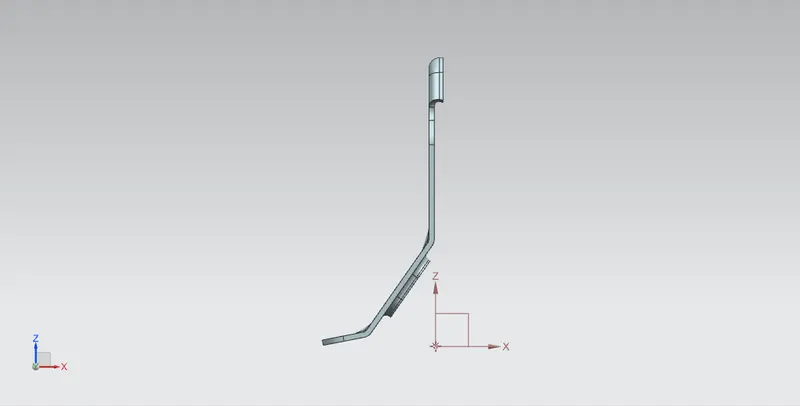
left view
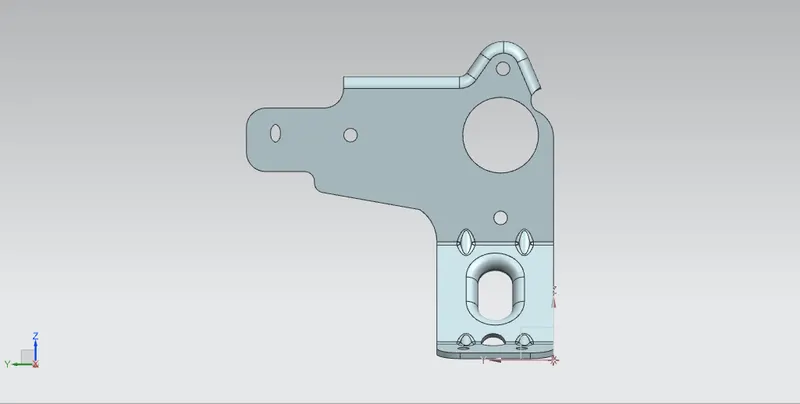
bottom view
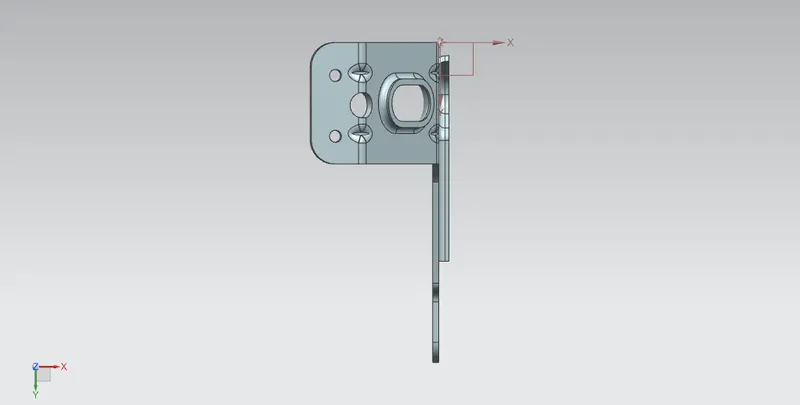
top view
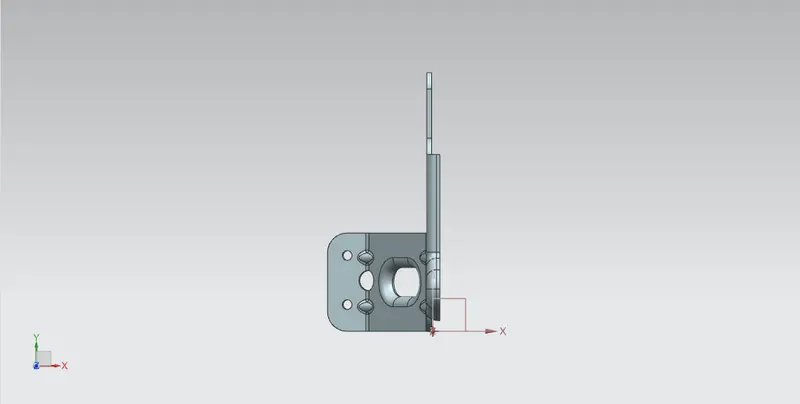
isometric view
feature tree1
feature tree2
feature tree3
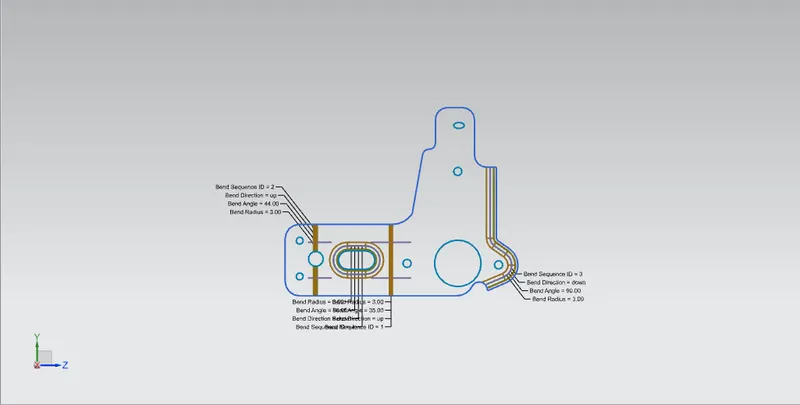
SCREENSHOT OF FLAT PATTERN:
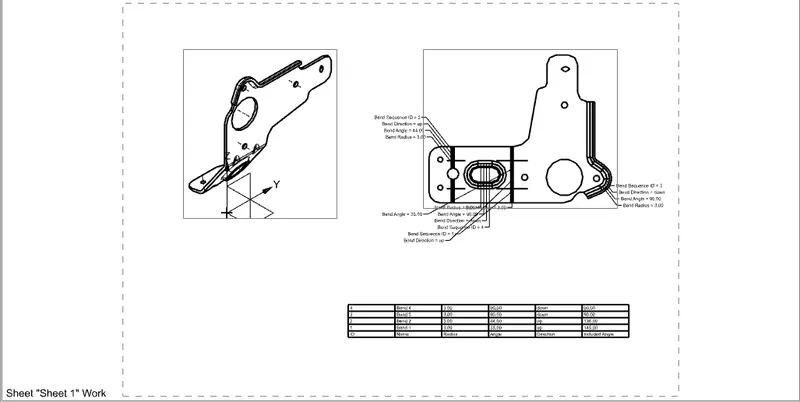
SCREENSHOT OF METAL BRACKE II DRAWING SHEET:
CONCLUSION:
Thus using nx cad software metal bracket ll has been designed in advanced sheet metal.