Advanced Sheet Metal Design Using NX Cad Challenge_1_Casing Design
DESIGNING CASING IN ADVANCED SHEET METAL USING NX CAD SOFTWARE
OBJECTIVE :
To design casing and learn the basics of sheet metal using NX cad software.
INTRODUCTION :
It is a metal forming process manufactured in industries applicable in automobiles,aernautics etc... sheetmetal can be bent to different shapes and sizes as per requirement easily and designed using NXcad.
DESIGN METHODOLOGY/APPROACH :
- sketch
- tab
- normal cut out
- bend
- flange
- break corner
- unbend
- hole
- dimple
- bead
- mirror feature
- rebend
- flatpattern
DESCRIPTION :
- sketch
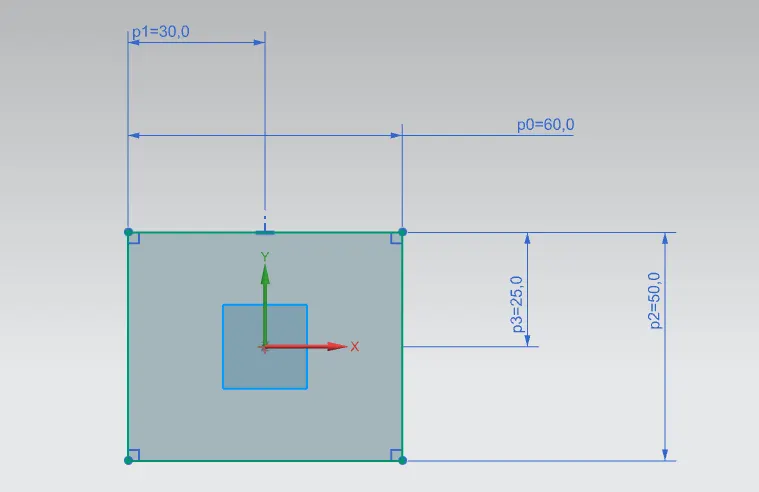
To draw the base sketch that can be modelled as per requirement.
- tab
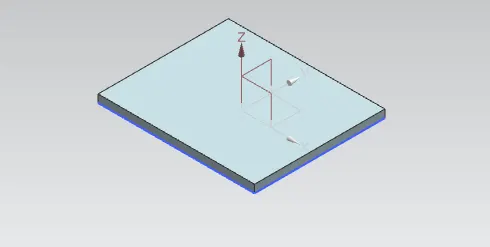
This feature is used to create tab of variable thickness.
- normal cut out
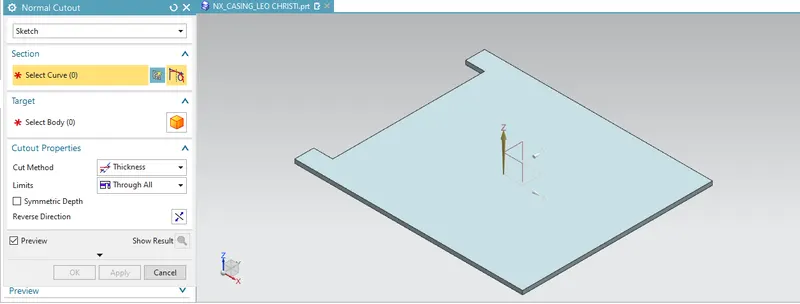
This feature is used to cut the portion of sheet metal.
- bend
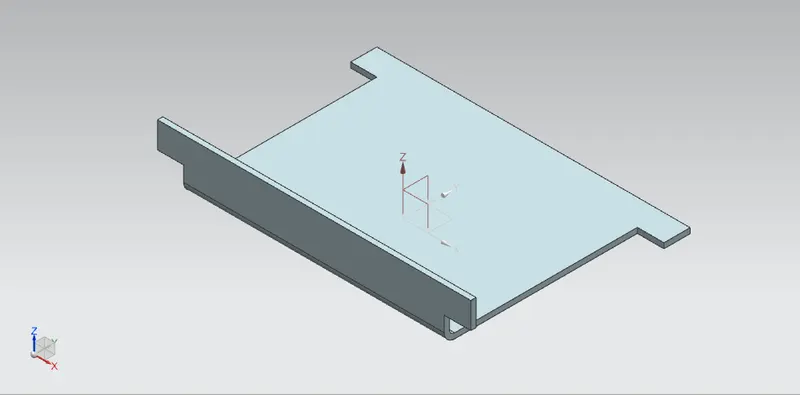
This feature is used to bend the curve as per required.
- flange
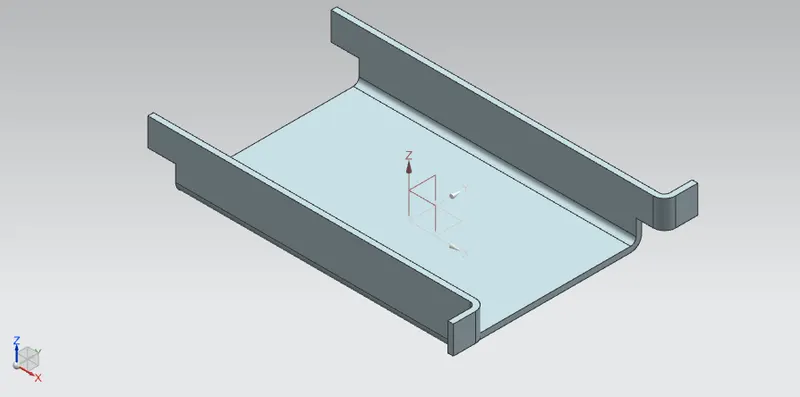
This feature is used as same as bend feature along adjustable length .
- break corner
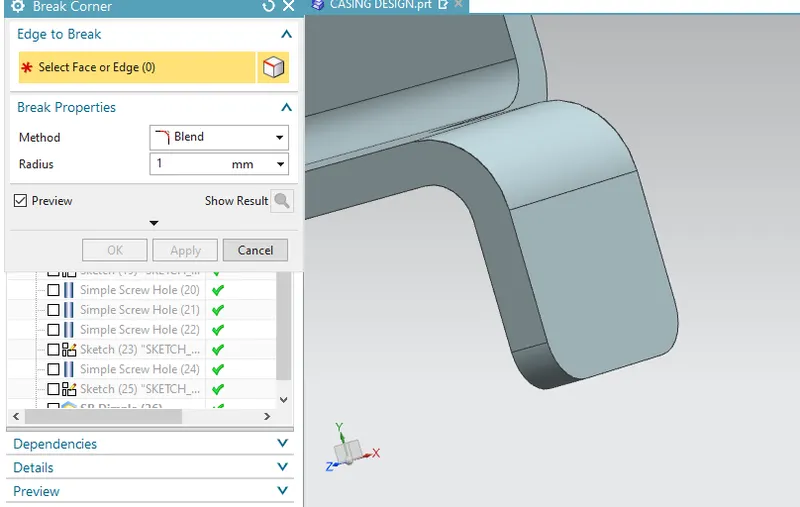
This feature is used to create round edges from sharp edges.
- unbend
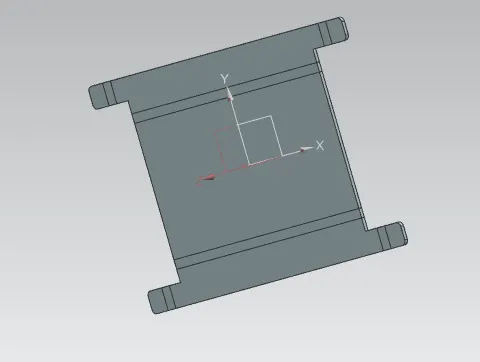
This feature is used to create appropriate part features in unfold manner.
- hole
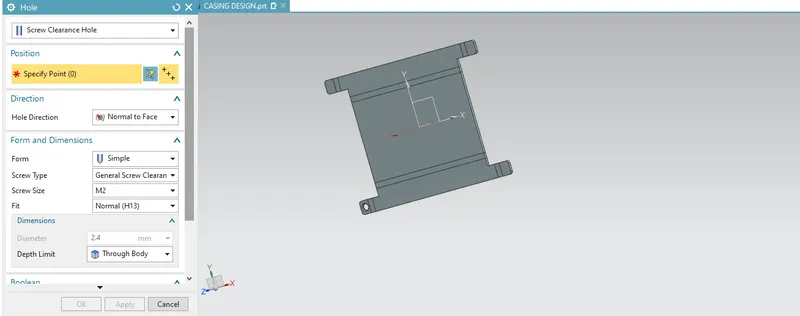
This feature is used to create holes as per required of various specifications of screws.
- dimple
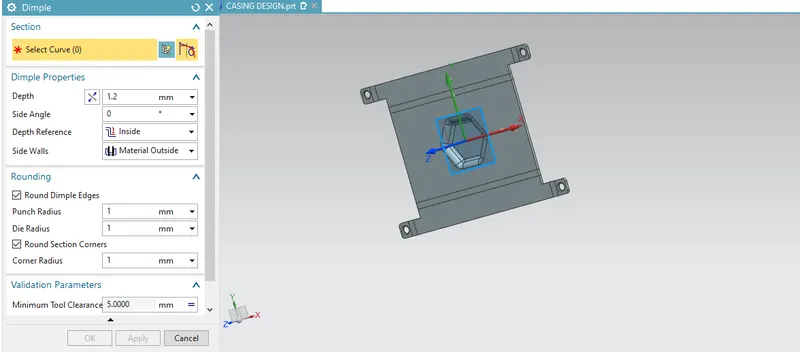
This feature used to create dimple on sheet metal.
- bead
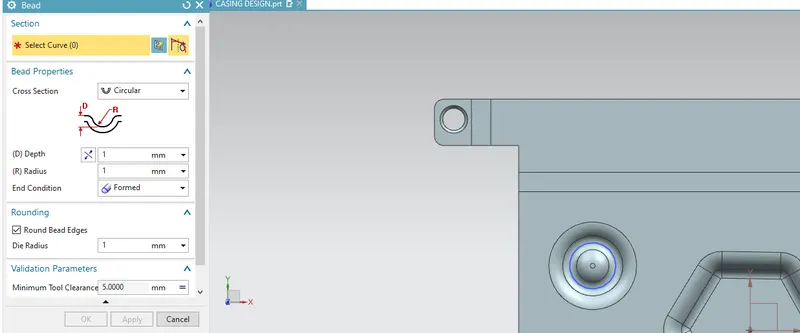
This feature is used create bead on sheet that strengthens it.
- mirror feature
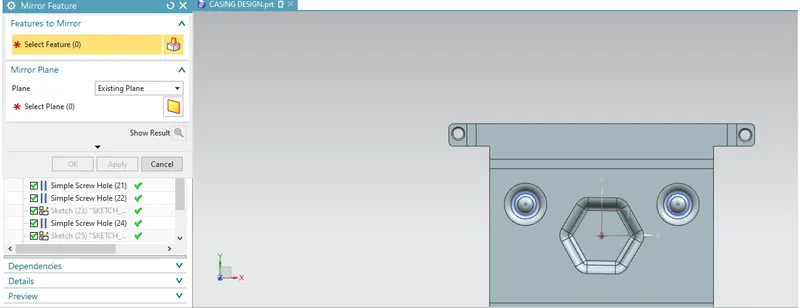
This feature is used to mirror the feature in respect to reference plane.
- rebend
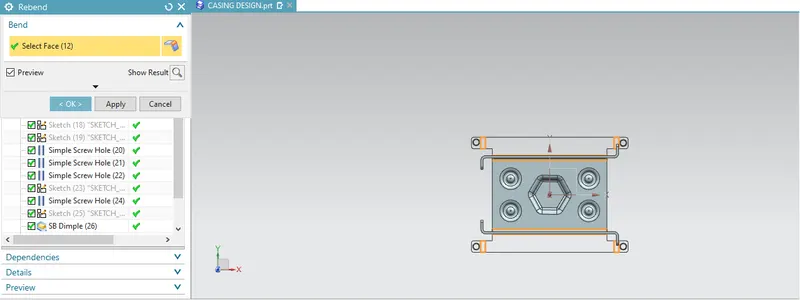
This feature is used to reform its orginal shape of unfolden to folden one.
- flat pattern
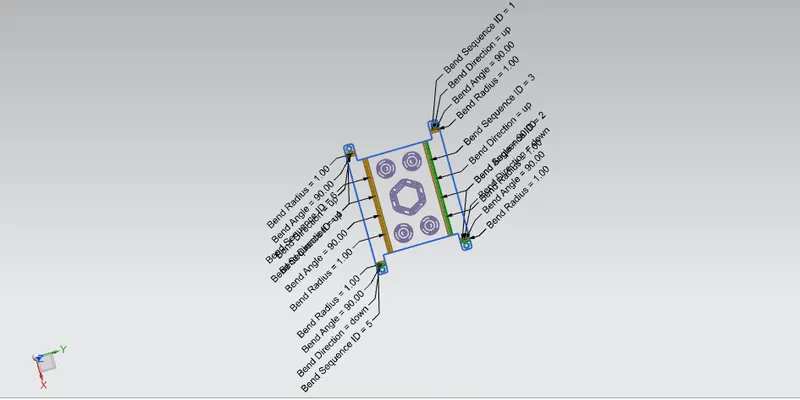
DIFFERNT CASING VIEWS :
casing front view
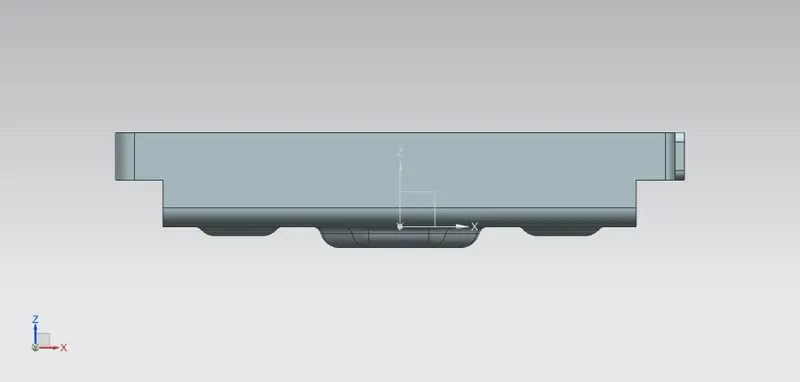
casing left side view
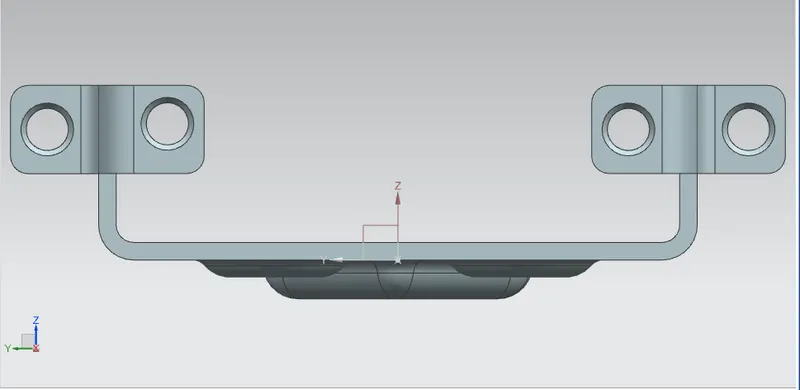
casing bottom view
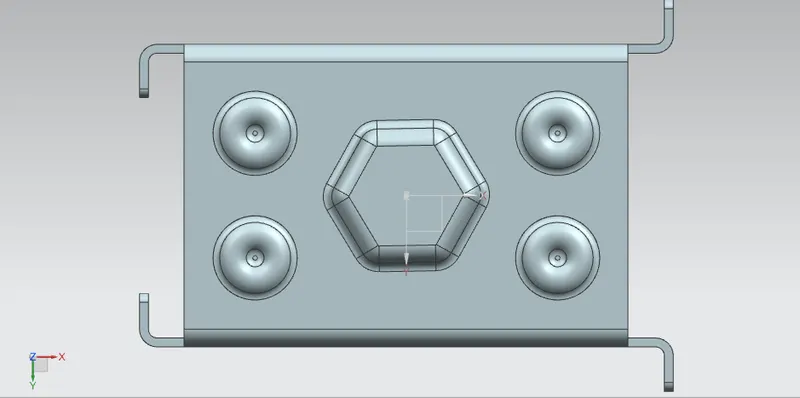
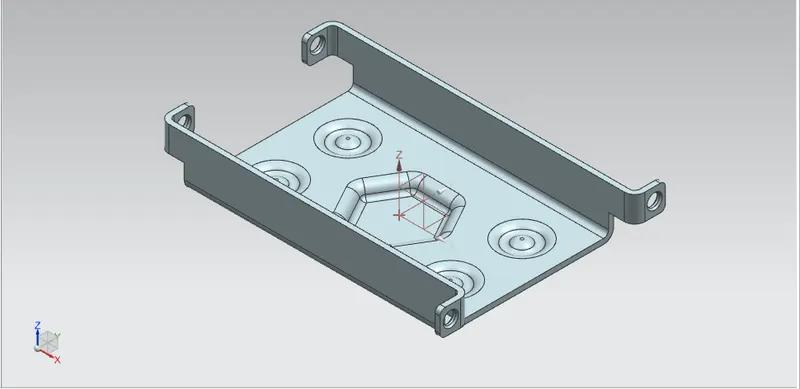
casing isometric view
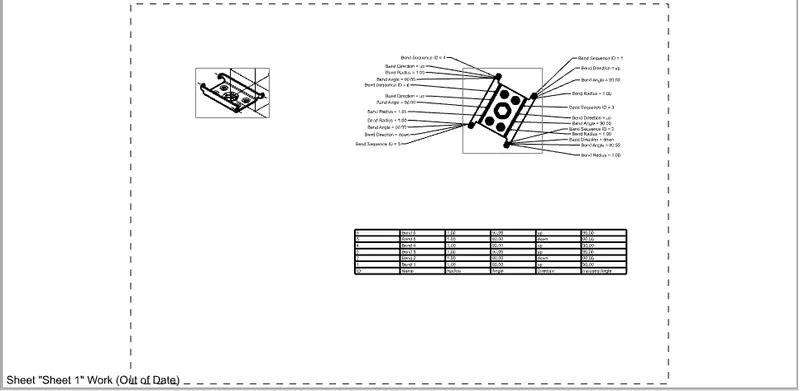
DETAILED DRAWING SHEET IMAGE:
CONCLUSION :
Thus casing is designed and knowed basic of sheet metal using NXcad software.