Advanced Sheet Metal Design Using NX Cad Challenge_2_Box Assembly
DESIGNING BOX ASSEMBLY IN ADVANCED SHEET METAL USING NX CAD SOFTWARE
OBJECTIVE:
To design a box assembly in advanced sheet metal and learn the features by using NXcad software.
INTRODUCTION:
Sheet metal is one of the fundamental forms used in metal working and it can be bent ,cut into various shapes and sizes.sheet metal fabrication is a most economical process when compared to other process.It has own criteria ,which differ from other production process.
DESIGN METHODOLOGY/APPROACH:
- sketch
- tab
- flange
- closed corner
- hem flange
- dimple
- mirror body
- mirror feature
- bend
- break corner
- normal cutout
- unbend
- bead
- rebend
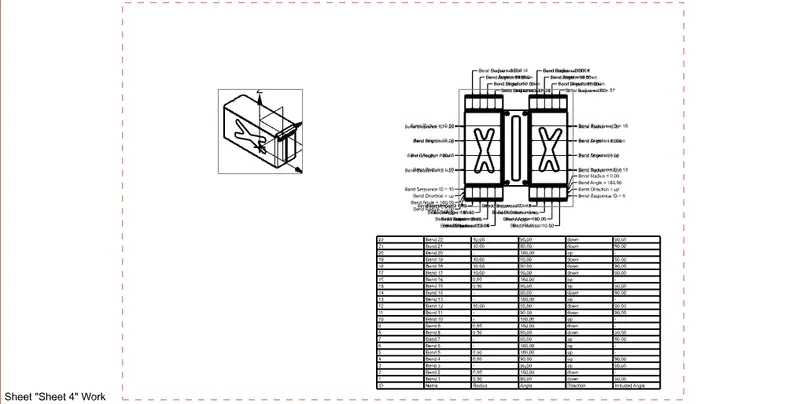
- flat pattern
DESCRIPTION:
- sketch
It is used to create basic sketch of the design by selecting desired plane.
- tab
It is used to create base tab on selecting curve in sketch mode for oue desire thckness which can be converted into sheet.
- flange
It is used to add flanges along edges, which can be used as bend feature by adjusting the length.
- closed corner
It is used to close the corners by selecting two flanges.
- hem flange
It is used for stiffening and also for holding without any physical hurts.
- dimple
It is used to draw dimple on selecting curve for modelling the sheet.
- mirror body
It is used copy of the body part in opposite direction.
- mirror feature
It is used to copy of the feature part in opposite direction.
- bend
It is used to bend the sheet metal along the sketched curve upon our requirement.
- break corner
It is used to create round edges for easy handling.
- normal cutout
It is used to cut the portions required in sheet metal.
- unbend
It is used to analyse the model whether having proper alignments.
- bead
It is used to create bead on the sheet which generally strengthens it.
- rebend
It is used to rebend after all conformations.
- flat pattern
It is used to create flat pattern with its details.
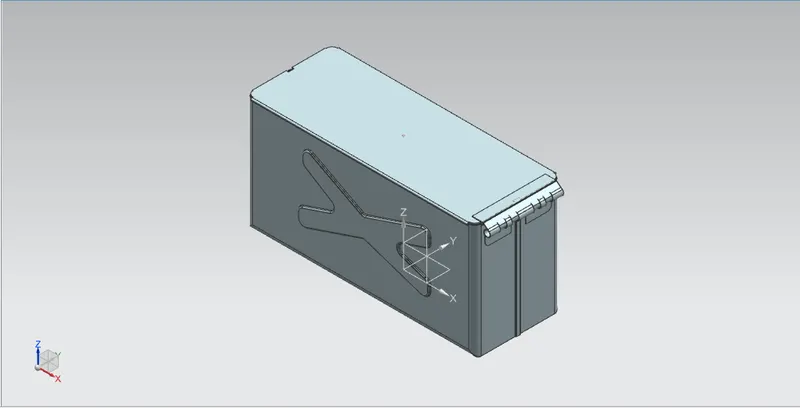
SCREENSHOTS OF BOX ASSEMBLY MODEL:
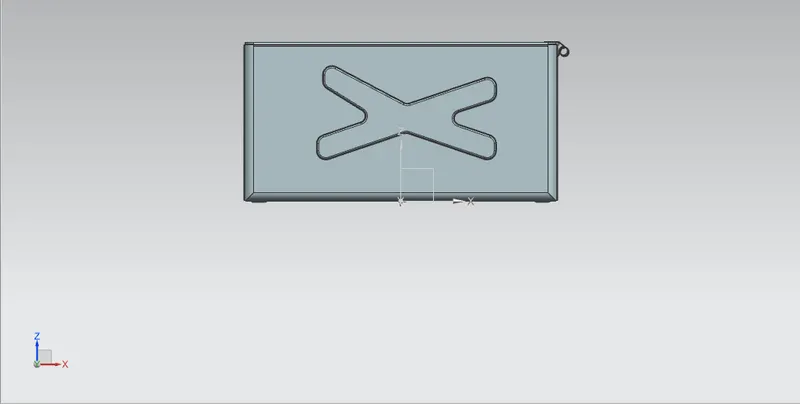
front view
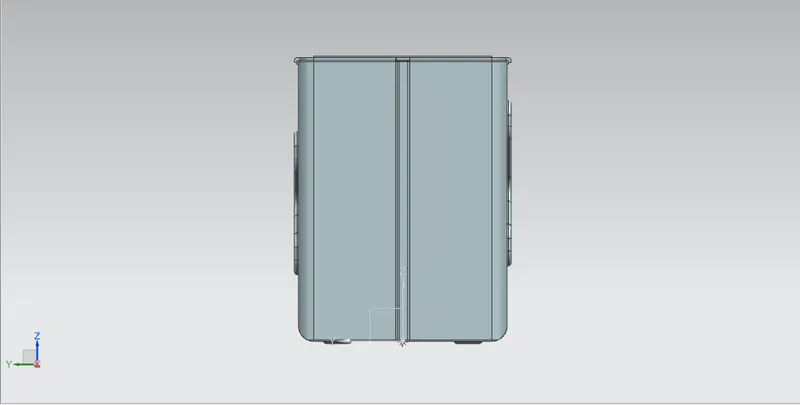
left side view
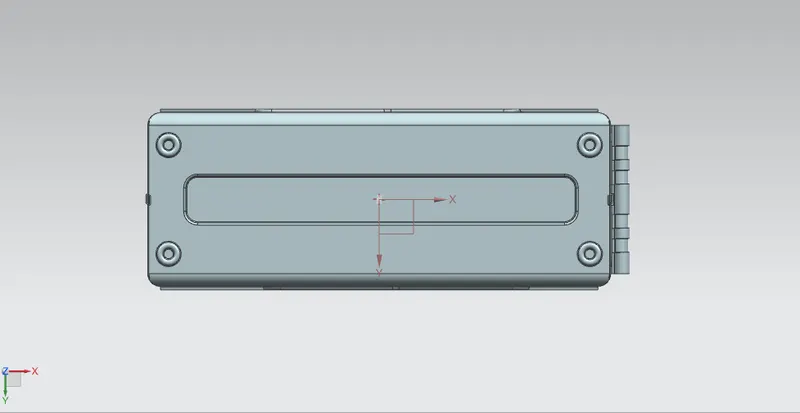
bottom view
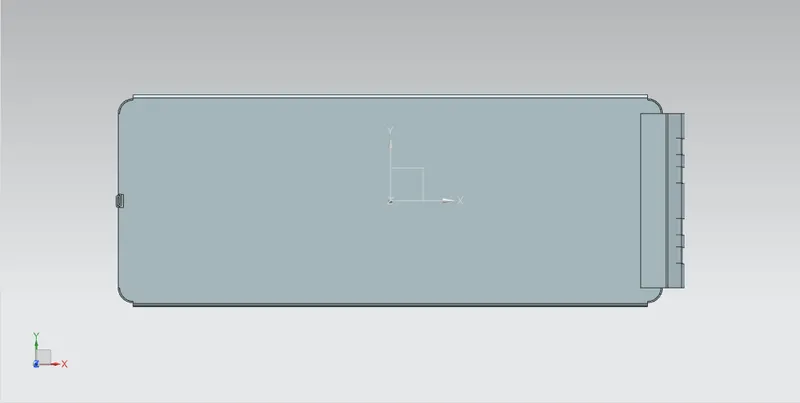
top view
isometric view
DETAILED DRAWING SHEET IMAGE:
CONCLUSION:
Designing box assembly in advanced sheet metal is thus done and features are learnt using NXcad software.