Advanced Sheet Metal Design Using NX Cad Challenge_7_ Metal bracket-II
METAL BRACKET
Objective :
- To create metal bracket using NX Sheetmetal application.
Introduction :
- Metal bracket is a sheetmetal work piece modeled by using NX Sheetmetal application.
Design approch :
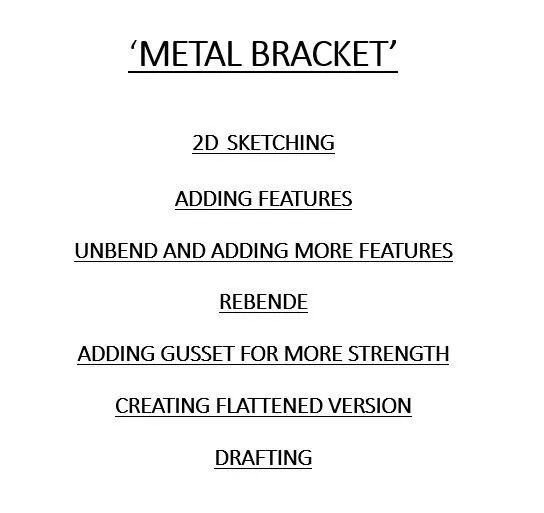
Features used while designing :
1.Sketch: Use the direct sketch tools to add curves,dimensions,constrains ets.
2.Counter flange: This feature creats a base feature by extruding a sketch along a vector .
3.Normal cutout: It cuts material by projecting a sketch onto the model and cutting perpendicular to the faces incresed by the projection.
4.Break corner: This feature rounds or chamfers the sharp edge of a tab or flange.
5.Unbend: Flattens a bend and the material adjacent to the bend.
6.Rebend: Restores an unbende feature to its previous bend state along with any features added after the unbeng feature.
7.Advanced flange: This command to add flange along an edge using a bend angle or a referance face. The edge and referance face can be curved .
8.Hole: Adds hole to one or more solid bodis in a partor assembly with options for counter bored,countersunks and thredded.
9.Gusset: Creats a stiffning gusset on the part.
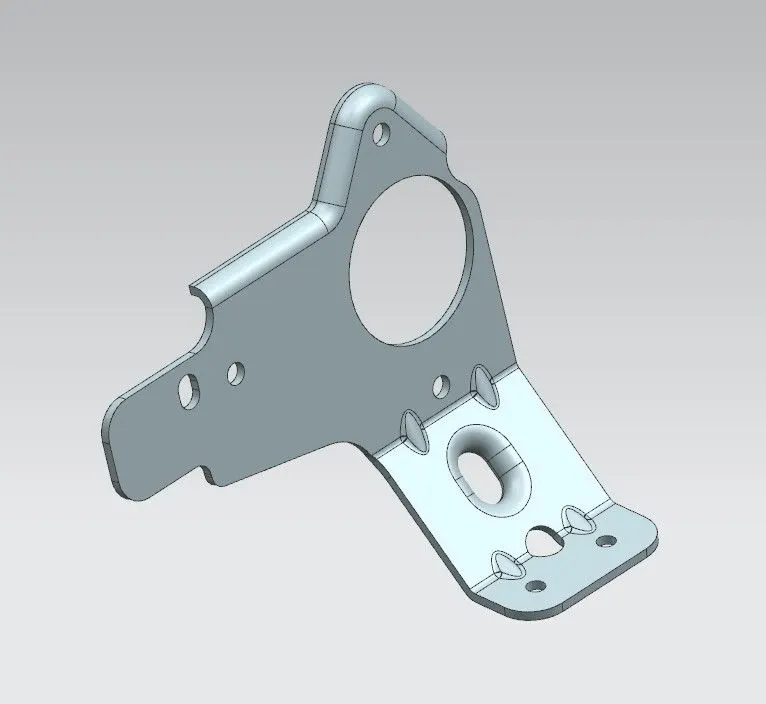
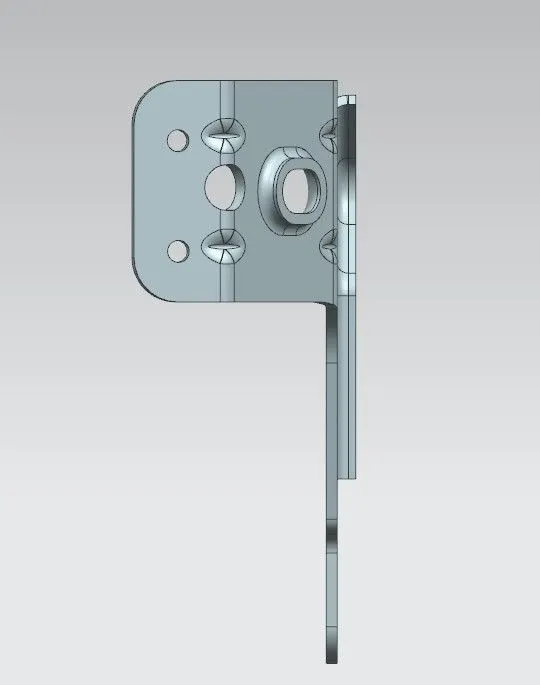
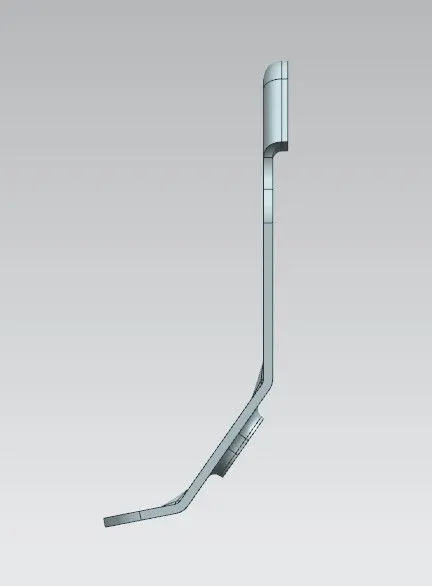
Final model images :
" NX-Metal bracket-lava kumar "
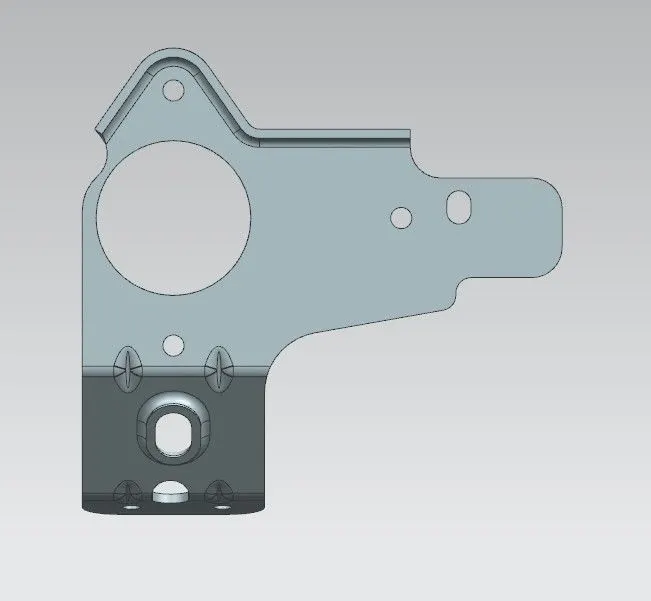
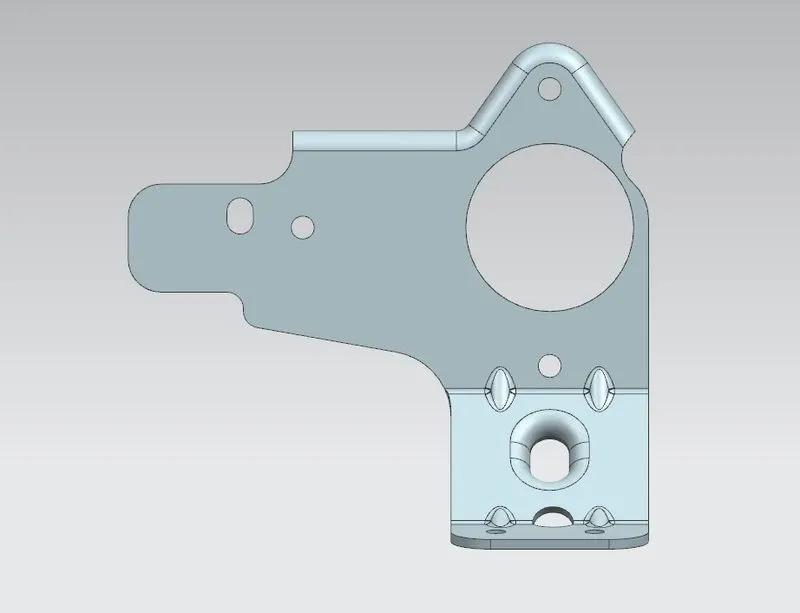
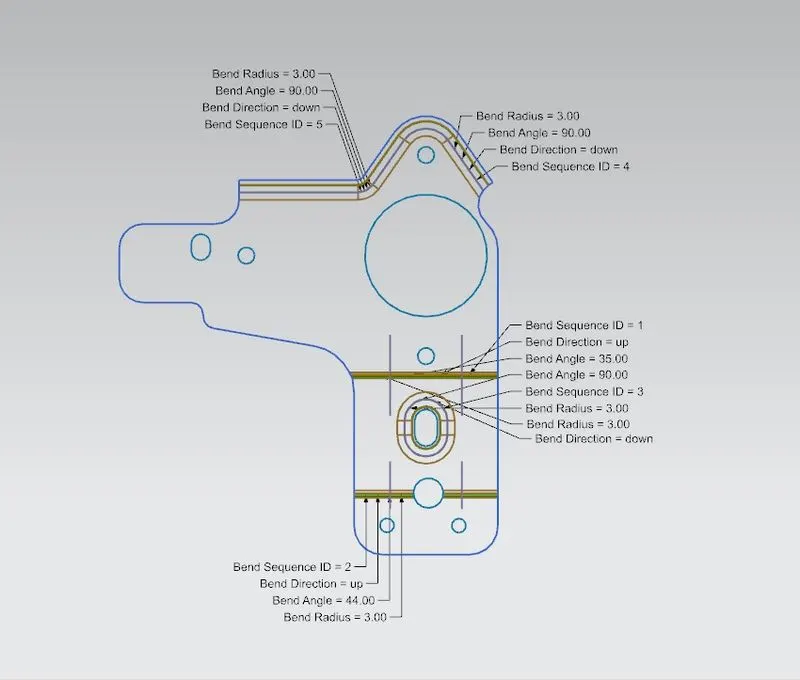
Flat pattern :
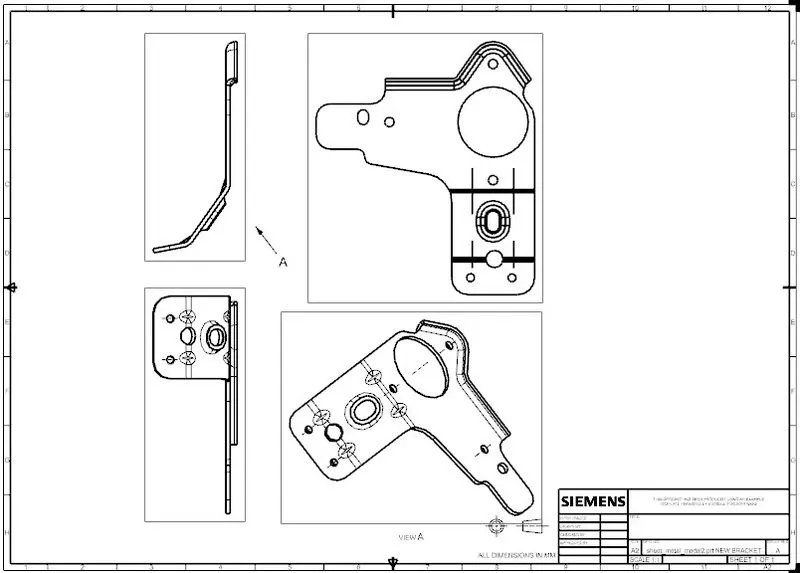
"Drawing sheet image -lava kumar"
Conclusion :
- Creation of Metal bracket is succesfully completed using NX Sheetmetal application.