Advanced Sheet Metal Design Using NX Cad Challenge_7_ Metal bracket-II
OBJECTIVE:
Create a bracket using NX sheet metal design.
INTRODUCTION:
I created bracket-2 by using various command like counter flange, Normal cutout, Bead, Break Corner, Unbend, Rebend, Simple Hole, Gusset, advanced flange.
DESIGN METHODOLOGY:
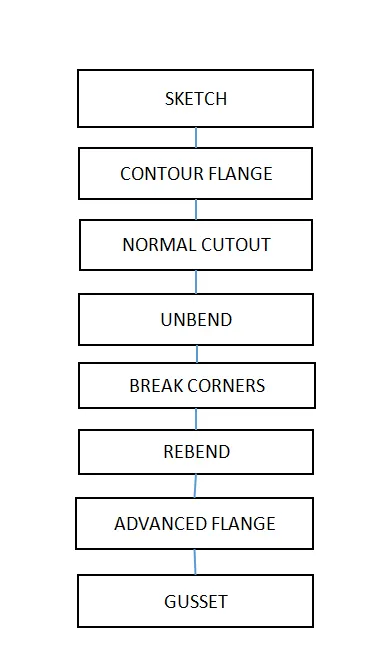
Description:-
Unbend: Use the Unbend commands to unbend and rebendnon-uniform thickness bends.
A General Size Hole :- This command use for create a general size hole in sheet metal.
Rebend:- Usethe Rebendcommands to unbend and rebendnon-uniform thickness bends.
Break Corner:- Use this command to round or chamfer sharp corners.
Counter Flange:- Use the counter flange command to create a flange by extruding a sketch along a vector or by sweeping a sketch along an edges or chain of edges.
Normal Cutout:- Use the normal cutout command to cut material by projecting a sketch onto the model and then cutting perpendicular to the faces intersected by projections.
Advanced Flange:-This command use for create a flange on complex surfaces like round etc.
Gusset:-Gussets are used to strengthen a flange without the need for secondary processes such as welding.
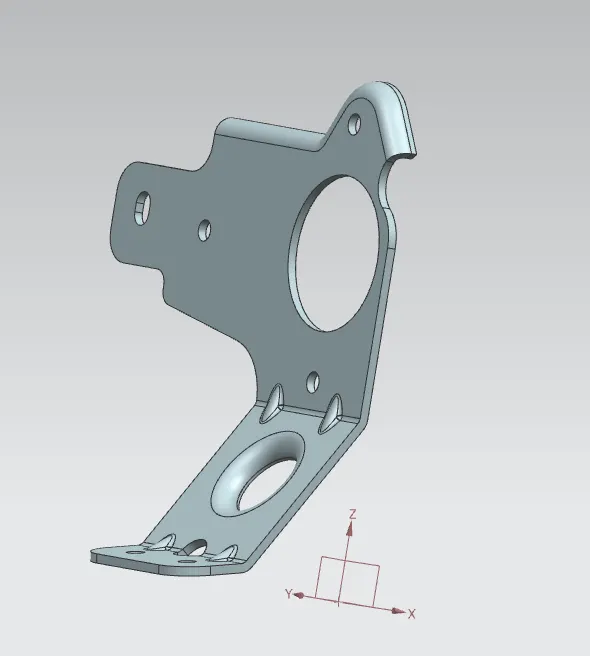
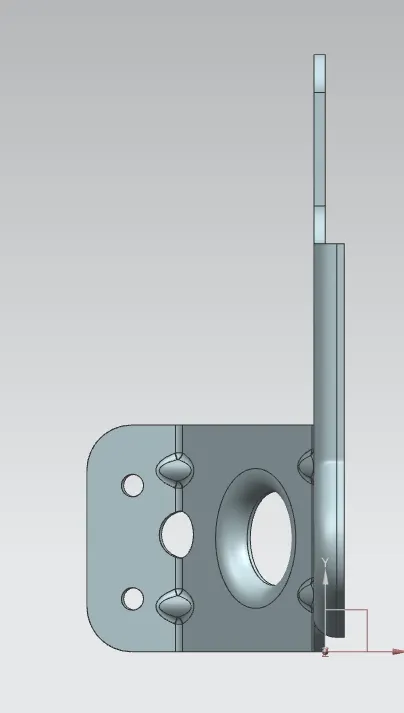
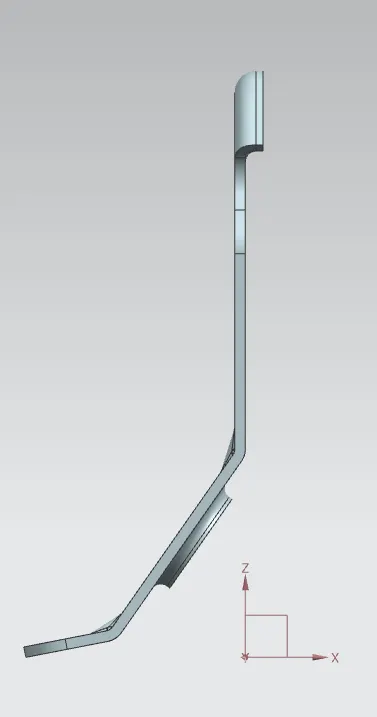
ISOMETRIC,FRONT AND SIDE VIEWS:
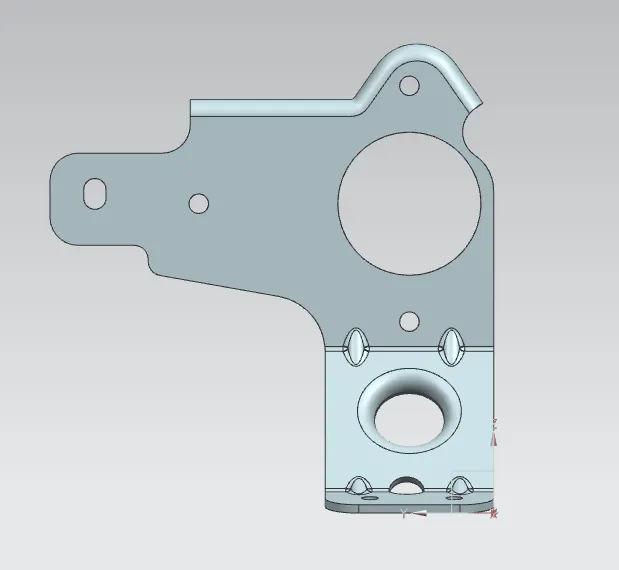
DRAFTING IMAGES:
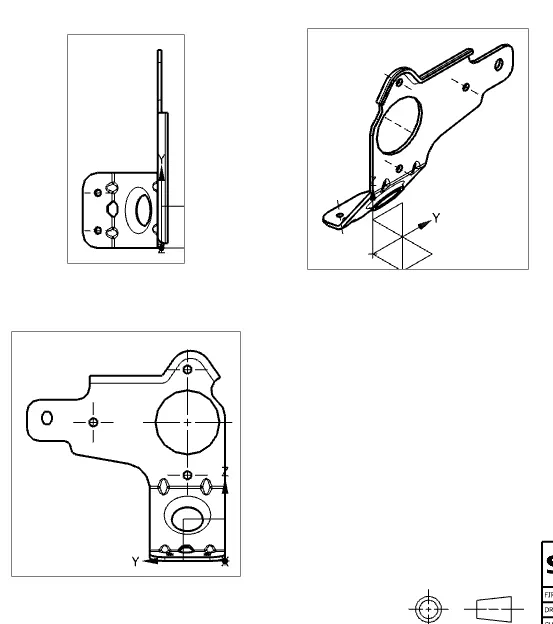
CONCLUSION:
By using the above commands the Metal Bracket-2 is created.